Headphones for Zoom Meetings
Enhance your virtual meeting experience with these headphones designed specifically for Zoom meetings. Whether you're attending important business conferences, connecting with colleagues, or catching up with friends and family, having the right pair of headphones can make a world of difference. With crystal-clear audio quality, noise-cancelling technology, and comfortable designs, these headphones ensure that you can stay focused and fully engaged during every Zoom call.
Sort
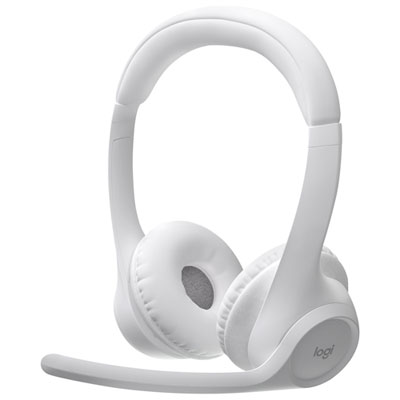
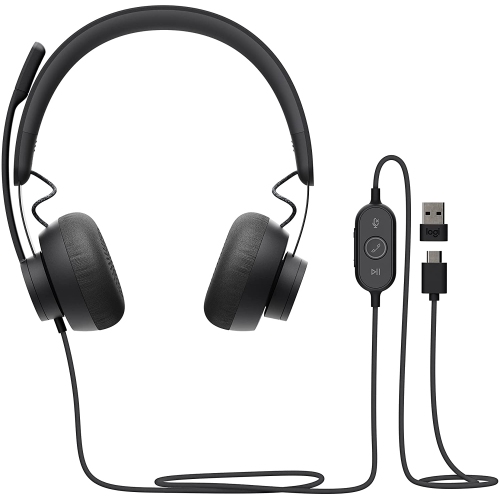


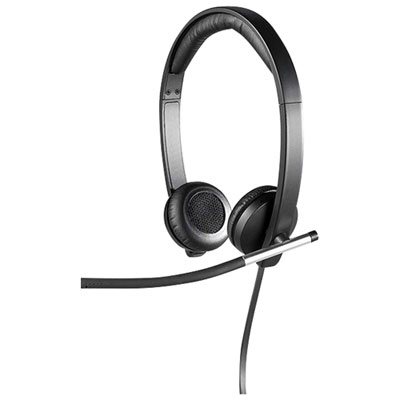
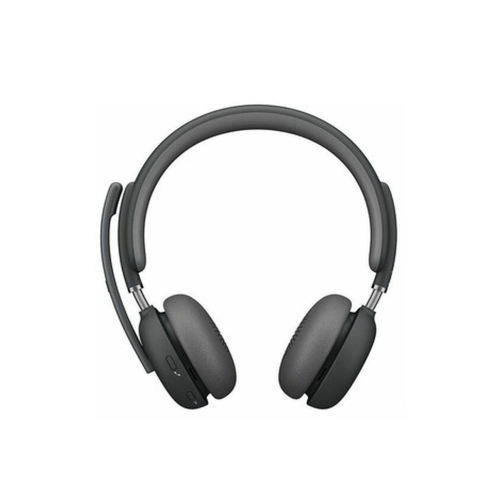
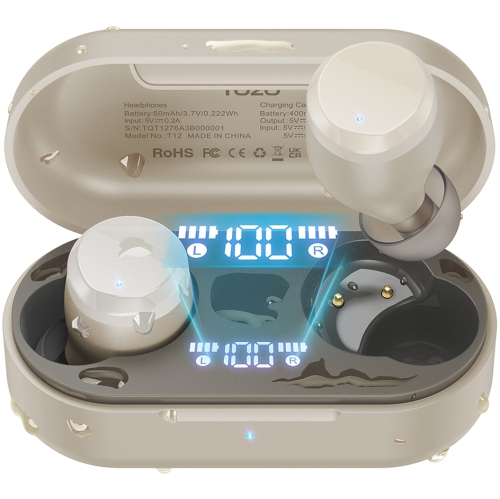
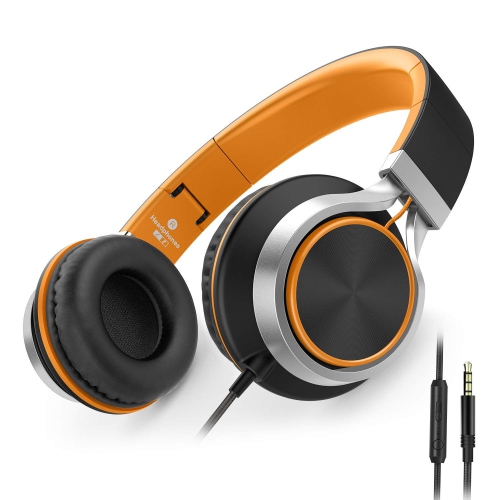

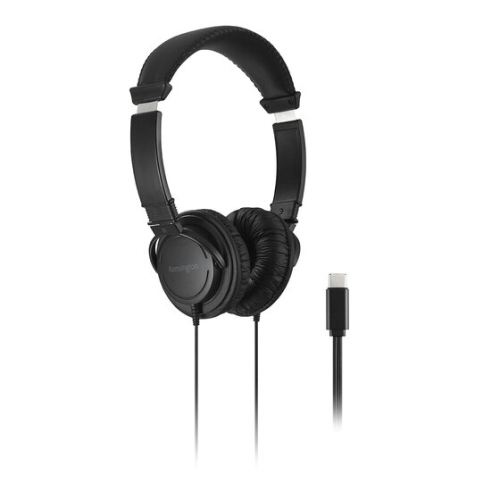
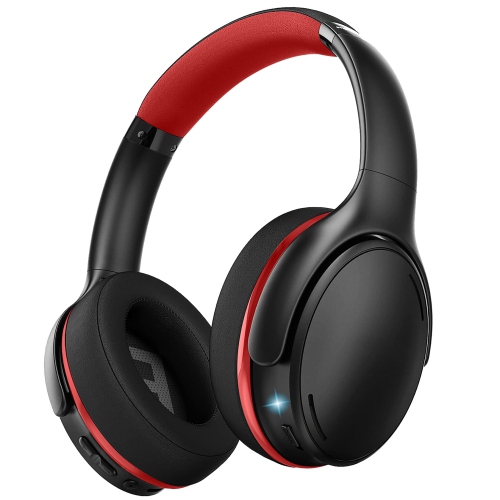

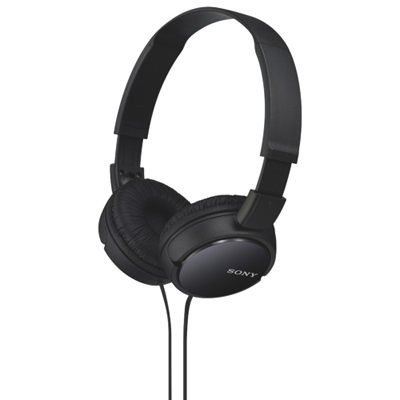
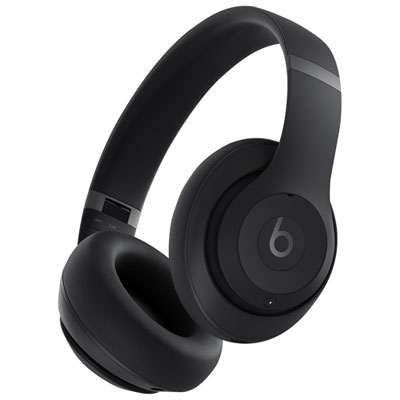
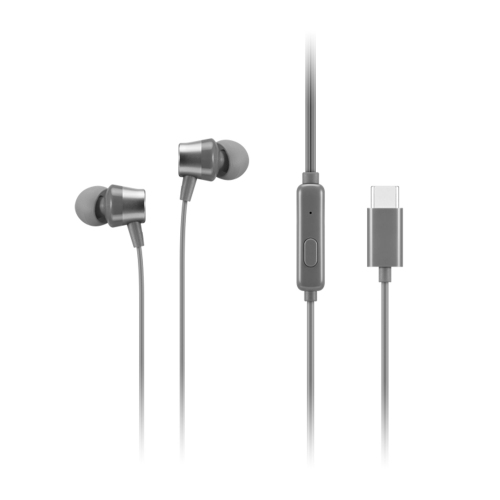
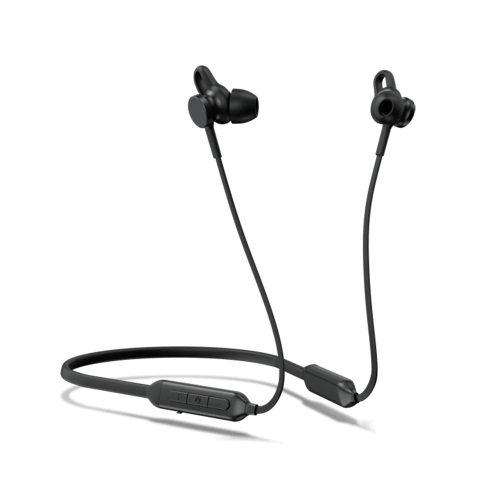
Comfort and microphone clarity matter for every meeting
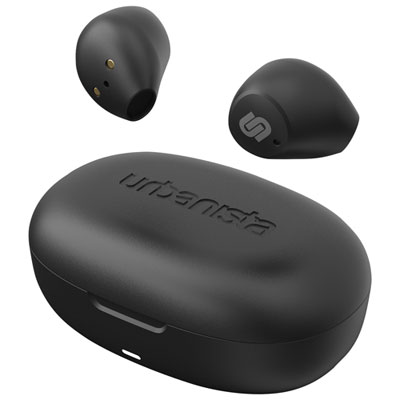
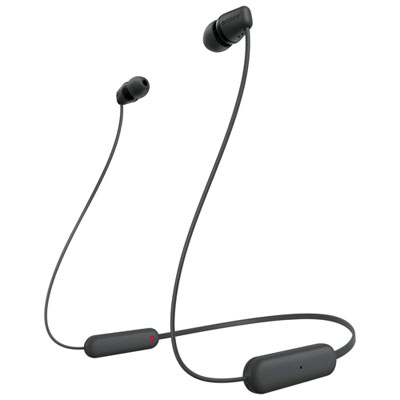
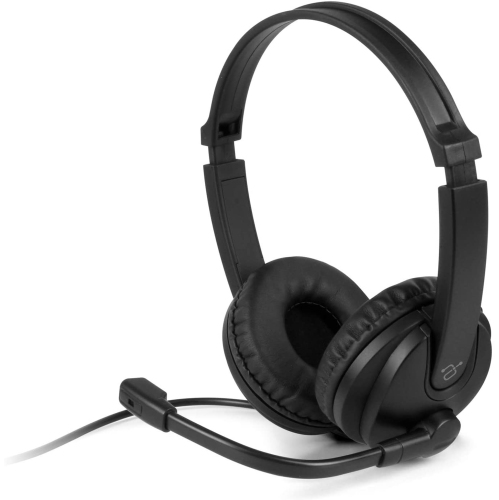
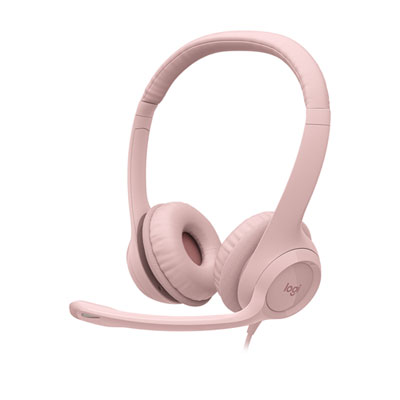
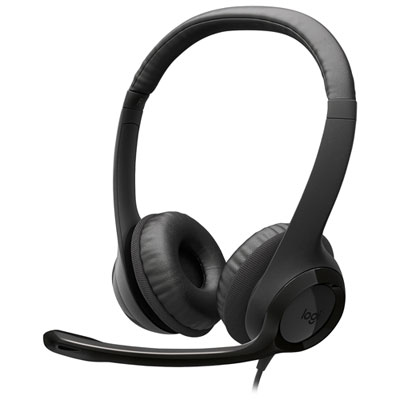
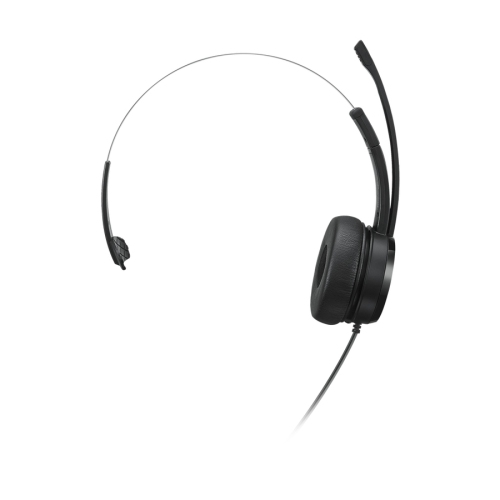
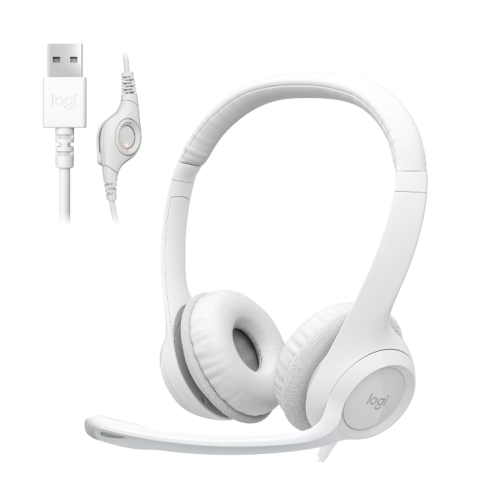
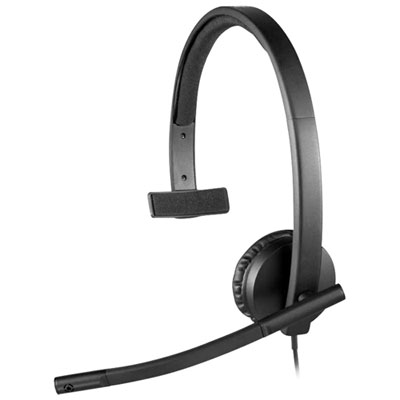
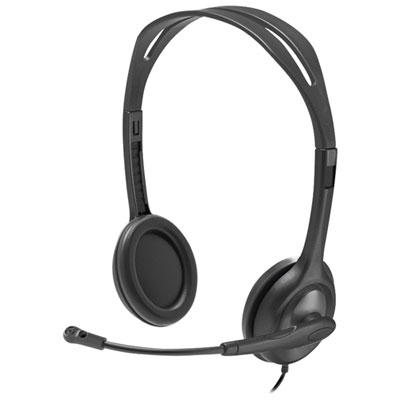
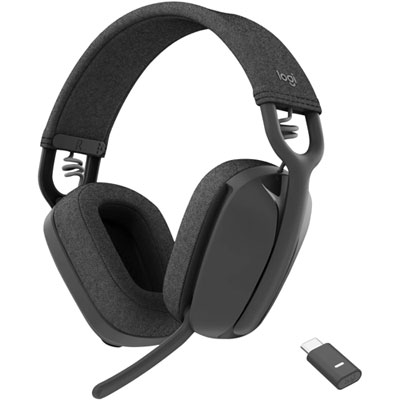
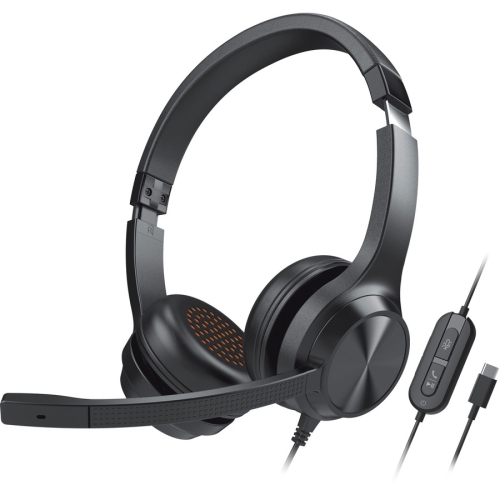
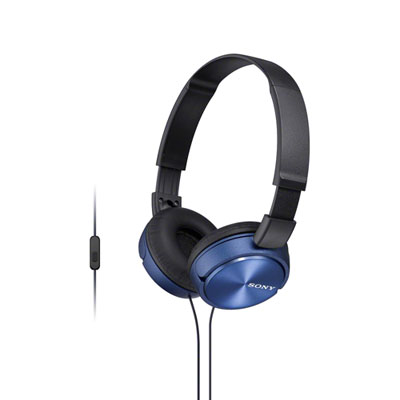
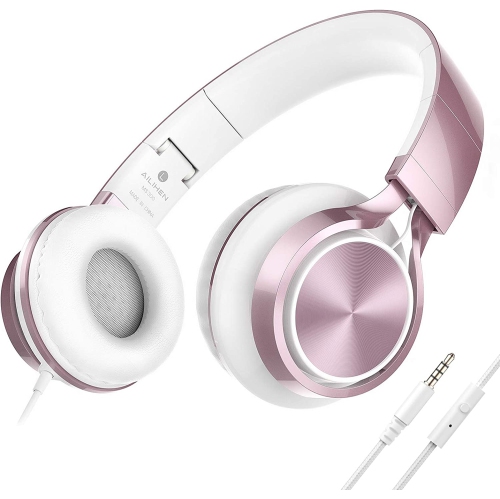
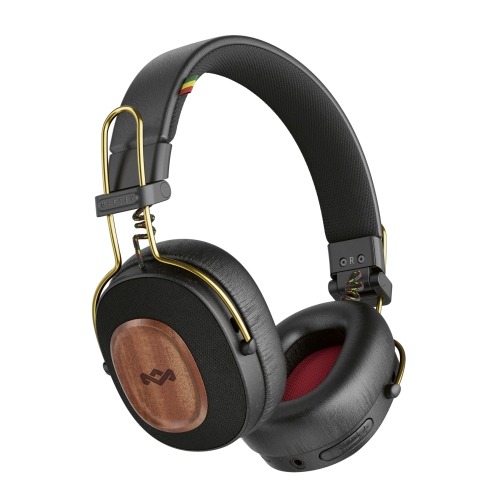
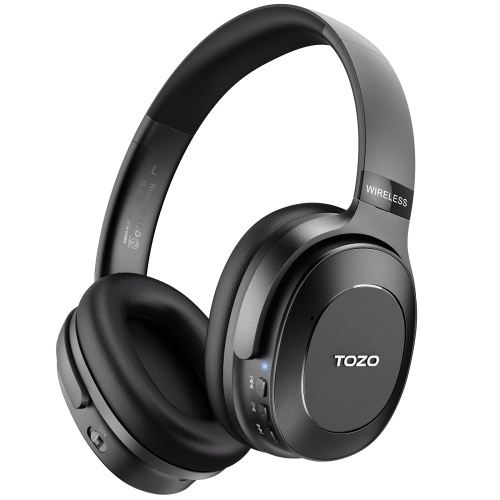
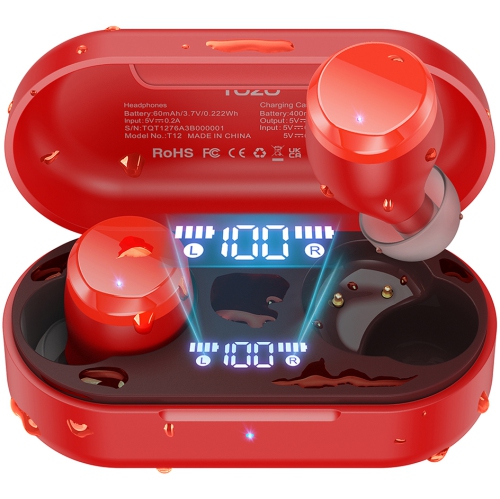
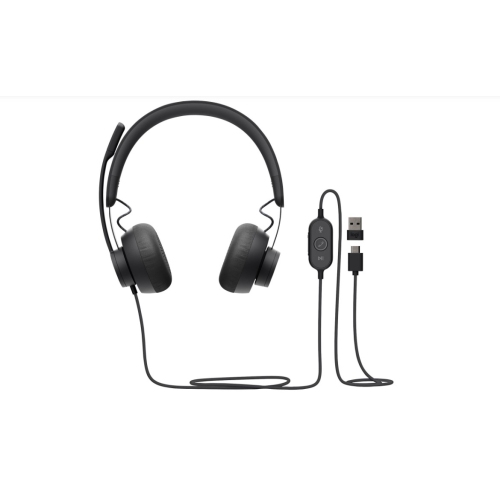
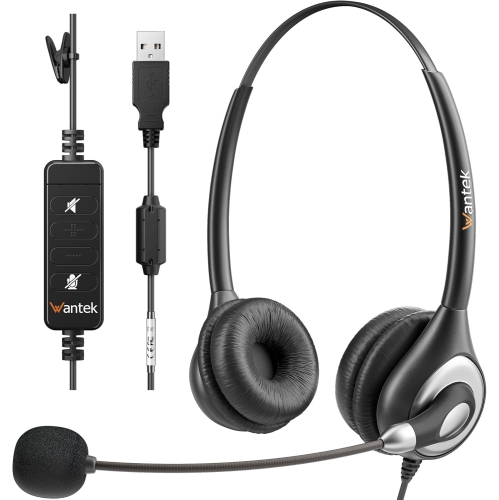
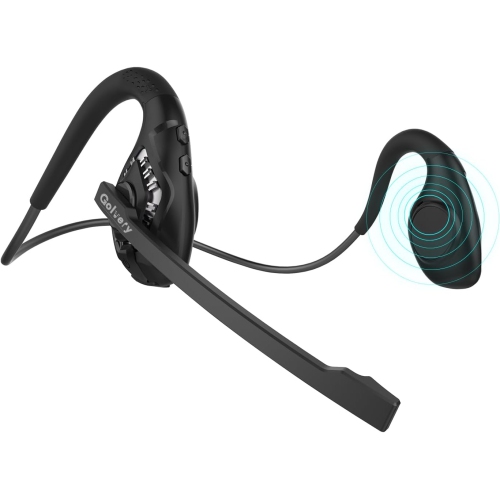
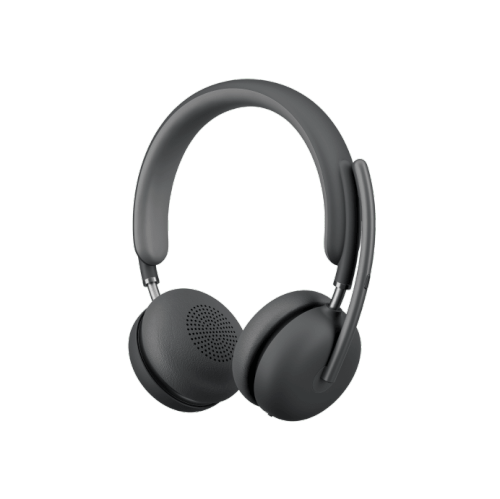
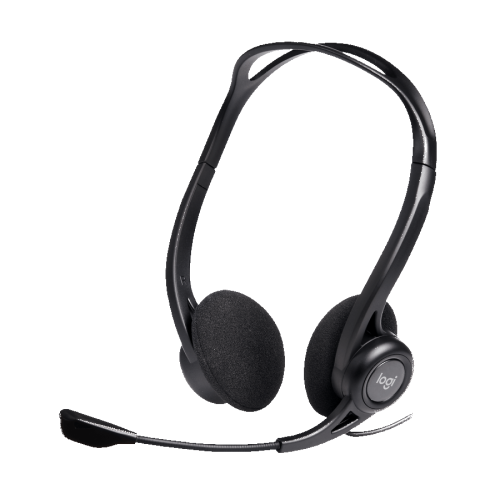
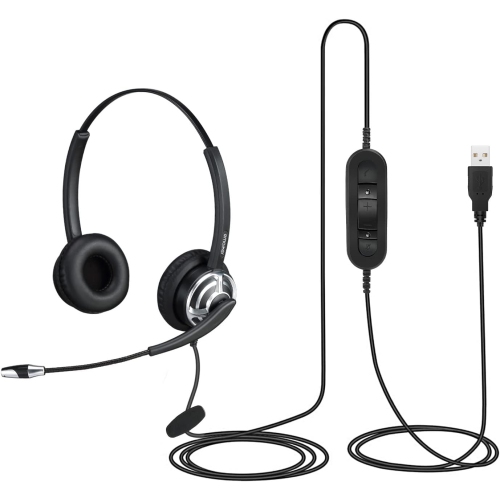
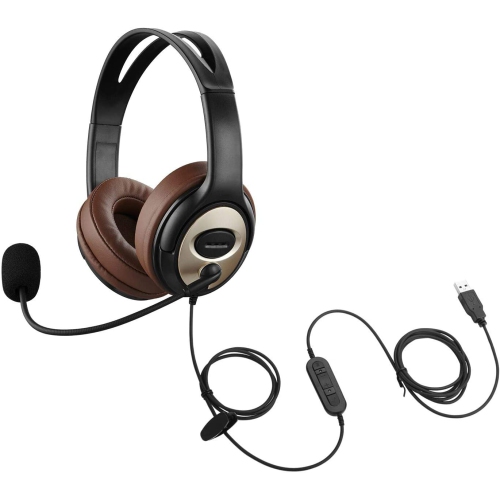
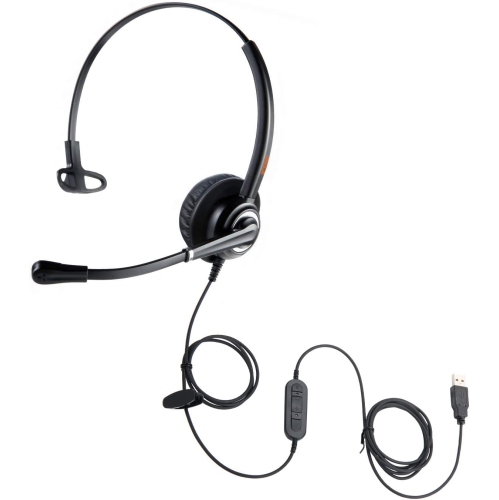
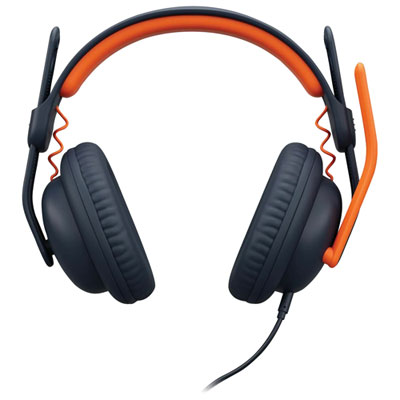
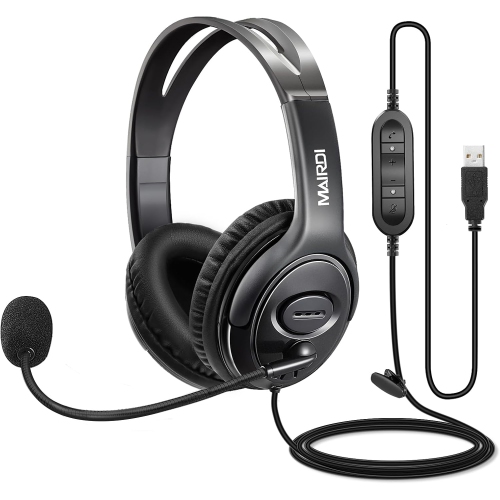
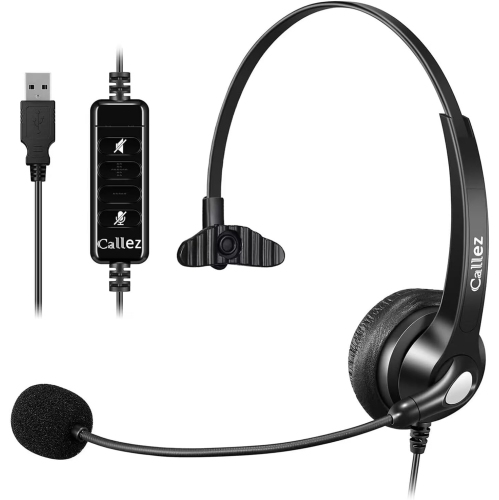
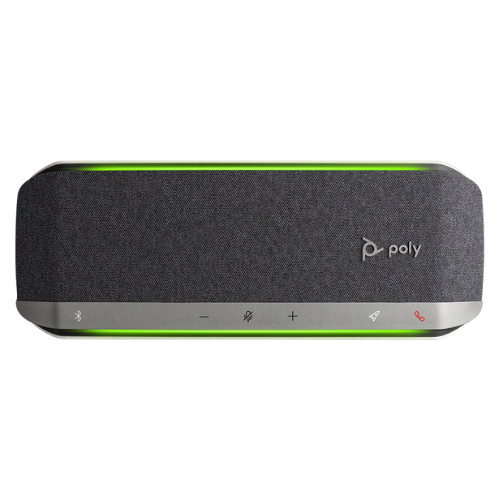
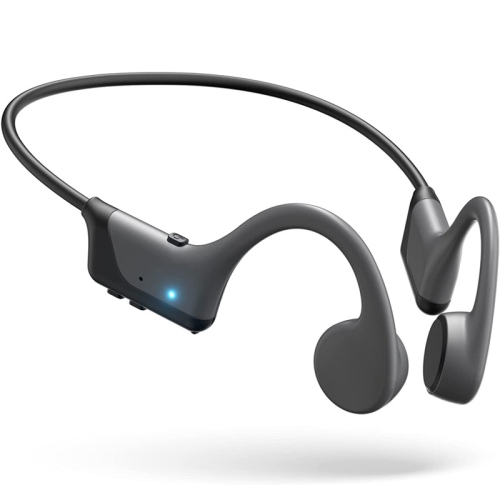
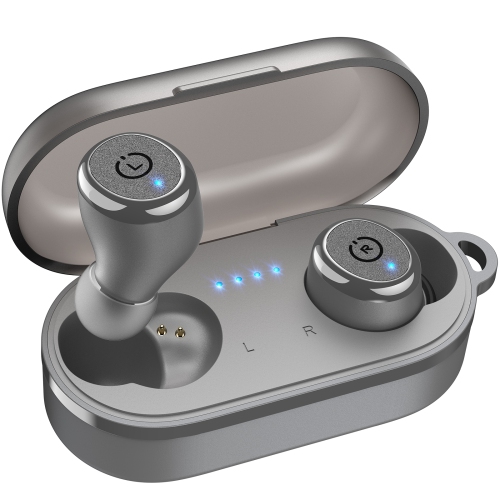
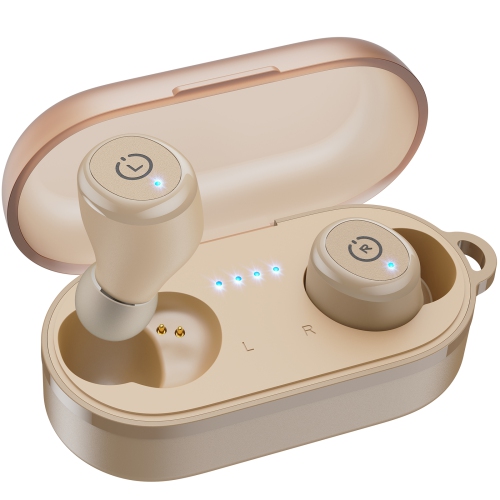
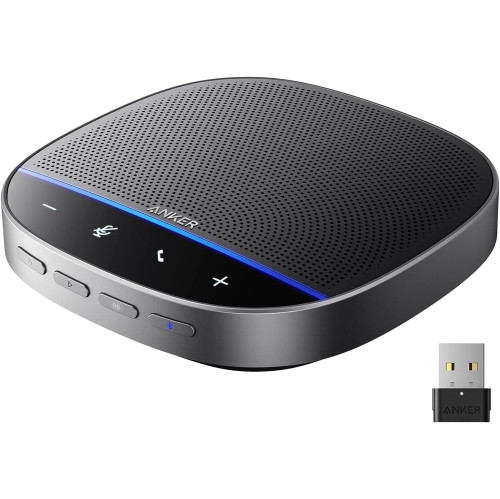
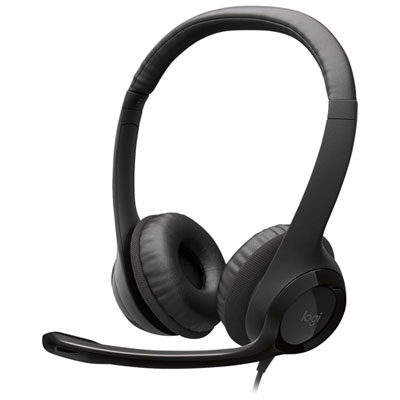
Headphones for Zoom meetings can make a noticeable difference to the way you communicate from a home office, shared workspace, classroom, or kitchen table. The right pair helps you hear speech, presentations, and notifications clearly while allowing others to hear you without repeated requests to speak up. Look for a design that matches the way you work. Over-ear headphones surround your ears with cushioned earcups and can feel comfortable during long meetings, while on-ear headphones are often lighter and easier to store between calls. Single-ear and lightweight headset designs leave one ear open to your surroundings, which can be useful when you need to stay aware of a child, delivery, colleague, or conversation nearby. A headset with a dedicated boom microphone places the microphone closer to your mouth, helping it capture your voice with greater consistency than a microphone built into an earcup. Some models use noise-cancelling microphones or multiple microphones to reduce the sound of keyboards, fans, household activity, and nearby conversations. This can be especially helpful when meetings take place in a busy room or when your workspace changes throughout the day. Active noise cancellation works differently: it reduces sound reaching your ears, making it easier to concentrate on the person speaking. It does not automatically improve the microphone, so check both the listening and speaking features when comparing headphones for Zoom Meetings. Comfortable padding, an adjustable headband, and a secure but not overly tight fit are important details for back-to-back calls. If you wear glasses, look for ear cushions that sit comfortably around the frames, as pressure at the temples can become distracting over a long afternoon. Breathable materials may also feel more comfortable during extended use, particularly in a warm room.
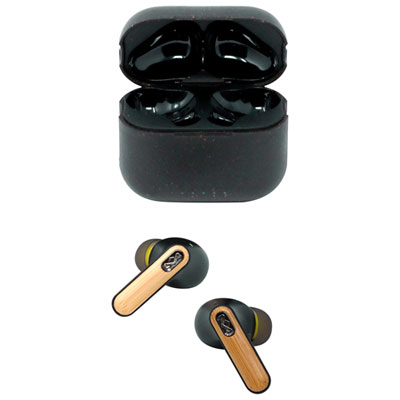
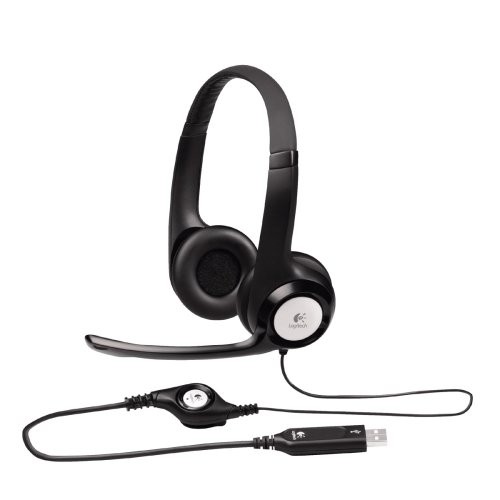
Connection type is another important consideration. USB wired headphones are a dependable choice for scheduled meetings because they draw power from the computer and avoid wireless pairing or battery concerns. A USB connection can also provide simple plug-and-play setup, with in-line controls or earcup buttons for volume, microphone mute, and call management. Some wired headsets use a 3.5-millimetre audio connection, which can be convenient with compatible computers, tablets, and other devices, although microphone and control support can vary by connection. Wireless Bluetooth headphones offer more freedom to move away from your desk, and multipoint Bluetooth can make it easier to switch between a laptop and a phone without disconnecting and reconnecting each time. Wireless models are well suited to people who take calls while walking between rooms, adjusting a standing desk, or stepping away briefly to collect notes. Check battery life against your routine, and consider whether the headset supports charging while in use or includes a quick-charge feature. A low-battery alert can prevent an unexpected interruption in the middle of a presentation. For the clearest and most consistent results, confirm that the headphones are compatible with your computer’s operating system and that Zoom recognizes both the speaker and microphone after setup. It is also worth checking whether the controls work with Zoom for muting and adjusting volume, as physical controls are often easier to use than searching through menus while speaking. Sidetone, sometimes called mic monitoring, feeds a small amount of your own voice back through the headphones. This can help you judge your speaking volume and avoid raising your voice when noise cancellation makes the room feel unusually quiet. If you are comparing features and styles in more detail, Best Headphones for Zoom can help you narrow the selection based on call quality, comfort, connection, and microphone design.
These headphones can suit a broad range of users, from remote employees and students to freelancers, customer service professionals, instructors, and families who stay connected with relatives through video calls. Someone who spends the day in meetings may value plush over-ear cushions, a flexible boom microphone, and controls that can be reached without touching the computer. A student joining lectures from a residence or shared home may prefer a compact wireless design that can be packed into a backpack between classes. For a person working in an open office, a headset with strong microphone noise reduction can help separate their voice from conversations and office equipment, while passive isolation or active noise cancellation can make it easier to follow a discussion. People who travel for work may appreciate a folding design, protective case, long battery life, and the ability to connect to both a laptop and phone. Headphones for Zoom meetings can also be a practical gift for a new remote worker, a university student, a family member attending virtual appointments, or anyone setting up a desk during the cooler months. Before choosing a pair as a gift, consider whether the recipient uses a laptop, desktop computer, tablet, or mobile phone, and whether they prefer a discreet on-ear style or the fuller coverage of over-ear earcups. Controls should be easy to identify by touch, especially for people who join meetings from different locations or switch between video calls and regular phone conversations. A comfortable fit is personal, so adjustable components and flexible earcups are useful when the headphones will be worn by someone else. For everyday use, simple habits can also improve the meeting experience: position the boom microphone a short distance from your mouth, keep the microphone opening clear of clothing, and test the audio before an important call. Store wireless headphones with enough charge for the next meeting, and keep a wired option nearby when uninterrupted access matters. With the right combination of microphone clarity, comfortable construction, reliable connectivity, and useful controls, headphones can make virtual conversations feel more natural, whether you are speaking from a quiet office or listening in while the sounds of daily life continue around you.
Connection type is another important consideration. USB wired headphones are a dependable choice for scheduled meetings because they draw power from the computer and avoid wireless pairing or battery concerns. A USB connection can also provide simple plug-and-play setup, with in-line controls or earcup buttons for volume, microphone mute, and call management. Some wired headsets use a 3.5-millimetre audio connection, which can be convenient with compatible computers, tablets, and other devices, although microphone and control support can vary by connection. Wireless Bluetooth headphones offer more freedom to move away from your desk, and multipoint Bluetooth can make it easier to switch between a laptop and a phone without disconnecting and reconnecting each time. Wireless models are well suited to people who take calls while walking between rooms, adjusting a standing desk, or stepping away briefly to collect notes. Check battery life against your routine, and consider whether the headset supports charging while in use or includes a quick-charge feature. A low-battery alert can prevent an unexpected interruption in the middle of a presentation. For the clearest and most consistent results, confirm that the headphones are compatible with your computer’s operating system and that Zoom recognizes both the speaker and microphone after setup. It is also worth checking whether the controls work with Zoom for muting and adjusting volume, as physical controls are often easier to use than searching through menus while speaking. Sidetone, sometimes called mic monitoring, feeds a small amount of your own voice back through the headphones. This can help you judge your speaking volume and avoid raising your voice when noise cancellation makes the room feel unusually quiet. If you are comparing features and styles in more detail, Best Headphones for Zoom can help you narrow the selection based on call quality, comfort, connection, and microphone design.
These headphones can suit a broad range of users, from remote employees and students to freelancers, customer service professionals, instructors, and families who stay connected with relatives through video calls. Someone who spends the day in meetings may value plush over-ear cushions, a flexible boom microphone, and controls that can be reached without touching the computer. A student joining lectures from a residence or shared home may prefer a compact wireless design that can be packed into a backpack between classes. For a person working in an open office, a headset with strong microphone noise reduction can help separate their voice from conversations and office equipment, while passive isolation or active noise cancellation can make it easier to follow a discussion. People who travel for work may appreciate a folding design, protective case, long battery life, and the ability to connect to both a laptop and phone. Headphones for Zoom meetings can also be a practical gift for a new remote worker, a university student, a family member attending virtual appointments, or anyone setting up a desk during the cooler months. Before choosing a pair as a gift, consider whether the recipient uses a laptop, desktop computer, tablet, or mobile phone, and whether they prefer a discreet on-ear style or the fuller coverage of over-ear earcups. Controls should be easy to identify by touch, especially for people who join meetings from different locations or switch between video calls and regular phone conversations. A comfortable fit is personal, so adjustable components and flexible earcups are useful when the headphones will be worn by someone else. For everyday use, simple habits can also improve the meeting experience: position the boom microphone a short distance from your mouth, keep the microphone opening clear of clothing, and test the audio before an important call. Store wireless headphones with enough charge for the next meeting, and keep a wired option nearby when uninterrupted access matters. With the right combination of microphone clarity, comfortable construction, reliable connectivity, and useful controls, headphones can make virtual conversations feel more natural, whether you are speaking from a quiet office or listening in while the sounds of daily life continue around you.
Top selling and popular products
-
 Your price for this item is $39.99
 -
 Your price for this item is $49
 -
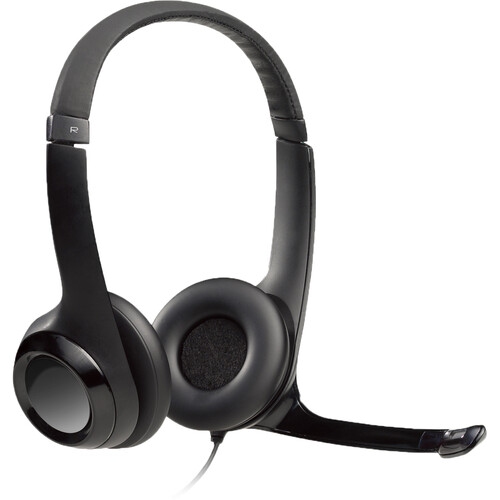 Your price for this item is $96
 -
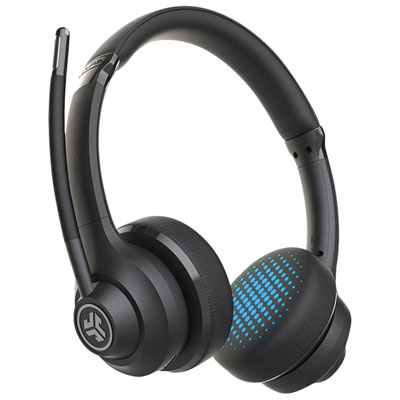 Your price for this item is $49.98
 -
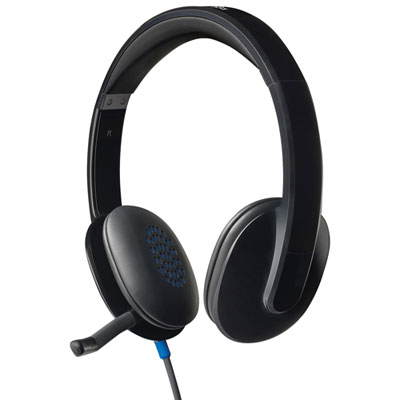 Your price for this item is $47.98
 -
 Your price for this item is $62.68
 -
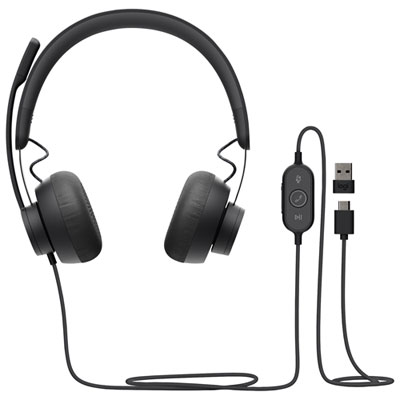 Your price for this item is $179.95
 -
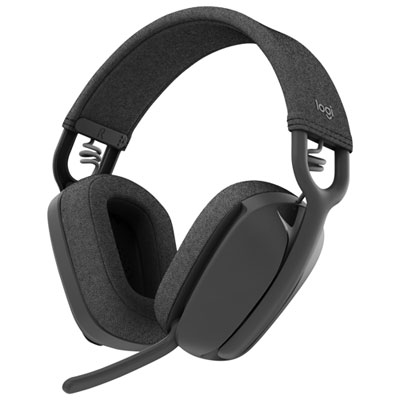 Your price for this item is $129.99
Discover more categories related to Headphones for Zoom Meetings
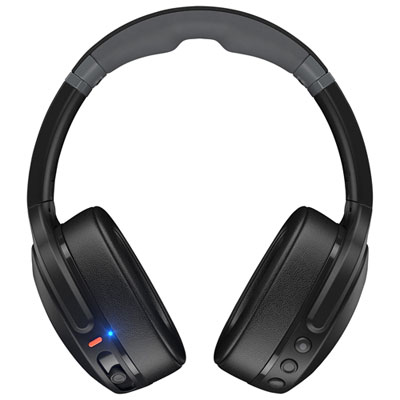
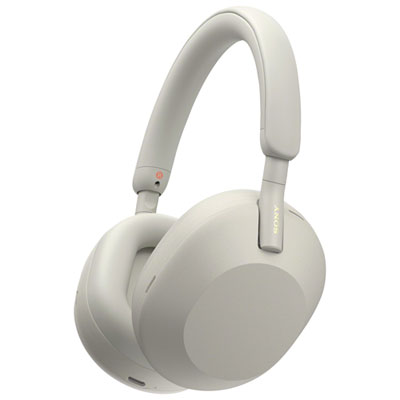
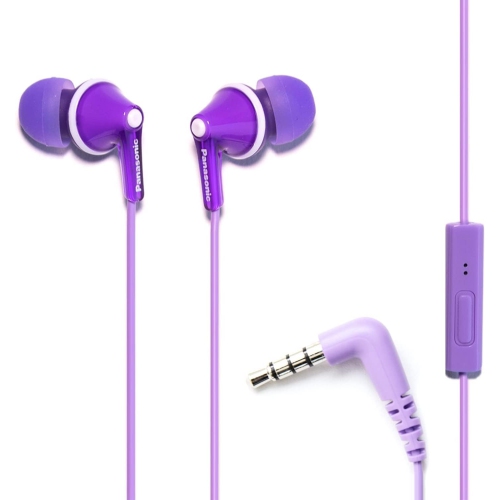
Top Collections:
Pokemon Centers, Kindle Devices, Best Budget Office Chairs, Apple iPhones 16, Best Laptops for Writers, iPhone 15 Apple, Canon G7X Cameras, Refurbished Apple Laptops, Alarm Clock, Motorola Razr Phones
Some products may be subject to Environmental Handling Fees
(EHF) depending on your province.
Learn more about EHFs.