Best Modem for Spectrum

Find the best modems for Spectrum with a selection ranked by customer review ratings. Whether you’re streaming, gaming, or working from home, compare options to find a modem that suits your internet plan and household needs. Before buying, confirm compatibility with Spectrum and support for your plan’s download speeds.

Read More

What to look for in modems for Spectrum

1. Spectrum Compatibility

Check Spectrum’s current list of authorized modems before buying, matching the exact model to your service tier. A modem that works with another cable provider may not be supported by Spectrum.

2. DOCSIS Standard

Look for a DOCSIS 3.1 modem that Spectrum authorizes for your plan. This standard supports higher cable internet speeds than DOCSIS 3.0, but the speeds available to you still depend on your plan and local network.

3. Speed and Ethernet Ports

Choose a modem with a supported speed rating that meets your internet plan. For plans above $0 with speeds exceeding 1 Gbps, a 2.5 Gbps Ethernet port can help avoid a wired connection bottleneck, provided your router also supports that speed.

4. Router and Phone Service Needs

A standalone modem needs a separate Wi-Fi router to connect wireless devices. If you also use Spectrum Voice, confirm equipment requirements with Spectrum, as a retail modem with a phone port is not necessarily compatible.
Citrus catapult arrow
  1. 1

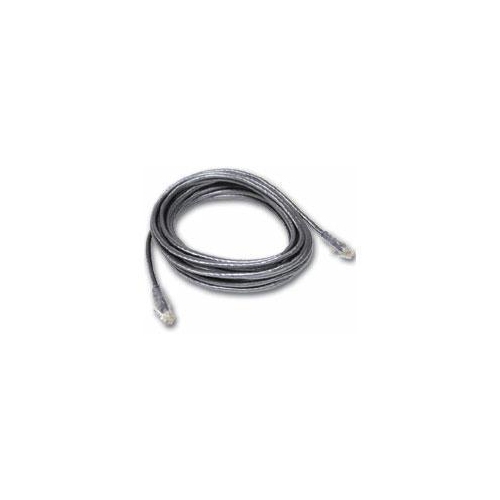
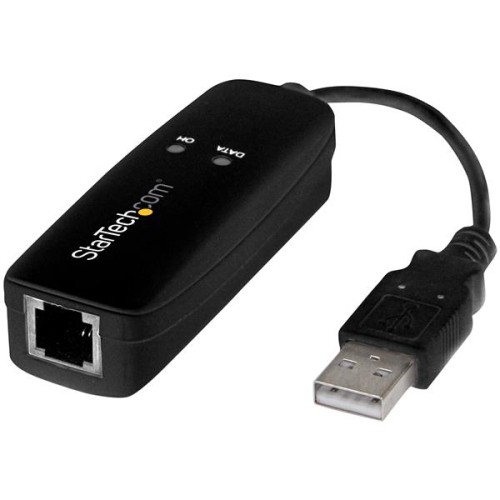
    CABLES TO GO C2G 25Ft Rj11 High Speed Internet Modem Cable

    About this product

    A 25ft double shielded RJ11 modem cable for high-speed internet connection by Cables To Go.

    (0)
    $44.68
    SAVE $10
    Your price for this item is $44.68
  2. 2

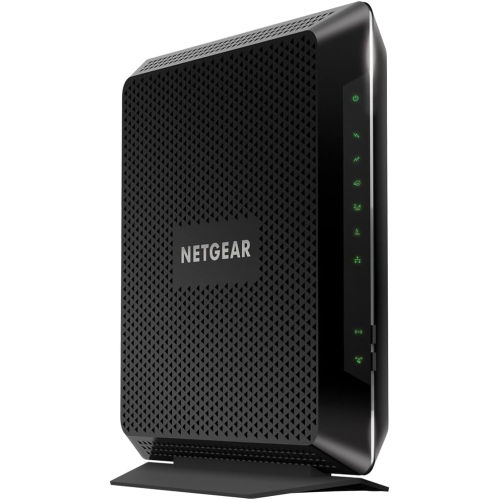
    NETGEAR Nighthawk Ac1900 Wi-Fi Docsis 3.0 Cable Modem Router (C7000-100Nas)

    About this product

    A high-performance cable modem router with AC1900 Wi-Fi and DOCSIS 3.0 technology.

    What customers like

    • Easy and quick setup
    • Cost savings by avoiding rental fees
    • Strong and reliable Wi-Fi coverage
    • High internet and download speeds
    • Supports multiple devices and connections
    (25,692)
    $189.99
    SAVE $50
    Your price for this item is $189.99
  3. 3

    NETGEAR Nighthawk C7000 Ieee 802.11Ac Cable Modem/wireless Router

    About this product

    A high-speed cable modem and wireless router offering dual-band Wi-Fi and four Gigabit Ethernet ports.

    What customers like

    • Easy and quick setup
    • Good value and cost savings
    • Strong Wi-Fi range and signal
    • All-in-one modem and router convenience
    • Reliable high-speed performance
    (25,775)
    $189.99
    SAVE $40
    Your price for this item is $189.99
  4. 4

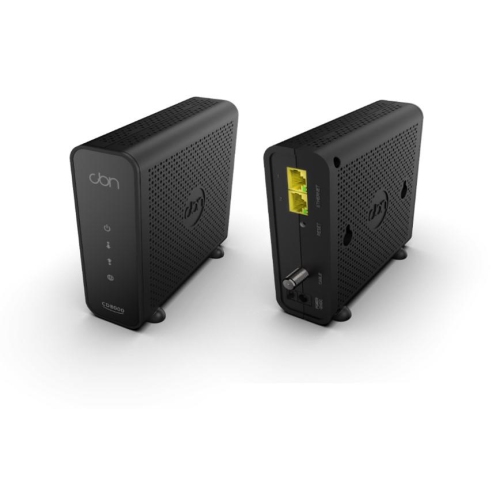
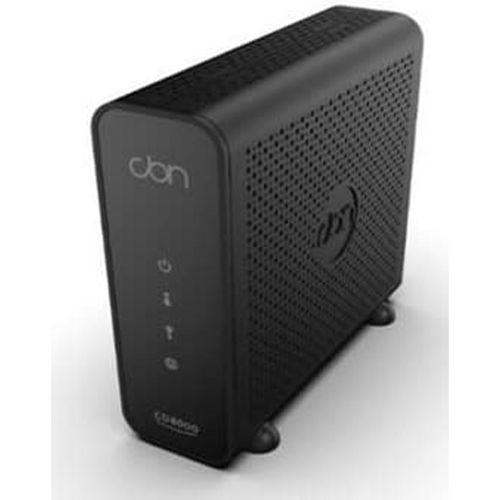
    CBN Cable Modem CD8000

    About this product

    A high-speed cable modem with DOCSIS 3.1 support and dual 1-Gigabit Ethernet ports for reliable connectivity.

    (2)
    $222.99 Your price for this item is $222.99
  5. 5

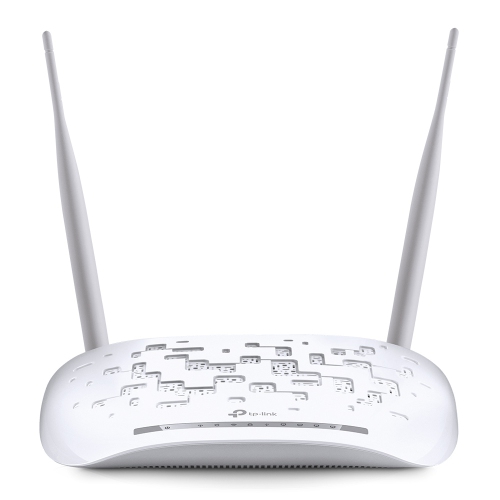
    TP LINK Tp-Link Td-W9970 300Mbps Wireless N USB Vdsl/adsl Modem Router

    About this product

    A versatile wireless modem router offering 300Mbps speeds, dual WAN ports, and USB file sharing support.

    (1)
    $12.99
    SAVE $77
    Your price for this item is $12.99
  6. 6

    ACCESSPOINT Cbn CD8000 Cable Modem Docsis 3.1, 32X8 Cable Modem, 2 X Gigabit Ethernet Lan

    About this product

    A high-speed DOCSIS 3.1 cable modem with 32x8 channels and dual Gigabit Ethernet LAN ports.

    $219.89 Your price for this item is $219.89
  7. 7

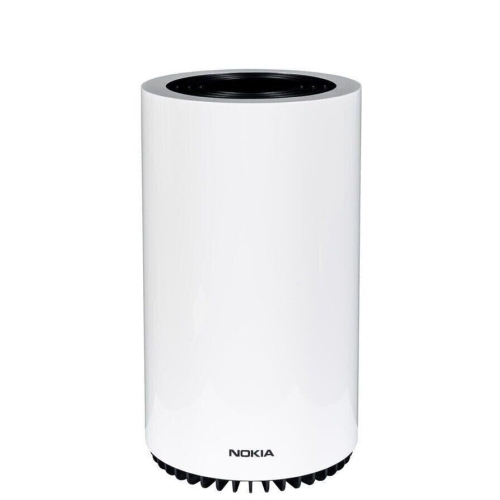
    NOKIA - Fastmile 5G Gatway 3.2 Modem Router - In White

    About this product

    A high-speed 5G modem router in sleek white, ideal for reliable wireless connectivity at home.

    $229.94
    SAVE $269
    Your price for this item is $229.94
  8. 8

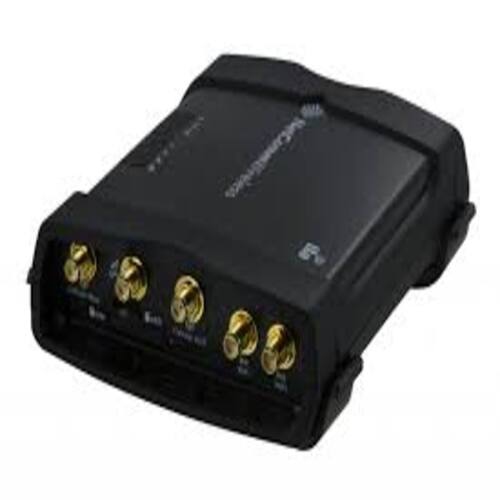
    NETCOMM Wireless 3G/4G Modem Kit Ntc-140W-01 802.11N Wifi M2M Router

    About this product

    A rugged wireless router with 3G/4G connectivity, 802.11n Wi-Fi, dual Gigabit LAN ports, and GPS.

    $250.00 Your price for this item is $250
  9. 9

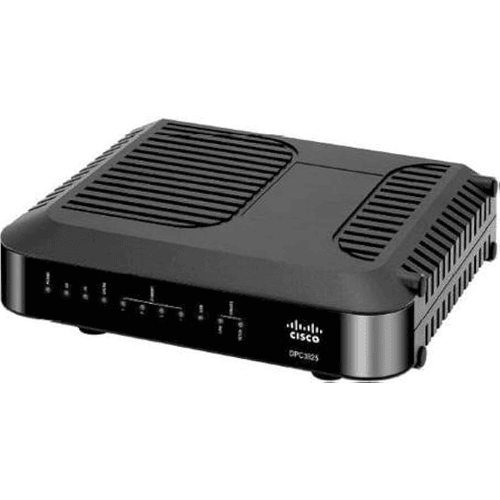
    CISCO Refurbished Excellent Dpc3825 4Port Docsis 3.0 Gateway LAN Wireless Modem Router

    About this product

    A like-new 4-port DOCSIS 3.0 gateway modem router offering reliable LAN and wireless connectivity.

    $280.00
    SAVE $180
    Your price for this item is $280
  10. 10

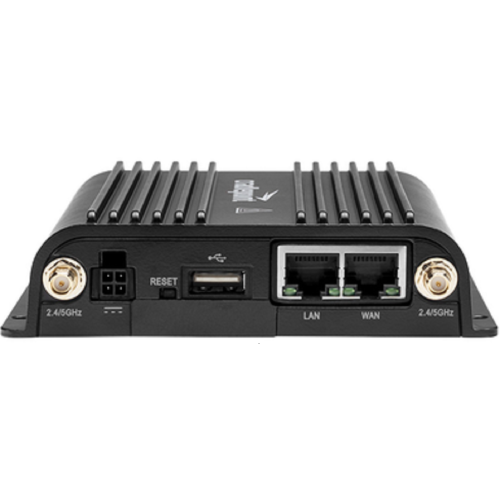
    CRADLEPOINT Ibr900 Router With Wifi (600Mbps Modem) With 3 Year Netcloud Essentials & 24X7 Support

    About this product

    A high-performance Wi-Fi router featuring a 600Mbps modem, three-year NetCloud Essentials, and 24/7 support.

    $1,980.00 Your price for this item is $1980

Why modem compatibility matters more than advertised speed

The best modem for a Spectrum cable internet connection is one that is approved for the service address, supports the subscribed download and upload speeds, and connects properly to the rest of the home network. For many high-speed cable connections, that means a DOCSIS 3.1 modem with an Ethernet port fast enough to pass the plan’s full speed to a compatible router. DOCSIS is the technology that carries internet data over the coaxial cable entering the home; it is separate from the Wi-Fi technology used by phones, laptops, and other wireless devices. A standalone cable modem handles the connection to the provider, while a router shares that connection among household devices. A modem-router combination, often called a gateway, puts both functions in one enclosure. Neither design is automatically the best fit for every household. A standalone modem suits a home that already has a capable router or mesh system, while a gateway can simplify a smaller setup by reducing the number of boxes and power cables. Compatibility matters more than an impressive speed printed on the packaging. Provider approval can depend on the exact model, hardware revision, service tier, and network upgrades at the address. Support for faster upload service, including service delivered through a high-split cable network, needs explicit confirmation rather than an assumption based on the DOCSIS version alone. Spectrum is a United States internet provider, so compatibility with its network should not be taken as confirmation that the same modem will work with a Canadian cable provider. For a Canadian household, approval from the provider serving the home remains essential. Cable modems also serve a different purpose from fibre terminals and DSL modems; a coaxial cable connection is not interchangeable with those services. The most suitable modem therefore begins with the connection type and provider requirements, then matches the household’s actual use, whether that is a single laptop and television or a busy network supporting work, entertainment, and connected home devices.

Speed specifications become more useful when they are considered alongside the connections on the back of the modem. A Gigabit Ethernet port cannot deliver the full throughput of a plan above one gigabit per second through that single connection, and usable speeds are somewhat lower than the port’s nominal rate because of network overhead. A 2.5 Gigabit Ethernet port can provide room for faster service, but the router’s internet-facing port and any wired equipment along the path must also support the intended speed. Adding a faster modem alone does not make an older router, a slow network adapter, or a damaged Ethernet cable perform beyond its limits. Multiple Ethernet ports deserve careful attention, too: they do not necessarily work like the ports on a router or network switch. Some require specific provider support or link aggregation features, and an extra socket does not automatically provide a second usable internet connection. In everyday use, a well-matched modem gives the router a dependable connection to distribute. That matters when a video meeting overlaps with a large file upload, a television stream, and a game download in another room. Upload capability is particularly relevant for cloud backups, sending large creative projects, and sharing live video, while latency and connection stability affect how responsive calls and online games feel. No modem can guarantee those results by itself, since service provisioning, signal quality, network congestion, and the home network all play a part. A newer wireless standard belongs to the router side of the setup rather than the standalone modem. Pairing a compatible modem with a suitable Wi-Fi router allows each component to be selected for its own job, and either can be replaced independently later. For households that prefer an integrated wireless setup, Best Wi-Fi Modems offers a related category to consider, with the same need to confirm cable-service approval and wireless coverage requirements. A modem’s headline data rate is therefore only one part of its suitability; the complete connection path determines how much of that capability reaches a device.

Physical design and day-to-day practicality also distinguish a modem that fits comfortably into a home from one that creates unnecessary clutter. Most home modems use rigid plastic enclosures with ventilation openings, indicator lights, a threaded coaxial connector, an Ethernet connection, and a separate power adapter. Case material is less important than solid assembly, secure connectors, adequate ventilation, and a shape that fits the intended location. An upright enclosure can use less shelf space, while a flatter design may fit more naturally beside other networking equipment. Either needs enough clearance to keep vents unobstructed and cables from being sharply bent or pressed against a wall. An open shelf near the cable entry point is usually more practical than a crowded drawer or a stack of electronics. With a separate router, the modem can stay near the coaxial outlet while an Ethernet cable allows the router to sit in a better position for wireless coverage. That flexibility can be useful in a long apartment, a home office at the far end of a hallway, or a house with devices spread across several floors. Clear status lights make it easier to distinguish a power issue from a lost cable signal or a disconnected router, although light brightness may matter when the equipment sits in a bedroom. Routine care is straightforward: keep ventilation openings free of dust, follow the manufacturer’s cleaning directions, and avoid liquid cleaners entering the enclosure. The correct power adapter and gently secured cable connections help protect the equipment from avoidable damage. Activation requirements also deserve attention, since the provider may need the modem’s identifying information before it can establish service. For households using provider-based telephone service, an ordinary cable modem may not replace the required voice-capable equipment. A suitable modem ultimately balances verified compatibility, appropriate Ethernet capacity, reliable operation, and a manageable physical setup, giving everyone from remote workers to frequent streamers a solid foundation for their home connection.
Read More

FAQ

Some products may be subject to Environmental Handling Fees (EHF) depending on your province. Learn more about EHFs.