Best Modem

Find the best modems for reliable home internet, ranked by customer review ratings to help you compare top-rated options. Whether you’re streaming, gaming, or working from home, look for a modem that supports your internet plan’s speeds and is compatible with your internet service provider.

Read More

What to look for in the best modems

1. Internet Provider Compatibility

Check your internet service provider’s approved modem list before buying, as compatibility depends on your provider and connection type. Cable modems do not replace the equipment required for DSL or fibre internet.

2. Speed and DOCSIS Support

Choose a cable modem that meets your provider’s DOCSIS requirements and supports your internet plan’s download and upload speeds. A DOCSIS 3.1 model can offer room for faster plans, but actual speeds depend on your service and network equipment.

3. Ethernet Connections

Check the speed of the modem’s Ethernet port, which connects to your router or computer. For internet plans above 1 Gbps, a compatible multi-gigabit port and router can help you take advantage of the extra speed.

4. Built-In Wi-Fi

A standalone modem typically needs a separate Wi-Fi router to connect wireless devices. A modem-router combination includes both functions in one unit, while separate devices give you more flexibility to upgrade your Wi-Fi.
Citrus catapult arrow
  1. 1

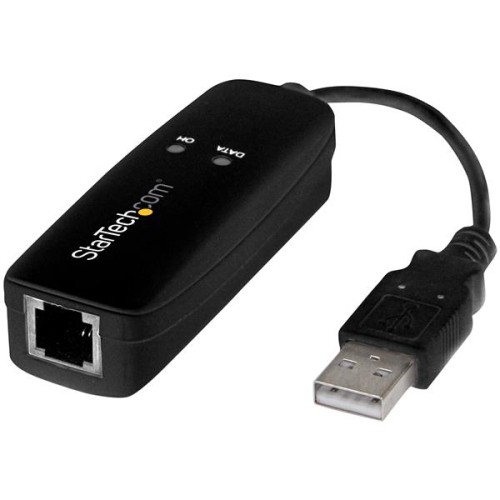
    STARTECH 56K USB Dial-Up & Fax Modem - V.92 - External - Hardware Based

    About this product

    A hardware-based external modem enabling dial-up internet and fax capabilities via USB connection.

    (1)
    $71.99
    SAVE $12
    Your price for this item is $71.99
  2. 2

    NETGEAR Nighthawk C7000 Ieee 802.11Ac Cable Modem/wireless Router

    About this product

    A high-speed cable modem and wireless router offering dual-band Wi-Fi and four Gigabit Ethernet ports.

    What customers like

    • Easy and quick setup
    • Good value and cost savings
    • Strong Wi-Fi range and signal
    • All-in-one modem and router convenience
    • Reliable high-speed performance
    (25,778)
    $189.99
    SAVE $40
    Your price for this item is $189.99
  3. 3

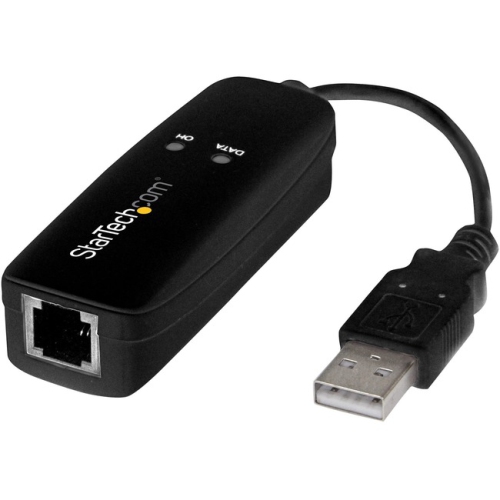
    STARTECH.COM 56K USB Dial-Up And Fax Modem - V.92 - External (USB56Kemh2)

    About this product

    A compact USB 2.0 modem providing 56K dial-up internet and fax support via RJ11 telephone jack.

    (1)
    $80.37
    SAVE $8
    Your price for this item is $80.37
  4. 4

    CABLES TO GO C2G 25Ft Rj11 High Speed Internet Modem Cable

    About this product

    A 25ft double shielded RJ11 modem cable for high-speed internet connection by Cables To Go.

    (0)
    $54.68 Your price for this item is $54.68
  5. 5

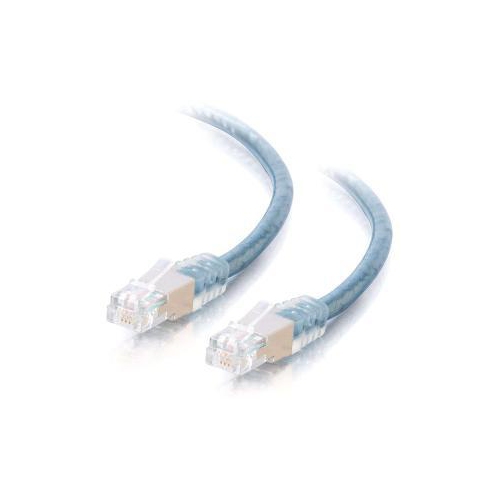
    NA C2G Modem Cable Rj-11 Male Rj-11 Male 25 Feet Double Shielded Ul Transparent 28723 In Blue

    About this product

    A 25-foot double shielded modem cable in transparent blue, suitable for male connectors.

    (0)
    $54.68 Your price for this item is $54.68
  6. 6

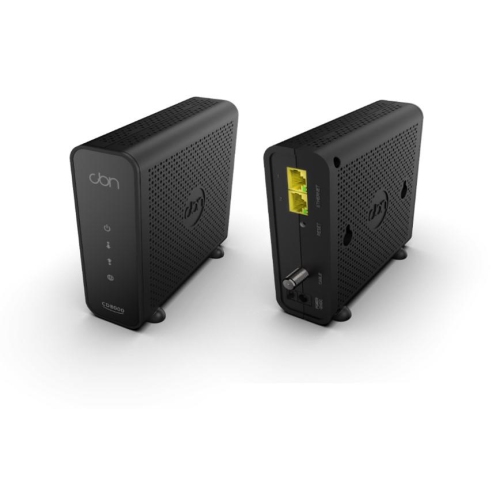
    CBN Cable Modem CD8000

    About this product

    A high-speed cable modem with DOCSIS 3.1 support and dual 1-Gigabit Ethernet ports for reliable connectivity.

    (2)
    $222.99 Your price for this item is $222.99
  7. 7

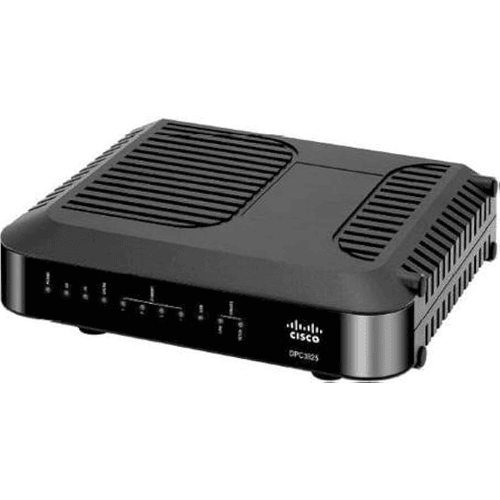
    CISCO Refurbished Excellent Dpc3825 4Port Docsis 3.0 Gateway LAN Wireless Modem Router

    About this product

    A like-new 4-port DOCSIS 3.0 gateway modem router offering reliable LAN and wireless connectivity.

    $280.00
    SAVE $180
    Your price for this item is $280
  8. 8

    CRADLEPOINT Ibr1700-600M Router With Wifi (600 Mbps Modem) With 3 Year Standard Netcloud Essentials

    About this product

    A high-performance router with 600 Mbps modem, integrated Wi-Fi, and 3-year NetCloud Essentials software.

    $1,934.01 Your price for this item is $1934.01
  9. 9

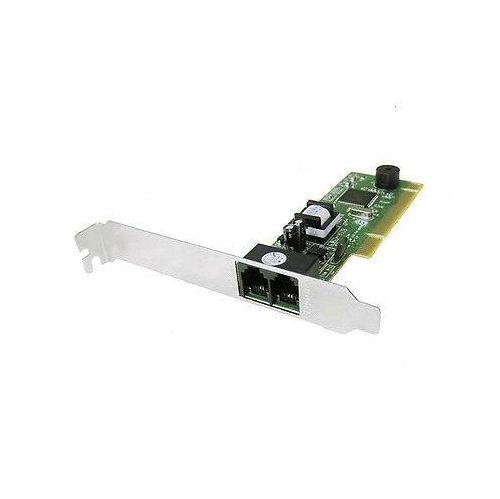
    SMARTLINK Tommade - 2800 Internal 56K V92 Fax Modem

    About this product

    An internal 56K V92 fax modem designed for reliable dial-up internet and fax connectivity.

    $15.00 Your price for this item is $15
  10. 10

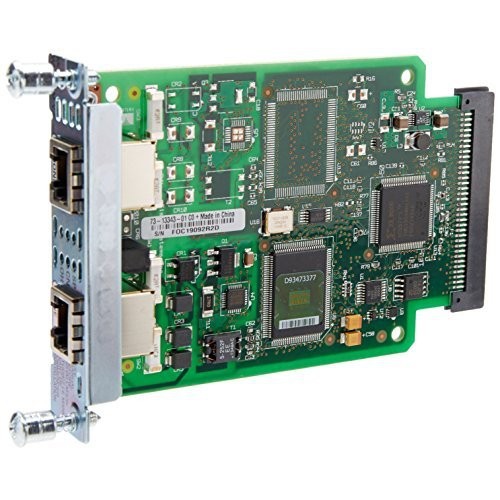
    CISCO 1Pt Alog Modem I/f Card

    About this product

    A versatile interface card designed to add analogue modem connectivity to compatible networking devices.

    $150.00 Your price for this item is $150

Why modem compatibility matters more than headline speeds

The best modems suit the internet connection coming into the home, support the service provider’s requirements, and have enough capacity for the subscribed speed tier. A modem connects a home network to an internet provider’s network; a router shares that connection with devices through Ethernet and Wi-Fi. A standalone modem typically works alongside a separate router, while a modem-router combination, often called a gateway, brings both functions into one enclosure. That distinction matters in everyday use: a modem can provide a capable internet connection, but wireless coverage across bedrooms, a home office, or a basement depends on the router and its placement. For cable internet, compatibility with the provider’s network and approved equipment list is more important than a headline speed rating. Approval can depend on the exact model, hardware version, and service tier, so two modems with similar specifications are not necessarily interchangeable. DOCSIS is the technology standard used for internet service over cable networks. DOCSIS 3.1 cable modems can support high-speed connections on compatible networks, but actual performance still depends on the internet plan, provider provisioning, local network conditions, and connected equipment. DSL services require compatible DSL equipment, while fibre connections generally use an optical network terminal or provider-supplied gateway rather than a standalone cable modem. Some providers require their own equipment or permit only certain replacement devices. These differences make the connection type the starting point for any modem assortment, whether the intended use is a small apartment with a few connected devices or a busy household with simultaneous video calls, streaming, and online gaming. A suitable modem handles the internet connection without becoming an unnecessary bottleneck, while the rest of the network carries that connection where it needs to go. No modem can raise an internet plan’s speed limit on its own, and a faster specification does not automatically produce faster browsing on every device.

Speed specifications become more useful when they are matched to the connections on the back of the modem. A Gigabit Ethernet port can suit many internet plans, although usable throughput is below its nominal rating because of network overhead. A 2.5 Gigabit Ethernet port provides additional capacity for compatible service tiers above one gigabit per second, provided the router’s internet port and the rest of the network can support those speeds. For households comparing Fast Modems, the practical distinction is whether that extra capacity supports an actual internet plan and network setup, rather than simply adding a larger number to a specification sheet. Upload performance deserves attention alongside download performance. Sending large work files, backing up photos online, and keeping a video call clear all depend partly on upstream capacity, which varies with the service and the provider’s network. A home with someone presenting in a video meeting while another person downloads a game needs a balanced connection, not just an impressive maximum download figure. Even then, a modem is only one part of the experience: router traffic management, Wi-Fi signal strength, server response, and network congestion can affect responsiveness. Ethernet connections can reduce wireless variables for a desktop computer or gaming console, but those devices normally connect through the router rather than directly to a standalone modem. Multiple Ethernet ports on a modem do not necessarily act like the ports on a router or network switch. Depending on the equipment and provider, additional ports may support specific configurations rather than ordinary device sharing. Likewise, a telephone socket is relevant only when the modem supports the provider’s compatible voice service; it is not a universal home-phone connection. Clear specifications around port speeds, supported services, and gateway functions help distinguish equipment intended for straightforward internet access from hardware designed for a more involved home network. That clarity is particularly valuable when an existing router or mesh Wi-Fi system will remain in use.

Physical design also affects how comfortably a modem fits into a home. Most models have a rigid plastic enclosure with ventilation openings, indicator lights, and connections for power, the incoming service line, and Ethernet. The useful details are often modest: a stable base, clearly labelled sockets, accessible cable connections, and lights that make connection status easy to understand. A compact upright enclosure may fit neatly beside a router on an open shelf, while a wider design may need more surface space and clearance behind it for cables. Dimensions alone do not tell the whole story, since a coaxial connector and attached cable can extend beyond the back of the enclosure. Open placement with unobstructed vents supports reliable operation; a crowded drawer or a stack of other electronics is less suitable. A modem does not usually need the central placement that benefits a Wi-Fi router, so a separate modem and router can offer more flexibility when the service connection enters near an outside wall. A gateway reduces the number of boxes and power adapters, though its location may require a compromise between access to that service connection and useful wireless coverage. For households keeping a separate router, gateway bridge mode may be relevant where the provider supports it, since it can help avoid having two devices perform routing functions unnecessarily. Everyday care is straightforward: keeping vents free of dust, avoiding liquids, and following the manufacturer’s cleaning directions helps protect the enclosure and connections. Cables should have enough slack to avoid pulling on sockets, and the specified power adapter is important for proper operation. Long-term usefulness depends on more than physical durability. Continued provider support, compatible firmware, and suitability for the household’s service tier can matter as much as the condition of the casing. On many cable networks, the provider manages modem firmware, making ongoing compatibility especially important. For remote workers, students, shared households, and people setting up a home office, the most suitable modem is dependable infrastructure: equipment that fits the service, works with the router, and supports daily routines without drawing attention to itself.
Read More

FAQ

Some products may be subject to Environmental Handling Fees (EHF) depending on your province. Learn more about EHFs.