Best Monitors for Programming
The best monitors for programming make it easier to read code, manage multiple windows, and stay focused through long coding sessions. Whether you prefer a spacious display or a multi-monitor setup, look for sharp text, ample screen space, and adjustable positioning to suit your workspace. Explore the monitors below, ranked by user review ratings, to find the right fit for your workflow.
What to look for in monitors for programming
1. Screen Size and Resolution
2. Text Clarity and Panel Type
3. Ergonomics and Screen Layout
4. Connectivity and Compatibility
-
1
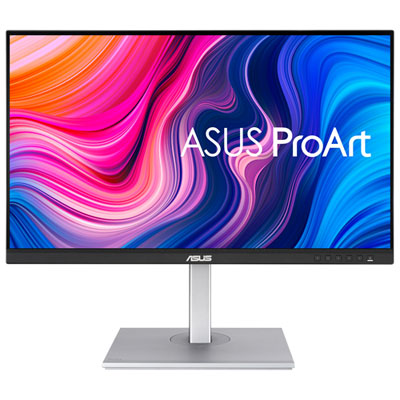
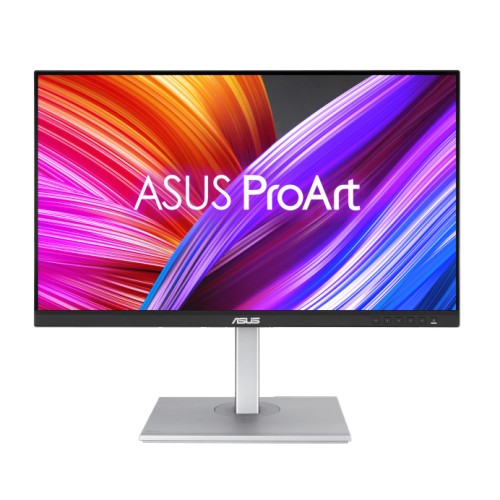
Asus ProArt 27" 4K UHD IPS LCD Monitor (PA279CV) - HDR - 100% sRGB/100% Rec. 709 - Adaptive-Sync
About this product
A 27" 4K Ultra HD LCD monitor with ultimate accuracy, precision, and flexibility for professionals.
What customers like
(222)$469.99Your price for this item is $469.99SAVE $60 -
2
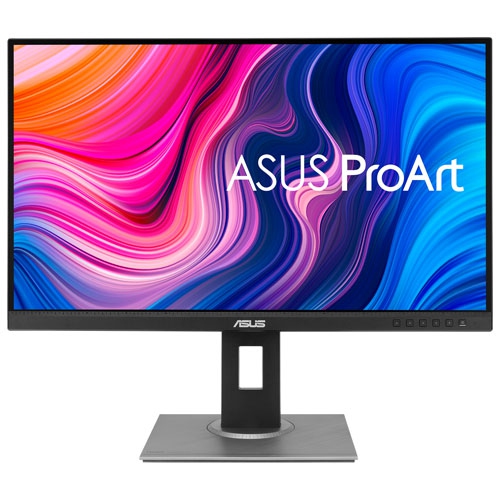
ASUS Refurbished (Good) - Proart 27" 1440P Wqhd 75Hz 5Ms Gtg Ips Led Monitor (Pa278Qv) - In Black
About this product
A refurbished black IPS LED monitor offering 1440p WQHD resolution, 75Hz refresh rate, and accurate colour calibration.
What customers like
(188)$383.34Your price for this item is $383.34SAVE $38 -
3
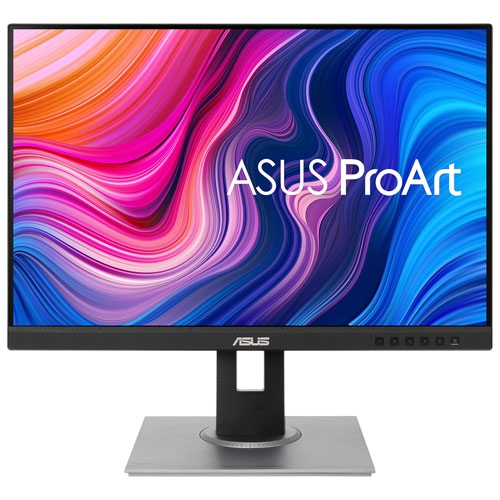
ASUS - Proart 24.1" Wuxga Ips Led Monitor (Pa248Qv) - 75Hz
About this product
A black IPS LED monitor offering WUXGA resolution, 75Hz refresh rate, and Calman Verified color accuracy.
What customers like
(93)$306.03Your price for this item is $306.03SAVE $30 -
4
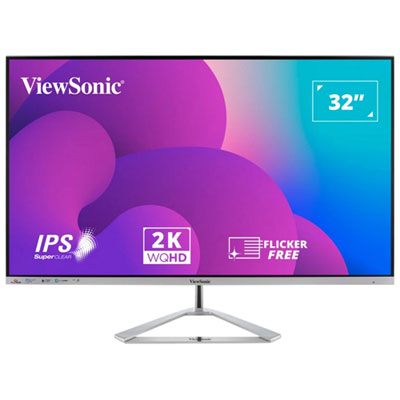
ViewsSonic 32" 1440p QHD IPS LED Monitor (VX3276-2K-MHD) - 75Hz - Silver
About this product
A silver IPS LED monitor offering 2K HD resolution, 75Hz refresh rate, and vibrant colour accuracy.
(13)$327.99 Your price for this item is $327.99 -
5
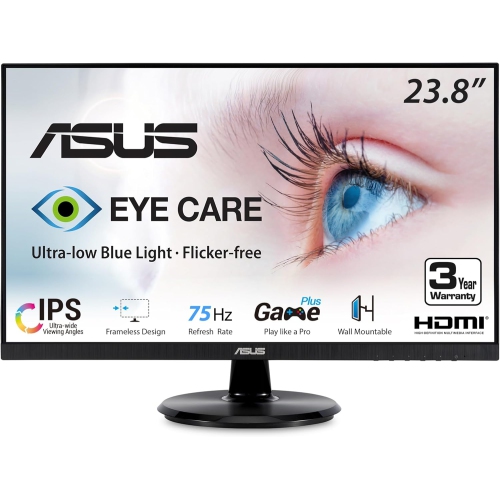
ASUS Eye Care 23.8" 1080P HD Ips Led Monitor (Va24Dq) - Flicker-Free/low Light - 75Hz - Freesync In Blue
About this product
An IPS monitor with Full HD resolution, 75Hz refresh rate, and eye care technologies for comfortable viewing.
(6)$160.99Your price for this item is $160.99SAVE $27 -
6
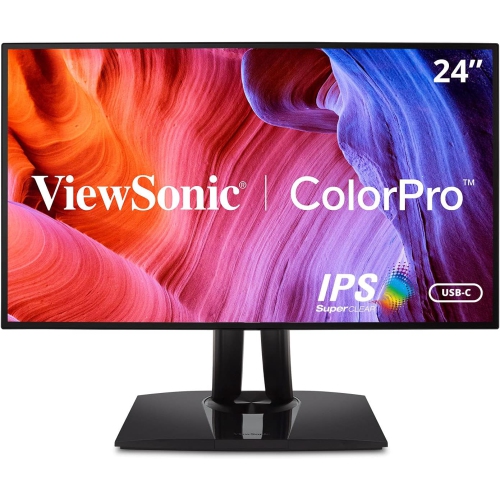
VIEWSONIC Vp 24" 1080P HD Ips Lcd Monitor (Vp2468A)
About this product
A frameless Full HD IPS monitor with 75Hz refresh rate and 5ms response time for vivid visuals.
(2)$409.99Your price for this item is $409.99SAVE $83 -
7

APPLE Refurbished (Good) - Macbook Pro 13.3" Laptop (Intel Core I5 2Ghz/256GB SSD/8GB Ram) - Space - En (2016 Model) In Grey
About this product
A refurbished grey laptop featuring an Intel Core i5 processor, 256GB SSD, and 8GB RAM.
What customers like
(2,467)$549.77Your price for this item is $549.77SAVE $650 -
8

LG Ultragear 27" 1440P Qhd Ips Led Gaming Monitor (27Gn800-B) - Nvidia G-Sync/freesync Premium - 1Ms Gtg - 144Hz
About this product
A black IPS LED gaming monitor featuring QHD resolution, 144Hz refresh rate, and 1ms GTG response time.
What customers like
(963)$554.68Your price for this item is $554.68SAVE $20 -
9
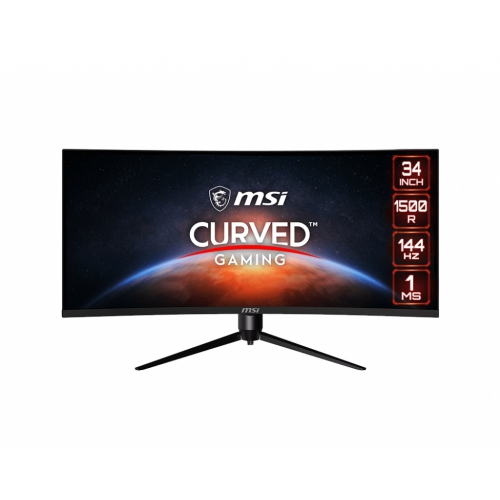
MSI Optix 34" Ultrawide Curved Uwqhd Va Lcd Gaming Monitor (Mag342Cqr) - Adaptive-Sync - 1Ms Gtg - 144Hz
About this product
A 34" curved monitor with UWQHD resolution, 144Hz refresh rate, Adaptive-Sync, and customizable RGB LED.
What customers like
(20)$666.68Your price for this item is $666.68SAVE $30 -
10
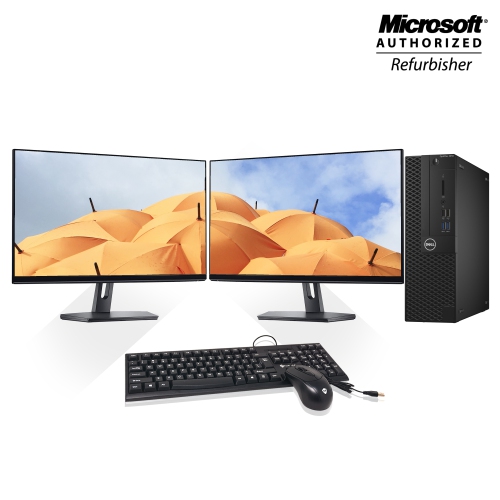
DELL Refurbished (Good) - Optiplex 3050 Sff Desktop Computer Dual(2) 24" Monitor Intel Core I5 65003.6Ghz 8GB Ddr4 Ram 1Tb SSD Windows 10 Home USB
About this product
A refurbished desktop bundle featuring dual 24" monitors, Intel Core i5, 8GB RAM, and 1TB SSD.
$684.56Your price for this item is $684.56SAVE $214
FAQ
Look for clear text rendering, a matte finish to limit reflections, and resolution options such as QHD or 4K. Your operating system’s display scaling settings also matter, as they let you adjust text and interface elements while keeping them sharp.
IPS panels offer wide viewing angles and consistent colours, while VA panels typically provide higher contrast. OLED panels deliver deep blacks and strong contrast, though text rendering varies by subpixel layout. For coding, compare how each panel displays text in your preferred light or dark editor theme.
HDMI and DisplayPort are common options for connecting a desktop or laptop. USB-C can carry video, data, and power through one cable when both devices support those features. Check your computer’s video output capabilities and the monitor’s power delivery specifications before choosing a connection.
Yes, monitors with a pivoting stand can rotate into portrait orientation, and some models support compatible rotating mounts. You will also need to change the display orientation in your operating system. Portrait mode is a popular option for viewing code, documentation, and log files.
A built-in KVM switch lets you share one keyboard and mouse between connected computers, such as a work laptop and a personal desktop. You can switch control between them through the monitor. Required USB and video connections vary, so check how the KVM feature is configured.
Top selling and popular products
Discover more categories related to Best Monitors for Programming

Some products may be subject to Environmental Handling Fees (EHF) depending on your province. Learn more about EHFs.