Best Monitors for Multitasking
Make room for more with the best monitors for multitasking, ranked by user review ratings. Whether you’re comparing spreadsheets, managing multiple apps, or keeping reference material in view, the right monitor can help you stay organized and focused. Explore options for your workspace and find a display that helps you move smoothly between tasks.
What to look for in monitors for multitasking
1. Screen Size and Layout
2. Resolution and Text Clarity
3. Connectivity and Device Switching
4. Ergonomics and Window Management
-
1
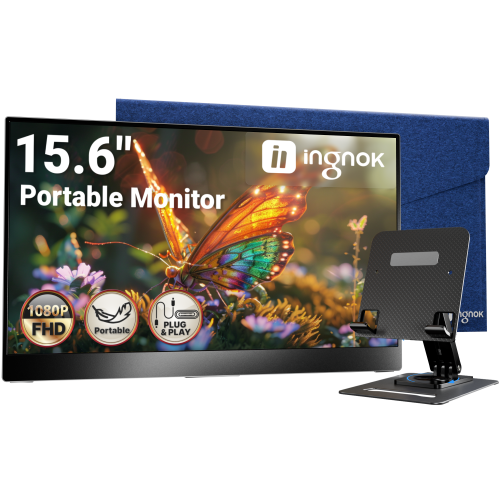
INGNOK Portable Monitor w Adjustable Stand, 15.6 Inch Fhd 1080P, Dual USB C, Mini HDMI Laptop Screen Extender for Laptop, Mini PC, Mac, Built-In
About this product
A portable 15.6" FHD 1080P IPS monitor with 1200:1 contrast, USB-C, HDMI, and adjustable stand.
(3)$109.99Your price for this item is $109.99SAVE $80 -
2
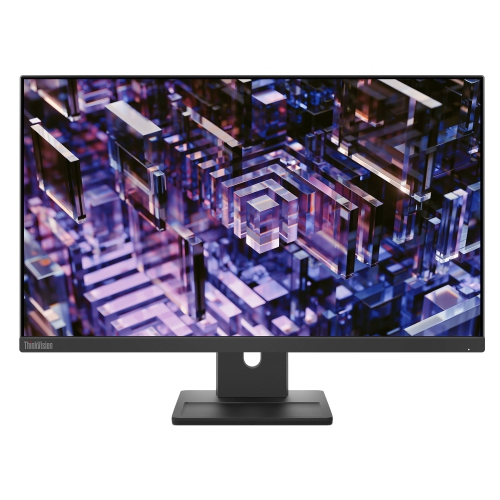
LENOVO Thinkvision 23.8 Inch Ips Qhd 100Hz Monitor - E24Q-30
About this product
A high-resolution 23.8-inch monitor delivering sharp visuals, ideal for work or entertainment setups.
(3)$300.68Your price for this item is $300.68SAVE $30 -
3
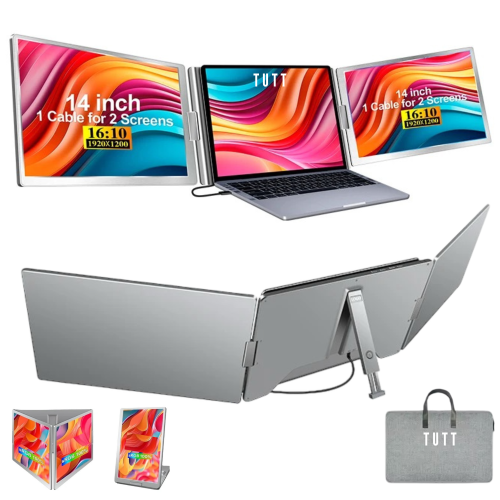
TUTT Quad Screen Extender 16" 1920X1200 Ips Lcd 16:10 Portable Monitor (S788) - USB-C
About this product
A 14" dual portable laptop monitor with FHD 1080P resolution and single cable setup for triple screens.
(1)$1,199.90Your price for this item is $1199.90SAVE $150 -
4
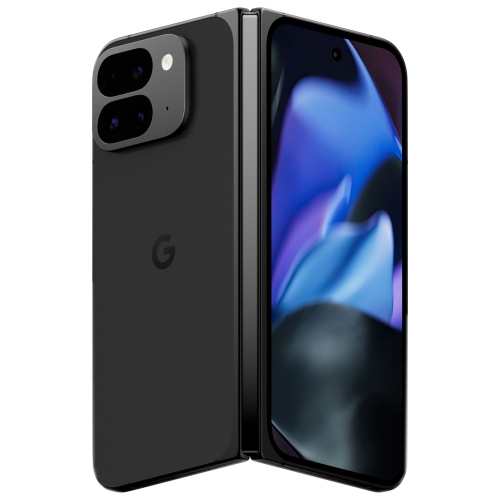
GOOGLE Refurbished (Excellent) - Pixel 9 Pro Fold 512GB - Obsidian - Unlocked
About this product
An unlocked foldable smartphone in Obsidian with 512GB storage, AI features, and an 8" Super Actua Flex display.
(1)$1,149.99Your price for this item is $1149.99SAVE $150 -
5
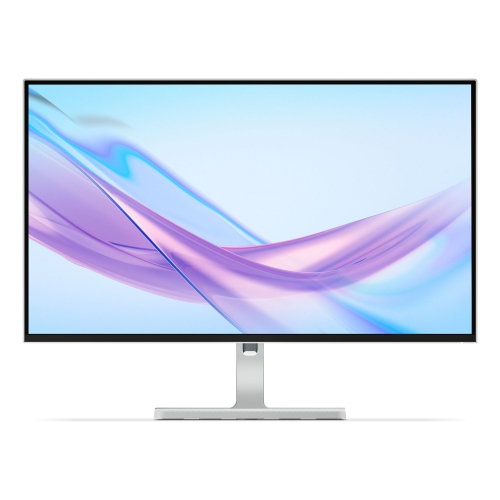
LENOVO L27Q 27" 1440P Qhd Ips Lcd Monitor (L27Q-4A) - 100Hz - Cloud In Grey
About this product
A 27-inch IPS monitor featuring QHD resolution and a smooth 100Hz refresh rate for vibrant visuals.
What customers like
(26)$265.99Your price for this item is $265.99SAVE $84 -
6

Alienware 32" Curved 4K UHD QD-OLED Gaming Monitor (AW3225QF) - 0.03ms - 240Hz - HDR - Lunar Light
About this product
A curved QD-OLED display delivering 4K UHD visuals, 240Hz refresh rate, and ultra-fast 0.03ms response time.
What customers like
(905)$1,199.99Your price for this item is $1199.99SAVE $150 -
7
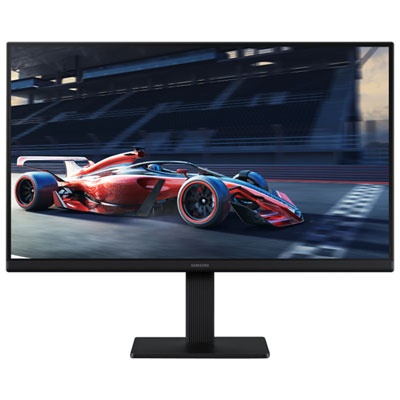
Samsung Essential S3 27" 1080p HD IPS LED Monitor (LS27D300GANXZA) - Blue Light/Flicker-Free - 100Hz
About this product
A 27-inch black IPS monitor with 1080p resolution and 100Hz refresh rate for smooth visuals.
What customers like
(446)$189.99 Your price for this item is $189.99 -
8
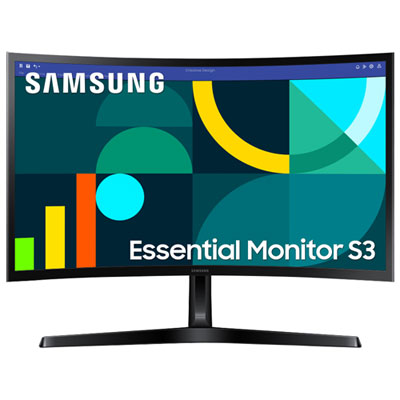
Samsung Essential S3 24" Curved 1080p HD VA LED Monitor (LS24D368GANXZA) - Flicker-Free/Blue Light - 100Hz
About this product
A black curved VA LED monitor delivering Full HD visuals, 100Hz refresh rate, and eye comfort features.
What customers like
(110)$159.99 Your price for this item is $159.99 -
9
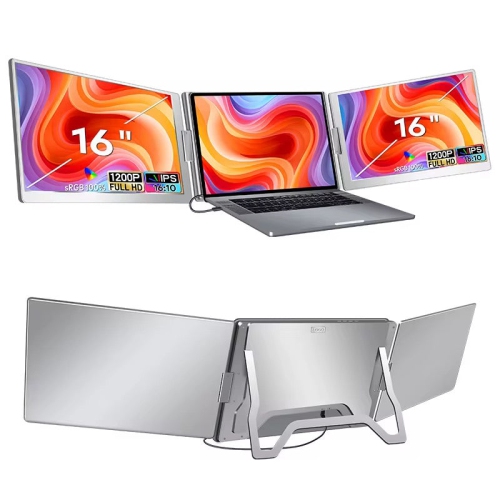
TUTT S900 16.1" 1080P HD Ips Lcd Dual Portable Monitor - USB-C - HDr
About this product
A 16" dual portable laptop monitor with FHD 1080P resolution and single cable setup for triple screen extension.
(12)$549.90Your price for this item is $549.90SAVE $130 -
10
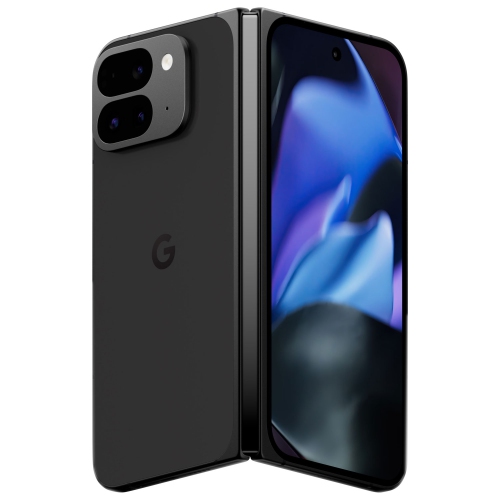
GOOGLE - Pixel 9 Pro Fold 512GB - Obsidian - Unlocked
About this product
An unlocked 512GB phone with an 8" Super Actua Flex display and powerful rear camera in Obsidian.
$1,749.99Your price for this item is $1749.99SAVE $450
FAQ
Look for connectivity that matches your devices, adjustable positioning, and features such as Picture-by-Picture or a built-in KVM switch. Picture-by-Picture displays inputs from different sources side by side, while a KVM switch lets you share a keyboard and mouse between connected computers. Availability varies by monitor.
Picture-by-Picture divides the display into separate sections for different video sources, such as a laptop and a desktop computer. Picture-in-Picture places one source in an inset window over another. Check the monitor’s specifications for supported input combinations and display settings.
A compatible USB-C connection can carry video and USB data, and may also charge a connected laptop through USB Power Delivery. These functions depend on the monitor, computer port, and cable. Confirm support for video over USB-C and check the monitor’s power delivery rating against your laptop’s requirements.
A KVM switch lets you use one keyboard and mouse with multiple computers connected to the monitor. You can switch which computer receives keyboard and mouse input without moving those accessories between devices. Setup typically requires video and USB data connections for each computer, though compatible USB-C connections may combine these functions.
Your operating system may include window-snapping or tiling tools for arranging applications side by side. Some monitors also offer optional desktop software with preset window layouts. With multiple monitors, choose extended desktop mode to place different windows on each display rather than mirroring the same content.
Top selling and popular products
Discover more categories related to Best Monitors for Multitasking

Some products may be subject to Environmental Handling Fees (EHF) depending on your province. Learn more about EHFs.