Large Monitors for Multitasking
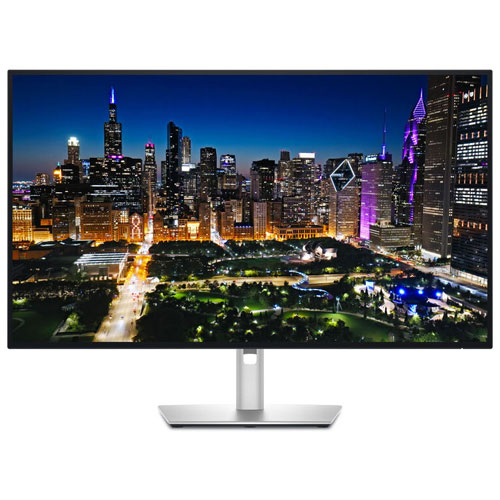
Large monitors for multitasking offer an expansive workspace that makes it easier to manage multiple applications, documents, or windows at once. Whether you’re working from home, editing creative projects, or keeping track of data across several programs, these displays provide the screen real estate you need to stay organized and efficient. Explore a variety of large monitors for multitasking designed to help boost productivity and enhance your overall viewing experience.
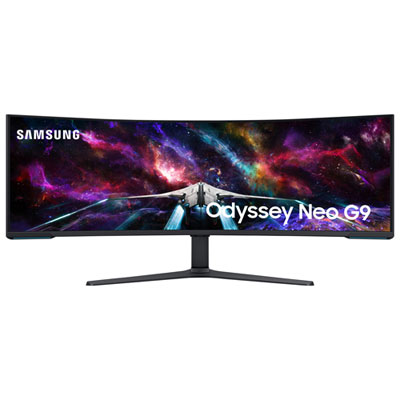
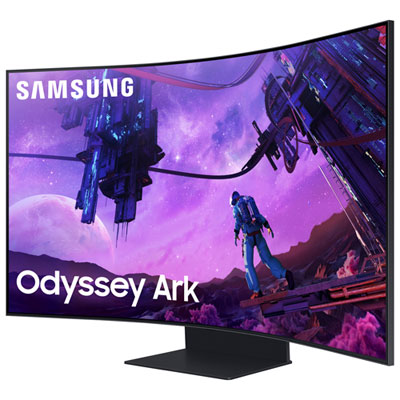
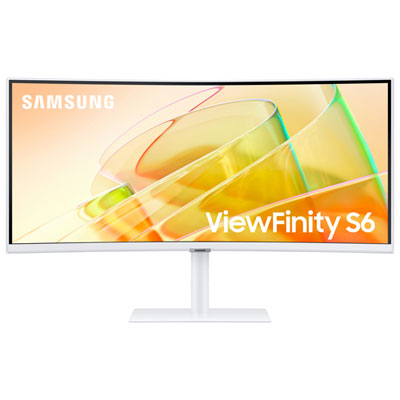
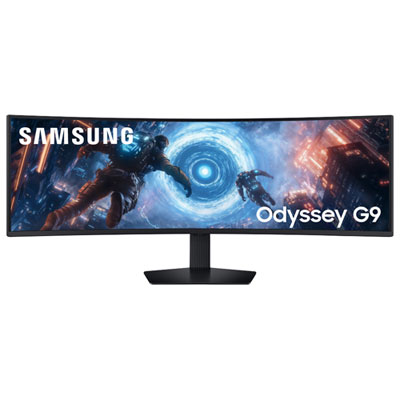
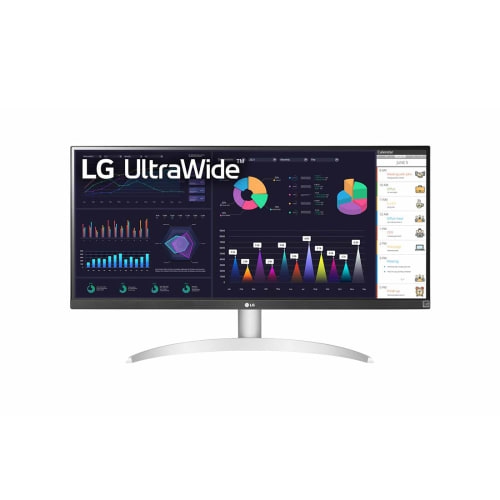
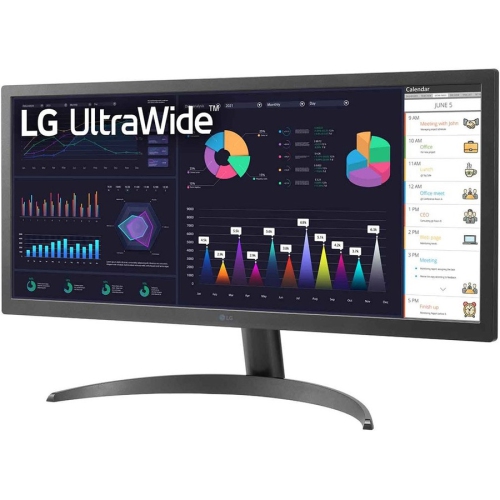
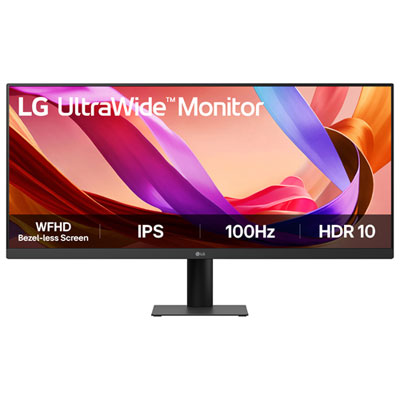
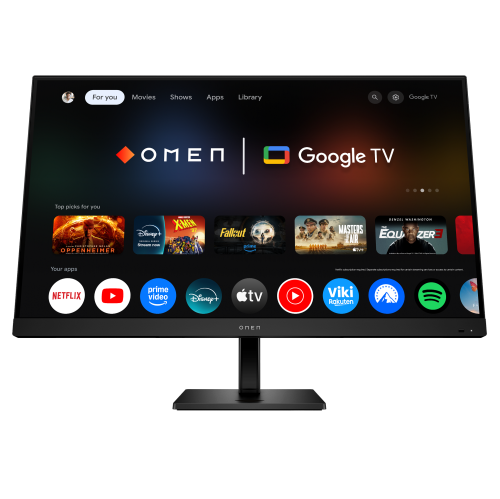
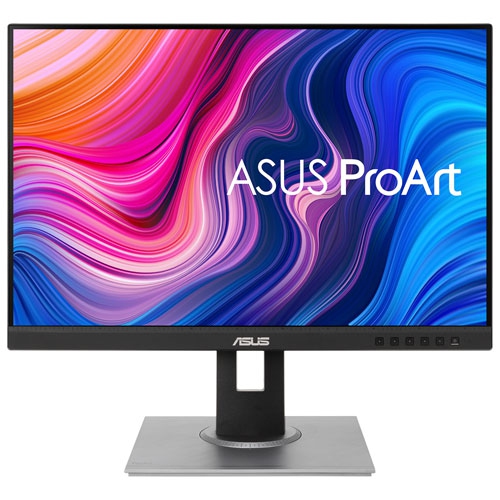
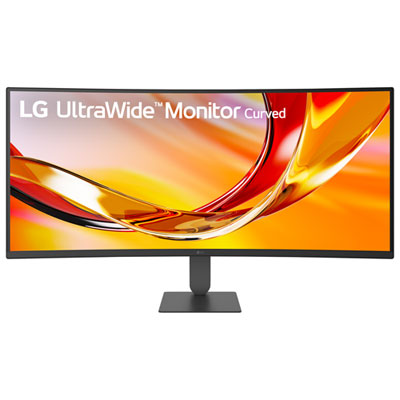
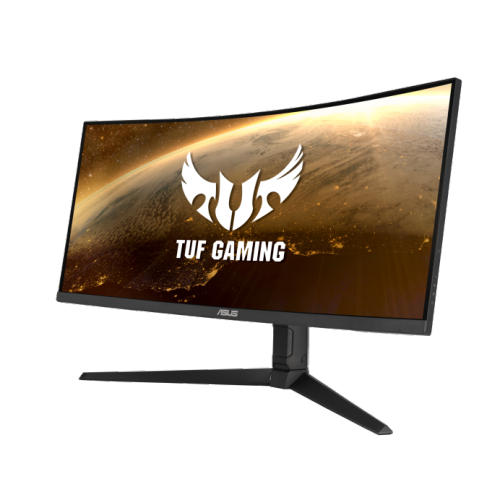
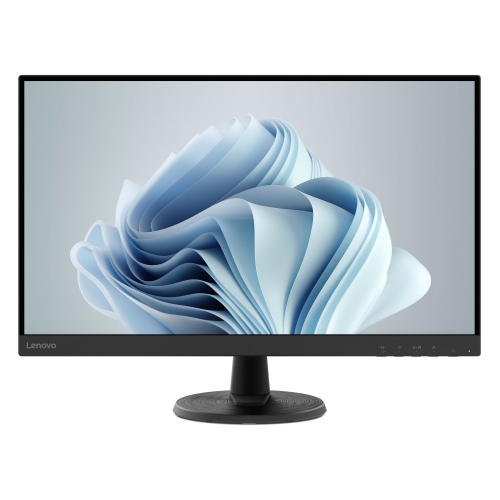
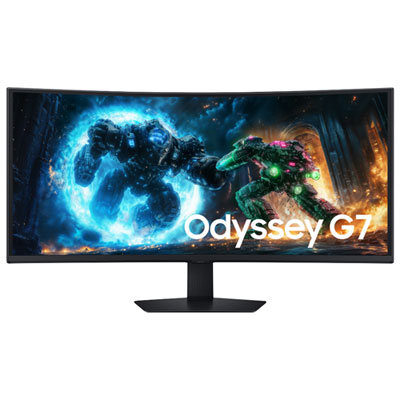
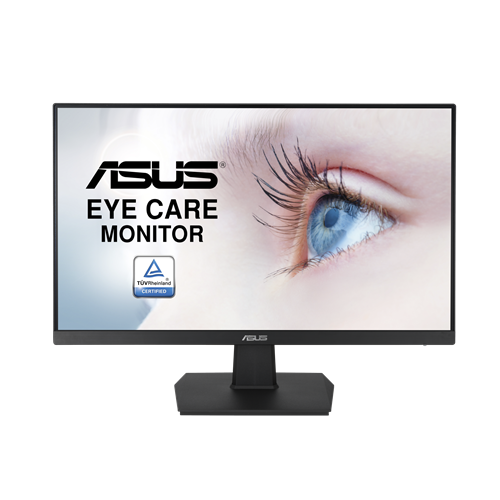
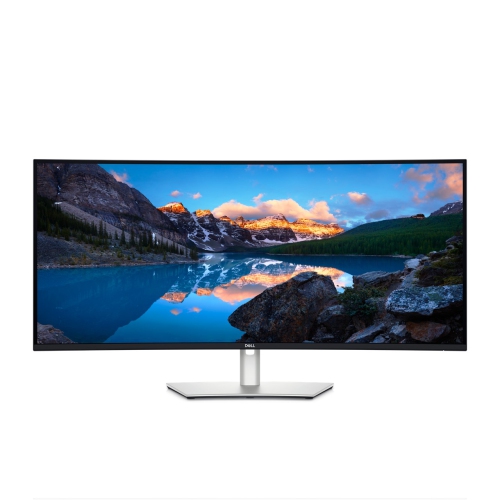
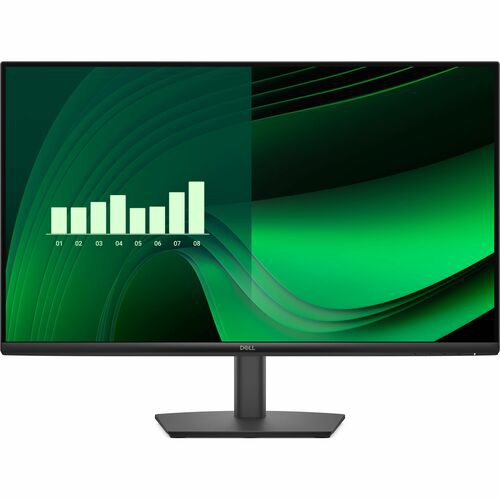
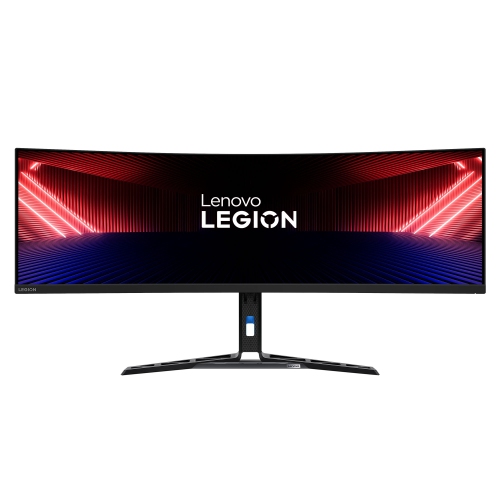
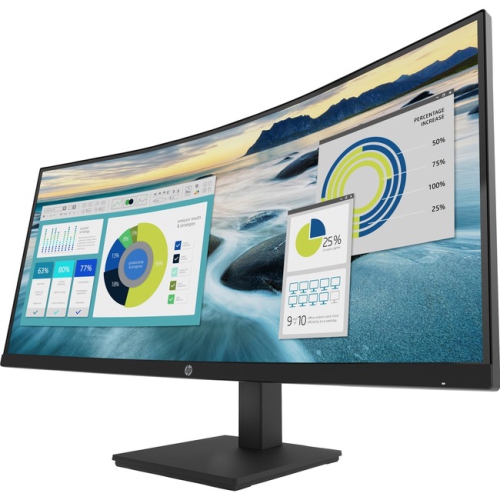
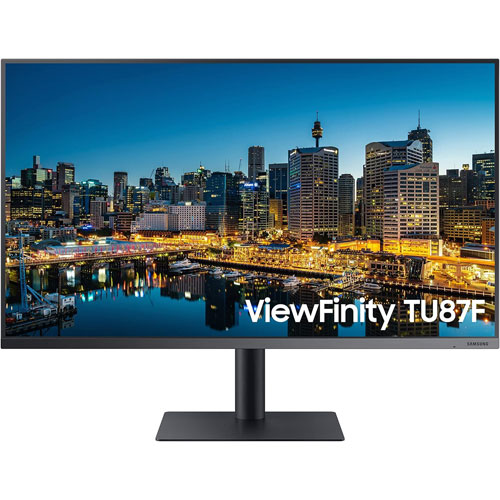
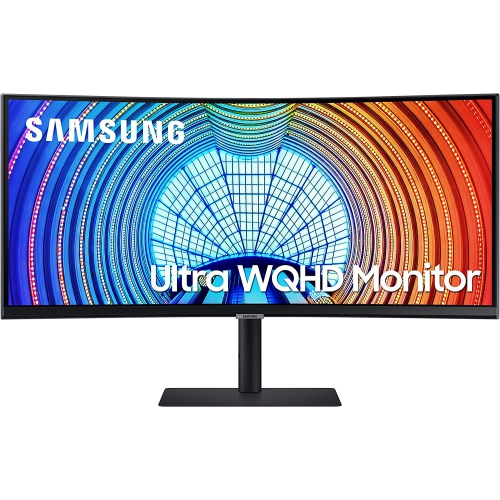

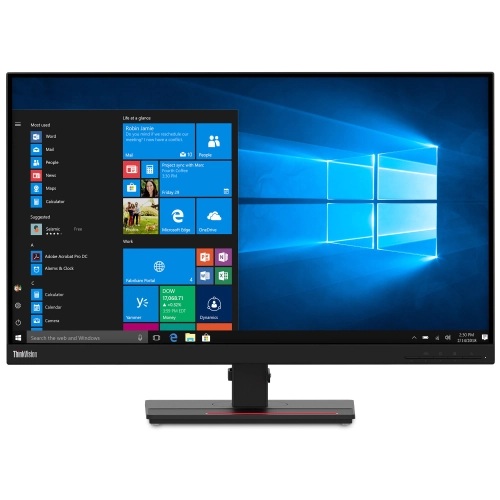
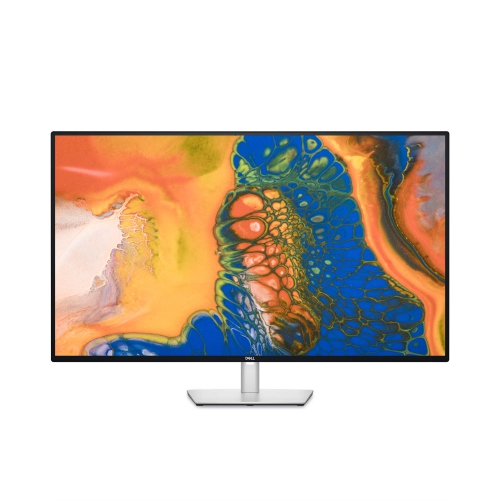
One expansive display keeps multiple tasks in view
When considering a large monitor for multitasking, it’s important to think about your specific needs and the types of activities you’ll be using it for. Screen size is a key factor—many users find that monitors in the 32 inch to 49 inch range deliver the best balance between workspace and comfort, making it easy to split the screen into multiple sections for different tasks. Resolution also plays a major role; higher resolutions such as QHD or 4K provide sharper images and more space for windows, which is especially valuable for graphic design, video editing, and data analysis. Features like adjustable stands, built-in USB hubs, and blue light reduction can further enhance your experience, ensuring that long hours at your desk remain comfortable and efficient. As the days get busier and schedules fill up, investing in a large monitor can help you stay organized and on top of your workload, whether you’re working from home, tackling assignments, or enjoying downtime with movies and games. These monitors also make thoughtful gifts for graduates heading to university, remote workers setting up a dedicated office space, or anyone looking to upgrade their tech setup for the new season.
With so many options to choose from, finding the right large computer monitor is easier when you focus on your workflow, desk space, and the features that matter most to you. Many people discover that once they’ve experienced the efficiency and clarity of a larger screen, it’s hard to go back to smaller displays. If you’re looking for even more choices tailored specifically for productivity and professional use, explore our curated selection of Big Screen Monitors for Work to find the perfect fit for your multitasking needs. Whether you’re upgrading your setup as the weather warms or preparing for a busy season ahead, a large monitor can be a game-changer for your daily routine, bringing clarity and convenience to every task.
FAQ
What features should I look for in a large monitor for multitasking?
When choosing a large monitor for multitasking, consider features like high resolution (such as QHD or 4K), multiple input ports (HDMI, DisplayPort, USB-C), adjustable stands for ergonomic comfort, and built-in split-screen or picture-by-picture modes to easily manage multiple windows.
How does a curved monitor benefit multitasking?
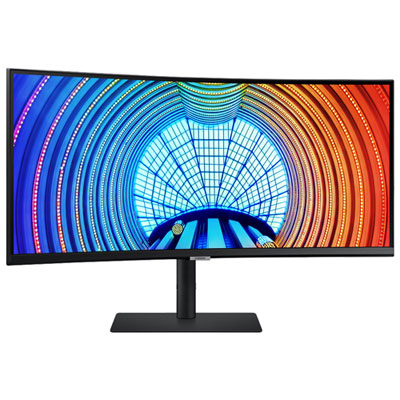
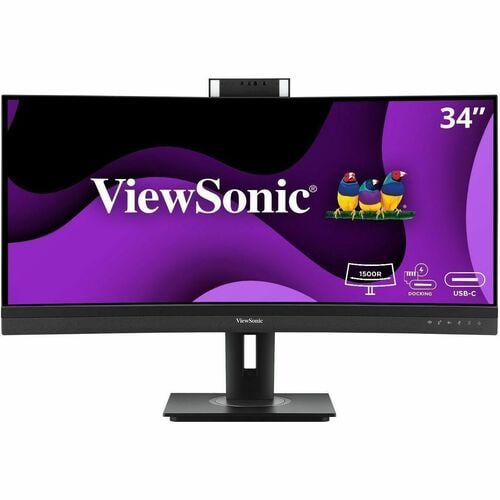
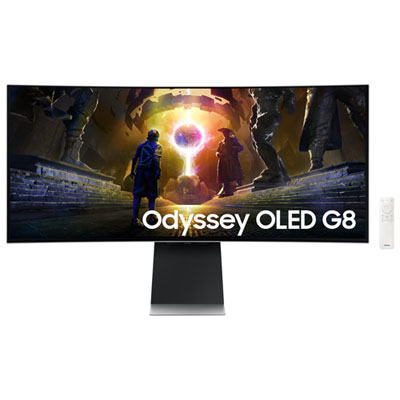
Curved monitors can enhance multitasking by providing a more immersive viewing experience and reducing distortion at the edges of the screen. This makes it easier to view multiple applications side by side without having to constantly adjust your head or eyes.
Can I connect multiple devices to a large monitor for multitasking?
Yes, many large monitors offer multiple input options, allowing you to connect different devices such as laptops, desktops, and gaming consoles simultaneously. Some models also support features like KVM switches to control multiple devices with one keyboard and mouse.
Are there software tools that help with multitasking on large monitors?
Absolutely! Many operating systems include built-in window management tools, and some monitors come with proprietary software that lets you organize your workspace efficiently. Third-party apps are also available to help snap, resize, and arrange windows across your screen.
What type of panel technology is best for multitasking on large monitors?
IPS panels are often recommended for multitasking because they provide wide viewing angles and accurate color reproduction. This ensures that content remains clear and consistent across the entire screen, which is especially important when working with multiple open windows.
Top selling and popular products
-
 Your price for this item is $783.68
-
 Your price for this item is $299
-
 Your price for this item is $469
-
 Your price for this item is $94.99
-
 Your price for this item is $177.99
-
 Your price for this item is $229.99
-
 Your price for this item is $1138.68
-
 Your price for this item is $355.68