Best Mice for Designers
Find the best mice for designers, ranked by user review ratings to help you compare shopper favourites. Whether you’re editing photos, creating illustrations, or refining layouts, look for precise tracking, a comfortable grip, and customizable controls that suit your workflow. Explore the selection to find a mouse that fits your creative needs.
What to look for in mice for designers
1. Tracking Precision
2. Comfort and Fit
3. Customizable Controls
4. Connectivity and Power
-
1
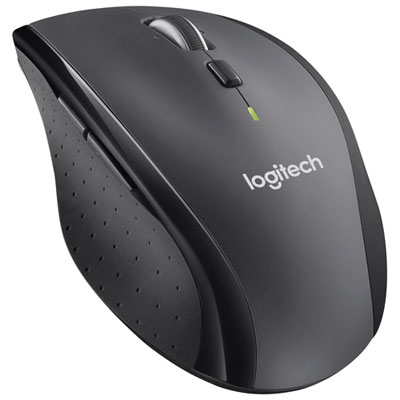
Logitech M705 Marathon Wireless Laser Mouse
About this product
A black wireless laser mouse with ultra-long battery life and a compact receiver for seamless connectivity.
What customers like
(5,251)$49.99 Your price for this item is $49.99 -
2
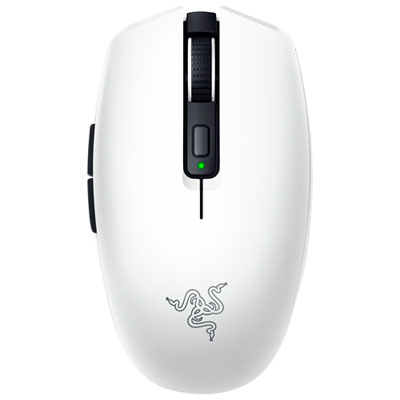
Razer Orochi V2 18000 DPI Wireless Optical Gaming Mouse - White
About this product
A wireless optical gaming mouse in white featuring an 18K DPI sensor and up to 950 hours battery life.
What customers like
(892)$47.98Your price for this item is $47.98SAVE $42 -
3
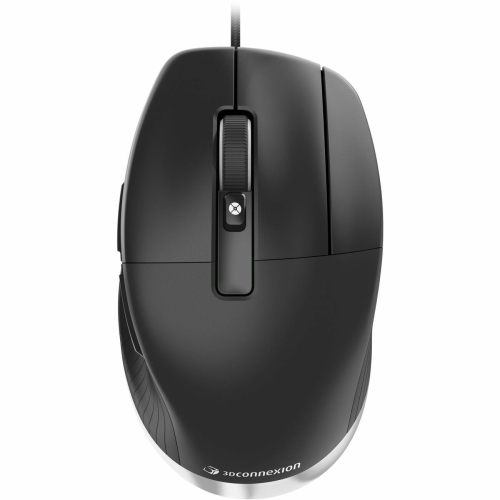
3DCONNEXION Cadmouse Pro 7200 Dpi Wired Optical Mouse - - (3Dx-700080) In Black
About this product
A wired black optical mouse with 7200 DPI, dedicated middle button, and ergonomic design for professionals.
$162.99Your price for this item is $162.99SAVE $28 -
4

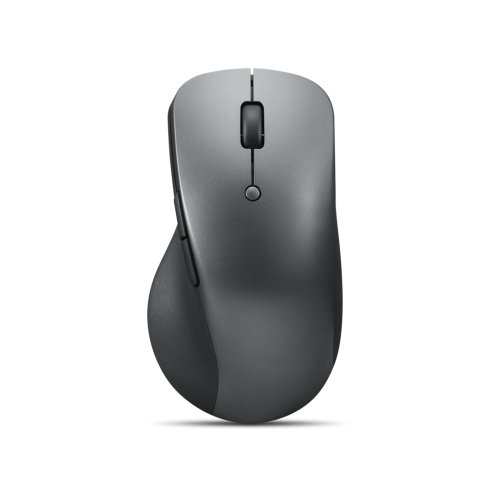
BLUEDIAMOND Track Designer Pro Wireless Mouse - 2.4Ghz/bt/USB-C In Grey
About this product
A versatile grey wireless mouse offering 2.4GHz, Bluetooth, and USB-C connectivity for seamless productivity.
$59.99 Your price for this item is $59.99 -
5
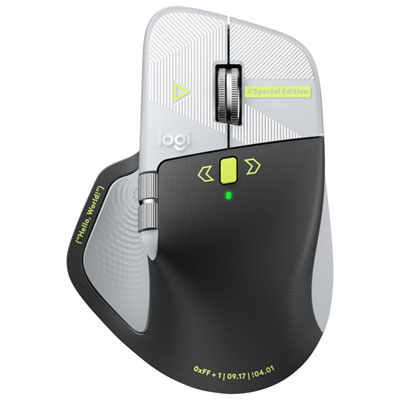
Logitech MX Master 4 Developer Edition Bluetooth Optical Mouse - Black/Grey - Only at Best Buy
About this product
A black Bluetooth optical mouse with terminal-inspired styling, syntax prompts, circuit traces, and computing Easter eggs.
$159.99 Your price for this item is $159.99 -
6
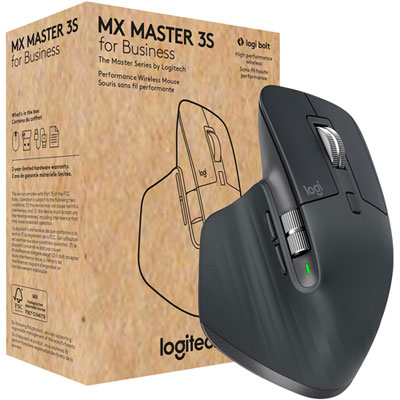
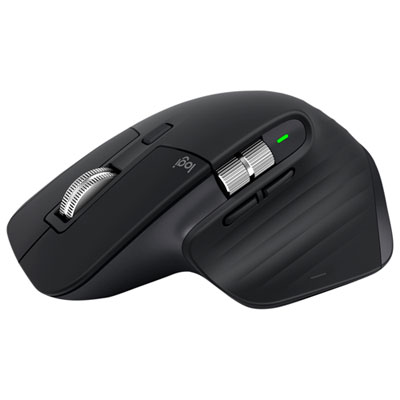
Logitech MX Master 3S Business Wireless Mouse - Graphite
About this product
A graphite wireless mouse with an 8,000dpi sensor for precise tracking on any surface.
(12)$161.99 Your price for this item is $161.99 -
7
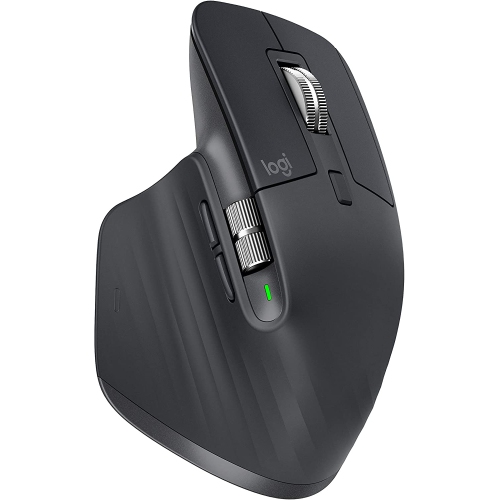
LOGITECH Mx Master 3 Advanced Wireless Mouse
About this product
A highly customizable wireless mouse with ergonomic design, precise sensor, long battery life, and cross-computer control.
$244.99Your price for this item is $244.99SAVE $155 -
8
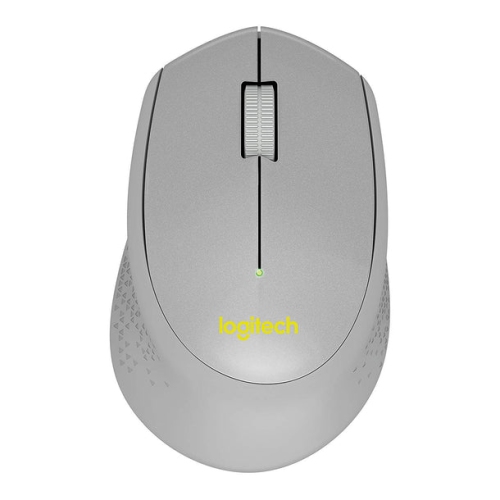
LOGITECH M330 Silent Plus Wireless Large Mouse - In Silver
About this product
A silver wireless mouse featuring silent clicks, ergonomic large design, and long battery life for comfortable use.
What customers like
(54)$58.68Your price for this item is $58.68SAVE $10 -
9

LOGITECH Mx Master 2S Bluetooth Edition Wireless Mouse, Multi-Surface, Hyper-Fast Scrolling, Ergonomic, Rechargeable, Connects Up to 3 Mac/pc
About this product
An ergonomic wireless mouse with precision tracking, hyper-fast scrolling, and seamless multi-device connectivity.
$84.99Your price for this item is $84.99SAVE $15 -
10
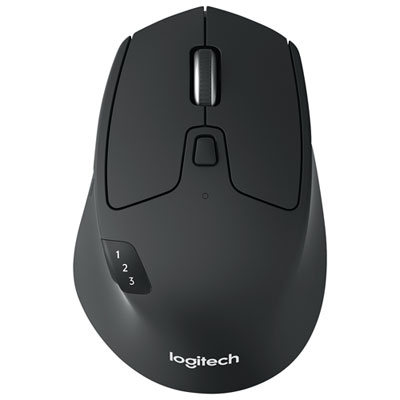
Logitech M720 Triathlon Wireless Optical Mouse - Black
About this product
A durable black wireless mouse with Easy-Switch technology and hyper-fast scrolling for seamless multitasking.
What customers like
(4,118)$59.99 Your price for this item is $59.99
FAQ
Mice for designers often include adjustable pointer sensitivity, programmable buttons, scroll-wheel controls and customizable software profiles. Some also offer horizontal scrolling for navigating wide artboards, timelines and spreadsheets.
DPI stands for dots per inch and describes mouse sensitivity. A higher DPI setting moves the pointer farther on screen for the same physical movement, while a lower setting produces less pointer travel. Some mice let you switch between sensitivity settings using a button or companion software.
Designer mice may use a wired USB connection, Bluetooth or a dedicated USB wireless receiver. Some support multiple connection types and can switch between paired computers. Check the connection requirements against your computer’s available ports and Bluetooth support.
Programmable buttons can be assigned to commands such as undo, redo, zoom or tool selection. Depending on the mouse software, you may also be able to create separate button profiles for illustration, photo editing and other creative applications.
Many designer mice support both macOS and Windows, but compatibility varies by model. Basic pointer and click functions may work without additional software, while button assignments, gesture controls and application profiles may require a supported companion app. Check operating system and software requirements when comparing options.
Top selling and popular products
Discover more categories related to Best Mice for Designers

Some products may be subject to Environmental Handling Fees (EHF) depending on your province. Learn more about EHFs.