Black And White Mouse Pads
Enhance your workspace with the sleek and stylish black and white mouse pad. Designed to provide optimal control and comfort, these mouse pads are a must-have accessory for any computer user. Its smooth surface ensures smooth and precise tracking, while the non-slip rubber base keeps it securely in place. The black-and-white color combination adds a touch of sophistication to your desk, making it a perfect addition to any office or home setup. Elevate your computing experience with this versatile and functional mouse pad that effortlessly combines style and functionality.
Sort



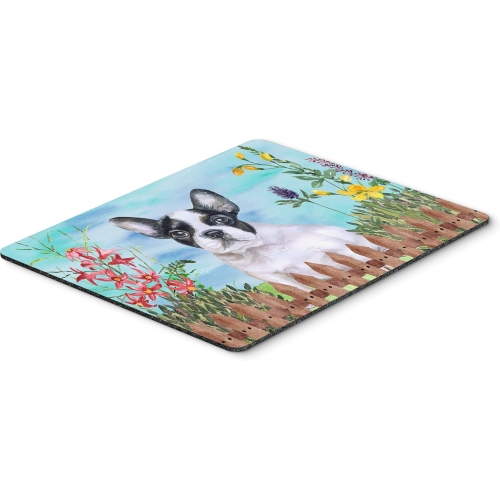
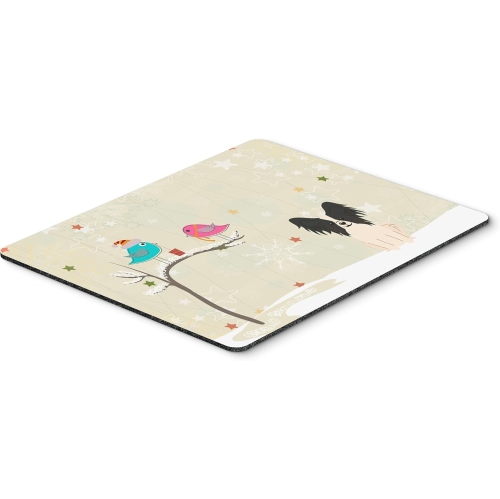
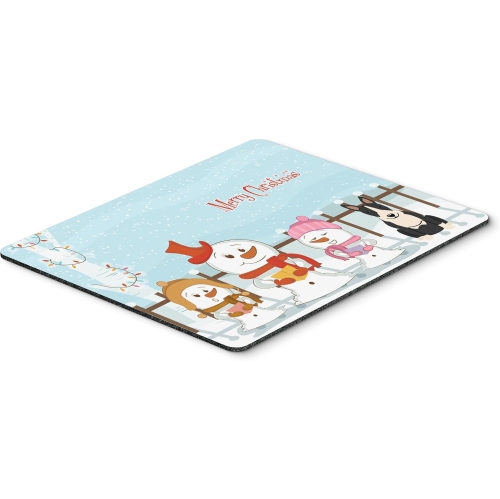
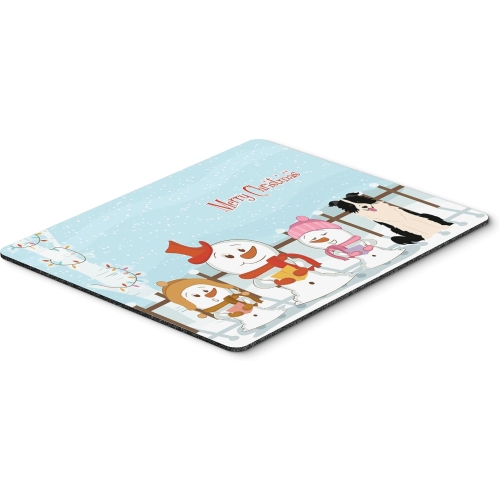
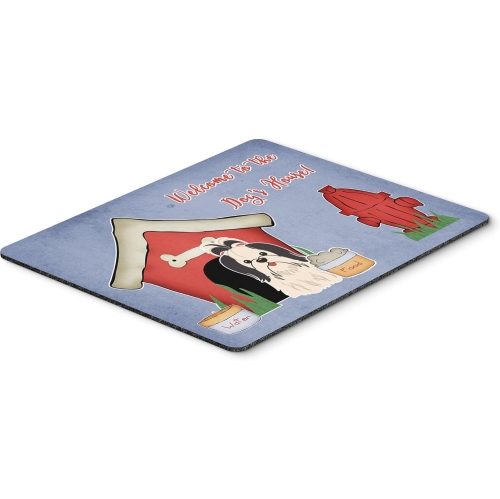
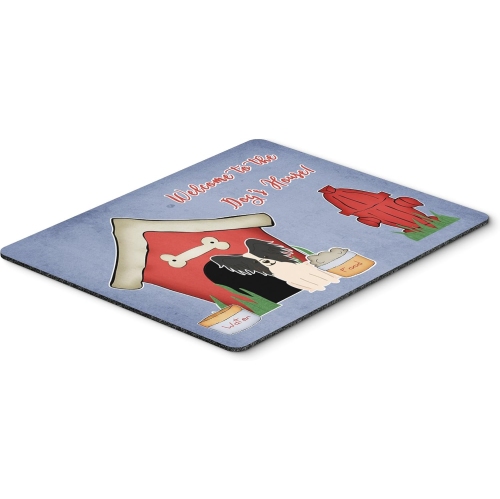
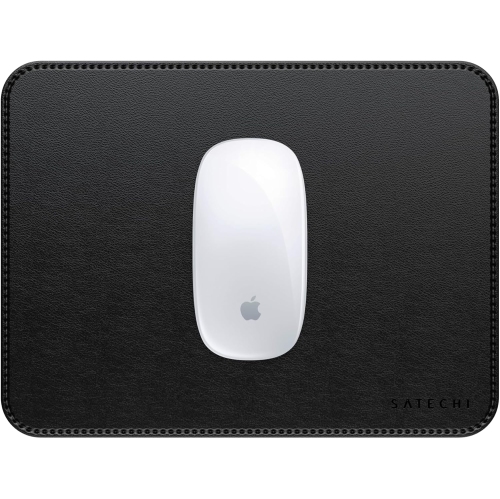
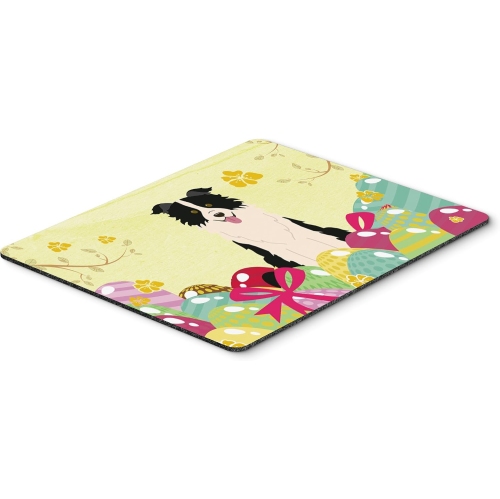
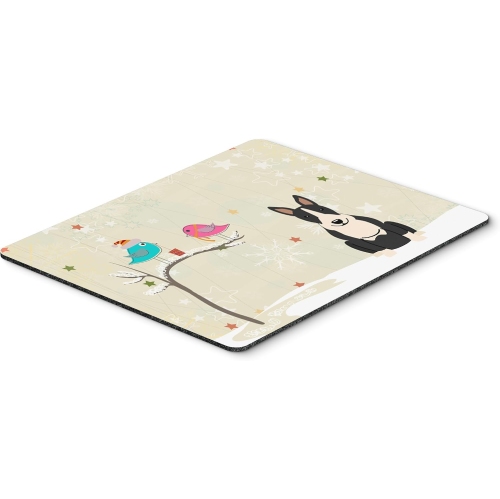
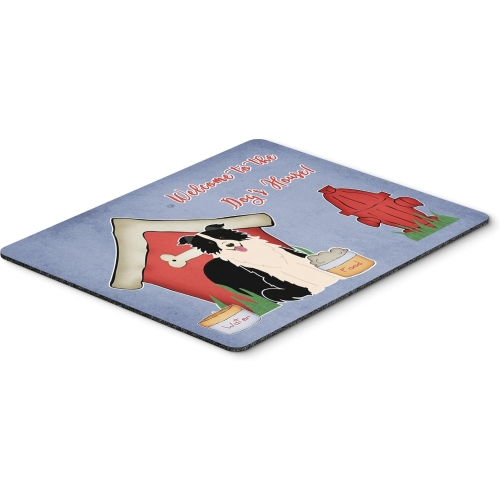
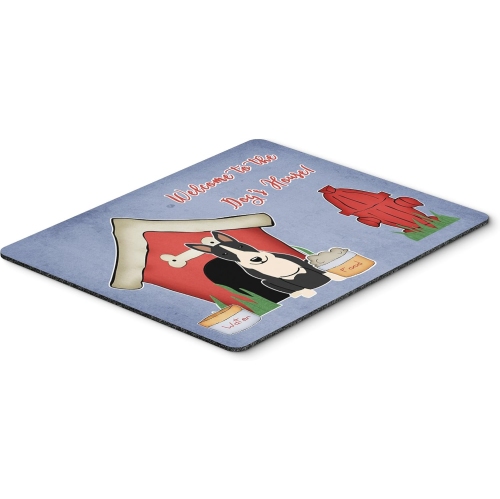
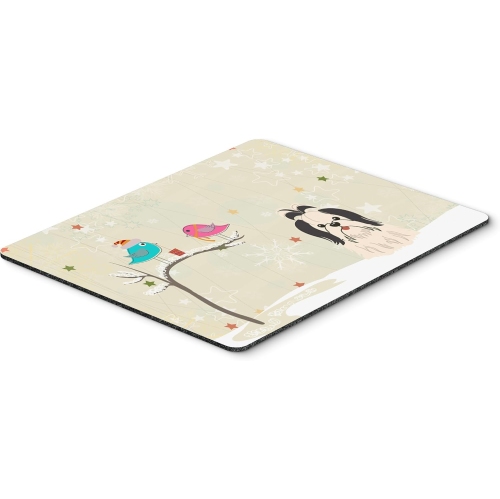

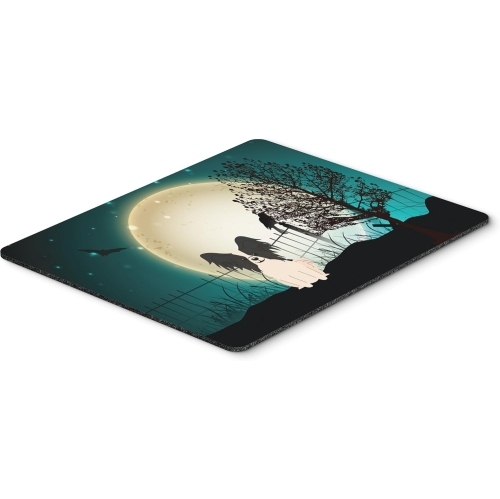
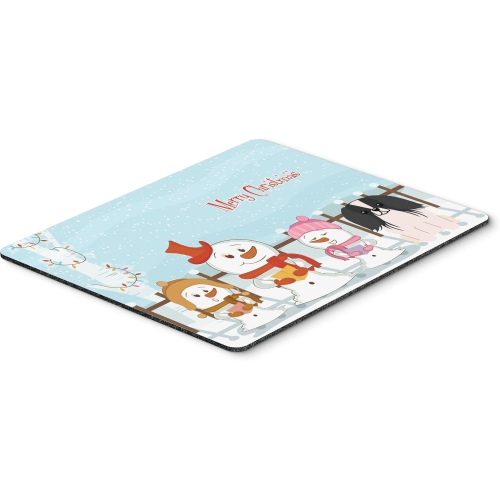
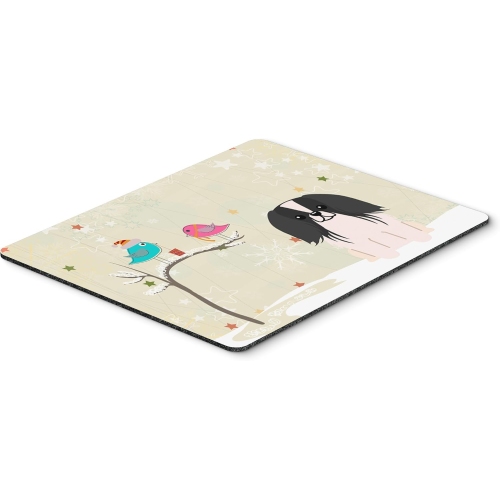

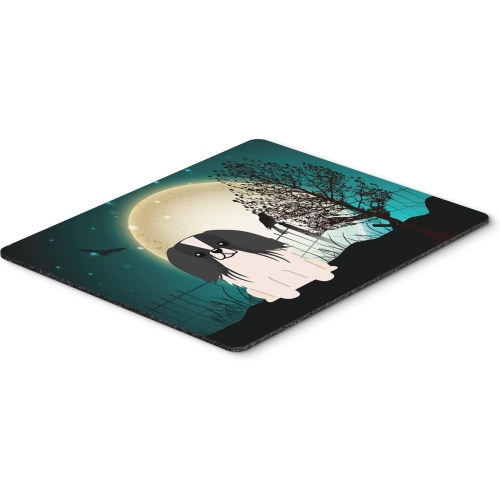





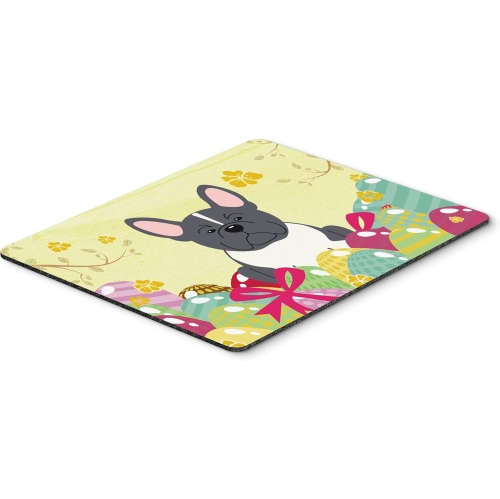







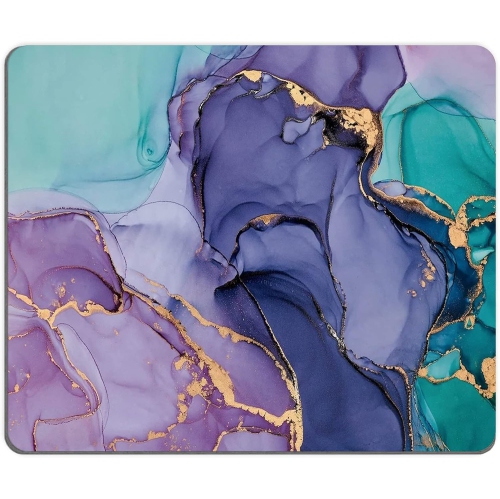

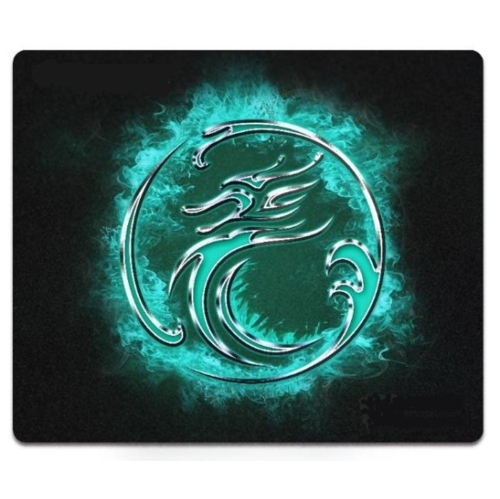
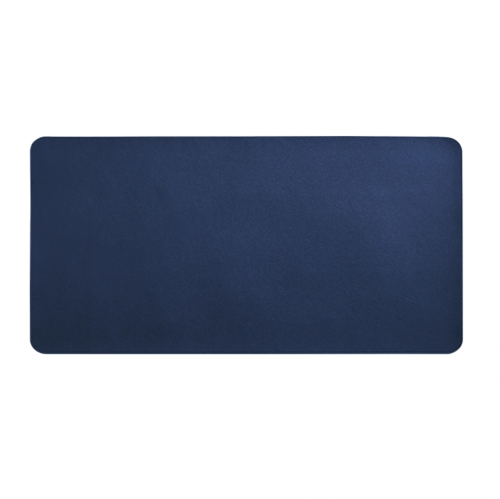


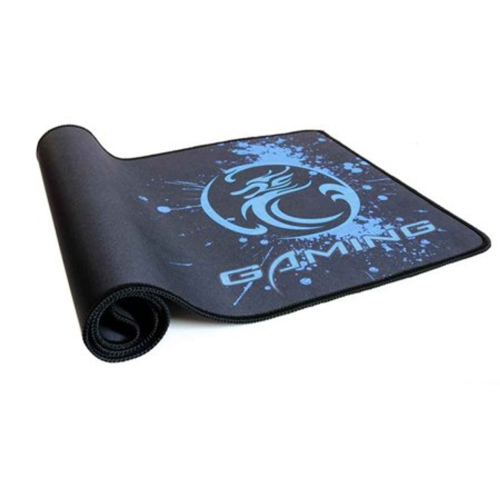


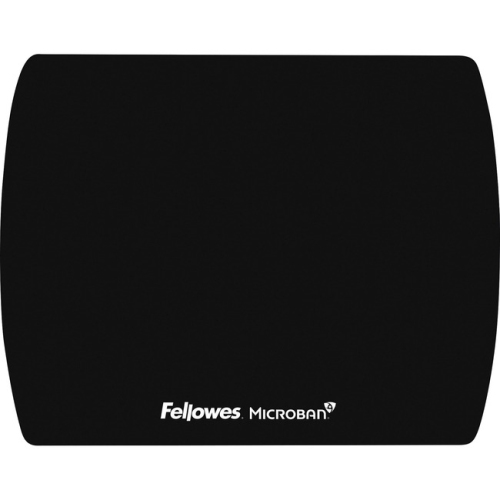

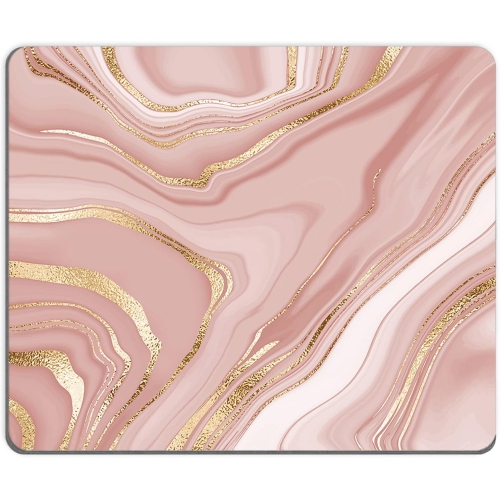
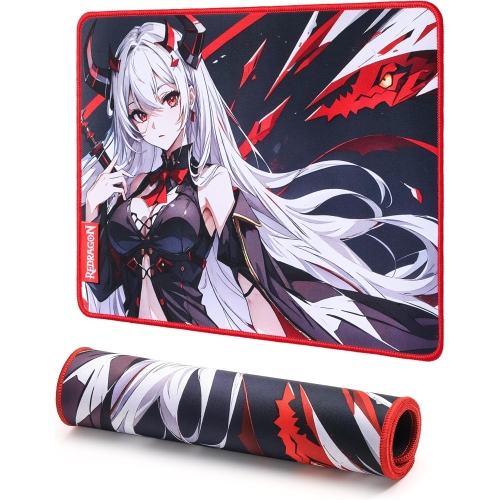


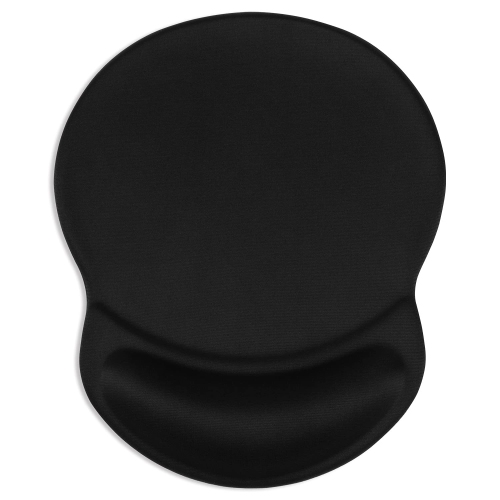





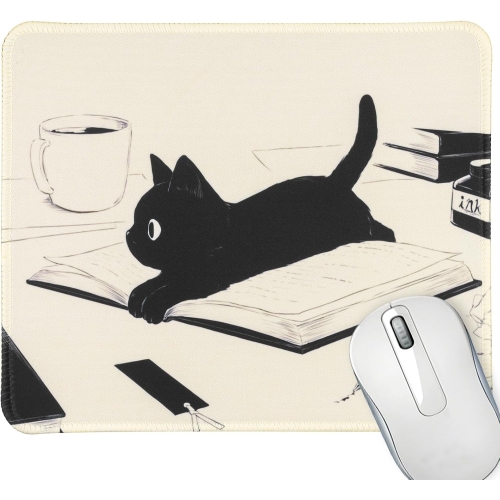
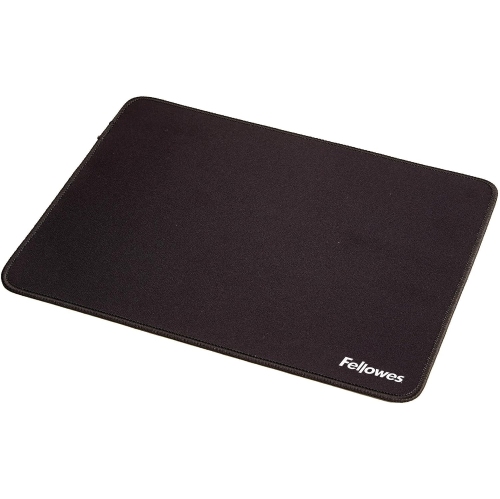
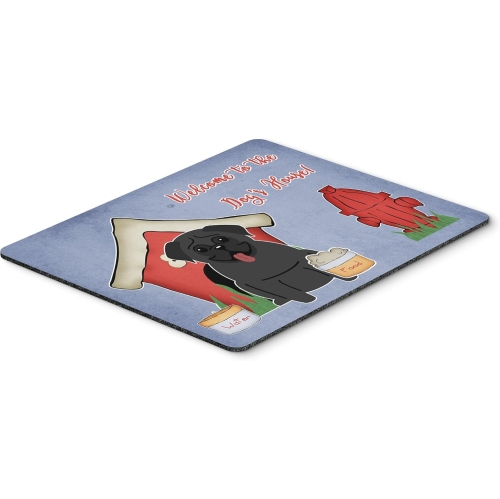


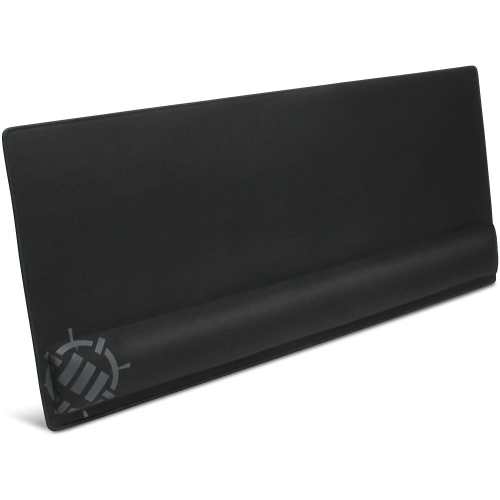

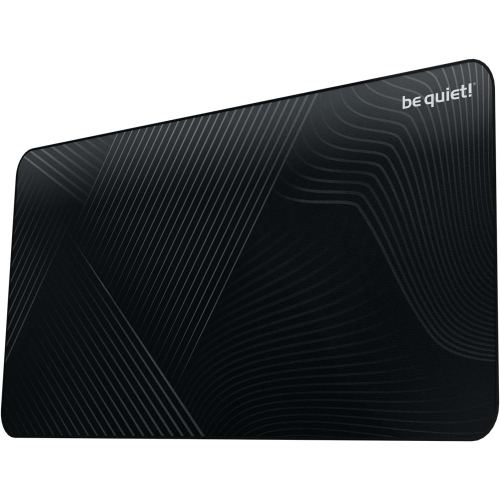

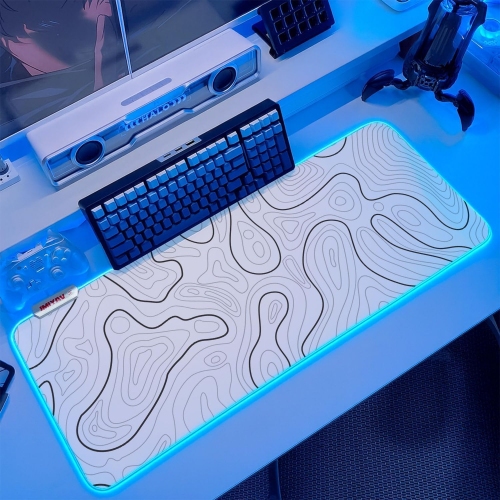


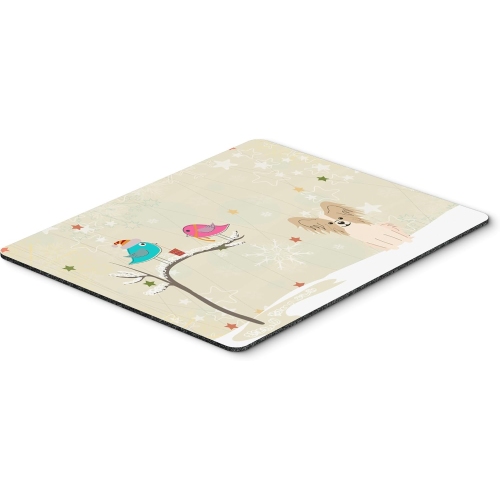









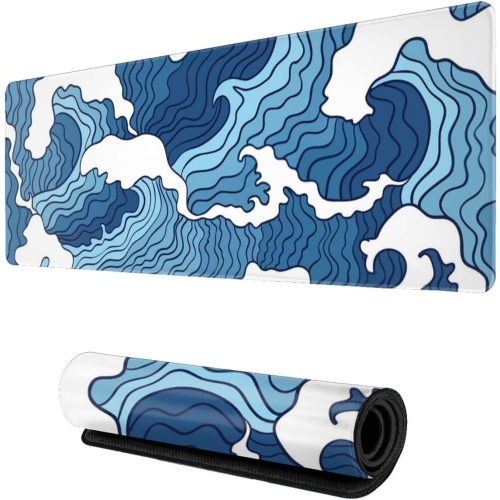

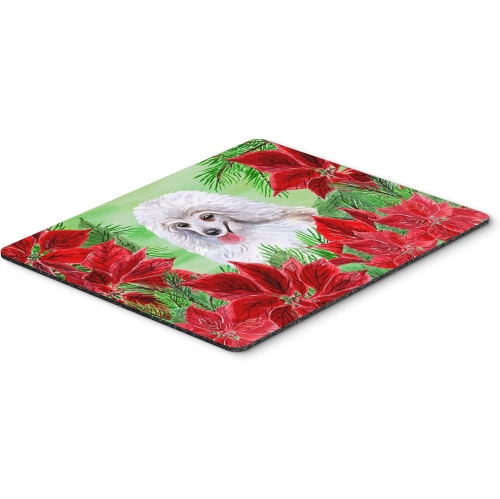
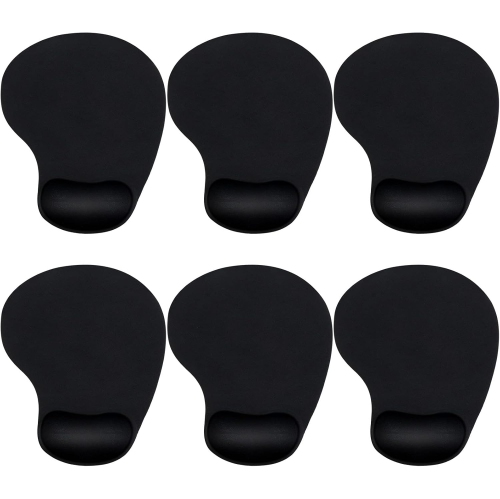


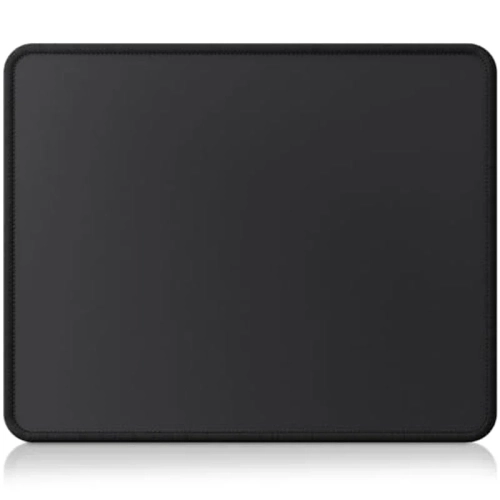

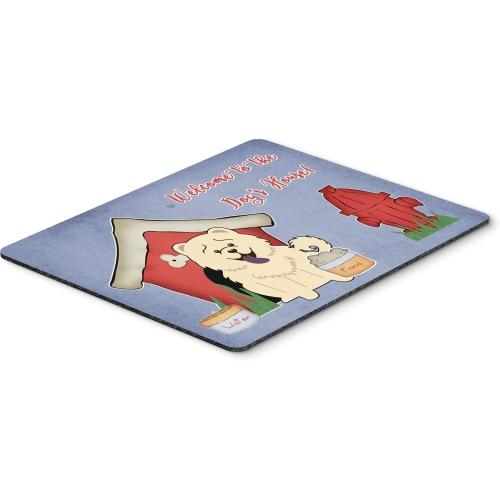


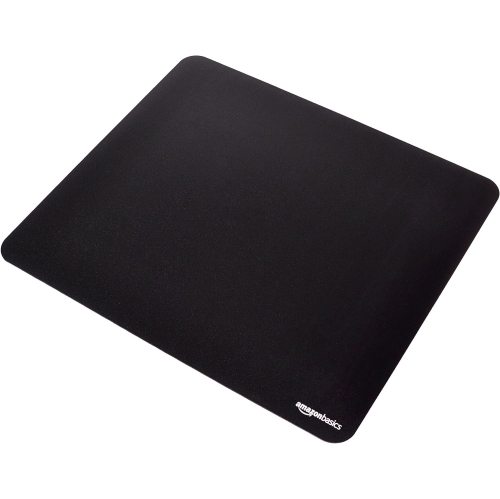
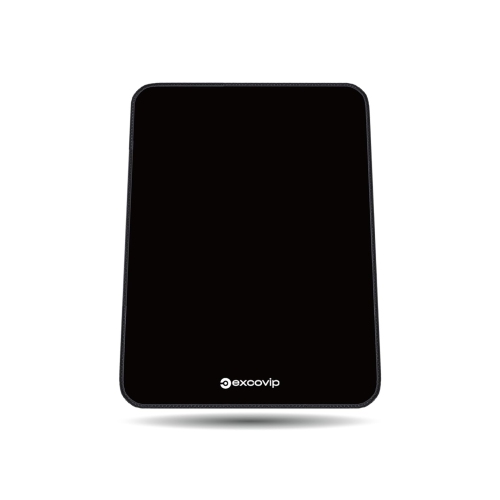


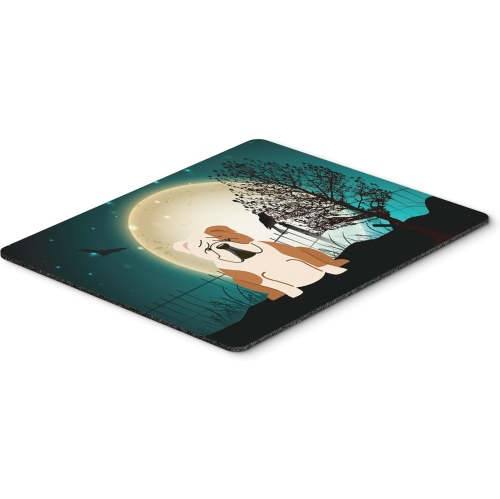


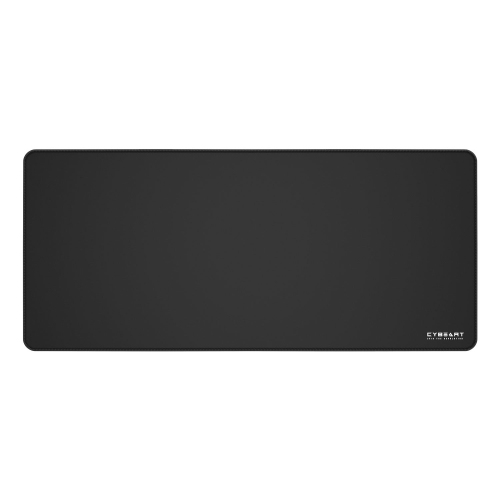


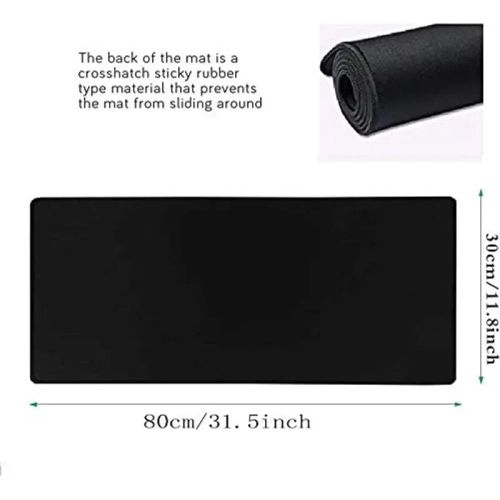



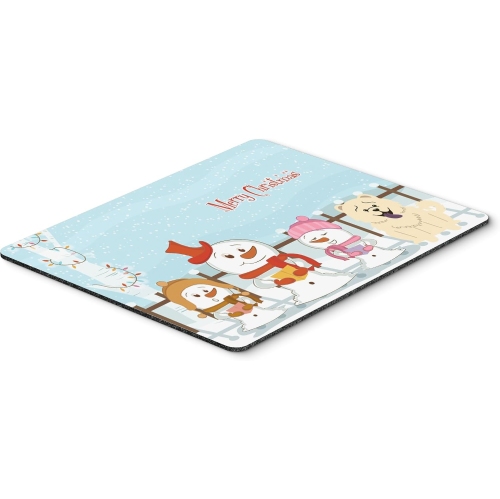
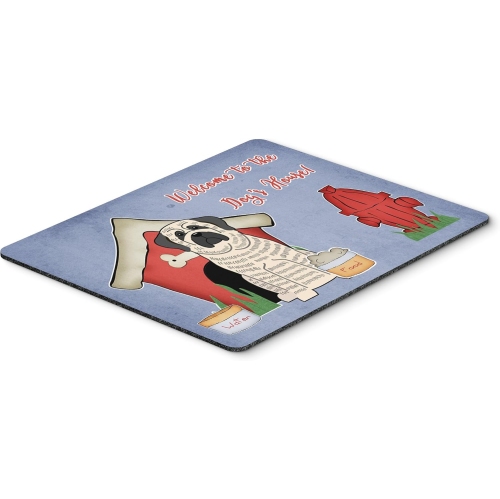
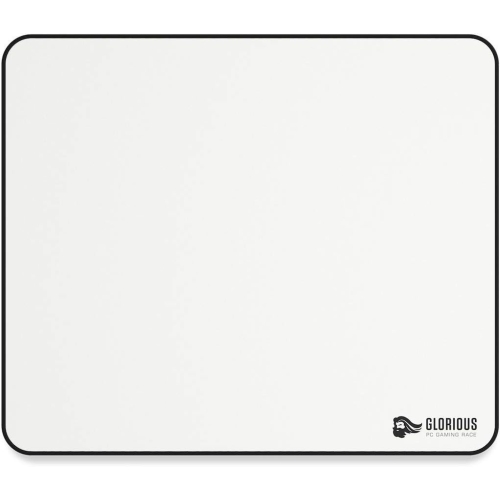


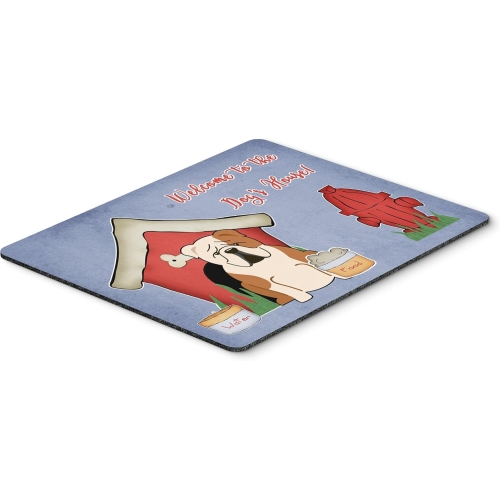






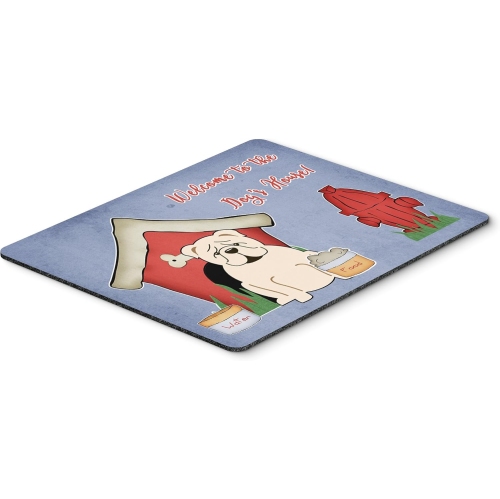

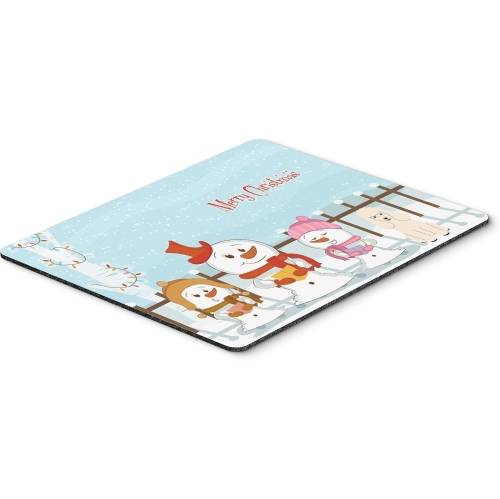
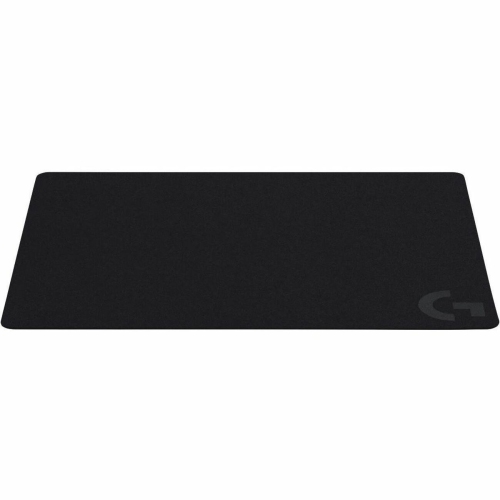
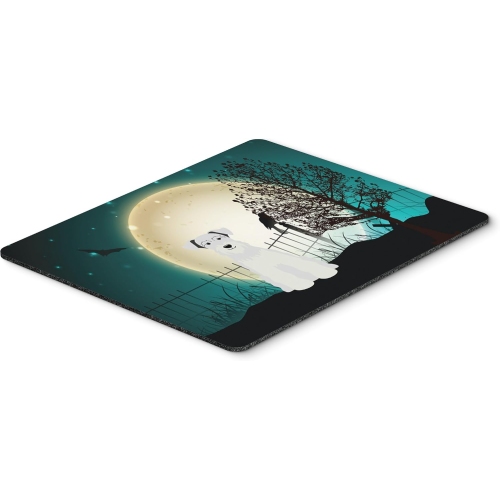

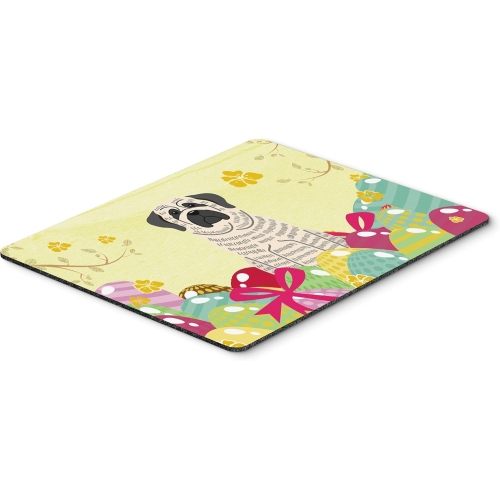
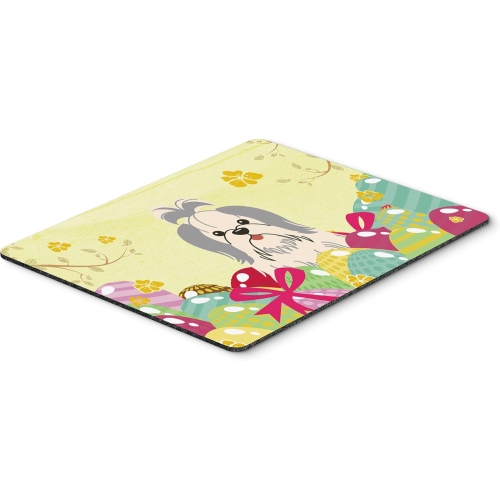
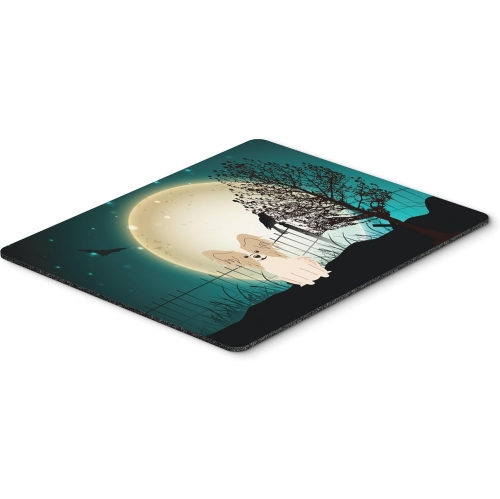

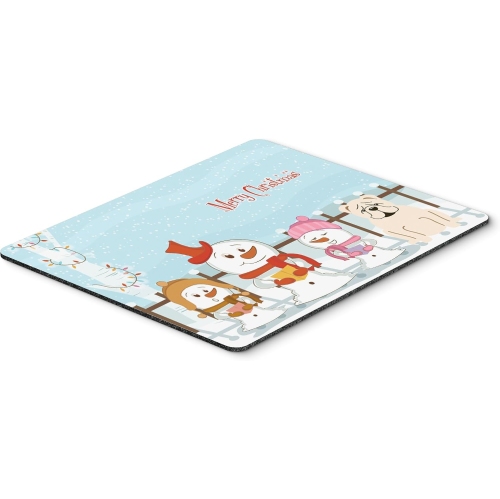
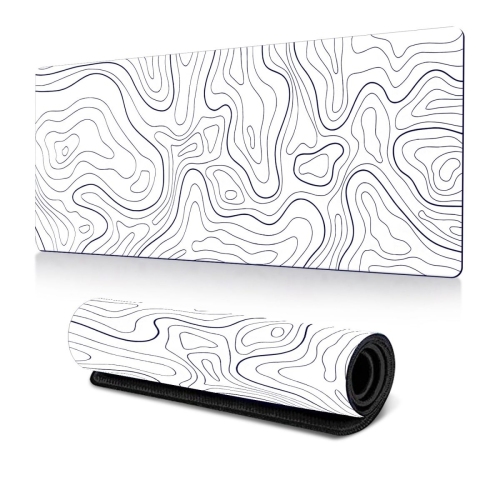
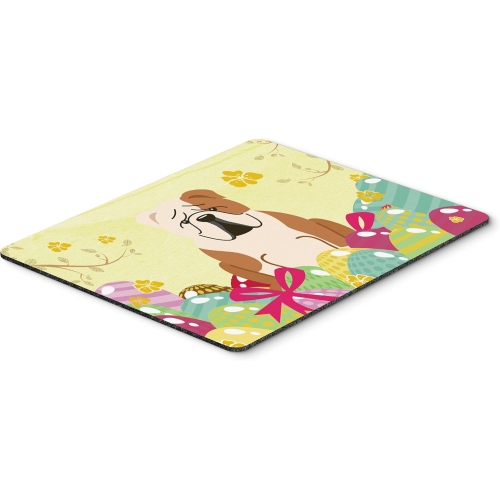
Monochrome style meets the practical side of mouse pads
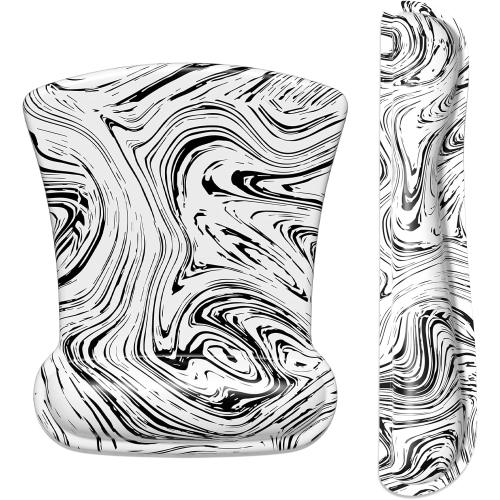
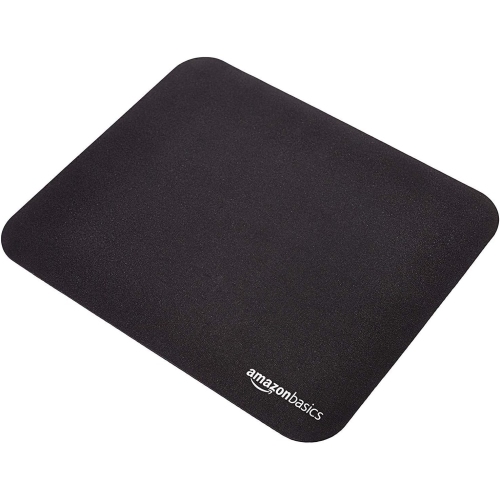
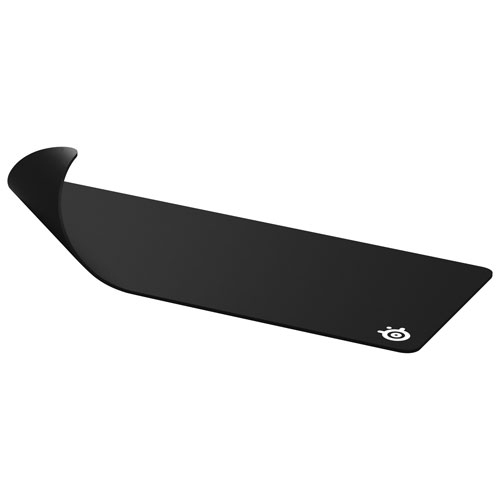
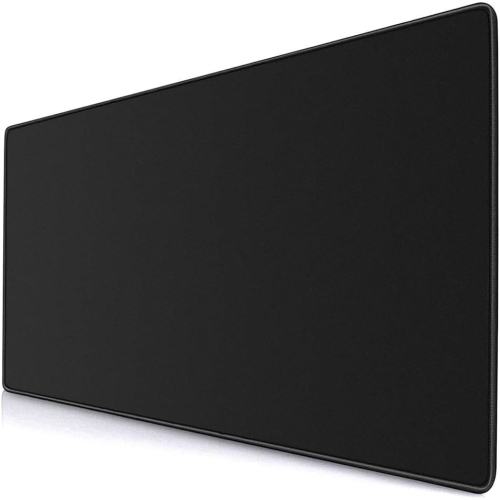
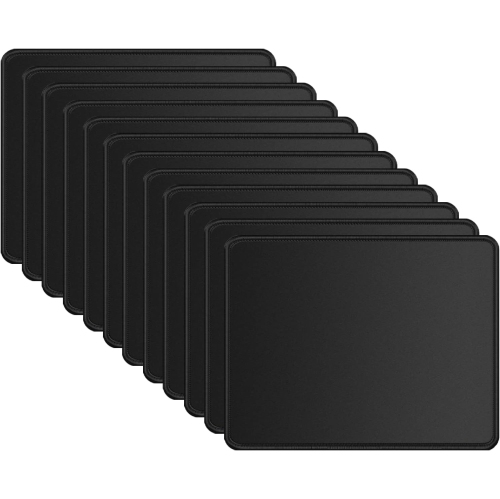
Black and white mouse pads bring a crisp, coordinated look to a desk while giving a mouse a dedicated surface for everyday movement. Their two-tone palette works comfortably beside a black monitor, a white keyboard, brushed metal accessories, or a warm wood desktop, making them easy to pair with an existing setup. The design can be as restrained as a fine grid or as expressive as sweeping waves, botanical outlines, abstract shapes, and intricate topographic lines. A mostly black background with white detailing creates a different impression from a bright white surface crossed by narrow black stripes: the first feels understated, while the second adds a lighter focal point beneath the mouse. Patterns also affect how small marks appear between cleanings, with broad white areas generally showing dust, skin oils, and everyday smudges more readily than darker sections. Beyond appearance, the size and shape help determine how naturally a pad fits into daily routines. A compact mouse pad leaves room for a notebook, a mug, and a charging cable on a small desk, while an extended mouse pad can sit beneath both the keyboard and mouse to create a continuous working area. Measurements matter more than labels such as large or extra-large, since those descriptions can vary. The usable space beside the keyboard is especially important for anyone who moves their mouse in broad sweeps rather than small wrist movements. A low-sensitivity gaming setup may need considerably more side-to-side clearance than a workstation used mainly for email and spreadsheets. Desk depth matters too: a wide mat can still feel cramped if its front edge crowds the user or its back edge runs beneath a monitor stand. For shared workspaces, monochrome patterns offer a neutral foundation that suits different tastes without making the surface feel bare. Black and white desk mats can also visually anchor a keyboard and mouse, helping a busy desk feel more orderly even when the day involves switching between handwritten notes, video calls, and detailed screen work.
The feel of a black and white mouse pad depends on its surface, backing, thickness, and edge construction, not simply its printed design. Cloth mouse pads commonly pair a woven fabric top with a flexible, grippy base. A finer weave can feel smooth beneath the hand, while a more textured weave may provide greater resistance during movement; the actual glide also depends on the mouse feet and the condition of the surface. This balance matters when making precise selections in a spreadsheet, adjusting points in a drawing, or tracking movement in a game. Hard-surface mouse pads offer a firmer feel and may allow faster movement, although the sound and sensation under the mouse can differ from fabric. Neither surface type guarantees better accuracy on its own, and compatibility with the mouse sensor remains worth checking, particularly with glossy or unusual finishes. Rubber or other non-slip backing helps keep a pad in place, but a clean, dry desktop gives that backing a better chance to grip consistently. Thickness changes the experience as well. A thinner pad creates a lower transition from the desk, while a thicker pad can soften contact with the forearm and help mask minor surface irregularities. Extra cushioning is not a substitute for comfortable desk height or suitable mouse positioning, especially during long sessions. At the perimeter, stitched edges can help limit fabric fraying and separation with repeated use, though a raised seam may be noticeable beneath the wrist. A smooth, low-profile edge may suit someone whose arm regularly crosses the front of the pad. Durability also comes down to how the layers hold together, how well the pad lies flat, and whether the surface maintains a consistent texture across the main tracking area. For someone who takes a mouse pad between home, school, and the office, flexibility and portability may matter as much as size. A flexible mat that rolls for transport serves a different routine from a rigid pad kept permanently beside a desktop computer.
Routine care helps preserve both the appearance and the feel of black and white mouse pads, especially where pale sections sit beneath the wrist or alongside the keyboard. Dust, crumbs, and grit can make mouse movement feel uneven, so keeping the pad and mouse feet clean supports a more consistent glide. Cleaning methods should match the material and the manufacturer's directions rather than the colour alone. Some fabric surfaces tolerate gentle spot cleaning with a soft cloth and mild soap, while others have finishes or layered construction that require a different approach. A water-resistant coating may make a small spill easier to blot away, but it does not necessarily make the whole pad waterproof or suitable for soaking. Unless the care instructions explicitly allow machine washing, a washing machine can be too harsh for the backing, seams, or bonded layers. When damp cleaning is permitted, allowing the pad to dry fully and lie flat before use helps prevent moisture from sitting against the desk. Strong cleaners, vigorous scrubbing, and direct heat can affect printed designs or alter the surface, so gentler care is usually the more practical starting point. For day-to-day use, a patterned monochrome surface can be a forgiving choice for a busy family workstation, while a predominantly white pad may appeal to someone who enjoys a bright, carefully coordinated desk and does not mind more frequent upkeep. These accessories can make thoughtful gifts for students, remote workers, gamers, and people who spend time editing photos or creating digital artwork, provided the dimensions and surface feel suit their habits. A subtle grid may fit a tidy study corner, while flowing line art can add personality to a larger gaming space without introducing another colour. For a different palette, Colorful Mouse Pads offer another direction for personalizing a desk. The appeal of black and white remains its versatility: it can tie together mixed accessories, give a familiar workspace a distinct visual centre, and provide a comfortable, practical surface for the mouse movements that fill an ordinary day.
The feel of a black and white mouse pad depends on its surface, backing, thickness, and edge construction, not simply its printed design. Cloth mouse pads commonly pair a woven fabric top with a flexible, grippy base. A finer weave can feel smooth beneath the hand, while a more textured weave may provide greater resistance during movement; the actual glide also depends on the mouse feet and the condition of the surface. This balance matters when making precise selections in a spreadsheet, adjusting points in a drawing, or tracking movement in a game. Hard-surface mouse pads offer a firmer feel and may allow faster movement, although the sound and sensation under the mouse can differ from fabric. Neither surface type guarantees better accuracy on its own, and compatibility with the mouse sensor remains worth checking, particularly with glossy or unusual finishes. Rubber or other non-slip backing helps keep a pad in place, but a clean, dry desktop gives that backing a better chance to grip consistently. Thickness changes the experience as well. A thinner pad creates a lower transition from the desk, while a thicker pad can soften contact with the forearm and help mask minor surface irregularities. Extra cushioning is not a substitute for comfortable desk height or suitable mouse positioning, especially during long sessions. At the perimeter, stitched edges can help limit fabric fraying and separation with repeated use, though a raised seam may be noticeable beneath the wrist. A smooth, low-profile edge may suit someone whose arm regularly crosses the front of the pad. Durability also comes down to how the layers hold together, how well the pad lies flat, and whether the surface maintains a consistent texture across the main tracking area. For someone who takes a mouse pad between home, school, and the office, flexibility and portability may matter as much as size. A flexible mat that rolls for transport serves a different routine from a rigid pad kept permanently beside a desktop computer.
Routine care helps preserve both the appearance and the feel of black and white mouse pads, especially where pale sections sit beneath the wrist or alongside the keyboard. Dust, crumbs, and grit can make mouse movement feel uneven, so keeping the pad and mouse feet clean supports a more consistent glide. Cleaning methods should match the material and the manufacturer's directions rather than the colour alone. Some fabric surfaces tolerate gentle spot cleaning with a soft cloth and mild soap, while others have finishes or layered construction that require a different approach. A water-resistant coating may make a small spill easier to blot away, but it does not necessarily make the whole pad waterproof or suitable for soaking. Unless the care instructions explicitly allow machine washing, a washing machine can be too harsh for the backing, seams, or bonded layers. When damp cleaning is permitted, allowing the pad to dry fully and lie flat before use helps prevent moisture from sitting against the desk. Strong cleaners, vigorous scrubbing, and direct heat can affect printed designs or alter the surface, so gentler care is usually the more practical starting point. For day-to-day use, a patterned monochrome surface can be a forgiving choice for a busy family workstation, while a predominantly white pad may appeal to someone who enjoys a bright, carefully coordinated desk and does not mind more frequent upkeep. These accessories can make thoughtful gifts for students, remote workers, gamers, and people who spend time editing photos or creating digital artwork, provided the dimensions and surface feel suit their habits. A subtle grid may fit a tidy study corner, while flowing line art can add personality to a larger gaming space without introducing another colour. For a different palette, Colorful Mouse Pads offer another direction for personalizing a desk. The appeal of black and white remains its versatility: it can tie together mixed accessories, give a familiar workspace a distinct visual centre, and provide a comfortable, practical surface for the mouse movements that fill an ordinary day.
Top selling and popular products
-
 Your price for this item is $9.95
-
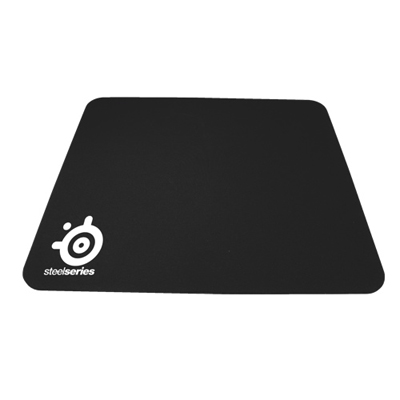 Your price for this item is $14.99
-
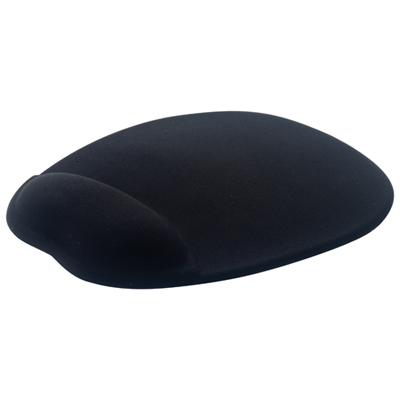 Your price for this item is $19.95
-
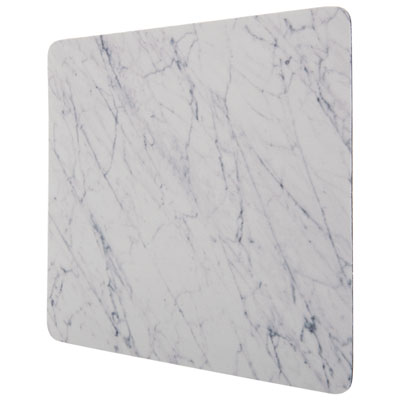 Your price for this item is $9.95
-
 Your price for this item is $7.95
-
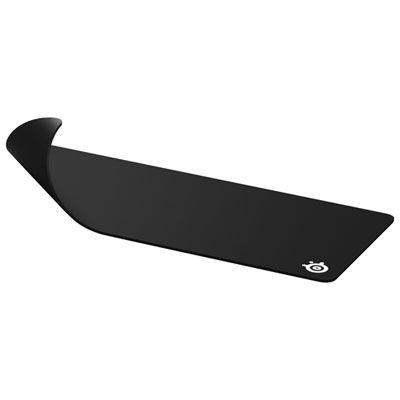 Your price for this item is $49.99
-
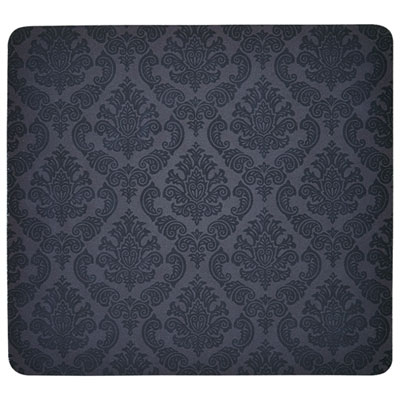 Your price for this item is $7.95
-
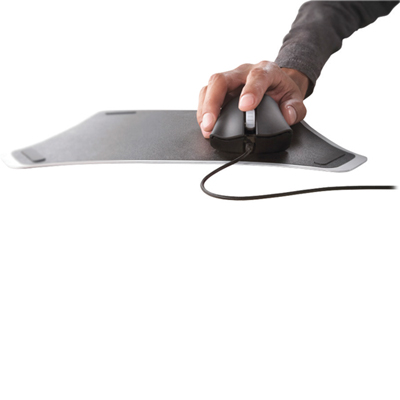 Your price for this item is $19.95
Discover more categories related to Black And White Mouse Pads
Top Collections:
Best Black Friday Deals This Year, Best Black Friday Deals On Electronics, Kindle Devices, Pokemon Centers, Best Black Friday Deals On Apple Products, Best Cameras for Sports Photography, Dyson Airwrap, Pokémon 30th Celebration Cards, Apple iPhone 17 Pro, Canon G7X Cameras
Some products may be subject to Environmental Handling Fees
(EHF) depending on your province.
Learn more about EHFs.