Black Mouse Mats
Black Mouse Mats offer a sleek and professional addition to any workspace or gaming setup. With their classic color, these mouse mats easily complement various desk styles and environments. Whether for work, study, or play, Black Mouse Mats provide an attractive and functional surface that helps keep your desk organized. Discover a range of options to suit your needs and elevate your computing experience.
Sort



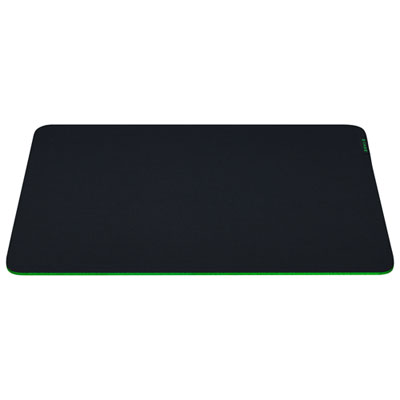
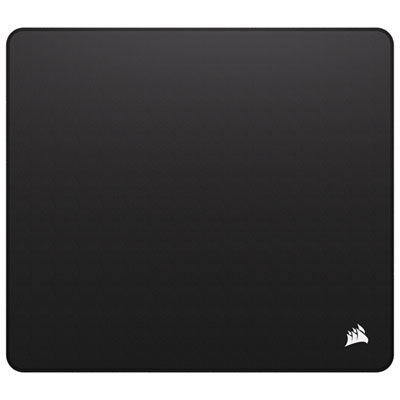
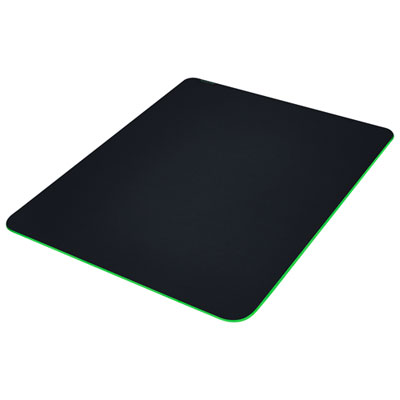
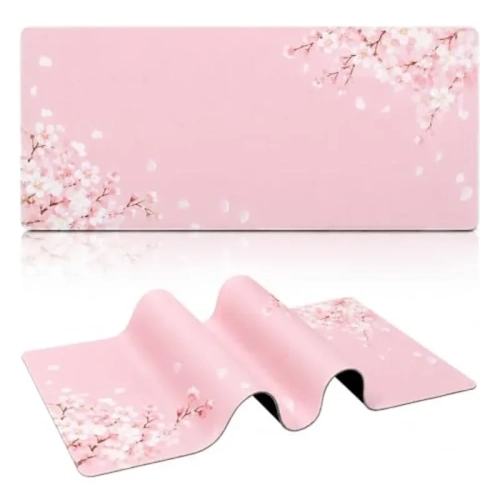


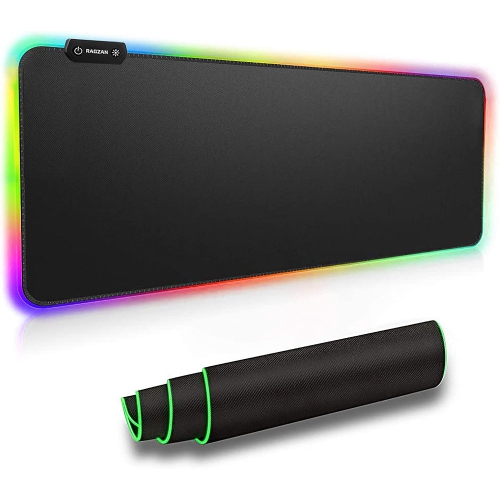
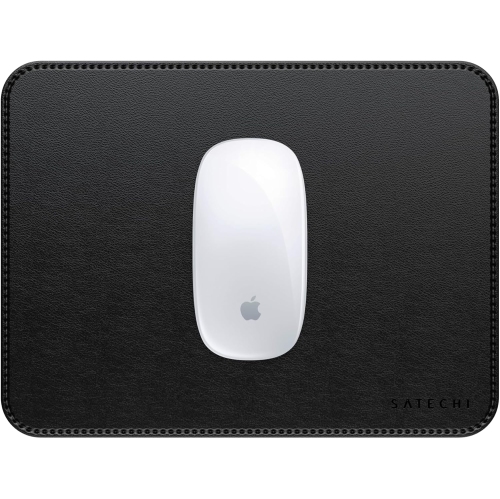


How texture and size shape everyday mouse control
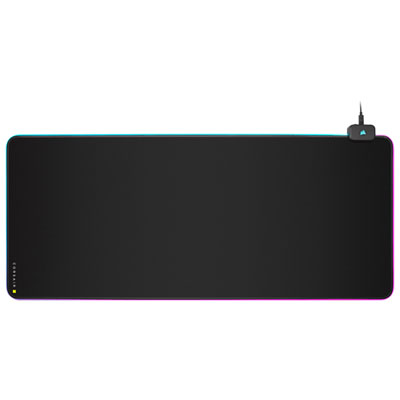
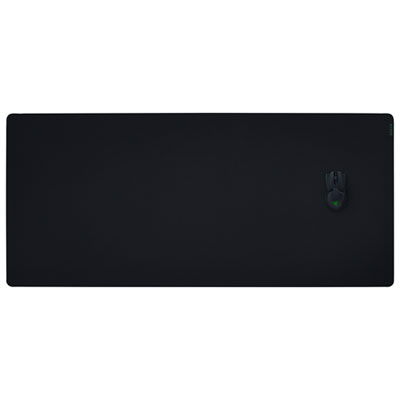
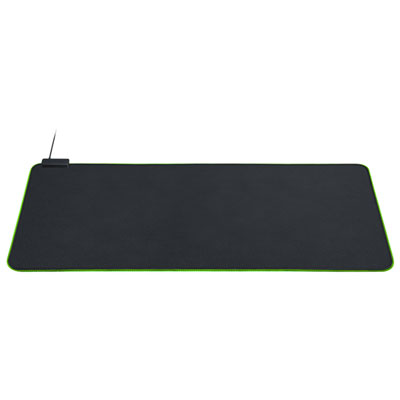
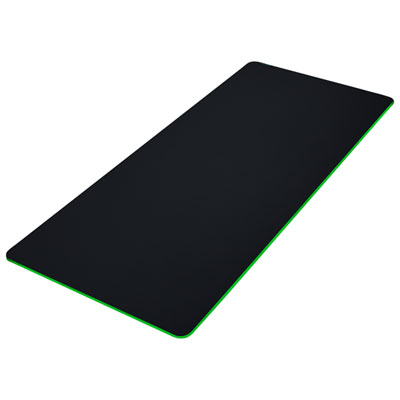
Black mouse mats provide a dedicated surface for everyday cursor control, with options ranging from compact cloth pads to extended desk mats that sit beneath both a keyboard and mouse. Their dark colour fits naturally into many workspaces, whether the setup includes a simple laptop and wireless mouse or a full desktop computer with multiple monitors. A black surface can create a consistent backdrop without competing with the rest of the desk, while differences in texture, edging and finish give these accessories distinct looks and handling characteristics. Cloth mouse mats typically pair a woven top layer with a flexible, grippy backing. They often offer a softer feel beneath the forearm and a measured glide that suits document work, browsing and many gaming preferences. Hard-plastic mats provide a firmer surface and can feel quicker under the mouse, although the amount of friction also depends on the mouse feet and surface texture. Vinyl surfaces generally have a smooth, wipeable finish, making them practical where frequent cleaning is useful. Larger desk pads may use other coated materials, so the surface construction matters as much as the colour. Black mouse mats also vary in thickness: a thin pad keeps the transition from desktop to mat relatively low, while a thicker design adds cushioning and can make minor surface irregularities less noticeable. Neither replaces a stable, level work surface. For optical and laser mice, compatibility depends on the particular sensor and mat finish; very glossy or reflective surfaces may not track reliably with every mouse. A consistent texture is often more useful than an especially slick appearance. Matte black fabric offers an understated look, while a smoother black finish can complement a streamlined workspace. These differences make black mouse mats useful for home offices, shared workstations, study areas and gaming desks, with the best fit determined by the available space and the way the mouse is used.
Size and shape affect how comfortably a mouse mat fits into a daily routine. A compact pad can work well beside a laptop on a narrow desk, leaving room for a notebook, charger or drinking glass. A larger mouse-only surface gives more room for broad movements without requiring the keyboard to sit on the mat. Extended black desk mats create a continuous area beneath the keyboard and mouse, which can make a workstation look more cohesive and help keep the keyboard from sliding when the backing grips the desktop well. Actual dimensions are more informative than labels such as large or extended, since those terms are not standardized. Useful measurements include the space beside the keyboard, the distance to the front edge of the desk and the area needed for the mouse cable, if there is one. Gamers who use low pointer sensitivity often make wider arm movements and may appreciate extra width and depth; someone working mainly in spreadsheets or email may need less travel space. Designers and photo editors may also value a predictable surface for small, deliberate adjustments, although precision depends on the mouse settings and software as well as the mat. Placement matters, too: a pad that pushes the keyboard too far away can make an otherwise tidy setup awkward to use. Straight, flat edges leave fewer interruptions along the front of the work area, while rounded corners can fit neatly into a compact layout. Stitched borders may help limit fraying on fabric mats, but the seam should feel comfortable wherever the wrist or forearm crosses it. A grippy base helps the mat stay in place during repeated movement, though dust or a slick desktop can reduce its hold. For shared desks, a flexible mat that rolls loosely can be easier to move, while a rigid surface needs storage space that keeps it flat and protected from bending.
Care and construction influence how a black mouse mat looks and feels over time. Black can blend into a dark desktop, but pale dust, lint and crumbs may still stand out against it. Keeping the surface clear helps preserve a consistent glide and reduces the chance of debris catching beneath the mouse feet. Loose particles can usually be lifted gently, while cleaning methods for marks and spills depend on the material and backing. Cloth mats may permit careful spot cleaning with a small amount of mild soap and water, but soaking, machine washing and heat drying are not suitable for every design. Manufacturer care directions take priority, particularly when a mat has bonded layers, printed details or integrated lighting. A cleaned fabric mat needs to dry fully before it returns to the desk. Smooth vinyl and hard-plastic surfaces are often simpler to wipe with a soft, lightly dampened cloth, provided the finish allows it; abrasive cleaners and strong solvents can damage some coatings. Durability is also reflected in the edges, backing and how evenly the mat lies. A border that stays intact, layers that remain bonded and a base that retains its grip all contribute to a dependable everyday surface. Mats with electrical features need additional clearance for their connections and should be cleaned with moisture kept away from ports and controls. For students, remote workers and gamers, a black mouse mat can be a practical desk accessory or a thoughtful gift when its dimensions suit the recipient’s setup. A compact version suits a small study nook, while a broad desk mat makes more sense for someone with room to spread out. Colour can be another way to personalize that space: black offers a neutral foundation, while Blue Mouse Pads introduce a different accent. Across these styles, a suitable surface balances comfortable texture, reliable tracking, manageable care and enough room for natural mouse movement.
Size and shape affect how comfortably a mouse mat fits into a daily routine. A compact pad can work well beside a laptop on a narrow desk, leaving room for a notebook, charger or drinking glass. A larger mouse-only surface gives more room for broad movements without requiring the keyboard to sit on the mat. Extended black desk mats create a continuous area beneath the keyboard and mouse, which can make a workstation look more cohesive and help keep the keyboard from sliding when the backing grips the desktop well. Actual dimensions are more informative than labels such as large or extended, since those terms are not standardized. Useful measurements include the space beside the keyboard, the distance to the front edge of the desk and the area needed for the mouse cable, if there is one. Gamers who use low pointer sensitivity often make wider arm movements and may appreciate extra width and depth; someone working mainly in spreadsheets or email may need less travel space. Designers and photo editors may also value a predictable surface for small, deliberate adjustments, although precision depends on the mouse settings and software as well as the mat. Placement matters, too: a pad that pushes the keyboard too far away can make an otherwise tidy setup awkward to use. Straight, flat edges leave fewer interruptions along the front of the work area, while rounded corners can fit neatly into a compact layout. Stitched borders may help limit fraying on fabric mats, but the seam should feel comfortable wherever the wrist or forearm crosses it. A grippy base helps the mat stay in place during repeated movement, though dust or a slick desktop can reduce its hold. For shared desks, a flexible mat that rolls loosely can be easier to move, while a rigid surface needs storage space that keeps it flat and protected from bending.
Care and construction influence how a black mouse mat looks and feels over time. Black can blend into a dark desktop, but pale dust, lint and crumbs may still stand out against it. Keeping the surface clear helps preserve a consistent glide and reduces the chance of debris catching beneath the mouse feet. Loose particles can usually be lifted gently, while cleaning methods for marks and spills depend on the material and backing. Cloth mats may permit careful spot cleaning with a small amount of mild soap and water, but soaking, machine washing and heat drying are not suitable for every design. Manufacturer care directions take priority, particularly when a mat has bonded layers, printed details or integrated lighting. A cleaned fabric mat needs to dry fully before it returns to the desk. Smooth vinyl and hard-plastic surfaces are often simpler to wipe with a soft, lightly dampened cloth, provided the finish allows it; abrasive cleaners and strong solvents can damage some coatings. Durability is also reflected in the edges, backing and how evenly the mat lies. A border that stays intact, layers that remain bonded and a base that retains its grip all contribute to a dependable everyday surface. Mats with electrical features need additional clearance for their connections and should be cleaned with moisture kept away from ports and controls. For students, remote workers and gamers, a black mouse mat can be a practical desk accessory or a thoughtful gift when its dimensions suit the recipient’s setup. A compact version suits a small study nook, while a broad desk mat makes more sense for someone with room to spread out. Colour can be another way to personalize that space: black offers a neutral foundation, while Blue Mouse Pads introduce a different accent. Across these styles, a suitable surface balances comfortable texture, reliable tracking, manageable care and enough room for natural mouse movement.
Top selling and popular products
-
 Your price for this item is $9.95
-
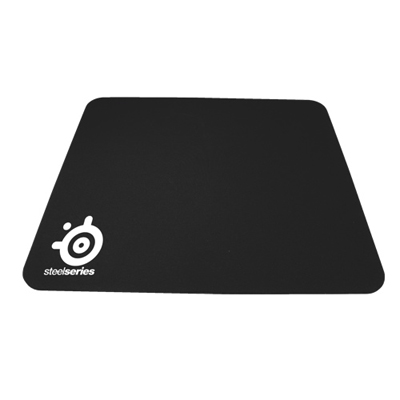 Your price for this item is $14.99
-
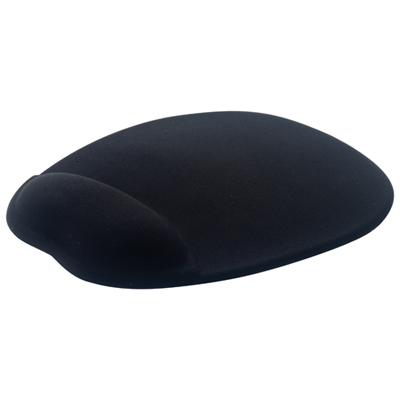 Your price for this item is $19.95
-
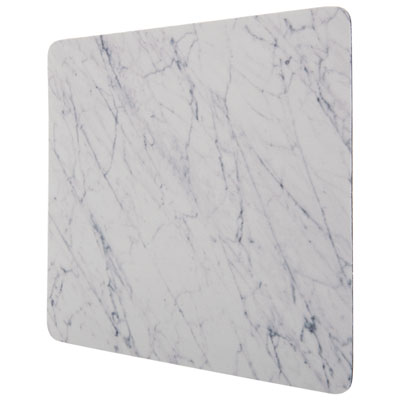 Your price for this item is $9.95
-
 Your price for this item is $7.95
-
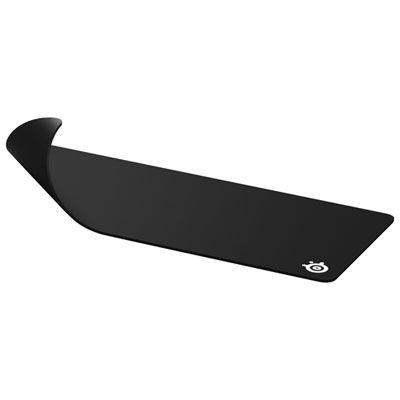 Your price for this item is $49.99
-
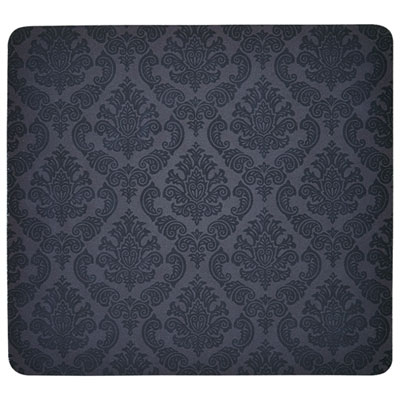 Your price for this item is $7.95
-
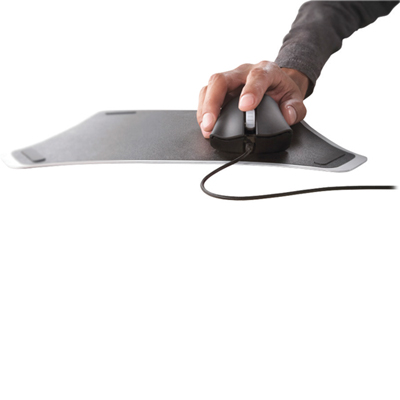 Your price for this item is $19.95
Discover more categories related to Black Mouse Mats

Top Collections:
Best Black Friday Deals This Year, Best Black Friday Deals On Electronics, Kindle Devices, Pokemon Centers, Best Black Friday Deals On Apple Products, Best Cameras for Sports Photography, Dyson Airwrap, Pokémon 30th Celebration Cards, Apple iPhone 17 Pro, Canon G7X Cameras
Some products may be subject to Environmental Handling Fees
(EHF) depending on your province.
Learn more about EHFs.