Black Friday Deals Coming Soon

Our Black Friday Sale returns in November 2026. In the meantime, shop our current top deals below.

Black Friday Sale on Computer Accessories

Shop the Black Friday sale on computer accessories for practical additions to your desktop or laptop setup. Browse accessories for everyday work, gaming, and staying connected, and compare compatibility, features, and prices to find options that suit your devices and budget. Remember, our Low Price Guarantee means you can shop confidently knowing that you'll find the best price at Best Buy, all year round. We encourage you to check our website frequently for the most up-to-date information on our latest offers and savings opportunities.
Read More

Sort

The accessory details that make a desk work better

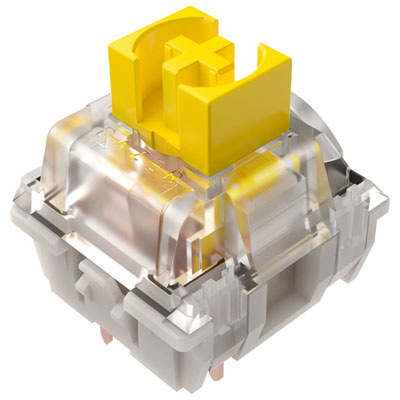
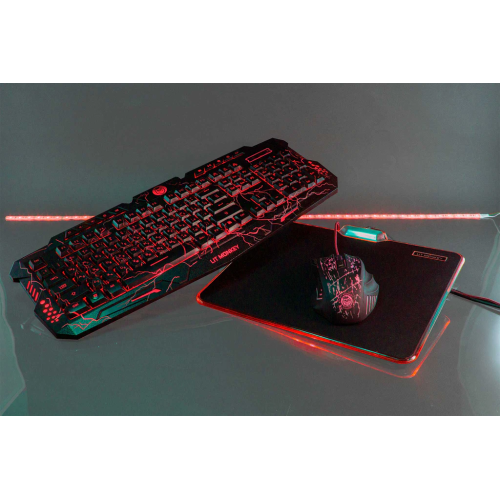
Computer accessories bring the everyday details of a desk setup into focus: the feel of a keyboard during a long assignment, the space a mouse needs beside a notebook, and the connections that keep a laptop ready for work. Black Friday is a familiar occasion for thinking about those details, whether the goal is a more comfortable home office, a practical study space, or a shared family computer area. The most useful accessories suit both the computer and the person using it. A compact keyboard leaves more room on a narrow desk, while a full-size layout with a number pad can make spreadsheets and bookkeeping more convenient. Key spacing, key travel, and typing sound all affect how a keyboard feels through an afternoon of emails or coursework. A quiet typing setup may be especially welcome in a shared room, while a more pronounced key response can appeal to someone who prefers distinct feedback with each press. Mouse shape matters just as much: hand size, grip style, and left- or right-handed use influence comfort more than appearance alone. Wireless connections reduce cable clutter, while wired accessories offer a direct connection without batteries to manage. Bluetooth accessories can be useful for moving between compatible devices, although pairing features and operating system support vary. For someone working at the kitchen table, a slim mouse and a protective laptop sleeve are easy to pack away before dinner. At a permanent desk, a larger mouse pad, an adjustable laptop stand, and neatly routed cables can help create a more settled workspace. These details become particularly noticeable during the cooler months, when school projects, indoor hobbies, and work often share the same surface. A well-matched setup supports those different routines without making the desk feel crowded or complicated, leaving room for the papers, pens, and other essentials that still belong beside a screen.

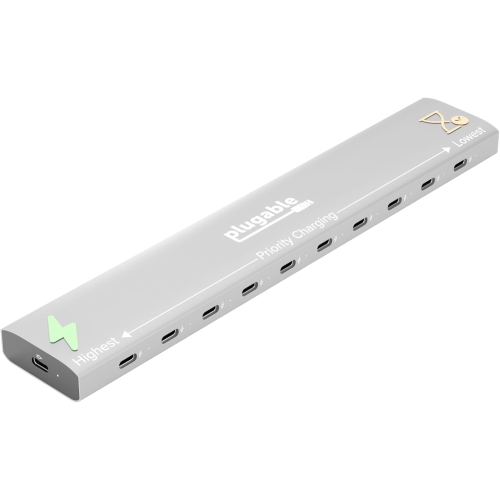
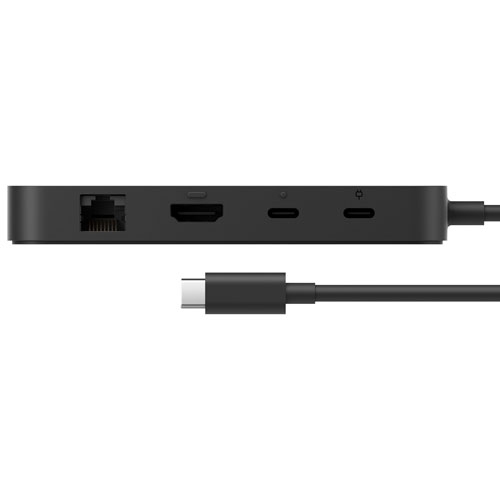
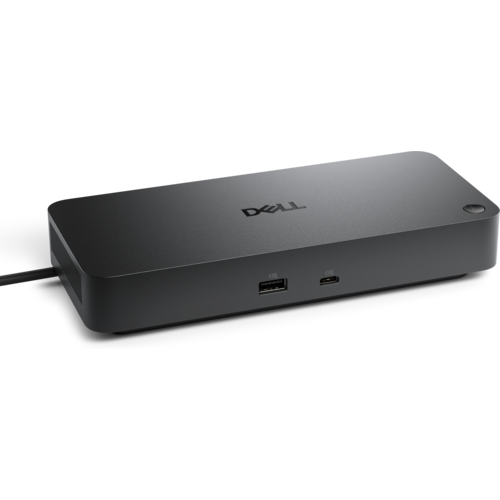
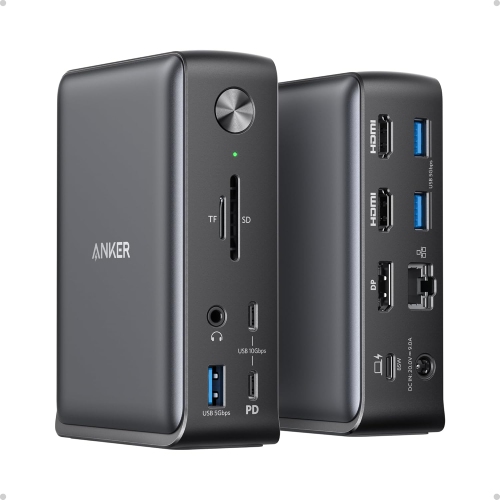
Connections and physical fit are central to how computer accessories perform in daily use. A connector that fits a port does not necessarily support every function, so charging, data transfer, and display output each deserve attention. USB-C ports can have different capabilities, and a hub or docking station needs to work with the host computer as well as the devices attached to it. Someone arriving home with a laptop may appreciate connecting a keyboard, mouse, external display, and wired network through a compatible dock rather than attaching each cable separately. For that arrangement, supported display resolutions, power delivery, and operating system compatibility matter more than the number of sockets alone. Cable length also changes the experience: a short cable keeps a nearby connection tidy, while a longer one may be needed to reach a computer beneath the desk without pulling against its port. Storage accessories serve another practical purpose, making space for large projects, photo libraries, and files that need to travel between locations. Capacity, transfer speed, connector type, and compatibility with backup software help distinguish their intended uses. Important files still benefit from a separate backup rather than relying on a single drive. Physical dimensions deserve the same care as technical specifications. Laptop sleeves should accommodate the computer’s width, depth, and thickness, not just its advertised screen size, especially when a protective case stays attached. Stands need an appropriate weight rating and a stable base, with enough clearance to avoid blocking ventilation. Soft fabric linings, padded corners, and smooth closures can help protect a computer from everyday scuffs during a commute. Rigid shells offer a different balance of structure and weight, while flexible pouches are easier to tuck into a larger bag. For accessories that travel regularly, reinforced cable joints, secure fastenings, and sturdy hinges are useful details. A sleeve provides cushioning, but it should not be assumed to protect against drops or spilled drinks unless its specifications expressly support those claims.

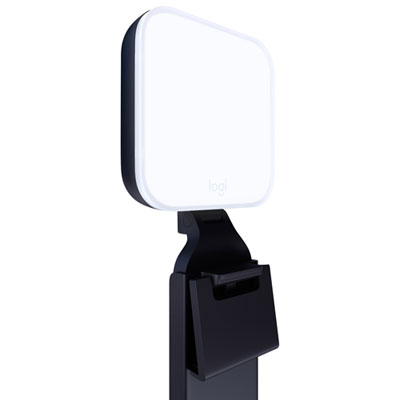
Comfort, care, and intended use give computer accessories their lasting value beyond the first few days at a desk. A stand can raise a laptop screen, but an external keyboard and mouse are often needed to keep the hands at a comfortable working height. Adjustable designs are particularly useful where several people share a computer, allowing the setup to change between homework, household administration, and evening browsing. Webcams and headsets can make remote conversations easier to follow, with microphone placement, room noise, and lighting all affecting the result. A student joining a group project from a busy living room has different needs from someone making calls in a quiet home office. For longer sessions, headset weight, headband adjustment, and ear cushion materials influence comfort; soft fabric and smooth synthetic coverings have different textures and cleaning requirements. Accessories used for creative work may place more emphasis on precise input, configurable controls, or a larger working surface. Gaming introduces its own preferences for responsive controls, room for broad mouse movements, and convenient communication with teammates. For a setup centred on play, Cyber Monday Sale on Gaming Accessories brings that related category into focus. Across work and leisure, straightforward care helps keep frequently handled surfaces pleasant to use. Manufacturer-approved cleaning methods are important around key openings, sensors, fabric surfaces, and charging ports; liquids should not be sprayed directly onto electronics. Cables are easier to protect when loosely coiled rather than sharply bent, and accessories carried in a bag benefit from a separate compartment away from loose objects. As gifts, computer accessories are most thoughtful when they reflect an established routine: a portable setup for a commuter, a comfortable typing arrangement for a frequent writer, or practical connections for someone moving between home and campus. Checking device compatibility, desk space, and personal preferences helps make the gift genuinely useful. The strongest fit is often an accessory that quietly removes a daily inconvenience, whether that means a better position for a screen, fewer tangled cables, or a familiar place for everything at the end of the day.
Read More

FAQ

Some products may be subject to Environmental Handling Fees (EHF) depending on your province. Learn more about EHFs.