Cyber Monday Deals Coming Soon

Our Cyber Monday Sale returns in December 2026. In the meantime, shop our current top deals below.

Cyber Monday Sale on Computer Accessories

Shop the Cyber Monday sale on computer accessories for deals on everyday essentials for your desktop or laptop setup. Browse accessories such as keyboards, mice, webcams and USB hubs, and compare connections, compatibility and features to find what fits your workspace. Remember, our Low Price Guarantee means you can shop confidently knowing that you'll find the best price at Best Buy, all year round. We encourage you to check our website frequently for the most up-to-date information on our latest offers and savings opportunities.
Read More

Sort

Computer accessories that solve everyday setup frustrations

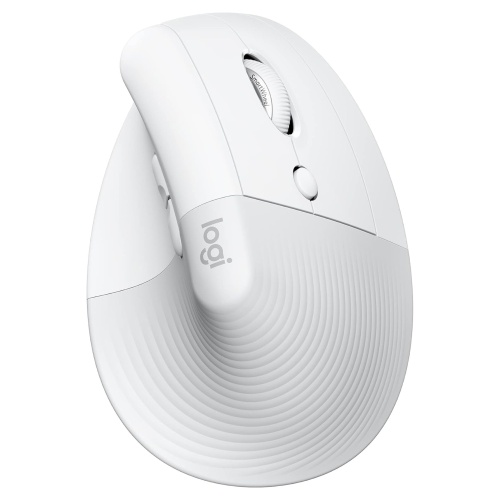
Computer accessories bring the parts of a desktop or laptop setup together, shaping how comfortably a person can type, navigate, connect devices, and move between tasks. For people browsing computer accessories around Cyber Monday, the most useful choices often address familiar frustrations: a cramped keyboard during long writing sessions, too few connections for a home office, or a laptop bag that leaves charging cables tangled at the bottom. Keyboards, mice, headsets, webcams, hubs, and protective cases serve different purposes, but their value depends on how well they fit the computer and the person using it. A full-size keyboard provides a dedicated number pad for spreadsheets and bookkeeping, while a compact layout leaves more room for mouse movement on a narrow desk. Key spacing, key travel, and typing sound also matter, especially in shared rooms where a sharp, repetitive click can carry into a nearby conversation. Mouse size and shape should suit the user’s hand and preferred grip; a small travel mouse may fit neatly into a bag without feeling as comfortable through a full afternoon of detailed work. Wired connections offer straightforward operation without batteries, while wireless accessories allow more flexibility in positioning and can reduce cable clutter. Bluetooth compatibility, receiver requirements, and charging methods are worth checking against the computer’s specifications. For video calls, a webcam’s mounting options and performance in typical room lighting can matter as much as its stated resolution. Headset comfort depends on weight, adjustment range, ear cushion material, and the fit around glasses. A microphone that keeps speech clear in a busy household is useful for remote work, online lessons, and conversations with family. Students, home office users, creative professionals, and casual computer users may need different combinations, yet all benefit from accessories that make everyday interactions feel less awkward and more consistent.

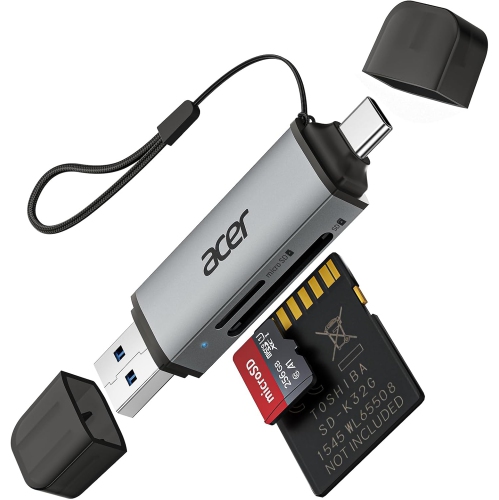
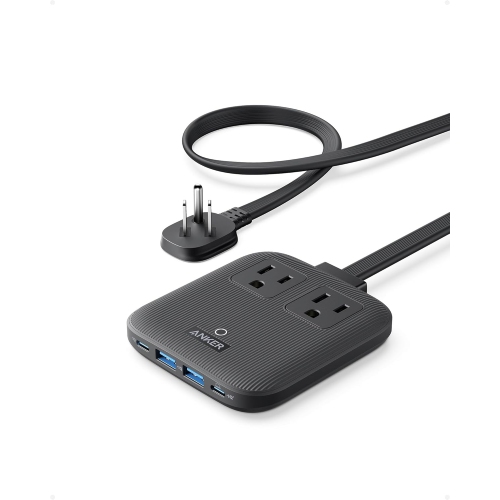
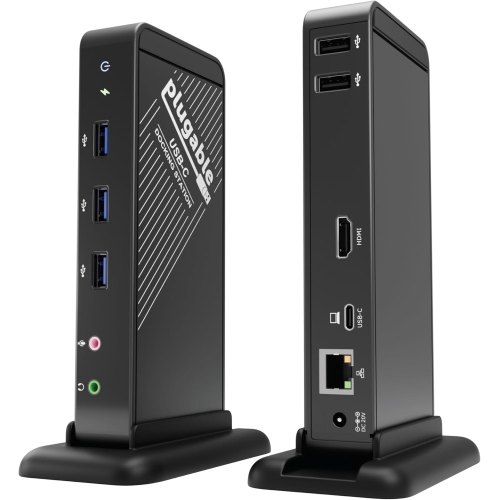
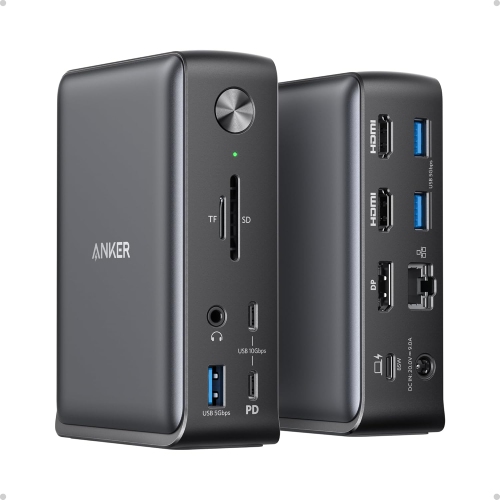
Connections and compatibility deserve particular attention because matching plugs do not always mean matching capabilities. USB-C describes a connector shape, but the supported charging, data transfer, and display functions can differ between computers, cables, and accessories. A hub can add connections for everyday peripherals, while a docking station may bring power, external displays, networking, and other devices together through one connection to a compatible laptop. For someone who carries a computer between an office and home, that can make the transition from travel to desk work much simpler. Display support depends on the full setup, including the laptop’s capabilities, operating system, dock, cable, and monitor resolution and refresh rate. Charging also requires attention to the power a laptop needs and the power an accessory can deliver; a connection that transfers files does not necessarily provide enough power to charge the computer during use. Cable length affects desk layout, too. A cable should reach its destination without pulling against a port or leaving a large loop where a chair wheel can catch it. External storage serves another practical role, whether the task involves keeping project files close at hand, moving large photo libraries, or maintaining a backup separate from the computer. Solid-state storage has no moving mechanical parts and is often well suited to frequent travel, while hard drives can suit larger collections kept mainly at a desk. Actual transfer speeds depend on both the drive and the connection, and backup software compatibility should be checked before relying on an automated routine. A separate drive is most useful as part of a backup plan that retains more than one copy of important files. Memory card readers can simplify photo and video transfers when their supported card formats match the camera or device. For shared workspaces, an Ethernet adapter may provide a wired network connection where supported, while Wi-Fi accessories need to match both the computer and the network to deliver their intended benefits.

Fit, materials, and care influence how computer accessories hold up through ordinary routines, from a crowded commute to evenings at a kitchen table. A laptop sleeve should match the computer’s actual dimensions rather than screen size alone, with enough room for easy insertion but not so much space that the device shifts freely inside. Padded interiors, covered zipper edges, and reinforced seams can help protect against everyday scuffs and bumps, although a soft sleeve is not a substitute for a rigid protective case where impact protection is needed. Water-resistant fabric can help with light splashes, but it should not be treated as waterproof unless the manufacturer specifically states that level of protection. Separate compartments keep adapters and cables from rubbing against a laptop’s finish, and accessible pockets make it easier to pack up without leaving a small receiver behind. At a desk, a stable laptop stand can raise the screen to a more comfortable viewing position; pairing it with a separate keyboard and mouse allows the screen and hands to be positioned independently. Monitor arms require a compatible mounting pattern, suitable weight capacity, and a desk surface that can safely support the clamp or base. Mouse pads and desk mats should lie flat, provide predictable tracking, and have edges that remain comfortable against the wrist or forearm. Routine care is usually simple: disconnect accessories before cleaning, follow the manufacturer’s directions, and avoid spraying liquid directly into openings. Fabric surfaces, coated plastics, metal housings, and removable cushions may each need different cleaning methods. Let cables bend gently rather than wrapping them tightly around a charger, and keep ventilation openings clear when arranging a workspace. Computer accessories can also make thoughtful gifts for students, frequent travellers, home office users, and people who spend leisure time at a computer, particularly when the recipient’s device connections and preferences are known. For setups that also support play, Cyber Monday Sale on Gaming Accessories offers a related category to explore. Across work, study, and entertainment, the strongest fit comes from accessories that suit the space, support familiar tasks, and remain comfortable to use day after day.
Read More

FAQ

Some products may be subject to Environmental Handling Fees (EHF) depending on your province. Learn more about EHFs.