Cyber Monday Deals Coming Soon

Our Cyber Monday Sale returns in December 2026. In the meantime, shop our current top deals below.

Cyber Monday Sale on Gaming Accessories

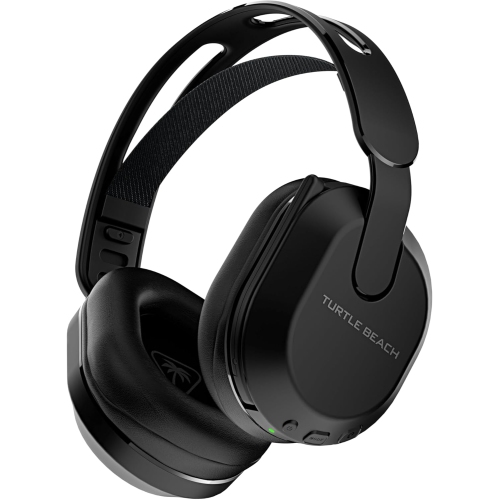
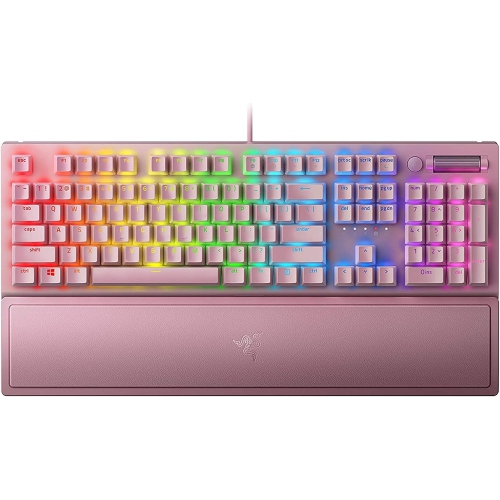
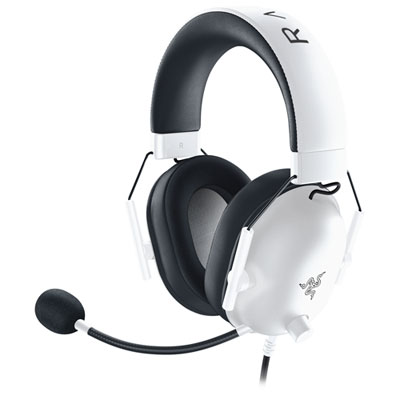
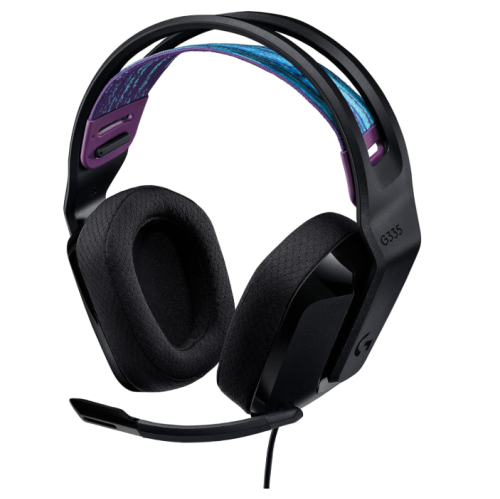
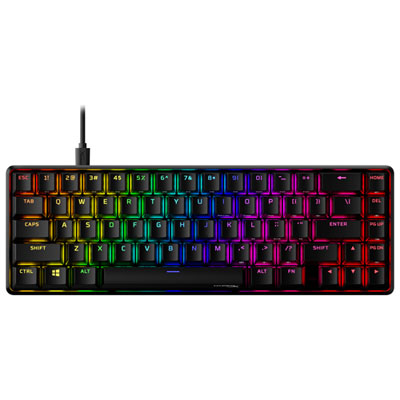
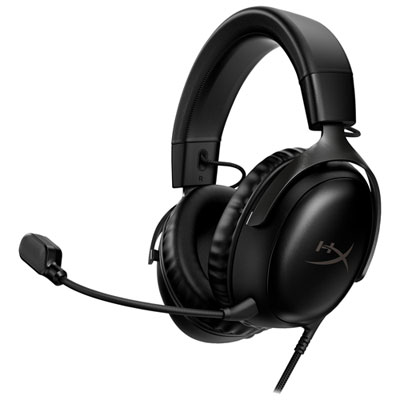
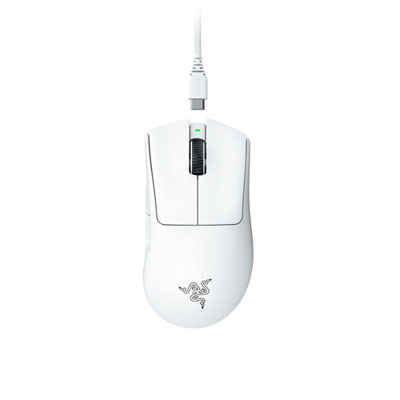
Shop the Cyber Monday sale on gaming accessories for deals on gear to round out your console or PC setup. Browse gaming headsets, controllers, keyboards, and mice, and compare compatibility, connection options, and features to find accessories that suit your play style and budget. Remember, our Low Price Guarantee means you can shop confidently knowing that you'll find the best price at Best Buy, all year round. We encourage you to check our website frequently for the most up-to-date information on our latest offers and savings opportunities.
Read More

Sort

Why gaming accessory compatibility goes beyond the connector

Gaming accessories shape the parts of play that are felt and heard every session: the resistance of a keyboard switch, the grip of a controller, the glide of a mouse, and the clarity of a teammate’s voice. Cyber Monday brings these familiar parts of a gaming setup into focus, whether the intended use is competitive multiplayer, relaxed couch play, racing simulations, or a shared family gaming space. Gaming accessories span input devices, headsets, charging equipment, mouse pads, stands, and other supporting gear, with compatibility providing the starting point for any setup. A connector that fits does not always mean every feature will work. Console support, operating system requirements, wireless connection methods, and software-dependent settings can all affect how an accessory behaves. Some controls work across several platforms, while others have platform-specific button layouts or functions. For someone moving between a computer and a console, clearly stated support for both systems matters more than a similar-looking plug. Wired connections can suit a permanent desk arrangement, while wireless designs provide more freedom to sit back or keep a surface clear of cables. Wireless operation also introduces practical considerations such as battery life, charging connections, and space for a receiver. Bluetooth and dedicated wireless receivers are different connection methods, and support for one does not imply support for the other. Shared spaces bring their own needs: a quieter keyboard can be less intrusive beside someone studying, and an easily adjusted headset can accommodate different players without a lengthy reset between sessions. For gift recipients, knowing the platform they use and how they prefer to play helps establish which accessory categories are relevant. Someone who enjoys local multiplayer may appreciate an additional compatible controller, while a regular voice-chat participant may place greater importance on microphone clarity and accessible mute controls. For a broader look at computer-focused gaming, Cyber Monday Deals on PC Gaming connects this accessory theme with the wider PC gaming setup.

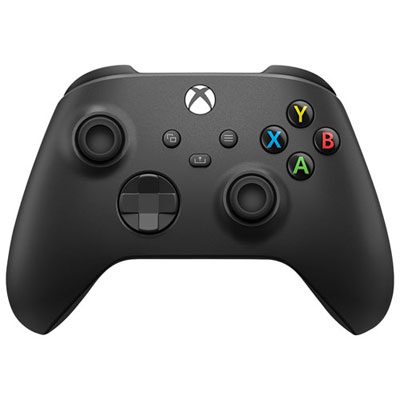
Comfort and control depend on proportions, materials, and the kinds of movements a game calls for. A gaming mouse should suit both hand size and grip style: resting the whole palm on the shell feels different from guiding a smaller body with the fingertips. Weight, balance, side-button placement, and the shape of the thumb area can influence comfort during repeated actions. Adjustable sensitivity allows cursor movement to be matched to personal preference, but a higher maximum sensitivity does not automatically make a mouse better suited to a particular player. A broad cloth mouse pad provides room for sweeping arm movements, while a firmer surface has a different glide and feel. The underside matters, too, especially on a smooth desk where an unsecured pad can shift during play. Gaming keyboards vary just as much in daily use. A full-size layout includes a number pad for tasks beyond gaming, while compact layouts leave more room for mouse movement. That smaller footprint can be useful on a narrow desk, though missing keys may require shortcuts or extra layers of commands. Switch feel ranges from a smooth press to a more pronounced tactile response, and sound varies with switch design, keycaps, and the keyboard housing. Lighting can make keys easier to identify in a dim room, but readable legends and a familiar layout remain important. Controllers introduce another set of fit considerations, including handle shape, trigger reach, thumbstick position, and access to rear buttons where fitted. Textured surfaces can help maintain a steady hold, although grip patterns feel different from one person to another. Racing wheels, pedals, and flight controls are more specialized accessories, intended for games that support their input methods. They also need adequate mounting space and a stable surface; a wheel attached to a lightweight table can move under force. These differences explain why intended use matters so much: an accessory that feels natural for a racing enthusiast may have little purpose for someone who mainly plays puzzle games with a keyboard and mouse.

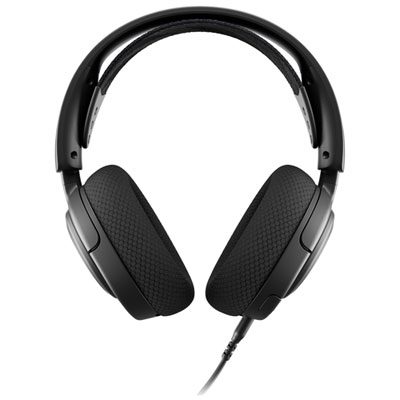
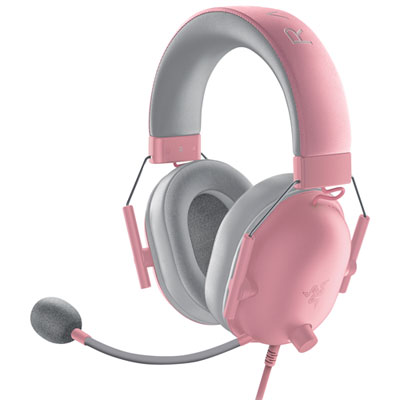
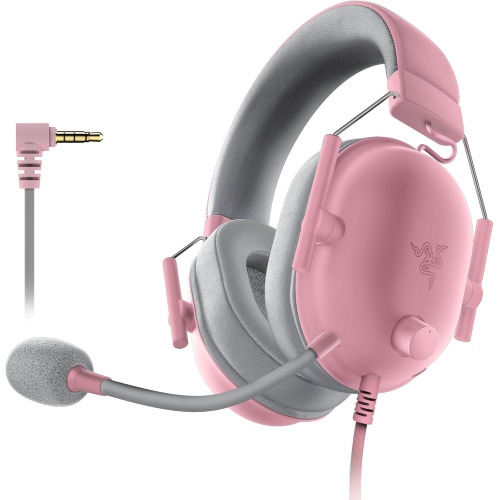
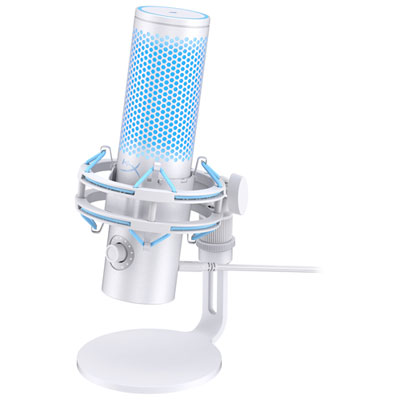
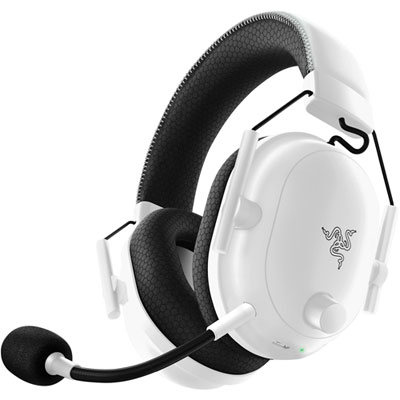
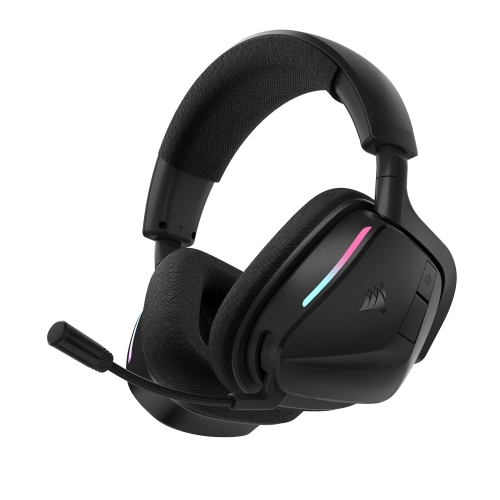
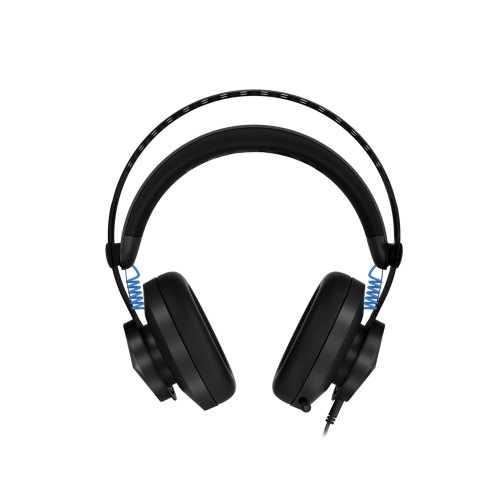
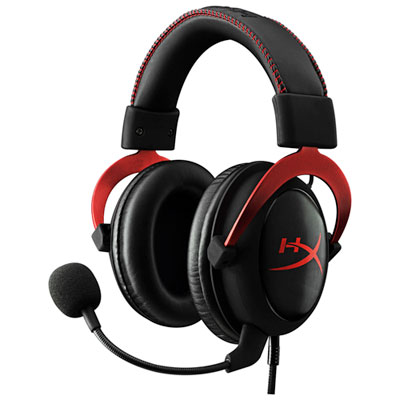
Audio accessories and everyday organization complete the experience without needing to dominate the room. A gaming headset combines listening and communication, but comfort often becomes apparent only after more than a brief try-on. Headband adjustment, ear-cup depth, clamping pressure, and overall weight all contribute to fit. Glasses wearers may notice pressure where the ear cushions meet the arms of their frames. Fabric-covered cushions can feel different against the skin from leatherette, while removable cushions may make routine cleaning and eventual replacement simpler when supported by the design. Closed-back ear cups can reduce some outside distractions, though passive isolation is not the same feature as active noise cancellation. Microphone placement also affects speech clarity: a flexible boom allows the microphone to sit near the mouth without being directly in the path of breath. Convenient volume and mute controls are particularly useful when a conversation in the room briefly interrupts an online match. Separate microphones, headset stands, and controller charging docks can support a more organized space, provided their dimensions and connections suit the desk and devices involved. Cable routing deserves attention around chair wheels, moving monitor arms, and frequently opened drawers, where loose leads can snag or bend sharply. Durability comes from more than a substantial feel in the hand; connector reinforcement, hinge construction, secure mounting points, and replaceable wear parts can all influence long-term usefulness. Care should follow the manufacturer’s directions, with devices disconnected before cleaning and liquids kept away from ports, switches, and charging contacts. A soft cloth and appropriate cleaning methods help remove hand oils and dust without damaging finishes. Cables are best stored with gentle curves rather than tight bends, and accessories carried between homes benefit from protection around exposed sticks, plugs, and microphone arms. For students, casual players, dedicated hobbyists, and households sharing a gaming system, the most useful accessories fit naturally into these everyday routines. Clear platform support, comfortable handling, and manageable care requirements help make them practical additions rather than equipment that stays tucked away in a drawer.
Read More

FAQ

Some products may be subject to Environmental Handling Fees (EHF) depending on your province. Learn more about EHFs.