Good Mouse Mats
A mouse mat is a piece of equipment that you use with your computer mouse. It's a smooth, flat surface that you place under your mouse so that it doesn't leave any scratches on your desk. Here are some of the best mouse mats on the market today.
Sort
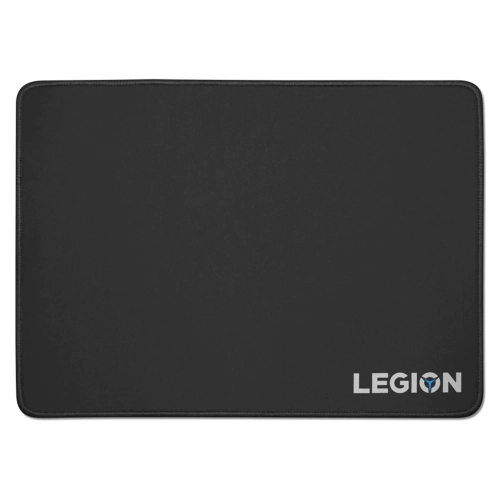
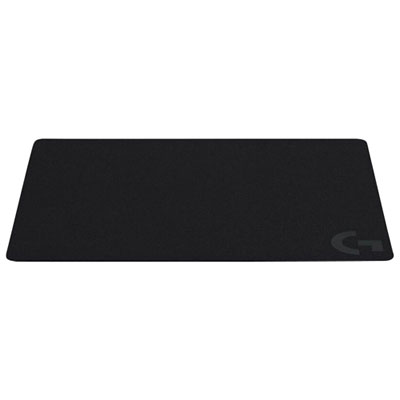
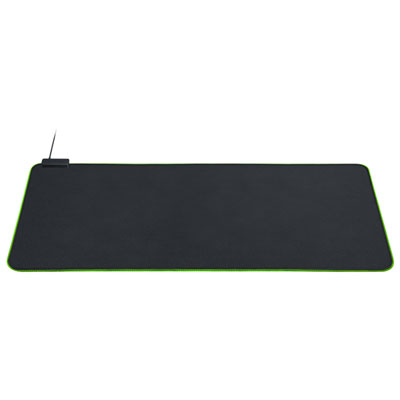
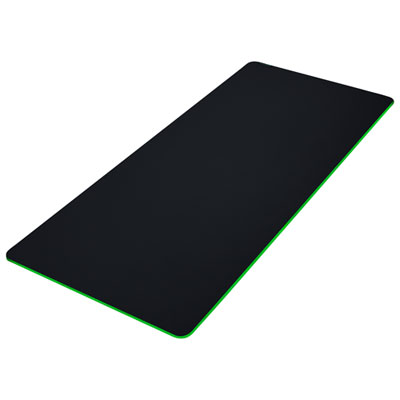

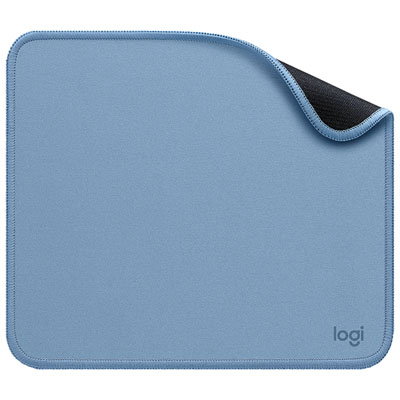
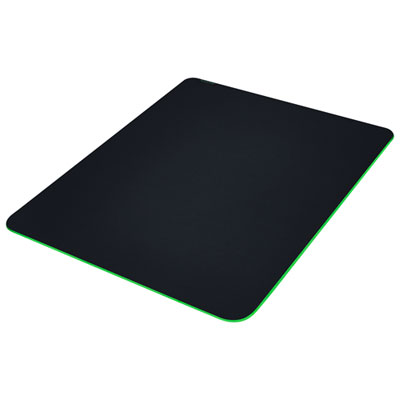
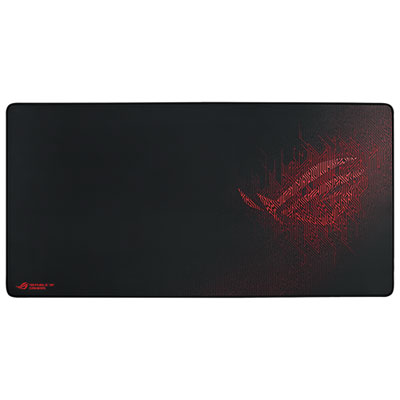
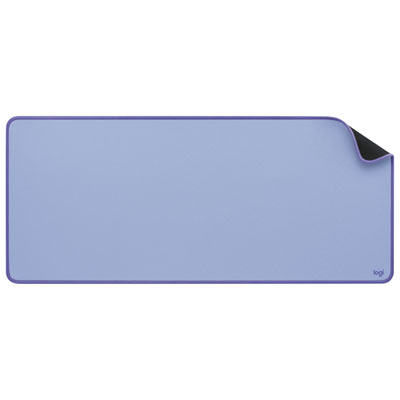
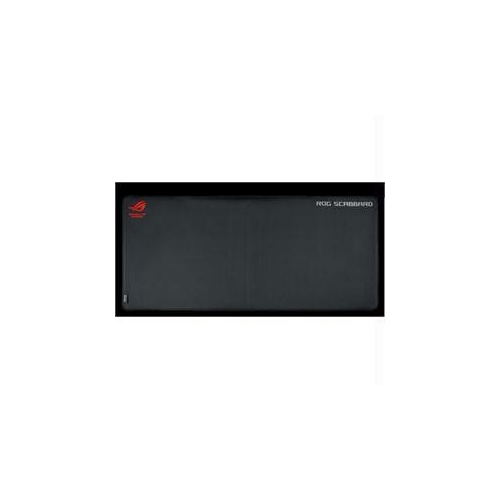
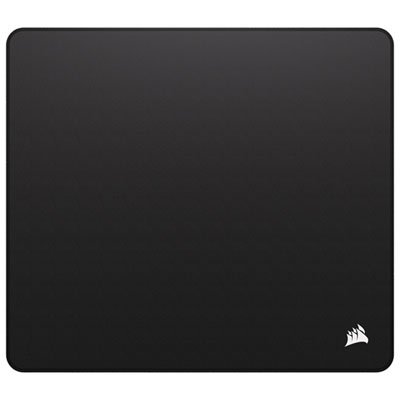

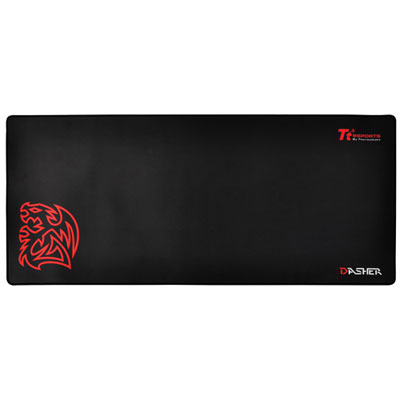
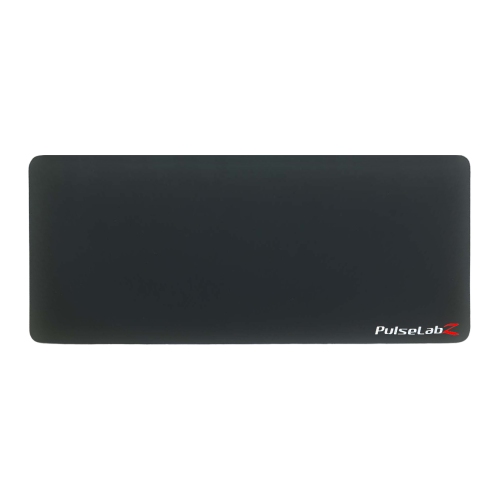


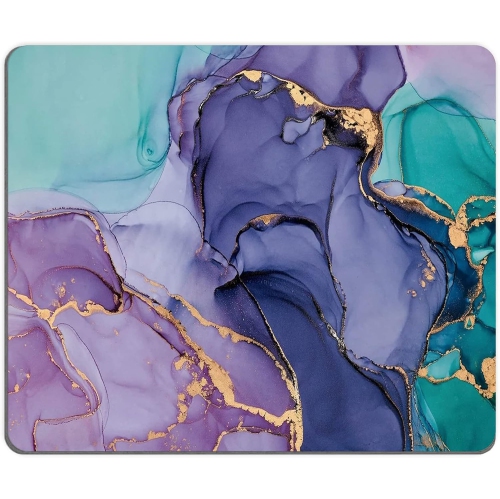
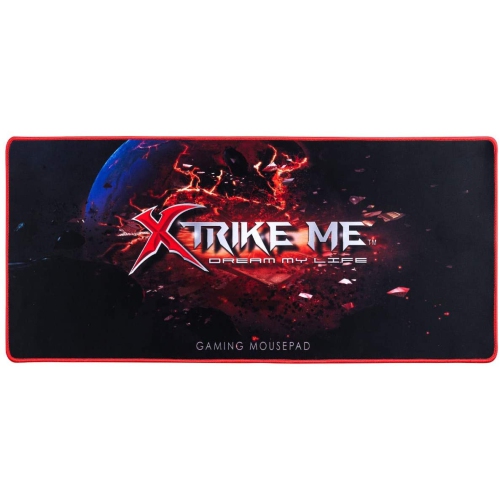
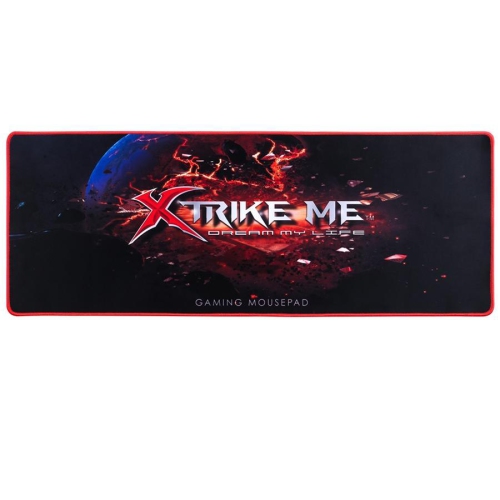
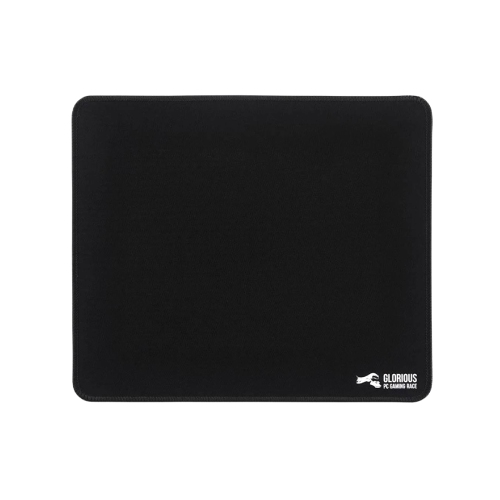


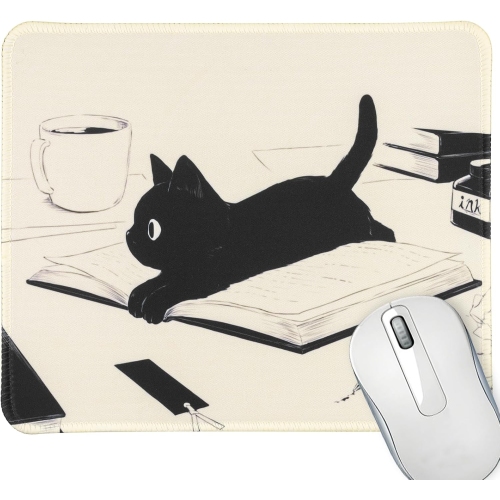

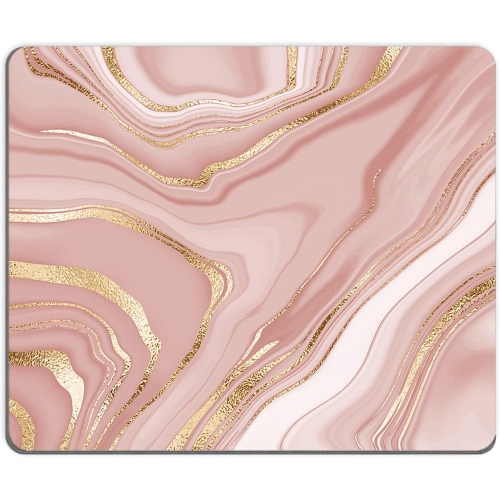

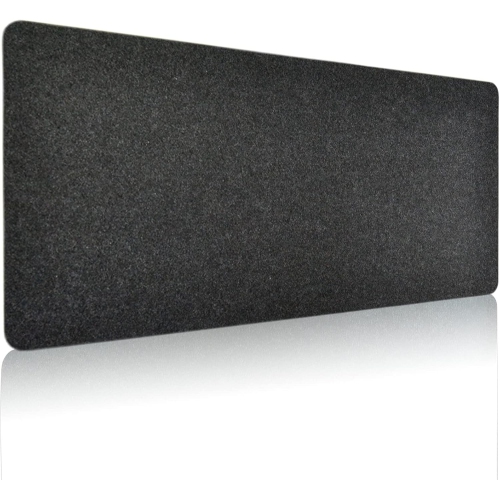
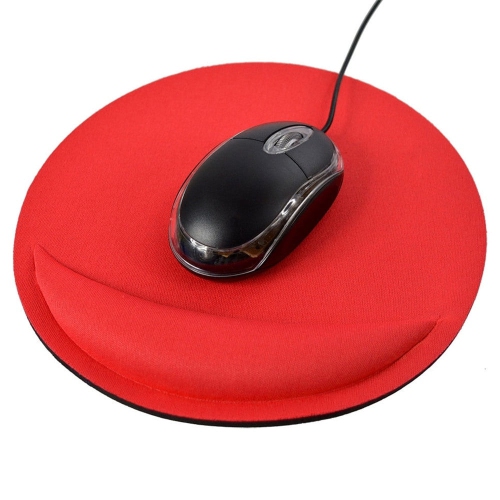


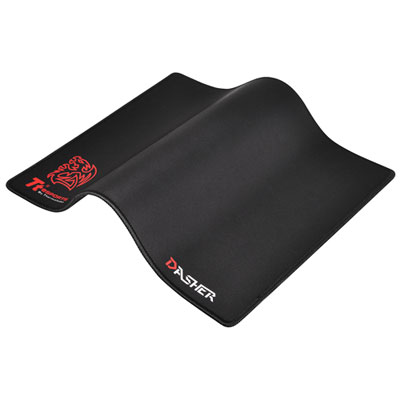
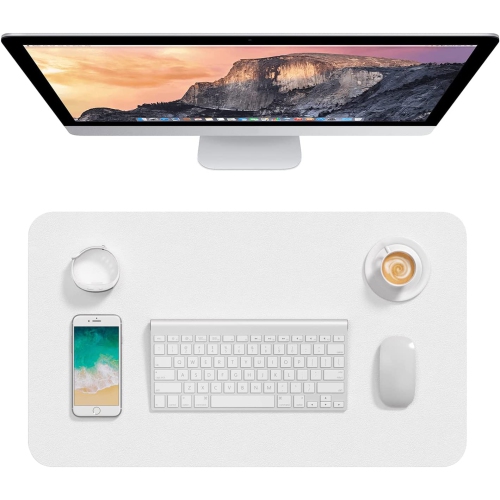
Surface choices shape comfort, glide, and control
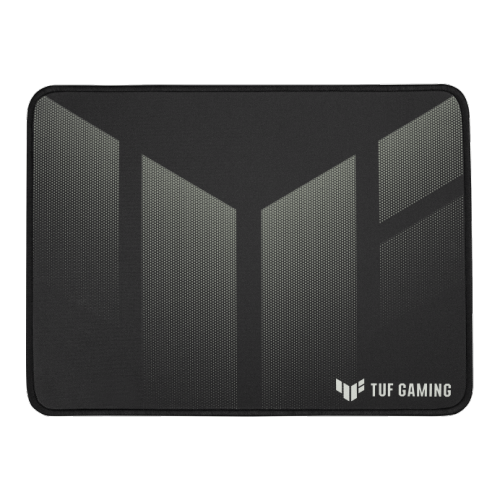
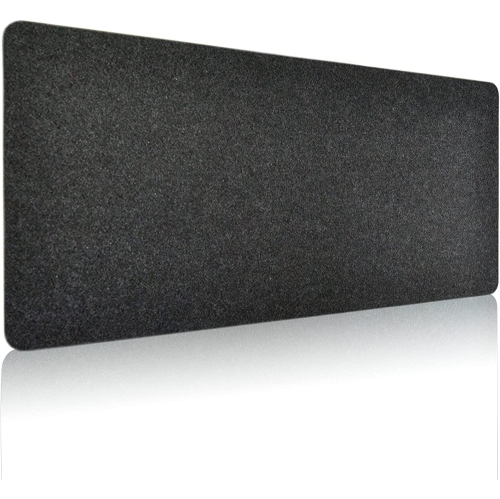
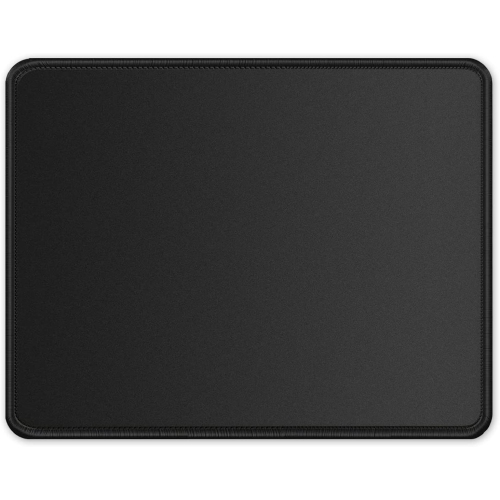
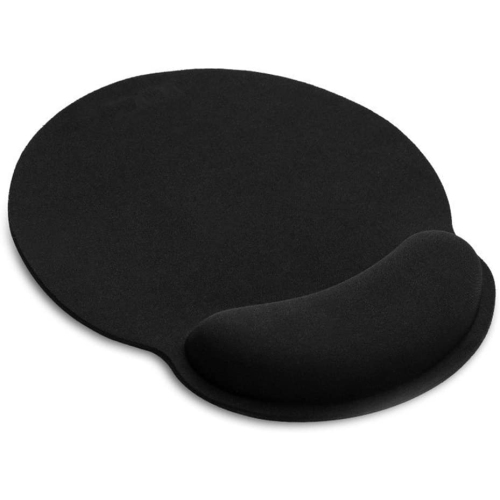
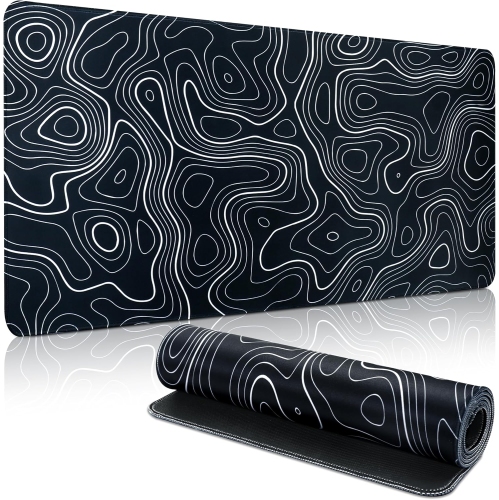
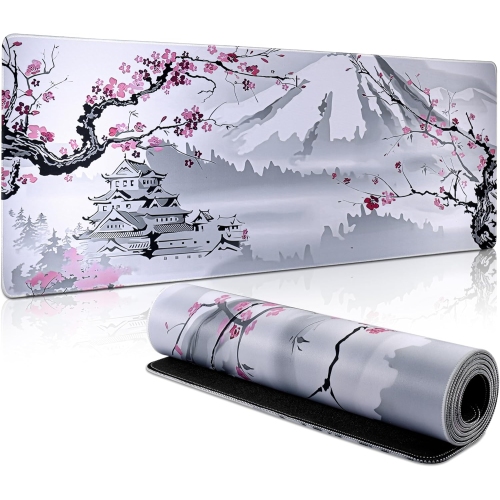
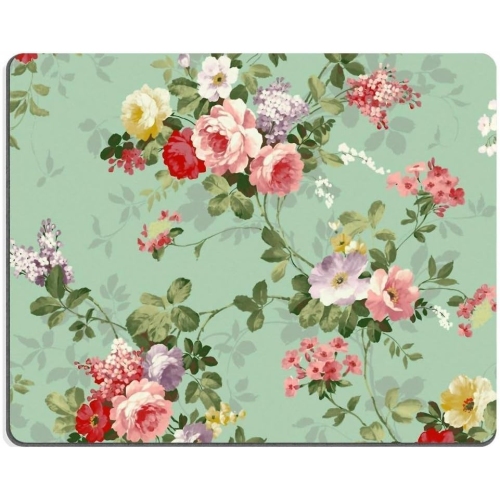
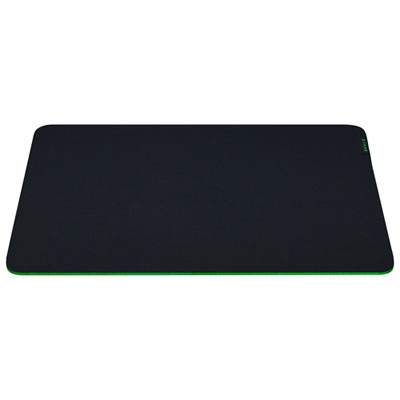
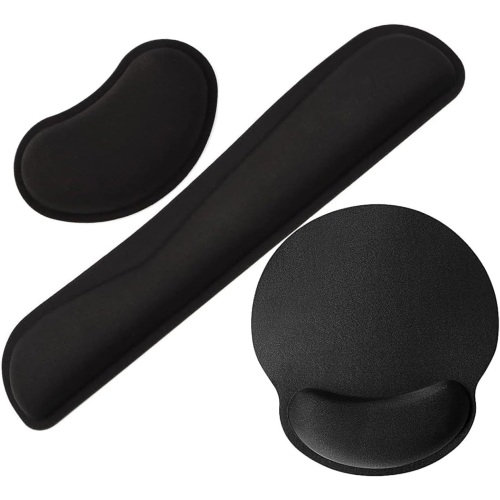
A good mouse mat can make a noticeable difference to the way a computer feels from day to day. Whether you are moving between spreadsheets, editing photos, studying, browsing online, or settling in for a gaming session, the surface beneath your mouse affects glide, control, comfort, and tracking. Explore the full selection of Mouse Pads to compare sizes, materials, and designs that suit different workspaces. Cloth mouse mats are a familiar choice for many people because their woven surfaces provide a comfortable, controlled feel and are easy to roll or store when needed. A smoother cloth surface generally lets the mouse move more quickly, while a denser or slightly textured weave can provide added resistance for careful aiming and precise selections. This balance is often described as speed versus control: speed-oriented surfaces help with broad, sweeping movements, while control-oriented surfaces make it easier to stop the mouse accurately. Hard mouse mats, including those made with rigid plastic, metal, or glass surfaces, offer a consistently smooth glide and can be especially appealing to users who prefer quick, low-friction movement. They are also simple to wipe clean, which can be useful in a busy home office or shared computer area. The best choice depends on how the mouse feels in your hand, the type of work or play you do, and whether you prefer a soft, cushioned surface or a firm, uniform one.
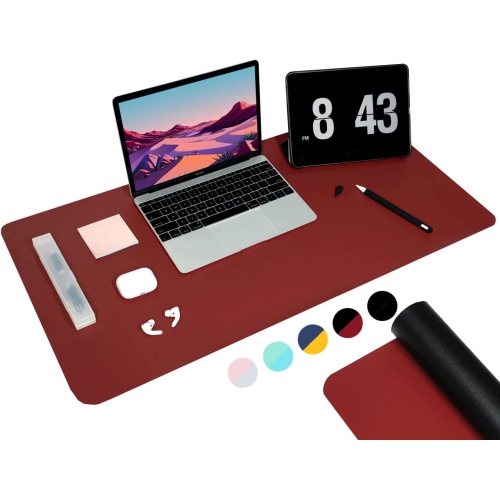
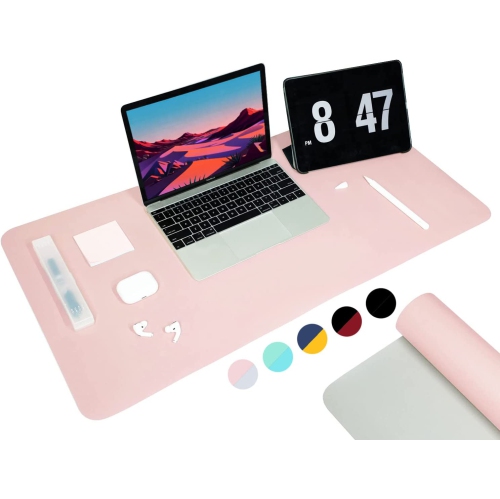
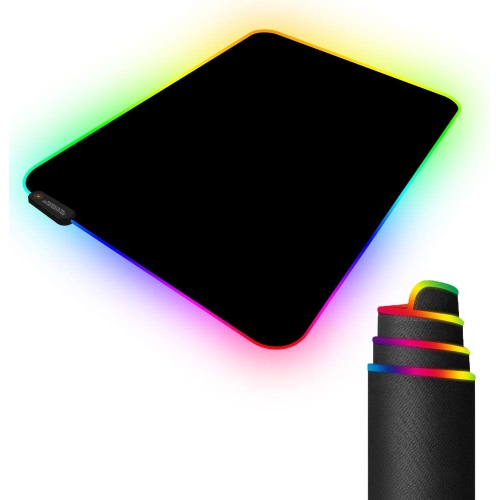
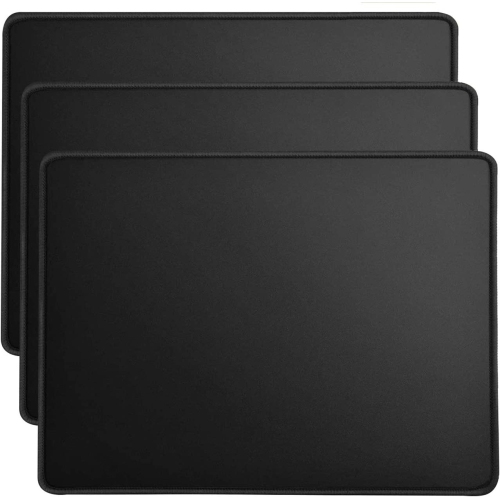
Size is another important consideration. A compact mouse mat can fit neatly beside a laptop or on a small desk, making it practical for dorm rooms, kitchen counters, reception areas, and flexible workstations. A standard-size mat leaves enough room for everyday pointing and scrolling without taking over the desk. Larger and extended mats create a broad movement area for low-sensitivity gaming settings, while also giving a keyboard and mouse a coordinated surface. This can help keep the keyboard from shifting during busy work sessions and gives a desk a more finished appearance. Before choosing, measure the open space between the monitor, keyboard, desk edge, and any speakers or accessories. Pay attention to the thickness as well. A slim mat can sit discreetly beneath a keyboard and may feel almost flush with the desktop, whereas a thicker cloth mat can provide a softer resting place for the wrist. A non-slip rubber or silicone base helps keep the mat anchored during quick movements, and a well-finished edge can reduce fraying and make the surface more comfortable where the wrist or forearm rests. If the mat will travel between home and work, consider how easily it rolls, folds, or fits into a laptop bag. For a permanent gaming or office setup, a larger rigid surface may be worthwhile if the desk has enough room and the user values a consistent glide.
Mouse mats can be useful for a wide range of people and make practical gifts for students, remote workers, PC builders, streamers, and gaming enthusiasts. They are also an easy way to refresh a computer setup when a mouse or keyboard is being upgraded. A student may appreciate a durable mat that protects a desk while providing a steady surface for long study sessions, while someone working from home may prefer an extended mat that keeps a keyboard and mouse comfortably aligned through a full day of messages, documents, and video calls. Gamers often pay close attention to friction, stopping power, and surface consistency because small changes in movement can affect aim and timing. For creative users, a smooth, predictable mat can make repeated cursor movements feel more natural during design, illustration, and photo editing. When selecting a mat as a gift, look for clues in the recipient’s setup: a compact desk may call for a standard or smaller size, a dedicated gaming station may accommodate an extended model, and a minimalist workspace may suit a clean, understated finish. It is also worth considering the mouse itself, since optical and laser sensors can respond differently to highly reflective, transparent, or textured surfaces. Most modern mats are designed for everyday mouse use, but a consistent, opaque surface is generally a dependable choice. Regular care is straightforward: shake out or gently wipe cloth surfaces according to their care instructions, and clean hard surfaces with a soft, lightly damp cloth before drying them thoroughly. Keeping food, drinks, and sharp objects away from the mat helps preserve a smooth glide, while storing it flat or loosely rolled can help prevent unwanted creases. A thoughtfully chosen mouse mat brings together comfort, reliable tracking, desk protection, and a more enjoyable computer experience, whether it is supporting quiet work during the cooler months or fast-paced play when the weather warms.
Size is another important consideration. A compact mouse mat can fit neatly beside a laptop or on a small desk, making it practical for dorm rooms, kitchen counters, reception areas, and flexible workstations. A standard-size mat leaves enough room for everyday pointing and scrolling without taking over the desk. Larger and extended mats create a broad movement area for low-sensitivity gaming settings, while also giving a keyboard and mouse a coordinated surface. This can help keep the keyboard from shifting during busy work sessions and gives a desk a more finished appearance. Before choosing, measure the open space between the monitor, keyboard, desk edge, and any speakers or accessories. Pay attention to the thickness as well. A slim mat can sit discreetly beneath a keyboard and may feel almost flush with the desktop, whereas a thicker cloth mat can provide a softer resting place for the wrist. A non-slip rubber or silicone base helps keep the mat anchored during quick movements, and a well-finished edge can reduce fraying and make the surface more comfortable where the wrist or forearm rests. If the mat will travel between home and work, consider how easily it rolls, folds, or fits into a laptop bag. For a permanent gaming or office setup, a larger rigid surface may be worthwhile if the desk has enough room and the user values a consistent glide.
Mouse mats can be useful for a wide range of people and make practical gifts for students, remote workers, PC builders, streamers, and gaming enthusiasts. They are also an easy way to refresh a computer setup when a mouse or keyboard is being upgraded. A student may appreciate a durable mat that protects a desk while providing a steady surface for long study sessions, while someone working from home may prefer an extended mat that keeps a keyboard and mouse comfortably aligned through a full day of messages, documents, and video calls. Gamers often pay close attention to friction, stopping power, and surface consistency because small changes in movement can affect aim and timing. For creative users, a smooth, predictable mat can make repeated cursor movements feel more natural during design, illustration, and photo editing. When selecting a mat as a gift, look for clues in the recipient’s setup: a compact desk may call for a standard or smaller size, a dedicated gaming station may accommodate an extended model, and a minimalist workspace may suit a clean, understated finish. It is also worth considering the mouse itself, since optical and laser sensors can respond differently to highly reflective, transparent, or textured surfaces. Most modern mats are designed for everyday mouse use, but a consistent, opaque surface is generally a dependable choice. Regular care is straightforward: shake out or gently wipe cloth surfaces according to their care instructions, and clean hard surfaces with a soft, lightly damp cloth before drying them thoroughly. Keeping food, drinks, and sharp objects away from the mat helps preserve a smooth glide, while storing it flat or loosely rolled can help prevent unwanted creases. A thoughtfully chosen mouse mat brings together comfort, reliable tracking, desk protection, and a more enjoyable computer experience, whether it is supporting quiet work during the cooler months or fast-paced play when the weather warms.
Top selling and popular products
-
 Your price for this item is $9.99
 -
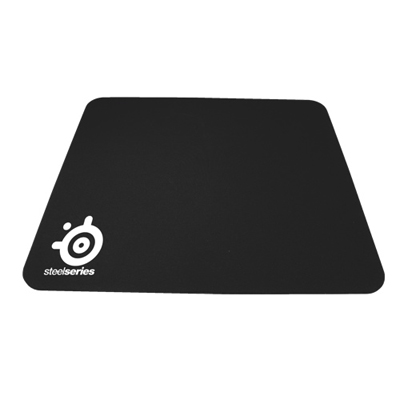 Your price for this item is $14.99
 -
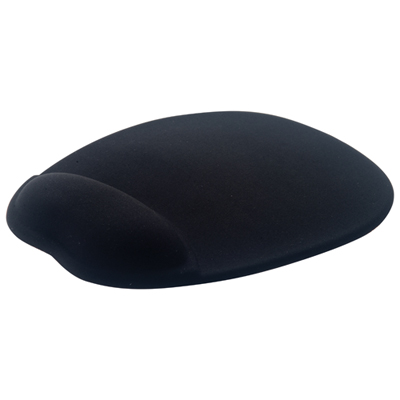 Your price for this item is $19.99
 -
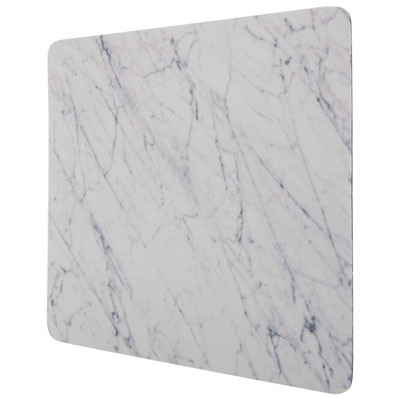 Your price for this item is $9.99
 -
 Your price for this item is $7.99
 -
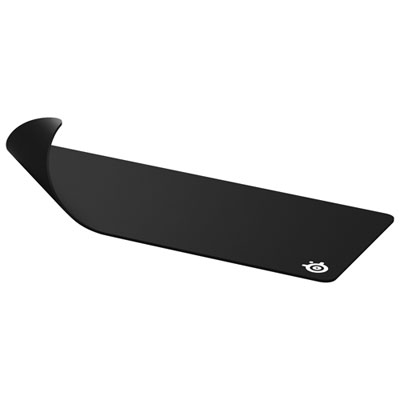 Your price for this item is $49.99
 -
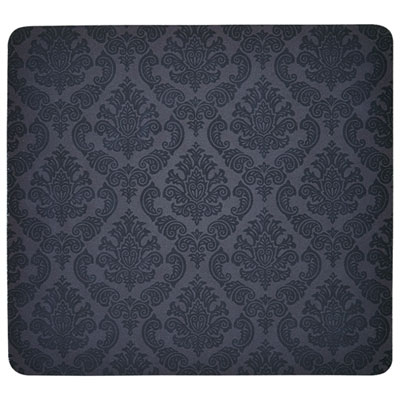 Your price for this item is $7.99
 -
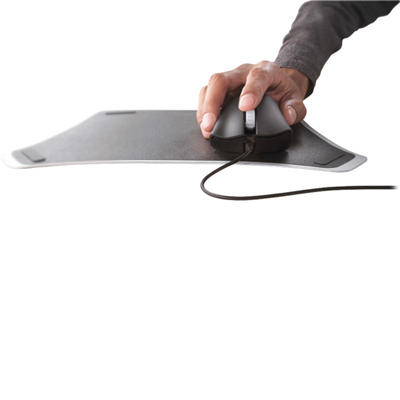 Your price for this item is $19.99
Discover more categories related to Good Mouse Mats
Top Collections:
Pokemon Centers, Budget 4K TVs, Kindle Devices, Canon G7X Cameras, Apple iPhones 16, iPhone 15 Apple, Laptops for Business Work, Flip Phones, Xiaomi Phones, Refurbished Apple Laptops
Some products may be subject to Environmental Handling Fees
(EHF) depending on your province.
Learn more about EHFs.