Blue Switch Keyboards
Dive into the world of tactile and audible feedback with blue switch keyboards, a favorite among typists and gamers alike. Known for their satisfying clicky sound and distinct actuation feel, these keyboards offer a unique typing experience that enhances precision and speed. Whether you're coding late into the night or battling it out in your favorite game, blue switch keyboards provide the responsiveness you need to elevate your performance. Explore a variety of designs and features that cater to both aesthetic preferences and functional needs, ensuring you find the perfect match for your workspace or gaming setup.
Sort
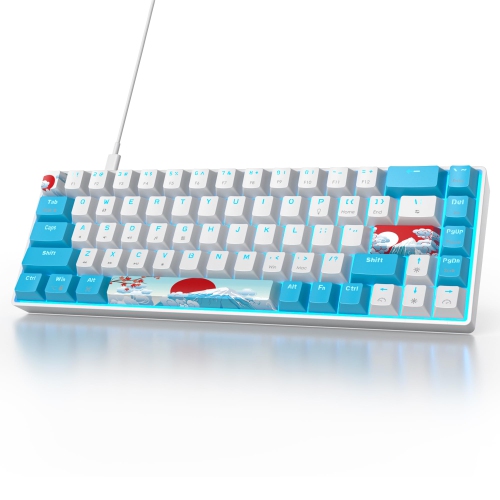
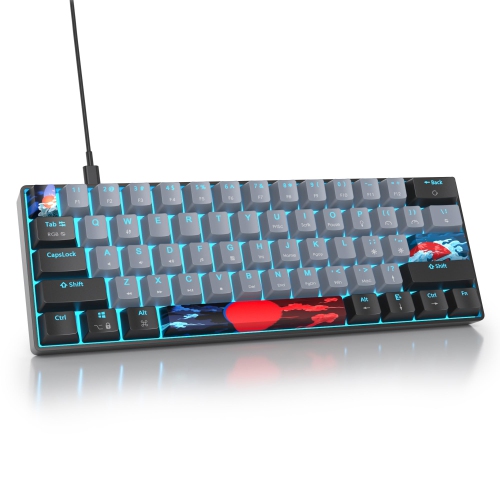
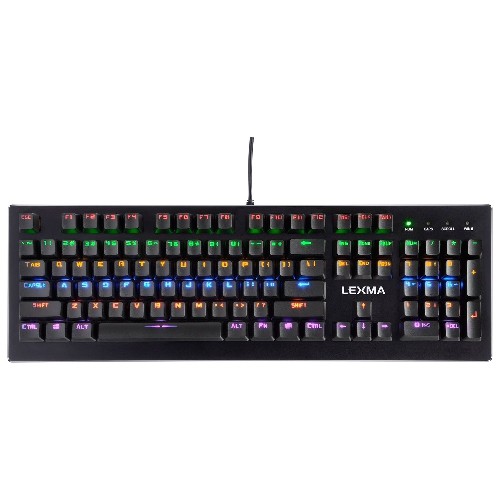
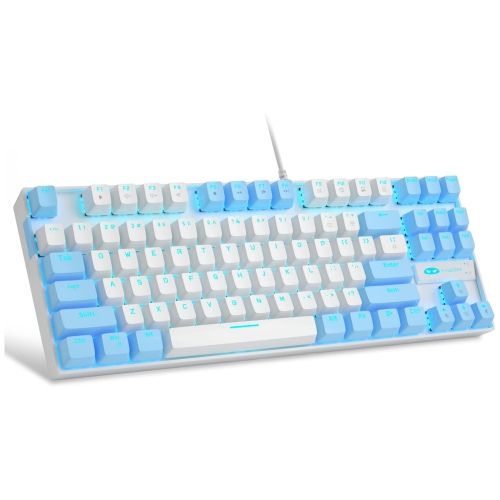
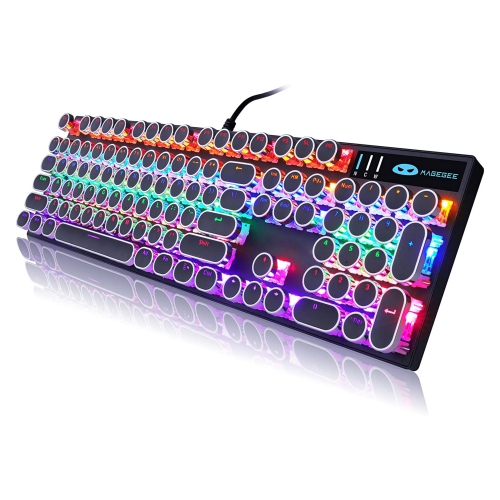
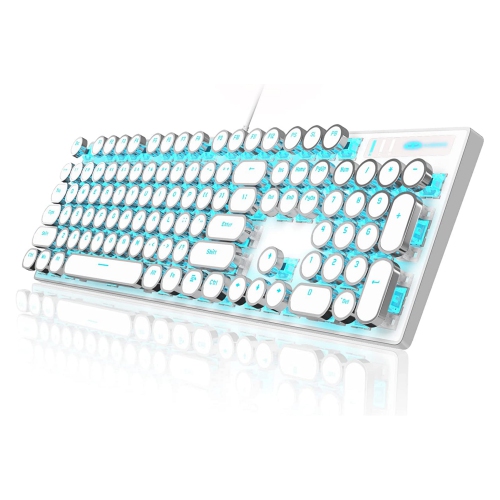
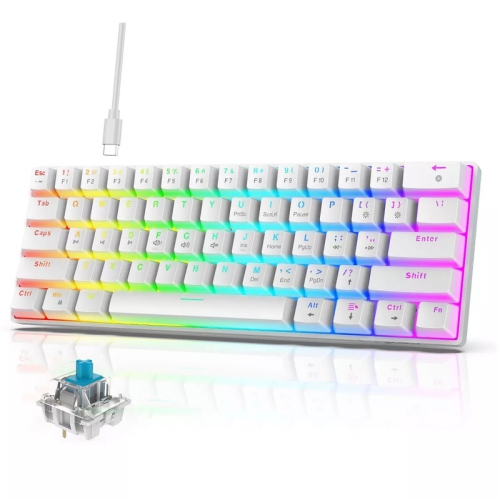
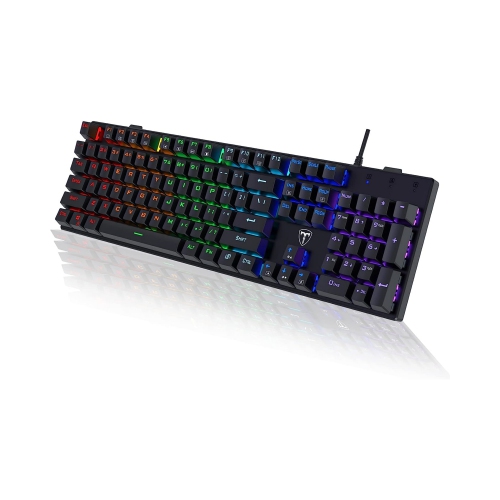
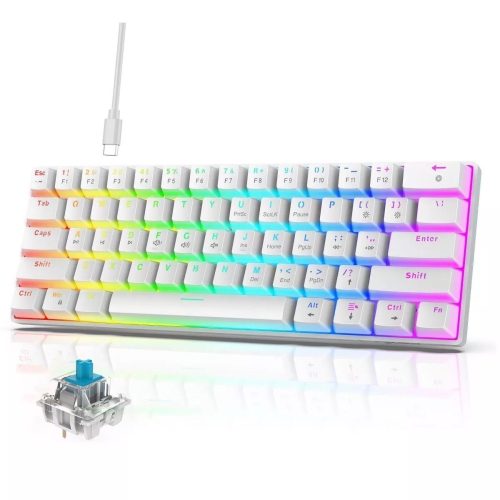
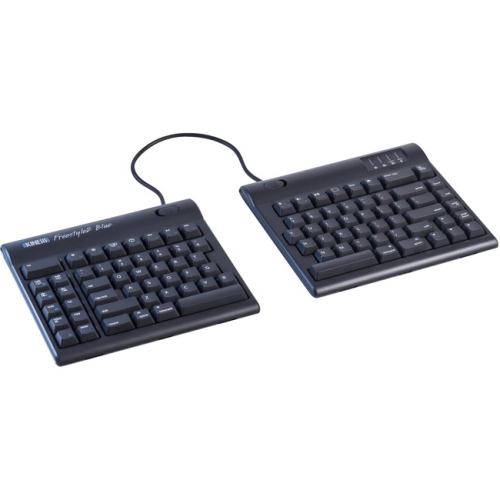
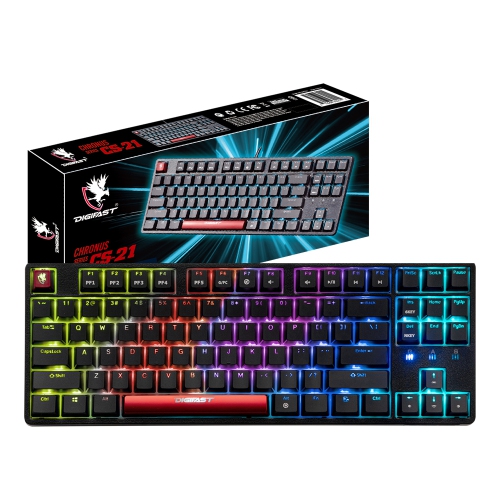
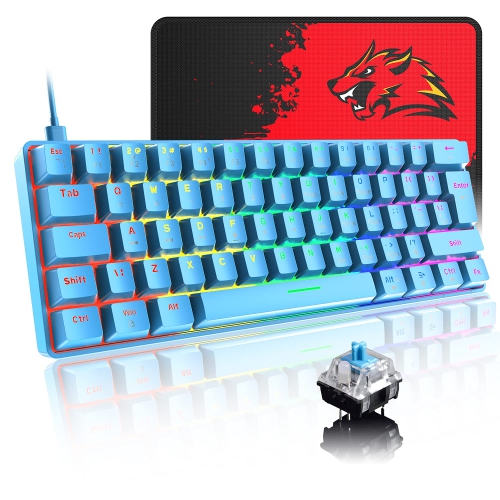
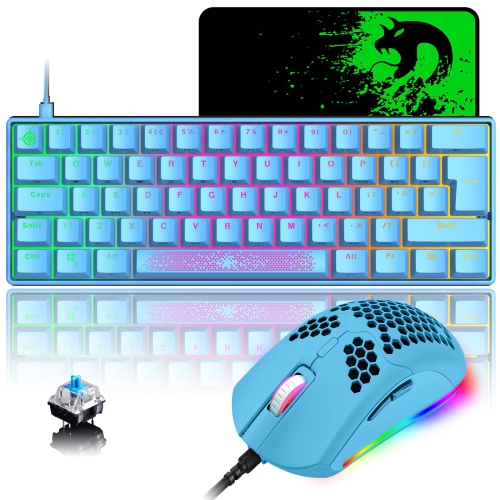
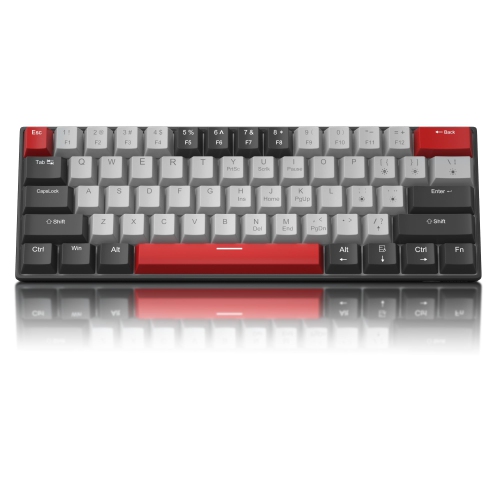
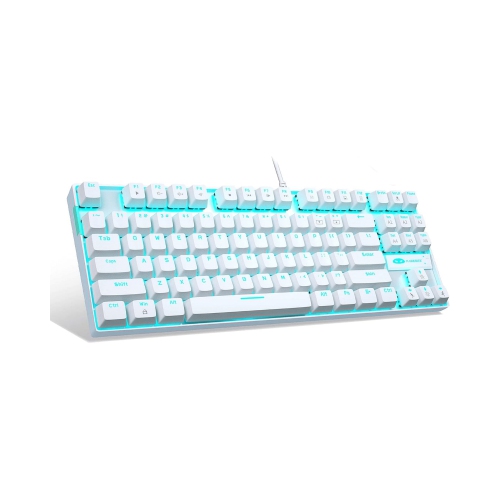
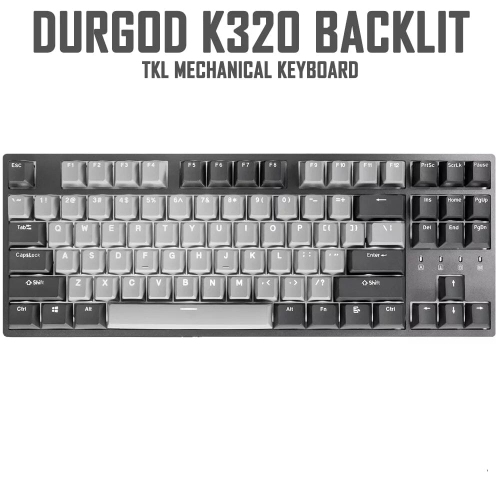
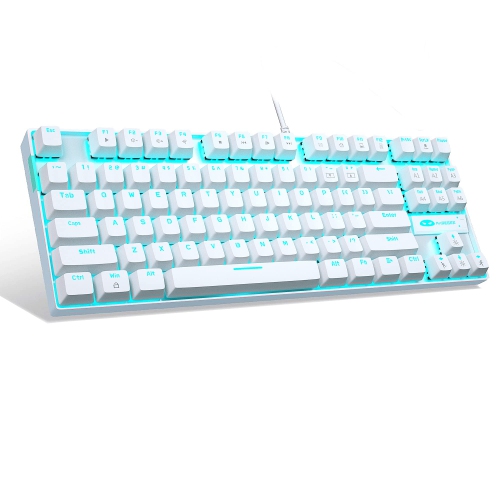
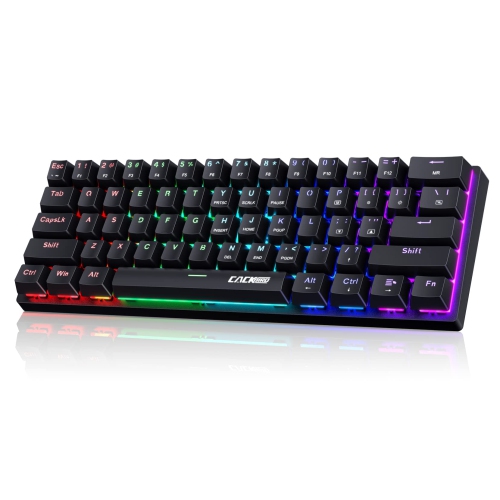
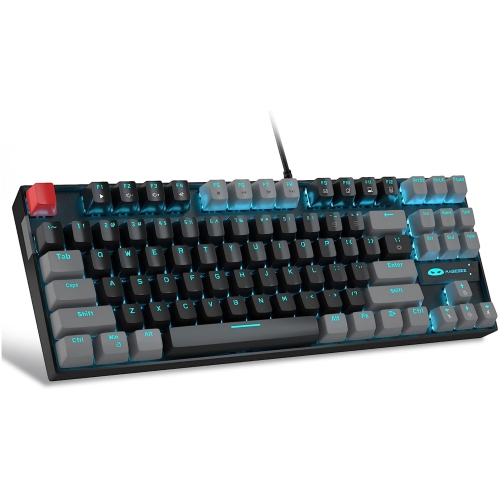
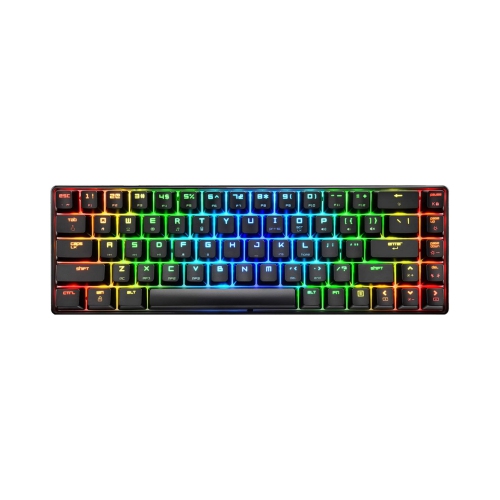
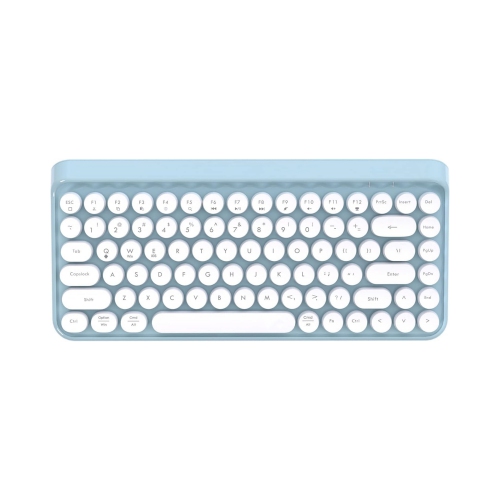
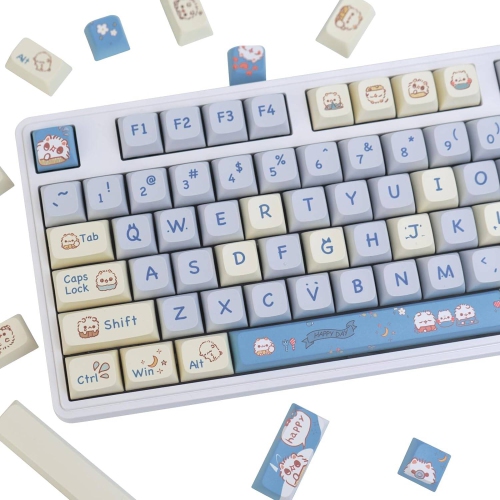
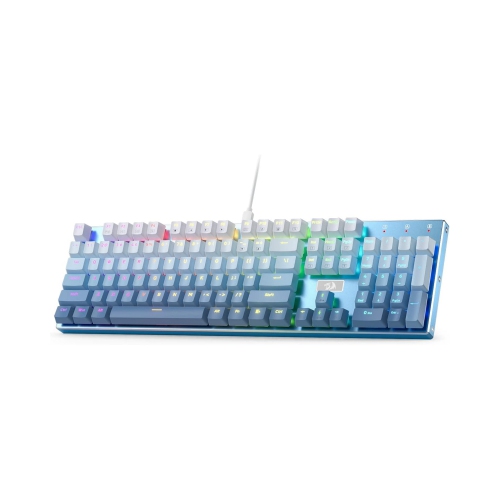
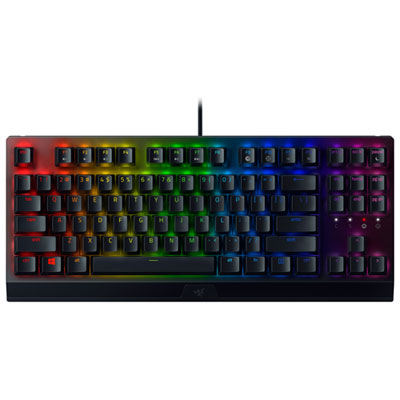
Tactile feedback and a crisp click for focused typing
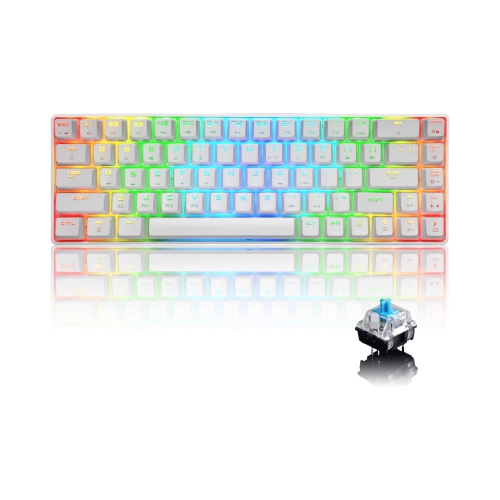
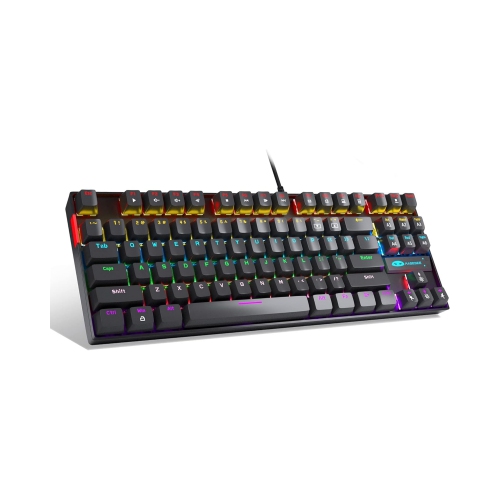
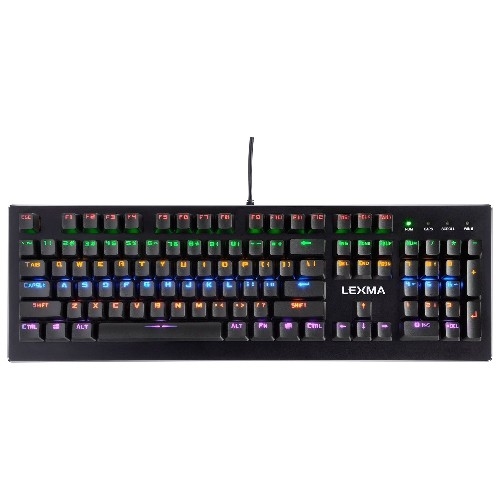
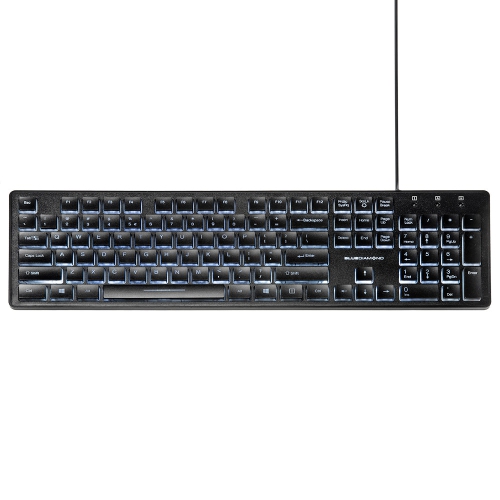
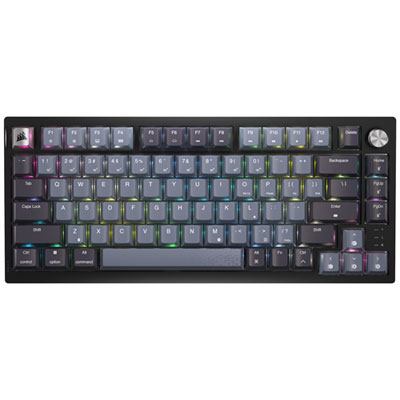
Blue switch keyboards are mechanical keyboards built around switches that combine a noticeable tactile bump with a crisp, audible click. When a key is pressed, the switch gives your finger a small point of resistance before the keystroke registers, followed by a sharp click that confirms the input. That distinct feedback is the main reason people choose blue switches: each letter, shortcut, and command feels deliberate rather than soft or indistinct. For writers, students, programmers, office users, and anyone who spends long hours at a keyboard, the physical response can make typing feel more controlled and engaging. The click also provides an audible rhythm as you work, from the steady tap of drafting an email to the faster staccato of entering code or transcribing notes. Blue switches commonly use an actuation force in the approximate range of 50 g to 60 g, although the exact feel varies between switch designs, keycaps, and keyboard construction. A keyboard’s switch type is only one part of its overall experience, so it is worth considering the layout, frame, keycap shape, stabilizers, and included features as well. Full-size keyboards include a number pad and are useful for spreadsheets, accounting, inventory, and frequent number entry, while tenkeyless layouts remove the number pad to create more room for a mouse. Compact and mini keyboards can suit smaller desks, shared workspaces, or portable setups, though their reduced layouts may require function-layer shortcuts for navigation, media controls, or dedicated arrow keys. Backlighting can help with visibility in a dim room and may be especially useful for late-night study or gaming, while adjustable lighting lets you set a calmer look for everyday work. Wired keyboards provide a simple, consistent connection and do not require battery charging. Wireless models can help keep a desk clear and make it easier to move between a desktop, laptop, or compatible device. Check the connection type, operating-system compatibility, and available ports before choosing a model for your setup.
The sound of a blue switch keyboard is an important part of the decision. Its click is considerably louder than the quieter, smoother sound produced by many other mechanical switches, and the noise can become a defining feature of a shared space. In a home office with a closed door, the sound may feel lively and satisfying; in a bedroom, library, open-plan workplace, or room shared with a partner, it may carry farther than expected. A short listening session in a store or a recorded sound comparison can help set realistic expectations, since the case and desk surface can amplify or soften the tone. A wooden desk, for example, may make each keystroke sound brighter, while a desk mat can reduce some of the echo and vibration. The same consideration applies to gaming. Blue switches can be enjoyable for strategy games, role-playing games, simulation titles, and general computer use, particularly for players who like clear feedback from movement and command keys. They are not automatically the best choice for every game, and personal preference matters more than a single specification. Some users appreciate the confidence of a tactile click, while others prefer a lighter or quieter press for rapid, repeated inputs. If you are comparing switch styles, Red Switch Mechanical Keyboards generally provide a smoother, quieter-feeling alternative without the pronounced tactile bump and click associated with blue switches. Brown switches occupy another familiar middle ground, offering tactile feedback with less pronounced noise than blue switches. Looking at these differences can make it easier to match a keyboard to the room, the type of work, and the way your hands naturally move across the keys. Also consider the keyboard’s rollover and anti-ghosting performance, especially if you often press several keys at once, as well as the polling rate and programmable keys if the keyboard will be used for gaming or specialized workflows. A detachable cable, adjustable feet, and a comfortable wrist position can make a noticeable difference during long sessions.
Blue switch keyboards can also make thoughtful gifts for people who enjoy building a personal computer setup or who spend much of their day writing, studying, coding, or playing games. They offer an immediate change from a standard membrane keyboard, so the gift feels substantial even when the recipient already owns a computer. A student may appreciate the clear feedback while taking notes or completing assignments, a remote worker may enjoy a more satisfying home-office routine, and a new PC user may find the familiar click helpful when learning keyboard shortcuts and touch typing. They can be especially appealing to anyone who likes mechanical tools, precise controls, and the sound of an active workspace. Before giving one as a gift, consider whether the recipient shares a room, works in a quiet environment, or prefers a low-profile and nearly silent setup. Layout is another useful clue: someone who regularly works with numbers may prefer a full-size design, while a gamer or minimalist desk user may favour a tenkeyless or compact format. Colour, lighting, keycap style, and the overall shape can help the keyboard fit the rest of the desk without being the only deciding factor. For everyday care, keep food and drinks away from the keys, use compressed air or a soft brush to clear dust, and follow the manufacturer’s instructions before removing keycaps. Mechanical keyboards are designed for frequent use, and a little maintenance can help preserve the crisp feel and reliable response that make blue switches distinctive. Whether it becomes part of a gaming station, a study nook, or a busy home office, a blue switch keyboard brings tactile feedback, audible confirmation, and a more deliberate feel to nearly every keystroke.
The sound of a blue switch keyboard is an important part of the decision. Its click is considerably louder than the quieter, smoother sound produced by many other mechanical switches, and the noise can become a defining feature of a shared space. In a home office with a closed door, the sound may feel lively and satisfying; in a bedroom, library, open-plan workplace, or room shared with a partner, it may carry farther than expected. A short listening session in a store or a recorded sound comparison can help set realistic expectations, since the case and desk surface can amplify or soften the tone. A wooden desk, for example, may make each keystroke sound brighter, while a desk mat can reduce some of the echo and vibration. The same consideration applies to gaming. Blue switches can be enjoyable for strategy games, role-playing games, simulation titles, and general computer use, particularly for players who like clear feedback from movement and command keys. They are not automatically the best choice for every game, and personal preference matters more than a single specification. Some users appreciate the confidence of a tactile click, while others prefer a lighter or quieter press for rapid, repeated inputs. If you are comparing switch styles, Red Switch Mechanical Keyboards generally provide a smoother, quieter-feeling alternative without the pronounced tactile bump and click associated with blue switches. Brown switches occupy another familiar middle ground, offering tactile feedback with less pronounced noise than blue switches. Looking at these differences can make it easier to match a keyboard to the room, the type of work, and the way your hands naturally move across the keys. Also consider the keyboard’s rollover and anti-ghosting performance, especially if you often press several keys at once, as well as the polling rate and programmable keys if the keyboard will be used for gaming or specialized workflows. A detachable cable, adjustable feet, and a comfortable wrist position can make a noticeable difference during long sessions.
Blue switch keyboards can also make thoughtful gifts for people who enjoy building a personal computer setup or who spend much of their day writing, studying, coding, or playing games. They offer an immediate change from a standard membrane keyboard, so the gift feels substantial even when the recipient already owns a computer. A student may appreciate the clear feedback while taking notes or completing assignments, a remote worker may enjoy a more satisfying home-office routine, and a new PC user may find the familiar click helpful when learning keyboard shortcuts and touch typing. They can be especially appealing to anyone who likes mechanical tools, precise controls, and the sound of an active workspace. Before giving one as a gift, consider whether the recipient shares a room, works in a quiet environment, or prefers a low-profile and nearly silent setup. Layout is another useful clue: someone who regularly works with numbers may prefer a full-size design, while a gamer or minimalist desk user may favour a tenkeyless or compact format. Colour, lighting, keycap style, and the overall shape can help the keyboard fit the rest of the desk without being the only deciding factor. For everyday care, keep food and drinks away from the keys, use compressed air or a soft brush to clear dust, and follow the manufacturer’s instructions before removing keycaps. Mechanical keyboards are designed for frequent use, and a little maintenance can help preserve the crisp feel and reliable response that make blue switches distinctive. Whether it becomes part of a gaming station, a study nook, or a busy home office, a blue switch keyboard brings tactile feedback, audible confirmation, and a more deliberate feel to nearly every keystroke.
Top selling and popular products
-
 Your price for this item is $39.99
 -
 Your price for this item is $76.98
 -
 Your price for this item is $94.99
 -
 Your price for this item is $319.99
 -
 Your price for this item is $364.99
 -
 Your price for this item is $149.99
 -
 Your price for this item is $124
 -
 Your price for this item is $94.99
Discover more categories related to Blue Switch Keyboards
Top Collections:
Pokemon Centers, Kindle Devices, Best Budget Office Chairs, Apple iPhones 16, Best Laptops for Writers, iPhone 15 Apple, Canon G7X Cameras, Refurbished Apple Laptops, Alarm Clock, Motorola Razr Phones
Some products may be subject to Environmental Handling Fees
(EHF) depending on your province.
Learn more about EHFs.