Green Switch Keyboards
Green Switch Keyboards deliver a satisfying typing experience for gamers, professionals, and everyday users alike. Their distinctive tactile feel and responsive performance make them a popular choice among keyboard enthusiasts. Explore a wide selection of Green Switch Keyboards to find the perfect fit for your setup, whether you’re looking to enhance productivity or elevate your gaming sessions. With various designs and layouts available, it’s easy to discover a keyboard that matches your style and preferences.
Sort
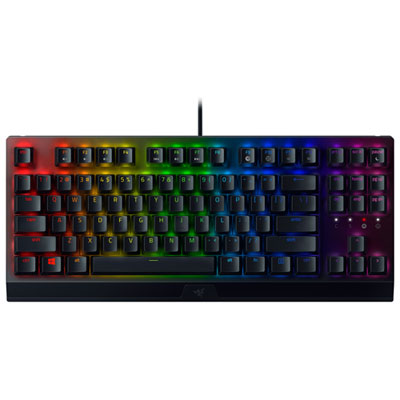
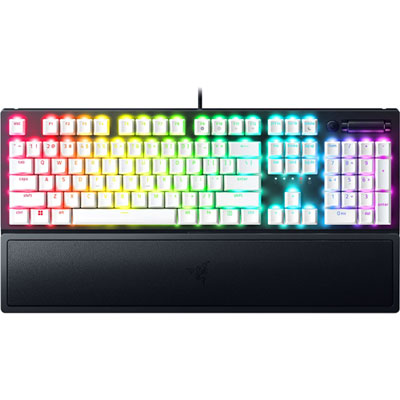
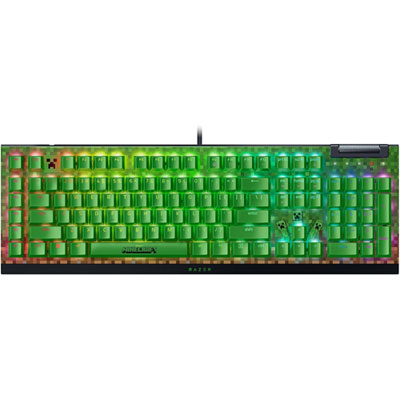
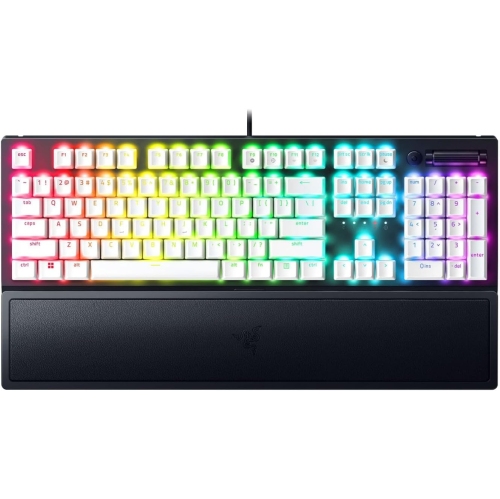
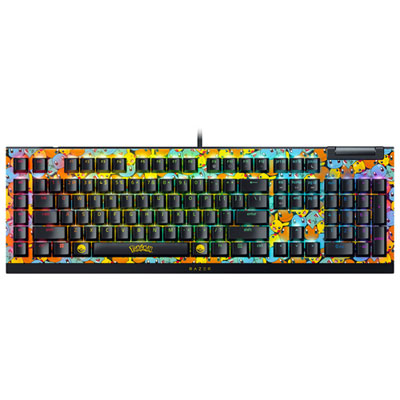
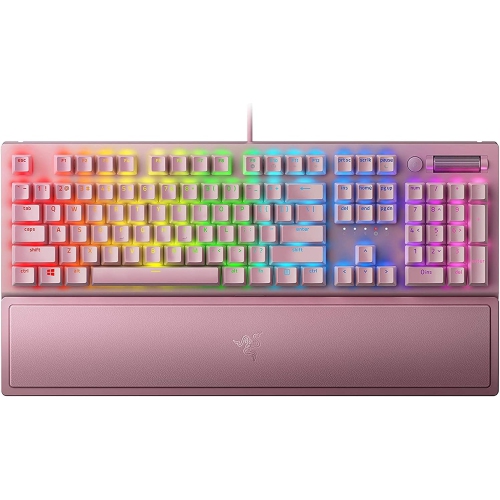
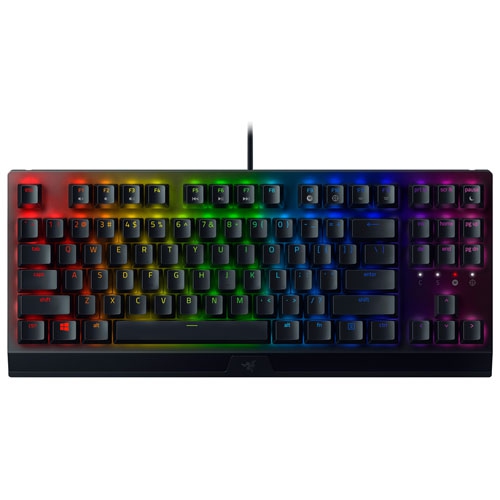
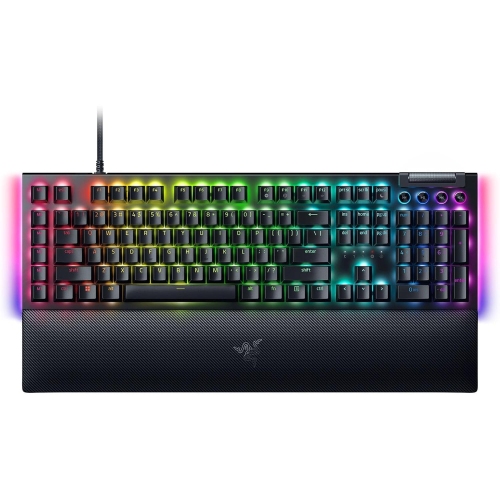
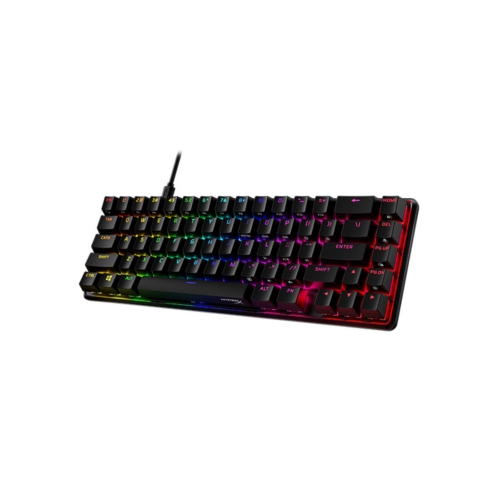
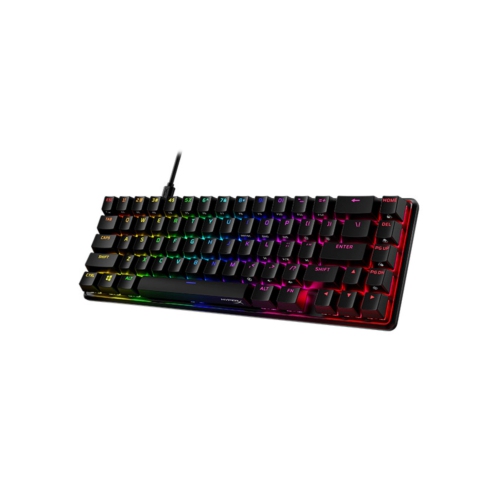
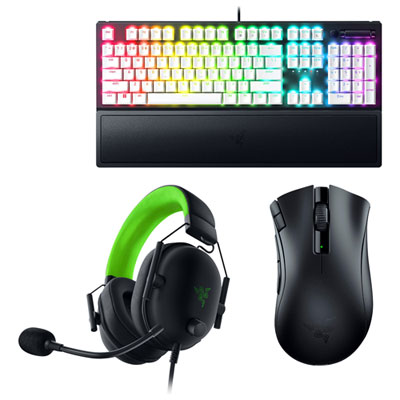
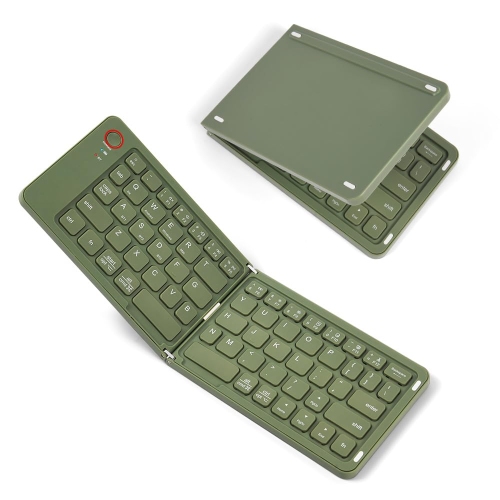
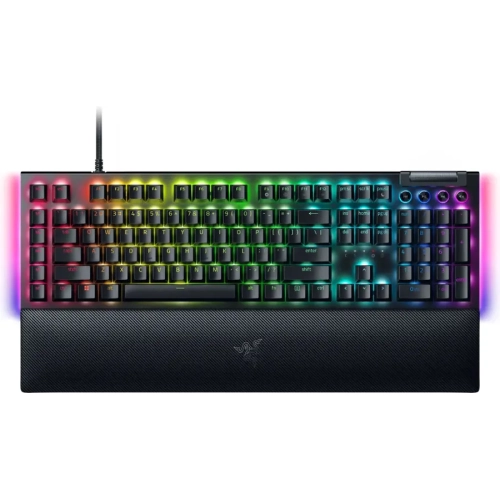
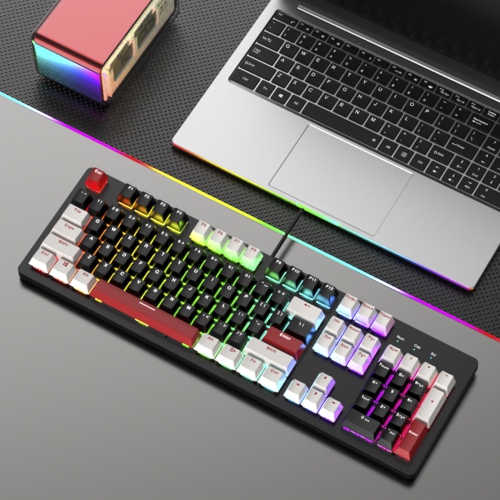
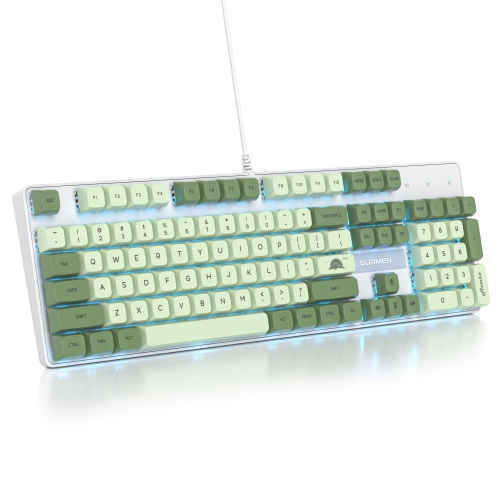
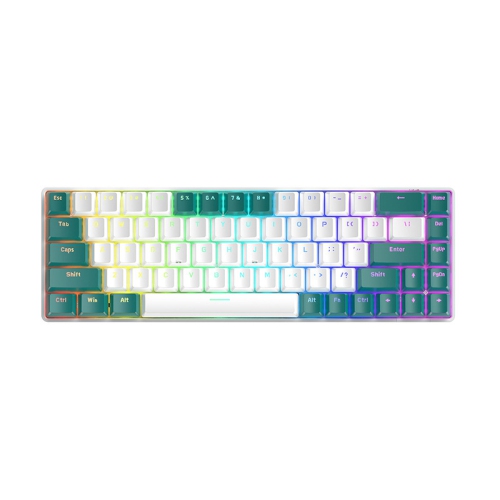
Switch colour tells only part of the typing story
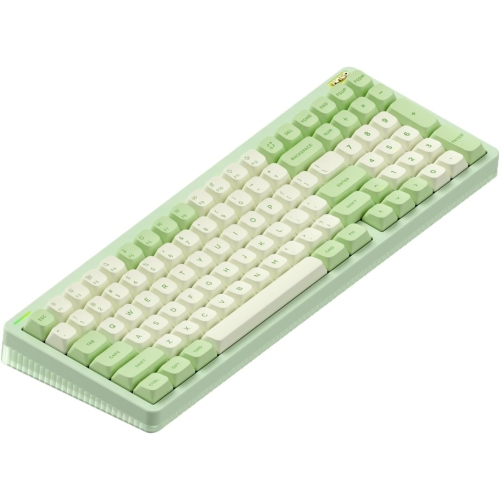
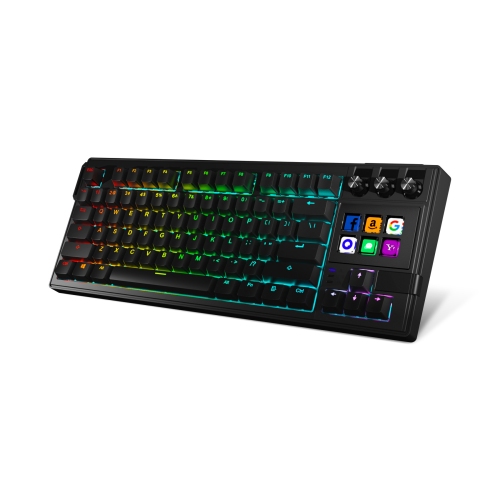
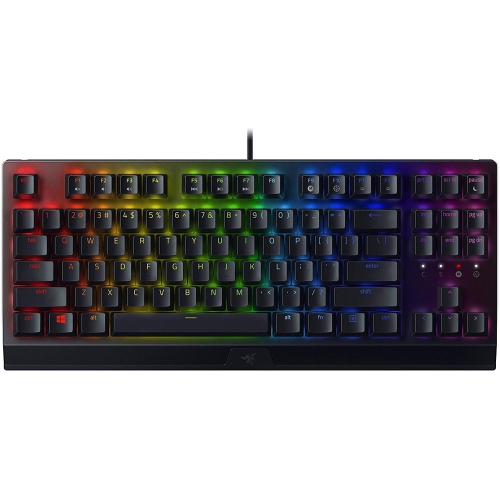
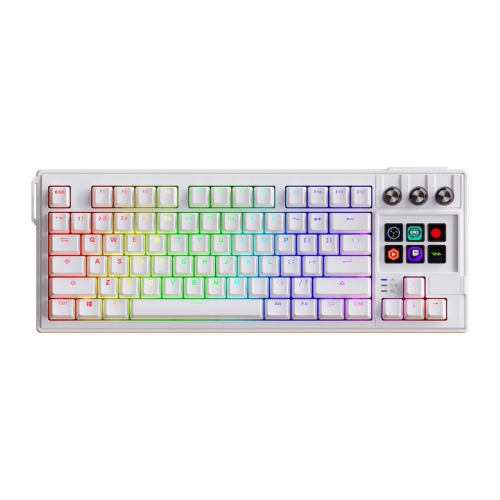
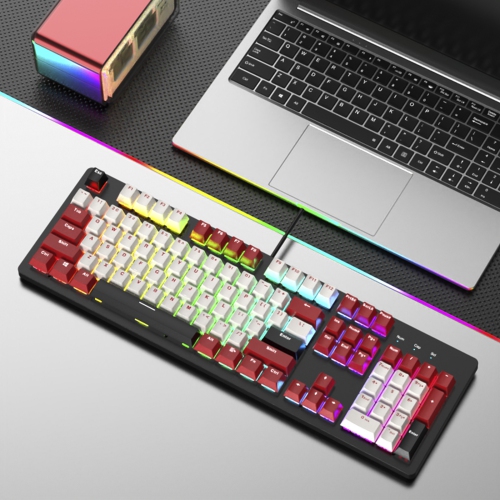
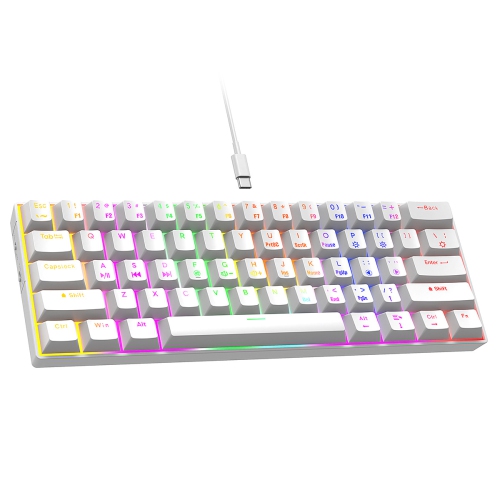
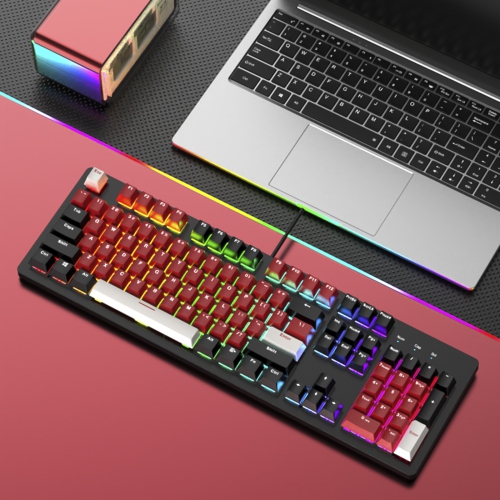
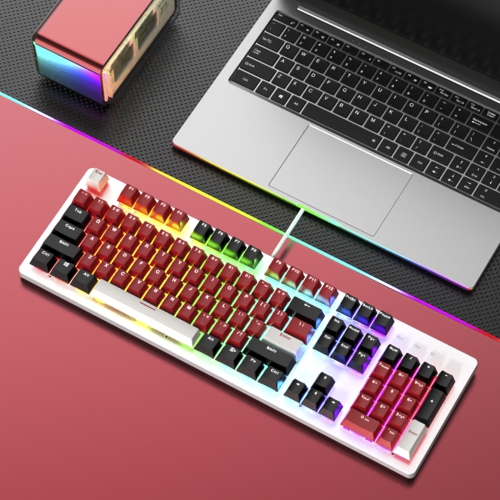
Green switch keyboards commonly use clicky mechanical switches that produce a noticeable tactile bump and an audible click as a key is pressed. The bump provides physical feedback during the keystroke, while the click adds a distinct sound that many typists associate with a crisp, deliberate typing experience. These characteristics appeal to people who enjoy feeling each letter register, whether they are writing lengthy documents, chatting with teammates or working through lines of code. Green is not a universal switch standard, however: different switch families can use the same colour name for different mechanisms, spring weights and sound profiles. Some green switches have a relatively firm feel, while others use lighter springs; some switches with green-themed names are linear, meaning they move smoothly without a deliberate tactile bump or click mechanism. The switch description therefore matters more than the colour name alone. Actuation force describes the force needed to register an input, while bottom-out force describes the force needed to press the key through its full travel. A firmer spring can feel reassuring to someone with a heavier touch, but it may feel tiring to someone accustomed to a light laptop keyboard. The tactile bump, actuation point and total travel also influence the experience, so two clicky keyboards can feel quite different despite sharing a green switch label. Switch colour is separate from the appearance of the keyboard: a board with green switches may have black, white or multicoloured keycaps, and green keycaps do not identify the switches underneath. For shoppers interested in the visible colour as well as the typing mechanism, Green Mechanical Keyboards provides a related category to explore. Sound deserves equal consideration. Clicky switches can be satisfying at a dedicated gaming desk, but their sharp feedback may carry across a shared office or into an open microphone. A desk mat can reduce some vibration through the work surface, though it will not remove the switch’s built-in click.
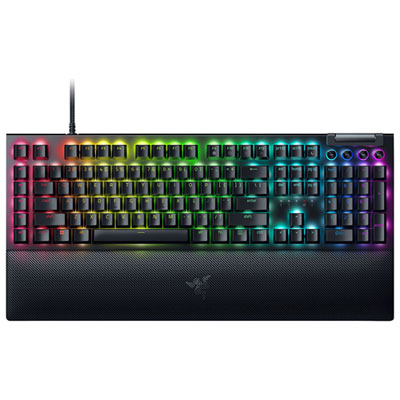
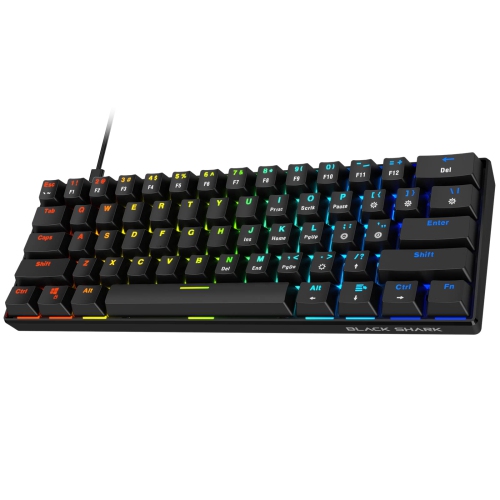
The right keyboard layout depends on how the desk is used as much as how the switches feel. A full-size layout keeps a number pad close at hand for spreadsheets, bookkeeping and frequent numerical entry. A tenkeyless layout removes that number pad while usually retaining a separate function row and navigation keys, leaving more room beside the keyboard for broad mouse movements. More compact layouts can bring the mouse closer to the body and free up work surface space, but they may place navigation commands or function keys on secondary layers. That trade-off becomes noticeable when switching between gaming, document editing and keyboard shortcuts throughout the day. Key spacing, case height and the position of frequently used controls all contribute to fit. A tall mechanical keyboard can feel very different from a low-profile office keyboard, particularly during long typing sessions. Adjustable feet change the typing angle, while a suitably positioned palm rest can provide support between bursts of typing; neither replaces a relaxed setup with shoulders loose and wrists kept reasonably straight. Keycap shape and texture add another layer of preference. Sculpted profiles give different rows distinct heights and angles, while more uniform profiles feel consistent across the board. Common keycap materials include ABS and PBT plastics. ABS can offer a smooth finish and crisp legends, while PBT is often chosen for its textured feel and resistance to developing a polished surface with use. Actual wear depends on the material formulation, finish and legend method rather than the plastic name alone. Connectivity also shapes everyday convenience. A wired connection avoids battery charging, while wireless designs can make it easier to move between compatible devices or keep cables away from the centre of the desk. Connection modes, operating-system support and software features vary, especially for remapping keys, recording macros and adjusting lighting. For Canadian bilingual typing, the physical key layout and the chosen language settings both matter, particularly when accented characters and familiar punctuation positions are part of daily work.
Construction influences both durability and the sound of a green switch keyboard. Case materials, internal plates, keycaps and any sound-dampening layers affect whether a keystroke sounds bright, hollow or more restrained, even when the switch mechanism is similar. Metal cases can add weight and rigidity, while plastic cases can be easier to move between desks; neither material alone determines overall build quality. Wider keys such as the spacebar, Enter and Shift rely on stabilizers to keep their movement balanced, making their feel especially noticeable during fast typing. A well-supported spacebar should feel consistent when pressed away from its centre, rather than tilting sharply or rattling excessively. For gaming, clear feedback can make individual presses easy to distinguish by feel, but clicky switches do not automatically make inputs faster or more accurate. Features such as key rollover, shortcut placement and connection performance have separate roles, and their usefulness depends on the games and tasks involved. For writers, students and programmers, the main attraction may simply be a repeatable rhythm and a more pronounced response than a flat membrane keyboard provides. Routine care helps preserve that feel. With the keyboard disconnected and powered off, loose debris can be removed using a soft brush and a method permitted by the manufacturer. A lightly dampened cloth can clean exterior surfaces without letting moisture enter the switches. Removable keycaps can make deeper cleaning easier, but removal methods vary, and larger stabilized keys need particular care. Hot-swappable sockets allow compatible switches to be replaced without soldering only when that capability is explicitly supported; ordinary mechanical keyboards should not be assumed to offer it. As a gift, a green switch keyboard suits someone whose preference for audible, tactile feedback is already known. Their preferred layout, device compatibility and tolerance for sound are more useful clues than colour alone. A keyboard that feels satisfying at a private desk may be less welcome beside a sleeping household member or during frequent video calls, making intended use an important part of the choice.
Top selling and popular products
-
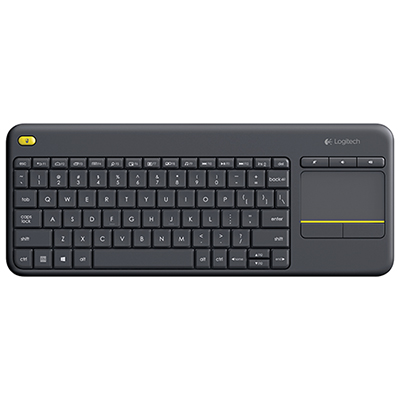 Your price for this item is $44.99
-
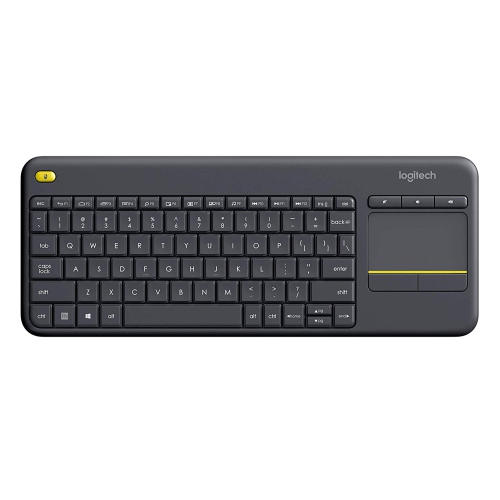 Your price for this item is $49.72
-
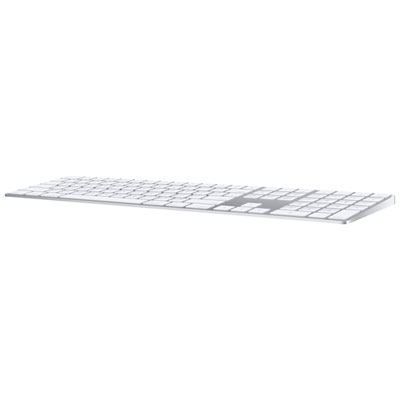 Your price for this item is $159
-
 Your price for this item is $219.99
-
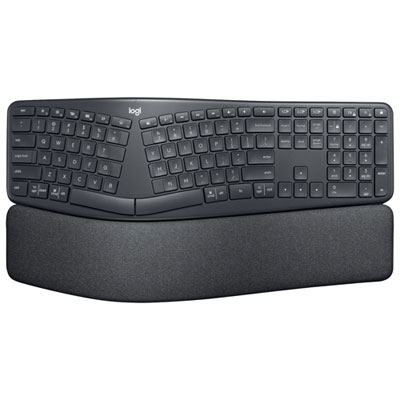 Your price for this item is $199.99
-
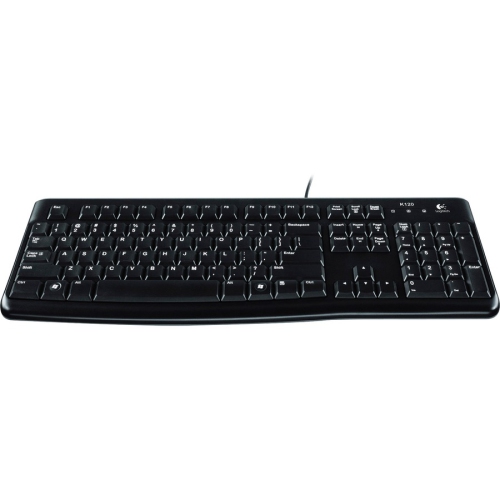 Your price for this item is $44.99
-
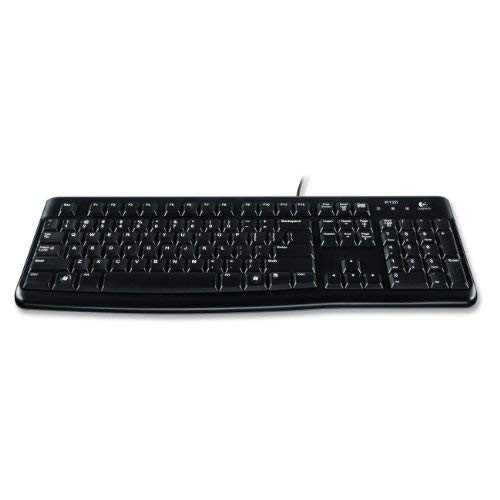 Your price for this item is $29.99
-
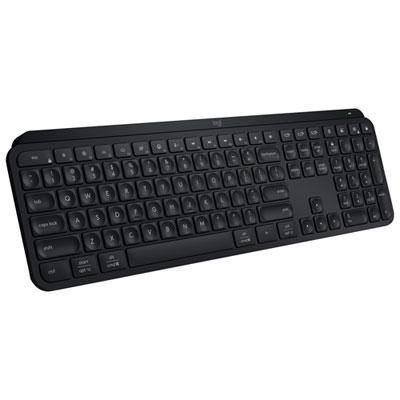 Your price for this item is $169.99
Discover more categories related to Green Switch Keyboards
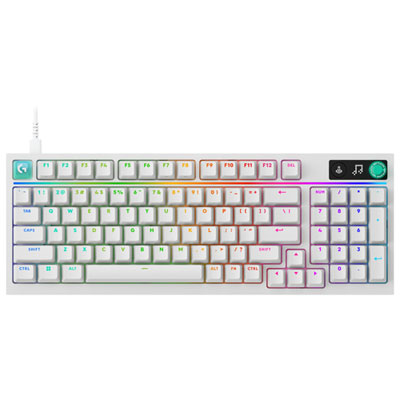
Top Collections:
Best Black Friday Deals This Year, Best Black Friday Deals On Electronics, Kindle Devices, Pokemon Centers, Best Black Friday Deals On Apple Products, Best Cameras for Sports Photography, Dyson Airwrap, Pokémon 30th Celebration Cards, Apple iPhone 17 Pro, Canon G7X Cameras
Some products may be subject to Environmental Handling Fees
(EHF) depending on your province.
Learn more about EHFs.