Blue Keyboards
Blue Keyboards add a vibrant touch to any workspace, combining style with functionality for both home and office setups. With a range of designs and layouts available, these keyboards offer an eye-catching alternative to traditional options. Whether you're updating your desktop or searching for a unique accessory, Blue Keyboards provide a standout choice to match your personal taste and elevate your computing experience. Explore different sizes and configurations to find the ideal fit for your needs.
Sort
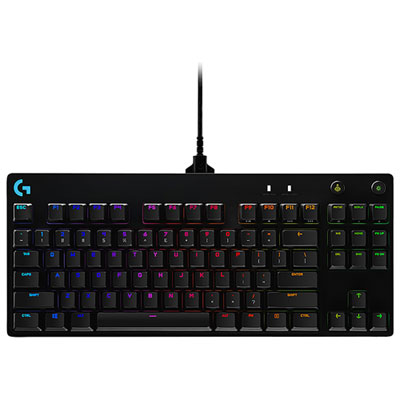
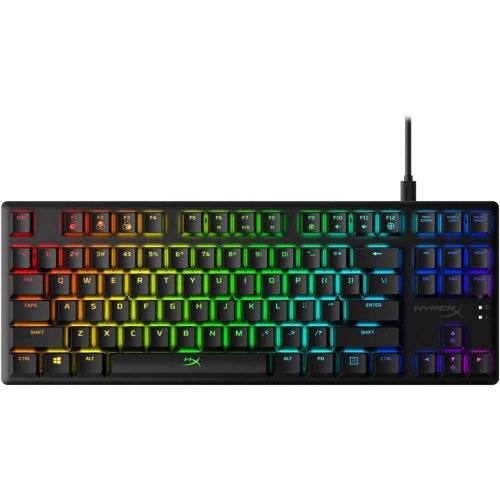
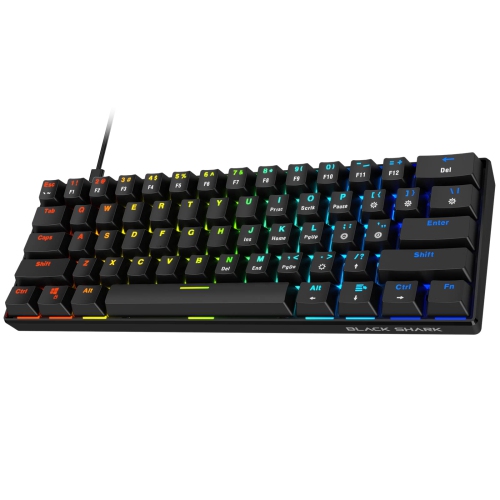

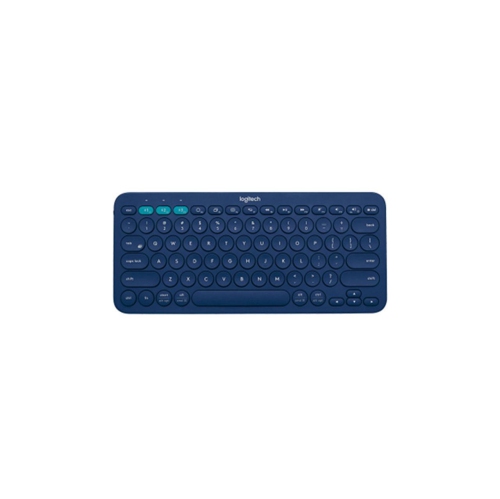
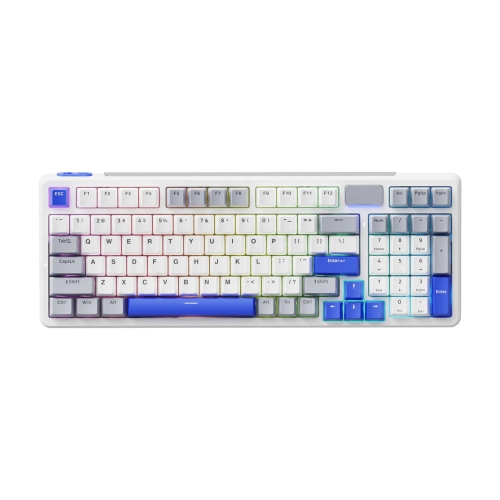
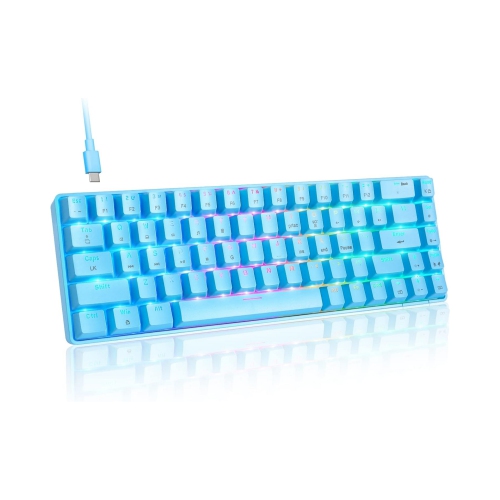
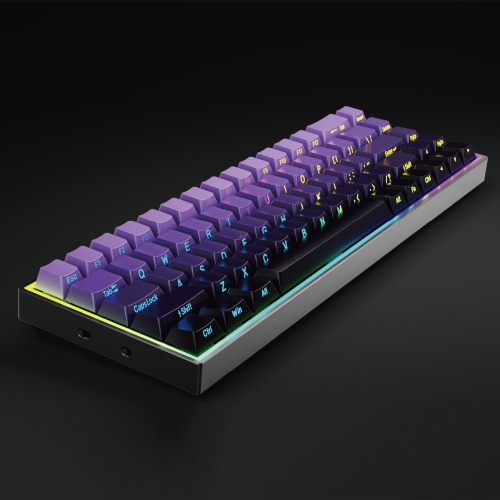
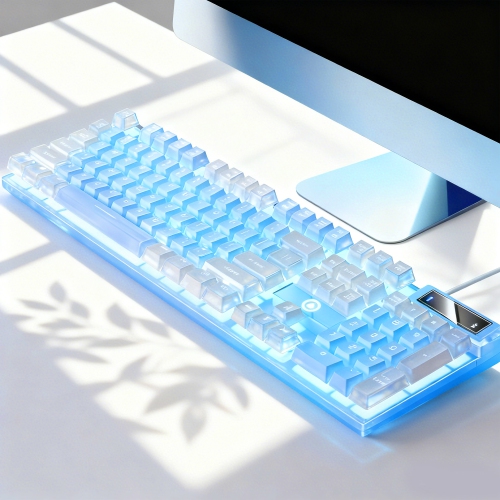
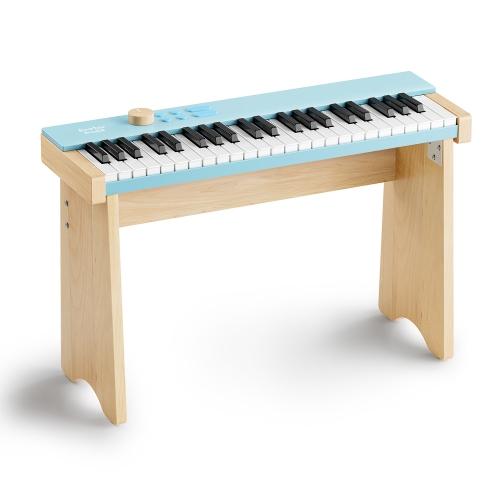
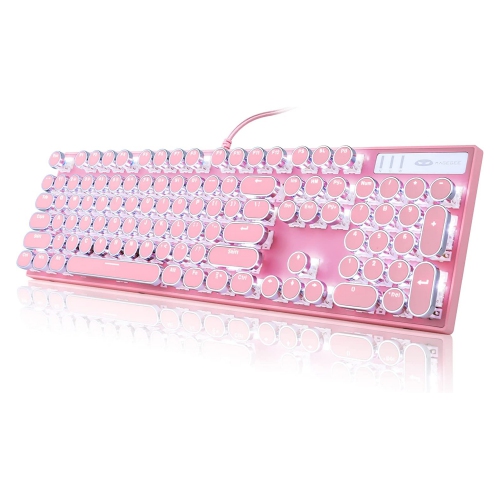
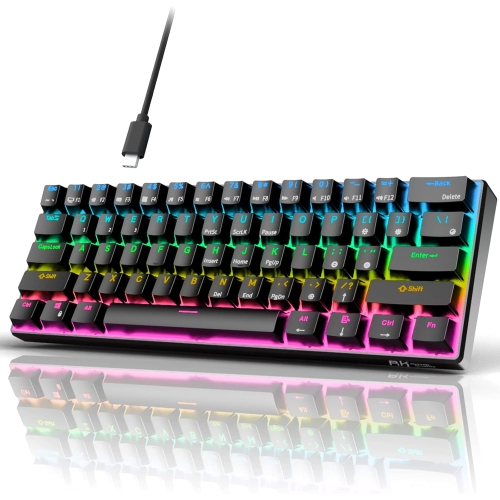
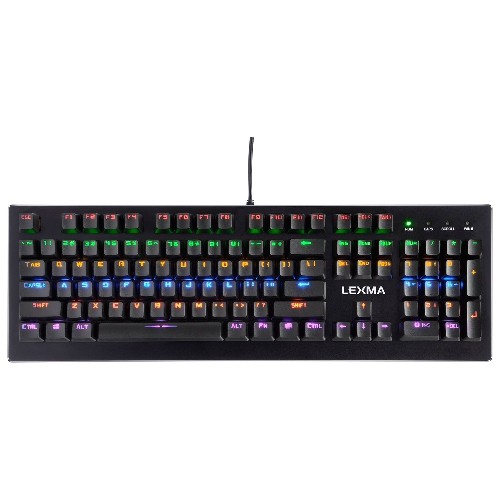
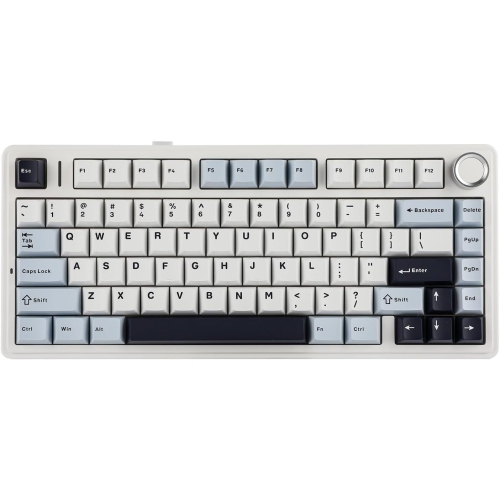
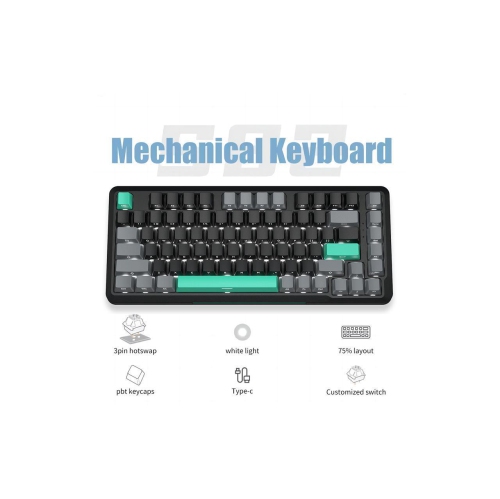
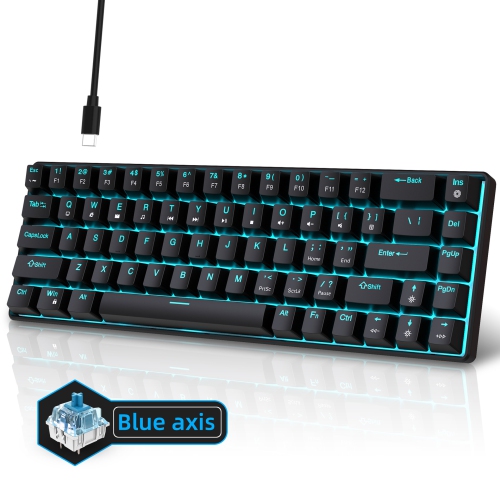
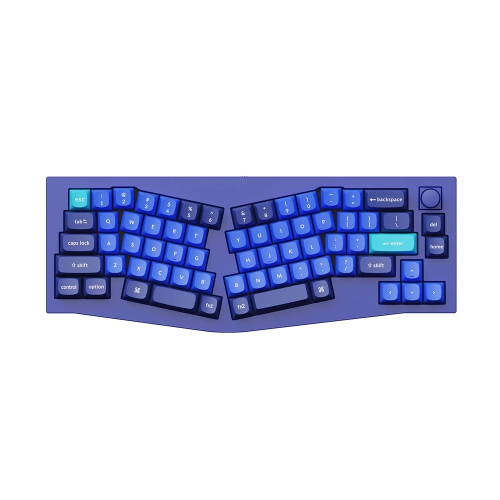
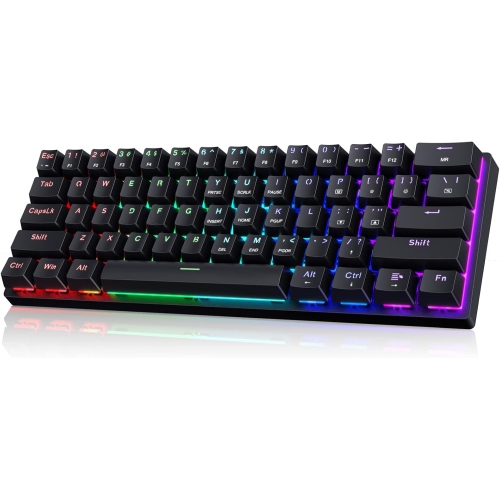
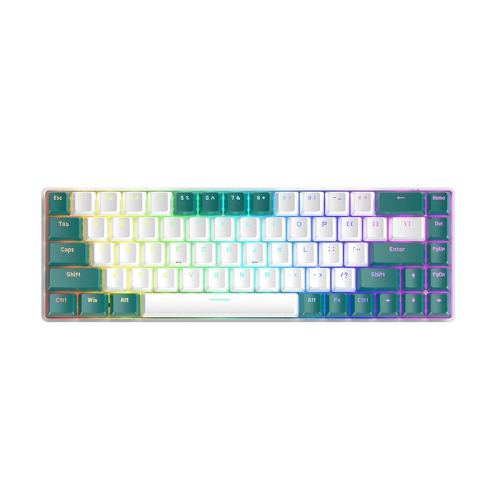
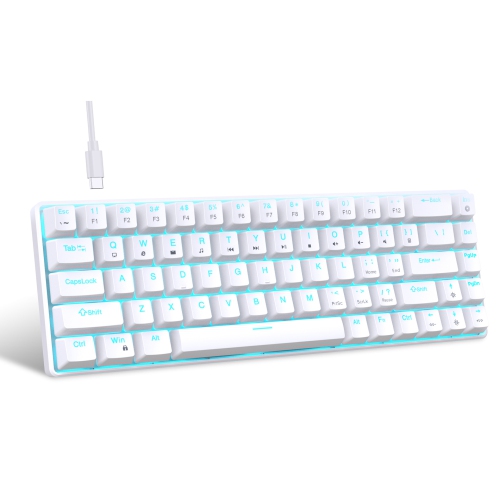
Blue style meets a layout that fits your desk
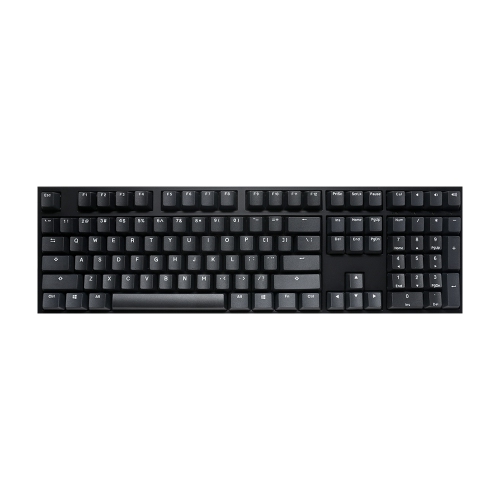
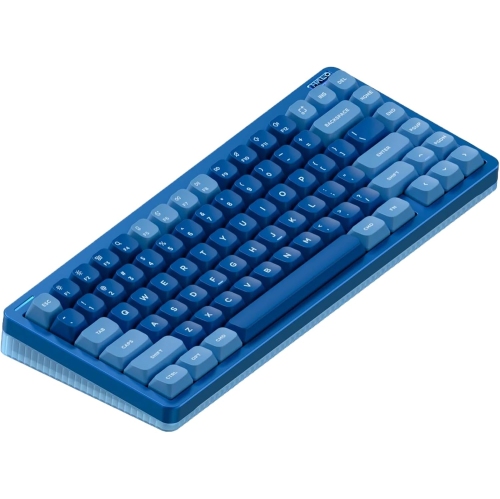
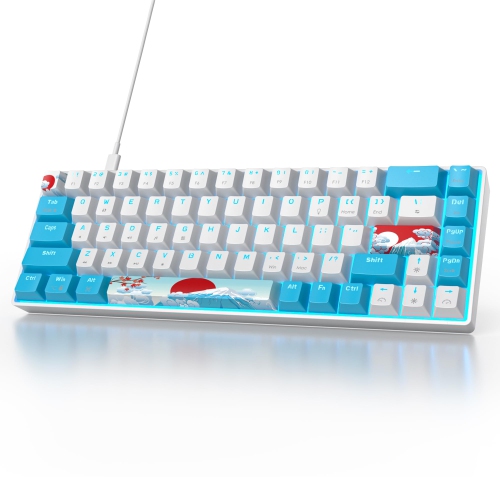
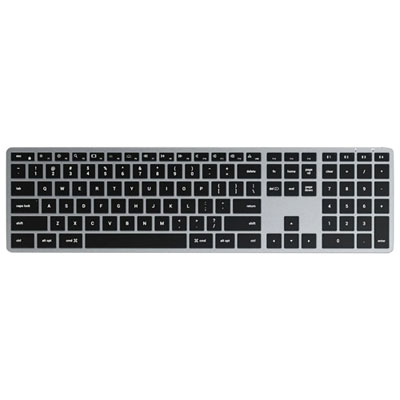
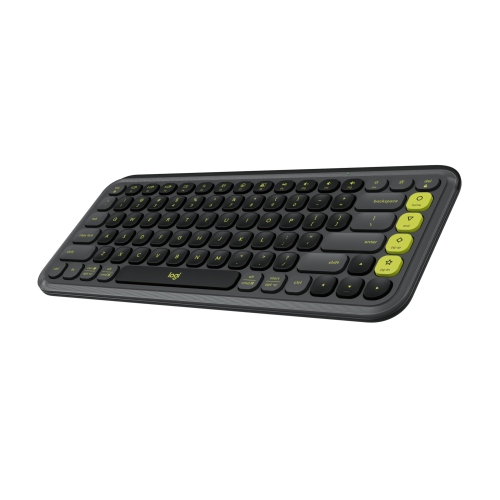
Blue keyboards are computer keyboards with blue cases, keycaps, or decorative accents, ranging from pale powder blue to deep navy and bright cobalt. The colour can give a desktop a distinct personality without changing the familiar function of a keyboard for typing, studying, gaming, or everyday browsing. A soft blue design can sit comfortably beside a light-coloured monitor and a simple desk mat, while darker shades pair well with black accessories, metal finishes, and a more understated work surface. Some designs use one consistent shade; others combine blue letter keys with contrasting modifiers or a differently coloured space bar. That distinction matters visually, especially when the keyboard will share a desk with a mouse, headset, or other accessories. Colour alone does not determine how a keyboard feels or performs, so layout and dimensions remain important parts of the fit. Full-size keyboards include a dedicated number pad that can be useful for spreadsheets, bookkeeping, and frequent numerical entry. Tenkeyless layouts omit that section while generally retaining separate arrow and navigation keys, leaving more room for a mouse. Smaller compact layouts save additional space, although some commands may require key combinations rather than dedicated keys. On a narrow desktop, a compact blue keyboard can leave room for a notebook and keep the mouse closer to the typing position. For someone who enters figures throughout the day, the convenience of a number pad may matter more than the extra width. Printed legends also deserve attention: language layout, punctuation placement, and the shape of the Enter key can differ between keyboards. Familiar key placement helps make the transition from an existing keyboard less disruptive. A blue finish may be the feature that first catches the eye, but a suitable layout makes the keyboard a practical part of daily work and play.
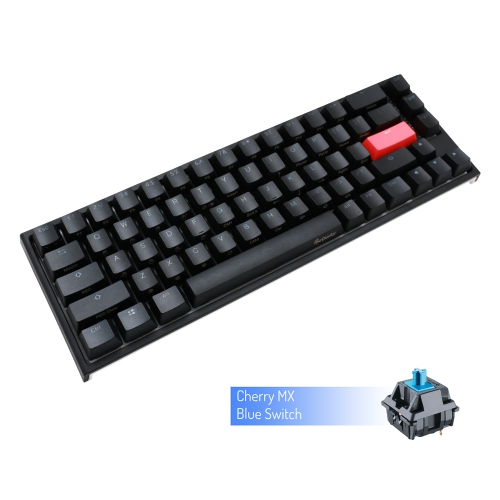
The typing experience depends on the mechanism beneath the keys, the height and shape of the keycaps, and the construction of the keyboard itself. Mechanical keyboards use individual switches, with different designs producing smooth linear travel, a noticeable tactile bump, or an audible click. Membrane keyboards use a different mechanism and often have a softer, more cushioned feel, although sound and resistance vary considerably between designs. Low-profile keyboards keep the keys closer to the work surface and may feel more familiar to people accustomed to laptop typing. A blue keyboard should not be confused with a keyboard fitted with blue switches: in many mechanical switch ranges, blue identifies a clicky switch type rather than the colour of the keyboard. Blue backlighting is another separate feature and does not necessarily mean that the case or keycaps are blue. These distinctions are especially useful when the keyboard is intended for a shared office, a study area, or a room where someone takes calls. A pronounced click can be satisfying during solo typing but distracting beside an open microphone. Keycap materials also affect the feel over time. ABS plastic is common and can develop a smoother, shinier surface with repeated use, while textured PBT keycaps generally resist that polished appearance better. Neither material alone determines overall quality; keycap thickness, lettering method, and case construction also matter. Double-shot legends are formed from separate pieces of plastic rather than simply printed onto the surface, which can help the markings withstand regular handling. A rigid case and well-supported larger keys can make typing feel more consistent, particularly on the space bar and Enter key. Comfort depends on the whole setup, including keyboard height, desk height, and chair position. Adjustable feet change the typing angle, but a steeper angle is not automatically more comfortable. A position that allows relaxed shoulders and reasonably straight wrists is more useful than choosing a keyboard solely for its appearance.
Connection type shapes how a blue keyboard fits into an everyday routine. A wired connection avoids battery charging and keeps the keyboard connected through a cable, making cable length and port compatibility relevant to desk placement. Wireless designs can reduce visible cables and make it easier to move the keyboard aside when the desktop is needed for writing or other tasks. Some connect through Bluetooth, some use a dedicated USB receiver, and some support more than one connection method. Compatibility with the intended computer, tablet, or other supported device should be confirmed, along with whether any special functions depend on software. Multi-device switching can be convenient for someone alternating between a work computer and a personal device, while clearly labelled shortcut keys help keep common controls within reach. For gaming, connection performance, reliable simultaneous key registration, and suitable switch behaviour are more meaningful than colour alone. Lighting is a separate consideration: illuminated legends can be easier to identify in a dim room, while decorative lighting may primarily highlight the keyboard’s shape or colour scheme. For shoppers interested in illumination as well as a blue finish, LED Keyboards offer another way to explore that feature. Everyday care helps preserve both appearance and function. Disconnecting or switching off the keyboard before cleaning, removing loose debris gently, and wiping surfaces according to the manufacturer’s directions can keep dust and finger marks from building up. Cleaning liquid should not be sprayed directly between the keys, and removable keycaps should only be taken off when the design supports it. For travel between classrooms, offices, or study spaces, a protective sleeve can help prevent scratches and pressure on the keys. As a gift, a blue keyboard can suit a student personalizing a study area, a gamer coordinating desk accessories, or someone refreshing a home office. The recipient’s preferred layout, connection needs, and tolerance for typing noise make that colour choice feel considered rather than merely decorative.
Top selling and popular products
-
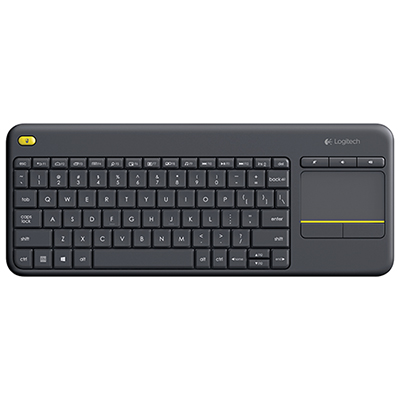 Your price for this item is $44.99
-
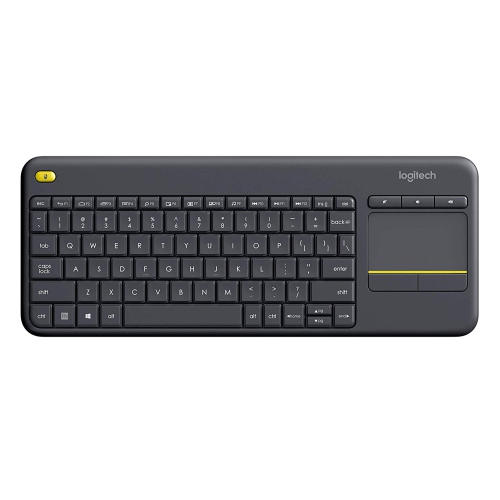 Your price for this item is $49.72
-
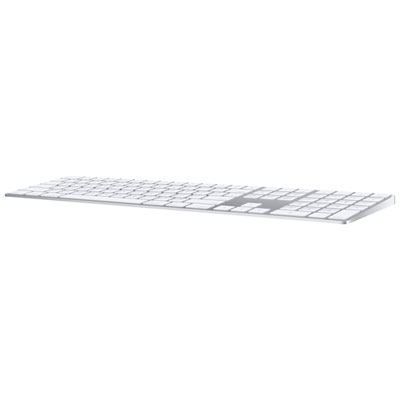 Your price for this item is $159
-
 Your price for this item is $219.99
-
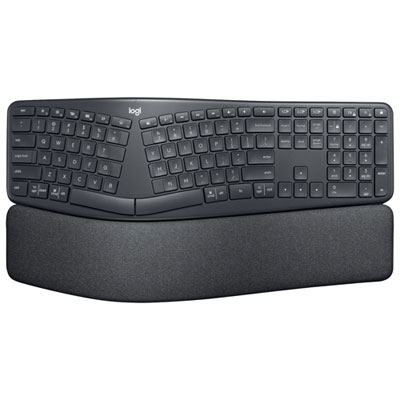 Your price for this item is $199.99
-
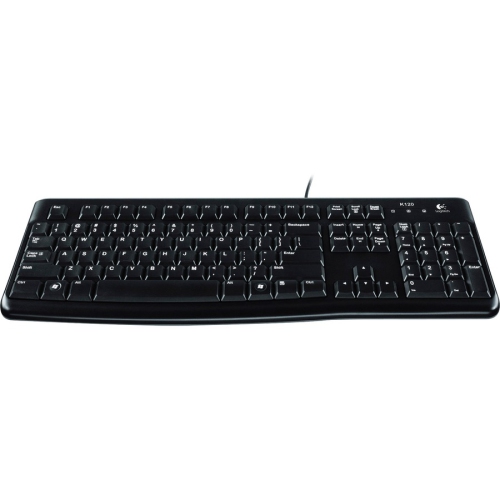 Your price for this item is $44.99
-
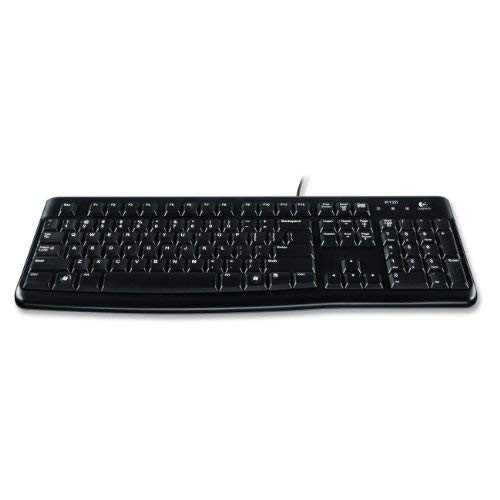 Your price for this item is $29.99
-
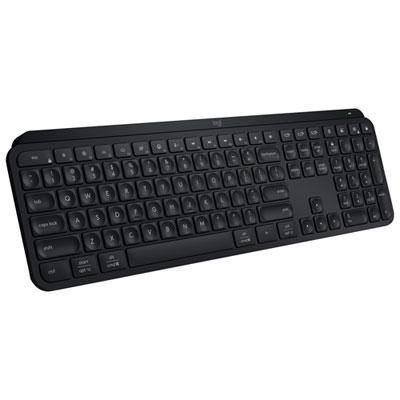 Your price for this item is $169.99
Discover more categories related to Blue Keyboards
Top Collections:
Best Black Friday Deals This Year, Best Black Friday Deals On Electronics, Kindle Devices, Pokemon Centers, Best Black Friday Deals On Apple Products, Best Cameras for Sports Photography, Dyson Airwrap, Pokémon 30th Celebration Cards, Apple iPhone 17 Pro, Canon G7X Cameras
Some products may be subject to Environmental Handling Fees
(EHF) depending on your province.
Learn more about EHFs.