Blue Gaming Keyboards
Upgrade your gaming setup with a touch of style and precision with our collection of blue gaming keyboards. Designed to enhance your gaming experience, these keyboards boast an eye-catching blue hue that adds a vibrant pop to your desk. Equipped with advanced features and customizable options, they offer seamless gameplay, responsive keystrokes, and exceptional durability. Whether you're a casual gamer or a seasoned pro, our selection of blue gaming keyboards is sure to elevate your performance and take your gaming sessions to the next level.
Sort

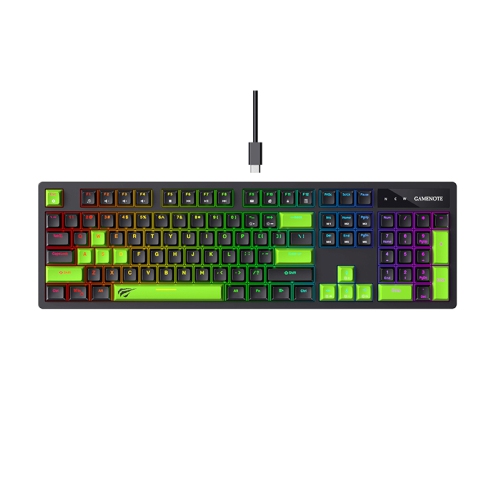
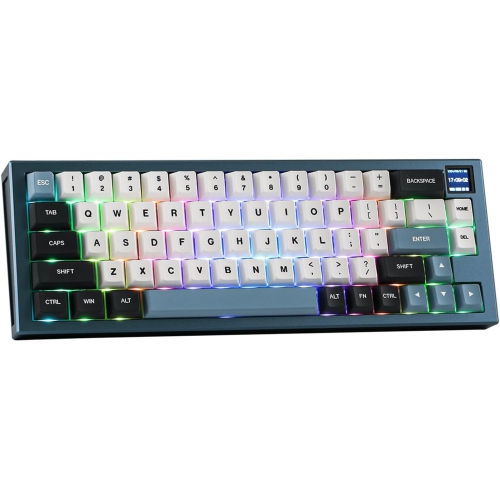
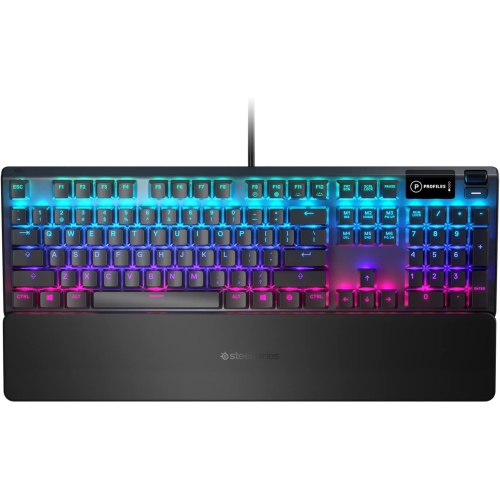
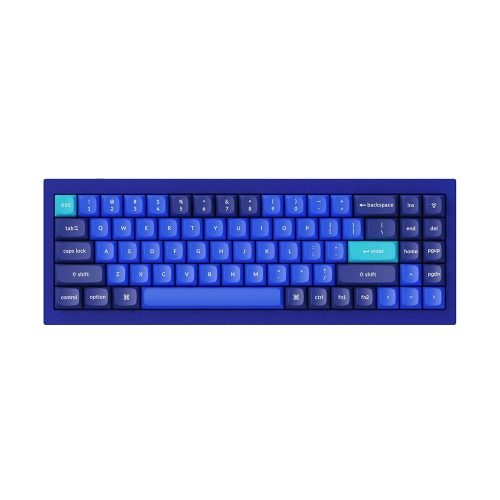
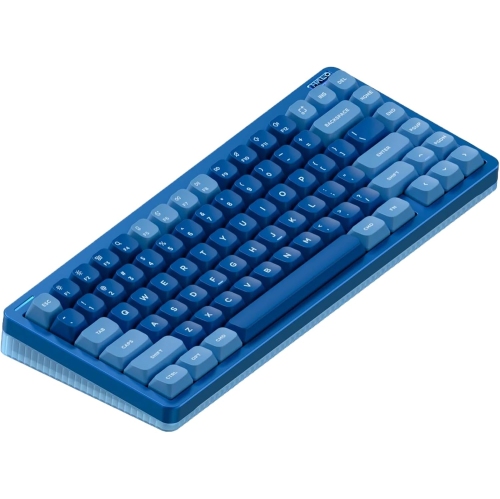
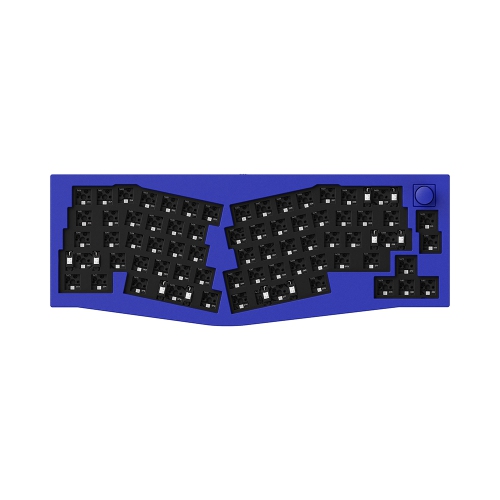
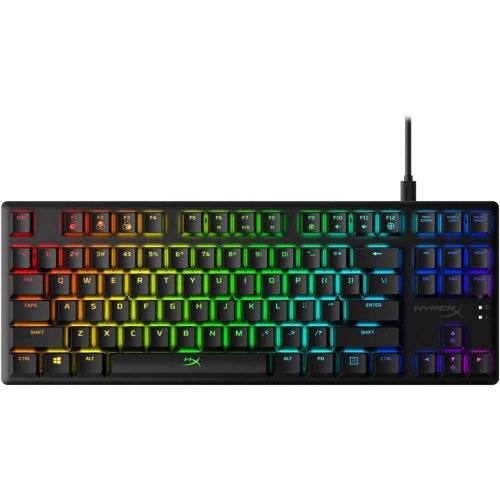
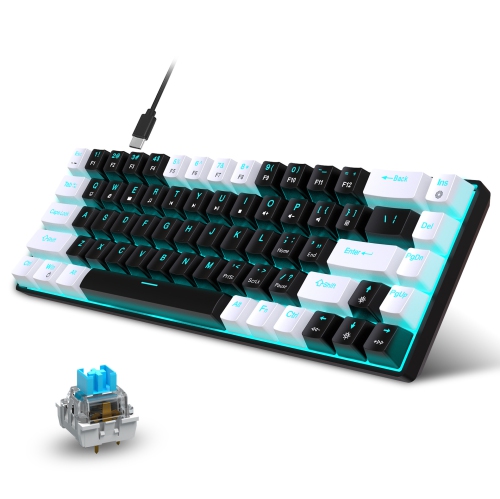
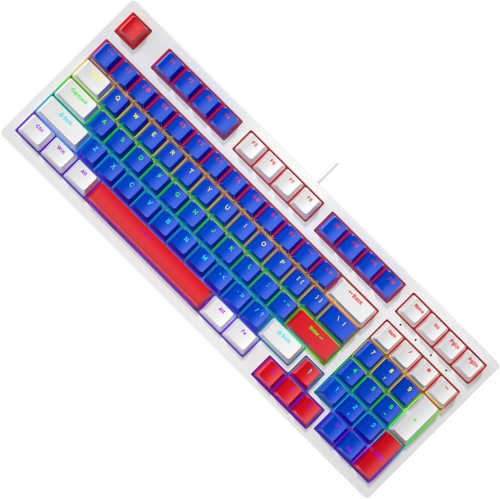
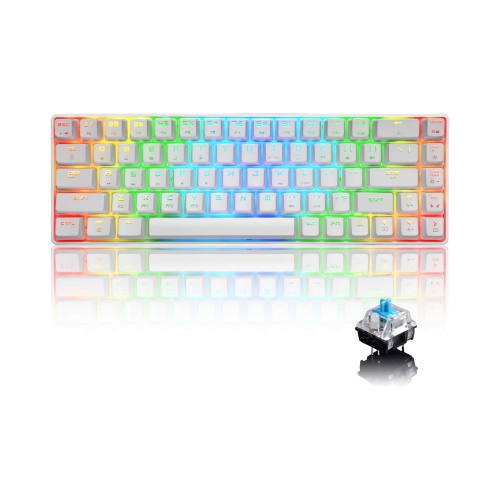
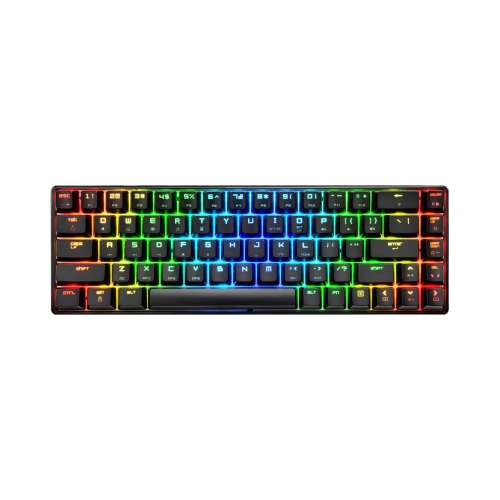
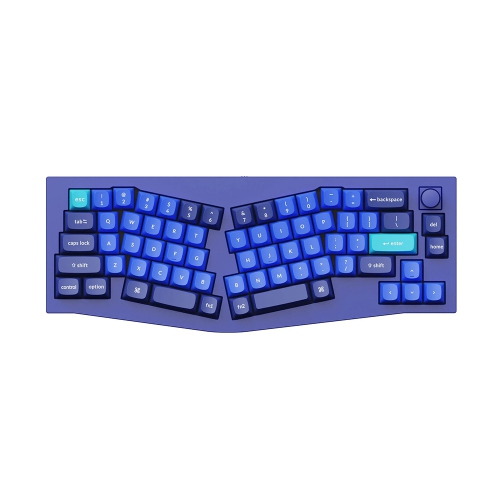
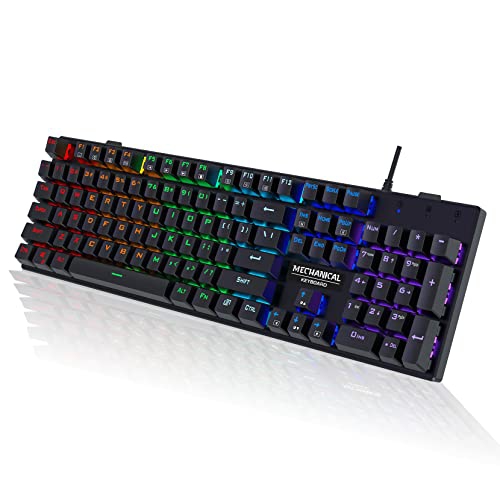
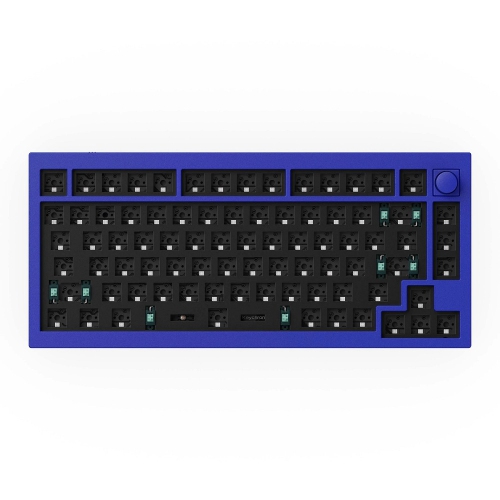
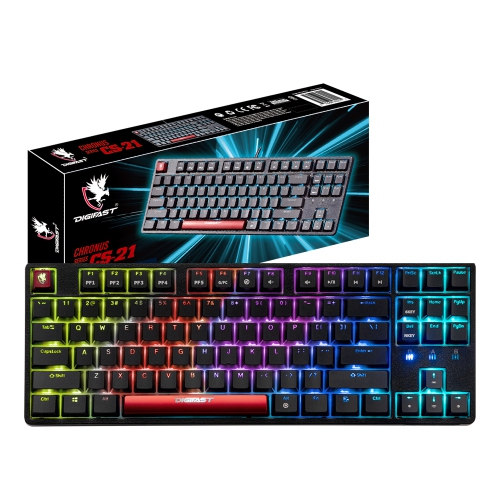
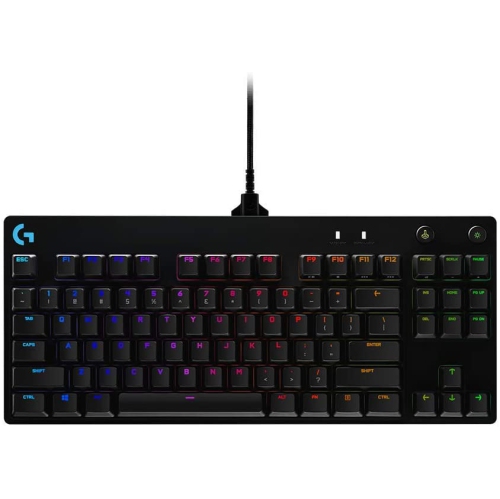
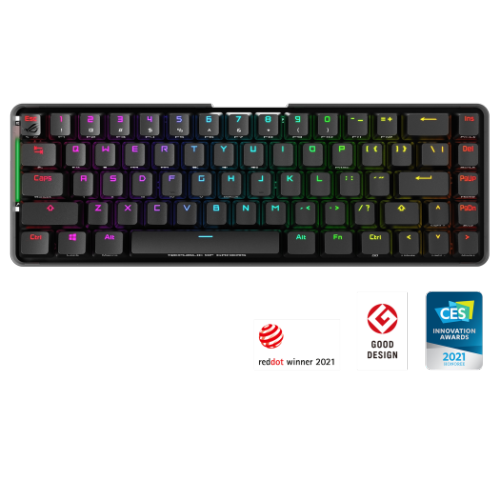
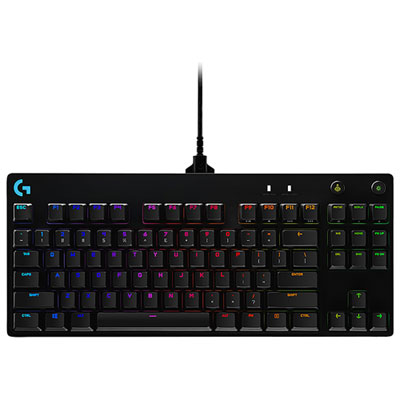
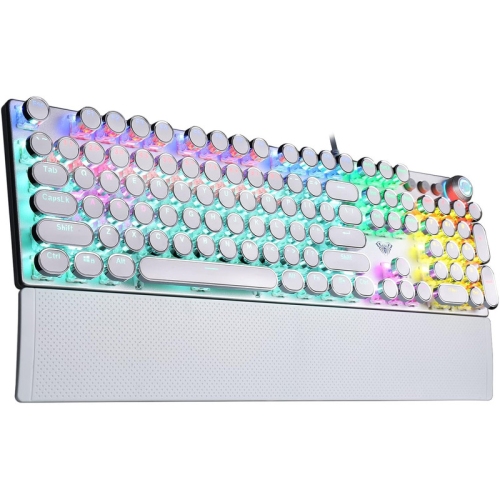
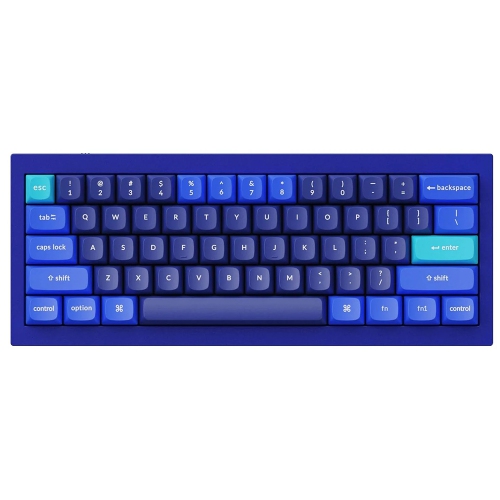
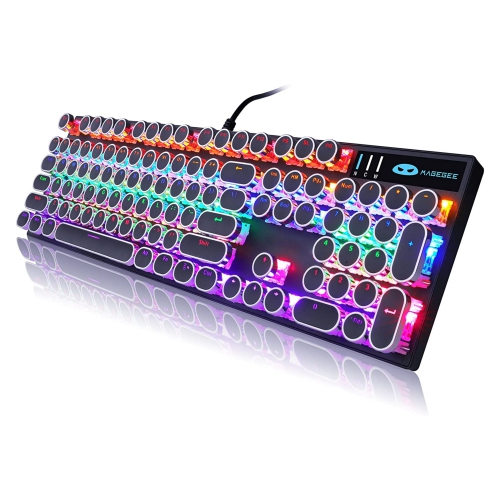
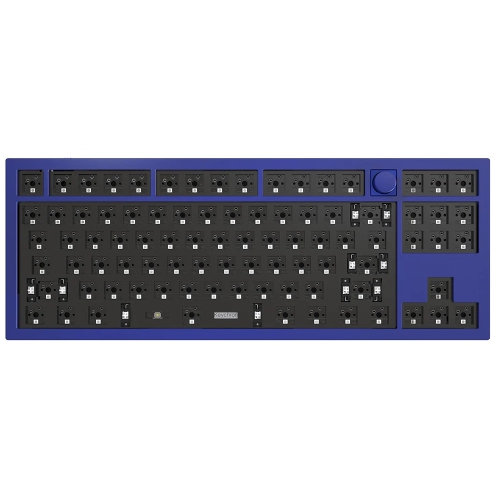
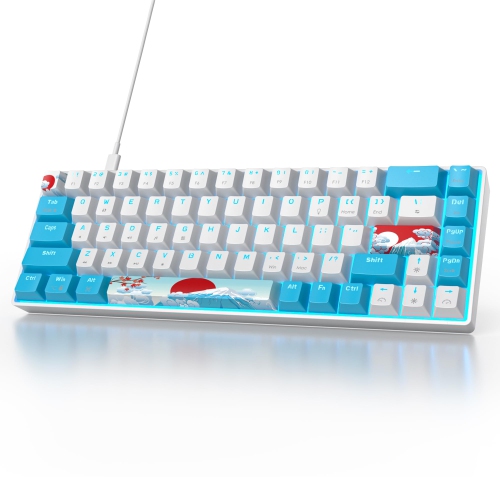
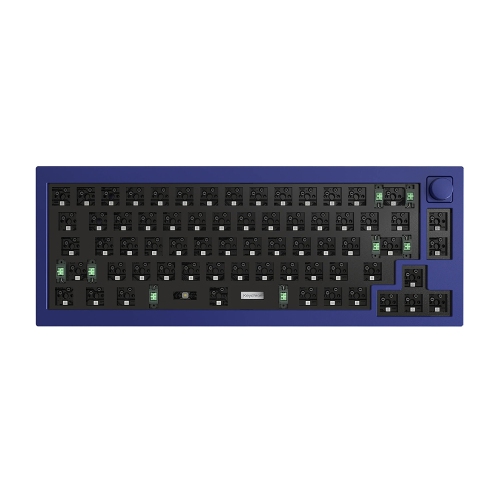
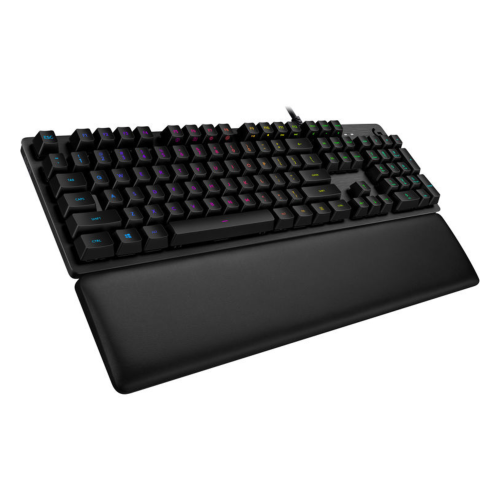
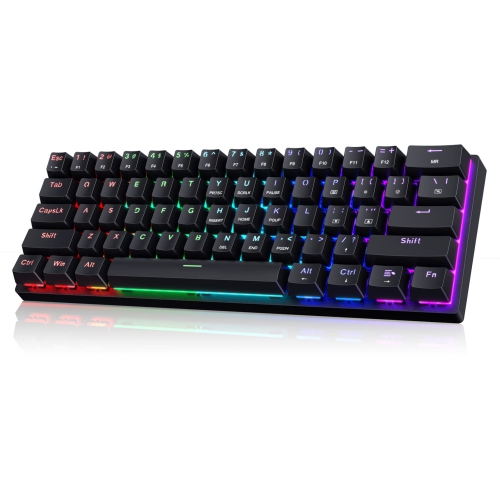
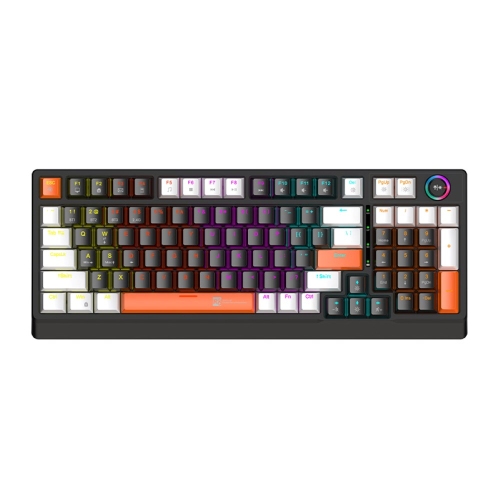
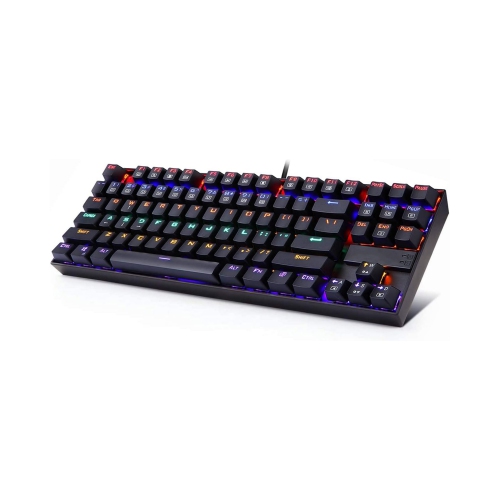
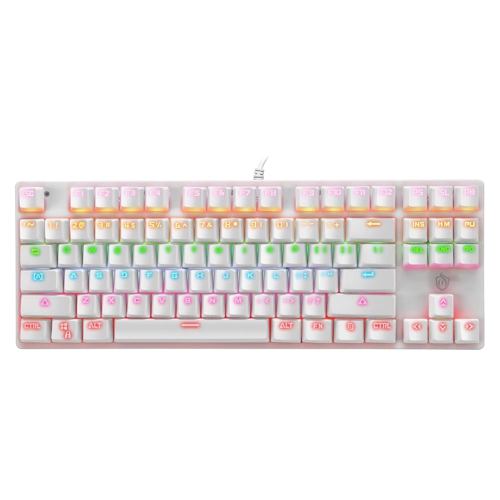
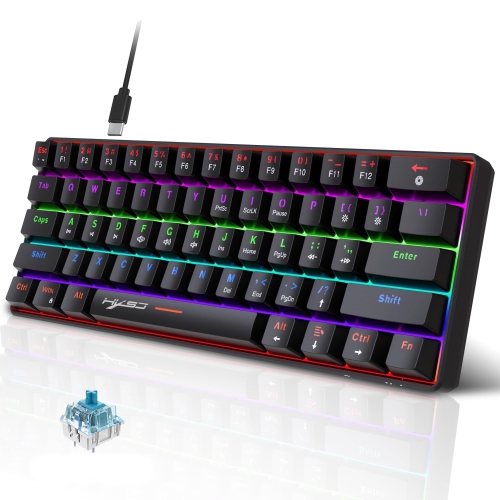
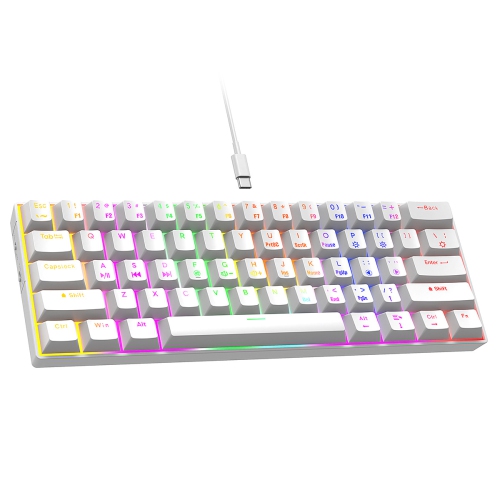

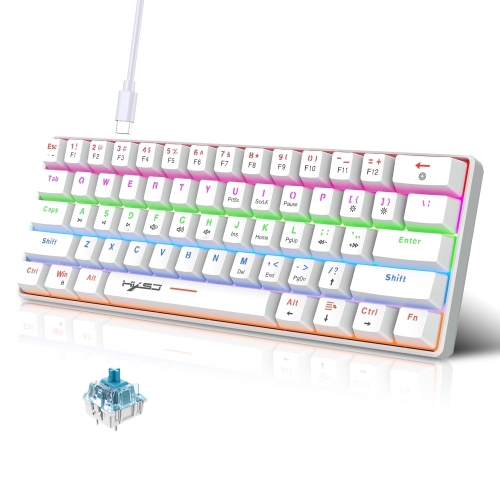


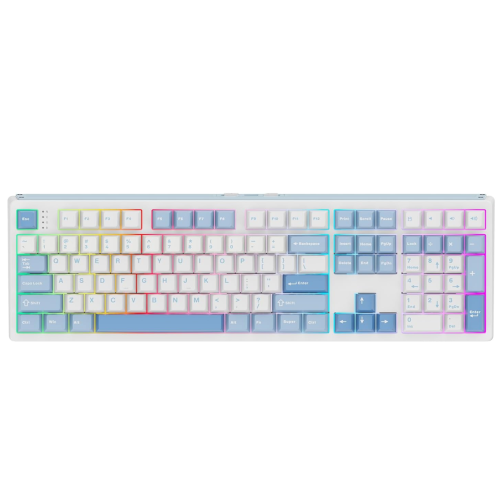
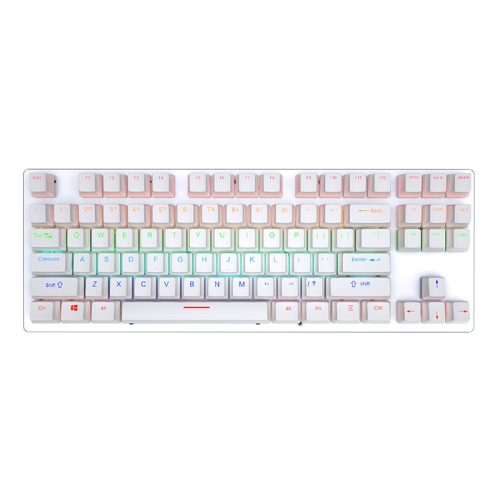
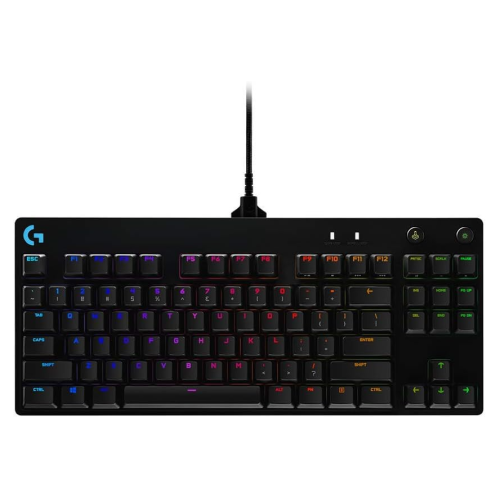
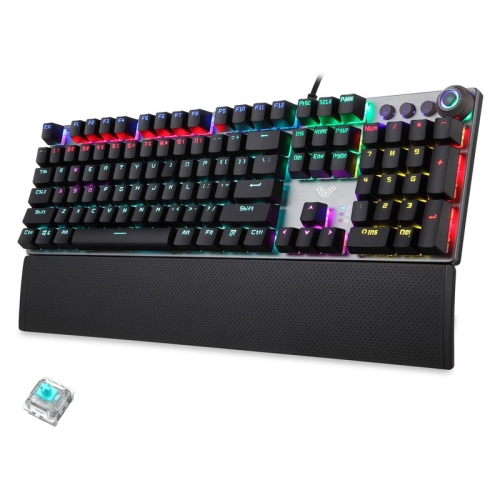
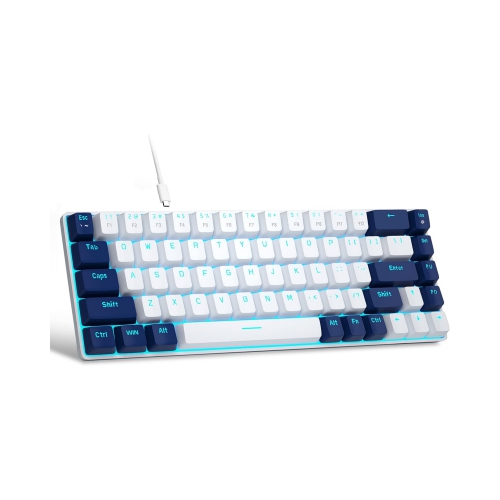
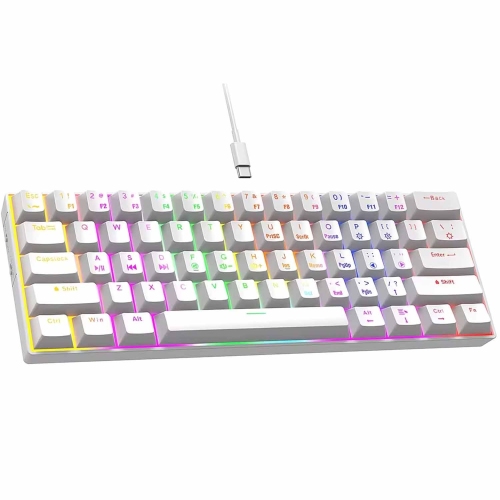
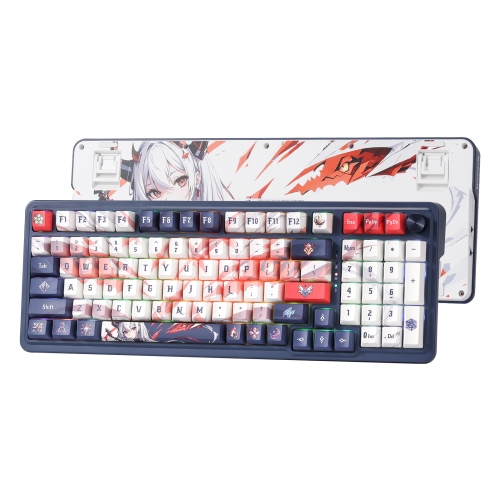
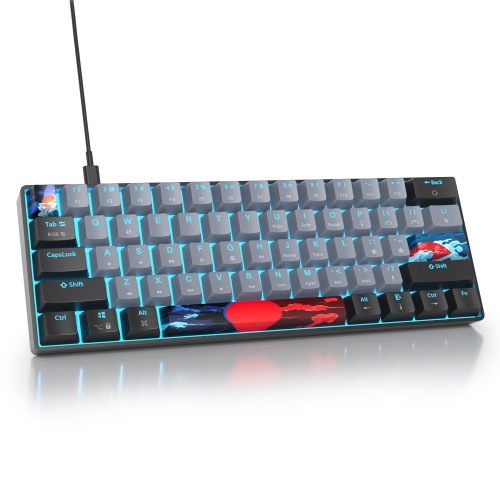
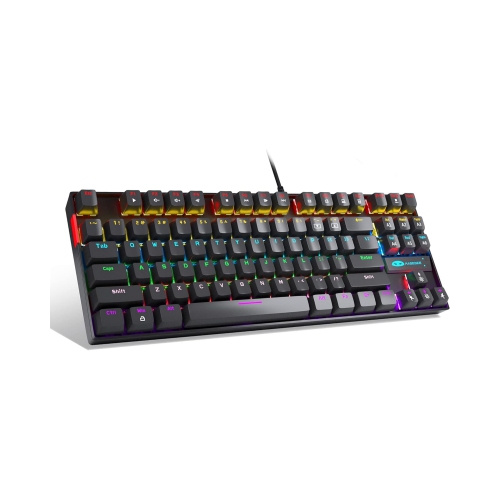
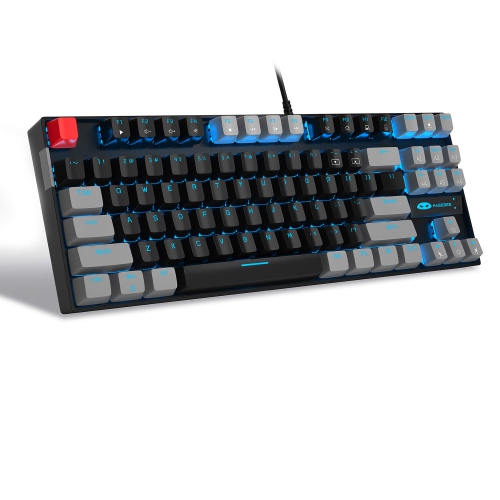
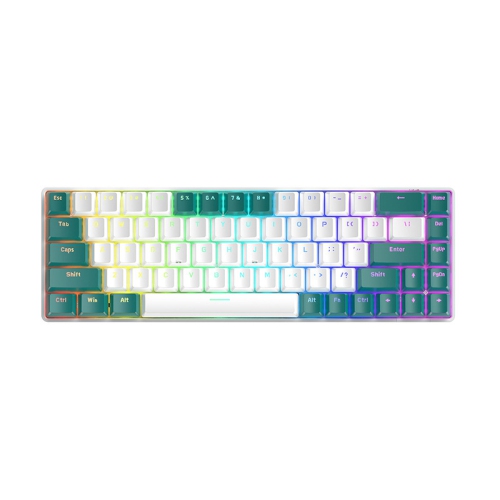
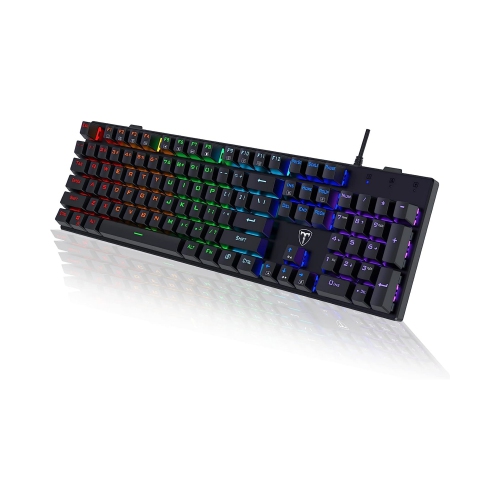
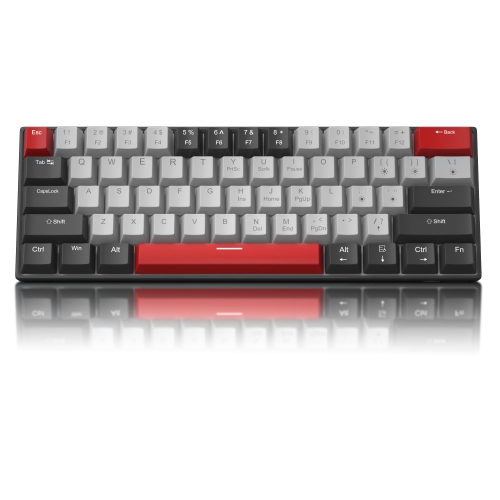
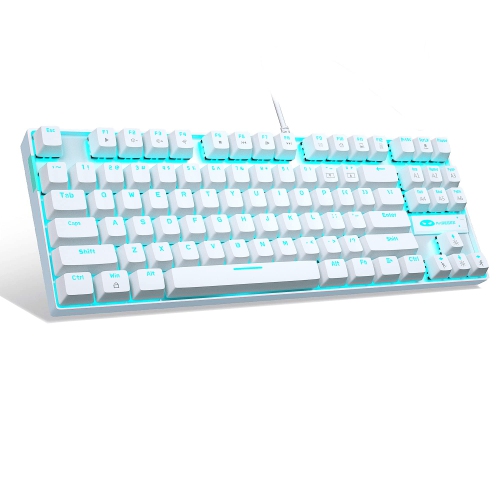
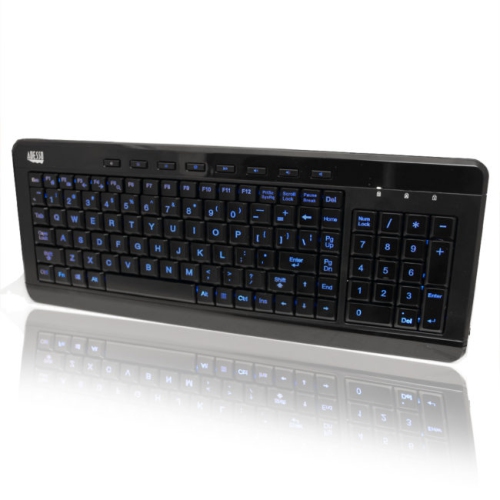
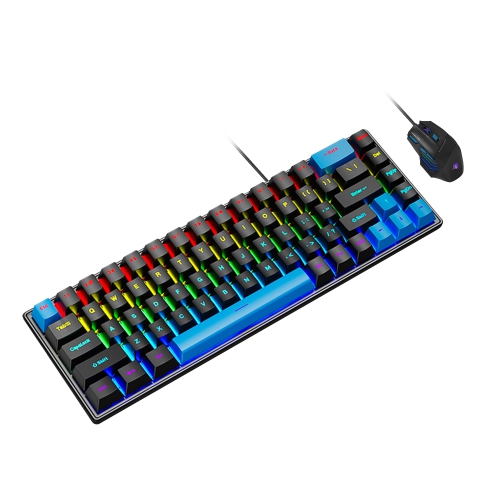
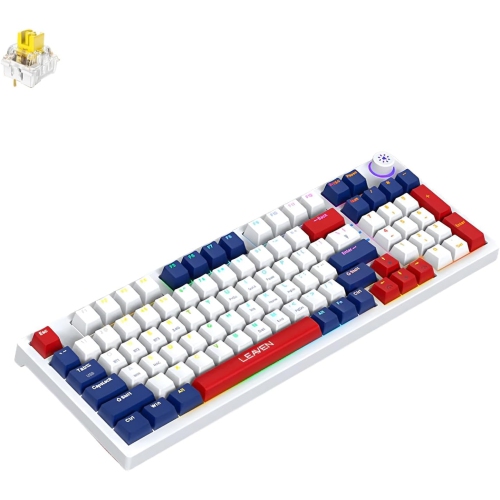
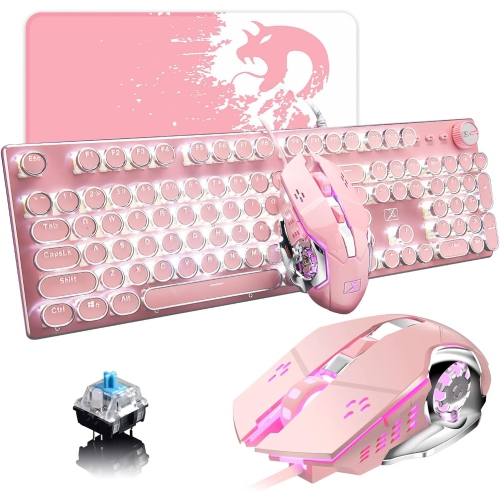
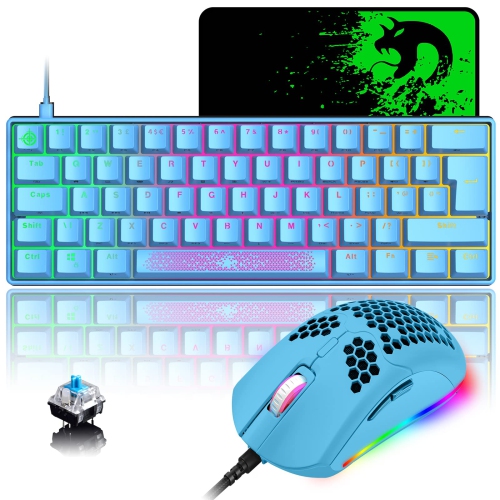
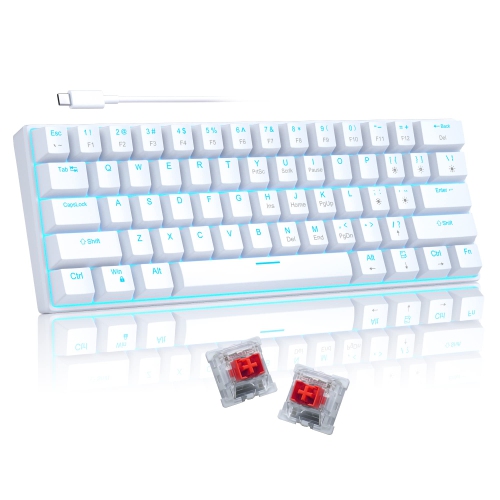
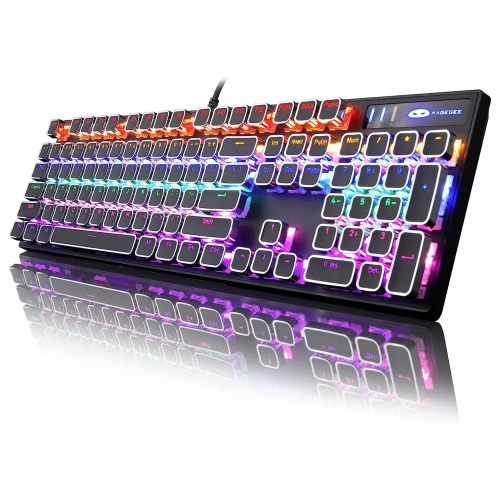
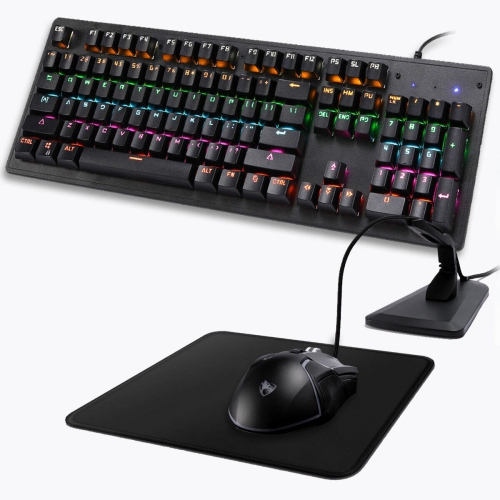
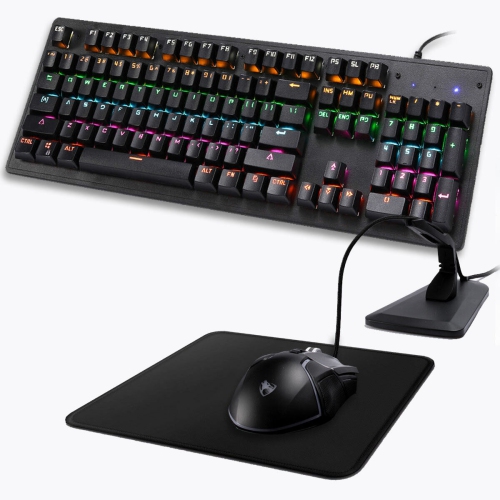
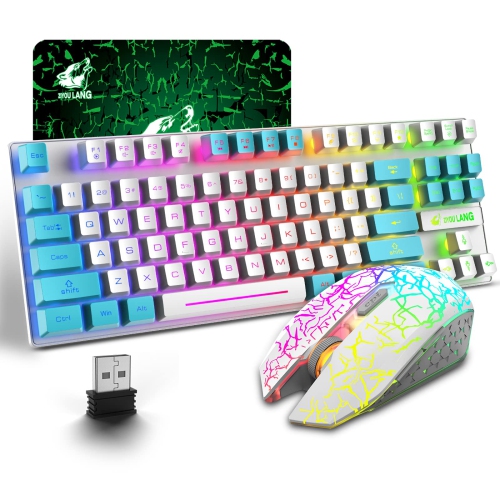
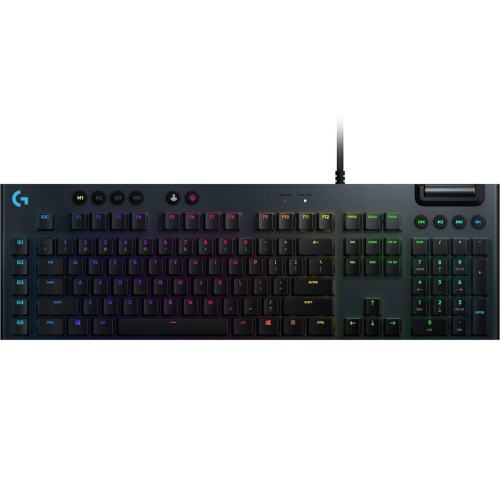
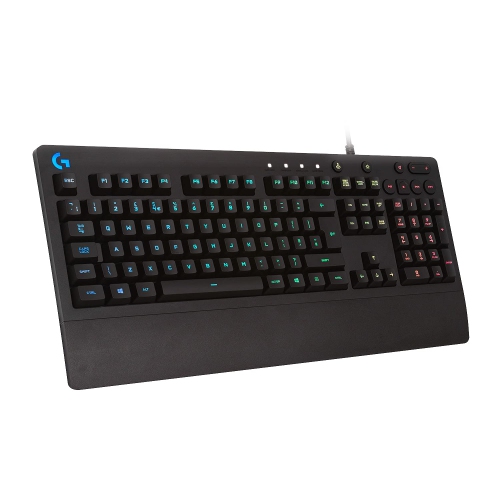
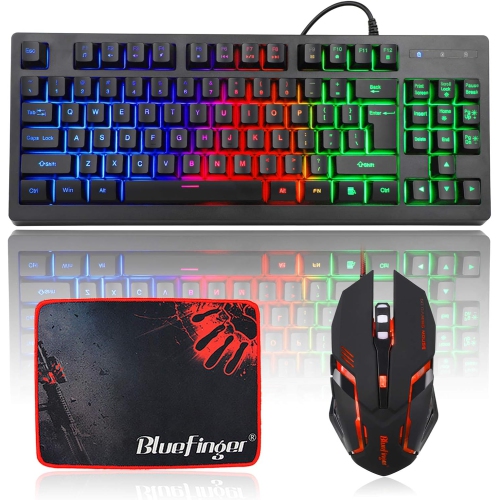
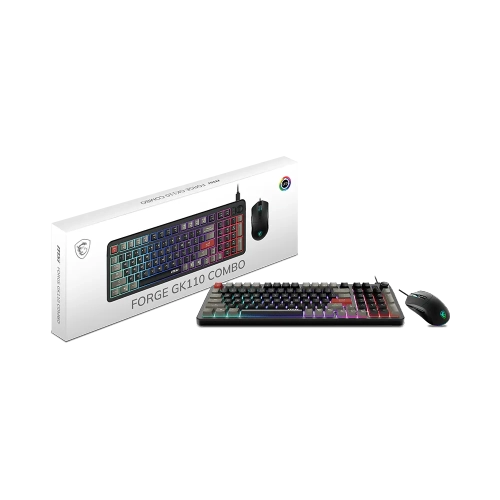
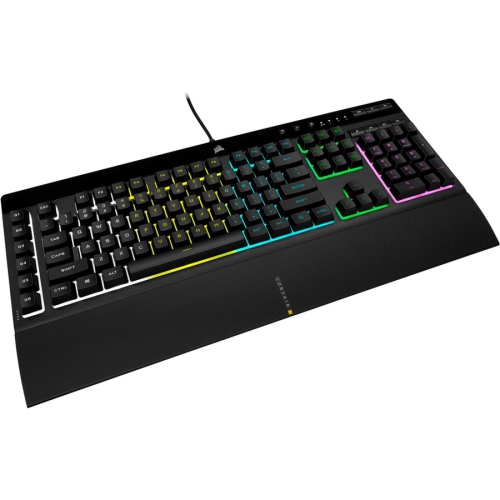
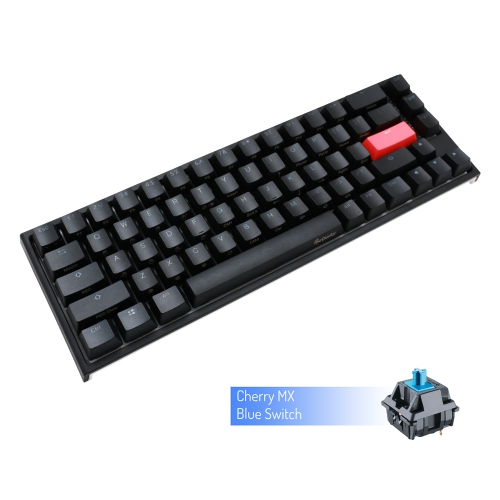
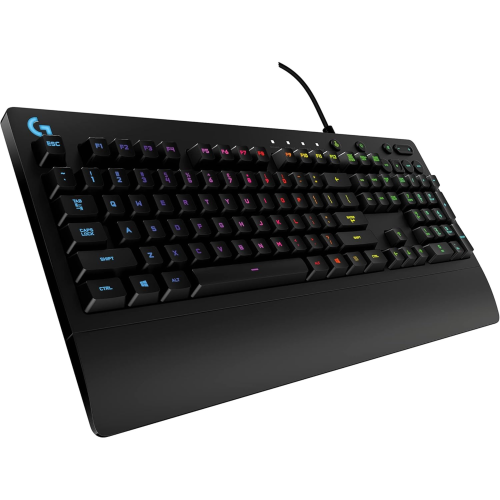

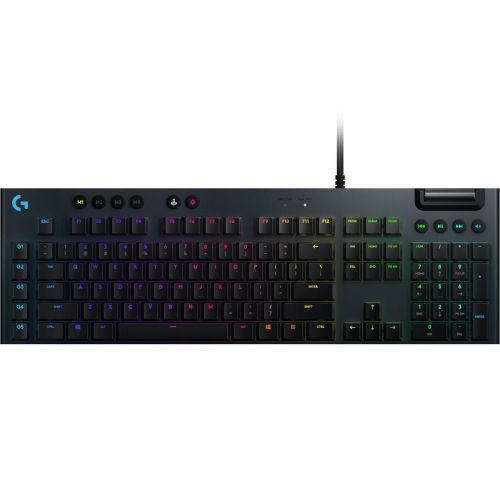
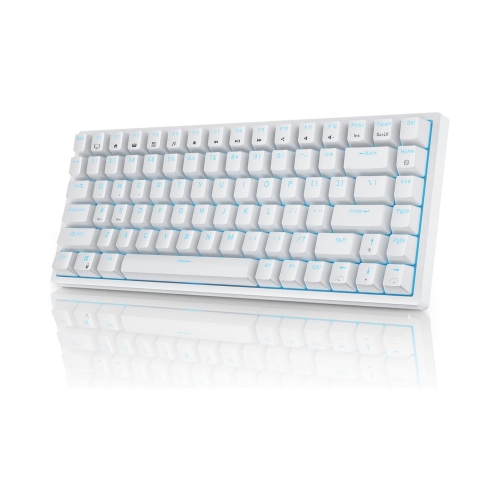
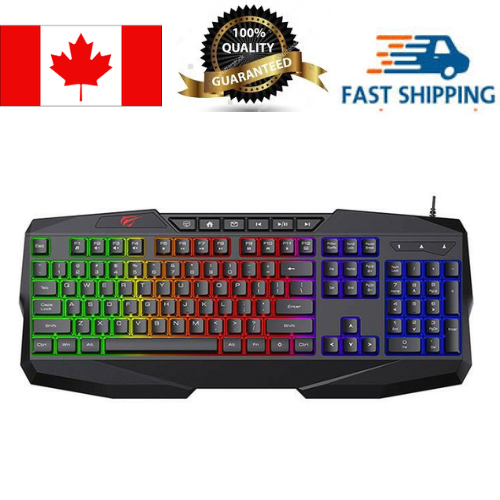
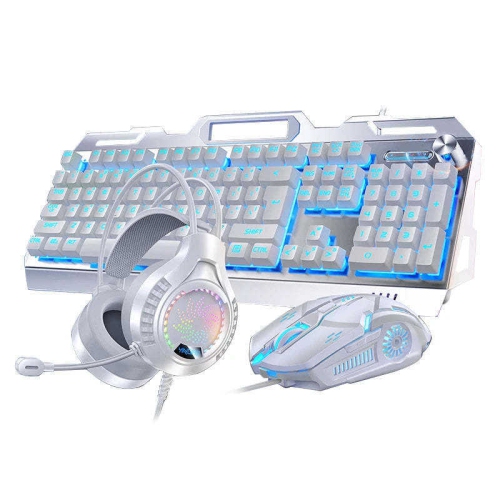
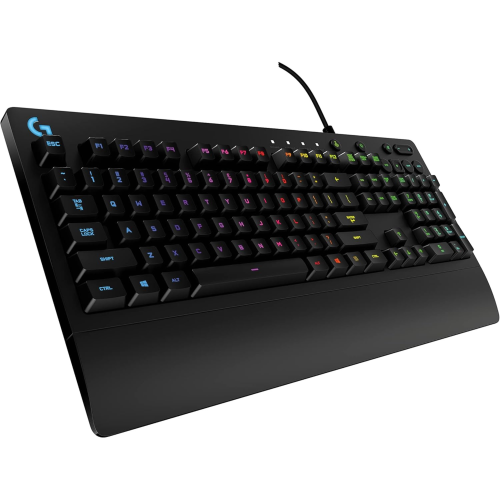
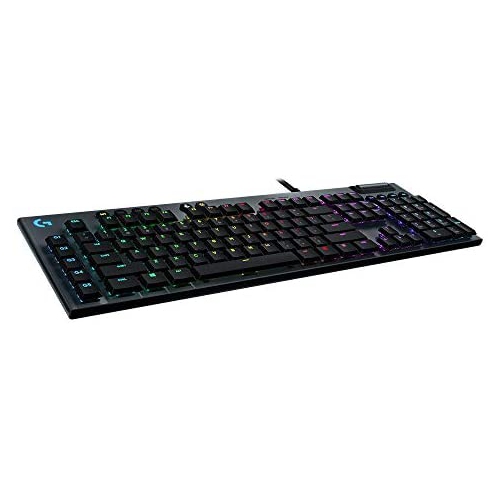
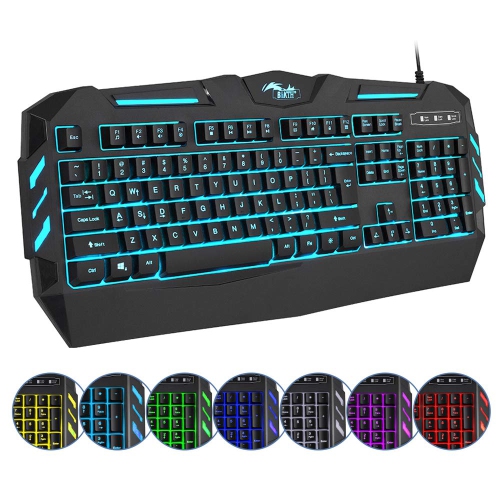
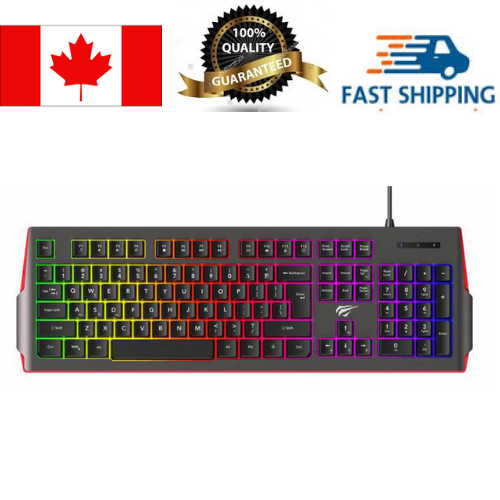
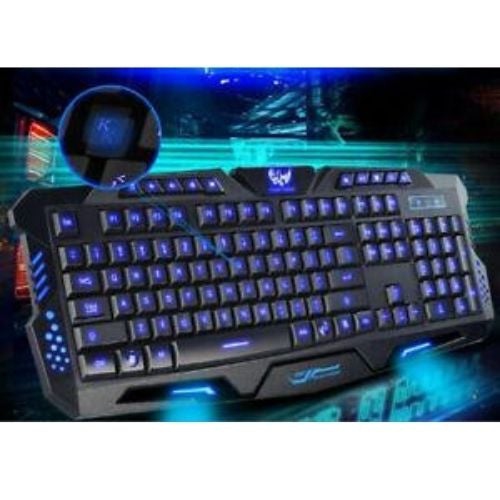
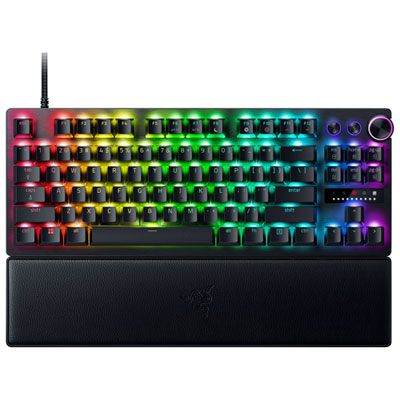
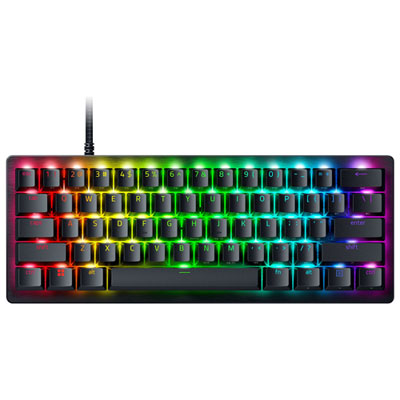
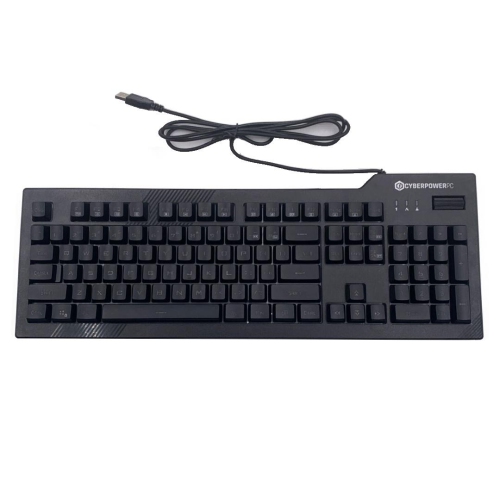
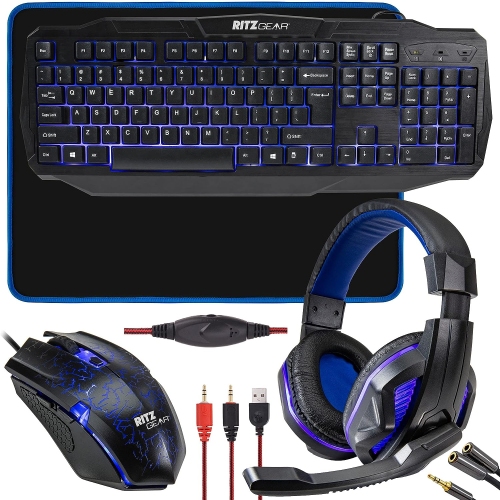
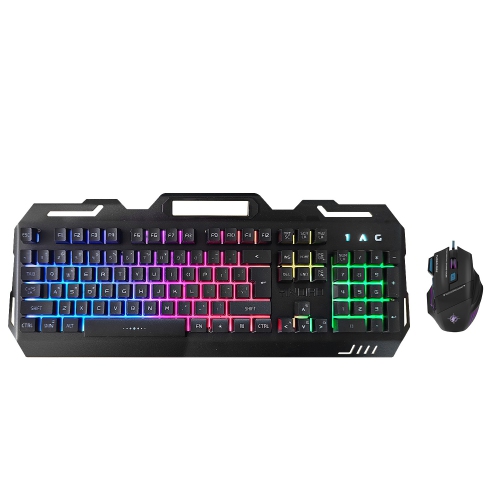
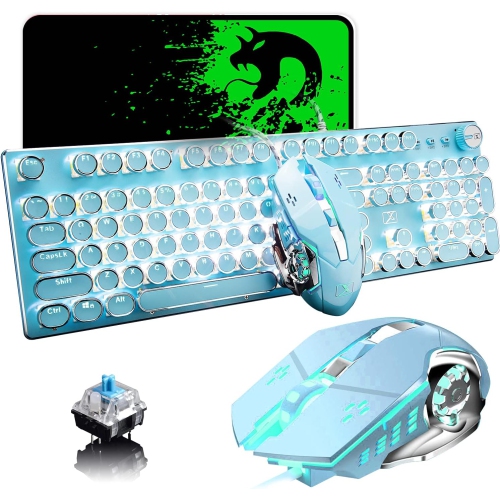
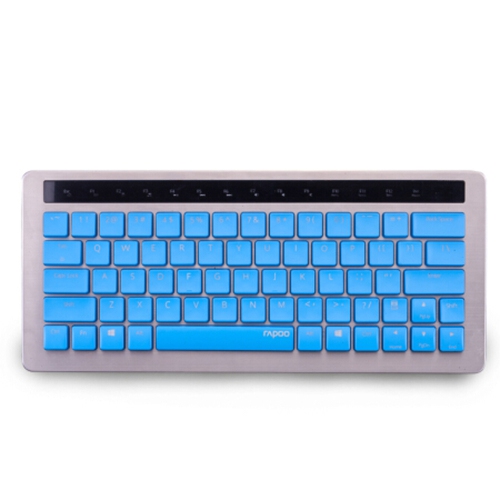
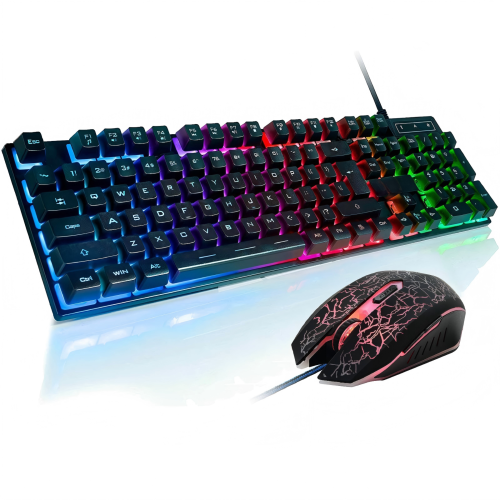

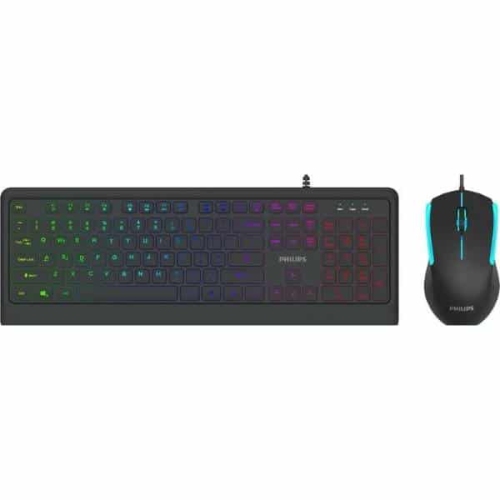
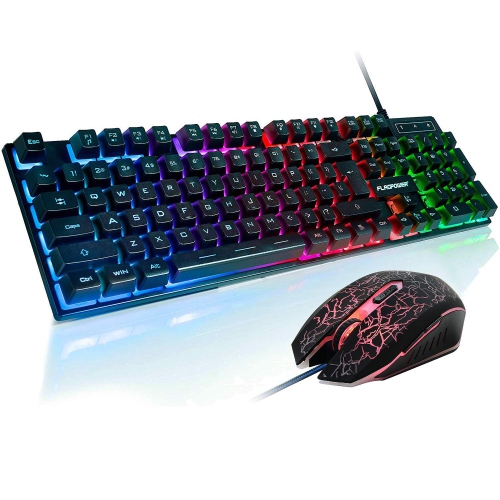
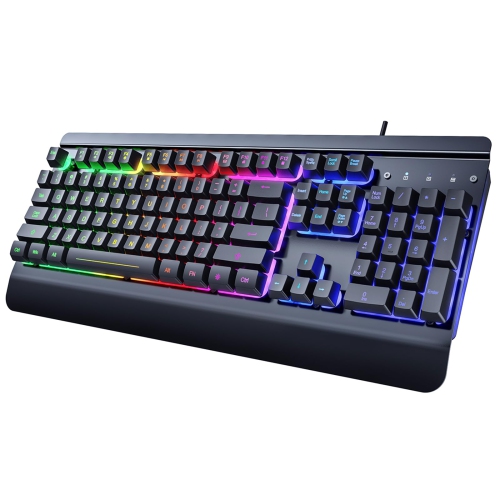
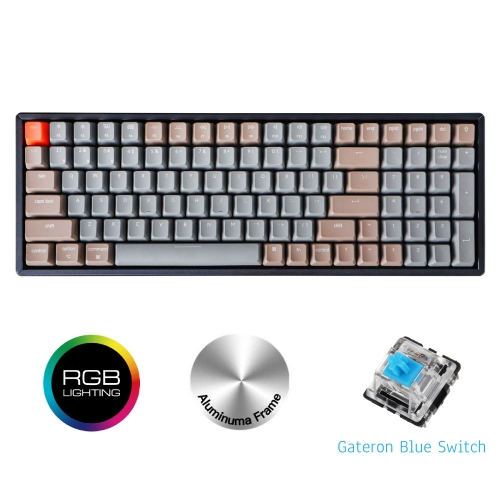
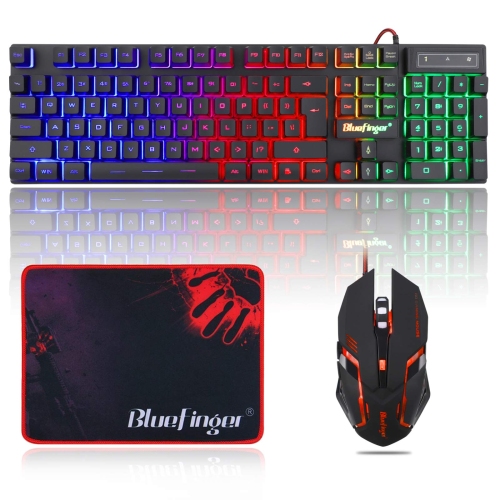
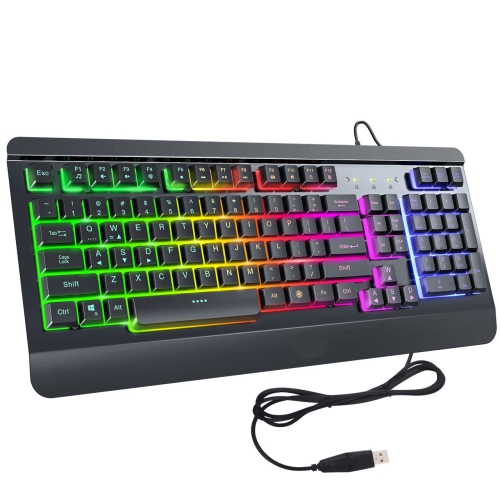
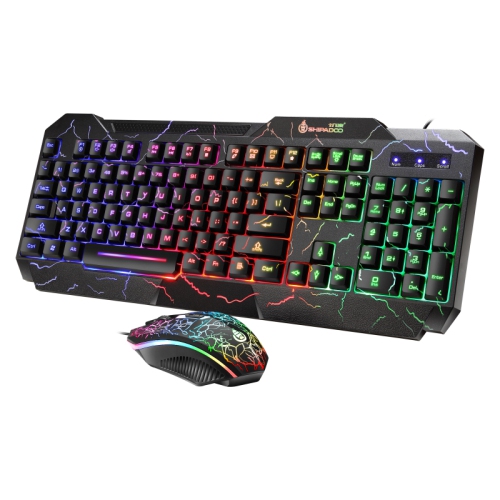
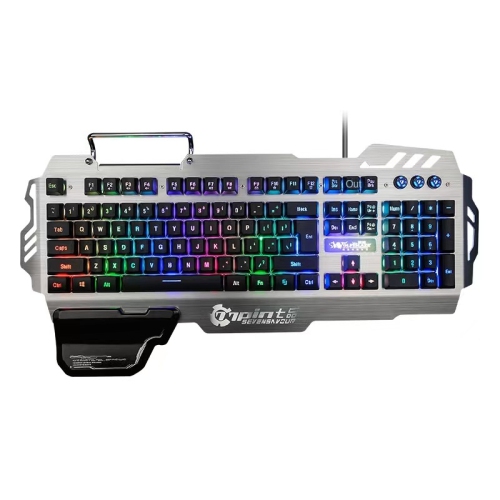
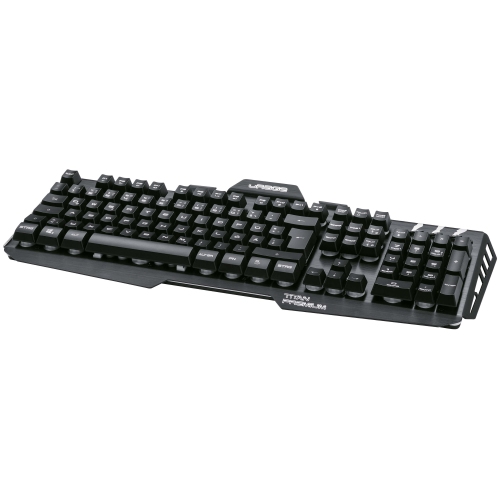
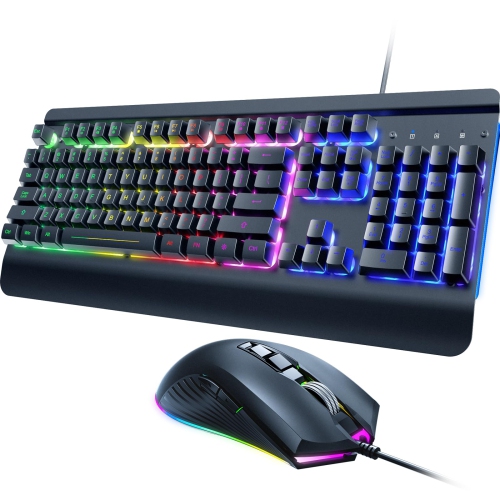
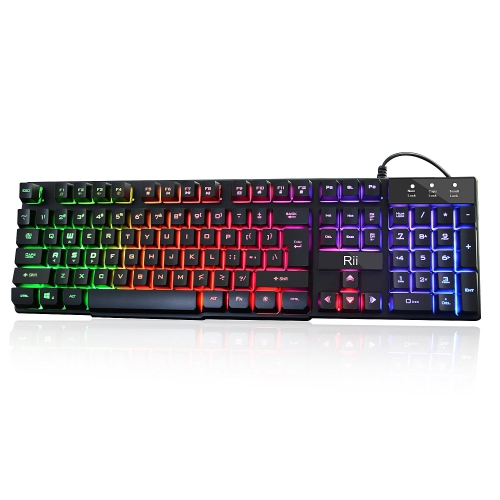
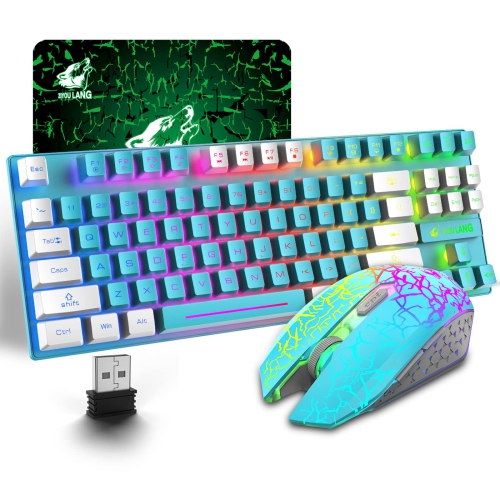
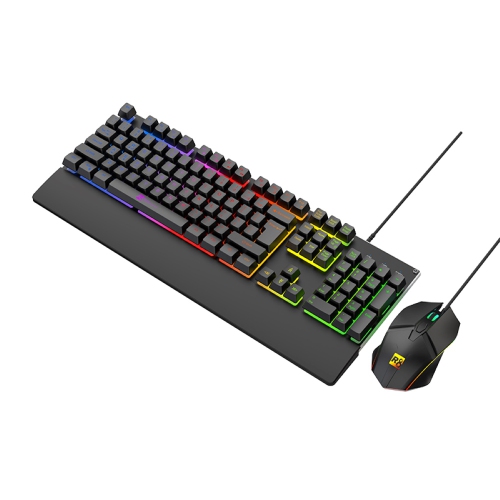
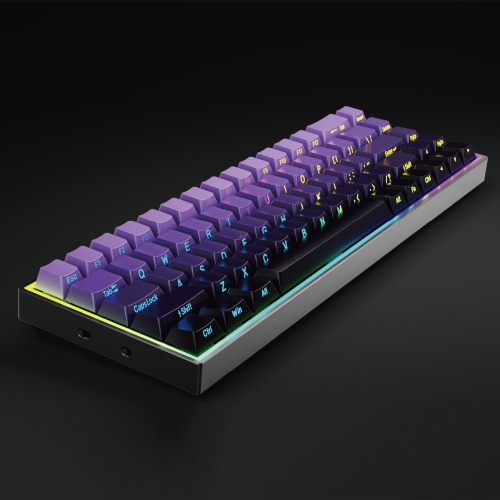
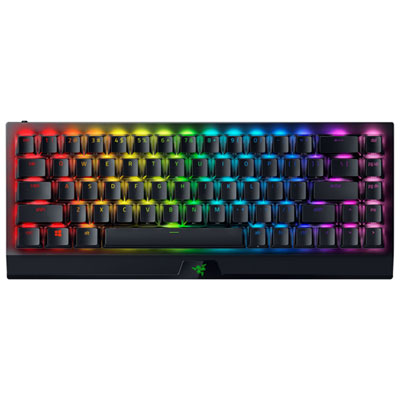
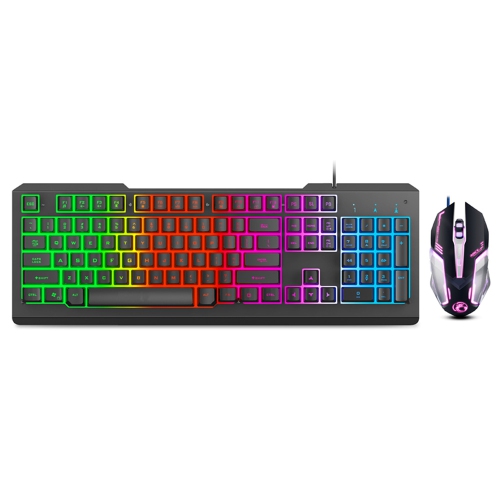
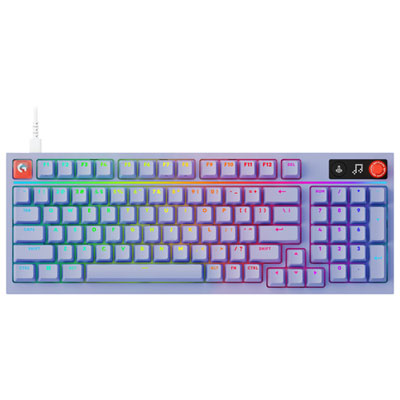
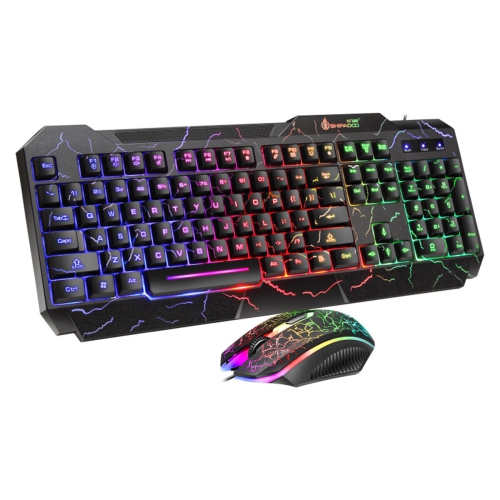
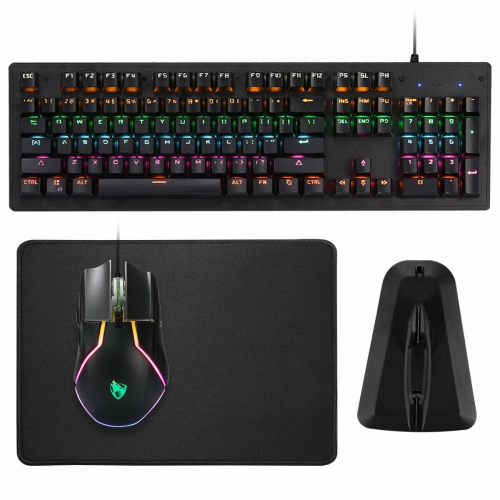
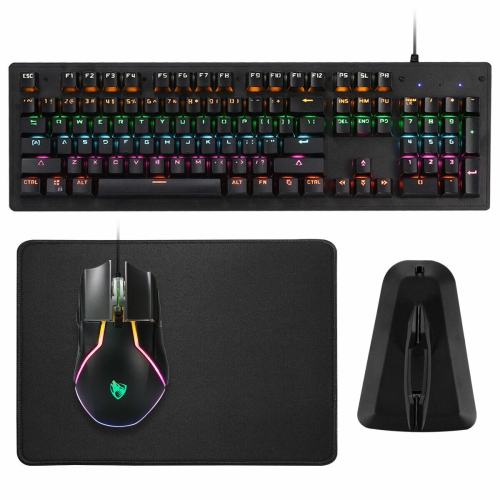
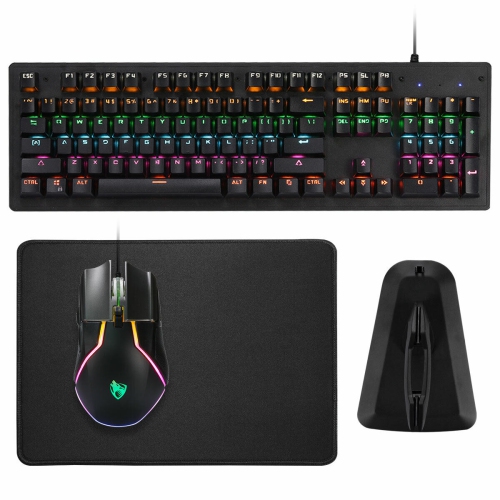
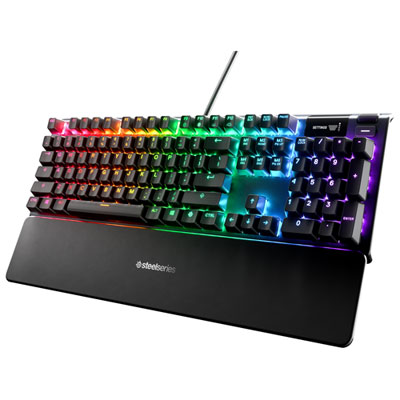
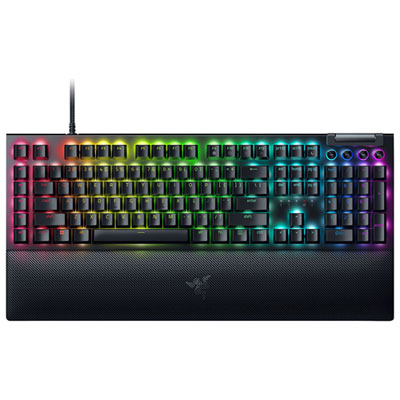
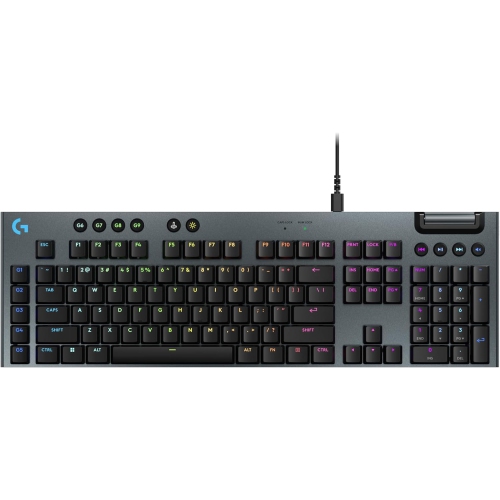
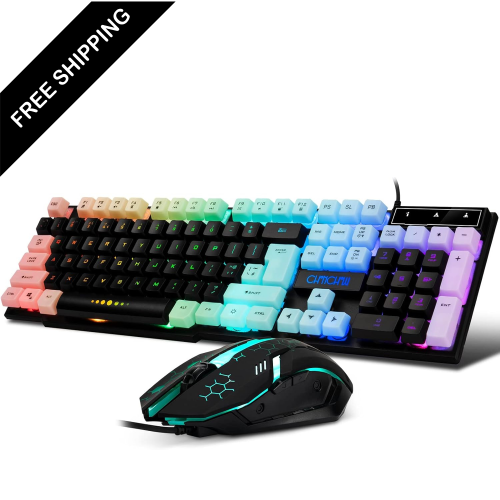
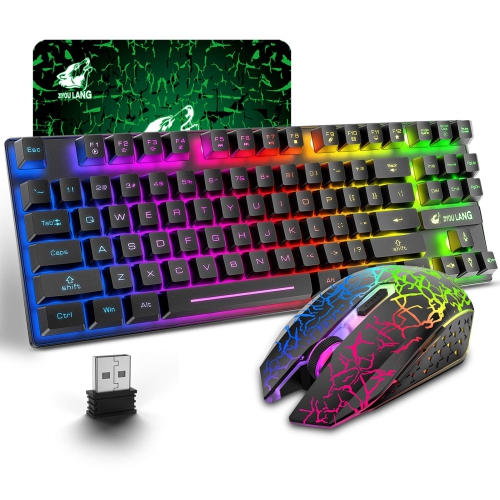
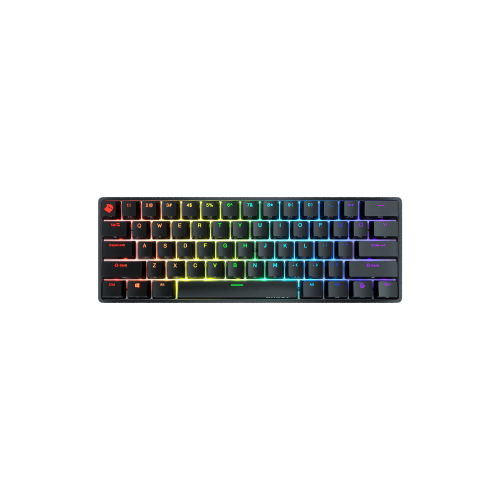
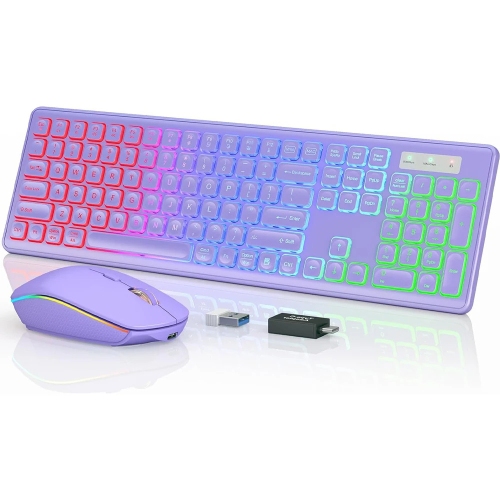
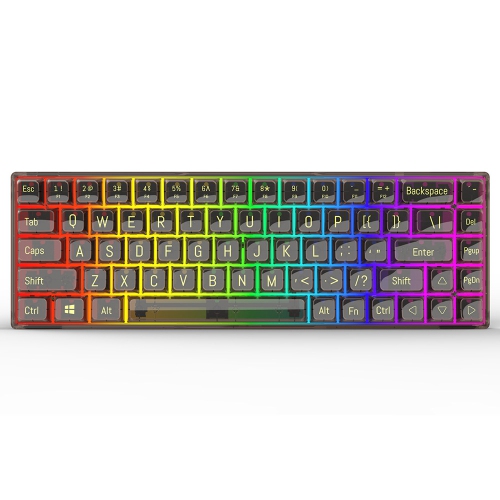
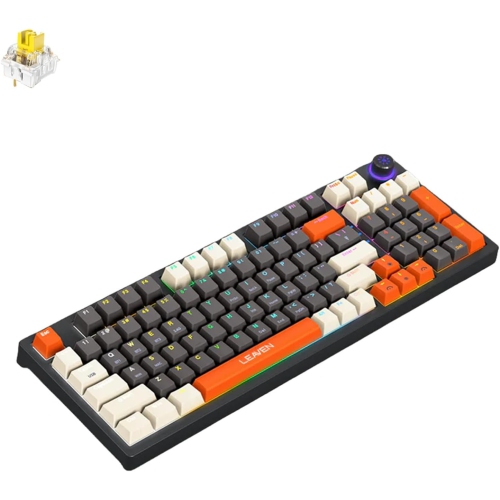
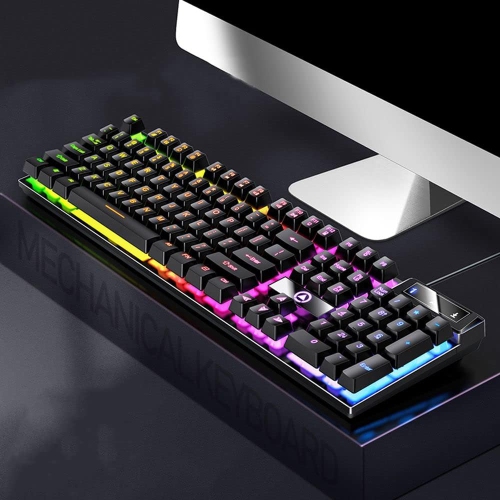
A blue finish does not mean clicky switches
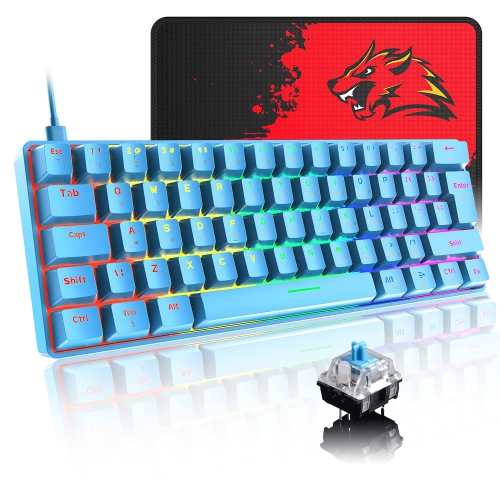
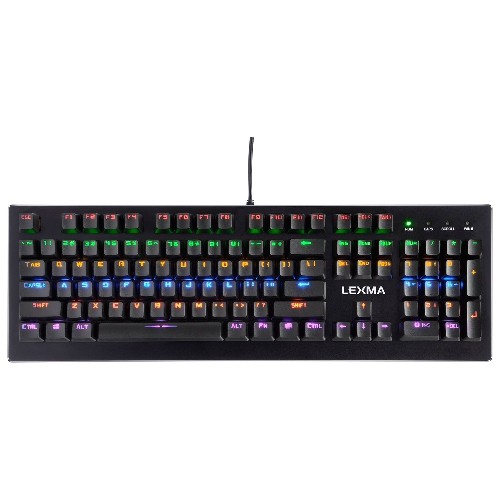
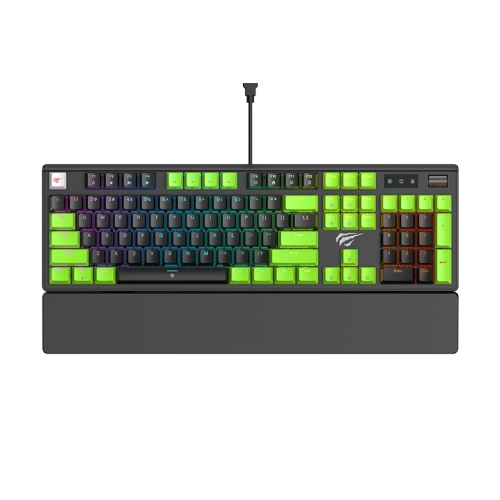
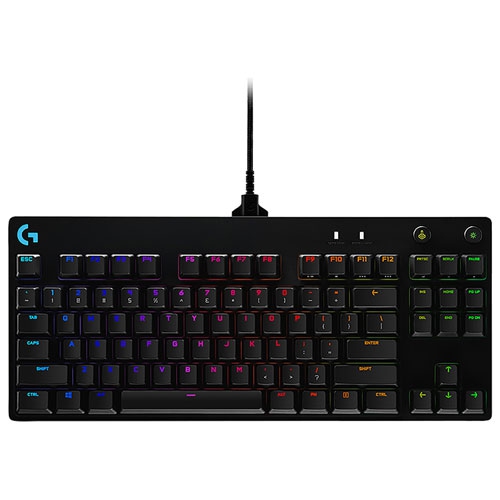
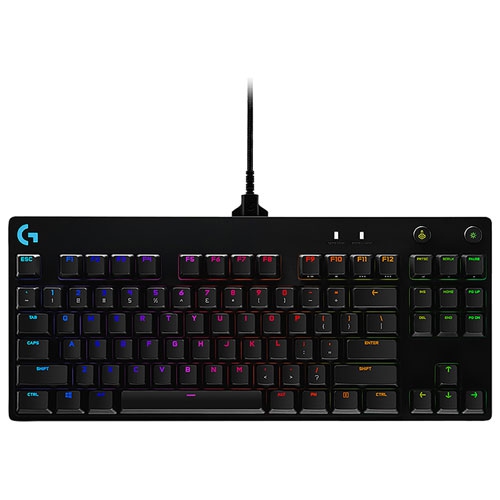
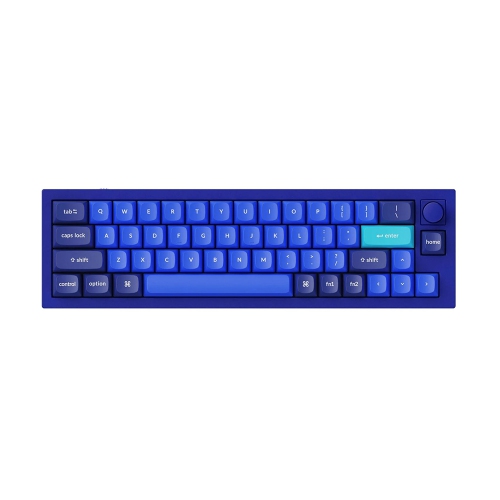
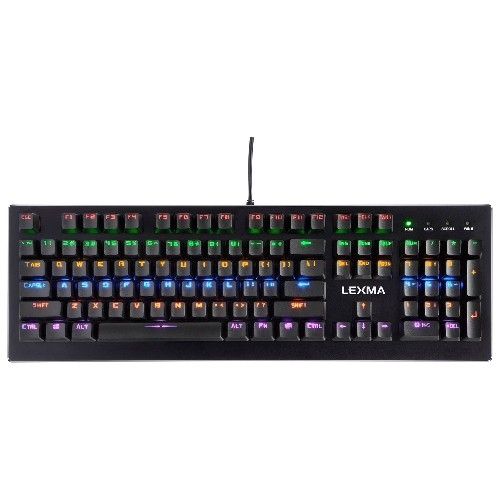
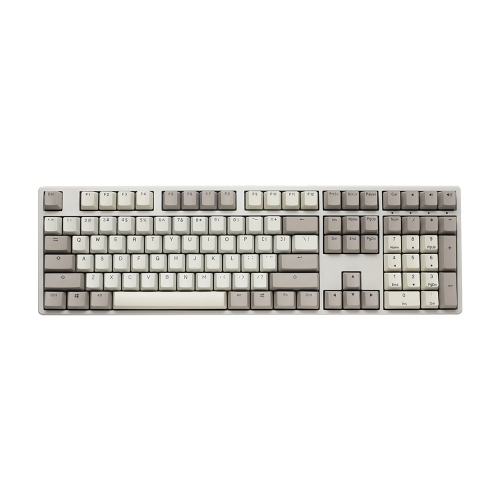
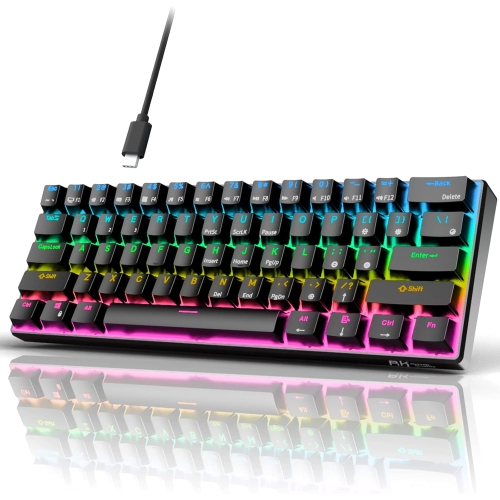
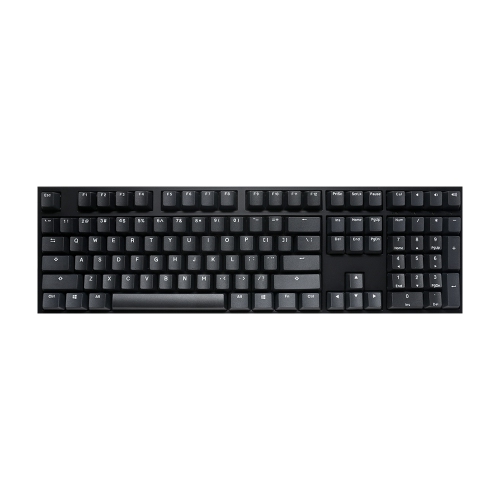
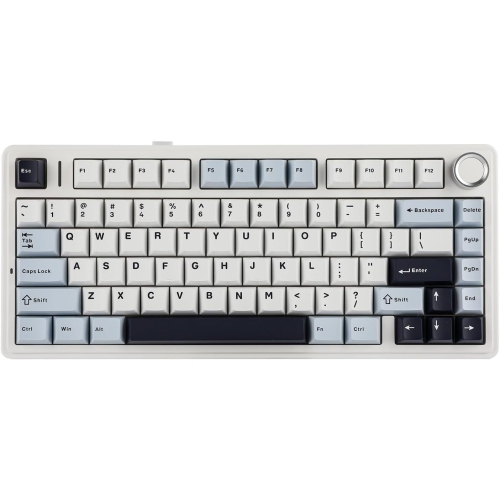
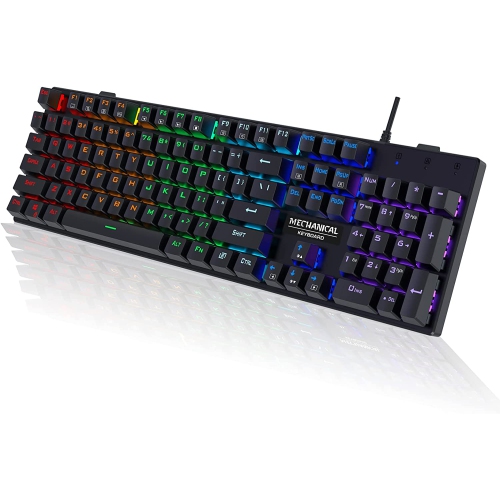
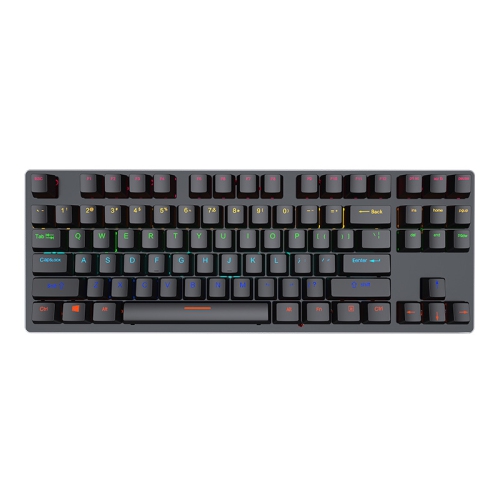
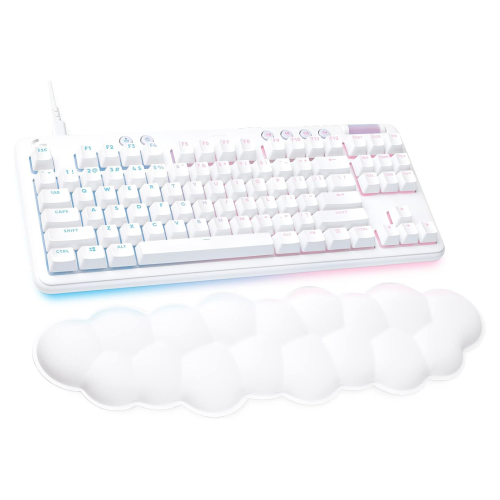
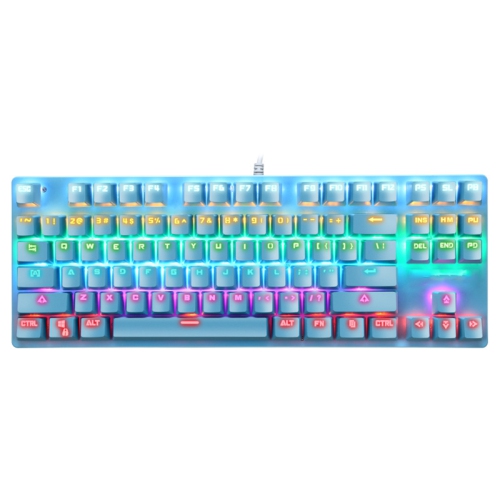
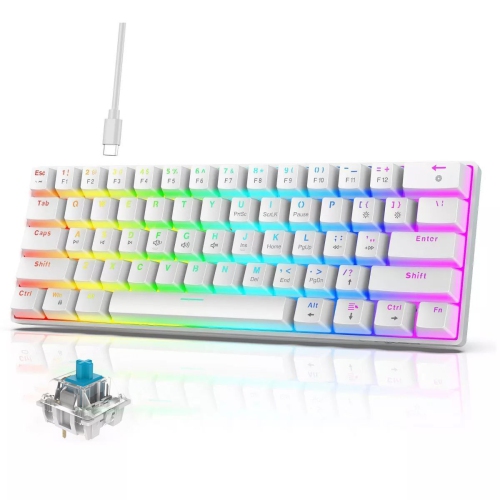
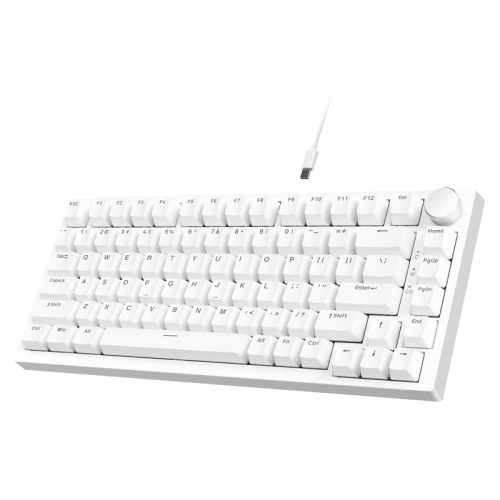
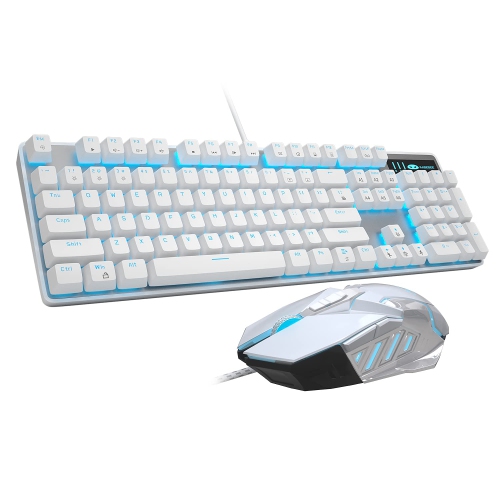
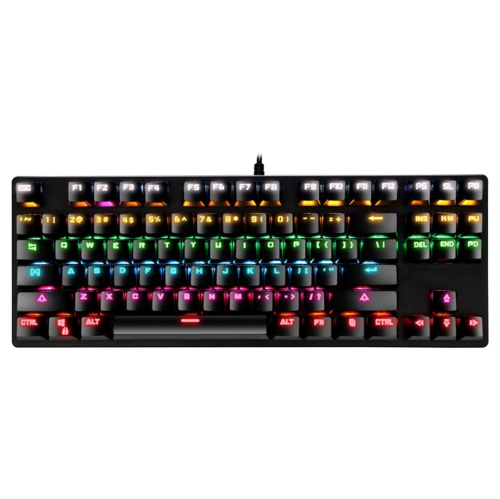
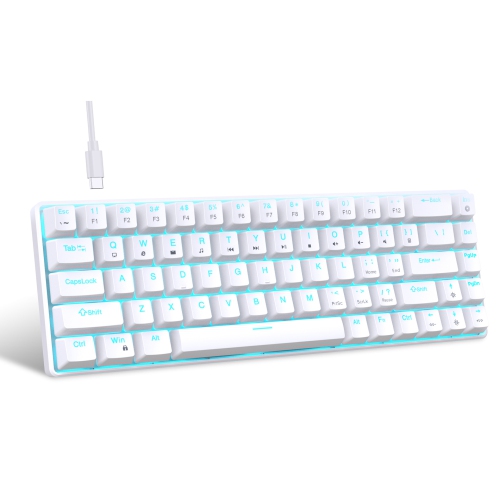
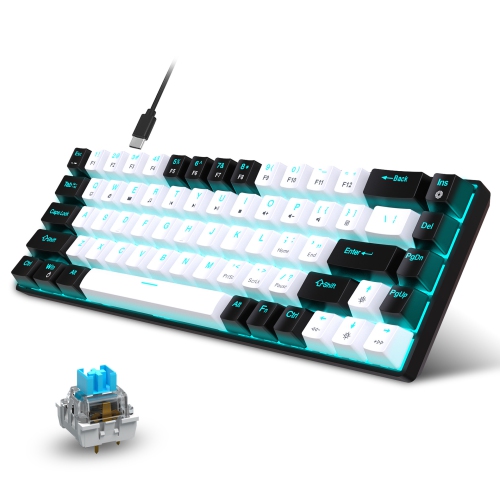
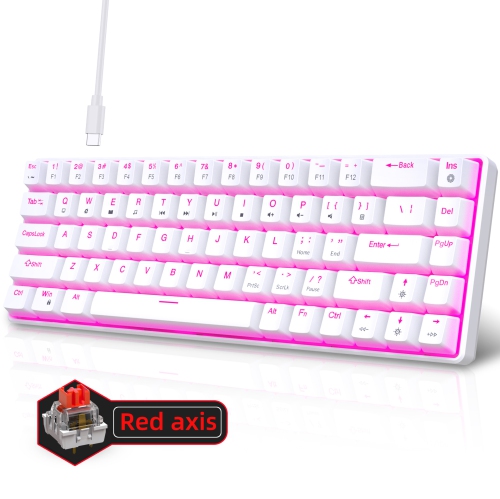
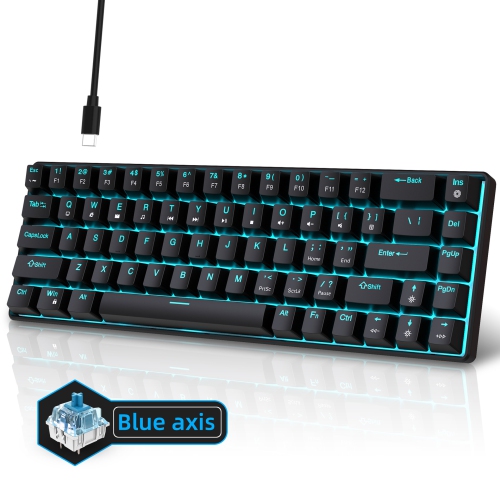
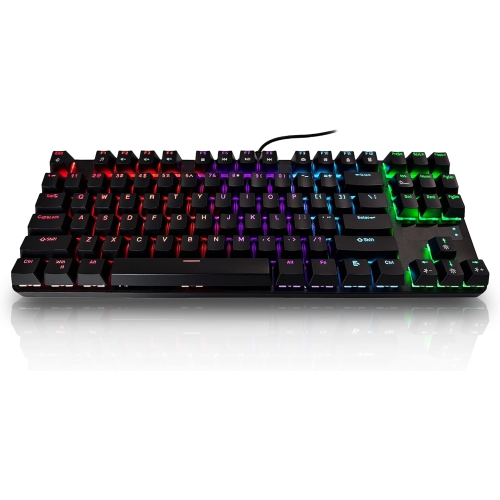
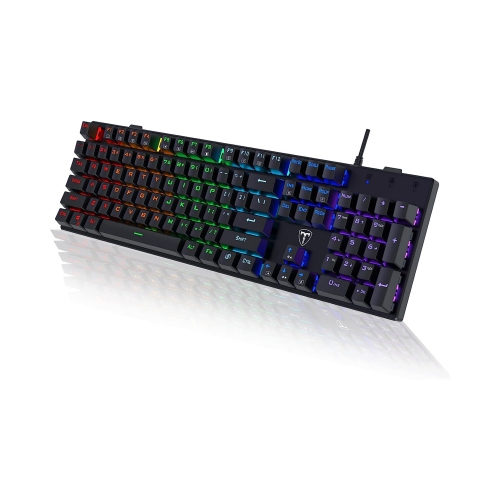
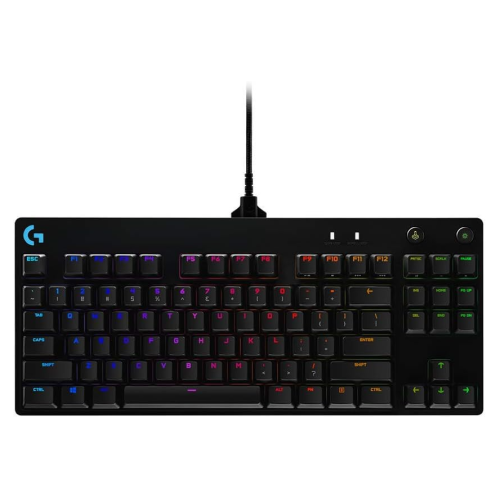
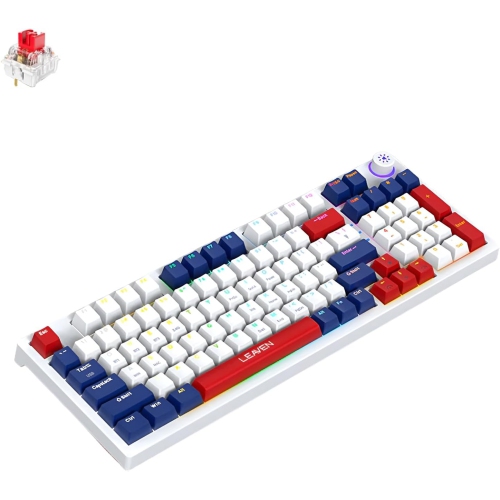
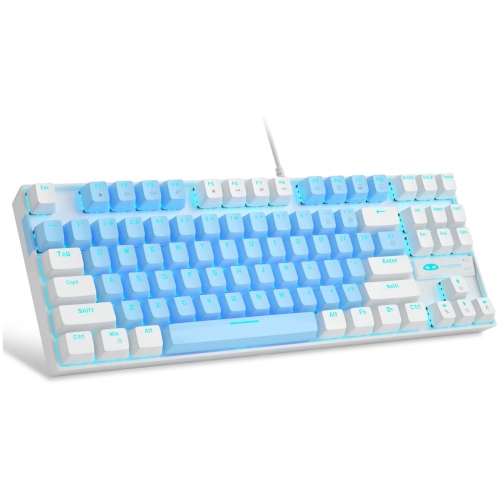
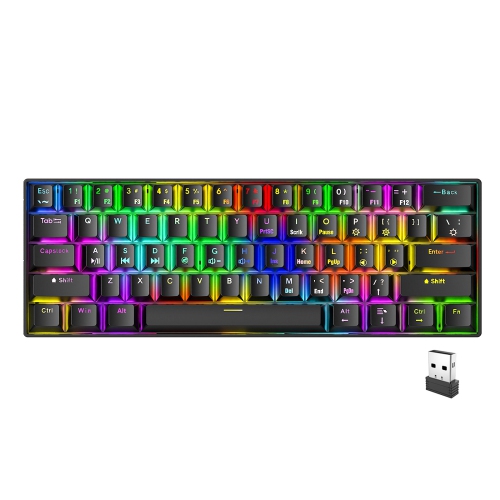
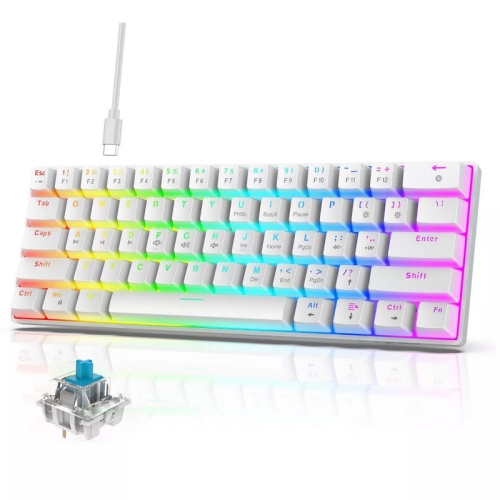
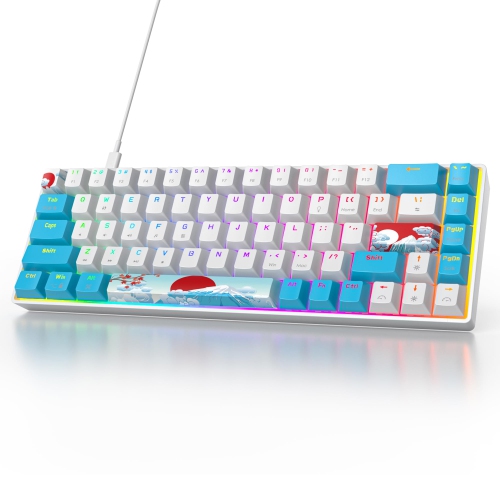
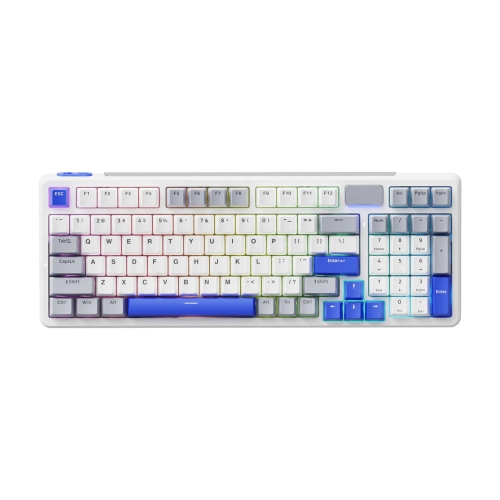
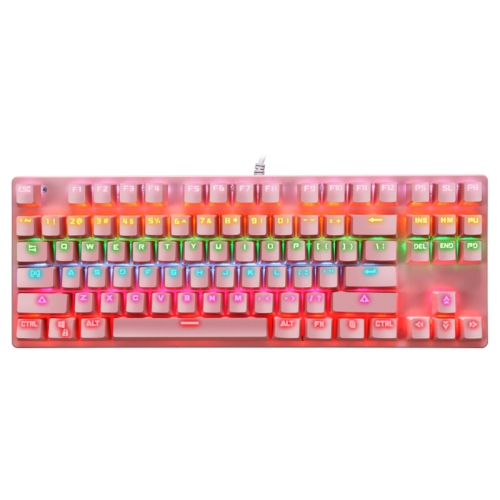
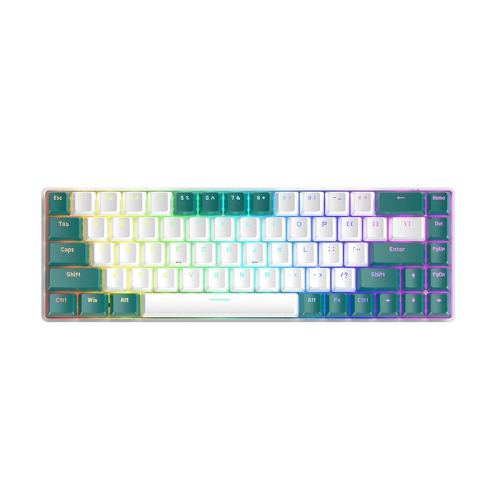
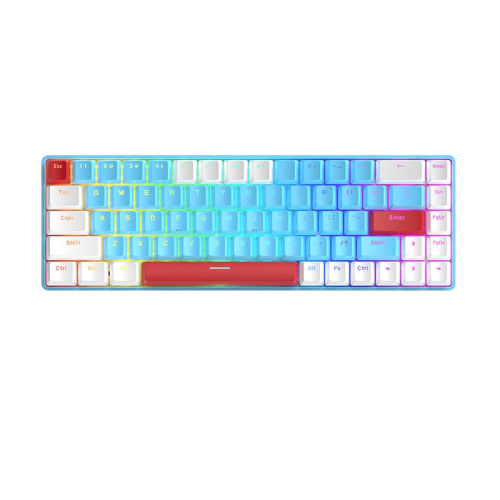
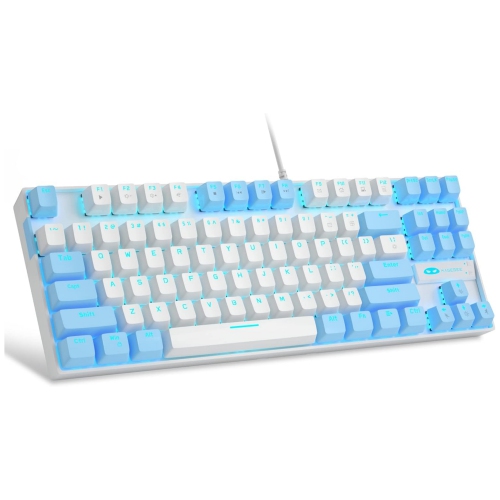
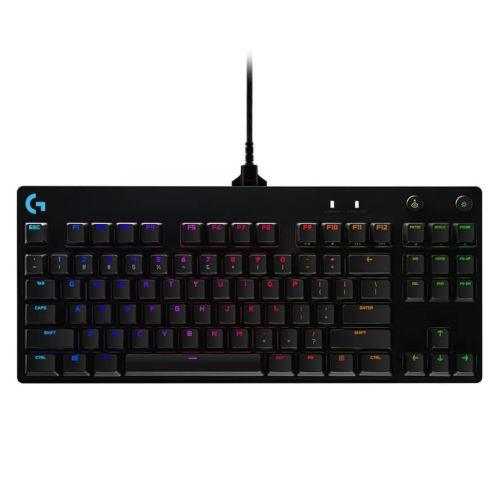
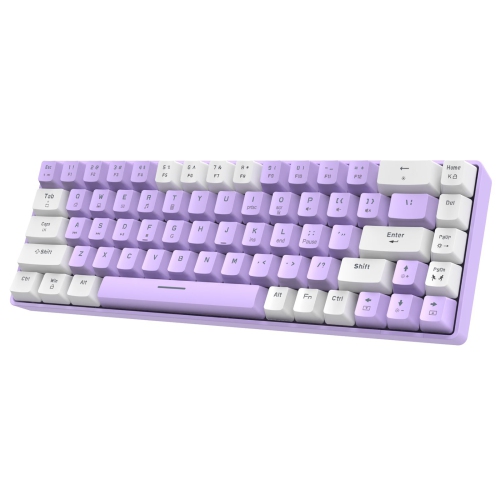
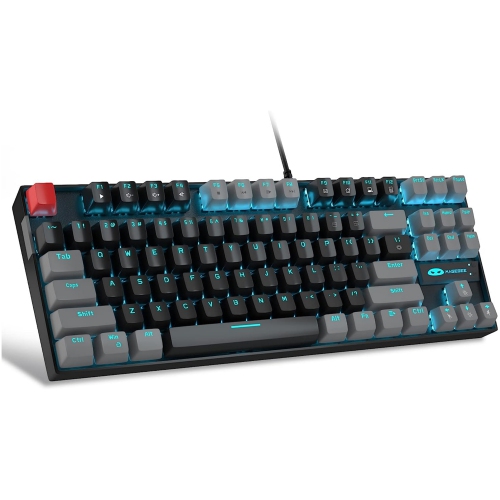
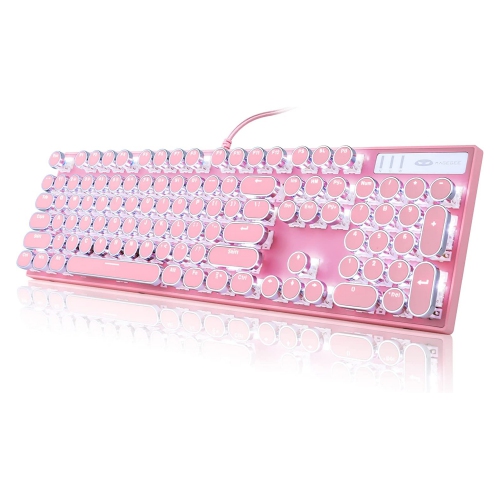
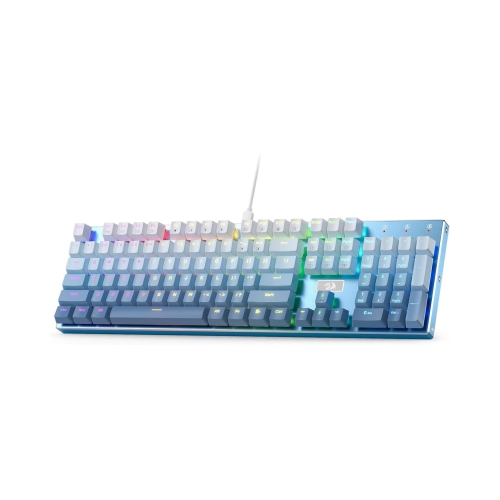
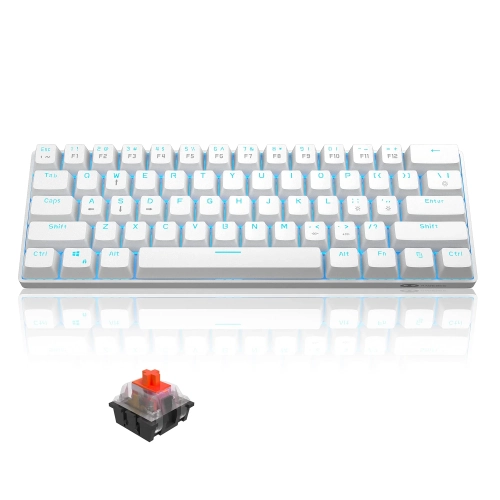
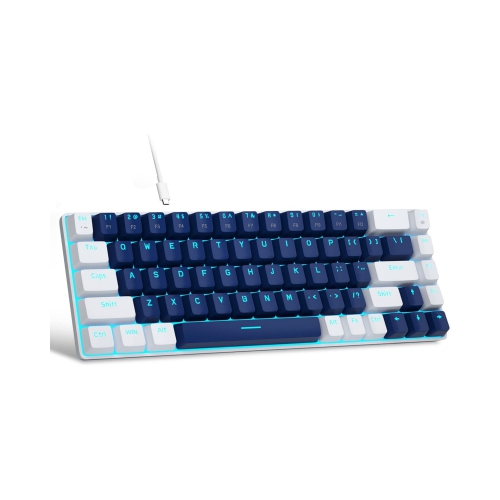
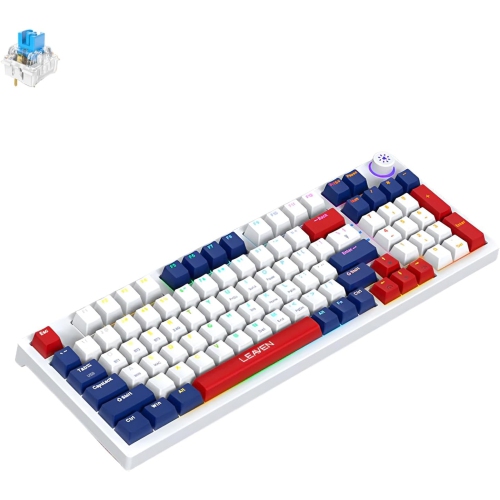
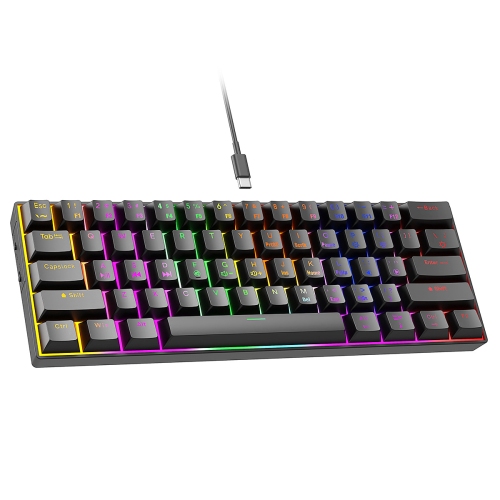
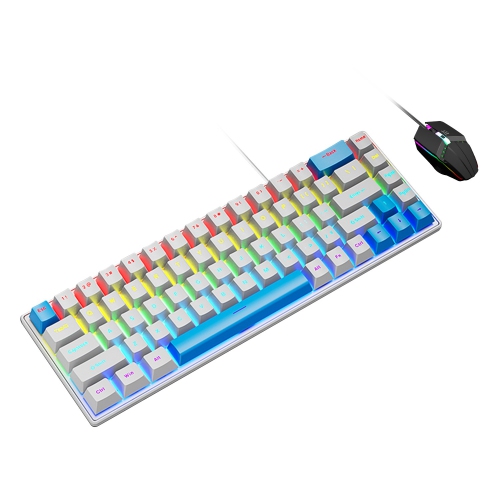
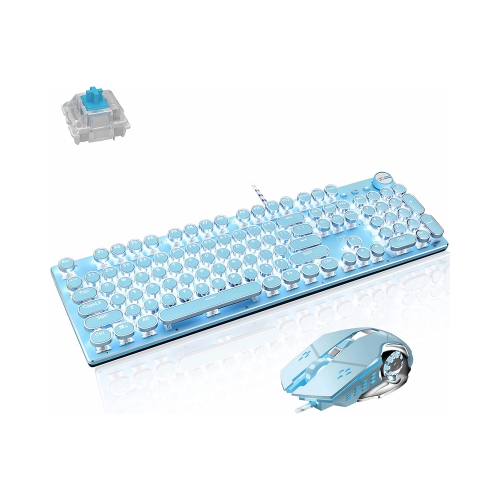
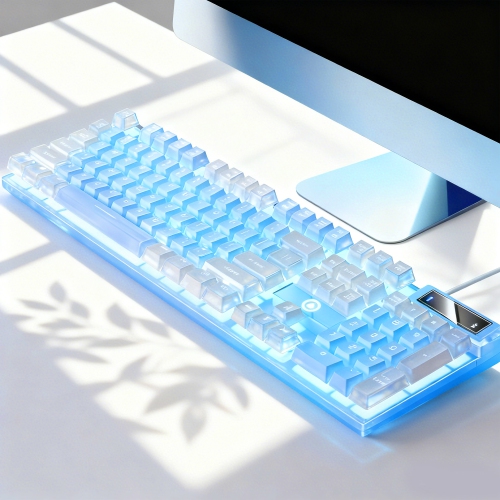
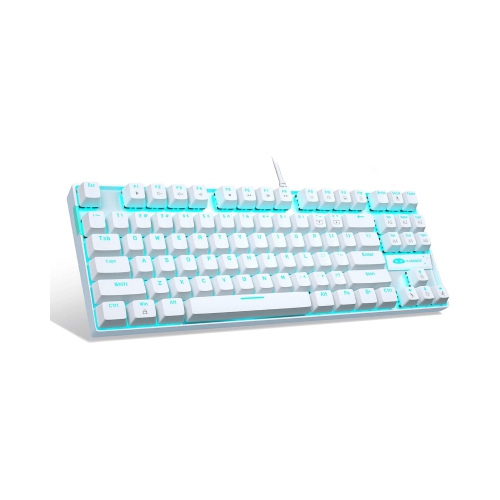
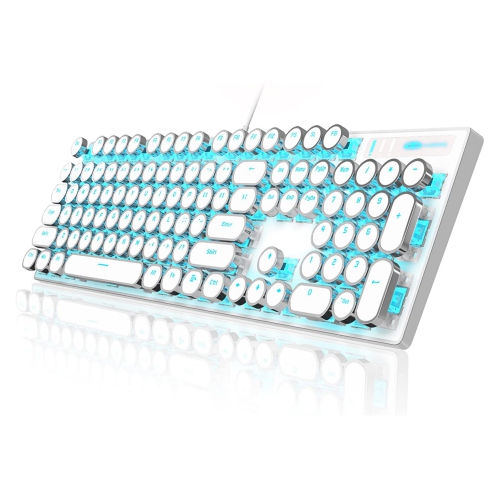
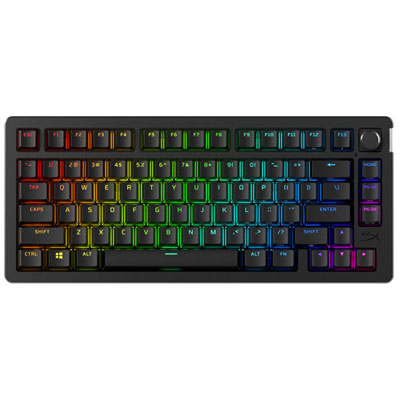
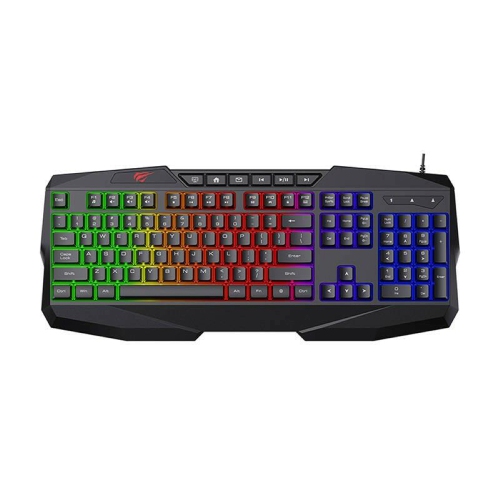
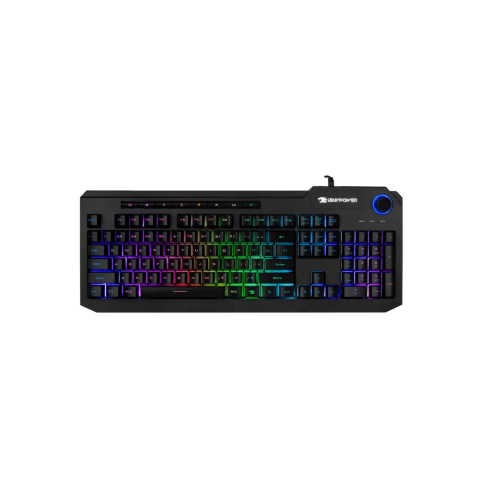
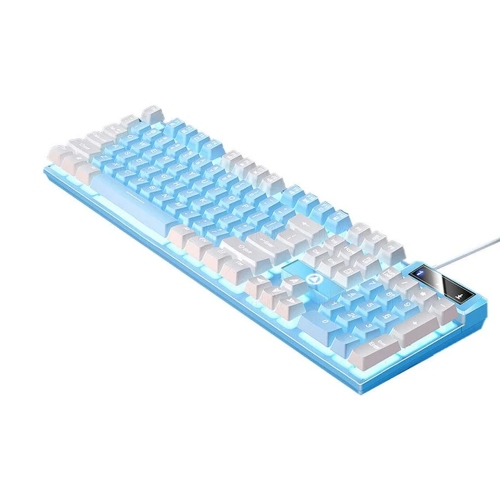
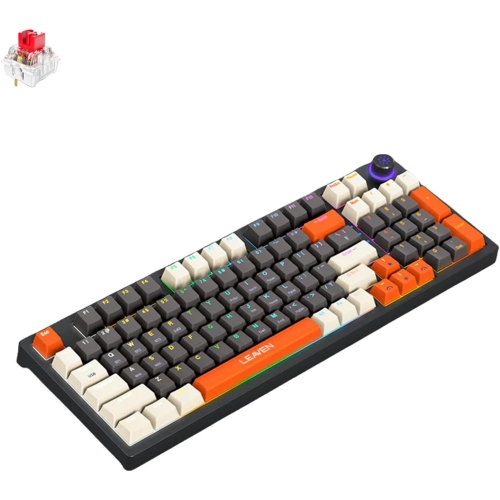
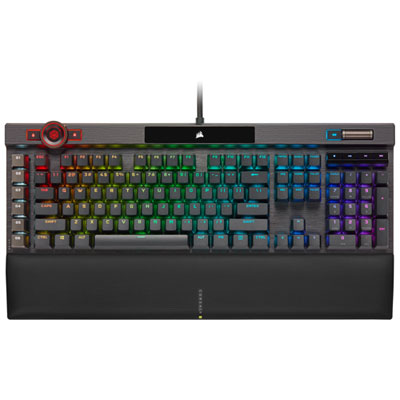
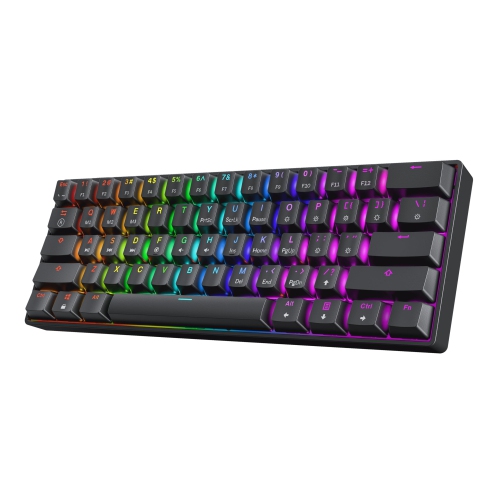
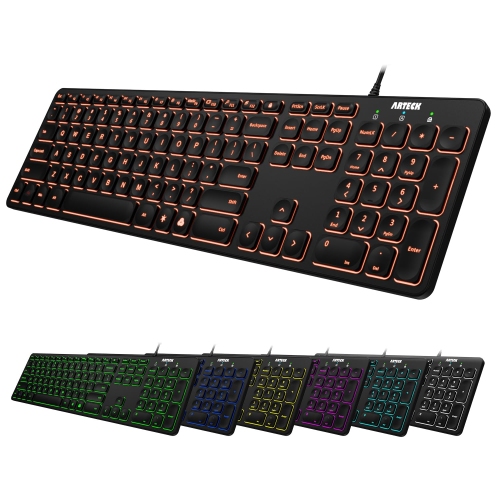
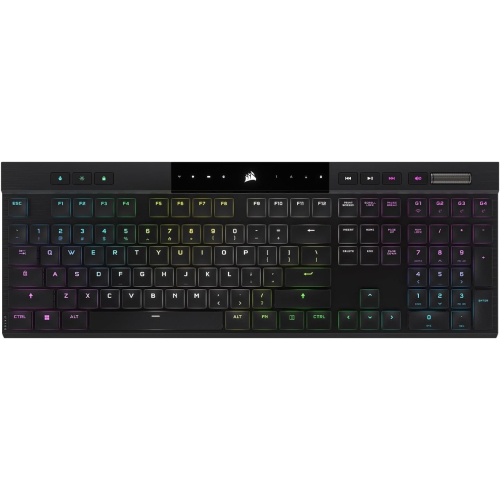
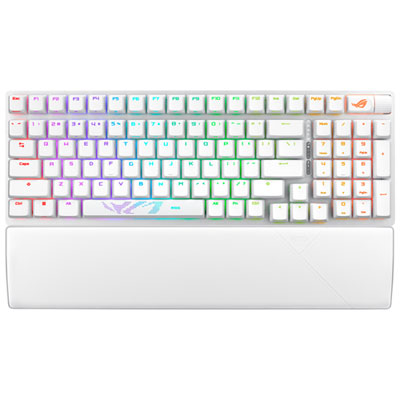
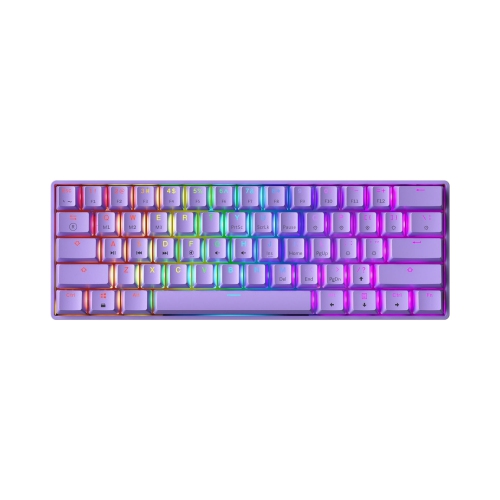
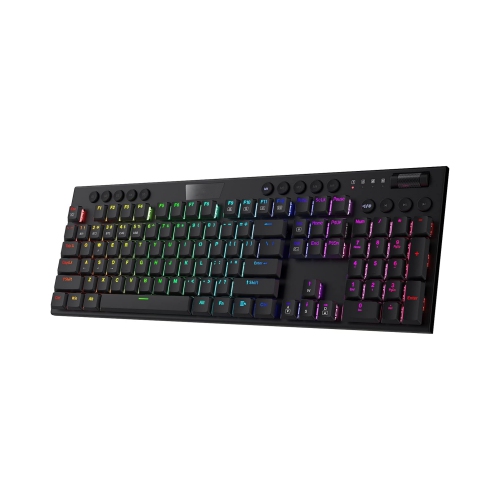
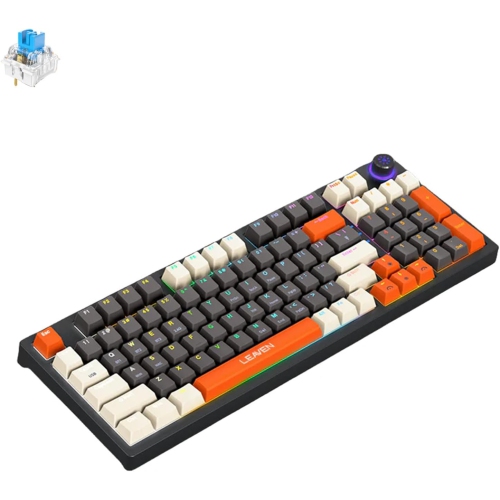
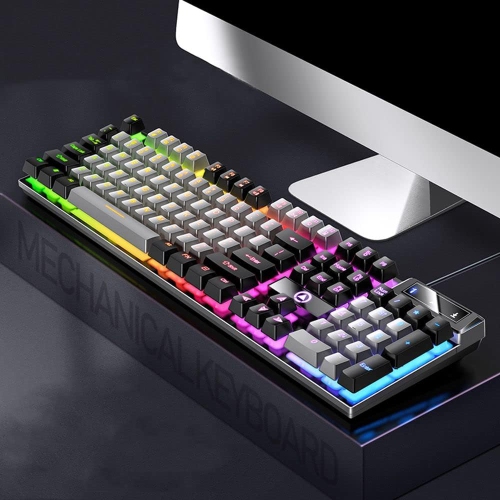
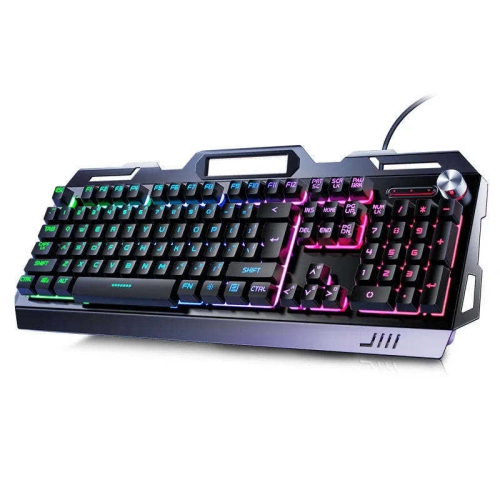
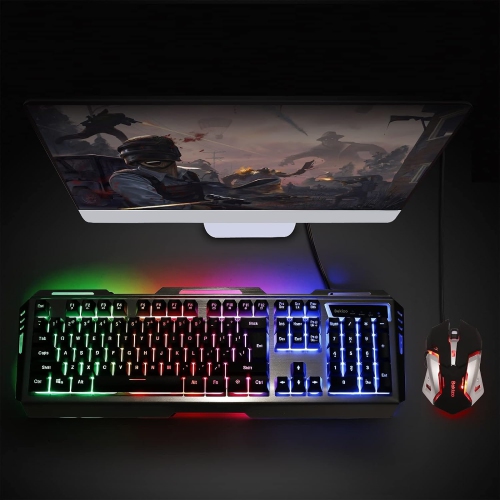
Blue gaming keyboards can refer to keyboards with blue cases or keycaps, keyboards with blue lighting, or mechanical keyboards fitted with blue switches. These descriptions are not interchangeable: a blue keyboard can have quiet, smooth switches, while a keyboard with clicky blue switches may have a black, white, or otherwise neutral exterior. For a colour-coordinated gaming setup, the visible finish is the defining feature. Pale blue keycaps give a desk a lighter look, navy creates a more understated appearance, and contrasting blue and white keys make the layout visually distinct. A blue lighting setting adds another option, although it does not change the colour of the keyboard’s physical surfaces. Switch type determines much of the typing feel and sound. Blue mechanical switches typically produce a tactile bump and an audible click, giving each keypress a pronounced character that some players also enjoy for writing, messaging, and everyday computer use. Switch naming conventions vary, so the stated switch characteristics are more informative than colour alone. Linear switches move without a deliberate tactile bump, while tactile switches provide a bump without necessarily adding a sharp click. None of these styles is inherently the best choice for every game; comfort, preferred feedback, and the sound tolerated by nearby people all matter. In a shared room or during voice chat, a clicky keyboard can be picked up by a microphone, depending on microphone placement and settings. Materials also shape the experience. Plastic cases vary in rigidity and texture, while aluminium housings can feel more substantial. ABS keycaps are common and may develop a smoother surface with use; PBT keycaps often retain their textured feel longer, though manufacturing quality and surface finish matter too. The way the legends are made affects how well they resist wear. For a keyboard used for evening matches and daytime work, the combination of readable lettering, comfortable key shapes, and an appealing blue finish can matter just as much as the switch sound.
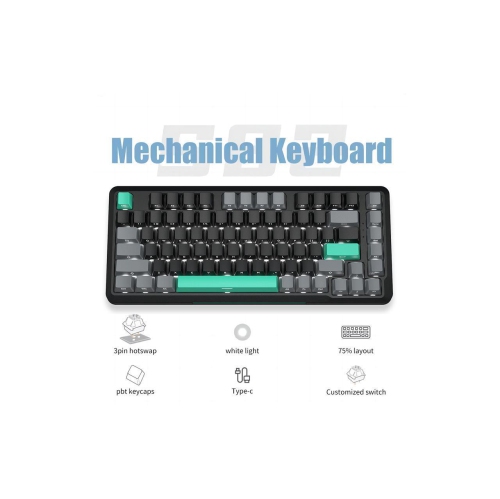
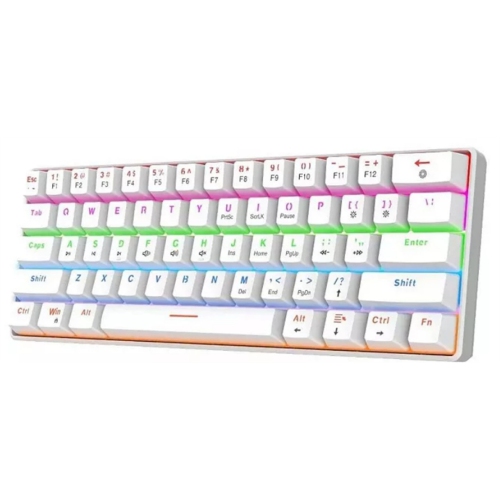
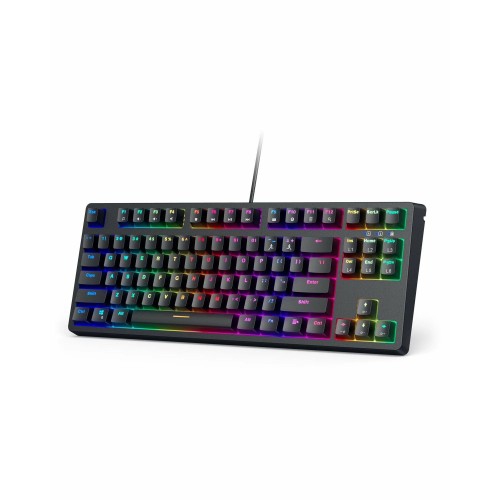
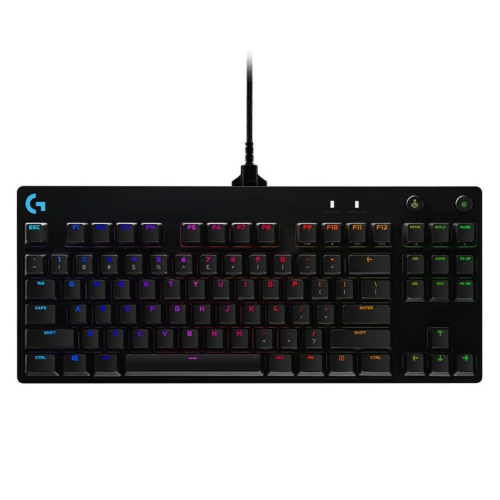
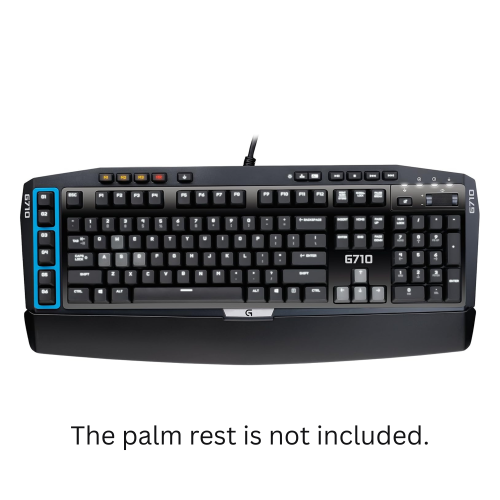
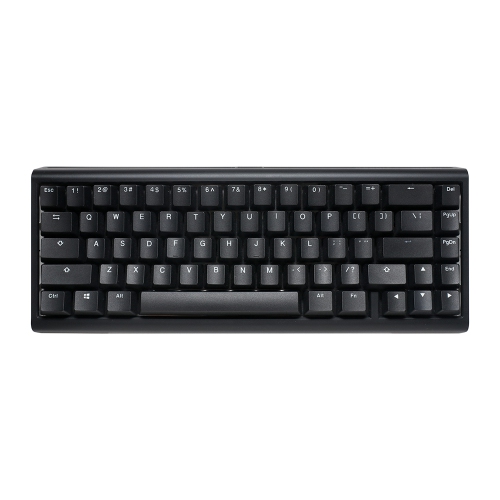
Layout determines how a blue gaming keyboard fits both the desk and the way it is used. A full-size layout includes a number pad, which is useful for spreadsheets, data entry, and games with numerous assigned commands. A tenkeyless keyboard removes that number pad while generally retaining the function row, arrow keys, and navigation controls. This narrower shape leaves more space for broad mouse movements, particularly for players who use lower mouse sensitivity. Compact layouts reduce the footprint further. A 75% layout usually keeps a function row and arrow keys in a tighter arrangement, while 65% and 60% layouts remove more dedicated keys and may rely on key combinations for certain functions. Layout labels describe general formats rather than identical key arrangements, so the position of frequently used keys deserves attention. Someone who switches between gaming, school assignments, and document editing may appreciate dedicated arrows more than a person who mainly plays with a small cluster of movement keys. Keyboard height and angle influence comfort as well. Tall keycaps and steep rear feet can change wrist position; a flatter setup or a suitably sized palm rest may feel more natural, depending on the desk and chair. A compact board can also make it easier to position the keyboard and mouse closer together without crowding the working area. Connection type adds another practical distinction. Wired USB keyboards avoid battery charging, while wireless models reduce cable clutter and may support either a dedicated receiver, Bluetooth, or multiple connection modes. Response time and supported features can differ between modes, so wireless convenience does not automatically mean identical gaming performance across every connection. Battery life also depends on lighting brightness and usage. Features such as anti-ghosting and key rollover help a keyboard register combinations of simultaneous inputs, while supported remapping can place commands within easier reach. These details are especially relevant when movement, sprinting, and other actions overlap, but they should complement a layout that already feels comfortable rather than compensate for one that does not.
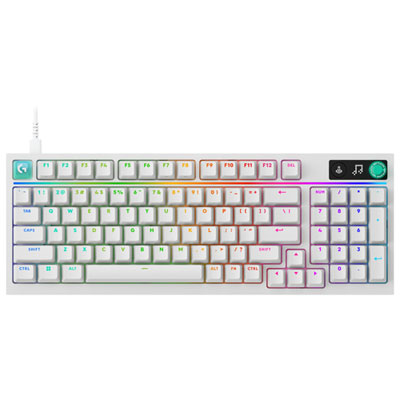
Lighting, maintenance, and compatibility help determine how well a blue gaming keyboard suits everyday use over time. Blue backlighting can create a consistent desktop accent, and adjustable brightness helps keep illuminated keys comfortable to read without dominating the screen beside them. RGB lighting can often be set to blue, but the available controls vary: some keyboards offer onboard shortcuts, while others depend on compatible software for detailed effects or saved profiles. Backlighting is most useful for identifying keys when the legends allow light to pass through; illuminated spaces around opaque keycaps are mainly decorative. Font size, contrast, and the placement of secondary characters remain important for anyone who regularly types as well as plays. A coordinated setup can extend to Blue Gaming Mice, with matching shades or complementary tones bringing the desktop together without requiring every accessory to have exactly the same finish. Daily care is straightforward but worthwhile. Disconnecting or switching off the keyboard before cleaning, wiping the exterior with a soft cloth, and keeping liquids away from switches and ports help protect its surfaces and electronics. Dust and crumbs can collect between keys, especially on a desk used for snacks or meals. Keycaps should only be removed when the keyboard’s design and care instructions allow it, and cleaning liquid should never be sprayed directly onto the board. Replaceable keycaps and hot-swappable switches can make maintenance or customization easier on supported mechanical keyboards, but key sizes, stems, switch sockets, and stabilizer arrangements must be compatible. A detachable cable can also simplify packing a keyboard for gaming sessions away from home, provided its connector is protected during transport. As a gift, a blue gaming keyboard can suit a player building a first desktop setup, a student whose computer serves several purposes, or someone who enjoys coordinating their workspace. Knowing the recipient’s preferred layout, computer compatibility, and tolerance for clicking sounds makes the choice more personal. The blue finish supplies the visual character; the layout, construction, and key feel determine whether the keyboard remains enjoyable through repeated matches and ordinary typing.
Top selling and popular products
-
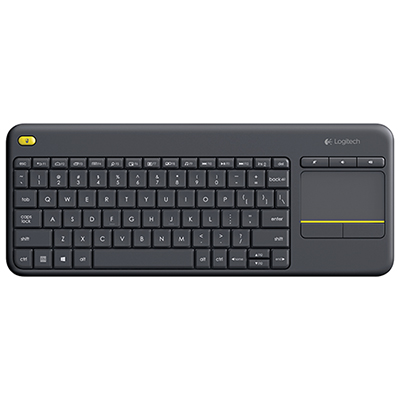 Your price for this item is $44.99
-
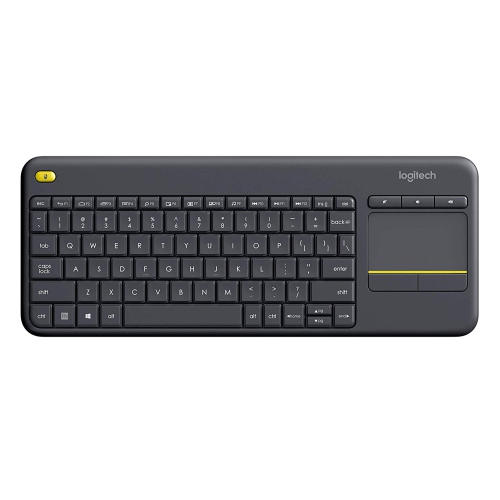 Your price for this item is $49.72
-
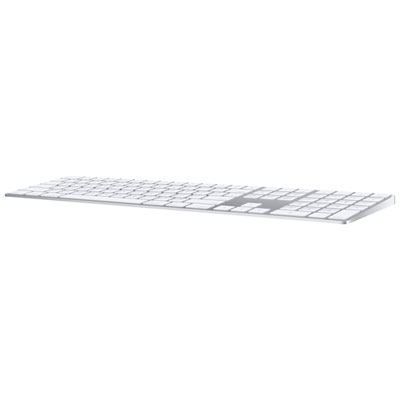 Your price for this item is $159
-
 Your price for this item is $219.99
-
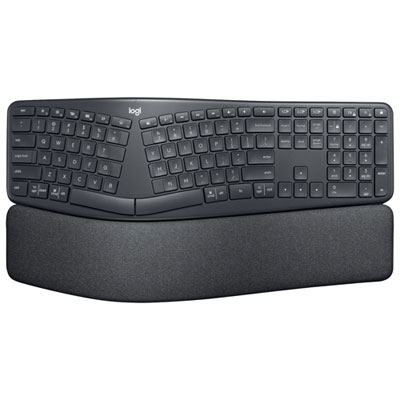 Your price for this item is $199.99
-
 Your price for this item is $44.99
-
 Your price for this item is $29.99
-
 Your price for this item is $169.99
Discover more categories related to Blue Gaming Keyboards
Top Collections:
Best Black Friday Deals This Year, Best Black Friday Deals On Electronics, Kindle Devices, Pokemon Centers, Best Black Friday Deals On Apple Products, Best Cameras for Sports Photography, Dyson Airwrap, Pokémon 30th Celebration Cards, Apple iPhone 17 Pro, Canon G7X Cameras
Some products may be subject to Environmental Handling Fees
(EHF) depending on your province.
Learn more about EHFs.