Bluetooth Keyboards for Ipad Mini
Enhance your iPad Mini experience with the convenience and versatility of bluetooth keyboards designed specifically for your device. Whether you're working on the go, catching up on emails, or simply looking to boost productivity, bluetooth keyboards for iPad Mini offer a seamless way to type comfortably wherever you are. Explore a range of options that combine style and functionality, making it easy to transform your tablet into a powerful workstation or entertainment hub. Find the perfect keyboard to suit your needs and elevate the way you use your iPad Mini every day.
Sort

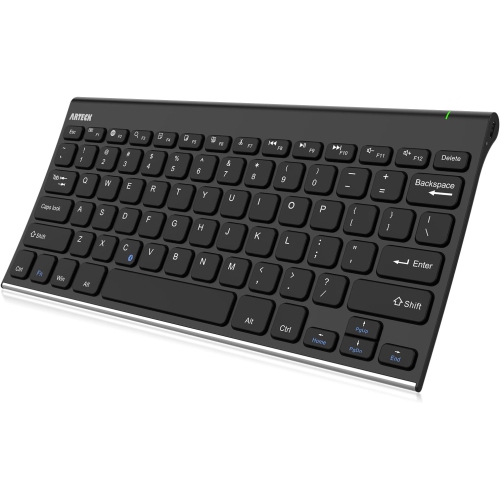
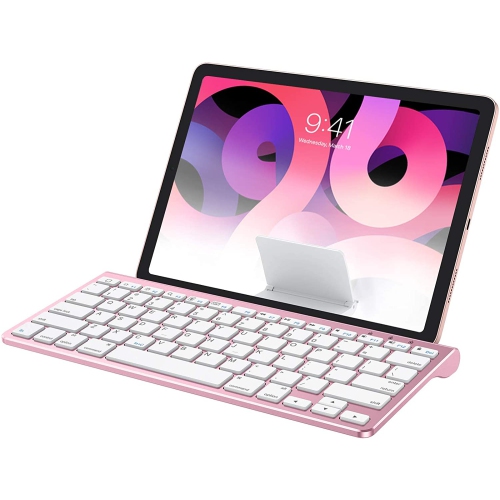
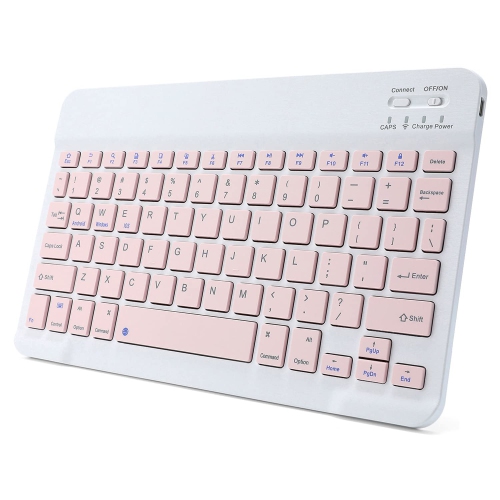
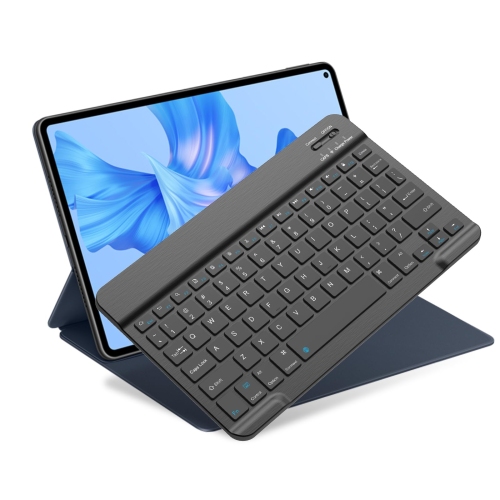
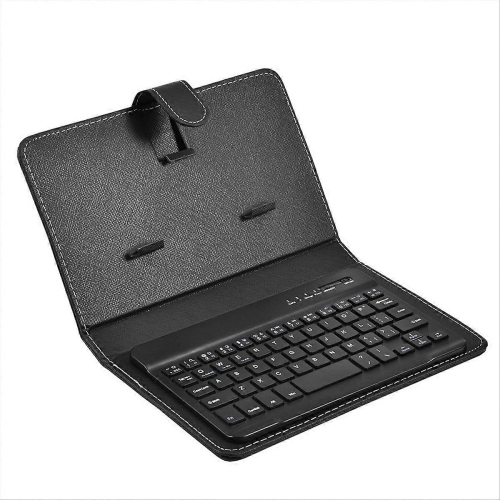
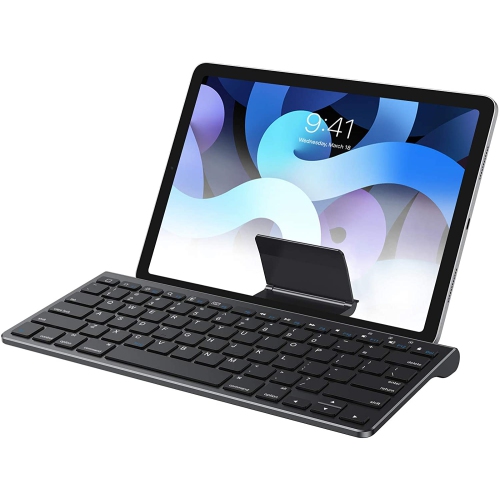
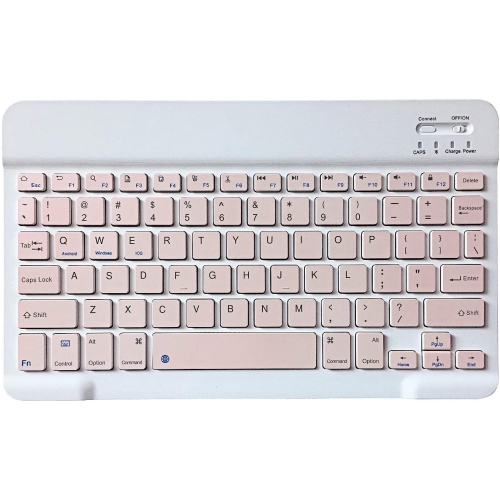
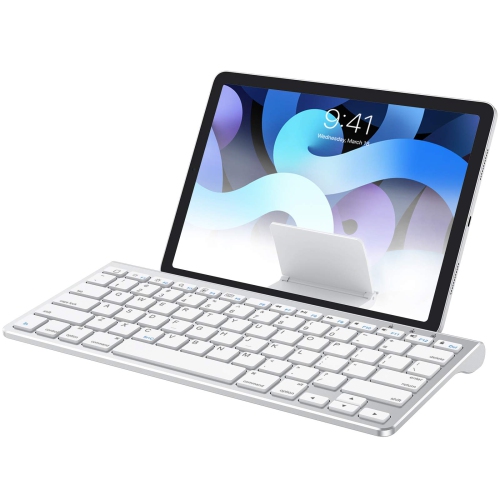
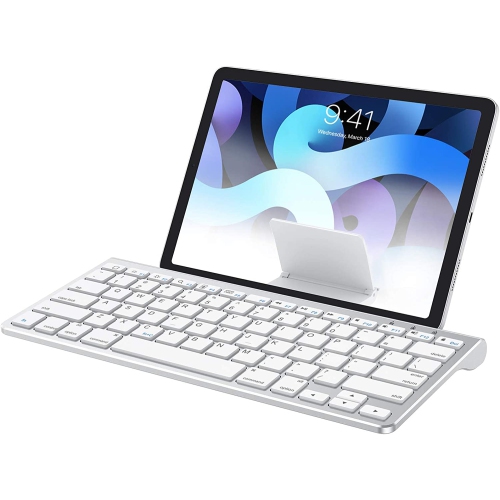
Compact iPad mini typing for work, study, and travel
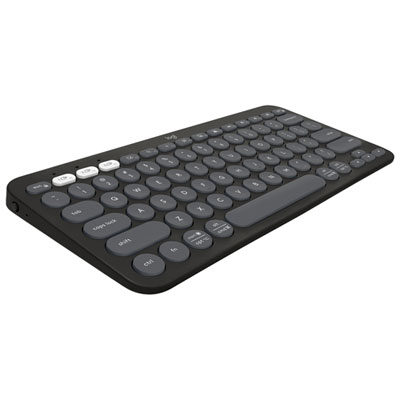
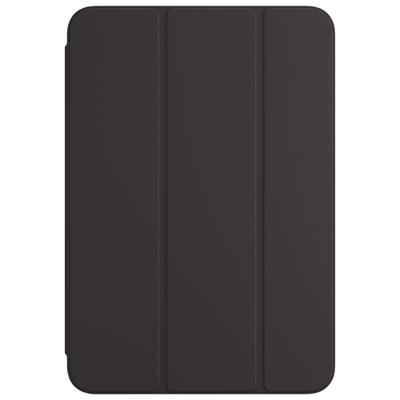
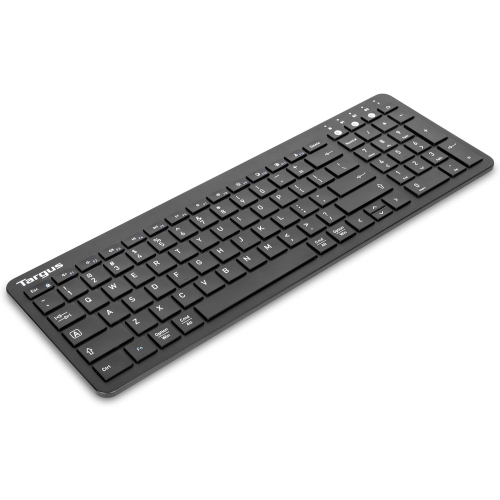
Bluetooth keyboards for iPad mini can make a compact tablet feel more like a small laptop without taking away the convenience of a lightweight touchscreen. These keyboards connect wirelessly through Bluetooth, allowing you to write emails, take notes, complete assignments, update documents, respond to messages, or manage lists with physical keys instead of relying only on the on-screen keyboard. They are especially useful for iPad mini owners who enjoy the tablet’s portable size but want a more comfortable typing experience during longer sessions. A keyboard case combines the keyboard with a protective cover and a built-in stand, creating an all-in-one setup for a café table, kitchen counter, waiting room, classroom, or hotel desk. Standalone keyboards are often more flexible for people who already use a separate case or prefer to position the iPad mini independently. Folding designs can be especially convenient for commuters, travellers, students, and anyone who wants a keyboard that can slip into a small bag when the tablet is being used for reading or watching content. When choosing among Bluetooth keyboards for iPad mini, begin by checking compatibility with the exact iPad mini generation. The iPad mini 6 and iPad mini 7 have similar compact proportions but may require different case dimensions, camera cutouts, button access, or magnetic alignment, so a keyboard case should clearly identify the supported model. A universal standalone keyboard does not need to fit around the tablet, but its layout and Bluetooth requirements should still work comfortably with iPadOS.
The choice between a keyboard case and a separate keyboard usually comes down to how the iPad mini is used from place to place. A case-style keyboard is helpful for someone who wants a ready-to-use workstation in one piece, with the tablet held at a viewing angle for typing, video calls, recipes, or reference material. Some designs have a detachable keyboard, which allows the protective cover and tablet stand to remain in place while the keyboard is moved closer or set aside. A built-in trackpad can provide a more computer-like experience for selecting text, navigating webpages, editing spreadsheets, and moving a pointer without reaching constantly for the display. Other compact keyboards include a touchpad or a dual-purpose number pad, which may be useful for people who enter figures, manage budgets, or work with tables. Backlit keys can help when typing in a dim room, on a train, or during a late-evening study session, while adjustable stands make it easier to set a comfortable viewing angle. Look for a familiar QWERTY layout, clearly marked shortcut keys for iPad functions, responsive key travel, and a size that leaves enough room for accurate typing without making the keyboard difficult to carry. Battery life is another practical consideration: rechargeable models reduce the need for disposable batteries, while replaceable-battery models can be convenient when charging is not readily available. Check how the keyboard charges, whether a charging cable is included, and whether it can remain paired reliably during regular use. Multi-device Bluetooth pairing may suit people who switch between an iPad mini, phone, or computer, although the extra feature may not be necessary for a simple tablet-focused setup.
A Bluetooth keyboard for iPad mini can be a thoughtful gift for a student preparing notes between classes, a writer who likes to capture ideas wherever they happen, or a family member who uses a tablet for correspondence, travel planning, and everyday organisation. It can also suit a frequent traveller who wants a compact writing setup without carrying a full-size laptop, or a home user who appreciates a neater way to type from the sofa, breakfast table, or spare room. Before buying, consider whether the recipient uses a protective case already, since a keyboard case may not fit over another cover. Also think about the amount of space available for typing: someone who works at a fixed desk may prefer a roomier standalone keyboard, while someone who moves between locations may value a folding model or a slim case that keeps the tablet and keyboard together. Tablet placement matters as well. A stable stand can make typing more comfortable and help prevent the screen from shifting, while a magnetic or detachable design can offer more flexibility when the keyboard is not needed. If the iPad mini is used for handwritten notes or drawing, check for a holder or storage space for a compatible stylus, and make sure the case does not obstruct charging or access to the tablet’s controls. For shoppers comparing accessories for other mobile devices, Bluetooth Keyboards for iPhone offers another category of compact wireless typing options. With the right combination of compatibility, portability, comfort, and protection, a Bluetooth keyboard can extend the everyday usefulness of an iPad mini while keeping the overall setup small enough for a handbag, backpack, or carry-on.
The choice between a keyboard case and a separate keyboard usually comes down to how the iPad mini is used from place to place. A case-style keyboard is helpful for someone who wants a ready-to-use workstation in one piece, with the tablet held at a viewing angle for typing, video calls, recipes, or reference material. Some designs have a detachable keyboard, which allows the protective cover and tablet stand to remain in place while the keyboard is moved closer or set aside. A built-in trackpad can provide a more computer-like experience for selecting text, navigating webpages, editing spreadsheets, and moving a pointer without reaching constantly for the display. Other compact keyboards include a touchpad or a dual-purpose number pad, which may be useful for people who enter figures, manage budgets, or work with tables. Backlit keys can help when typing in a dim room, on a train, or during a late-evening study session, while adjustable stands make it easier to set a comfortable viewing angle. Look for a familiar QWERTY layout, clearly marked shortcut keys for iPad functions, responsive key travel, and a size that leaves enough room for accurate typing without making the keyboard difficult to carry. Battery life is another practical consideration: rechargeable models reduce the need for disposable batteries, while replaceable-battery models can be convenient when charging is not readily available. Check how the keyboard charges, whether a charging cable is included, and whether it can remain paired reliably during regular use. Multi-device Bluetooth pairing may suit people who switch between an iPad mini, phone, or computer, although the extra feature may not be necessary for a simple tablet-focused setup.
A Bluetooth keyboard for iPad mini can be a thoughtful gift for a student preparing notes between classes, a writer who likes to capture ideas wherever they happen, or a family member who uses a tablet for correspondence, travel planning, and everyday organisation. It can also suit a frequent traveller who wants a compact writing setup without carrying a full-size laptop, or a home user who appreciates a neater way to type from the sofa, breakfast table, or spare room. Before buying, consider whether the recipient uses a protective case already, since a keyboard case may not fit over another cover. Also think about the amount of space available for typing: someone who works at a fixed desk may prefer a roomier standalone keyboard, while someone who moves between locations may value a folding model or a slim case that keeps the tablet and keyboard together. Tablet placement matters as well. A stable stand can make typing more comfortable and help prevent the screen from shifting, while a magnetic or detachable design can offer more flexibility when the keyboard is not needed. If the iPad mini is used for handwritten notes or drawing, check for a holder or storage space for a compatible stylus, and make sure the case does not obstruct charging or access to the tablet’s controls. For shoppers comparing accessories for other mobile devices, Bluetooth Keyboards for iPhone offers another category of compact wireless typing options. With the right combination of compatibility, portability, comfort, and protection, a Bluetooth keyboard can extend the everyday usefulness of an iPad mini while keeping the overall setup small enough for a handbag, backpack, or carry-on.
Top selling and popular products
-
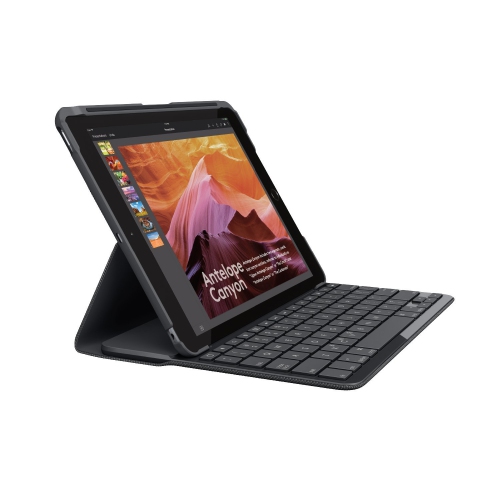 Your price for this item is $89.99
 -
 Your price for this item is $49.99
 -
 Your price for this item is $79.99
 -
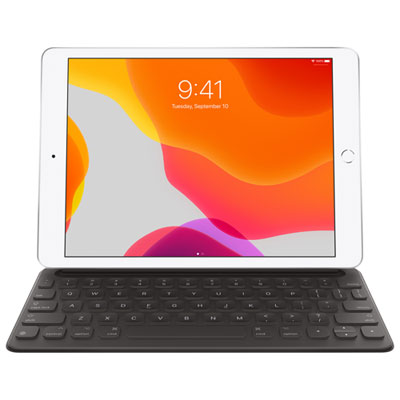 Your price for this item is $218.97
 -
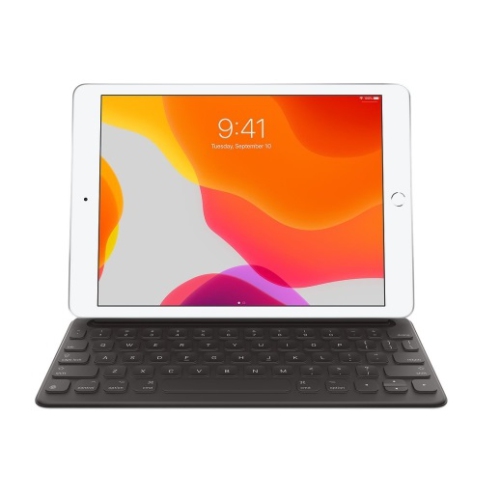 Your price for this item is $49.99
 -
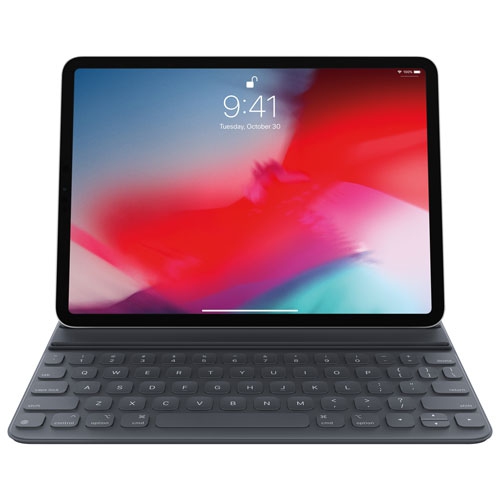 Your price for this item is $199
 -
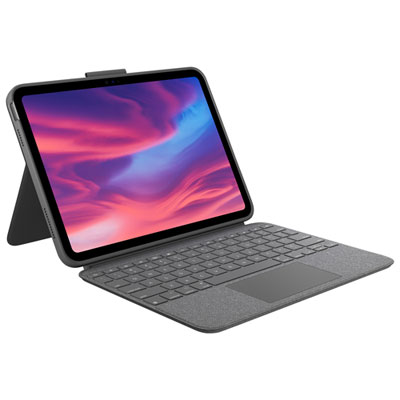 Your price for this item is $219.99
 -
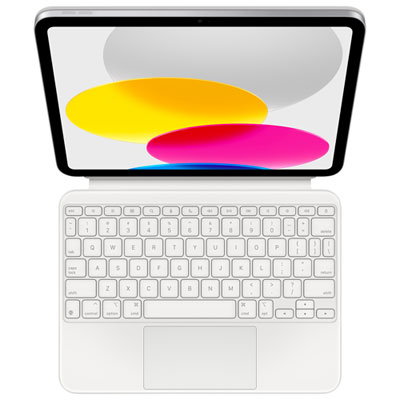 Your price for this item is $329.99
Discover more categories related to Bluetooth Keyboards for Ipad Mini
Top Collections:
Pokemon Centers, Best Cameras for Sports Photography, Kindle Devices, Samsung Galaxy Phones, Canon G7X Cameras, Pokémon 30th Celebration Cards, Refurbished Apple Laptops, iPhone 15 Apple, Laptops for Students, Budget Smartphones
Some products may be subject to Environmental Handling Fees
(EHF) depending on your province.
Learn more about EHFs.