Full Size Bluetooth Keyboards for iPad
Full Size Bluetooth Keyboard for iPad offers a seamless way to enhance your productivity and comfort while working, studying, or browsing on your device. Designed to provide a familiar typing experience, these keyboards pair effortlessly with your iPad, making them ideal for everything from note-taking to extended writing sessions. Explore a variety of options that deliver convenience and versatility, allowing you to get more done wherever you are. Find the perfect Full Size Bluetooth Keyboard for iPad to complement your setup and elevate your tablet experience.
Sort
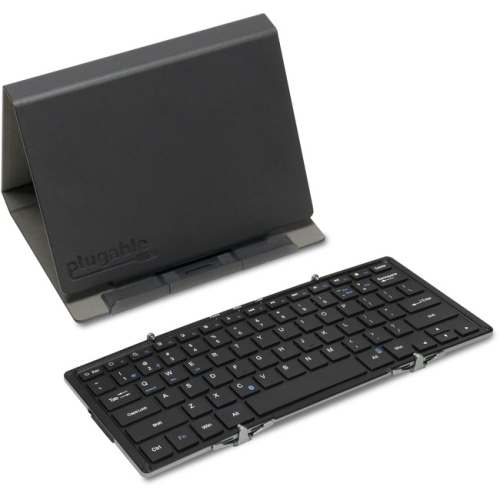
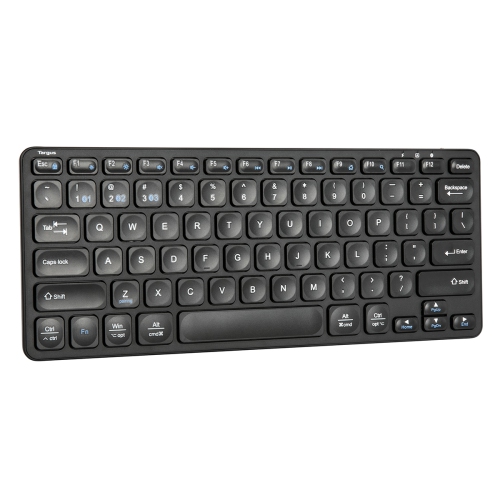
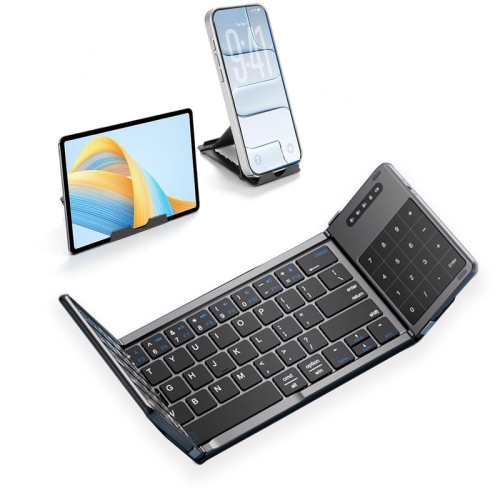
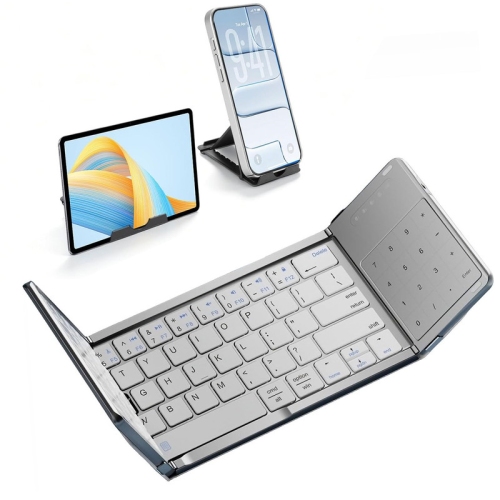
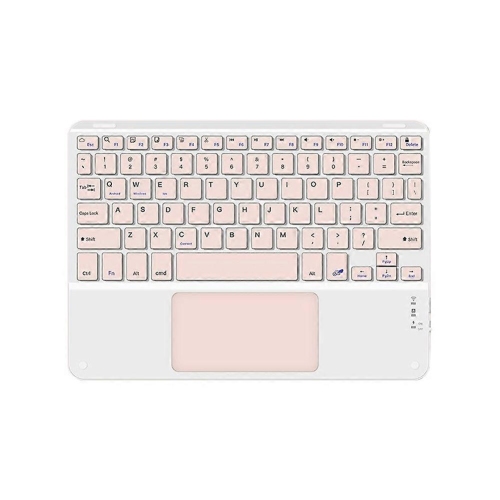
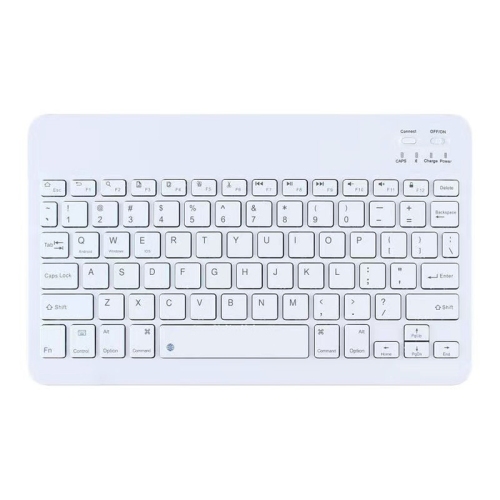
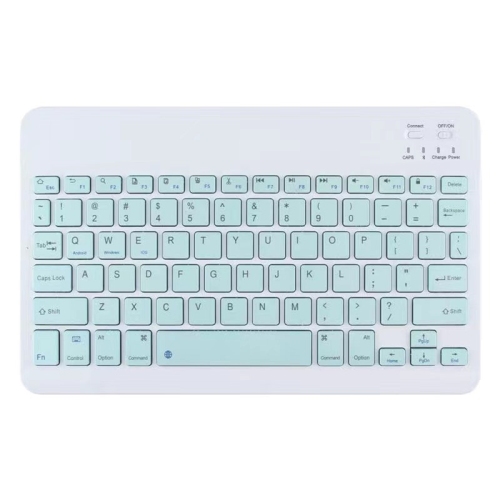
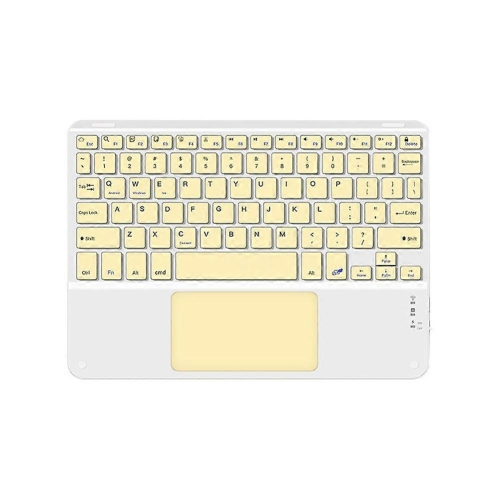
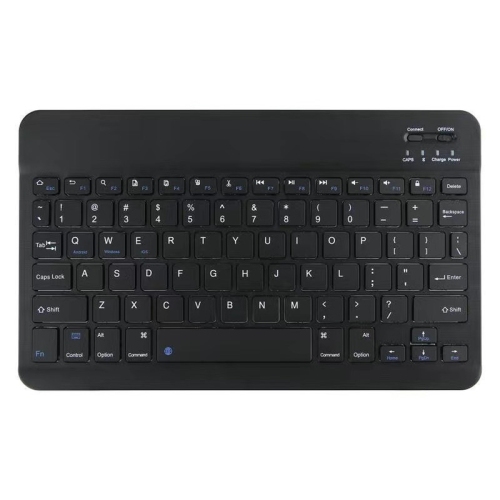
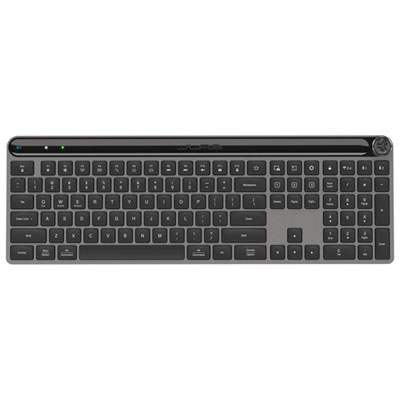
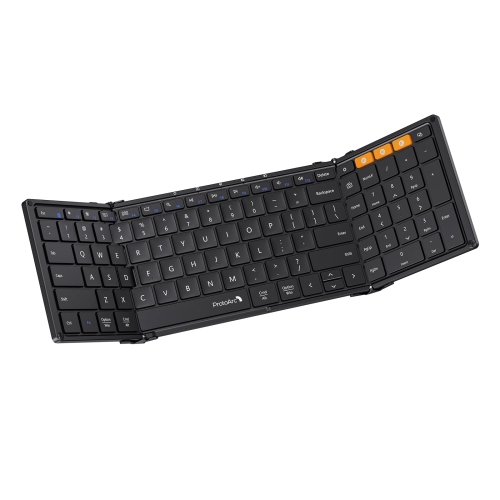
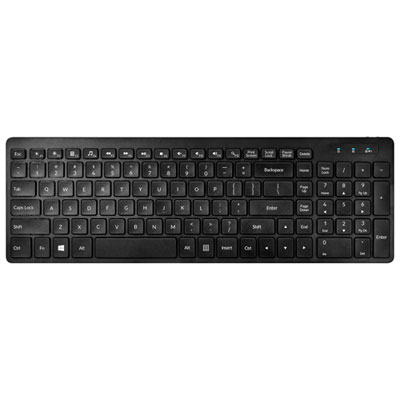
Desktop-style typing with more screen space for work
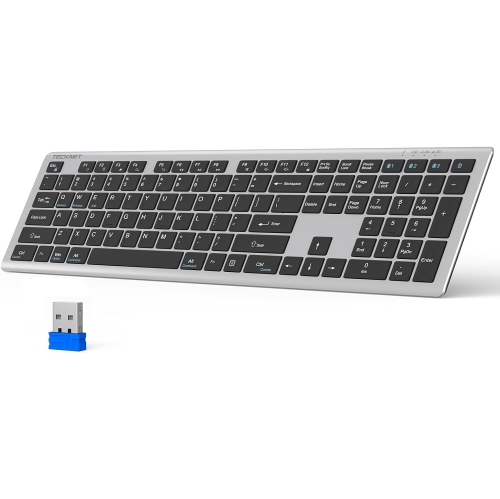
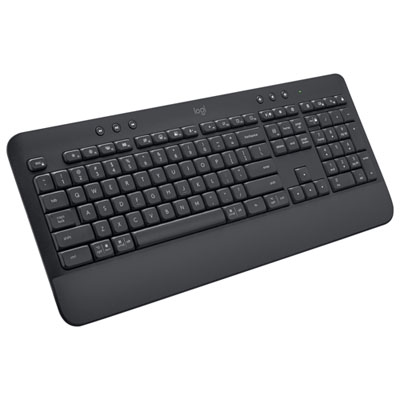
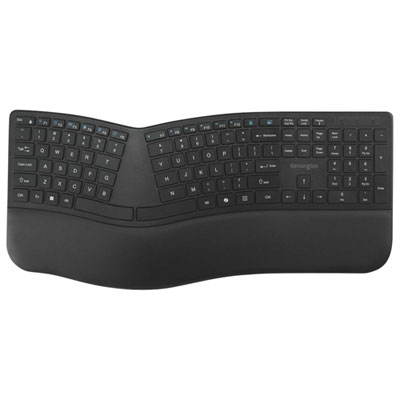
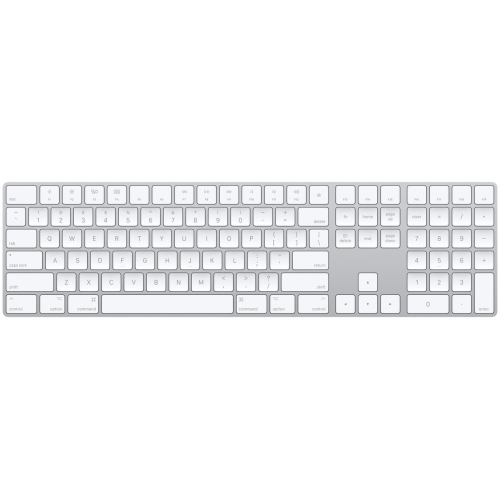
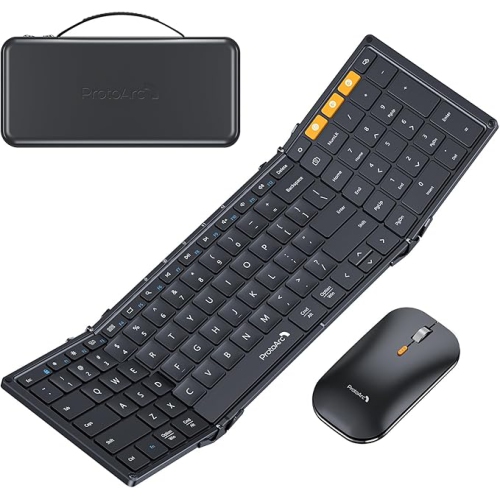
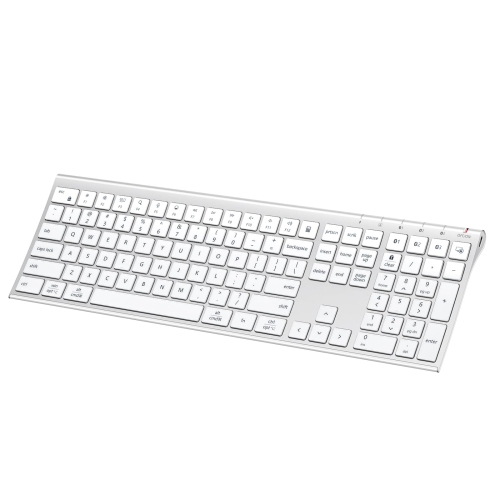
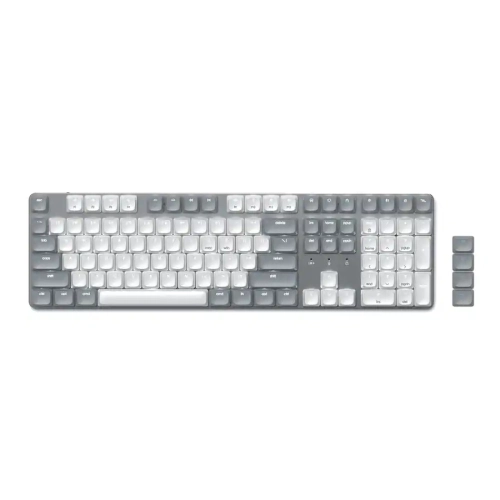
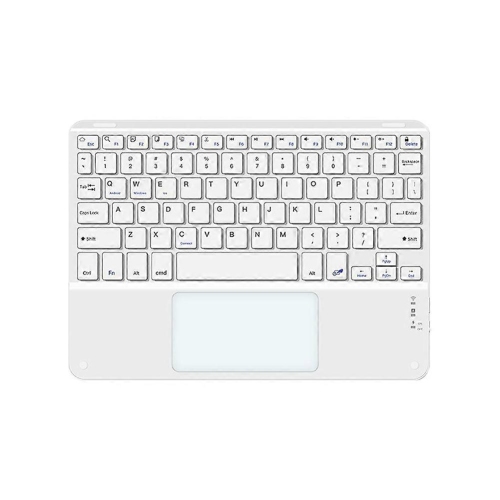
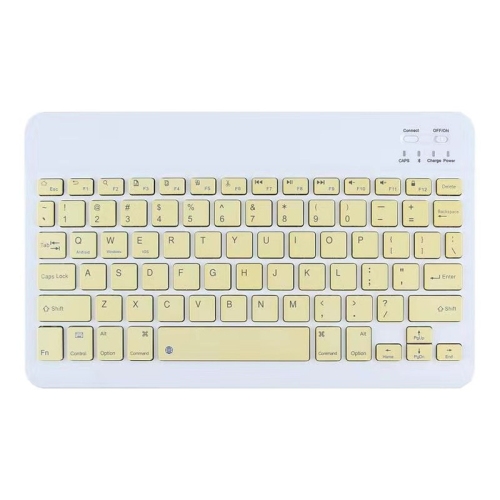
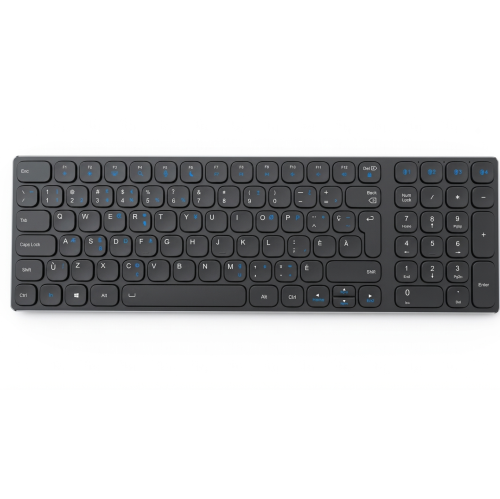
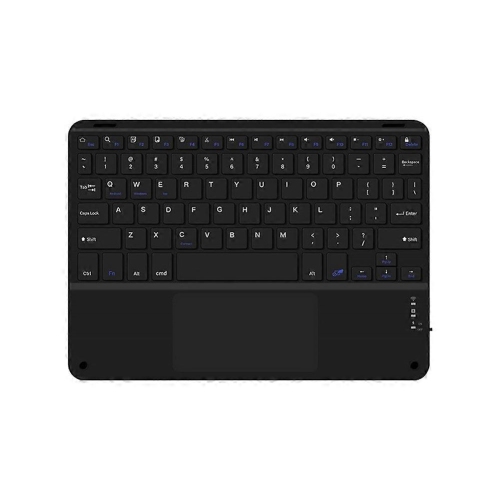
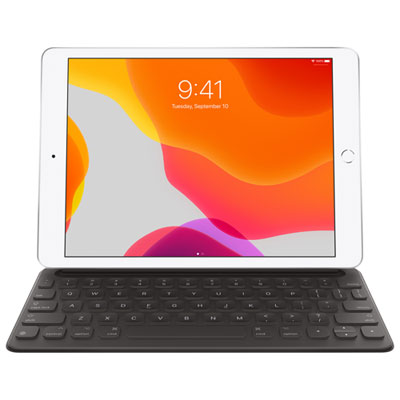
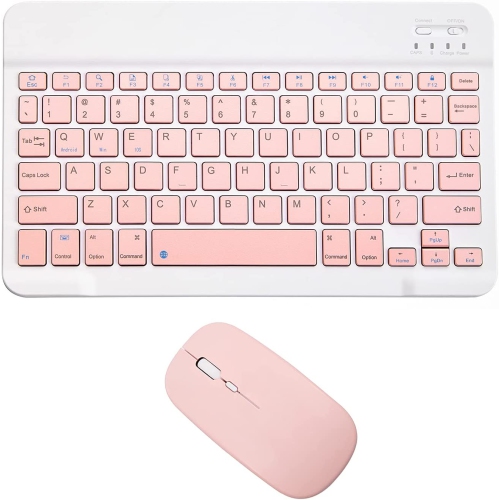
Full-size Bluetooth keyboards for iPad bring a familiar desktop-style typing layout to a tablet, with room for both hands, clearly separated keys, and, typically, a dedicated numeric keypad. That extra space can make a noticeable difference when writing an assignment, answering a long email, or entering figures into a spreadsheet. Rather than using part of the display for an onscreen keyboard, a separate keyboard leaves more screen space for documents, messages, and other work. Bluetooth connects the keyboard wirelessly to a compatible iPad, allowing it to sit at a comfortable distance from the screen without a cable running between the two. A full-size layout generally includes a main QWERTY section, a number row, navigation keys, and a number pad, although the exact arrangement varies. Full-size keys alone do not necessarily mean a full-size keyboard: a compact design may have standard-sized letter keys but leave out the numeric keypad or group navigation controls more tightly. For someone who moves between written notes and columns of numbers, that distinction matters. Students working through coursework, teachers preparing lesson plans, and people managing household paperwork can all appreciate a layout that feels closer to a traditional workstation. Writers and frequent email users may value the generous spacing even when they rarely touch the number pad. Bluetooth pairing does not, however, guarantee that every key will behave exactly as it does on a computer. Support for shortcuts, function keys, media controls, and other features depends on the keyboard, the iPadOS version, and the app in use. Layouts with clearly marked tablet-compatible controls can make everyday actions more straightforward, while a familiar language layout helps keep punctuation and accented characters where they are expected. For bilingual typing, the physical key labels and the selected software keyboard layout both contribute to a comfortable experience.
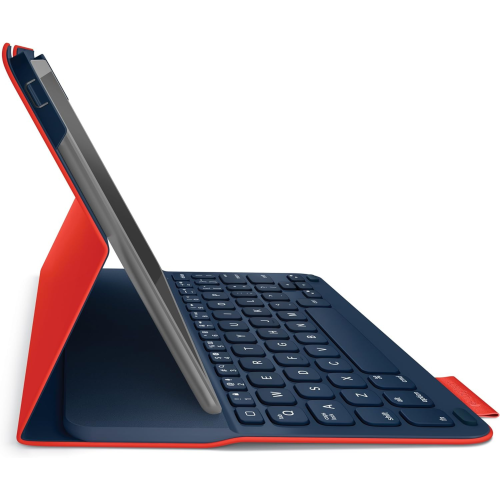
The feel of a full-size keyboard comes from more than its dimensions. Low-profile keys often suit people who prefer a shallow press and a slim shape, while deeper keys can offer a more pronounced sense of movement with each keystroke. Scissor-switch designs commonly provide a short, controlled action; mechanical designs vary considerably in travel, resistance, and sound depending on the switches used. A quiet keyboard can be a considerate choice for a shared office, a library table, or a living room where someone else is reading, but switch type alone does not determine noise. Keycap construction, the keyboard housing, and the surface beneath it also affect how typing sounds. Plastic housings can help keep weight down for carrying between rooms, while metal panels may add rigidity and a more substantial feel on a desk. Neither material by itself establishes durability: a stable frame, secure keys, and reliable feet are equally relevant to daily use. Rubber pads underneath help limit sliding on a smooth tabletop, and adjustable feet can change the typing angle. Comfort also depends on where the keyboard sits. With an iPad supported on a stable stand, a separate keyboard allows the screen and typing surface to be positioned independently, rather than fixing both at the angle of a laptop-style case. There should still be enough space for relaxed shoulders, supported forearms, and easy access to the touchscreen. A numeric keypad adds useful width, but it also takes up more room in a bag or on a narrow desk. Published dimensions are more informative than the full-size label when judging whether a keyboard will fit beside a notebook, fit inside a carrying sleeve, or leave room for a pointing device. An integrated tablet cradle, where included, has its own fit requirements: the iPad’s thickness with its case attached, its orientation, and the cradle’s supported size and weight all matter.
Everyday convenience also depends on power, controls, and how the keyboard fits into the rest of a workspace. Some Bluetooth keyboards use replaceable batteries, while others have a built-in rechargeable battery. Battery life varies with usage, lighting settings, and power-saving behaviour, so a stated maximum is not a promise of identical results for every user. Backlit keys can make legends easier to see during an evening writing session, although brighter lighting generally uses more power. A charging port does not necessarily provide a wired typing connection; on some keyboards, the cable supplies power only. Models with multi-device pairing can store connections for an iPad and other compatible devices, with a button or key combination used to switch between them. That can be useful at a desk where a tablet handles reading and messages alongside a computer used for longer projects. Switching methods and the number of saved connections differ, and some shortcuts may change with the operating system. The broader collection of Full Size Bluetooth Keyboards offers context for layouts intended to work across different device types, with iPad compatibility remaining an important distinction for a tablet-centred setup. For regular travel, a protective sleeve helps shield exposed keys from loose objects, while an accessible power switch can prevent accidental key presses in a bag. At home, a full-size keyboard can stay on the desk while the iPad moves between reading, video calls, and typing tasks. Routine care is usually straightforward: switch the keyboard off before cleaning, remove loose dust gently, and follow the manufacturer’s directions for wiping the housing and key surfaces. Liquid should not be sprayed directly onto the keys, and keycaps should only be removed if the design permits it. Keeping drinks away from the typing area helps protect the switches and internal electronics. As a gift for a student, a frequent correspondent, or someone building a more comfortable tablet workspace, this category is most useful when the recipient’s preferred layout, available desk space, and iPad compatibility are already known. Those practical details help a keyboard fit naturally into daily routines, whether it supports a few messages over breakfast or an afternoon spent shaping a document.
The feel of a full-size keyboard comes from more than its dimensions. Low-profile keys often suit people who prefer a shallow press and a slim shape, while deeper keys can offer a more pronounced sense of movement with each keystroke. Scissor-switch designs commonly provide a short, controlled action; mechanical designs vary considerably in travel, resistance, and sound depending on the switches used. A quiet keyboard can be a considerate choice for a shared office, a library table, or a living room where someone else is reading, but switch type alone does not determine noise. Keycap construction, the keyboard housing, and the surface beneath it also affect how typing sounds. Plastic housings can help keep weight down for carrying between rooms, while metal panels may add rigidity and a more substantial feel on a desk. Neither material by itself establishes durability: a stable frame, secure keys, and reliable feet are equally relevant to daily use. Rubber pads underneath help limit sliding on a smooth tabletop, and adjustable feet can change the typing angle. Comfort also depends on where the keyboard sits. With an iPad supported on a stable stand, a separate keyboard allows the screen and typing surface to be positioned independently, rather than fixing both at the angle of a laptop-style case. There should still be enough space for relaxed shoulders, supported forearms, and easy access to the touchscreen. A numeric keypad adds useful width, but it also takes up more room in a bag or on a narrow desk. Published dimensions are more informative than the full-size label when judging whether a keyboard will fit beside a notebook, fit inside a carrying sleeve, or leave room for a pointing device. An integrated tablet cradle, where included, has its own fit requirements: the iPad’s thickness with its case attached, its orientation, and the cradle’s supported size and weight all matter.
Everyday convenience also depends on power, controls, and how the keyboard fits into the rest of a workspace. Some Bluetooth keyboards use replaceable batteries, while others have a built-in rechargeable battery. Battery life varies with usage, lighting settings, and power-saving behaviour, so a stated maximum is not a promise of identical results for every user. Backlit keys can make legends easier to see during an evening writing session, although brighter lighting generally uses more power. A charging port does not necessarily provide a wired typing connection; on some keyboards, the cable supplies power only. Models with multi-device pairing can store connections for an iPad and other compatible devices, with a button or key combination used to switch between them. That can be useful at a desk where a tablet handles reading and messages alongside a computer used for longer projects. Switching methods and the number of saved connections differ, and some shortcuts may change with the operating system. The broader collection of Full Size Bluetooth Keyboards offers context for layouts intended to work across different device types, with iPad compatibility remaining an important distinction for a tablet-centred setup. For regular travel, a protective sleeve helps shield exposed keys from loose objects, while an accessible power switch can prevent accidental key presses in a bag. At home, a full-size keyboard can stay on the desk while the iPad moves between reading, video calls, and typing tasks. Routine care is usually straightforward: switch the keyboard off before cleaning, remove loose dust gently, and follow the manufacturer’s directions for wiping the housing and key surfaces. Liquid should not be sprayed directly onto the keys, and keycaps should only be removed if the design permits it. Keeping drinks away from the typing area helps protect the switches and internal electronics. As a gift for a student, a frequent correspondent, or someone building a more comfortable tablet workspace, this category is most useful when the recipient’s preferred layout, available desk space, and iPad compatibility are already known. Those practical details help a keyboard fit naturally into daily routines, whether it supports a few messages over breakfast or an afternoon spent shaping a document.
Top selling and popular products
-
 Your price for this item is $39.99
 -
 Your price for this item is $49.72
 -
 Your price for this item is $159
 -
 Your price for this item is $219.99
 -
 Your price for this item is $189.99
 -
 Your price for this item is $44.99
 -
 Your price for this item is $29.99
 -
 Your price for this item is $159.99
Discover more categories related to Full Size Bluetooth Keyboards for iPad

Top Collections:
Pokemon Centers, Best Cameras for Sports Photography, Kindle Devices, Samsung Galaxy Phones, Canon G7X Cameras, Pokémon 30th Celebration Cards, Refurbished Apple Laptops, iPhone 15 Apple, Laptops for Students, Budget Smartphones
Some products may be subject to Environmental Handling Fees
(EHF) depending on your province.
Learn more about EHFs.