Keyboard Cases for Ipad Mini
Enhance your iPad Mini experience with our collection of keyboard cases. Designed specifically for the iPad Mini, these cases offer a seamless integration of functionality and style. Whether you're a student, professional, or simply love to stay productive on the go, our keyboard cases provide the perfect solution for typing emails, taking notes, or even creating content. With a range of sleek designs and durable materials, you can protect your iPad Mini while transforming it into a convenient workstation. Elevate your productivity and make the most out of your iPad Mini with our selection of keyboard cases.
Sort
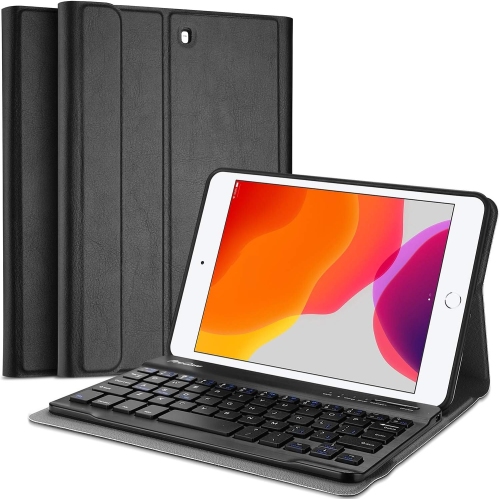
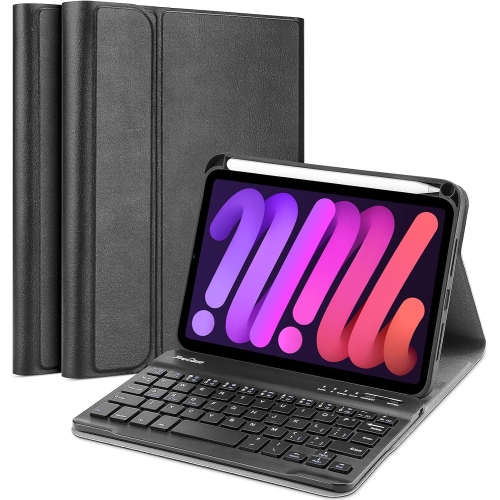
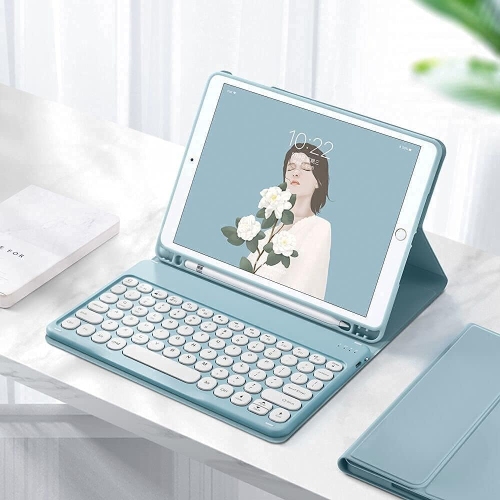

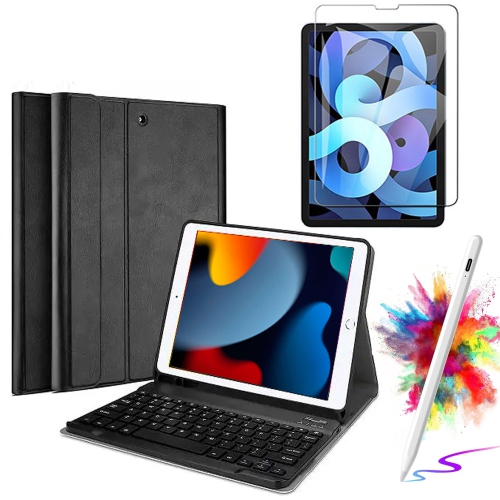
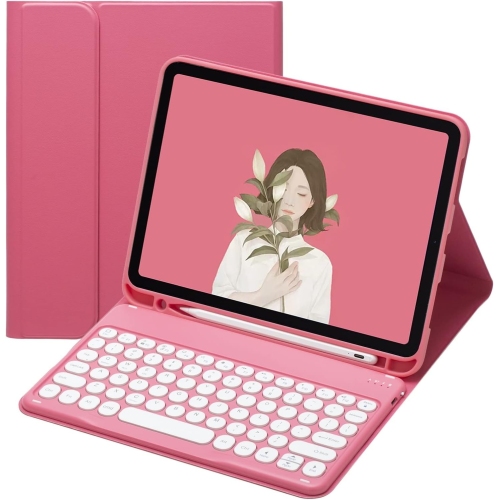
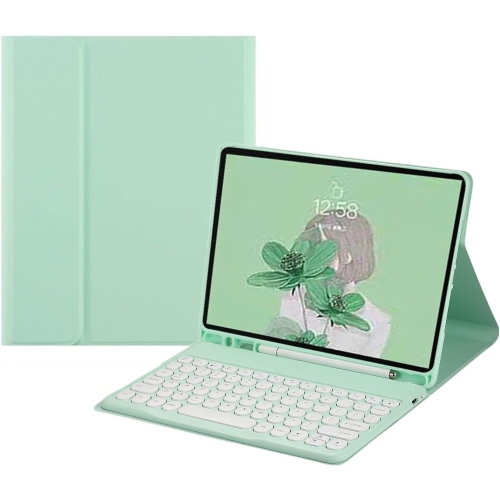
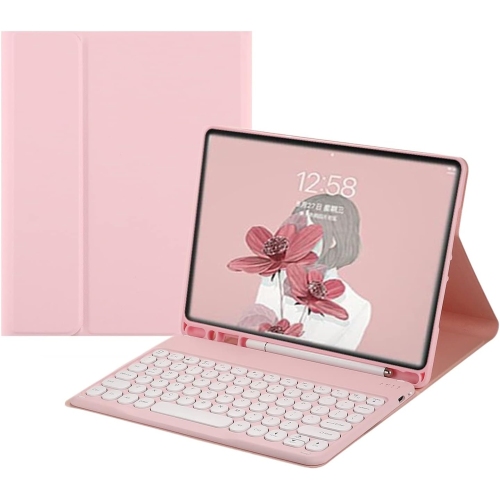
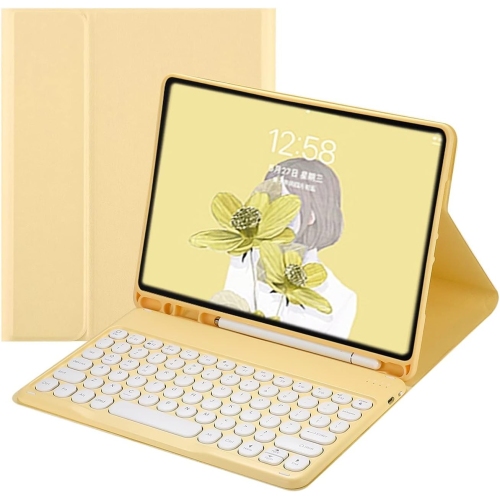
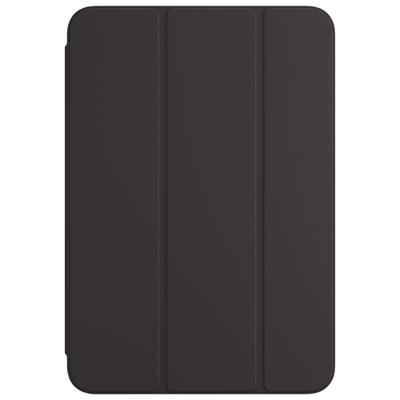
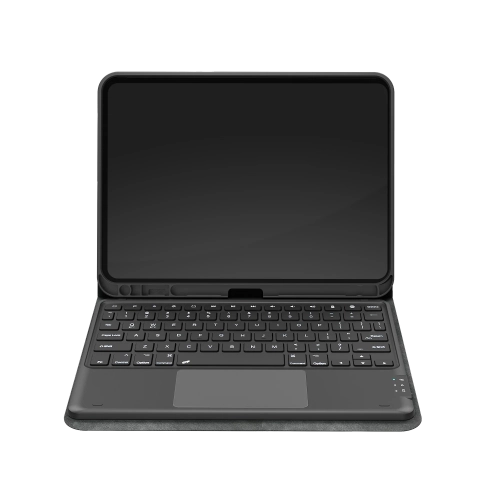
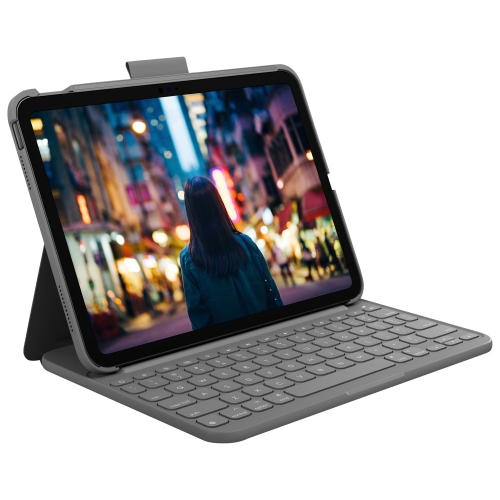
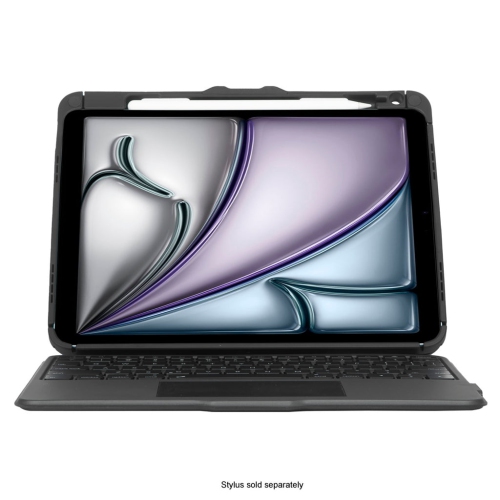
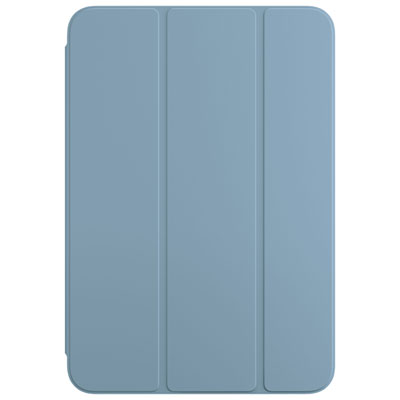
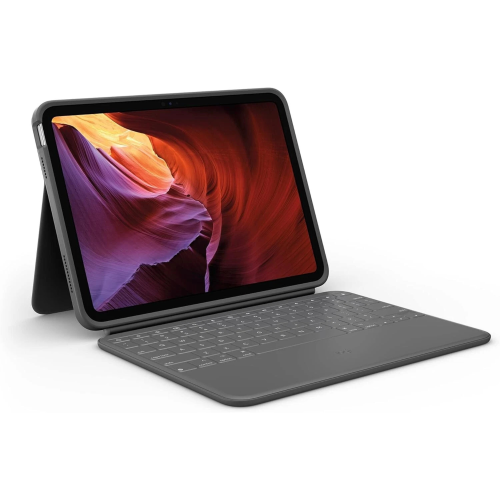
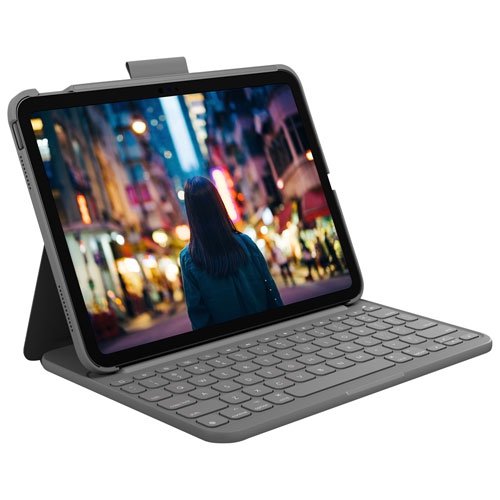
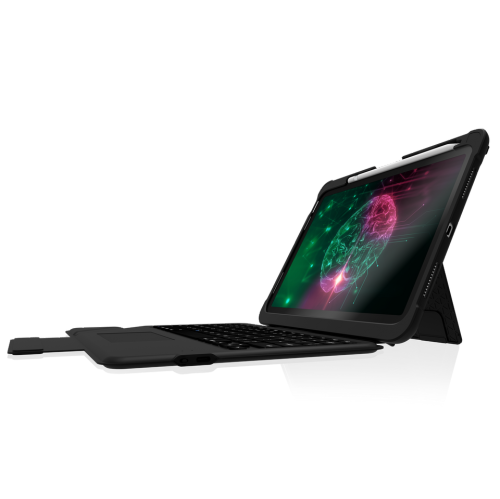
Physical keys add flexible productivity to a compact tablet
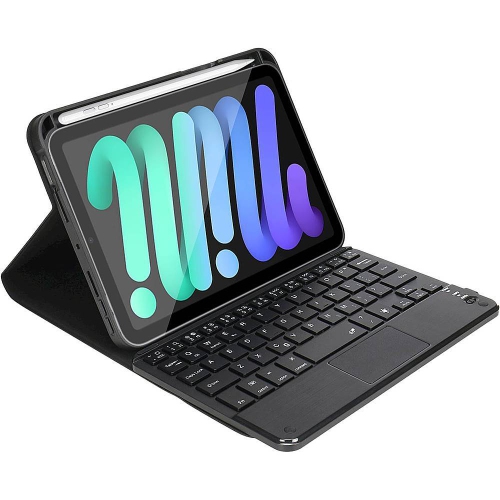
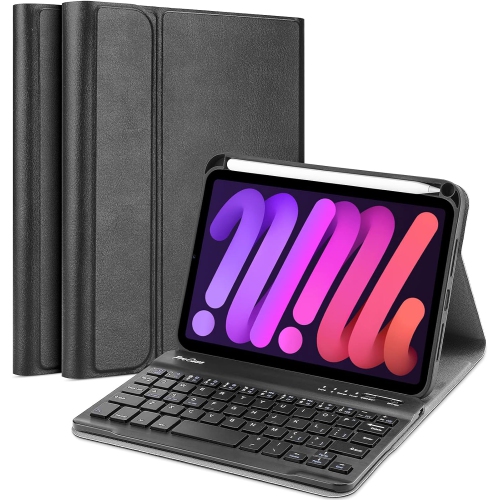
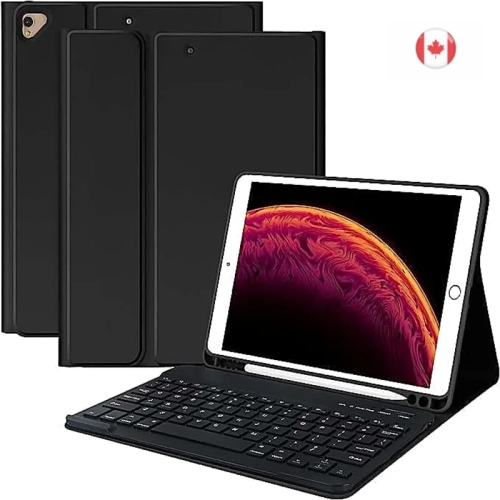
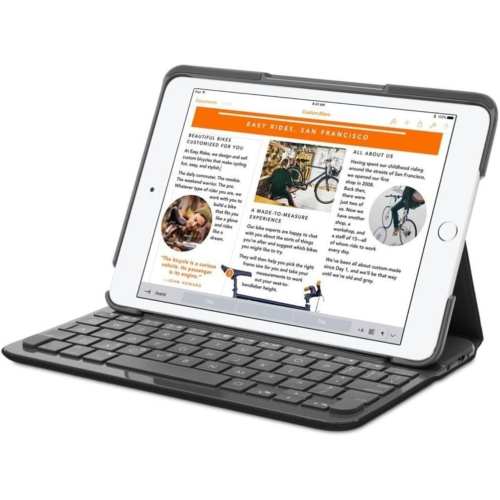
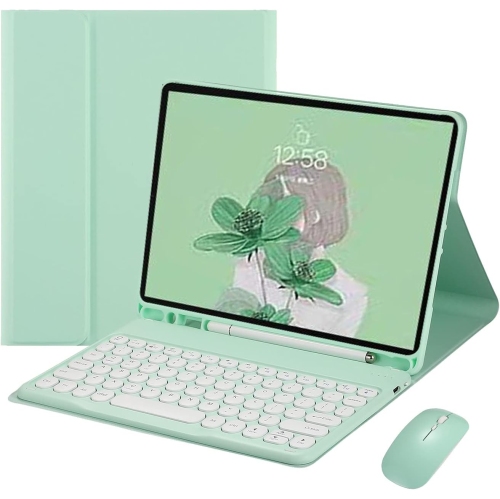
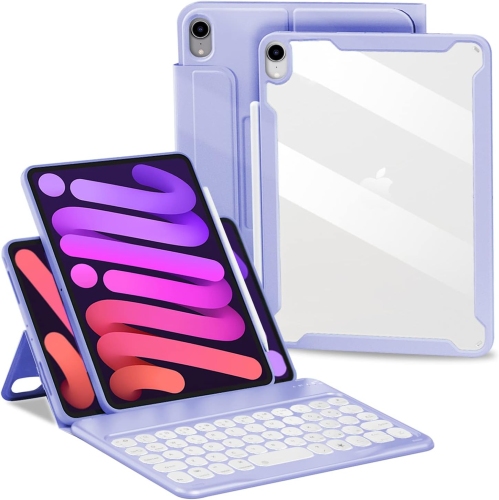
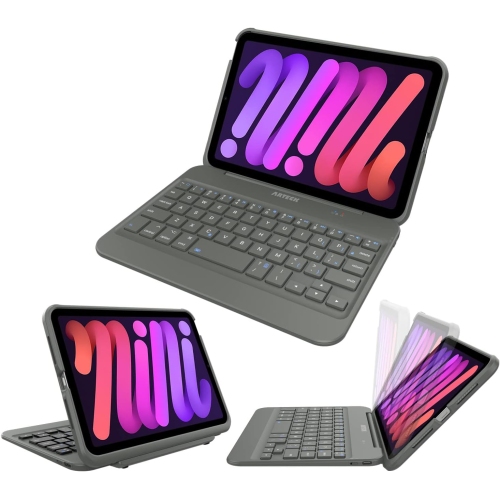
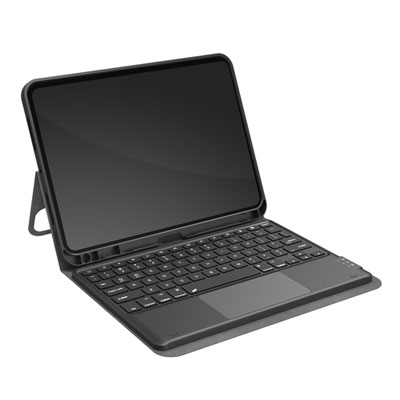
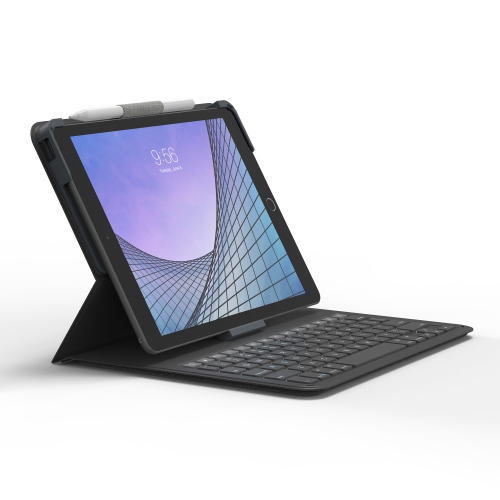
Keyboard cases for iPad mini combine everyday tablet protection with the convenience of a physical keyboard, making it easier to write, reply, organize, and work from a compact screen. They are designed for the small 8.3-inch iPad mini format and can be useful for students, commuters, travellers, home-office users, and anyone who prefers tactile keys over tapping on a touchscreen. An iPad mini with a keyboard case can handle a surprising range of tasks: drafting emails at the kitchen table, taking notes during a lecture, updating a shopping list, responding to messages from a café, or writing a few pages while sitting in a quiet corner. The case usually surrounds the tablet with a folio-style cover or fitted shell, while the keyboard connects through Bluetooth and either remains attached or detaches when it is not needed. This creates a more flexible setup than a traditional tablet cover, particularly for people who move between typing and touch-based activities throughout the day. A detachable keyboard can be set aside for reading, drawing, watching videos, or browsing, while a built-in stand keeps the screen at a comfortable viewing angle for typing. Some designs support both landscape and portrait orientations, which can be especially helpful for reading longer documents, reviewing webpages, viewing recipes, or working with apps that make better use of a vertical display. Since there is no official Apple Magic Keyboard made specifically for the iPad mini size, third-party keyboard cases fill an important role for users who want an integrated typing solution without moving up to a larger tablet or laptop.
Checking compatibility is one of the most important steps before choosing an iPad mini keyboard case. Look for the exact tablet generation listed in the product details, including the iPad mini 6th generation released in 2021 and the iPad mini 7th generation with the A17 Pro chip released in 2024. These models share a similar compact form, but camera openings, button placement, magnetic attachment points, and other physical details can differ between cases. A case that fits one generation may not provide reliable access or a secure fit on another, even when the screen size appears the same. Consider how the keyboard will be used as well. Compact keys save space, but they may feel different from a full-sized desktop keyboard, so users who write often may prefer clearly spaced keys, a familiar QWERTY layout, and a stable base that does not flex while typing. A trackpad can make the iPad mini feel more like a small laptop by supporting cursor control, scrolling, and gestures, while a model without a trackpad may be lighter and better suited to short messages or occasional notes. Backlit keys can be useful in a dim room, on a late flight, or during the cooler months when a tablet is used in a softly lit living room, although lighting features can affect battery life. Look for a rechargeable battery, a charging connection that suits your existing cables, and a battery rating that matches your routine. Some keyboards are intended for frequent use over several weeks, while others may run for multiple months between charges depending on the design and lighting settings. Bluetooth pairing is another practical consideration: a keyboard that reconnects quickly and stays stable is less frustrating when moving between locations. A strong hinge or adjustable kickstand can make a noticeable difference, particularly when typing on a train tray, a narrow counter, or a small desk. More flexible hinges may allow several viewing angles, and some support both horizontal and vertical positioning. Balance these features against weight, thickness, and protection, since a sturdy integrated case can add considerable bulk to a device that is valued for its portability.
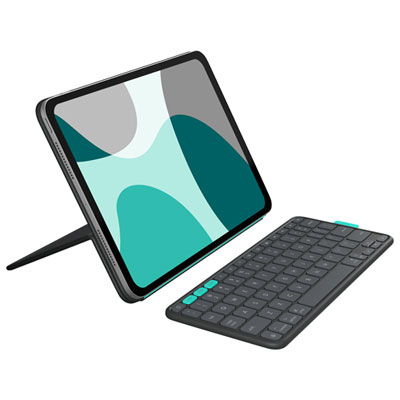
The right keyboard case depends on whether the priority is protection, typing comfort, travel convenience, or a balance of all three. A slim folio with a removable keyboard can be a good choice for someone who wants to carry the iPad mini in a bag and use it for occasional writing without turning it into a full-time laptop replacement. A more structured case with reinforced edges and a firm stand may suit students or professionals who type regularly and need the tablet to remain steady on a desk. A model with a pencil holder or storage loop can help keep a compatible stylus close at hand, reducing the chance that it will disappear between notebooks, sofa cushions, or the bottom of a backpack. Families may appreciate a keyboard case for shared use, whether a child is practising typing, a parent is managing appointments, or everyone is using the tablet for travel entertainment. It can also be a thoughtful gift for a university student, frequent traveller, remote worker, or family member who enjoys the iPad mini but finds extended touchscreen typing tiring. During warmer weather, its compact profile can make it convenient for outdoor patios, road trips, and visits to the cottage; as the weather cools, it can move easily between a home office, classroom, library, and living room. Users who already have a protective shell should check whether it must be removed before installing the keyboard case, as many fitted designs are made to replace rather than work alongside another cover. Those who want a lighter arrangement may prefer pairing the tablet with a separate compact keyboard instead of choosing an integrated case. Explore Portable iPad Keyboards for alternatives that can be carried independently and used with more than one device. Whether the goal is writing longer messages, keeping a tablet upright for recipes, managing documents on the go, or simply adding a physical typing option to a small screen, a well-matched keyboard case can make the iPad mini feel more capable while preserving the convenience of its compact design.
Checking compatibility is one of the most important steps before choosing an iPad mini keyboard case. Look for the exact tablet generation listed in the product details, including the iPad mini 6th generation released in 2021 and the iPad mini 7th generation with the A17 Pro chip released in 2024. These models share a similar compact form, but camera openings, button placement, magnetic attachment points, and other physical details can differ between cases. A case that fits one generation may not provide reliable access or a secure fit on another, even when the screen size appears the same. Consider how the keyboard will be used as well. Compact keys save space, but they may feel different from a full-sized desktop keyboard, so users who write often may prefer clearly spaced keys, a familiar QWERTY layout, and a stable base that does not flex while typing. A trackpad can make the iPad mini feel more like a small laptop by supporting cursor control, scrolling, and gestures, while a model without a trackpad may be lighter and better suited to short messages or occasional notes. Backlit keys can be useful in a dim room, on a late flight, or during the cooler months when a tablet is used in a softly lit living room, although lighting features can affect battery life. Look for a rechargeable battery, a charging connection that suits your existing cables, and a battery rating that matches your routine. Some keyboards are intended for frequent use over several weeks, while others may run for multiple months between charges depending on the design and lighting settings. Bluetooth pairing is another practical consideration: a keyboard that reconnects quickly and stays stable is less frustrating when moving between locations. A strong hinge or adjustable kickstand can make a noticeable difference, particularly when typing on a train tray, a narrow counter, or a small desk. More flexible hinges may allow several viewing angles, and some support both horizontal and vertical positioning. Balance these features against weight, thickness, and protection, since a sturdy integrated case can add considerable bulk to a device that is valued for its portability.
The right keyboard case depends on whether the priority is protection, typing comfort, travel convenience, or a balance of all three. A slim folio with a removable keyboard can be a good choice for someone who wants to carry the iPad mini in a bag and use it for occasional writing without turning it into a full-time laptop replacement. A more structured case with reinforced edges and a firm stand may suit students or professionals who type regularly and need the tablet to remain steady on a desk. A model with a pencil holder or storage loop can help keep a compatible stylus close at hand, reducing the chance that it will disappear between notebooks, sofa cushions, or the bottom of a backpack. Families may appreciate a keyboard case for shared use, whether a child is practising typing, a parent is managing appointments, or everyone is using the tablet for travel entertainment. It can also be a thoughtful gift for a university student, frequent traveller, remote worker, or family member who enjoys the iPad mini but finds extended touchscreen typing tiring. During warmer weather, its compact profile can make it convenient for outdoor patios, road trips, and visits to the cottage; as the weather cools, it can move easily between a home office, classroom, library, and living room. Users who already have a protective shell should check whether it must be removed before installing the keyboard case, as many fitted designs are made to replace rather than work alongside another cover. Those who want a lighter arrangement may prefer pairing the tablet with a separate compact keyboard instead of choosing an integrated case. Explore Portable iPad Keyboards for alternatives that can be carried independently and used with more than one device. Whether the goal is writing longer messages, keeping a tablet upright for recipes, managing documents on the go, or simply adding a physical typing option to a small screen, a well-matched keyboard case can make the iPad mini feel more capable while preserving the convenience of its compact design.
Top selling and popular products
-
 Your price for this item is $152.47
 -
 Your price for this item is $44.99
 -
 Your price for this item is $229.99
 -
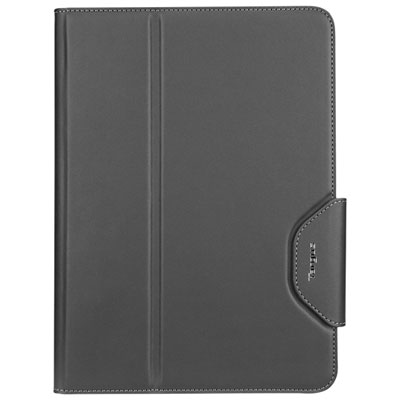 Your price for this item is $51.98
 -
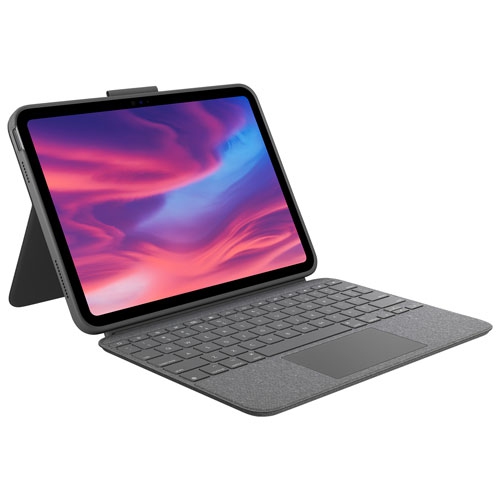 Your price for this item is $187.47
 -
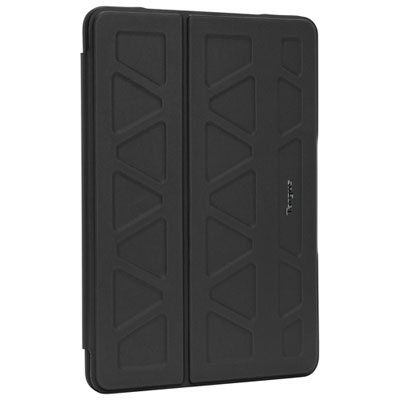 Your price for this item is $44.98
 -
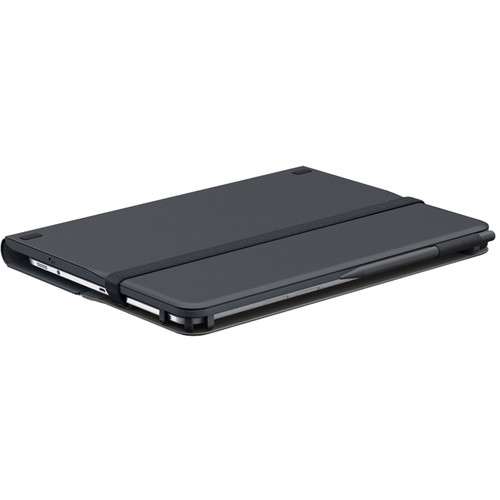 Your price for this item is $115.68
 -
 Your price for this item is $69.99
Discover more categories related to Keyboard Cases for Ipad Mini

Top Collections:
Pokemon Centers, Best Cameras for Sports Photography, Kindle Devices, Samsung Galaxy Phones, Canon G7X Cameras, Pokémon 30th Celebration Cards, Refurbished Apple Laptops, iPhone 15 Apple, Laptops for Students, Budget Smartphones
Some products may be subject to Environmental Handling Fees
(EHF) depending on your province.
Learn more about EHFs.