Bluetooth Number Pads
Enhance your productivity and simplify your work with our selection of Bluetooth number pads. Designed to seamlessly connect to your devices, these wireless accessories offer a convenient and efficient way to input numbers, calculations, and data. Whether you're a student, professional, or simply looking to upgrade your current setup, our range of Bluetooth number pads provides the perfect solution for those seeking accuracy and ease of use. Say goodbye to tangled wires and hello to seamless connectivity with our Bluetooth number pads collection.
Sort
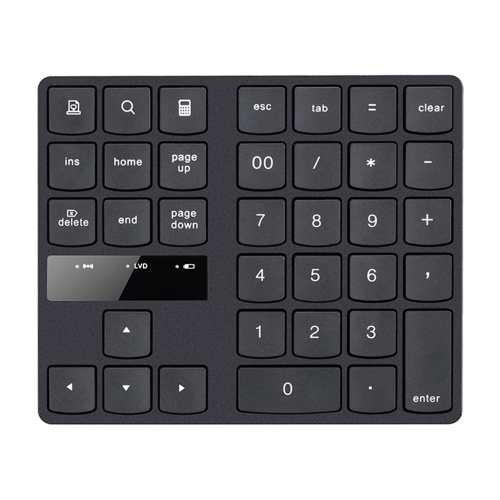
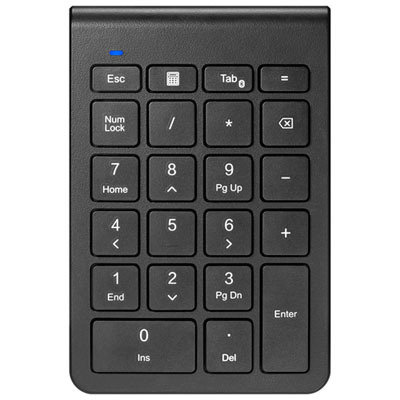

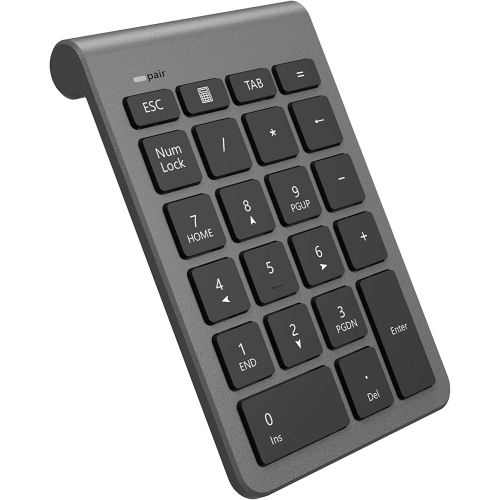
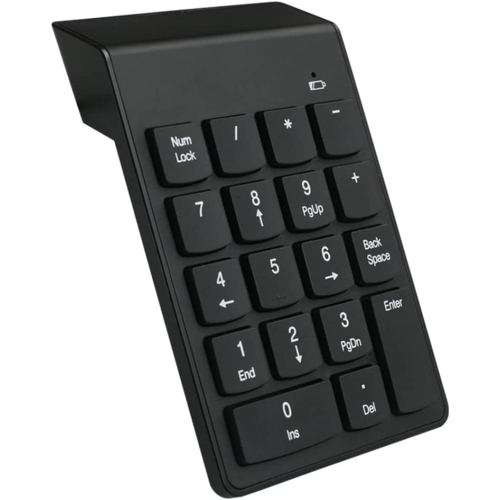
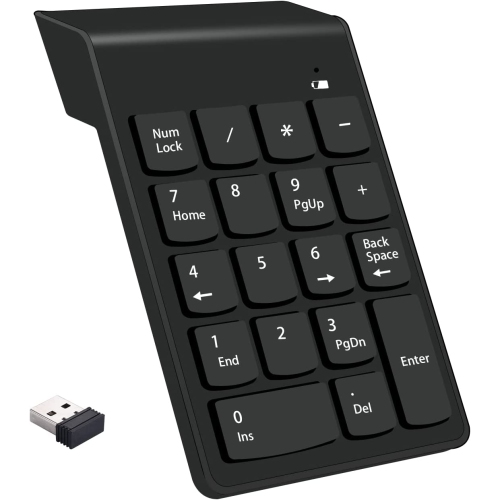
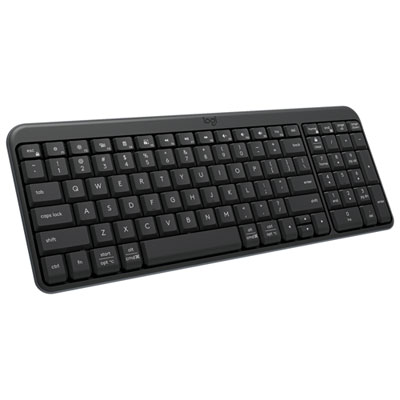
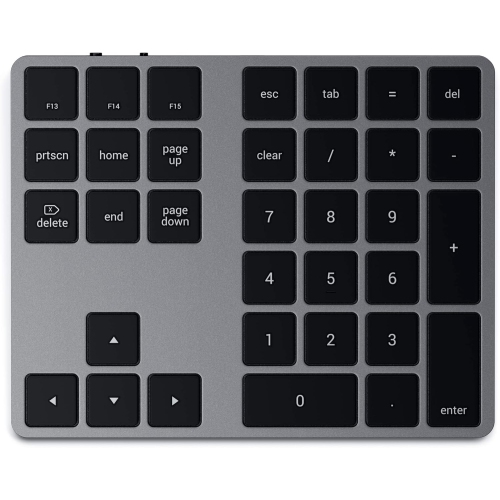
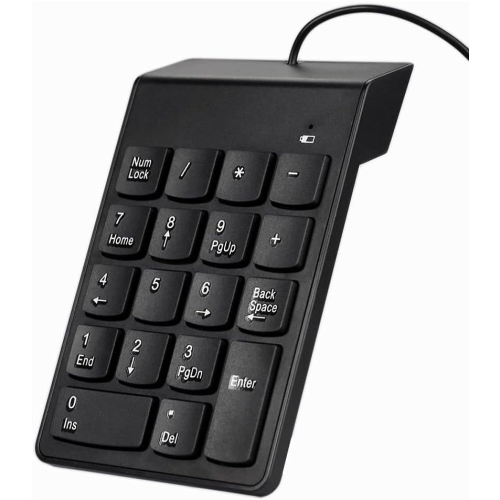

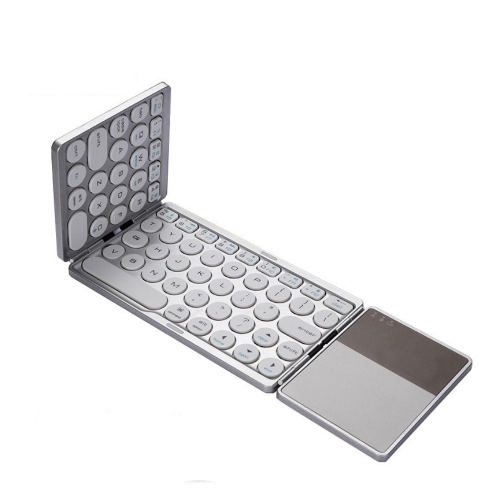
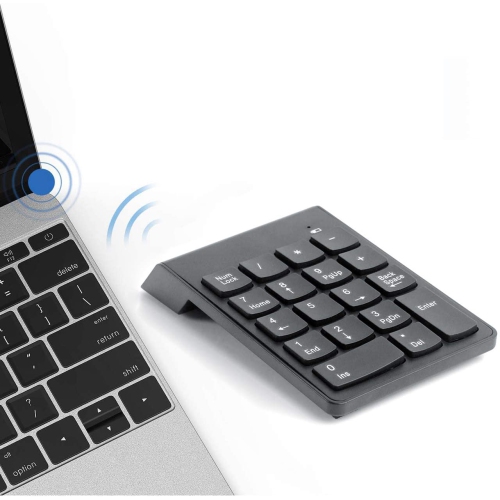
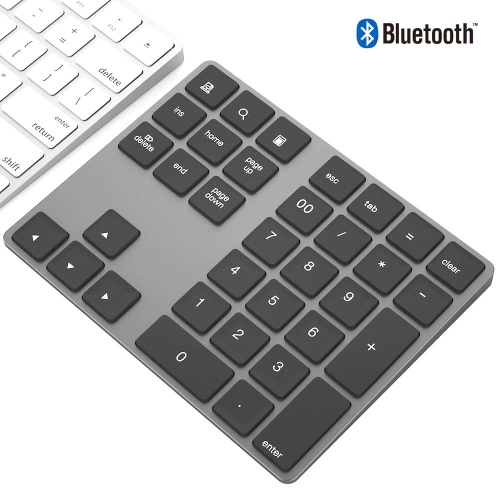
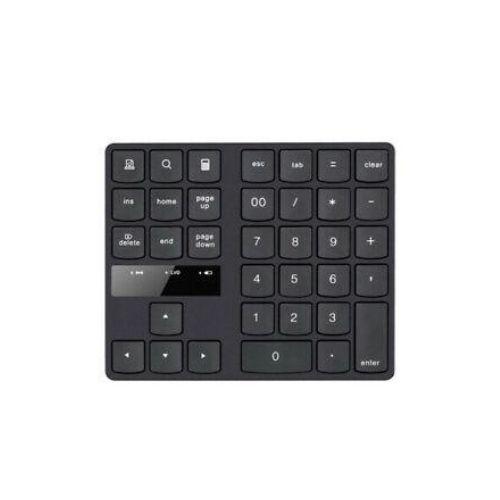
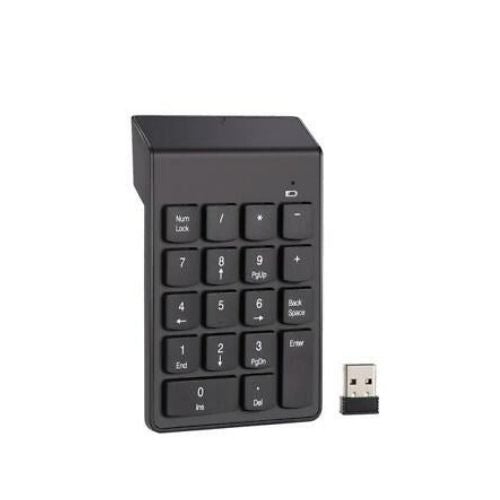

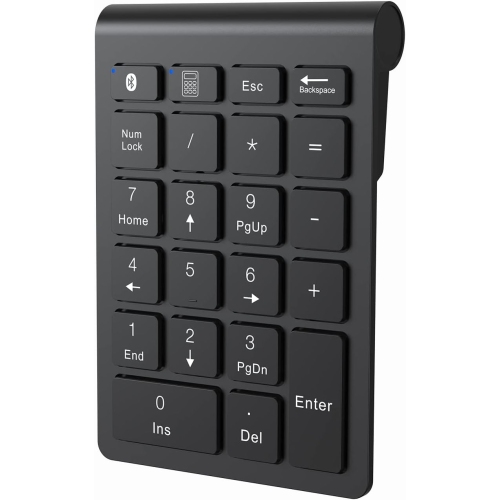

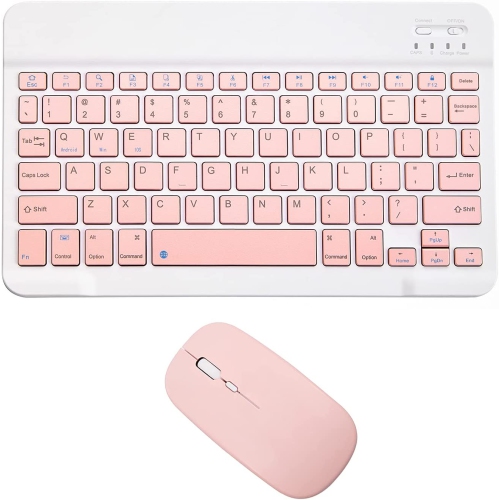
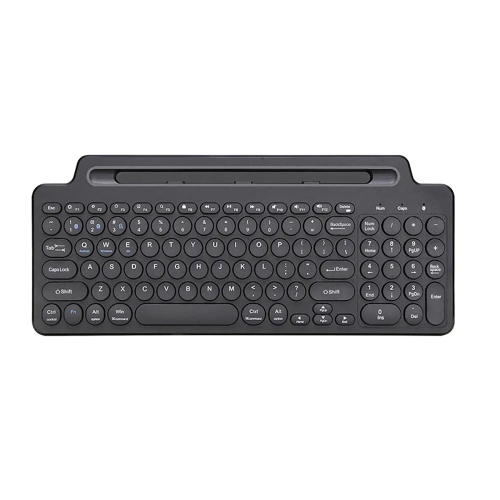
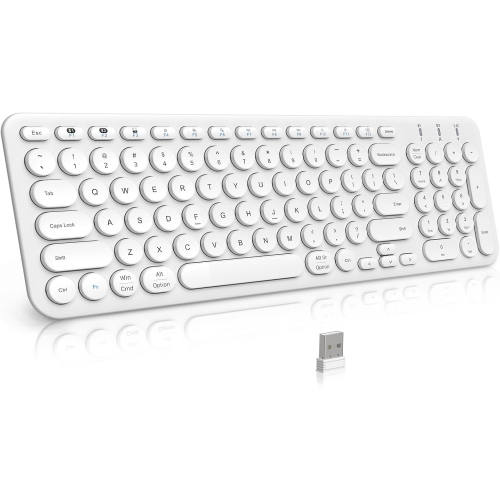
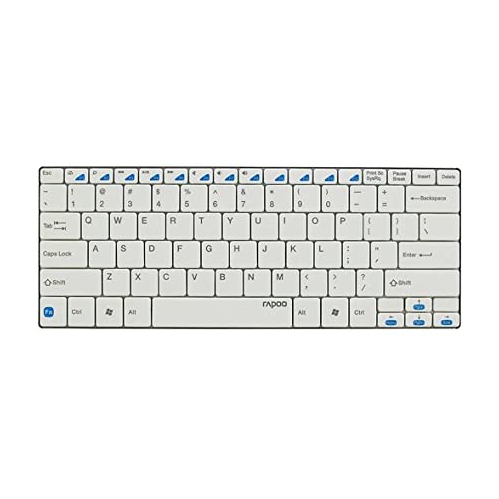
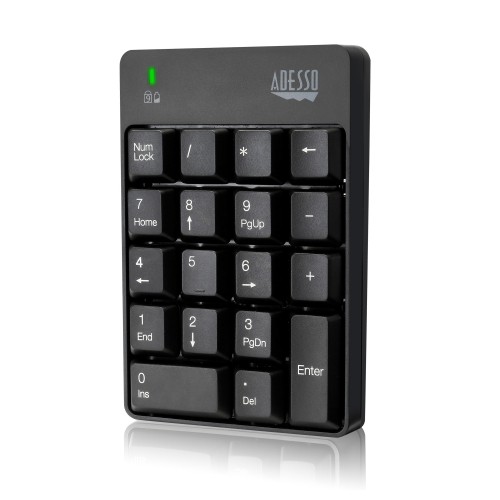
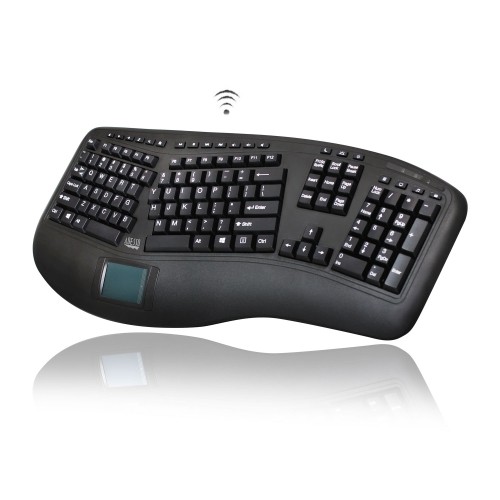
Compact wireless keypads for faster number entry anywhere
Bluetooth Number Pads are compact wireless keyboards that add a dedicated 10-key numeric layout to a laptop, tablet, or compact keyboard. They are particularly useful when a full-size keyboard is not practical but frequent number entry still matters. A laptop may be easy to carry between a kitchen table, a shared office, and a classroom, yet its top-row number keys can feel slow and awkward when entering invoices, measurements, spreadsheet figures, postal codes, or long strings of digits. A Bluetooth number pad places those familiar keys beside your main device, giving your hands a more natural arrangement for data entry without adding a large desktop keyboard. Many models include the standard number keys, arithmetic operators, a decimal key, and navigation or backspace controls, while expanded layouts may add arrow keys, function shortcuts, calculator access, or other productivity commands. Their small footprint leaves room for a notebook, coffee mug, drawing tablet, or mouse, making them a practical choice for smaller work surfaces. They can also be moved easily from one setup to another, whether you are working at a desk during the cooler months or taking a tablet to a meeting room as the weather warms. For a broader selection of wireless add-ons, explore Bluetooth Computer Accessories.
Compatibility is one of the most important details to check before choosing a Bluetooth Number Pad. Most connect wirelessly through Bluetooth and are designed to work with common operating systems, including Windows, macOS, iPadOS, and Android, but the exact shortcut functions can vary between platforms. A number pad may pair with a laptop in seconds, then remain available as a separate input device whenever it is switched on. Typically, setup involves turning on the pad, holding its pairing button until the indicator light flashes, opening the Bluetooth menu on the host device, and selecting the pad from the list of available accessories. Once connected, the numeric keys can be used in spreadsheets, accounting software, point-of-sale applications, calculators, forms, games, and other programs that accept keyboard input. Keep in mind that Bluetooth availability, operating system support, and shortcut behaviour may differ, especially when using a tablet or mobile device. A pad with a clearly labelled pairing button and simple status indicator can make switching between devices less frustrating. Multi-device models are convenient for people who move between a home computer and a work laptop, while a single-device design may be all that is needed for a dedicated desk. It is also worth considering whether the pad includes a rechargeable internal battery or uses replaceable AAA batteries. Rechargeable models can be topped up through USB-C, while battery-powered options can be useful for a drawer, travel bag, or backup workstation where charging cables are not always close at hand.
The right Bluetooth Number Pad should feel comfortable during the kind of work you do most often. A slim, low-profile design suits people who prefer quiet, light key presses and want an accessory that slips beside a laptop in a sleeve or backpack. Models with a more traditional or mechanical feel may appeal to users who spend long stretches entering figures and appreciate a defined press with noticeable feedback. Key spacing matters as well: a familiar full-size numeric arrangement can help reduce mistakes, while a very compact layout may be easier to carry but require more adjustment. Consider the angle of the pad, the texture of its keycaps, the visibility of its legends, and whether frequently used controls are easy to reach without looking away from the screen. Accountants, students, reception staff, small-business owners, home-office workers, inventory teams, and anyone who regularly enters numbers can benefit from having a dedicated keypad close by. It may also be a thoughtful gift for someone setting up a first home office, upgrading a compact computer station, or using a tablet for school and work. Picture a student entering lab results at a library table, a craft seller recording orders beside a tablet, or a family member managing household figures from a small desk; in each case, a separate wireless keypad can make repetitive number entry feel more controlled and less tiring. Before purchasing, compare the number of keys, supported operating systems, connection method, battery type, dimensions, and included charging or battery accessories so the pad fits both your device and your daily routine.
Compatibility is one of the most important details to check before choosing a Bluetooth Number Pad. Most connect wirelessly through Bluetooth and are designed to work with common operating systems, including Windows, macOS, iPadOS, and Android, but the exact shortcut functions can vary between platforms. A number pad may pair with a laptop in seconds, then remain available as a separate input device whenever it is switched on. Typically, setup involves turning on the pad, holding its pairing button until the indicator light flashes, opening the Bluetooth menu on the host device, and selecting the pad from the list of available accessories. Once connected, the numeric keys can be used in spreadsheets, accounting software, point-of-sale applications, calculators, forms, games, and other programs that accept keyboard input. Keep in mind that Bluetooth availability, operating system support, and shortcut behaviour may differ, especially when using a tablet or mobile device. A pad with a clearly labelled pairing button and simple status indicator can make switching between devices less frustrating. Multi-device models are convenient for people who move between a home computer and a work laptop, while a single-device design may be all that is needed for a dedicated desk. It is also worth considering whether the pad includes a rechargeable internal battery or uses replaceable AAA batteries. Rechargeable models can be topped up through USB-C, while battery-powered options can be useful for a drawer, travel bag, or backup workstation where charging cables are not always close at hand.
The right Bluetooth Number Pad should feel comfortable during the kind of work you do most often. A slim, low-profile design suits people who prefer quiet, light key presses and want an accessory that slips beside a laptop in a sleeve or backpack. Models with a more traditional or mechanical feel may appeal to users who spend long stretches entering figures and appreciate a defined press with noticeable feedback. Key spacing matters as well: a familiar full-size numeric arrangement can help reduce mistakes, while a very compact layout may be easier to carry but require more adjustment. Consider the angle of the pad, the texture of its keycaps, the visibility of its legends, and whether frequently used controls are easy to reach without looking away from the screen. Accountants, students, reception staff, small-business owners, home-office workers, inventory teams, and anyone who regularly enters numbers can benefit from having a dedicated keypad close by. It may also be a thoughtful gift for someone setting up a first home office, upgrading a compact computer station, or using a tablet for school and work. Picture a student entering lab results at a library table, a craft seller recording orders beside a tablet, or a family member managing household figures from a small desk; in each case, a separate wireless keypad can make repetitive number entry feel more controlled and less tiring. Before purchasing, compare the number of keys, supported operating systems, connection method, battery type, dimensions, and included charging or battery accessories so the pad fits both your device and your daily routine.
Top selling and popular products
-
 Your price for this item is $39.98
 -
 Your price for this item is $49.72
 -
 Your price for this item is $159
 -
 Your price for this item is $219.99
 -
 Your price for this item is $199.99
 -
 Your price for this item is $44.99
 -
 Your price for this item is $22.68
 -
 Your price for this item is $169.99
Discover more categories related to Bluetooth Number Pads

Top Collections:
Pokemon Centers, Kindle Devices, Best Budget Office Chairs, Apple iPhones 16, Best Laptops for Writers, iPhone 15 Apple, Canon G7X Cameras, Refurbished Apple Laptops, Alarm Clock, Motorola Razr Phones
Some products may be subject to Environmental Handling Fees
(EHF) depending on your province.
Learn more about EHFs.