Budget Friendly Inkjet Printers With Good Print Quality
If you're looking for a printer that can handle your everyday printing needs but don't want to spend a fortune on the purchase, you've come to the right place. The best budget-friendly inkjet printers are those that can deliver good print quality, have a wide range of features, and are easy to use. We've rounded up some of the best budget-friendly inkjet printers with good print quality that will fit your needs.
Sort

Why sharp text takes more than high resolution
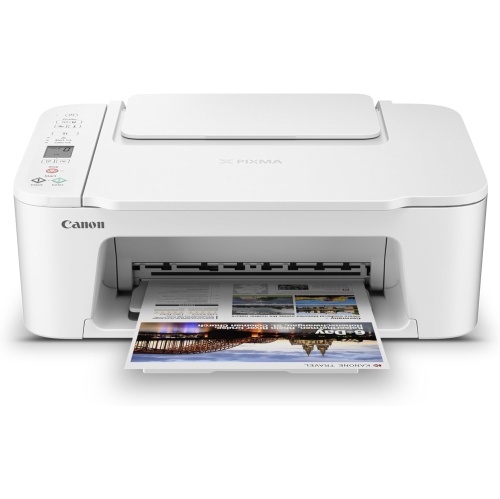
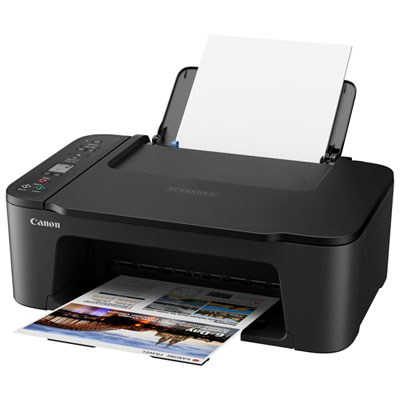
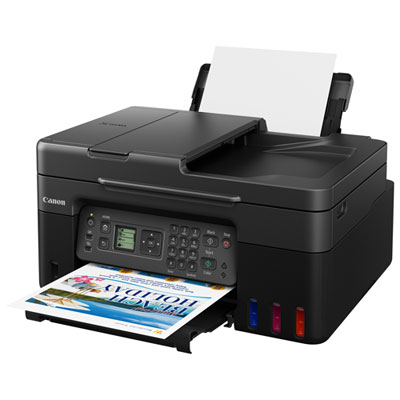
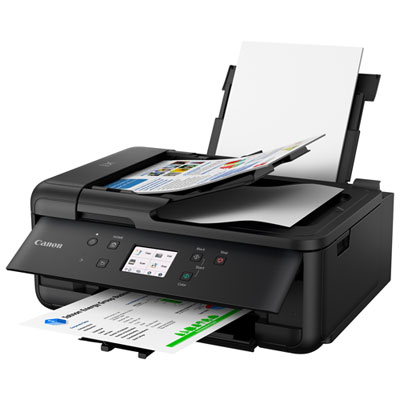
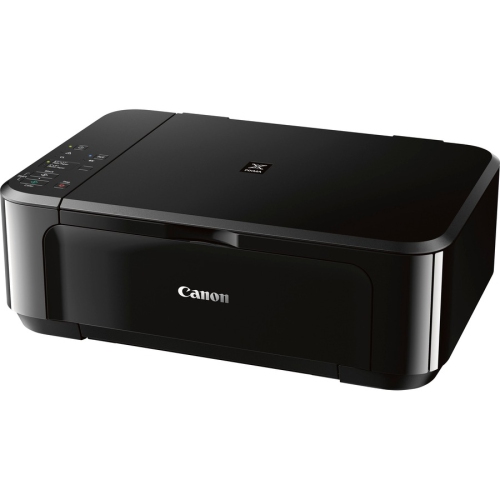
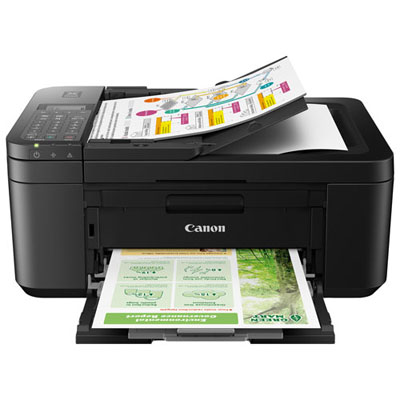
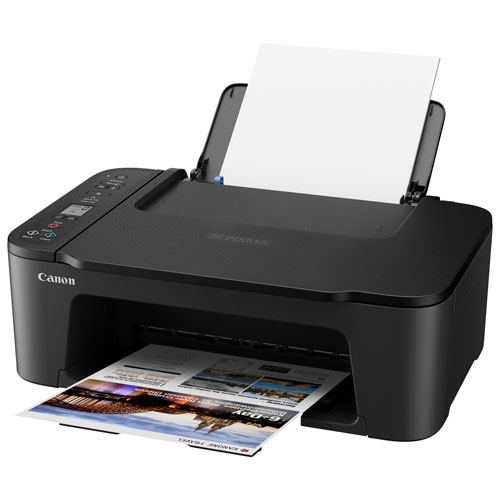
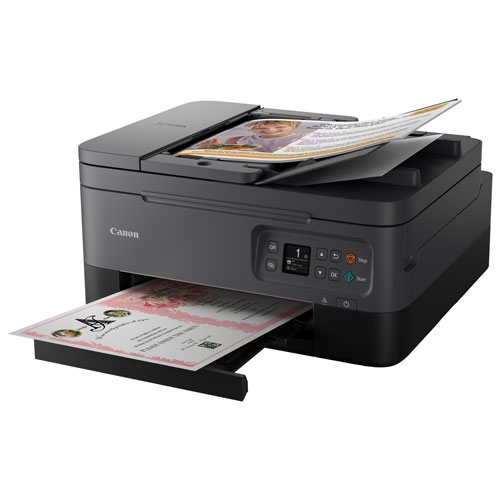
Budget-friendly inkjet printers with good print quality suit households that need clear documents, readable schoolwork, and pleasing colour images without a complicated setup. Inkjet technology places tiny droplets of ink onto paper, allowing one machine to handle everything from a black-and-white permission form to a colourful presentation cover or a family photograph. For everyday use, good output means sharp letter edges, solid black text, smooth colour transitions, and images without visible streaks or missing lines. Those qualities depend on more than the resolution listed in the specifications: ink formulation, paper choice, print settings, and printhead condition all contribute to the finished page. A high dots-per-inch figure describes printing resolution, but it does not guarantee better results across every type of document. Students may place more importance on legible small text and neatly rendered diagrams, while someone printing craft templates or scrapbook pictures may notice colour accuracy and fine image detail first. Home office users often need both, particularly when a document combines paragraphs, charts, and a small logo. Some inkjet printers use pigment-based black ink for defined text on plain paper, alongside dye-based colour inks that work well for photographs; others use different ink combinations. The stated ink system helps clarify the kinds of output a printer is designed to produce. Everyday correspondence rarely requires the same settings as a photograph intended for a frame, and standard print mode can be a practical match for routine documents. Draft mode prioritizes speed and reduced ink use, often producing lighter text, while higher-quality modes typically take longer and may lay down more ink. A printer that produces attractive pages at a comfortable pace can be a useful fit for a student desk, shared family workspace, or small home office, especially when most jobs are a few pages rather than lengthy batches.
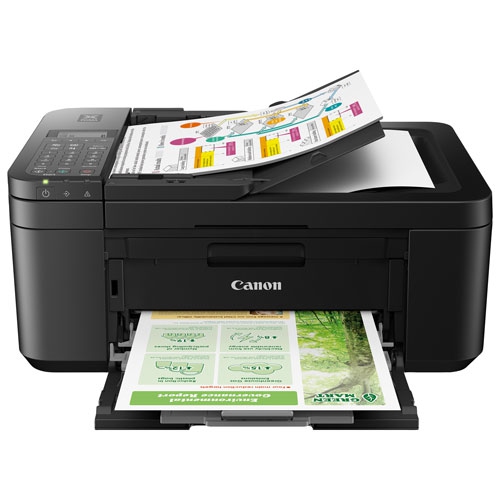
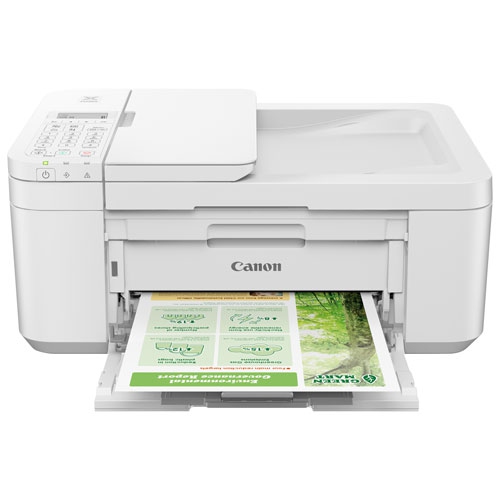
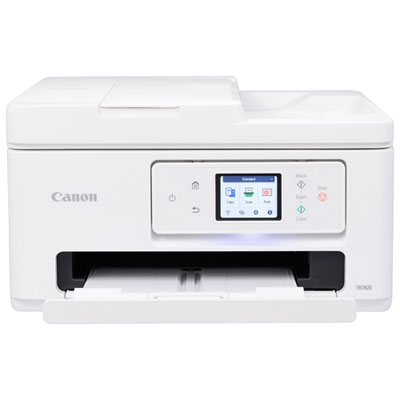
The physical design and everyday features of an inkjet printer matter just as much as the first printed page. Compact housings, commonly made from moulded plastic, help these machines fit on shelves and desks, but the closed dimensions do not tell the whole story. Paper trays, rear supports, scanner lids, and output extensions need clearance, and the power cable needs room behind the printer. On a narrow desk, a front-loading paper tray can be easier to reach than a rear feed positioned against a wall. A stable surface helps keep sheets feeding evenly, while accessible ink compartments make routine replacement less awkward. An all-in-one inkjet printer adds scanning and copying, useful for saving a signed form, duplicating a worksheet, or digitizing a child's drawing. A flatbed scanner accommodates individual pages and suitable bound materials; an automatic document feeder is more convenient for a stack of loose sheets. Feeder capabilities vary, so automatic two-sided scanning should not be assumed simply because automatic two-sided printing is supported. Duplex printing can keep multi-page assignments and household records more compact, although paper type and size restrictions may apply. Connectivity also shapes how easily different people can use the printer. Wi-Fi printing allows a compatible printer to serve several devices without a direct cable connection, while supported mobile printing features can make it straightforward to send a document from a phone or tablet. USB can suit a dedicated computer workspace, though cable requirements and operating system compatibility vary. Wireless network requirements deserve attention as well, since some printers support only a 2.4 GHz connection. Clear controls, readable status messages, and an accessible paper path can make everyday tasks easier for students, parents, and anyone who prints only occasionally. For shared spaces, operating noise and the time taken to deliver the first page may be more noticeable than the maximum advertised printing speed.
Ink handling, paper compatibility, and routine care help an inkjet printer maintain the quality that makes it useful in the first place. Cartridge systems differ: some combine several colours in one cartridge, while others keep each colour separate. With a combined colour cartridge, one depleted colour may require replacing the whole cartridge even if other colours remain. Individual cartridges allow depleted colours to be replaced separately, while refillable ink tanks use a different filling and maintenance process. For households comparing replacement approaches, inkjet printers with low ink costs offer another way to explore options alongside document quality, colour performance, and everyday convenience. Published page yields are useful context, but actual ink use changes with page coverage, cleaning cycles, and the proportion of photos to text. A full-page colour illustration uses ink differently from a short letter with a small heading. Paper makes a visible difference, too: smooth paper intended for inkjet printing can help text look cleaner, while compatible coated photo paper supports richer images than ordinary office sheets. Glossy finishes give photographs a reflective surface, whereas matte finishes reduce glare and suit images that will be handled or viewed under bright lighting. Heavier craft paper and envelopes require support for the relevant thickness, size, and feed path; not every printer can handle them reliably. Borderless printing also depends on the supported paper sizes and settings. Keeping unused paper flat and dry, adjusting guides without pinching the sheets, and avoiding overfilled trays help prevent skewed pages and jams. Inkjet printheads can develop blocked nozzles after long periods without use, so following the manufacturer's care instructions is important. A nozzle check can help identify missing lines before a cleaning cycle, which consumes ink and should be used only as needed. Using the printer's power button lets it complete its normal shutdown process. With suitable paper, supported supplies, and basic upkeep, an everyday inkjet printer can turn out homework, forms, illustrations, and photographs with the clarity each task needs.
The physical design and everyday features of an inkjet printer matter just as much as the first printed page. Compact housings, commonly made from moulded plastic, help these machines fit on shelves and desks, but the closed dimensions do not tell the whole story. Paper trays, rear supports, scanner lids, and output extensions need clearance, and the power cable needs room behind the printer. On a narrow desk, a front-loading paper tray can be easier to reach than a rear feed positioned against a wall. A stable surface helps keep sheets feeding evenly, while accessible ink compartments make routine replacement less awkward. An all-in-one inkjet printer adds scanning and copying, useful for saving a signed form, duplicating a worksheet, or digitizing a child's drawing. A flatbed scanner accommodates individual pages and suitable bound materials; an automatic document feeder is more convenient for a stack of loose sheets. Feeder capabilities vary, so automatic two-sided scanning should not be assumed simply because automatic two-sided printing is supported. Duplex printing can keep multi-page assignments and household records more compact, although paper type and size restrictions may apply. Connectivity also shapes how easily different people can use the printer. Wi-Fi printing allows a compatible printer to serve several devices without a direct cable connection, while supported mobile printing features can make it straightforward to send a document from a phone or tablet. USB can suit a dedicated computer workspace, though cable requirements and operating system compatibility vary. Wireless network requirements deserve attention as well, since some printers support only a 2.4 GHz connection. Clear controls, readable status messages, and an accessible paper path can make everyday tasks easier for students, parents, and anyone who prints only occasionally. For shared spaces, operating noise and the time taken to deliver the first page may be more noticeable than the maximum advertised printing speed.
Ink handling, paper compatibility, and routine care help an inkjet printer maintain the quality that makes it useful in the first place. Cartridge systems differ: some combine several colours in one cartridge, while others keep each colour separate. With a combined colour cartridge, one depleted colour may require replacing the whole cartridge even if other colours remain. Individual cartridges allow depleted colours to be replaced separately, while refillable ink tanks use a different filling and maintenance process. For households comparing replacement approaches, inkjet printers with low ink costs offer another way to explore options alongside document quality, colour performance, and everyday convenience. Published page yields are useful context, but actual ink use changes with page coverage, cleaning cycles, and the proportion of photos to text. A full-page colour illustration uses ink differently from a short letter with a small heading. Paper makes a visible difference, too: smooth paper intended for inkjet printing can help text look cleaner, while compatible coated photo paper supports richer images than ordinary office sheets. Glossy finishes give photographs a reflective surface, whereas matte finishes reduce glare and suit images that will be handled or viewed under bright lighting. Heavier craft paper and envelopes require support for the relevant thickness, size, and feed path; not every printer can handle them reliably. Borderless printing also depends on the supported paper sizes and settings. Keeping unused paper flat and dry, adjusting guides without pinching the sheets, and avoiding overfilled trays help prevent skewed pages and jams. Inkjet printheads can develop blocked nozzles after long periods without use, so following the manufacturer's care instructions is important. A nozzle check can help identify missing lines before a cleaning cycle, which consumes ink and should be used only as needed. Using the printer's power button lets it complete its normal shutdown process. With suitable paper, supported supplies, and basic upkeep, an everyday inkjet printer can turn out homework, forms, illustrations, and photographs with the clarity each task needs.
Top selling and popular products
-
 Your price for this item is $249.99
 -
 Your price for this item is $173.68
 -
 Your price for this item is $309.47
 -
 Your price for this item is $247.92
 -
 Your price for this item is $79.99
 -
 Your price for this item is $214.99
 -
 Your price for this item is $199.99
 -
 Your price for this item is $569.89
Discover more categories related to Budget Friendly Inkjet Printers With Good Print Quality
Top Collections:
Pokemon Centers, Kindle Devices, Best Budget Office Chairs, Apple iPhones 16, Best Laptops for Writers, iPhone 15 Apple, Canon G7X Cameras, Refurbished Apple Laptops, Alarm Clock, Motorola Razr Phones
Some products may be subject to Environmental Handling Fees
(EHF) depending on your province.
Learn more about EHFs.