Inkjet Printers With Low Ink Costs
Inkjet printers with low ink costs are an excellent choice for both home and office use, offering a cost-effective solution without compromising on quality. These printers are designed to help you save money on ink, making them perfect for frequent printing tasks. Whether you're printing documents, photos, or creative projects, these budget-friendly inkjet printers provide reliable performance and vibrant results. Explore our selection of inkjet printers with low ink costs and find the perfect match for your printing needs while keeping your expenses in check.
Sort
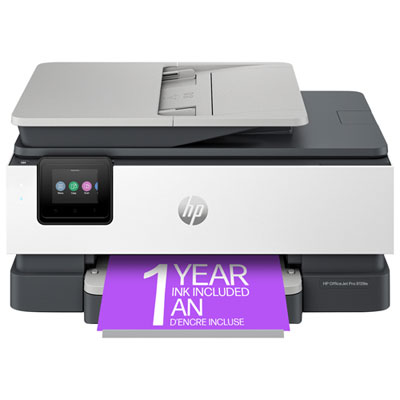
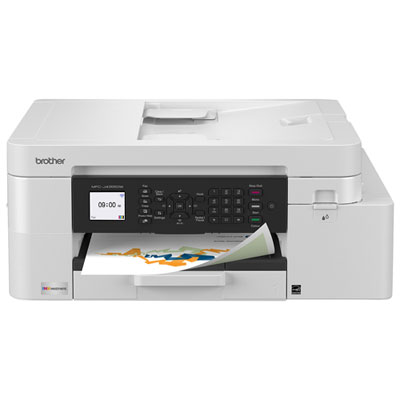
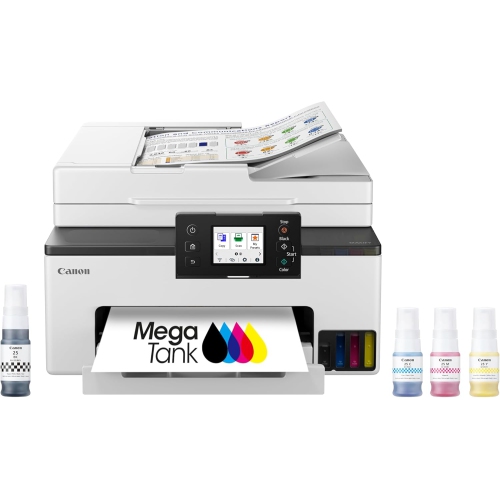
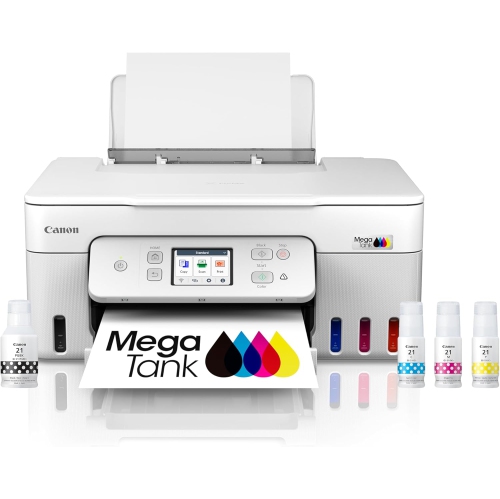
What to know about ink types, yields, and features
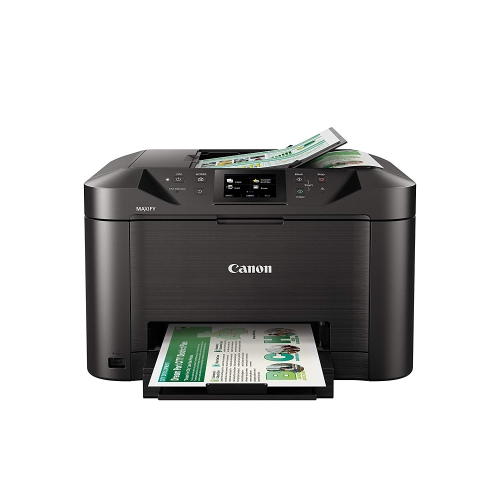
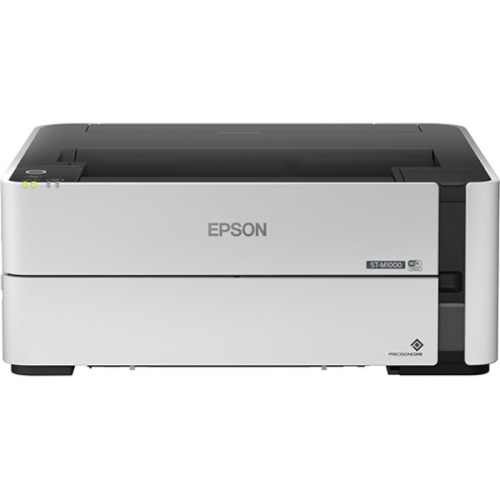
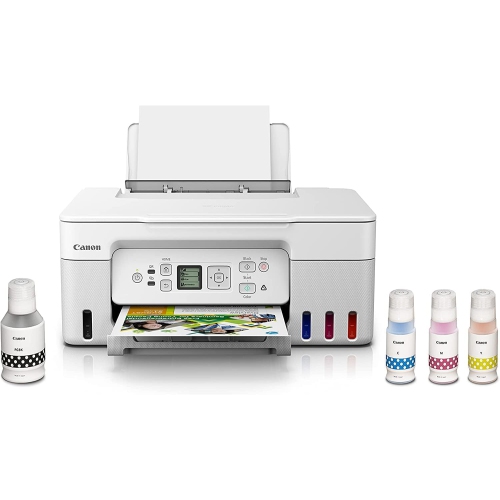
Inkjet printers with low ink costs are designed to make regular printing more manageable, whether you are producing school assignments, household forms, work documents, recipes, travel confirmations, or colourful photos. The main distinction to understand is the difference between traditional cartridge-based printers and tank-based, sometimes called supertank, printers. Cartridge models use compact replaceable cartridges, while tank-based models use built-in reservoirs filled from larger ink bottles. Because the bottles hold considerably more ink, one complete refill can produce thousands of black and colour pages, helping reduce the frequency of replacements. In many cases, the printer includes a generous supply of ink in the box, which can make it a practical choice for a busy household or home office from the first day of use. Replacement bottles are also often more economical over time than buying several sets of small cartridges, although the exact cost depends on the printer, the type of documents being printed, page coverage, and the ink required. When comparing models, look beyond the initial purchase price and consider the total cost of ownership: the included ink supply, the expected page yield, the price of replacement bottles or cartridges, and the way you typically print. A person who prints a few pages each month may value a compact design and straightforward operation, while someone printing shipping labels, lesson plans, invoices, forms, and family photos can benefit from a high-yield system that is ready for a much heavier workload. Checking the manufacturer’s estimated page yields can provide a useful point of comparison, but real-world results vary because a page filled with dense graphics uses more ink than a simple text document. Printing in draft mode for internal documents, choosing black-and-white when colour is unnecessary, and using the correct paper setting can also help each refill last longer. For additional options, shoppers can explore Low Cost Printer Ink when planning future ink purchases.
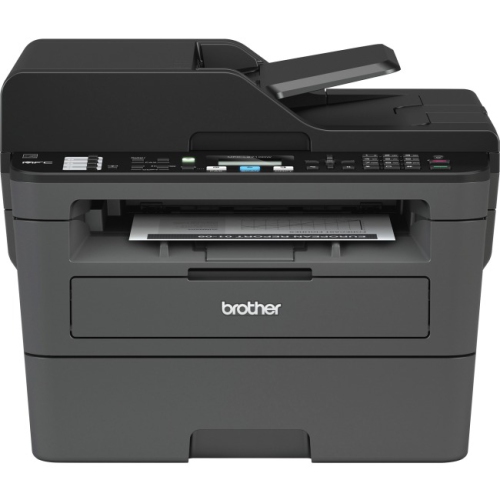
Many printers in this category combine printing, scanning, and copying in one unit, giving families and small workspaces a single place to handle everyday paperwork. An all-in-one inkjet printer can scan signed forms, copy identification documents, digitize children’s artwork, and print a stack of pages without requiring separate equipment. Wireless connectivity is useful when several people share the printer, allowing documents and photos to be sent from a laptop, tablet, or smartphone without moving files to a desktop computer. Compatibility with common mobile printing services can make it easier to print a boarding pass from the kitchen counter, a permission form from a phone, or a recipe while preparing dinner. If several-page documents are part of your routine, an automatic document feeder can save time by accepting a stack of pages for scanning or copying rather than requiring each sheet to be placed on the glass individually. Automatic two-sided printing can help reduce paper use and make longer reports, school projects, and meeting notes easier to organize, while a larger paper tray means fewer interruptions during a busy afternoon. Print speed matters more in a home office, shared workspace, or household with several students than it does for occasional use, so check both black-and-white and colour speed ratings. A clear display and simple ink-level monitoring can also make maintenance less stressful, particularly for someone who does not want to troubleshoot complicated controls. For a desk in a bedroom, apartment, or compact office, consider the printer’s footprint, rear clearance, and access to the ink tanks or cartridges. Tank-based printers may be slightly taller or wider because of their reservoirs, and they should be placed on a stable, level surface to make filling easier. The ink refill process is usually straightforward, but it is still worth checking how the bottles are designed, whether the tanks are easy to see, and whether the printer provides warnings before ink runs low.
Colour capability is another important consideration because not all inkjet printers are intended for the same kind of work. A four-colour system can be well suited to documents, charts, schoolwork, and occasional images, while a printer with additional colour inks may produce more nuanced shades for photographs and creative projects. If you often print family snapshots, invitations, craft templates, or artwork, look for support for the paper sizes and finishes you use most, such as plain paper, matte photo paper, glossy photo paper, envelopes, or heavier stock. A model that handles larger media can be useful for posters, presentations, and visual projects, but it may take up more space and require more specialized paper. For text-heavy printing, sharp black output, dependable wireless performance, and a good black page yield may be more valuable than advanced photo features. For a home office, the ability to scan multi-page documents, print quickly, and connect reliably can make a noticeable difference during the cooler months when more work and study time may take place indoors. Families may appreciate the convenience of printing reading materials, activity sheets, labels, and keepsakes without arranging a trip to a print shop. These printers can also be thoughtful gifts for students, new homeowners, remote workers, or relatives who regularly manage paperwork from home, especially when a low-ink-cost design helps keep ongoing expenses predictable. Before choosing, measure the available area, confirm the printer’s operating-system and mobile-device compatibility, review the supported paper sizes, and compare replacement ink prices rather than focusing only on the purchase price. With the right balance of page yield, features, print quality, connectivity, and physical size, an inkjet printer with low ink costs can become a dependable part of a home office, study area, or family command centre throughout the changing seasons.
Many printers in this category combine printing, scanning, and copying in one unit, giving families and small workspaces a single place to handle everyday paperwork. An all-in-one inkjet printer can scan signed forms, copy identification documents, digitize children’s artwork, and print a stack of pages without requiring separate equipment. Wireless connectivity is useful when several people share the printer, allowing documents and photos to be sent from a laptop, tablet, or smartphone without moving files to a desktop computer. Compatibility with common mobile printing services can make it easier to print a boarding pass from the kitchen counter, a permission form from a phone, or a recipe while preparing dinner. If several-page documents are part of your routine, an automatic document feeder can save time by accepting a stack of pages for scanning or copying rather than requiring each sheet to be placed on the glass individually. Automatic two-sided printing can help reduce paper use and make longer reports, school projects, and meeting notes easier to organize, while a larger paper tray means fewer interruptions during a busy afternoon. Print speed matters more in a home office, shared workspace, or household with several students than it does for occasional use, so check both black-and-white and colour speed ratings. A clear display and simple ink-level monitoring can also make maintenance less stressful, particularly for someone who does not want to troubleshoot complicated controls. For a desk in a bedroom, apartment, or compact office, consider the printer’s footprint, rear clearance, and access to the ink tanks or cartridges. Tank-based printers may be slightly taller or wider because of their reservoirs, and they should be placed on a stable, level surface to make filling easier. The ink refill process is usually straightforward, but it is still worth checking how the bottles are designed, whether the tanks are easy to see, and whether the printer provides warnings before ink runs low.
Colour capability is another important consideration because not all inkjet printers are intended for the same kind of work. A four-colour system can be well suited to documents, charts, schoolwork, and occasional images, while a printer with additional colour inks may produce more nuanced shades for photographs and creative projects. If you often print family snapshots, invitations, craft templates, or artwork, look for support for the paper sizes and finishes you use most, such as plain paper, matte photo paper, glossy photo paper, envelopes, or heavier stock. A model that handles larger media can be useful for posters, presentations, and visual projects, but it may take up more space and require more specialized paper. For text-heavy printing, sharp black output, dependable wireless performance, and a good black page yield may be more valuable than advanced photo features. For a home office, the ability to scan multi-page documents, print quickly, and connect reliably can make a noticeable difference during the cooler months when more work and study time may take place indoors. Families may appreciate the convenience of printing reading materials, activity sheets, labels, and keepsakes without arranging a trip to a print shop. These printers can also be thoughtful gifts for students, new homeowners, remote workers, or relatives who regularly manage paperwork from home, especially when a low-ink-cost design helps keep ongoing expenses predictable. Before choosing, measure the available area, confirm the printer’s operating-system and mobile-device compatibility, review the supported paper sizes, and compare replacement ink prices rather than focusing only on the purchase price. With the right balance of page yield, features, print quality, connectivity, and physical size, an inkjet printer with low ink costs can become a dependable part of a home office, study area, or family command centre throughout the changing seasons.
Top selling and popular products
-
 Your price for this item is $249.99
 -
 Your price for this item is $173.68
 -
 Your price for this item is $309.47
 -
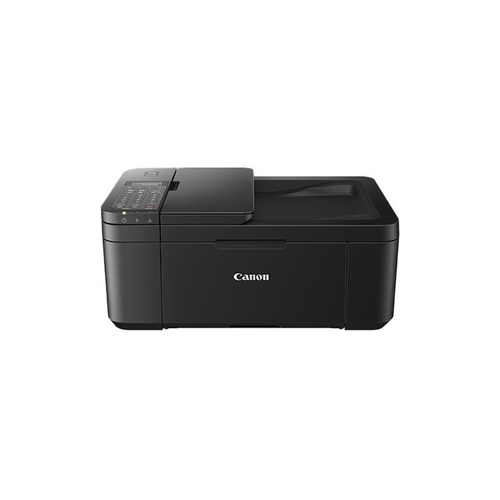 Your price for this item is $247.92
 -
 Your price for this item is $79.99
 -
 Your price for this item is $214.99
 -
 Your price for this item is $199.99
 -
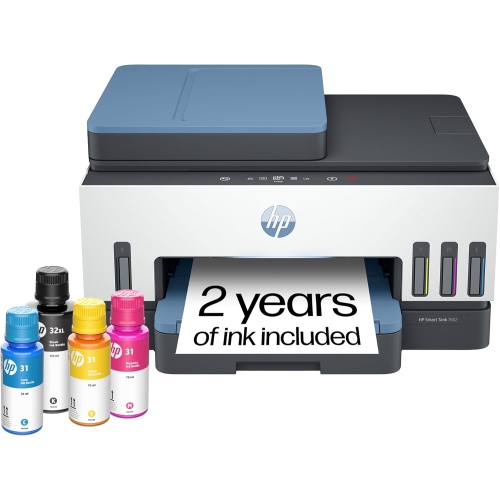 Your price for this item is $569.89
Discover more categories related to Inkjet Printers With Low Ink Costs
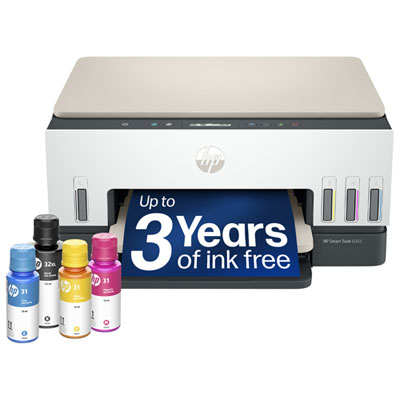


Top Collections:
Pokemon Centers, Kindle Devices, Best Budget Office Chairs, Apple iPhones 16, Best Laptops for Writers, iPhone 15 Apple, Canon G7X Cameras, Refurbished Apple Laptops, Alarm Clock, Motorola Razr Phones
Some products may be subject to Environmental Handling Fees
(EHF) depending on your province.
Learn more about EHFs.