Budget Laptops for Video Editing
Budget laptops for video editing make it easier than ever to bring your creative projects to life without stretching your finances. Whether you’re editing home videos, crafting content for social media, or working on school assignments, these affordable options provide the essential tools needed for smooth video editing. Explore a selection of reliable choices designed to help you achieve impressive results while staying within your budget.
Sort
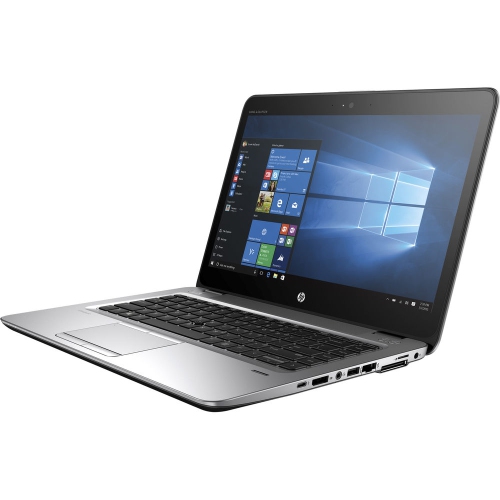
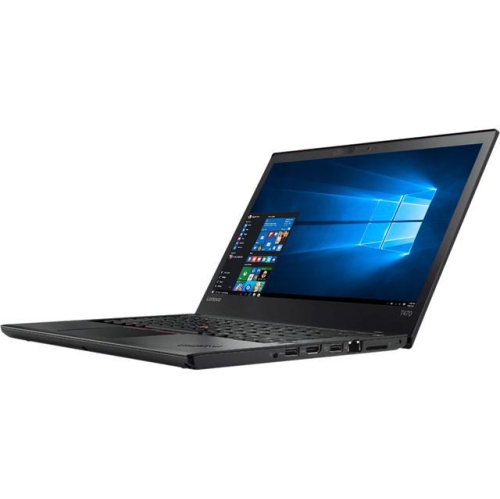
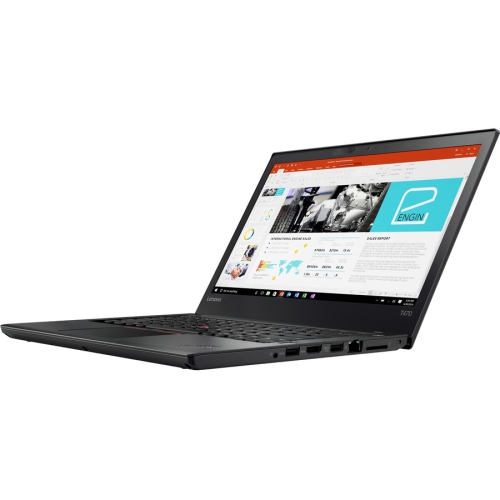


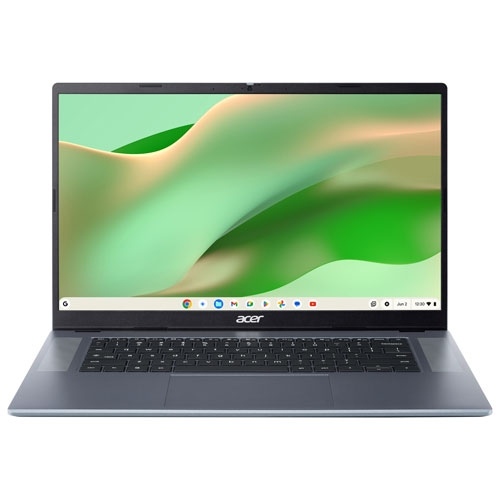

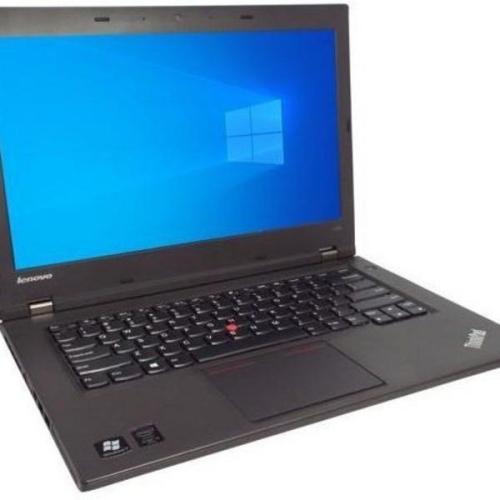
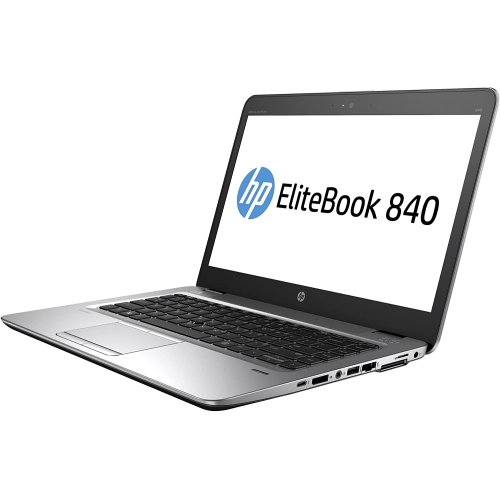


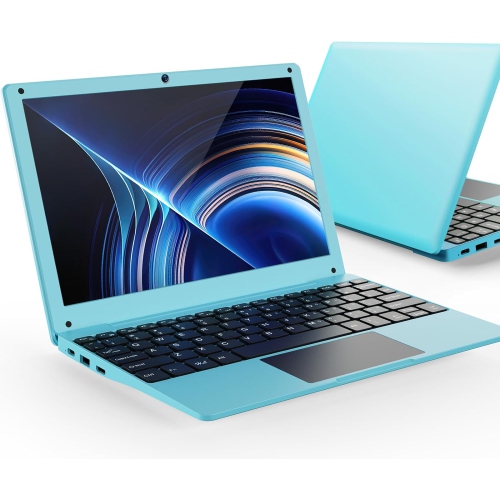



Editing performance depends on more than processor power
Budget laptops for video editing balance a capable multi-core processor, sufficient memory, and graphics or a media engine that supports the footage being edited. For many everyday projects, 16GB of RAM is a practical starting point, while 32GB provides more room for longer timelines, higher-resolution footage, and several applications running together. A dedicated graphics card can help with supported effects, colour adjustments, and exports, but capable integrated graphics with hardware video acceleration can also suit straightforward editing. The right balance depends on the work: trimming a family celebration, assembling a student documentary, and layering animated titles over a lengthy interview place different demands on a laptop. Processor generation and application support matter alongside core count, particularly when previewing clips, applying effects, or exporting a finished video. Smooth playback also depends on the source footage, since highly compressed camera files can be more demanding than their file size suggests. A laptop suited to short 1080p videos may handle occasional 4K projects with reduced preview resolution or proxy files, which are smaller working copies used during editing before returning to the original footage for export. These adjustments can make a modest configuration more comfortable to use without changing the resolution of the finished project. Storage deserves similar attention. An SSD helps the system open applications, load project files, and access media responsively, while sufficient capacity leaves room for source clips, temporary files, and completed exports. A 512GB SSD can serve lighter workflows with regular file management; 1TB offers more space for footage kept on the laptop. Neither capacity removes the need for backups. External storage can hold archived projects and duplicate copies of important recordings, although the drive and connection need to be fast enough if footage is edited directly from it. For students, hobby filmmakers, and people creating videos for a small business, these fundamentals matter more than a specification that sounds impressive but contributes little to the actual workload.
The display shapes nearly every editing session, from reading small timeline labels to judging whether skin tones look natural. A Full HD screen provides a useful baseline for working space, while a higher-resolution panel can show finer detail and accommodate more controls. Screen resolution alone does not establish colour quality: colour-gamut coverage, accuracy, brightness, and viewing angles also affect how footage appears. Broad sRGB coverage is useful for videos intended for common online viewing, though coverage and accuracy are separate qualities, and colour-critical work benefits from calibration. An IPS-type panel generally offers consistent viewing angles, making it easier to review a cut with someone seated beside the laptop. A matte finish can reduce distracting reflections, while a glossy surface may require more careful positioning around lights and windows. Screen size is a practical trade-off rather than a simple ranking. A 14-inch laptop fits more easily into a backpack, whereas a 15-inch or 16-inch display gives clips, audio tracks, and preview windows more breathing room. An external monitor can expand the workspace at a desk, provided the laptop supports the required resolution and refresh rate through its display connection. Graphics capability should be considered alongside these screen features. Dedicated graphics memory can be helpful for demanding effects and certain editing applications, but hardware decoding and encoding support may make a substantial difference when working with compatible video formats. Compatibility is especially important for footage recorded with different codecs, bit depths, or colour settings; a powerful specification does not guarantee acceleration for every file type. The editing application’s published requirements provide a useful check on operating-system, processor, memory, and graphics support. Physical connections also influence everyday convenience. A suitable card reader simplifies transferring camera footage, fast USB connections support external drives, and a headphone connection makes it easier to listen closely for background noise or abrupt audio cuts. Wi-Fi helps with uploading finished videos, though upload speed also depends on the internet connection.
Comfort and construction become more noticeable during the less glamorous parts of a project: sorting dozens of clips, adjusting captions, and watching an export progress after the edit is finished. A keyboard with clear lettering and comfortable key travel helps with shortcuts and written titles, while a responsive touchpad makes small timeline adjustments less frustrating. A mouse can offer finer control during detailed work, so useful port placement matters when a drive, charger, and other accessories are connected at the same time. Metal chassis can feel firm in the hand, while well-built plastic designs can also provide practical durability; hinge stability, panel flex, and overall assembly matter more than the casing material alone. Cooling design is equally relevant because a brief task and a long export ask different things of a laptop. Sustained performance depends partly on how effectively the system manages heat, and fan noise may be noticeable when recording narration nearby. Keeping vents clear and using the laptop on a firm surface supports airflow. For routine care, shut the laptop down before cleaning, follow the manufacturer’s directions, and use a soft cloth rather than spraying liquid directly onto the screen or keyboard. A padded sleeve helps protect the display and corners during travel between home, class, and shared workspaces. Battery life varies with screen brightness, effects, and export activity, so general battery claims should not be treated as editing-runtime promises. Access to power is useful for extended sessions, and some laptops deliver their strongest performance when plugged in. For a student starting a media course or a family member turning travel clips into finished stories, a laptop can be a thoughtful gift when its software compatibility and working needs are understood. The Good Laptops for Video Editing collection provides another place to explore configurations for different creative workloads. A comfortable screen, dependable construction, and well-matched performance help keep attention on the story taking shape rather than on the computer handling it.
The display shapes nearly every editing session, from reading small timeline labels to judging whether skin tones look natural. A Full HD screen provides a useful baseline for working space, while a higher-resolution panel can show finer detail and accommodate more controls. Screen resolution alone does not establish colour quality: colour-gamut coverage, accuracy, brightness, and viewing angles also affect how footage appears. Broad sRGB coverage is useful for videos intended for common online viewing, though coverage and accuracy are separate qualities, and colour-critical work benefits from calibration. An IPS-type panel generally offers consistent viewing angles, making it easier to review a cut with someone seated beside the laptop. A matte finish can reduce distracting reflections, while a glossy surface may require more careful positioning around lights and windows. Screen size is a practical trade-off rather than a simple ranking. A 14-inch laptop fits more easily into a backpack, whereas a 15-inch or 16-inch display gives clips, audio tracks, and preview windows more breathing room. An external monitor can expand the workspace at a desk, provided the laptop supports the required resolution and refresh rate through its display connection. Graphics capability should be considered alongside these screen features. Dedicated graphics memory can be helpful for demanding effects and certain editing applications, but hardware decoding and encoding support may make a substantial difference when working with compatible video formats. Compatibility is especially important for footage recorded with different codecs, bit depths, or colour settings; a powerful specification does not guarantee acceleration for every file type. The editing application’s published requirements provide a useful check on operating-system, processor, memory, and graphics support. Physical connections also influence everyday convenience. A suitable card reader simplifies transferring camera footage, fast USB connections support external drives, and a headphone connection makes it easier to listen closely for background noise or abrupt audio cuts. Wi-Fi helps with uploading finished videos, though upload speed also depends on the internet connection.
Comfort and construction become more noticeable during the less glamorous parts of a project: sorting dozens of clips, adjusting captions, and watching an export progress after the edit is finished. A keyboard with clear lettering and comfortable key travel helps with shortcuts and written titles, while a responsive touchpad makes small timeline adjustments less frustrating. A mouse can offer finer control during detailed work, so useful port placement matters when a drive, charger, and other accessories are connected at the same time. Metal chassis can feel firm in the hand, while well-built plastic designs can also provide practical durability; hinge stability, panel flex, and overall assembly matter more than the casing material alone. Cooling design is equally relevant because a brief task and a long export ask different things of a laptop. Sustained performance depends partly on how effectively the system manages heat, and fan noise may be noticeable when recording narration nearby. Keeping vents clear and using the laptop on a firm surface supports airflow. For routine care, shut the laptop down before cleaning, follow the manufacturer’s directions, and use a soft cloth rather than spraying liquid directly onto the screen or keyboard. A padded sleeve helps protect the display and corners during travel between home, class, and shared workspaces. Battery life varies with screen brightness, effects, and export activity, so general battery claims should not be treated as editing-runtime promises. Access to power is useful for extended sessions, and some laptops deliver their strongest performance when plugged in. For a student starting a media course or a family member turning travel clips into finished stories, a laptop can be a thoughtful gift when its software compatibility and working needs are understood. The Good Laptops for Video Editing collection provides another place to explore configurations for different creative workloads. A comfortable screen, dependable construction, and well-matched performance help keep attention on the story taking shape rather than on the computer handling it.
Top selling and popular products
-
 Your price for this item is $449
-
 Your price for this item is $3099
-
 Your price for this item is $449.99
-
 Your price for this item is $664.05
-
 Your price for this item is $869.99
-
 Your price for this item is $2960.48
-
 Your price for this item is $489.7
-
 Your price for this item is $829
Discover more categories related to Budget Laptops for Video Editing

Top Collections:
Pokemon Centers, Best Black Friday Deals This Year, Best Black Friday Deals On Electronics, Kindle Devices, Best Budget Office Chairs, Best Black Friday Deals On Apple Products, Best Cameras for Sports Photography, Pokémon 30th Celebration Cards, Dyson Airwrap, Canon G7X Cameras
Some products may be subject to Environmental Handling Fees
(EHF) depending on your province.
Learn more about EHFs.