Affordable Laptops for Video Editing
If you're a video editor, you need a computer that can handle the high-resolution, high-frame-rate footage you'll be working with. You also need a machine that's quiet, has a long battery life and is portable enough to carry around as you shoot. These machines will let you get your work done almost anywhere and anytime. Here are some great options for affordable laptops for video editing.
Sort
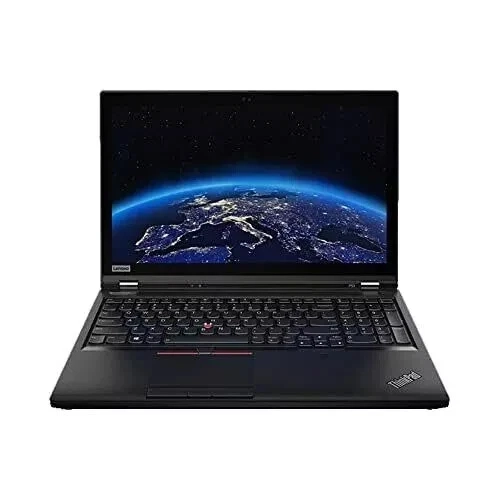

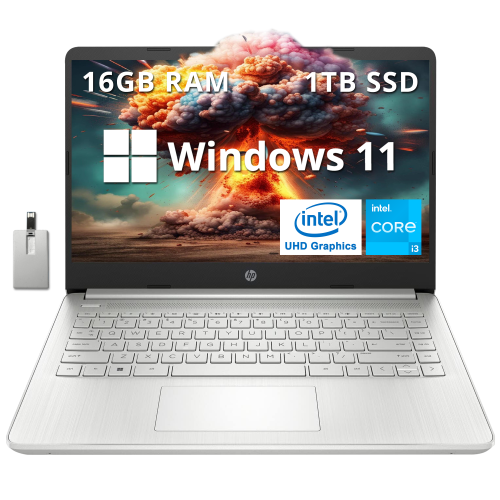
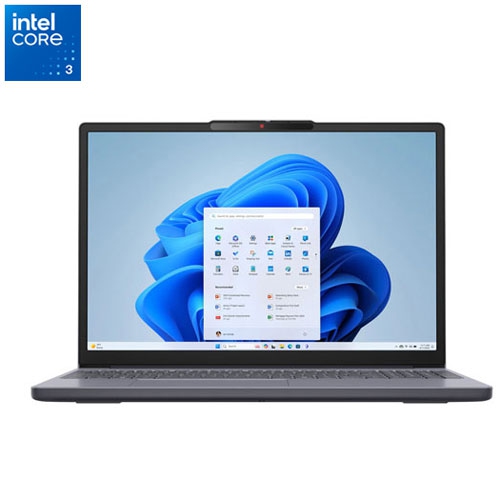
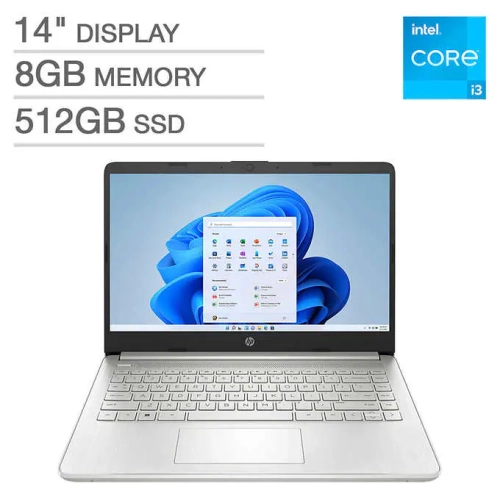
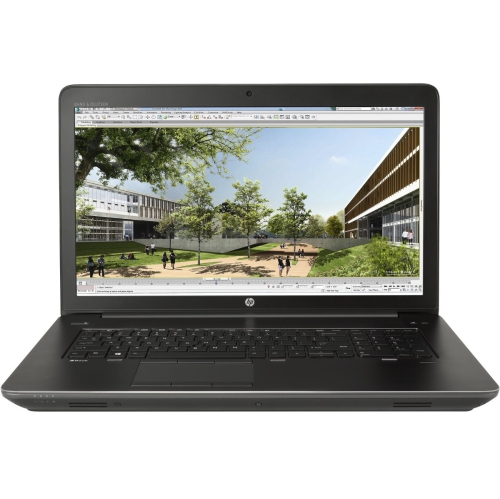
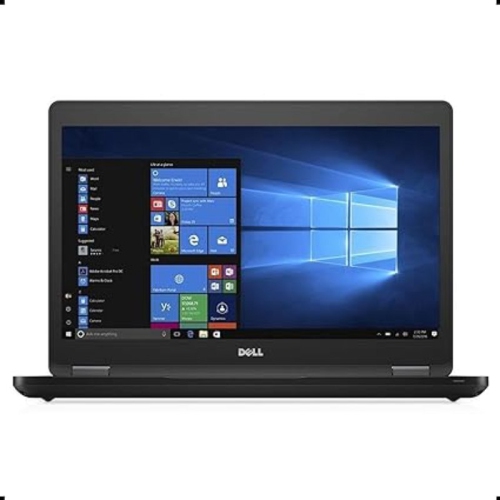
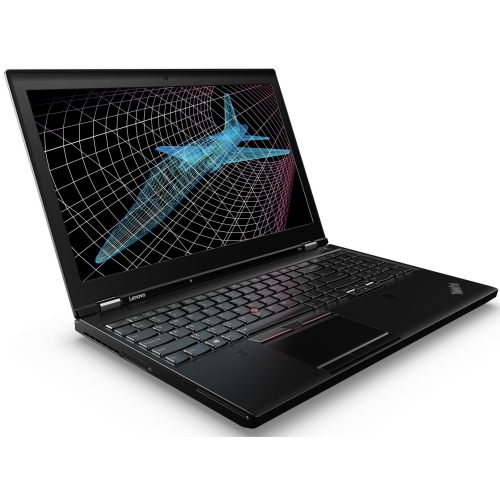

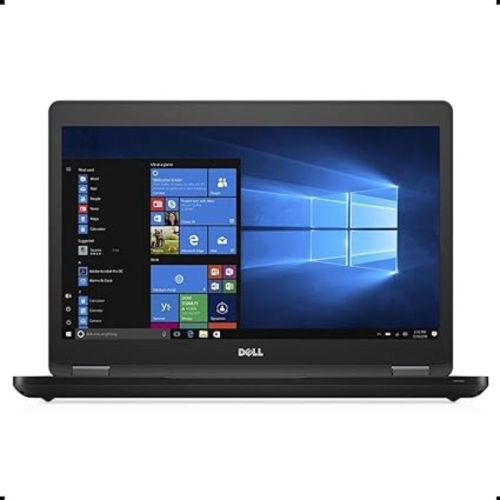

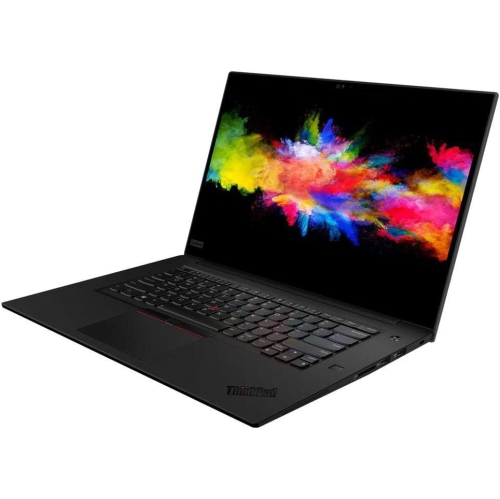
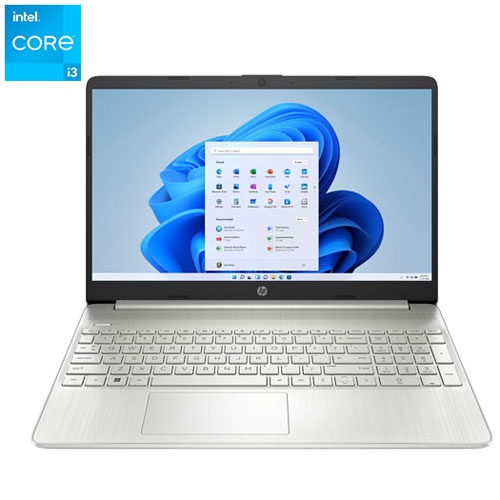
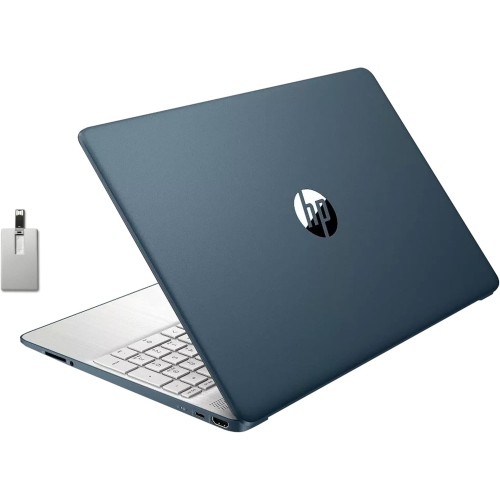
The key specs behind smoother video editing workflows
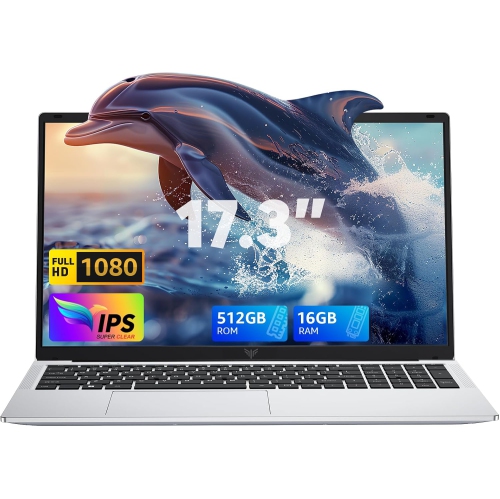
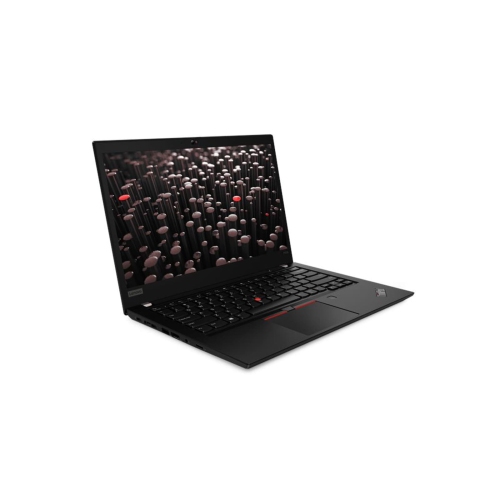
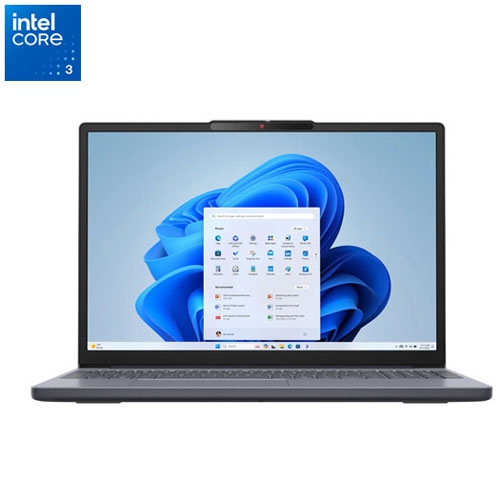
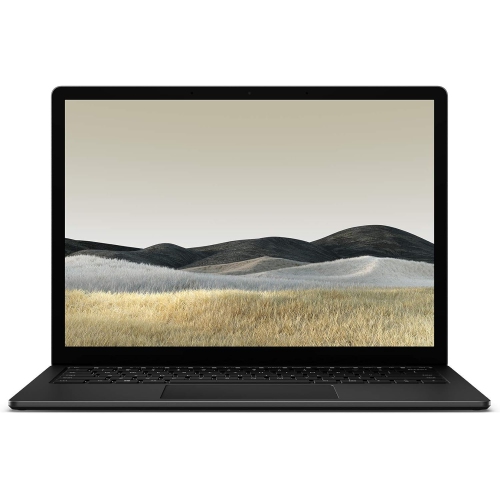
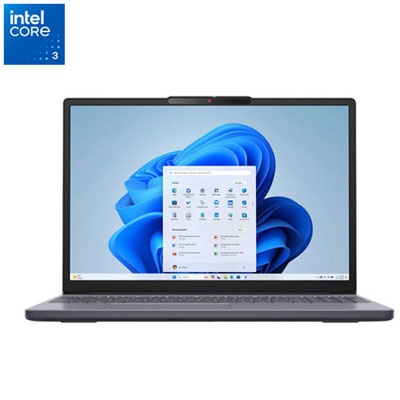
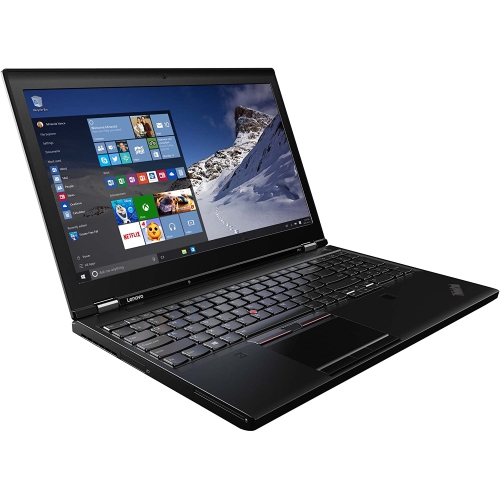
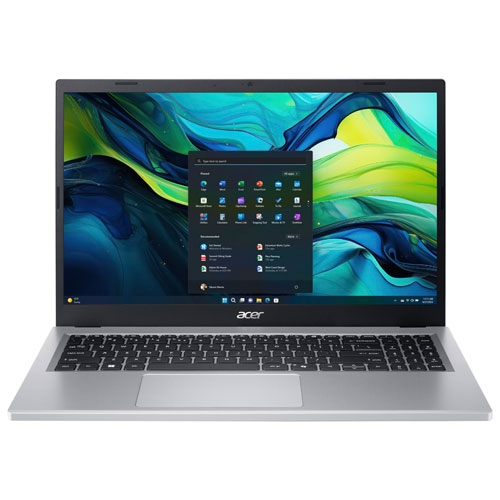
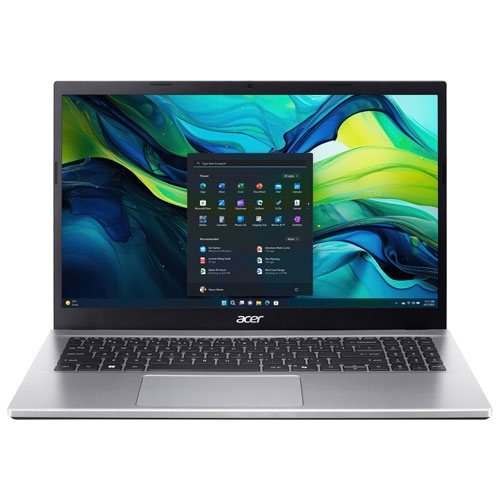
Affordable laptops for video editing can make it easier to turn everyday footage into polished videos without committing to the cost of a professional workstation. They are well suited to students learning editing fundamentals, creators producing content for social media, families organizing travel or event footage, and small businesses preparing product demonstrations, training clips, or promotional videos. A capable laptop can handle trimming, transitions, colour adjustments, titles, audio mixing, and exporting in one portable workspace, whether it is used at a desk, in a classroom, at a studio, or while travelling. When comparing options, start with the type of footage and editing software you plan to use. Editing standard 1080p video is generally less demanding than working with 4K footage, multiple camera angles, high-frame-rate clips, or complex effects. For a smoother experience, look for at least 16 GB of RAM, since memory helps the laptop manage an editing application alongside a browser, music library, external display, and other tools. A modern multi-core processor, such as an Intel Core i5 or AMD Ryzen 5 equivalent or better, can help with timeline playback, encoding, and multitasking. A dedicated graphics processor from NVIDIA or AMD may provide an advantage when rendering effects, colour grades, motion graphics, or higher-resolution projects. Integrated graphics can still be suitable for basic editing, but a dedicated GPU is worth considering for creators who expect to use demanding effects or work with 4K media. Affordable does not have to mean unsuitable; it means choosing the combination of performance, display quality, storage, and portability that matches the way you create.
Storage deserves particular attention because video files can fill a drive quickly. A solid state drive, or SSD, with at least 512 GB offers fast application launches, responsive file access, and enough room for software plus an active collection of projects. Editors who record frequently, work with large 4K files, or keep several projects available at once may prefer more built-in storage or plan to use an external SSD for their media library and backups. Keeping project files, source footage, exports, and cache files organized can also help maintain a smooth workflow. Display quality matters as well. A screen around 15 inch or 16 inch provides useful room for a timeline, preview window, audio controls, and editing panels without making the laptop difficult to carry. Look for a clear resolution, comfortable brightness, and accurate-looking colours, especially when adjusting skin tones, landscapes, or product footage. A full-size or backlit keyboard can be helpful when editing for long sessions, while a dependable selection of ports makes it easier to connect memory cards, cameras, headphones, external drives, and monitors. Battery life, weight, cooling, and fan noise are practical considerations too. A thinner laptop may be convenient for commuting and study, while a performance-focused model with stronger cooling may be better for longer exports and more demanding projects. For additional options across a broader range of capabilities, explore Good Laptops for Video Editing.
These laptops can also be thoughtful gifts for a student entering a media programme, a new creator building a channel, or someone who enjoys documenting family gatherings, performances, hobbies, and trips. A recipient who is just getting started may benefit from a balanced configuration that is straightforward to use and leaves room to grow, while an experienced editor may value extra RAM, a stronger graphics card, a larger SSD, or compatibility with a preferred operating system. Windows laptops offer access to a wide range of editing applications and hardware configurations, while macOS laptops may appeal to people already invested in that software and device ecosystem. Before choosing, check the requirements for the editing program, the video formats produced by the camera or phone, and whether the laptop supports the ports and accessories already in use. It is also wise to consider how the computer will be used beyond editing: a student may need it for research and presentations, a photographer may want a high-quality screen for image work, and a remote worker may appreciate a comfortable webcam, microphone, and wireless connectivity. During the cooler months, a laptop can become a convenient editing station for organizing footage indoors, but its value lasts well beyond seasonal projects. With enough memory, a fast SSD, a capable processor, and graphics performance suited to the workload, an affordable video editing laptop can help transform raw clips into finished stories, from quick social videos to carefully assembled family films.
Storage deserves particular attention because video files can fill a drive quickly. A solid state drive, or SSD, with at least 512 GB offers fast application launches, responsive file access, and enough room for software plus an active collection of projects. Editors who record frequently, work with large 4K files, or keep several projects available at once may prefer more built-in storage or plan to use an external SSD for their media library and backups. Keeping project files, source footage, exports, and cache files organized can also help maintain a smooth workflow. Display quality matters as well. A screen around 15 inch or 16 inch provides useful room for a timeline, preview window, audio controls, and editing panels without making the laptop difficult to carry. Look for a clear resolution, comfortable brightness, and accurate-looking colours, especially when adjusting skin tones, landscapes, or product footage. A full-size or backlit keyboard can be helpful when editing for long sessions, while a dependable selection of ports makes it easier to connect memory cards, cameras, headphones, external drives, and monitors. Battery life, weight, cooling, and fan noise are practical considerations too. A thinner laptop may be convenient for commuting and study, while a performance-focused model with stronger cooling may be better for longer exports and more demanding projects. For additional options across a broader range of capabilities, explore Good Laptops for Video Editing.
These laptops can also be thoughtful gifts for a student entering a media programme, a new creator building a channel, or someone who enjoys documenting family gatherings, performances, hobbies, and trips. A recipient who is just getting started may benefit from a balanced configuration that is straightforward to use and leaves room to grow, while an experienced editor may value extra RAM, a stronger graphics card, a larger SSD, or compatibility with a preferred operating system. Windows laptops offer access to a wide range of editing applications and hardware configurations, while macOS laptops may appeal to people already invested in that software and device ecosystem. Before choosing, check the requirements for the editing program, the video formats produced by the camera or phone, and whether the laptop supports the ports and accessories already in use. It is also wise to consider how the computer will be used beyond editing: a student may need it for research and presentations, a photographer may want a high-quality screen for image work, and a remote worker may appreciate a comfortable webcam, microphone, and wireless connectivity. During the cooler months, a laptop can become a convenient editing station for organizing footage indoors, but its value lasts well beyond seasonal projects. With enough memory, a fast SSD, a capable processor, and graphics performance suited to the workload, an affordable video editing laptop can help transform raw clips into finished stories, from quick social videos to carefully assembled family films.
Top selling and popular products
-
 Your price for this item is $449
 -
 Your price for this item is $3099
 -
 Your price for this item is $664.05
 -
 Your price for this item is $599.68
 -
 Your price for this item is $259
 -
 Your price for this item is $418.98
 -
 Your price for this item is $999.95
 -
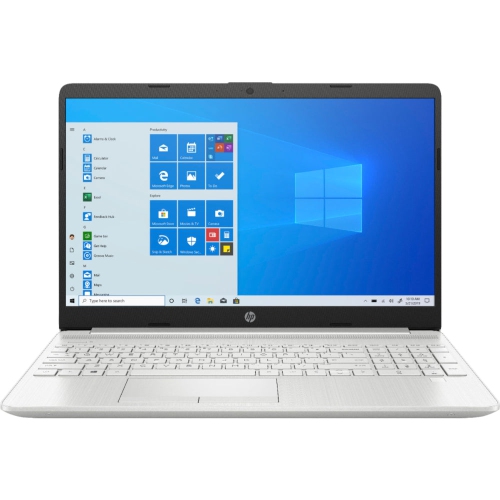 Your price for this item is $489
Discover more categories related to Affordable Laptops for Video Editing

Top Collections:
Pokemon Centers, Budget 4K TVs, Best Budget Office Chairs, Kindle Devices, Canon G7X Cameras, Apple iPhones 16, iPhone 15 Apple, Laptops for Business Work, Xiaomi Phones, Flip Phones
Some products may be subject to Environmental Handling Fees
(EHF) depending on your province.
Learn more about EHFs.