Business Continuity Solutions
Business Continuity Solutions are essential for keeping your organization prepared and resilient in the face of unexpected disruptions. Explore a wide selection of tools and technologies designed to help maintain operations, protect critical data, and support seamless workflows. Whether you're managing a small business or a large enterprise, find reliable options that help minimize downtime and keep your business moving forward with confidence. Discover Business Continuity Solutions tailored to meet the needs of today's dynamic work environments.
Sort

Planning for outages with backup, recovery and connectivity tools
Business continuity solutions help organizations remain operational when unexpected disruptions affect technology, facilities, staff, suppliers or communications. Rather than referring to one particular device or program, business continuity is an overall approach that combines planning tools, backup equipment, connectivity accessories, security technology and recovery resources. These solutions can support a small office, home-based business, retail location, professional practice, school, non-profit organization or larger enterprise. A practical starting point is a business impact analysis (BIA), which identifies essential activities, the systems and people those activities depend on, and the potential financial or operational effect of an outage. For example, a company may determine that customer records, payment processing, shared files, email and internet access must be restored before less critical services. This information helps teams decide how much downtime they can tolerate and how much data they can afford to lose. A recovery time objective (RTO) describes how quickly a service should be restored, while a recovery point objective (RPO) describes how recent the recovered data needs to be. These considerations shape the right mix of products, storage capacity, power protection and connectivity. Business owners and IT managers may use Tools for Business Continuity Planning to organize their approach, document dependencies and prepare for interruptions before they become urgent. During the cooler months, when severe weather can affect travel, power lines and local infrastructure, a well-considered continuity setup can give employees a dependable way to keep essential work moving from the office, a branch location or a secure home workspace.
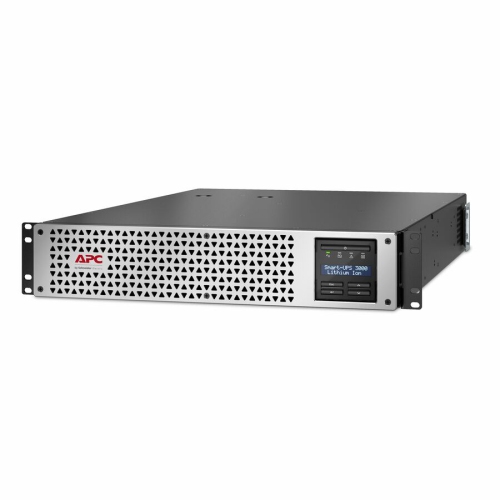
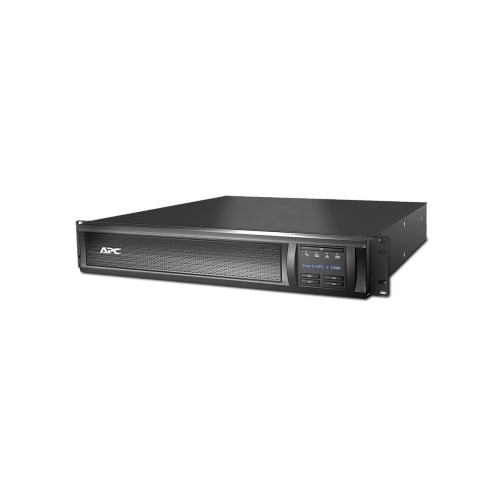
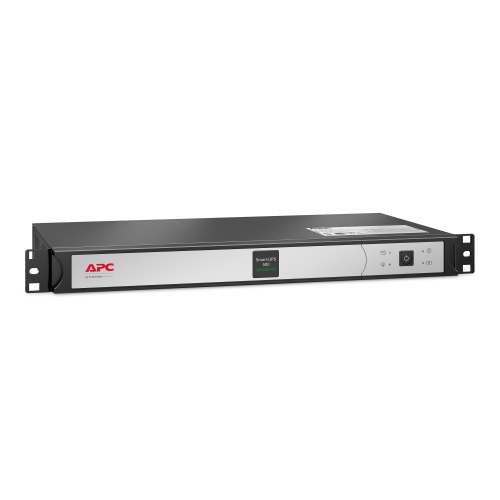
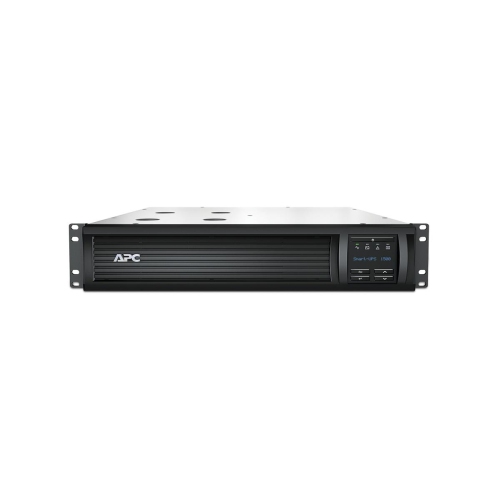
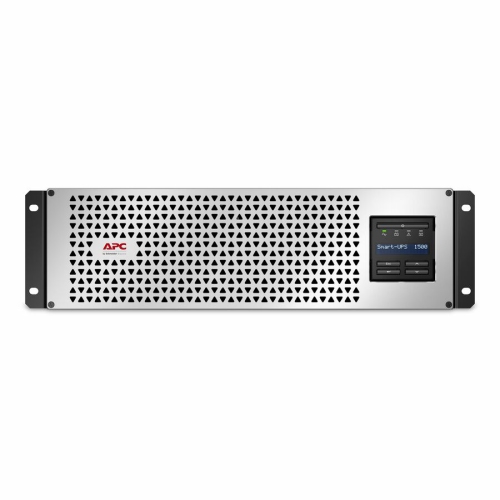
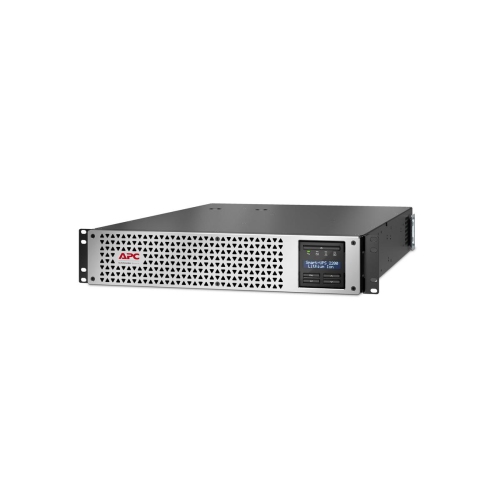
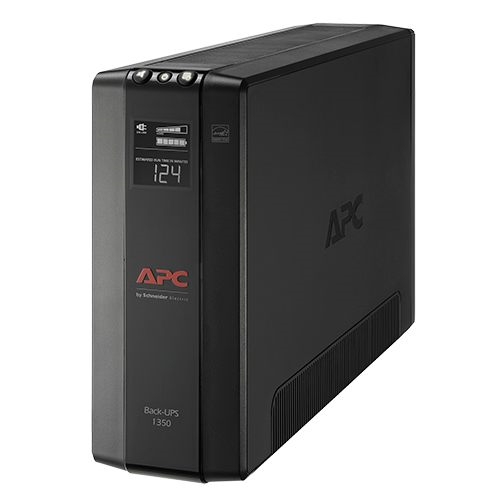
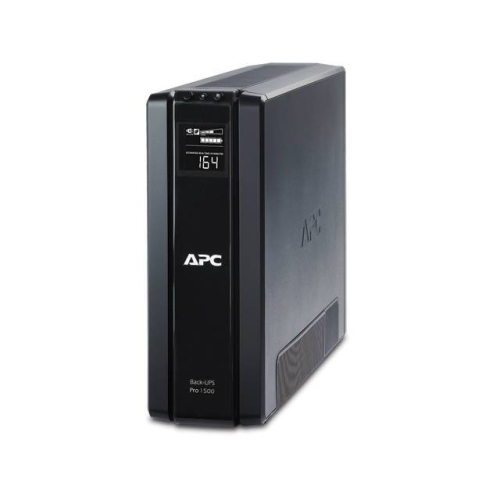
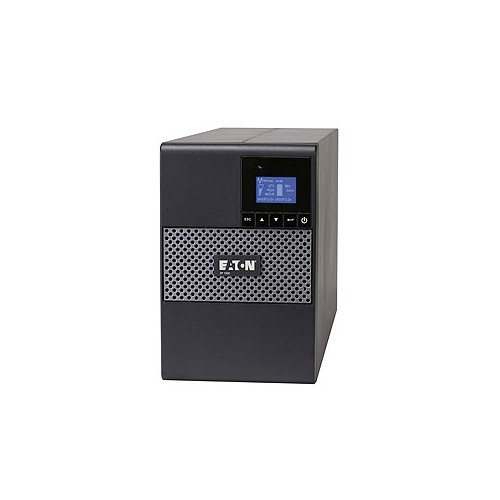
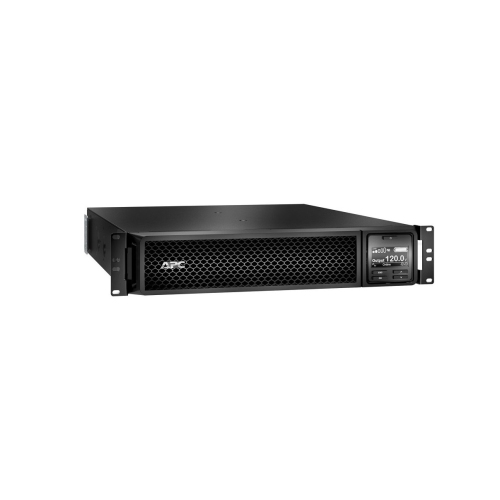
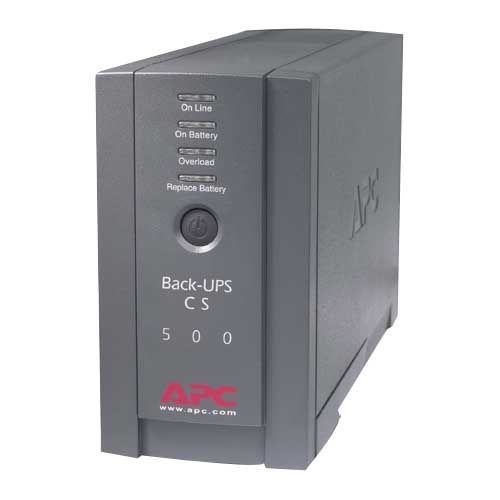
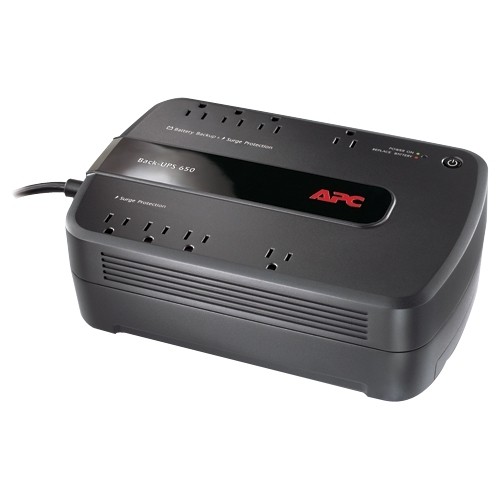
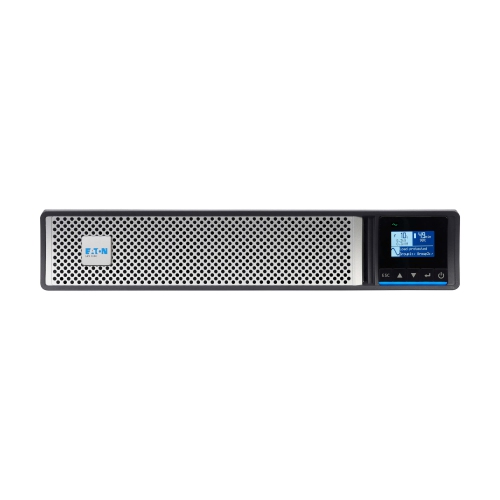
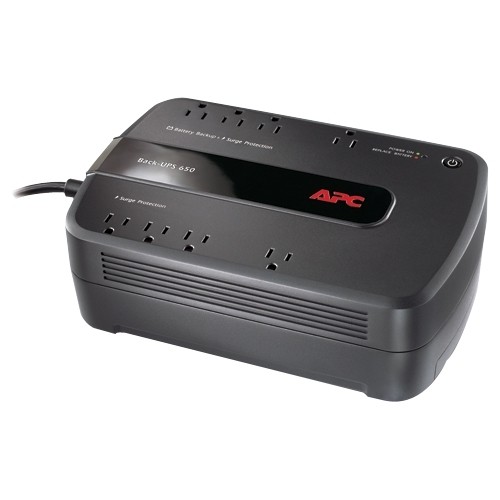
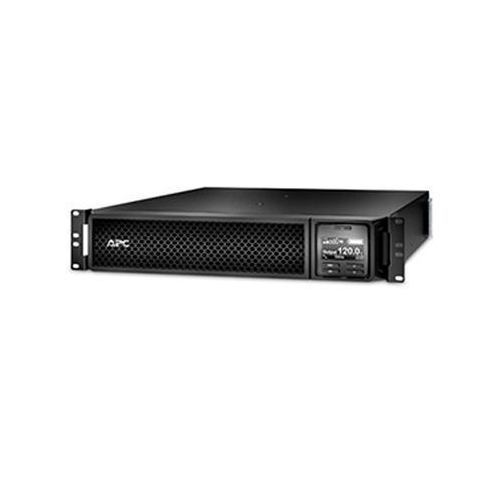
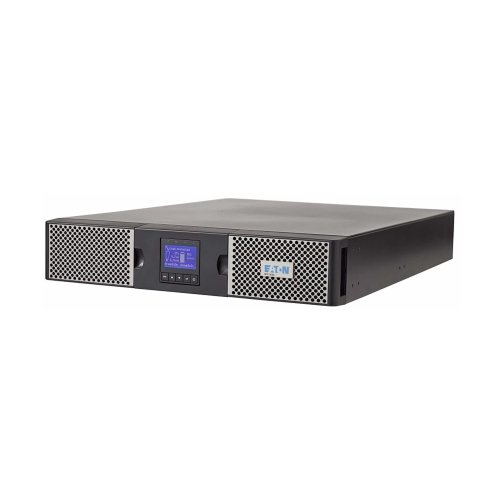
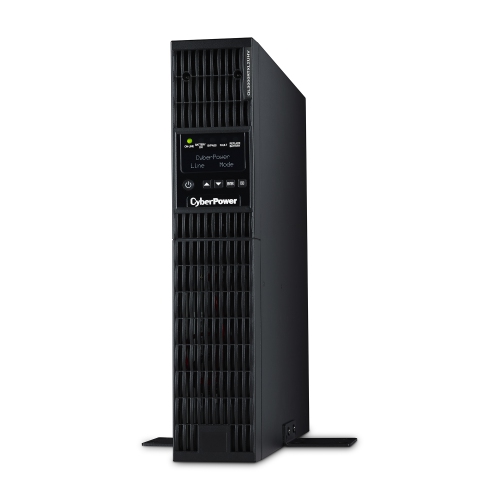
Backup and recovery equipment is a central part of a continuity plan because hardware failure, accidental deletion, malware and service interruptions can all put important information at risk. Depending on the organization’s needs, this may include external storage, network-attached storage, backup software, memory products, secure networking equipment and other tools designed to create regular copies of files and systems. A strong backup approach generally includes more than one copy, more than one storage location and a routine for checking that files can actually be restored. Local backups can make recovery faster when a workstation or server fails, while off-site or cloud-based copies can help when a fire, flood, theft or broader building outage affects the primary location. Organizations handling sensitive records should also consider access permissions, encryption, password controls and retention policies so that backup copies are protected as carefully as the originals. Redundancy is important for power and connectivity as well. Uninterruptible power supplies can provide short-term battery support during an outage, giving staff time to save work and shut down equipment safely while helping protect networking hardware from sudden interruptions or voltage fluctuations. Surge protection, spare charging solutions, wired and wireless networking accessories, and mobile connectivity options can help maintain communication when a primary connection is unavailable. When selecting these products, review the number and type of devices to be supported, battery runtime, connection standards, storage capacity, transfer speeds, compatibility with existing systems and the ease of monitoring or managing the setup. A small office may need a straightforward way to protect a few computers and shared files, while a growing organization may require scalable storage, automated schedules, multiple users and centralized administration. The most useful solution is one that fits everyday workflows closely enough that backups, updates and recovery checks become consistent habits rather than tasks left for a stressful afternoon.
Disaster recovery extends beyond preserving files by addressing how an organization restores applications, virtual machines, servers, networks and communications after a major disruption. Some organizations may use local recovery equipment for fast access to recent information, while others may rely on cloud-based services, secondary locations or a combination of approaches. Automated replication and failover can reduce interruption by keeping a current copy of critical workloads available in another environment, but the right design depends on the organization’s applications, data volume, budget, compliance requirements and tolerance for downtime. Crisis management tools can add another layer by centralizing emergency contacts, procedures, responsibilities, status updates and task assignments, helping teams work from the same information when normal routines are interrupted. A complete continuity plan should identify who can approve a shutdown, who contacts employees and customers, who works with service providers, and who verifies that systems are safe before returning them to normal operation. It should also account for practical details such as alternate meeting spaces, remote access, replacement equipment, accessible communications and the needs of employees who may be working away from the office. Testing matters just as much as purchasing: a backup that has never been restored, a battery that has not been checked or a contact list filled with outdated information may not provide the expected support during an incident. Schedule manageable tests, record the results and update the plan after changes to staff, locations, software or equipment. Whether the goal is to protect a family-run business, support a distributed team or strengthen a larger IT environment, business continuity solutions can help reduce disruption, safeguard important information and provide a clearer path back to normal operations.
Backup and recovery equipment is a central part of a continuity plan because hardware failure, accidental deletion, malware and service interruptions can all put important information at risk. Depending on the organization’s needs, this may include external storage, network-attached storage, backup software, memory products, secure networking equipment and other tools designed to create regular copies of files and systems. A strong backup approach generally includes more than one copy, more than one storage location and a routine for checking that files can actually be restored. Local backups can make recovery faster when a workstation or server fails, while off-site or cloud-based copies can help when a fire, flood, theft or broader building outage affects the primary location. Organizations handling sensitive records should also consider access permissions, encryption, password controls and retention policies so that backup copies are protected as carefully as the originals. Redundancy is important for power and connectivity as well. Uninterruptible power supplies can provide short-term battery support during an outage, giving staff time to save work and shut down equipment safely while helping protect networking hardware from sudden interruptions or voltage fluctuations. Surge protection, spare charging solutions, wired and wireless networking accessories, and mobile connectivity options can help maintain communication when a primary connection is unavailable. When selecting these products, review the number and type of devices to be supported, battery runtime, connection standards, storage capacity, transfer speeds, compatibility with existing systems and the ease of monitoring or managing the setup. A small office may need a straightforward way to protect a few computers and shared files, while a growing organization may require scalable storage, automated schedules, multiple users and centralized administration. The most useful solution is one that fits everyday workflows closely enough that backups, updates and recovery checks become consistent habits rather than tasks left for a stressful afternoon.
Disaster recovery extends beyond preserving files by addressing how an organization restores applications, virtual machines, servers, networks and communications after a major disruption. Some organizations may use local recovery equipment for fast access to recent information, while others may rely on cloud-based services, secondary locations or a combination of approaches. Automated replication and failover can reduce interruption by keeping a current copy of critical workloads available in another environment, but the right design depends on the organization’s applications, data volume, budget, compliance requirements and tolerance for downtime. Crisis management tools can add another layer by centralizing emergency contacts, procedures, responsibilities, status updates and task assignments, helping teams work from the same information when normal routines are interrupted. A complete continuity plan should identify who can approve a shutdown, who contacts employees and customers, who works with service providers, and who verifies that systems are safe before returning them to normal operation. It should also account for practical details such as alternate meeting spaces, remote access, replacement equipment, accessible communications and the needs of employees who may be working away from the office. Testing matters just as much as purchasing: a backup that has never been restored, a battery that has not been checked or a contact list filled with outdated information may not provide the expected support during an incident. Schedule manageable tests, record the results and update the plan after changes to staff, locations, software or equipment. Whether the goal is to protect a family-run business, support a distributed team or strengthen a larger IT environment, business continuity solutions can help reduce disruption, safeguard important information and provide a clearer path back to normal operations.
Top selling and popular products
-
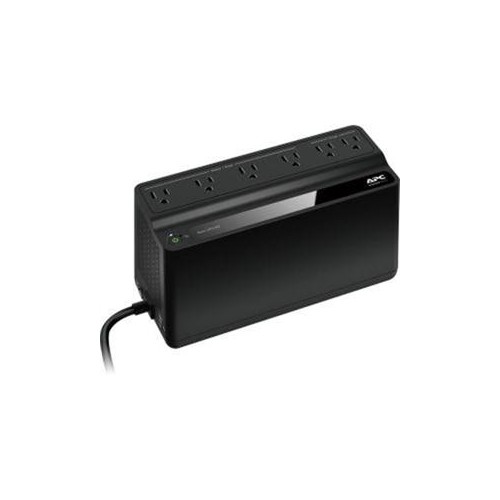 Your price for this item is $117
 -
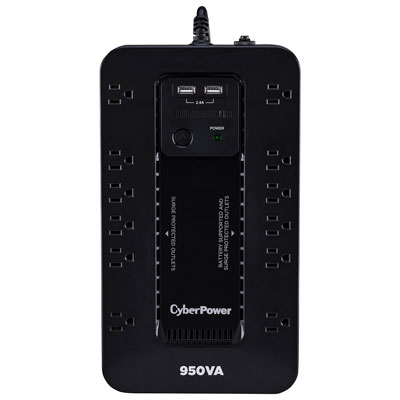 Your price for this item is $149.99
 -
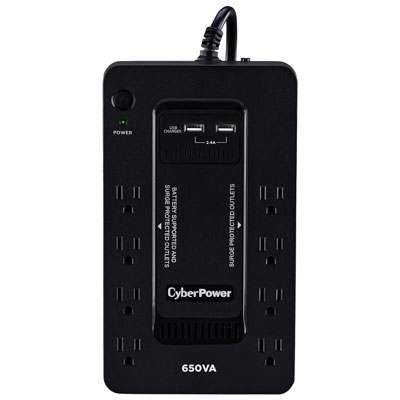 Your price for this item is $99.99
 -
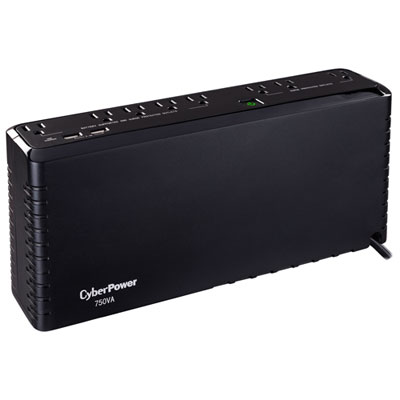 Your price for this item is $99.99
 -
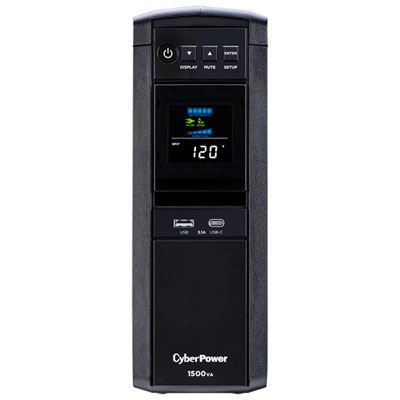 Your price for this item is $229.99
 -
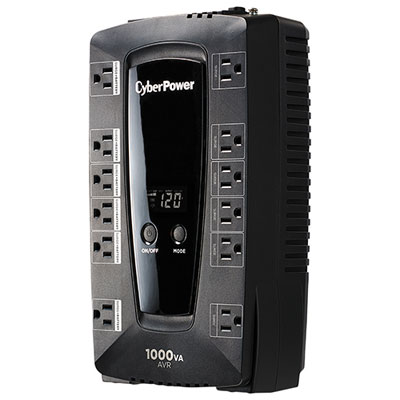 Your price for this item is $149.99
 -
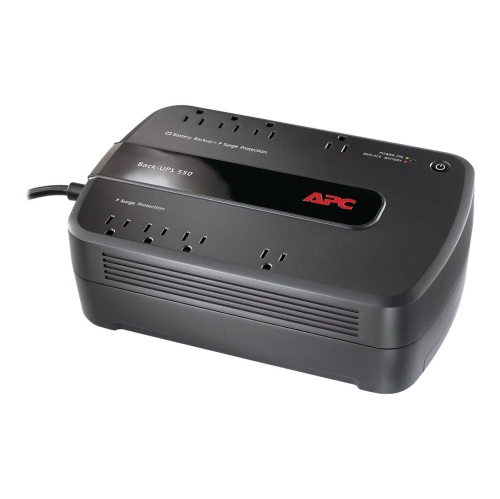 Your price for this item is $170.69
 -
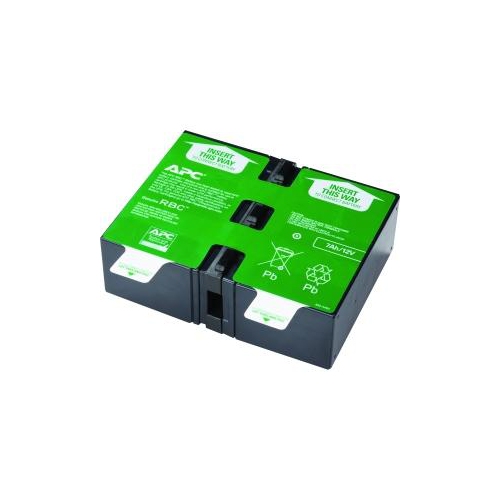 Your price for this item is $172.68
Discover more categories related to Business Continuity Solutions
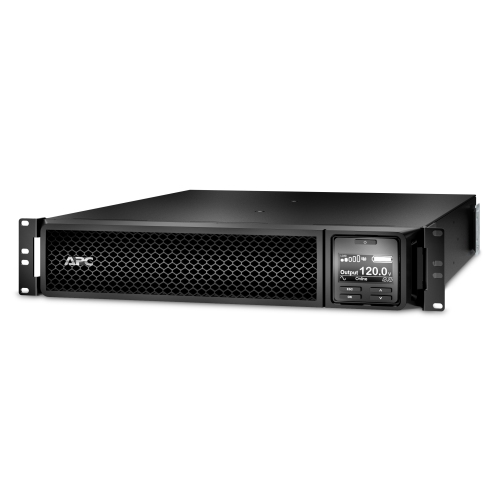
Top Collections:
Pokemon Centers, Best Cameras for Sports Photography, Kindle Devices, Samsung Galaxy Phones, Canon G7X Cameras, Pokémon 30th Celebration Cards, Refurbished Apple Laptops, iPhone 15 Apple, Laptops for Students, Budget Smartphones
Some products may be subject to Environmental Handling Fees
(EHF) depending on your province.
Learn more about EHFs.