Business Management Software
Looking to streamline your business operations and boost efficiency? Our business management software offers a comprehensive solution for organizations of all sizes. From project management and employee scheduling to inventory tracking and financial reporting, this software is designed to help you optimize processes and drive success. Say goodbye to manual tasks and hello to a more organized, productive workflow with our business management software.
Sort








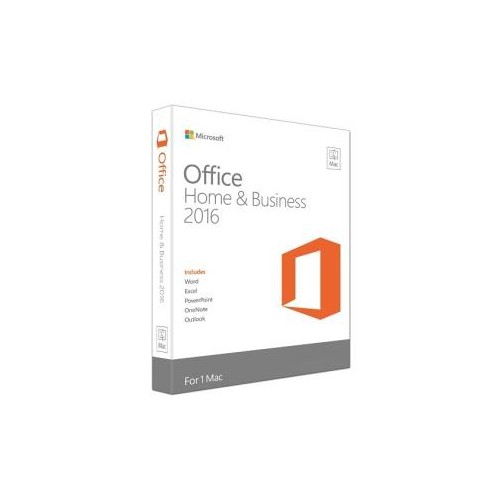



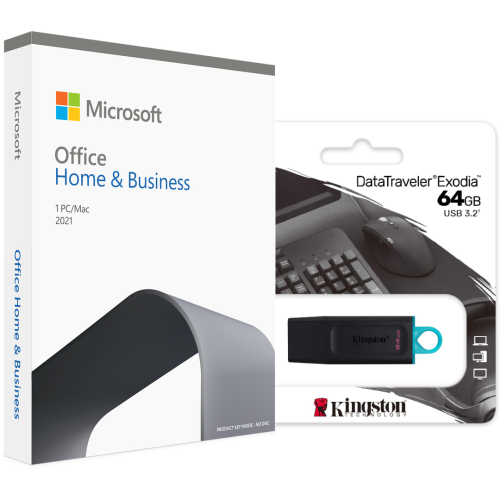



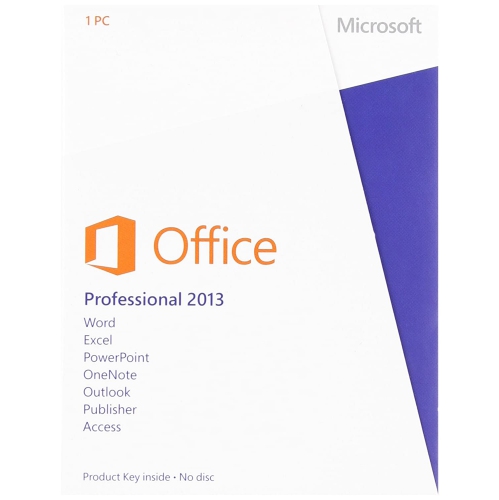
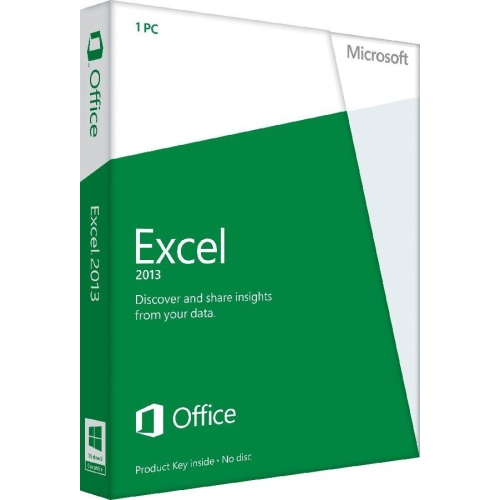








How connected workflows link approved proposals to invoicing
Business management software brings everyday business activities into a more organized digital workspace, helping teams manage customer relationships, projects, financial records, and performance reporting. Some applications focus on a single function, while broader suites connect several departments through shared information and linked workflows. That connection can make a practical difference: a customer’s approved proposal may become a project, assigned tasks can show who is responsible for the work, and completed milestones can support invoicing without repeatedly entering the same details. For a self-employed consultant, the main priorities might be keeping client notes, tracking billable time, and following up on unpaid invoices. A growing professional services firm may need shared schedules, approval steps, document access, and a clear view of work across multiple teams. Customer relationship management, often shortened to CRM, organizes contact information, communication history, and sales opportunities so that important details do not remain scattered across individual inboxes. Project management features can support task assignments, deadlines, dependencies, and progress tracking, while financial tools may cover invoicing, expense recording, payment tracking, and accounting connections. Not every application includes all of these capabilities, and a focused tool can be a better fit than a broad suite when a business has a clearly defined need. The most useful combination reflects how work actually moves through the organization. A design studio handing projects between creative staff and account managers has different requirements from a field service business coordinating appointments and follow-up visits. Business owners, office administrators, team leads, and finance staff may each use the same system differently, making clear navigation and shared records especially valuable. When information is easy to find and responsibilities are visible, routine handovers become less dependent on memory, separate spreadsheets, or a colleague being at their desk. This gives business management software a role beyond recordkeeping: it can help establish consistent processes that remain understandable as responsibilities change and teams expand.
Day-to-day fit depends on how the software works with existing devices, applications, and working arrangements. Cloud-based business management software is generally accessed through an internet connection, with the provider hosting the application and handling parts of its technical maintenance. Locally installed software runs on supported computers or servers and may require more direct attention to installation, updates, and backups. These approaches can differ in their offline capabilities, administrative requirements, and options for sharing information, so compatibility matters as much as the feature list. Operating system support, browser requirements, mobile access, and any companion applications should match the devices people actually use. A manager reviewing approvals on a phone needs a different screen layout from an administrator entering detailed records at a desktop. Connections to email, calendars, accounting applications, payment services, and document storage can reduce duplicate entry, although the depth of each connection varies. A simple contact import is not the same as an integration that keeps records synchronized in both directions. File formats and export options also matter when working with an accountant, transferring an established contact list, or keeping independent copies of important records. For Canadian businesses, relevant financial capabilities may include Canadian-dollar transactions and support for applicable GST, HST, PST, or QST workflows. Tax calculations, payroll functions, and reporting requirements differ by application and jurisdiction, so these features need to match the business’s obligations rather than being assumed from a general accounting label. Language preferences and accessibility can affect everyday usability too, particularly when several employees share responsibility for customer service or administration. Clear menus, readable dashboards, keyboard navigation, and suitable language options can make repeated tasks easier to complete accurately. Licensing terms should also suit the intended number of users, permitted devices, and business use. An application that feels straightforward during a brief demonstration may be less comfortable during a full day of scheduling, data entry, and follow-up, making the quality of routine interactions an important part of long-term suitability.
Reporting and administration features help determine how useful business management software remains after the initial setup. Dashboards can bring together measures such as outstanding invoices, project completion, workload, and sales activity, but meaningful reporting depends on consistent data entry and clearly defined processes. A project marked complete by one employee and left open by another can distort a workload report, even when the dashboard itself is easy to read. Custom fields, reusable templates, required information, and approval rules can help teams capture the details that matter without adding unnecessary steps. For example, a service request might need a customer contact, an assigned employee, an agreed completion date, and a record of approval before work begins. Automated reminders can prompt follow-up, while activity histories can show when a record changed and who made the update. Access controls are equally important when financial information, employee details, or customer records are involved. Role-based permissions, multifactor authentication, and account recovery options may help support appropriate access, but their usefulness depends on correct setup and ongoing administration. Data hosting arrangements, privacy terms, backup procedures, and export capabilities deserve attention alongside convenience features. A documented backup process and a tested way to recover records are more dependable than assuming every application handles recovery in the same way. Long-term usefulness also depends on continued software support, compatible updates, clear documentation, and an orderly way to add users or adjust workflows. Moving from an existing system can involve cleaning up duplicate contacts, checking imported balances, and preserving historical records, so straightforward migration tools can ease the transition. The broader Business Softwares category provides context for related workplace applications that may complement a management system. Whether supporting a solo practice or a team with several departments, well-matched software keeps essential information connected while leaving room for the business’s own working methods. Its value lies in making everyday responsibilities clearer, records more dependable, and decisions easier to ground in accurate information.
Top selling and popular products
-
 Your price for this item is $199.99
-
 Your price for this item is $189.99
-
 Your price for this item is $144.99
-
 Your price for this item is $49.98
-
 Your price for this item is $49.99
-
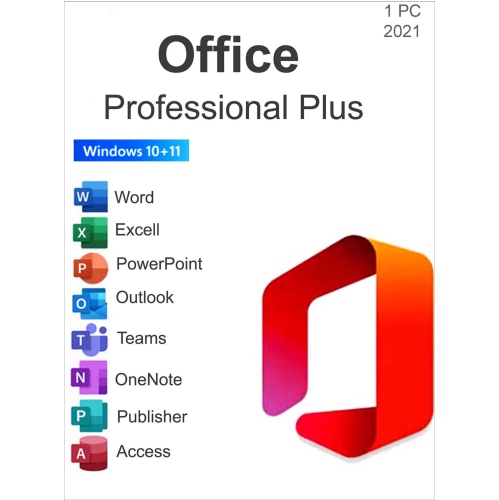 Your price for this item is $47.99
-
 Your price for this item is $334.99
-
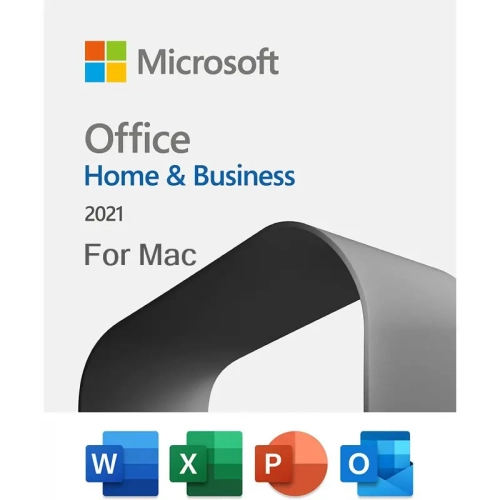 Your price for this item is $149.99
Discover more categories related to Business Management Software
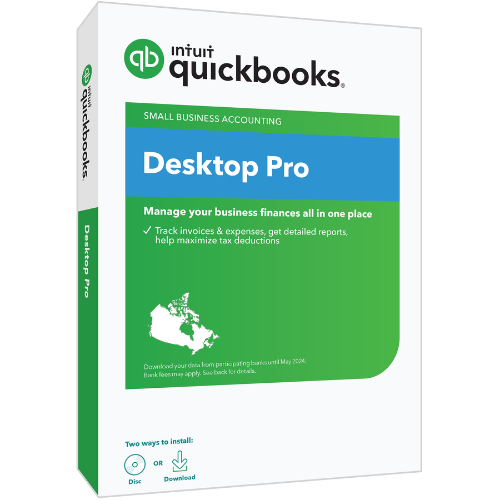

Top Collections:
Best Black Friday Deals This Year, Best Black Friday Deals On Electronics, Kindle Devices, Pokemon Centers, Best Black Friday Deals On Apple Products, Best Cameras for Sports Photography, Dyson Airwrap, Pokémon 30th Celebration Cards, Apple iPhone 17 Pro, Canon G7X Cameras
Some products may be subject to Environmental Handling Fees
(EHF) depending on your province.
Learn more about EHFs.