Business Plan Programs
Looking to take your business to the next level? Our selection of business plan programs has got you covered. Whether you're a startup looking to attract investors or an established company seeking to streamline your operations, these comprehensive software solutions offer the tools and resources you need to create a solid business plan. From financial forecasting and market analysis to strategic goal setting and document organization, our business plan programs are designed to help you succeed. Explore our wide range of options and find the perfect program to turn your entrepreneurial vision into a reality.
Sort




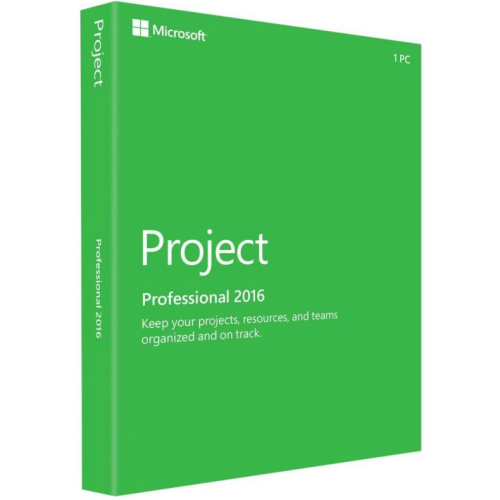
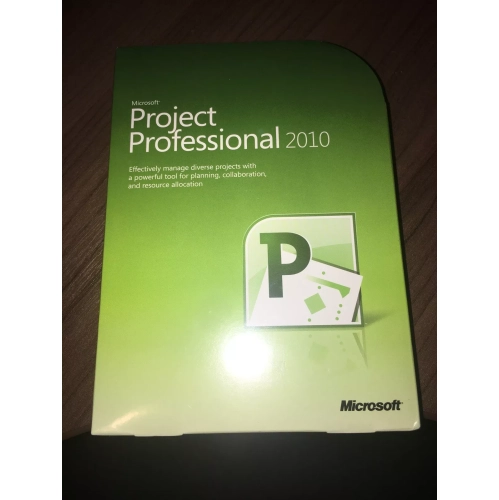
How software connects business ideas with financial forecasts
Business plan programs are software tools that help turn a business idea into a structured plan, with space to describe the opportunity, define customers, map out operations, and build financial forecasts. They are useful for entrepreneurs preparing to launch, independent professionals formalizing a growing practice, and established business owners planning a new location or service. Rather than leaving every section to a blank document, these programs may provide prompts, editable templates, financial worksheets, and presentation tools that keep the different parts of a plan connected. A strong business plan explains what a company does, who it serves, how it reaches customers, and how its day-to-day activities support its financial goals. The software provides a framework for that explanation; the quality of the finished plan still depends on sound research and realistic assumptions. For someone opening a neighbourhood bakery, that could mean connecting expected morning foot traffic with staffing needs, ingredient purchases, and the number of transactions needed to cover operating expenses. For a consultant, the same process might centre on billable hours, project timelines, and the gap between sending an invoice and receiving payment. Business planning software can make these relationships easier to see, particularly when narrative sections and financial tables draw on the same inputs. Different programs place different emphasis on guided writing, forecasting, collaboration, or progress tracking, so the intended use matters more than the length of the feature list. A straightforward plan for internal direction has different demands from a document prepared for a lender or potential investor. Clear section navigation, understandable financial terminology, and flexible editing can be especially helpful for first-time users. More experienced owners may value the ability to adjust assumptions, compare scenarios, and revise a plan without rebuilding its structure. The most useful result is a working document that explains the business clearly and remains practical to update as decisions take shape.
Financial planning is often where business plan programs offer the greatest practical value. Depending on the software, forecasting tools may connect sales estimates, operating expenses, staffing, and cash flow across monthly or annual projections. Those connections matter because profit and cash on hand are not interchangeable. A business can complete a large project and still need enough money to meet payroll while waiting for the client to pay. Similarly, a retailer preparing for a busy period may commit funds to merchandise long before the related sales occur. Programs with adjustable payment schedules, expense categories, and forecast periods can help make those timing differences visible. Scenario modelling adds another useful perspective: a cautious sales estimate, a longer launch period, or an additional employee can each change the plan in a different way. Seeing those effects side by side helps an owner understand which assumptions carry the most weight. Charts and summary tables can also make financial information easier to discuss with a partner, accountant, or lender, particularly when the underlying calculations remain accessible. For Canadian businesses, support for Canadian dollars, suitable date formats, and editable tax assumptions can make the planning process more relevant. GST/HST and provincial sales tax treatment vary by business activity and location, so configurable settings are more useful than figures that cannot be adjusted. Forecasts also serve a different purpose from tax filings or formal financial statements; professional review may still be appropriate before a plan supports a major commitment. Some programs allow actual financial results to be compared with earlier projections, either through imported files or supported accounting connections. That can reveal whether a shortfall comes from fewer customer orders, slower payments, or higher expenses rather than leaving everything under a single missed target. Clear explanations of formulas, visible assumptions, and consistent updates help keep the numbers credible. Automated calculations can save repetitive work, but they cannot establish customer demand or verify the information entered.
The experience of using business planning software matters just as much as its output, especially when several people contribute to the same document. Browser-based programs can suit teams working from different locations, while installed applications may appeal to users who need particular offline capabilities. Internet requirements, operating system compatibility, and the ease of working on a laptop or desktop are worth considering alongside the writing tools. Long planning sessions are more manageable when sections are easy to navigate, changes save reliably, and financial tables remain readable without constant resizing. For shared projects, permissions and version history can help distinguish an owner's edits from a colleague's suggestions. A co-founder might refine the customer profile while an operations lead updates delivery timelines and an accountant reviews financial assumptions. Export options are important too: a plan may need to leave the program as a polished PDF, an editable document, or a spreadsheet for further analysis. Software that supports those formats can make collaboration easier without requiring every reader to work inside the same application. Where AI-assisted drafting is included, it can help shape an outline or simplify an awkward passage, but market claims, competitor details, and financial statements still need careful checking. Confidentiality also deserves attention when a plan contains customer information, supplier agreements, or an idea that has not yet been announced. Clear access controls, understandable data-handling terms, and a practical way to download or back up work support ongoing use. Alongside the software, Business Planners can provide a separate place for meeting notes, daily priorities, and the small follow-up tasks that turn a plan into action. This combination can be useful when a detailed forecast lives on screen but a notebook stays open beside the keyboard during calls. Whether the occasion is a first launch, a funding discussion, a partnership proposal, or an annual review, business plan programs work best when their structure matches the decisions ahead. Flexible sections, usable forecasts, and clear outputs help keep attention on the business itself rather than on formatting a document.
Financial planning is often where business plan programs offer the greatest practical value. Depending on the software, forecasting tools may connect sales estimates, operating expenses, staffing, and cash flow across monthly or annual projections. Those connections matter because profit and cash on hand are not interchangeable. A business can complete a large project and still need enough money to meet payroll while waiting for the client to pay. Similarly, a retailer preparing for a busy period may commit funds to merchandise long before the related sales occur. Programs with adjustable payment schedules, expense categories, and forecast periods can help make those timing differences visible. Scenario modelling adds another useful perspective: a cautious sales estimate, a longer launch period, or an additional employee can each change the plan in a different way. Seeing those effects side by side helps an owner understand which assumptions carry the most weight. Charts and summary tables can also make financial information easier to discuss with a partner, accountant, or lender, particularly when the underlying calculations remain accessible. For Canadian businesses, support for Canadian dollars, suitable date formats, and editable tax assumptions can make the planning process more relevant. GST/HST and provincial sales tax treatment vary by business activity and location, so configurable settings are more useful than figures that cannot be adjusted. Forecasts also serve a different purpose from tax filings or formal financial statements; professional review may still be appropriate before a plan supports a major commitment. Some programs allow actual financial results to be compared with earlier projections, either through imported files or supported accounting connections. That can reveal whether a shortfall comes from fewer customer orders, slower payments, or higher expenses rather than leaving everything under a single missed target. Clear explanations of formulas, visible assumptions, and consistent updates help keep the numbers credible. Automated calculations can save repetitive work, but they cannot establish customer demand or verify the information entered.
The experience of using business planning software matters just as much as its output, especially when several people contribute to the same document. Browser-based programs can suit teams working from different locations, while installed applications may appeal to users who need particular offline capabilities. Internet requirements, operating system compatibility, and the ease of working on a laptop or desktop are worth considering alongside the writing tools. Long planning sessions are more manageable when sections are easy to navigate, changes save reliably, and financial tables remain readable without constant resizing. For shared projects, permissions and version history can help distinguish an owner's edits from a colleague's suggestions. A co-founder might refine the customer profile while an operations lead updates delivery timelines and an accountant reviews financial assumptions. Export options are important too: a plan may need to leave the program as a polished PDF, an editable document, or a spreadsheet for further analysis. Software that supports those formats can make collaboration easier without requiring every reader to work inside the same application. Where AI-assisted drafting is included, it can help shape an outline or simplify an awkward passage, but market claims, competitor details, and financial statements still need careful checking. Confidentiality also deserves attention when a plan contains customer information, supplier agreements, or an idea that has not yet been announced. Clear access controls, understandable data-handling terms, and a practical way to download or back up work support ongoing use. Alongside the software, Business Planners can provide a separate place for meeting notes, daily priorities, and the small follow-up tasks that turn a plan into action. This combination can be useful when a detailed forecast lives on screen but a notebook stays open beside the keyboard during calls. Whether the occasion is a first launch, a funding discussion, a partnership proposal, or an annual review, business plan programs work best when their structure matches the decisions ahead. Flexible sections, usable forecasts, and clear outputs help keep attention on the business itself rather than on formatting a document.
Top selling and popular products
-
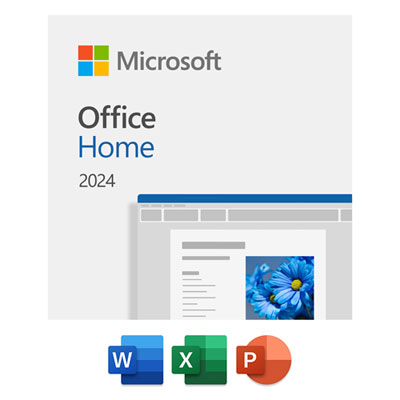 Your price for this item is $199.99
 -
 Your price for this item is $169.99
 -
 Your price for this item is $319.99
 -
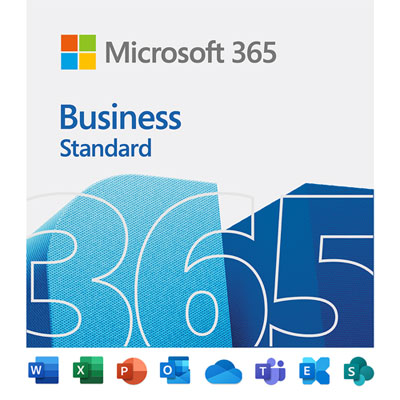 Your price for this item is $189.99
 -
 Your price for this item is $113.98
 -
 Your price for this item is $549
 -
 Your price for this item is $49.99
 -
 Your price for this item is $49.95
Discover more categories related to Business Plan Programs

Top Collections:
Pokemon Centers, Kindle Devices, Best Budget Office Chairs, Apple iPhones 16, Best Laptops for Writers, iPhone 15 Apple, Canon G7X Cameras, Refurbished Apple Laptops, Alarm Clock, Motorola Razr Phones
Some products may be subject to Environmental Handling Fees
(EHF) depending on your province.
Learn more about EHFs.