Business Tools
Whether you're a seasoned entrepreneur or just starting out, having the right business tools can make all the difference in achieving success. From cutting-edge technology to efficient office equipment, our wide selection of business tools has everything you need to streamline your operations and boost productivity. Discover a range of solutions designed to enhance communication, organization, and collaboration within your team. With our extensive collection of top-notch products, you can equip your workspace with the latest innovations and stay ahead in today's fast-paced business world.
Sort




















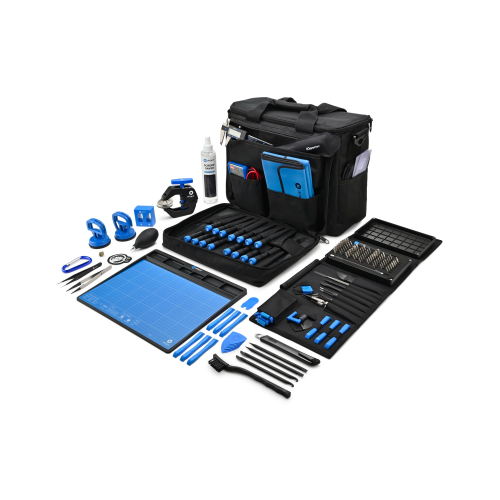

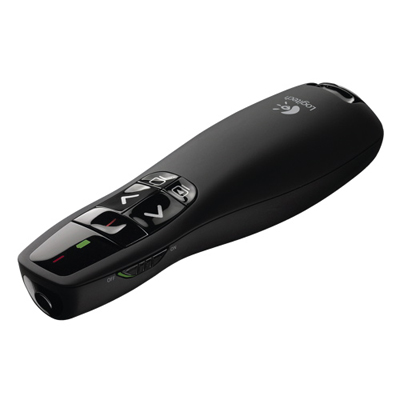
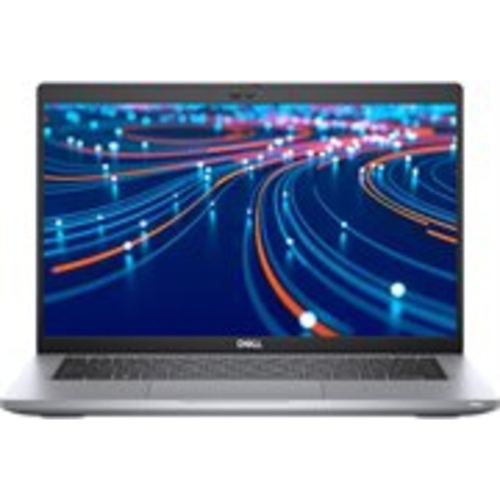


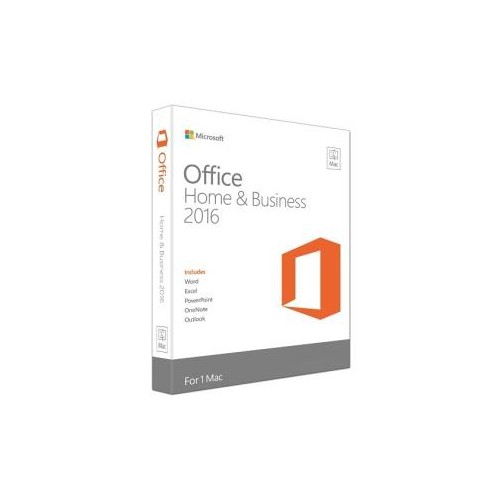































How connected software brings structure to everyday work
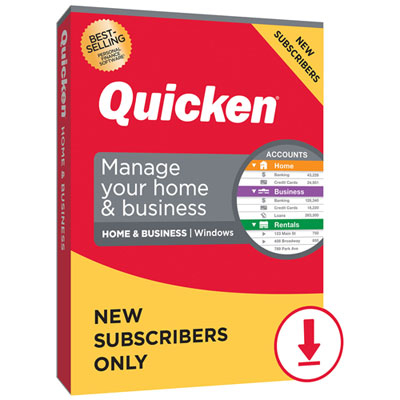
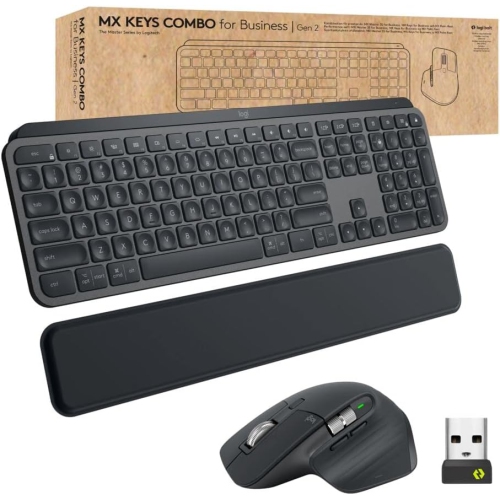
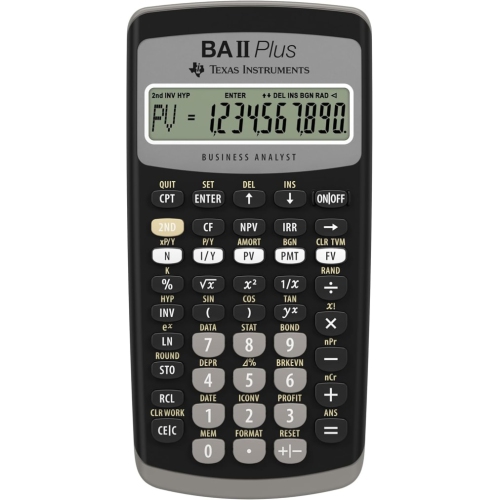
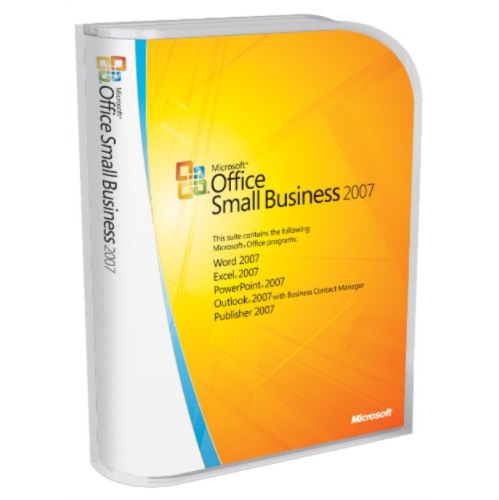
Business tools are software applications and digital platforms that help organizations manage daily tasks, communicate with clients, organize information, and keep work moving. They include productivity software, accounting applications, project management platforms, customer relationship management systems, scheduling tools, and programs for creating business content. Each category serves a different purpose: productivity software supports documents and spreadsheets, project management tools track responsibilities and deadlines, and communication platforms bring conversations and meetings into a shared space. For a self-employed consultant, that might mean preparing a proposal, booking a client call, and keeping supporting files together. For a growing team, it could mean assigning tasks across departments and making sure everyone is working from the same approved document. Shared calendars make appointments and deadlines visible, while online file storage gives authorized people access to documents without passing attachments back and forth. Version history can help distinguish an approved draft from earlier revisions, and commenting features keep feedback beside the work it concerns. Video meetings, team messaging, and screen sharing support discussions between colleagues working in different locations. Project boards and task lists add structure by showing who is responsible for a piece of work, when it is due, and whether another task needs to happen first. These functions are especially useful when a client request moves through several hands, such as an estimate that becomes a scheduled assignment and then a completed job. Rather than relying on scattered notes or a single person’s memory, a team can keep the next action connected to the relevant conversation and files. Business tools also support different working styles: a visual board can make a production schedule easier to scan, while a detailed spreadsheet may suit forecasting or tracking quantities. Their value comes from giving everyday information a dependable place and making it easier for people to act on it. Clear layouts, searchable records, and notifications that can be adjusted to suit the role help these tools fit into a working day without turning every update into an interruption.
Financial and customer-focused business tools handle another part of daily operations: keeping accurate records and maintaining continuity between transactions, conversations, and follow-up work. Accounting software helps organize income and expenses, prepare invoices, reconcile transactions, and produce reports that support bookkeeping and financial planning. For Canadian businesses, support for applicable GST/HST and provincial sales taxes, along with suitable reporting and export options, can be an important part of the fit. Payroll functions, where included, may help manage employee pay records and deductions, although their suitability depends on the business and the jurisdictions involved. A small service business might use these tools to follow an invoice from completion of a job through to payment, with supporting receipts stored alongside the financial record. Customer relationship management software, often called CRM software, organizes contact details, interaction histories, sales opportunities, and follow-up activities. When a client calls about an earlier conversation, a shared record can give an authorized team member the context needed to respond without asking the client to repeat everything. Appointment scheduling tools let customers choose from suitable meeting times and can send confirmations or reminders. Marketing and design software supports newsletters, presentations, social posts, and other business communications, with templates that help maintain consistent typography, colours, and layouts. Reporting tools turn activity into summaries, such as outstanding invoices, upcoming appointments, or progress through a sales pipeline. These summaries are most useful when the underlying information is complete and the measures have a clear meaning. Artificial intelligence features can assist with drafting, summarizing notes, or sorting information, but generated content still needs review for accuracy, tone, and confidentiality before it reaches a customer. Connections between applications can reduce repeated entry, such as transferring approved customer details into an invoicing workflow. A successful connection also preserves the right fields, permissions, and record ownership, so information remains understandable as it moves between tasks. Together, these capabilities help owners and staff spend less time reconstructing what happened and more time responding to what needs attention.
The right fit for business software depends on the people using it, the work it supports, and the systems already in place. A sole proprietor may need straightforward setup and a clear view of appointments, documents, and payments, while a larger organization may need separate access levels, approval steps, and reporting across teams. Related Business Management Tools can support the administrative side of that work, helping connect records, responsibilities, and recurring processes. Compatibility matters in practical ways: a document needs to open correctly for its recipient, a mobile interface needs to remain usable away from a desk, and a scheduling connection needs to reflect the correct time zone. Browser-based applications can support access across compatible devices, while installed software may offer functions suited to a particular operating system or offline workflow. Internet requirements, file formats, and integration details shape how smoothly either approach works. Usability matters just as much as the feature list. Clear navigation, accessible text, useful search, and well-organized templates can make routine tasks easier for new staff and experienced users alike. Security features such as multi-factor authentication, role-based permissions, and activity logs help protect business records and limit access to sensitive information. Data handling terms, storage locations, and retention controls are relevant when customer or employee information is involved. Backup and recovery options support continuity, while export functions help preserve access to records if business needs change. As teams grow, software may need to accommodate additional users, more complex workflows, or a larger volume of documents without making routine work cumbersome. Long-term usefulness also depends on ongoing maintenance: keeping applications updated, reviewing permissions when responsibilities change, and removing outdated templates from everyday use. For freelancers, office administrators, managers, and business owners, a well-matched set of tools provides a consistent foundation for work that otherwise lives across inboxes, notebooks, and disconnected files. The result is a clearer handoff between people, a more reliable record of decisions, and fewer loose ends at the end of the working day.
Top selling and popular products
-
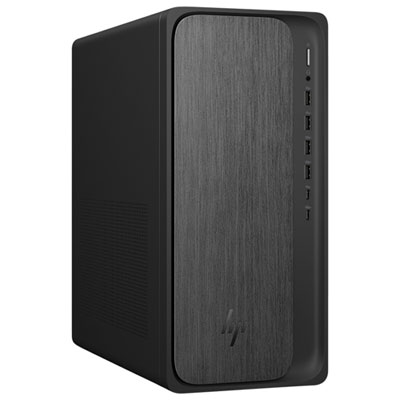 Your price for this item is $1399.99
-
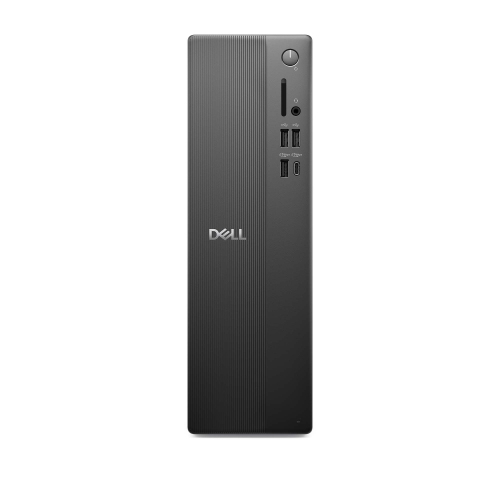 Your price for this item is $1629.79
-
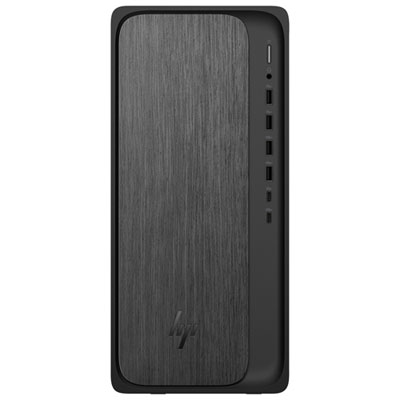 Your price for this item is $2299.99
-
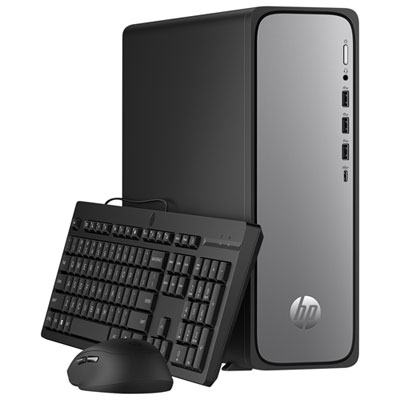 Your price for this item is $1469.99
-
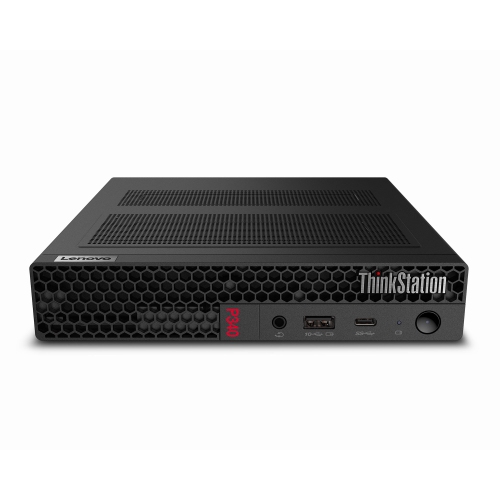 Your price for this item is $699.79
-
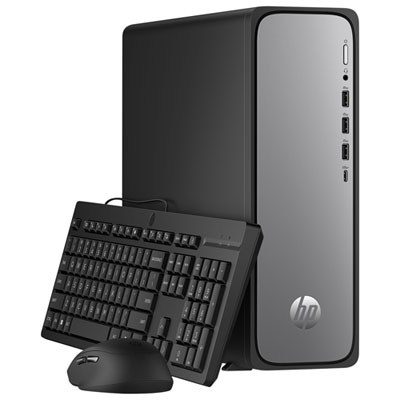 Your price for this item is $1759.99
-
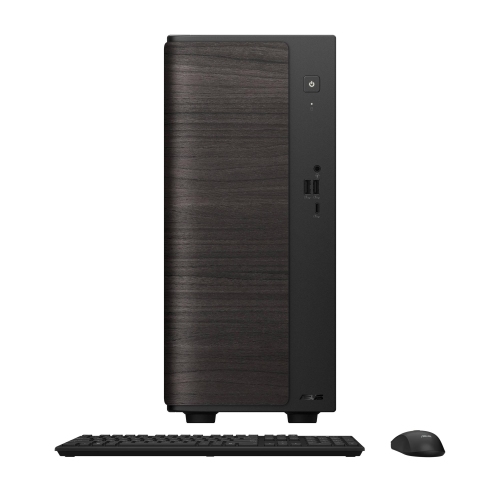 Your price for this item is $3149
-
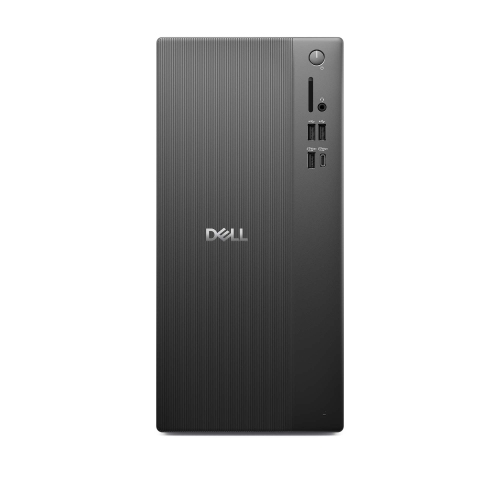 Your price for this item is $2628.79
Discover more categories related to Business Tools

Top Collections:
Best Black Friday Deals This Year, Best Black Friday Deals On Electronics, Kindle Devices, Pokemon Centers, Best Black Friday Deals On Apple Products, Best Cameras for Sports Photography, Dyson Airwrap, Pokémon 30th Celebration Cards, Apple iPhone 17 Pro, Canon G7X Cameras
Some products may be subject to Environmental Handling Fees
(EHF) depending on your province.
Learn more about EHFs.