Cable RJ45
Cable RJ45 is a key component for establishing reliable wired network connections in homes, offices, and various workspaces. Designed for seamless data transmission, these cables are ideal for connecting computers, routers, switches, and other network devices. Whether setting up a new network or upgrading an existing one, Cable RJ45 options provide the versatility needed to support high-speed internet and stable connectivity. Explore a wide selection to find the right fit for your networking requirements.
Sort







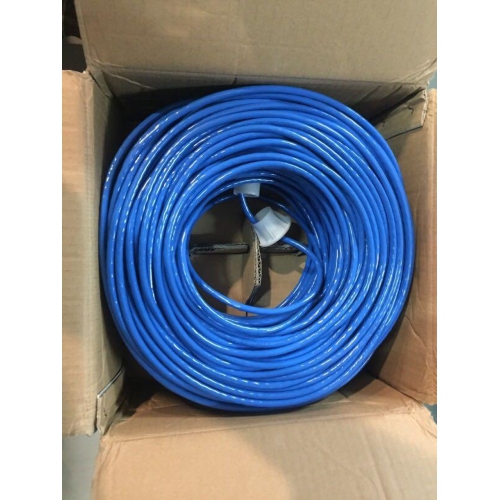
How cable ratings and construction affect network performance
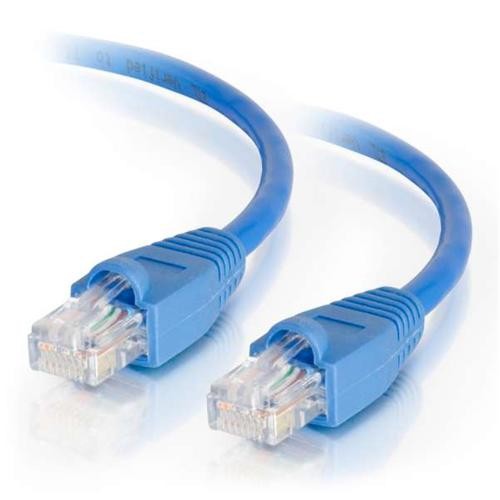
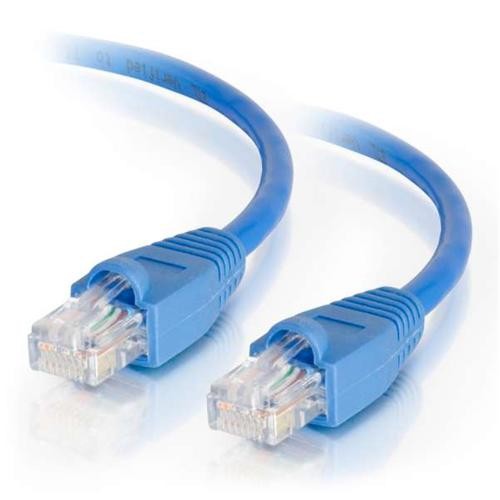
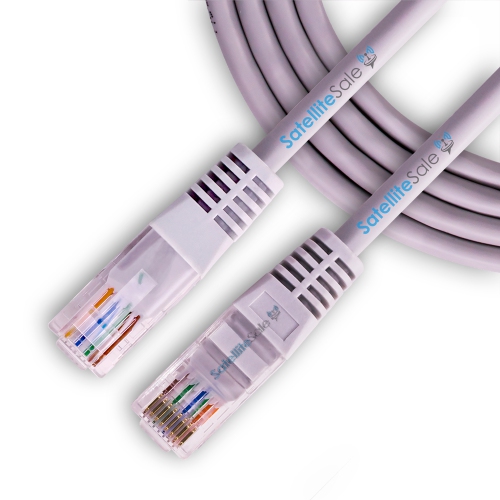
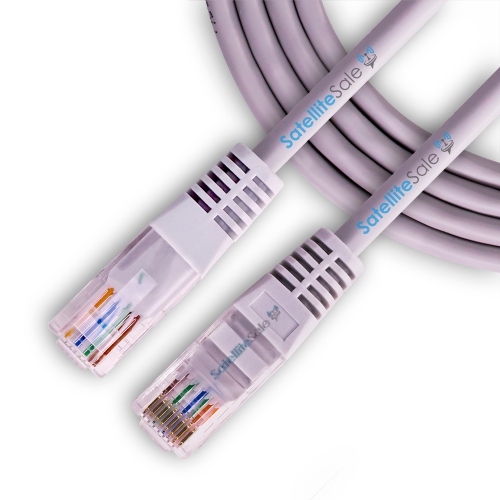
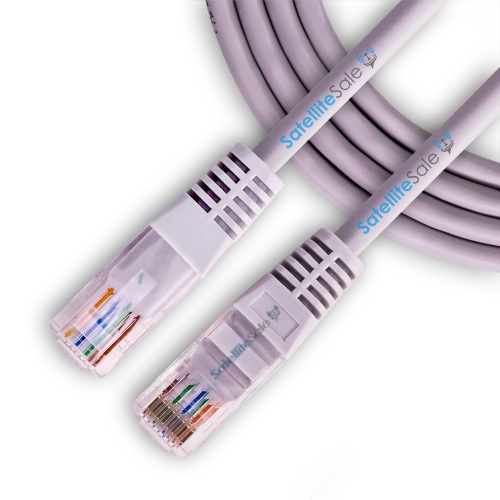
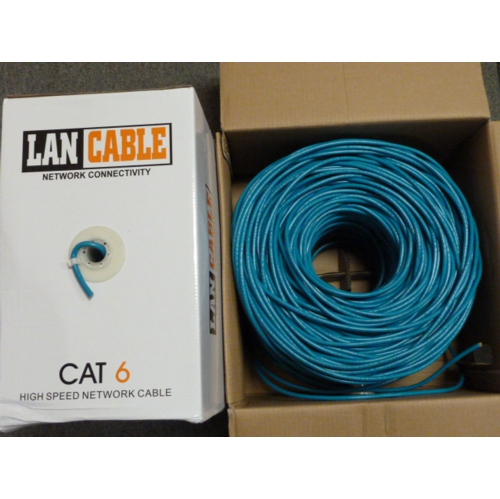
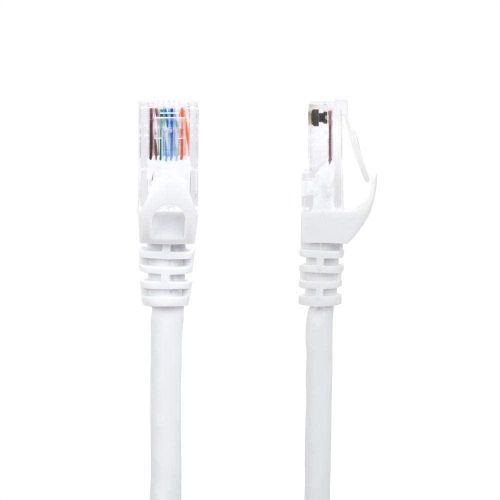
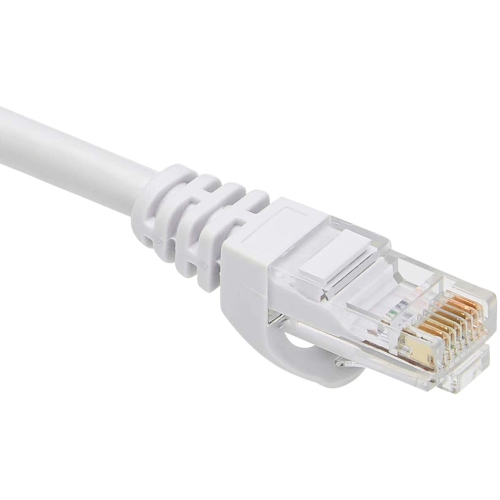
An RJ45 cable, commonly called an Ethernet cable or network cable, connects compatible devices to a wired local area network through an eight-contact modular plug. These cables carry data between equipment such as computers, routers, network switches, game consoles, printers, and network storage devices. In a home office, an Ethernet connection can link a desktop computer to the router for video meetings and large file transfers. In a living room, it can connect a streaming device or console without relying on the strength of a Wi-Fi signal across the room. The familiar rectangular connector has a small retaining tab that clicks into an Ethernet port, helping the plug stay seated during everyday use. Although many network cables share this connector shape, their performance capabilities differ. Category ratings describe the transmission requirements a cable is designed to meet, rather than a different style of plug. Cat5e supports Gigabit Ethernet over a standard channel length of up to 100 metres, while Cat6 offers greater bandwidth and can support 10 Gigabit Ethernet over shorter distances, depending on installation conditions. Cat6a supports 10 Gigabit Ethernet over a standard channel length of up to 100 metres. These distances include the full cabling channel, not simply one visible cord behind a desk. Actual connection speed also depends on the ports, network equipment, and connected devices; a higher-category cable cannot turn a Gigabit port into a 10 Gigabit port or increase the speed supplied by an internet plan. Wired connections are useful for activities that benefit from consistent data delivery, including online gaming, shared storage access, and transferring large photo or video files between computers. They also leave wireless capacity for phones and other mobile devices. For households with several connected screens or workplaces with shared network resources, RJ45 cables provide a physical link that is easy to identify and trace from one device to another.
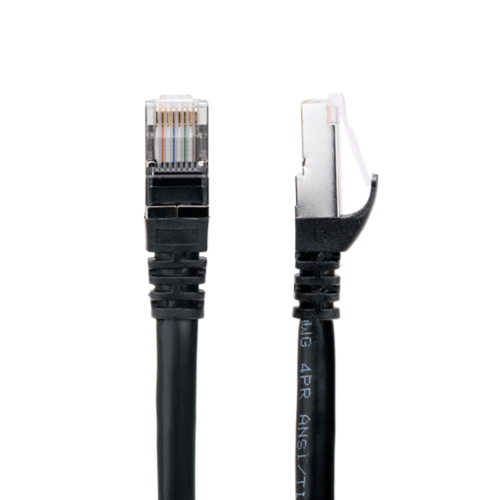
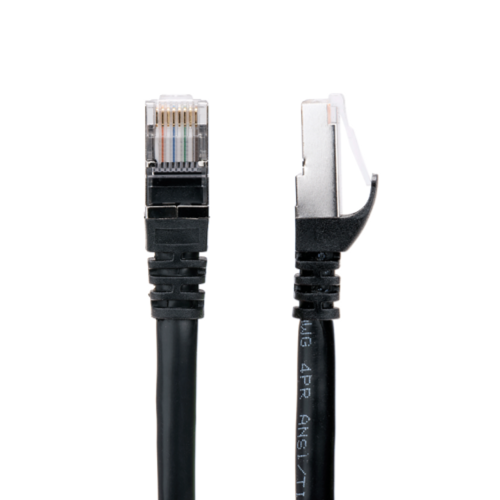
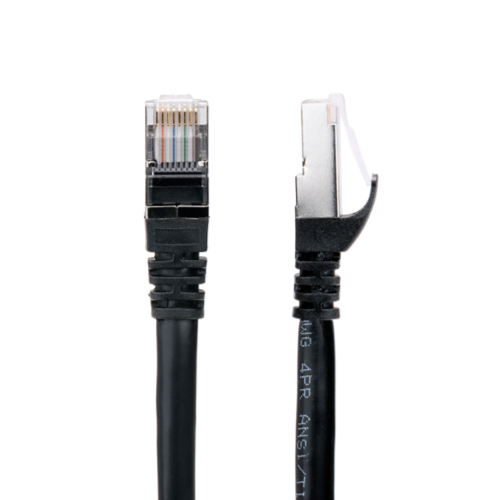
Cable construction affects flexibility, durability, and suitability for different installations. Inside a typical Ethernet cable, four twisted pairs of insulated conductors help limit interference between signals. Copper conductors are a key consideration for dependable data transmission, particularly where a cable must also carry power. Copper-clad aluminium is not equivalent to solid copper and is a poor substitute for standards-compliant structured network cabling, especially for Power over Ethernet applications. Stranded copper conductors are commonly used in flexible patch cables that move with a laptop or are repositioned behind a desk, while solid conductors are commonly used for fixed cable runs terminated at compatible wall jacks or patch panels. The outer jacket protects the internal wiring from routine handling, and moulded strain relief near the plug helps reduce stress where the cable meets the connector. A snagless boot can shield the retaining tab when a cable is pulled through a bundle, although a bulky boot may be less convenient around closely spaced ports. Unshielded twisted-pair cables are common in home and office networks; shielded designs add conductive screening that can help manage electrical interference when used as part of a properly installed, compatible system. Shielding alone is not a guarantee of better performance, and its benefits depend on the complete installation, including appropriate grounding where required. Physical fit matters, too: a connector needs enough clearance to seat fully without pressing against neighbouring plugs or forcing a sharp bend against a wall. Devices without a built-in Ethernet port may use Rj 45 Adapters to connect through a supported USB port or another compatible interface. The adapter’s port speed and device compatibility remain part of the connection’s overall capability. For network cameras, wireless access points, and desk phones, Power over Ethernet can carry data and electrical power through the same cable, provided the cable, power source, and receiving device support the intended application. This can simplify placement without a separate power lead at the device.
Length and routing make a noticeable difference to how neatly an RJ45 cable fits into a room. A short patch cable can keep a router and nearby switch connected without leaving a coil of spare wiring on a shelf, while a longer run can reach a desk on the other side of a room. The practical measurement follows the actual route around furniture and along the intended cable path, with enough slack for the connector to sit comfortably and for equipment to move slightly during cleaning. Excess cable is best kept in loose loops rather than tightly wound around a power adapter or compressed behind a cabinet. Round cables are common for general networking, while flatter profiles can suit some surface-routing needs; the category rating and construction remain more meaningful than shape alone. Cables routed through walls, ceilings, or spaces used for air handling need the appropriate jacket rating and must meet applicable local requirements. Outdoor installations need cable specifically rated for the exposure involved, rather than an ordinary indoor patch cord. Across desks and entertainment centres, cable clips and reusable hook-and-loop ties can keep wiring organized without crushing the jacket. Doorways, chair wheels, and furniture legs are harder on cables than an open route along a wall, and repeated pinching can damage conductors even when the outside still looks intact. Gentle bends, a little breathing room behind equipment, and handling the connector rather than tugging the cord all help preserve the connection. When unplugging, pressing the retaining tab releases the plug without stressing the latch. An occasional check for cracked jackets, bent contacts, or broken tabs can help explain an intermittent connection before it disrupts a meeting or file transfer. For students, remote workers, gamers, and households sharing printers or storage, these details make network cabling easier to live with. A suitable RJ45 cable combines the required network capability with a manageable length, sound construction, and a comfortable fit at both ends, whether it sits beneath a study desk or connects equipment in a dedicated network cabinet.
Cable construction affects flexibility, durability, and suitability for different installations. Inside a typical Ethernet cable, four twisted pairs of insulated conductors help limit interference between signals. Copper conductors are a key consideration for dependable data transmission, particularly where a cable must also carry power. Copper-clad aluminium is not equivalent to solid copper and is a poor substitute for standards-compliant structured network cabling, especially for Power over Ethernet applications. Stranded copper conductors are commonly used in flexible patch cables that move with a laptop or are repositioned behind a desk, while solid conductors are commonly used for fixed cable runs terminated at compatible wall jacks or patch panels. The outer jacket protects the internal wiring from routine handling, and moulded strain relief near the plug helps reduce stress where the cable meets the connector. A snagless boot can shield the retaining tab when a cable is pulled through a bundle, although a bulky boot may be less convenient around closely spaced ports. Unshielded twisted-pair cables are common in home and office networks; shielded designs add conductive screening that can help manage electrical interference when used as part of a properly installed, compatible system. Shielding alone is not a guarantee of better performance, and its benefits depend on the complete installation, including appropriate grounding where required. Physical fit matters, too: a connector needs enough clearance to seat fully without pressing against neighbouring plugs or forcing a sharp bend against a wall. Devices without a built-in Ethernet port may use Rj 45 Adapters to connect through a supported USB port or another compatible interface. The adapter’s port speed and device compatibility remain part of the connection’s overall capability. For network cameras, wireless access points, and desk phones, Power over Ethernet can carry data and electrical power through the same cable, provided the cable, power source, and receiving device support the intended application. This can simplify placement without a separate power lead at the device.
Length and routing make a noticeable difference to how neatly an RJ45 cable fits into a room. A short patch cable can keep a router and nearby switch connected without leaving a coil of spare wiring on a shelf, while a longer run can reach a desk on the other side of a room. The practical measurement follows the actual route around furniture and along the intended cable path, with enough slack for the connector to sit comfortably and for equipment to move slightly during cleaning. Excess cable is best kept in loose loops rather than tightly wound around a power adapter or compressed behind a cabinet. Round cables are common for general networking, while flatter profiles can suit some surface-routing needs; the category rating and construction remain more meaningful than shape alone. Cables routed through walls, ceilings, or spaces used for air handling need the appropriate jacket rating and must meet applicable local requirements. Outdoor installations need cable specifically rated for the exposure involved, rather than an ordinary indoor patch cord. Across desks and entertainment centres, cable clips and reusable hook-and-loop ties can keep wiring organized without crushing the jacket. Doorways, chair wheels, and furniture legs are harder on cables than an open route along a wall, and repeated pinching can damage conductors even when the outside still looks intact. Gentle bends, a little breathing room behind equipment, and handling the connector rather than tugging the cord all help preserve the connection. When unplugging, pressing the retaining tab releases the plug without stressing the latch. An occasional check for cracked jackets, bent contacts, or broken tabs can help explain an intermittent connection before it disrupts a meeting or file transfer. For students, remote workers, gamers, and households sharing printers or storage, these details make network cabling easier to live with. A suitable RJ45 cable combines the required network capability with a manageable length, sound construction, and a comfortable fit at both ends, whether it sits beneath a study desk or connects equipment in a dedicated network cabinet.
Top selling and popular products
-
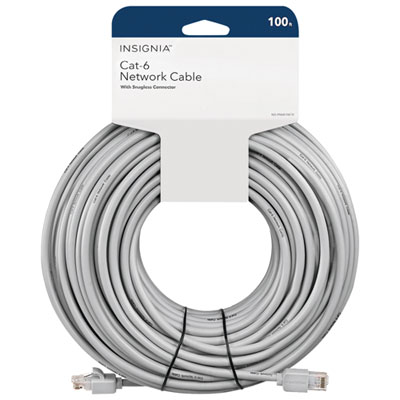 Your price for this item is $49.95
-
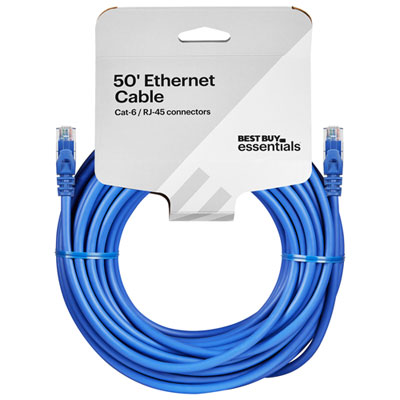 Your price for this item is $24.99
-
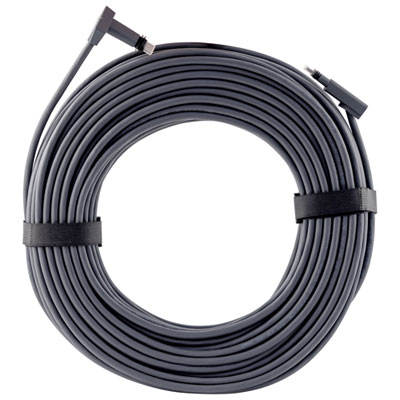 Your price for this item is $164.99
-
 Your price for this item is $31.37
-
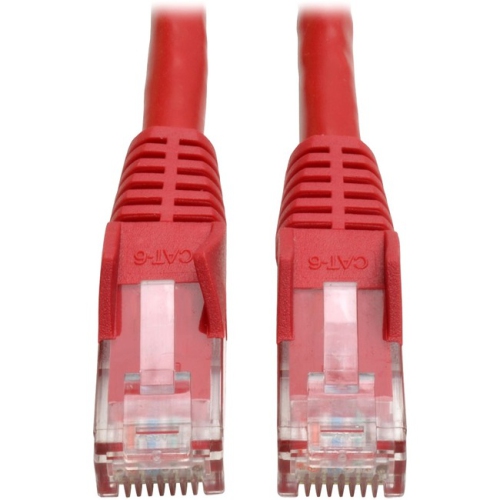 Your price for this item is $79.68
-
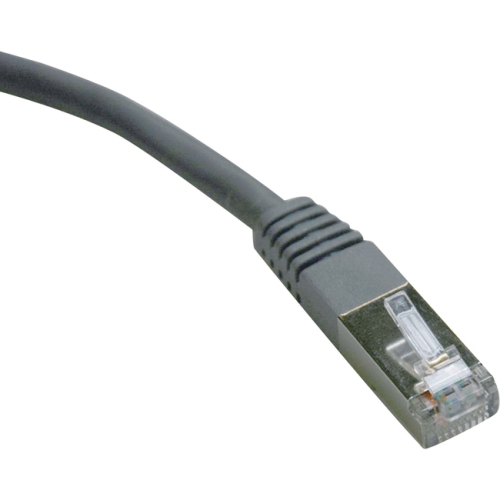 Your price for this item is $57.68
-
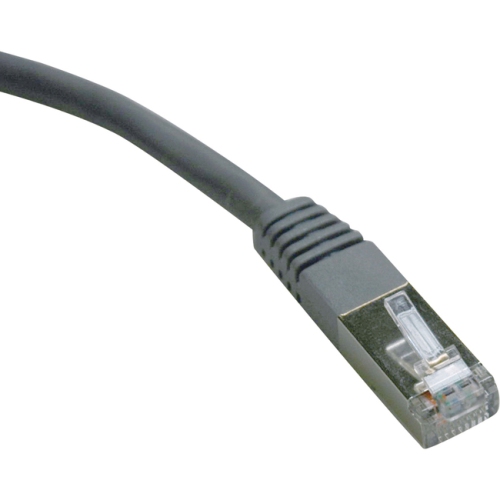 Your price for this item is $50.99
-
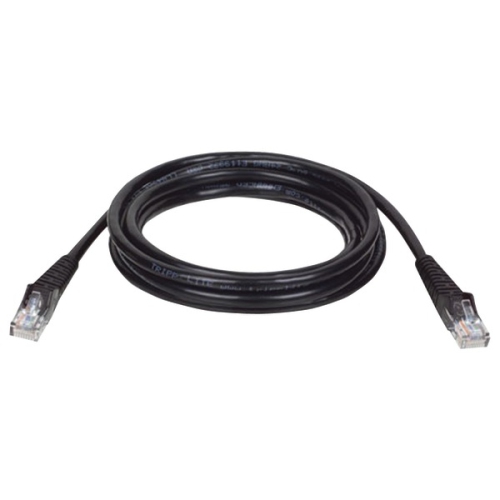 Your price for this item is $57.68
Discover more categories related to Cable RJ45

Top Collections:
Pokemon Centers, Kindle Devices, Best Cameras for Sports Photography, Pokémon 30th Celebration Cards, Apple iPhones 16, Canon G7X Cameras, iPhone 15 Apple, Flip Phones, Samsung Galaxy Phones, Alarm Clock
Some products may be subject to Environmental Handling Fees
(EHF) depending on your province.
Learn more about EHFs.