RJ45 Network Cables
When it comes to setting up a reliable and fast network connection, RJ45 network cables are an essential component for ensuring seamless data transfer between devices. These cables are designed to provide a stable connection for your home or office network, allowing you to enjoy smooth streaming, fast downloads, and lag-free online gaming. Whether you're connecting your computer, printer, smart TV, or gaming console, having high-quality RJ45 network cables is crucial for maximizing your network performance. Browse through our selection of network cables to find the perfect solution for your connectivity needs.
Sort
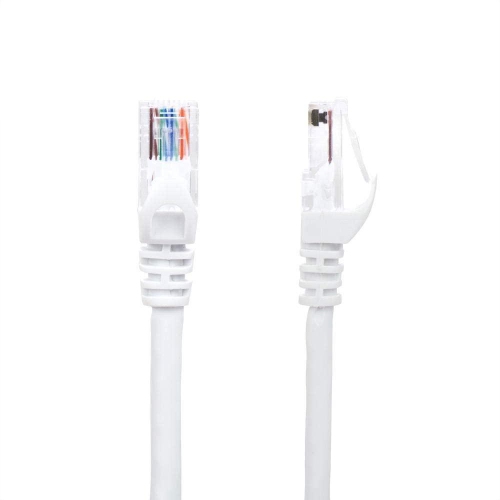
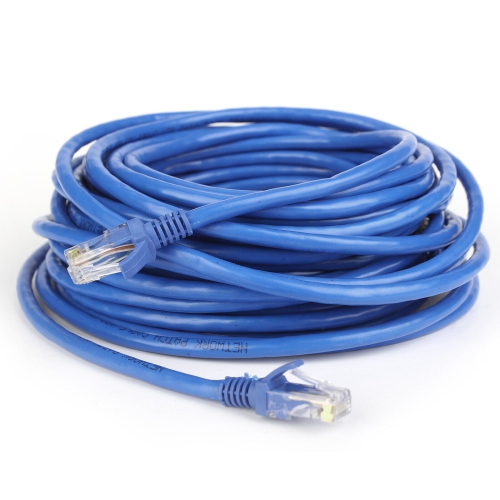
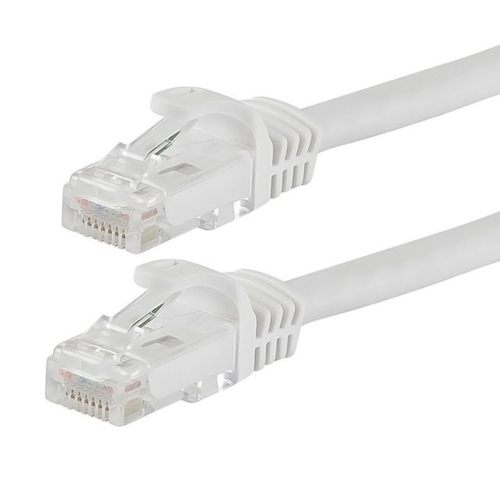
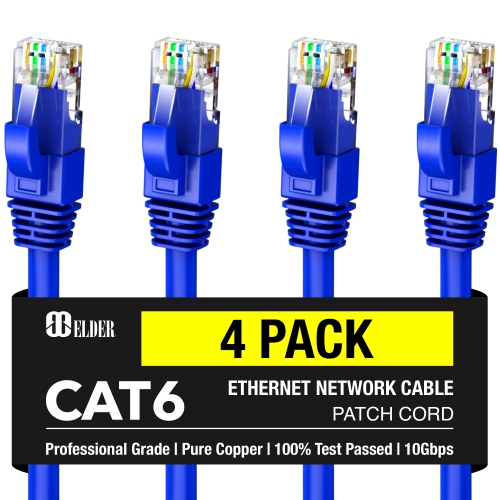
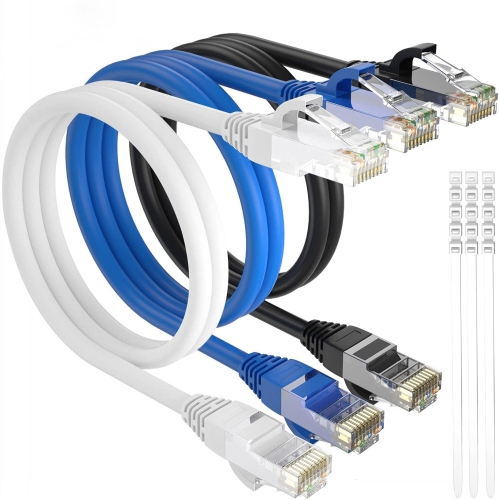
![V-MAX [4 Pack] 5M High-Performance Cat5 Network Cable - Rj45](https://multimedia.bbycastatic.ca/multimedia/products/500x500/175/17550/17550577.jpeg)
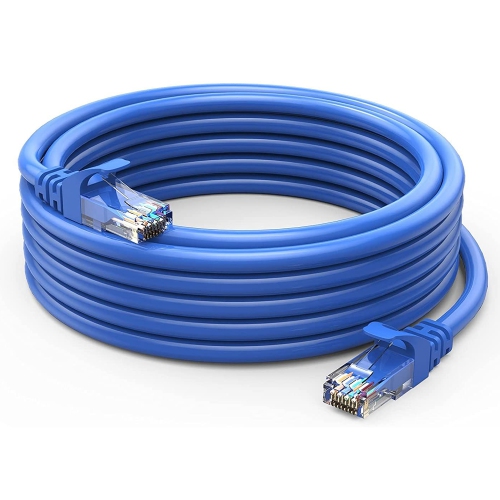
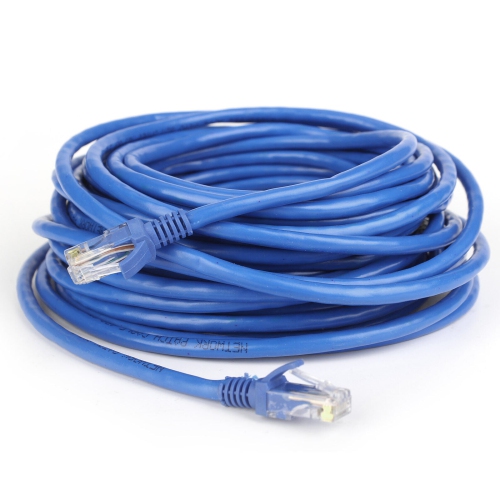
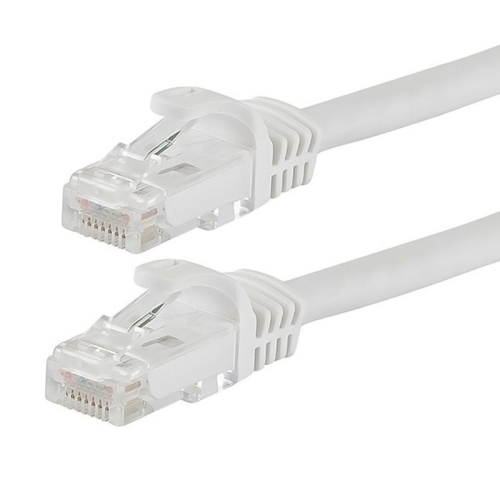
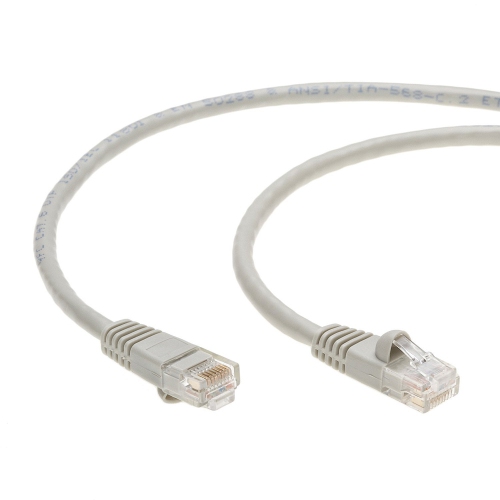
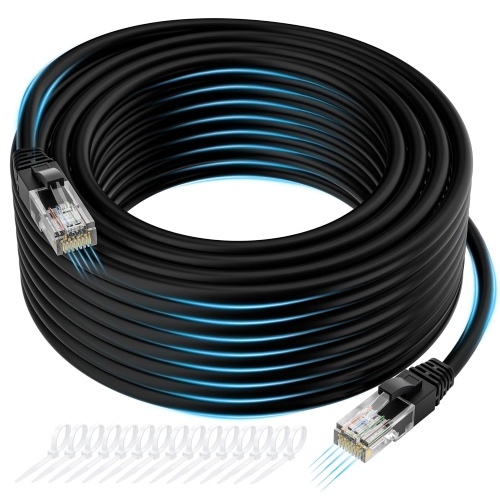
![V-MAX [10 Pack] 5M High-Performance Cat5 Network Cable - Rj45](https://multimedia.bbycastatic.ca/multimedia/products/500x500/175/17550/17550579.jpeg)
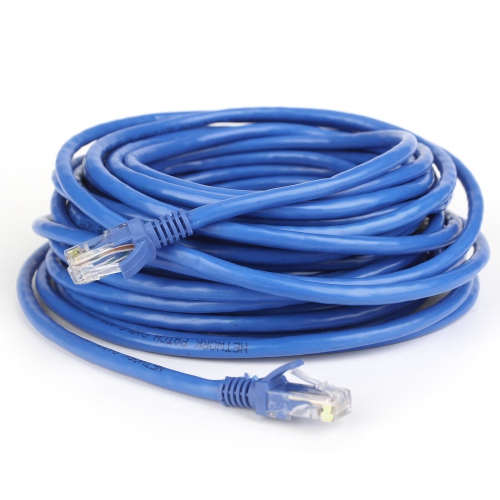
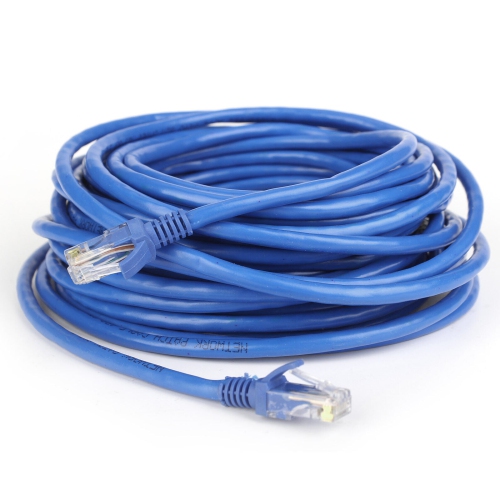
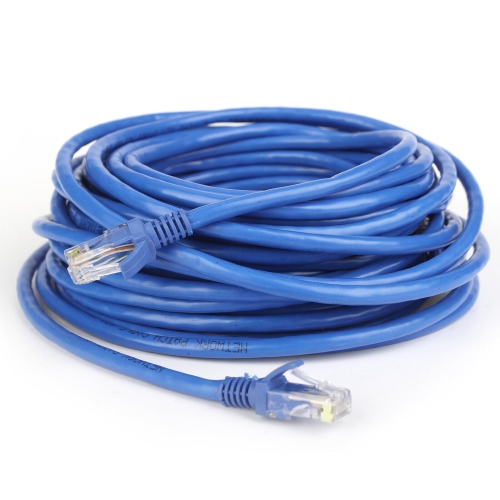
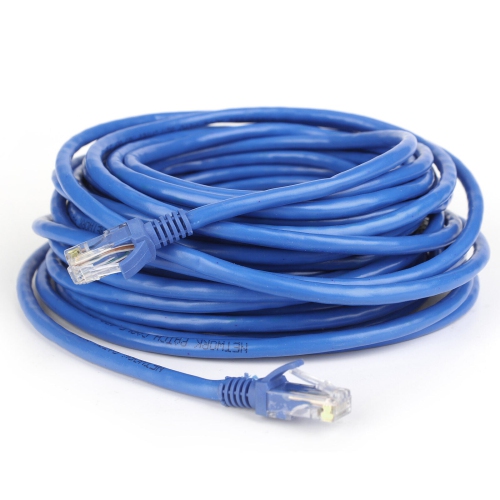
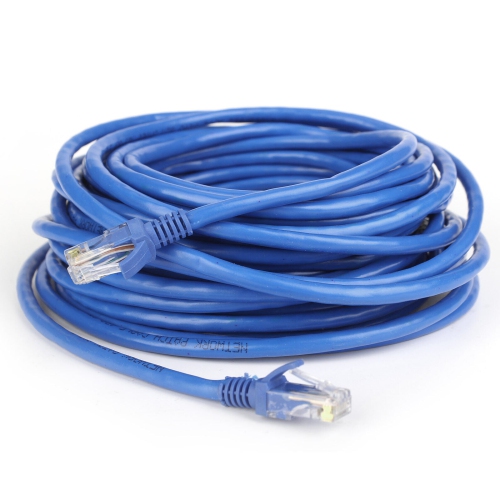
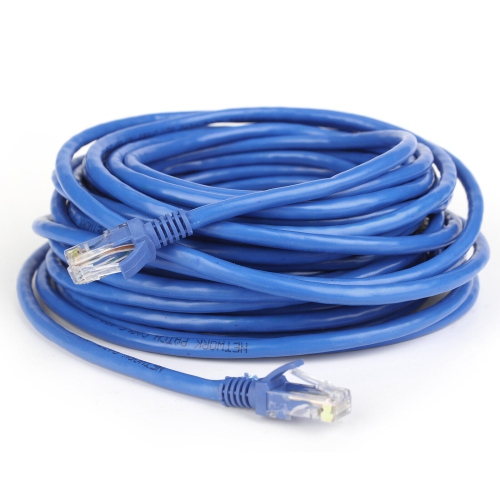
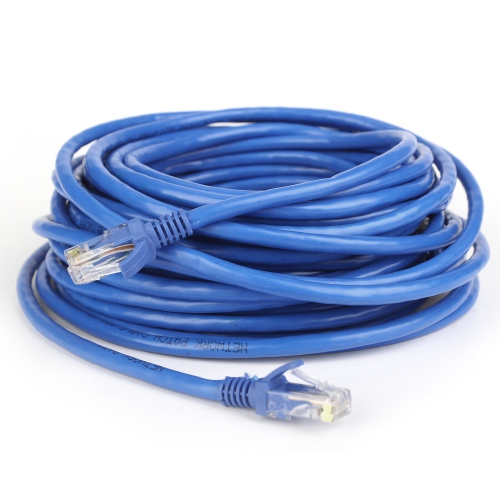
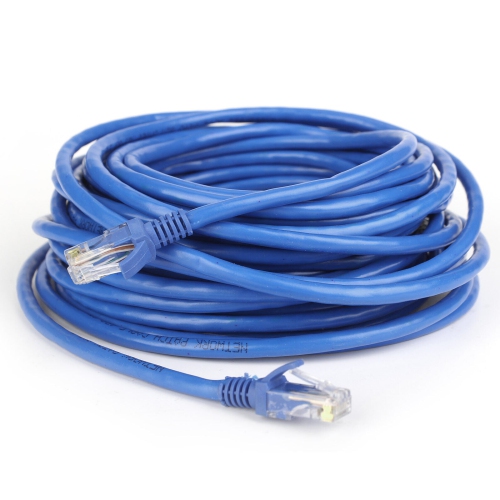
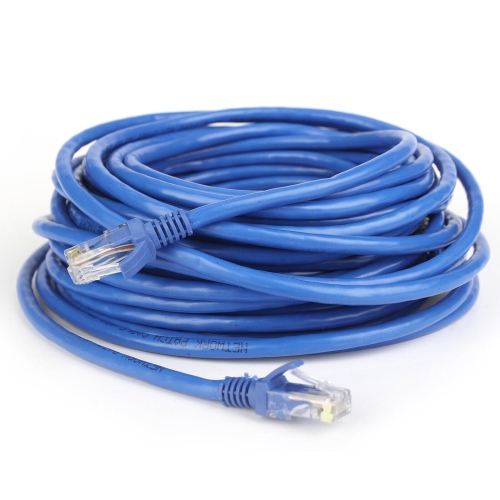
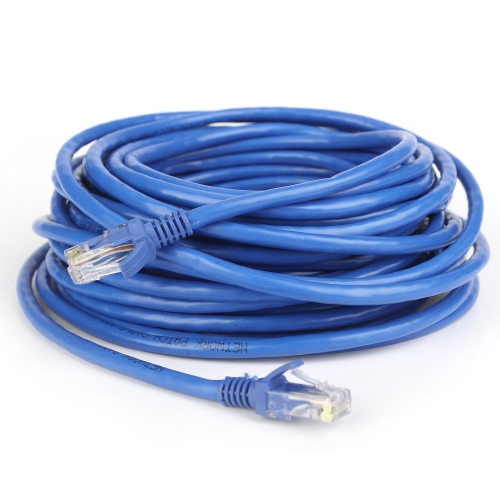
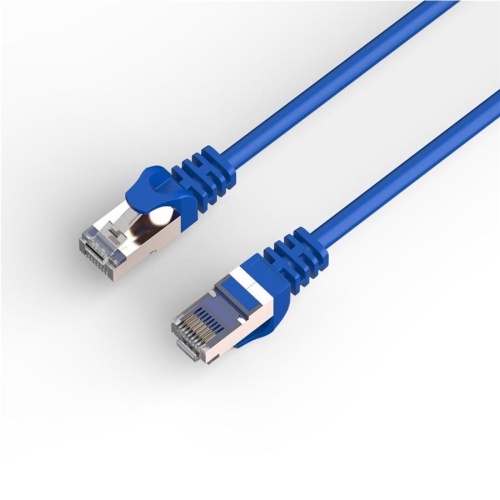
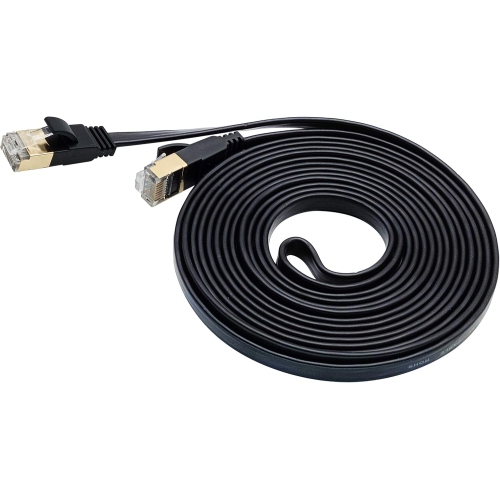
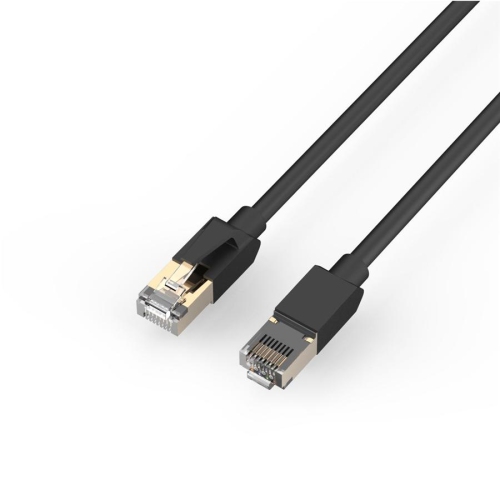
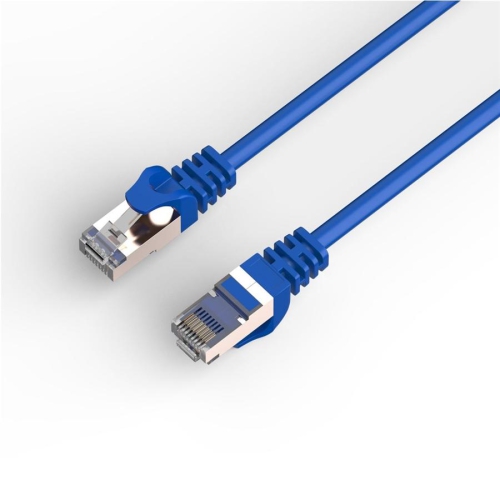
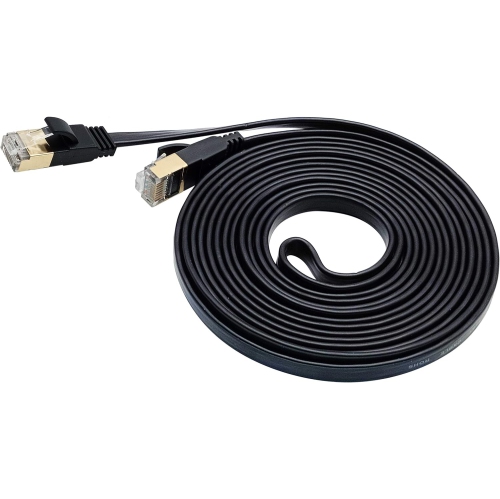
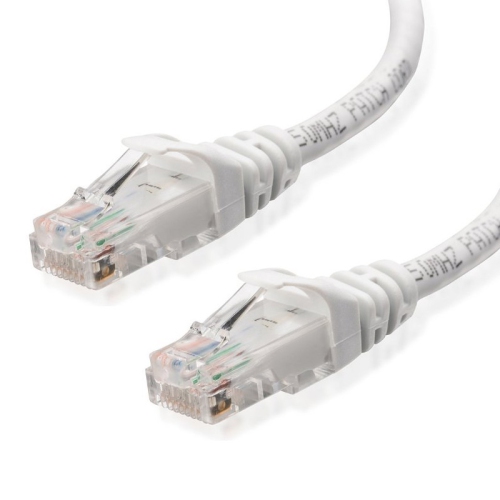
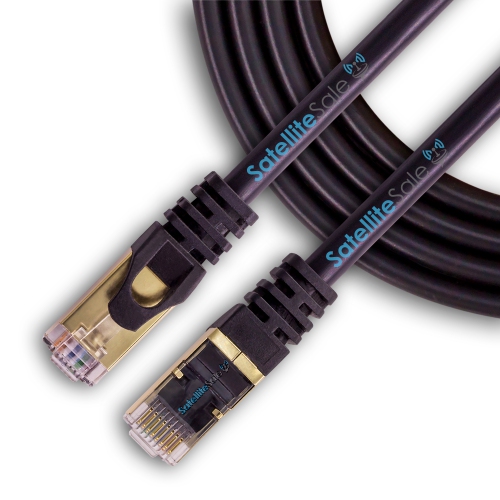
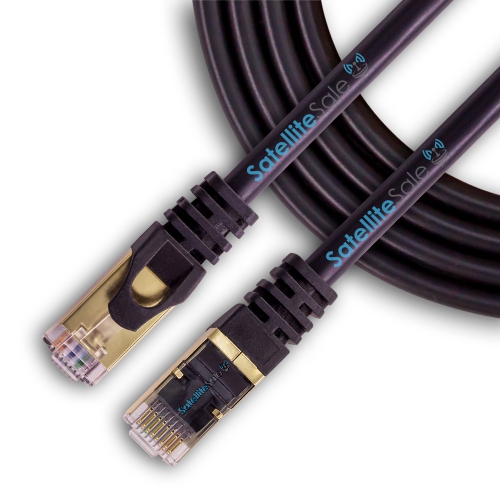
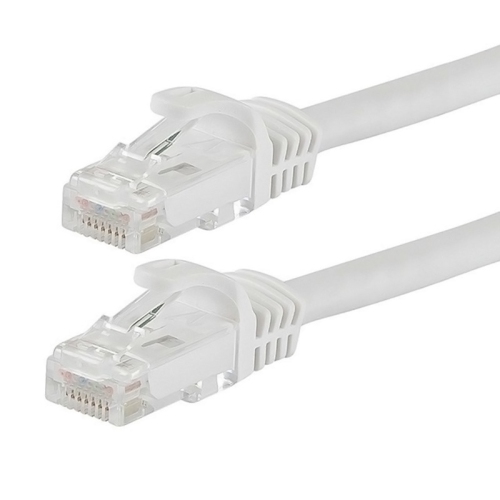
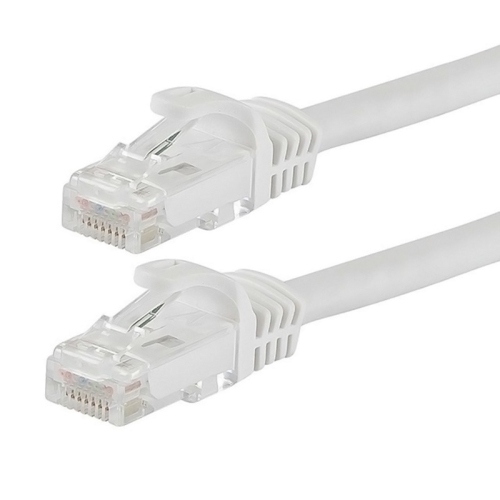
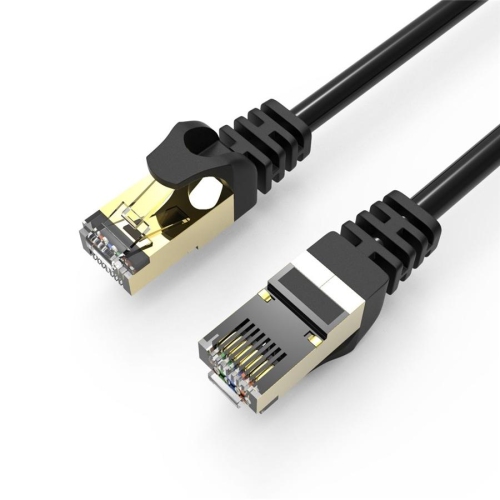
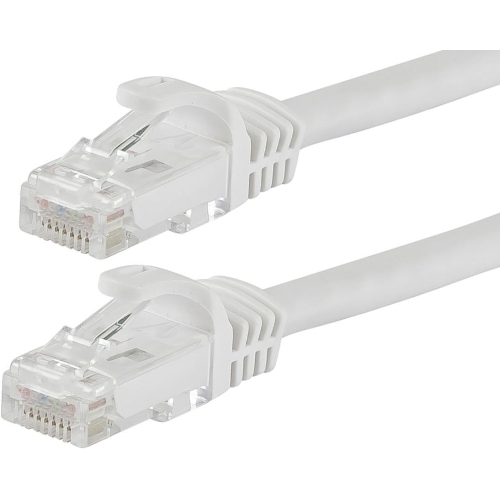
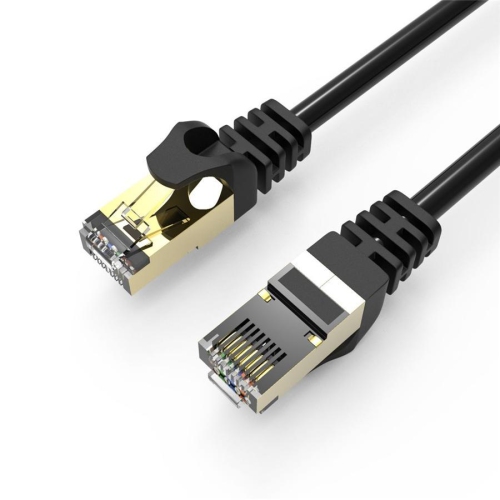
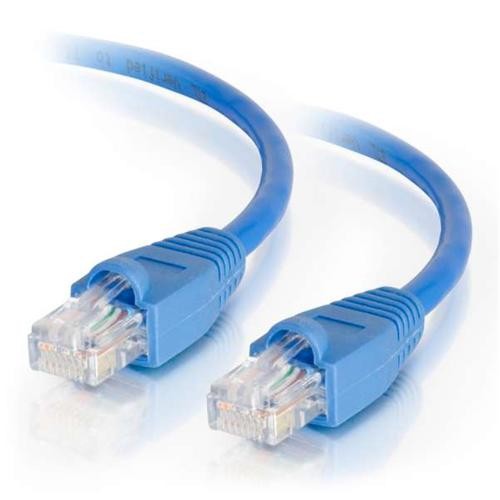
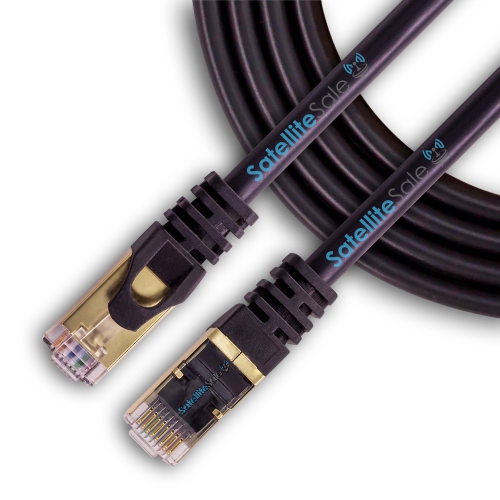
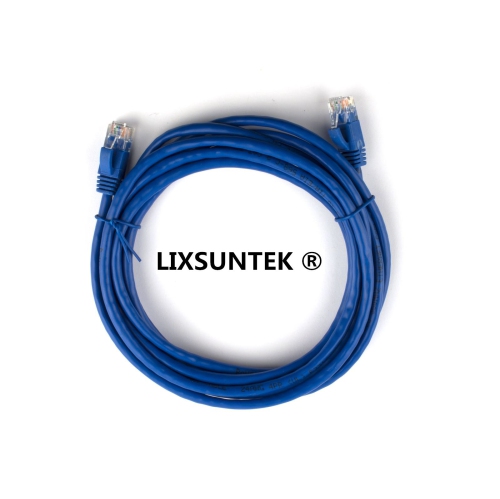
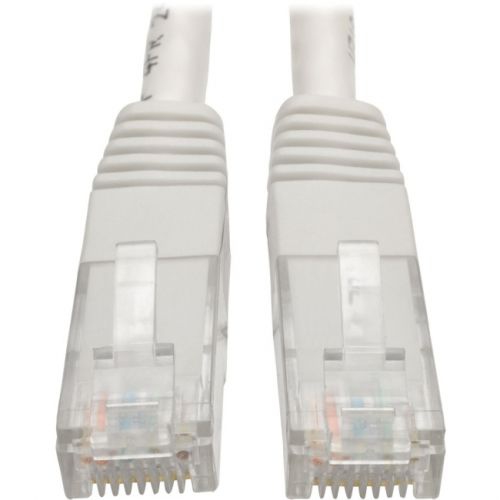
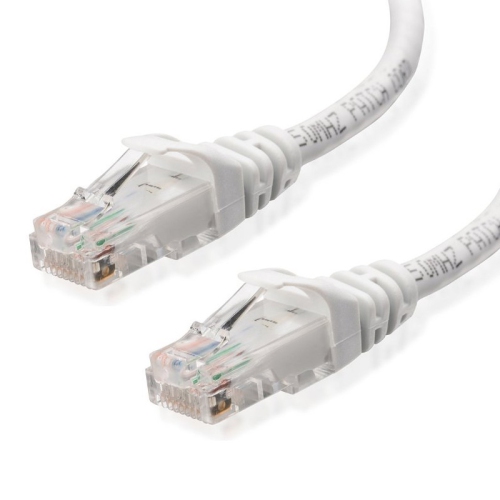
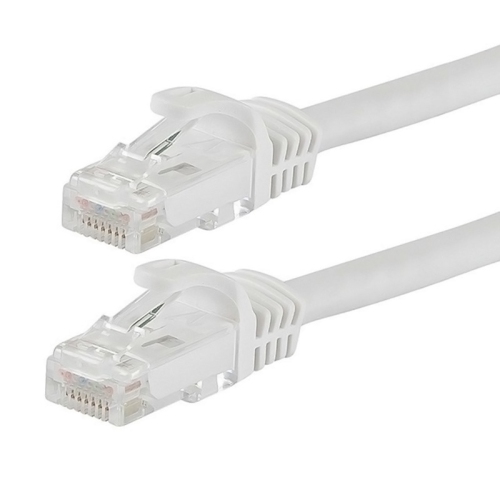
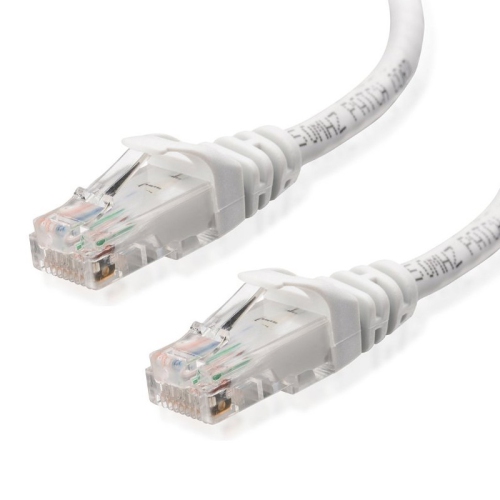
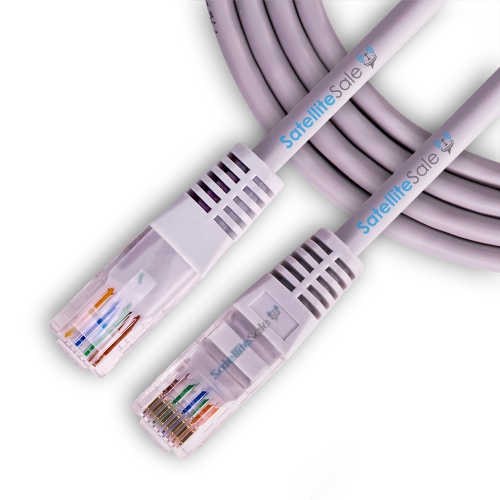

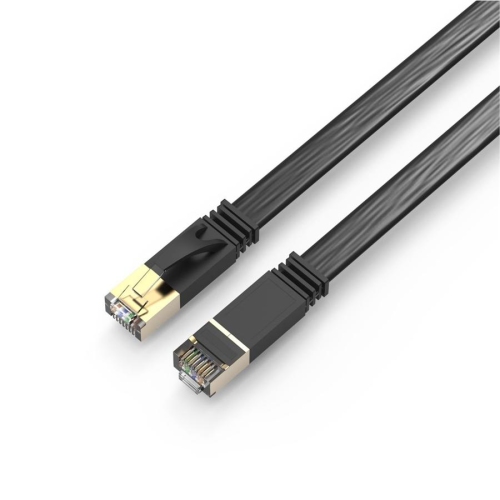
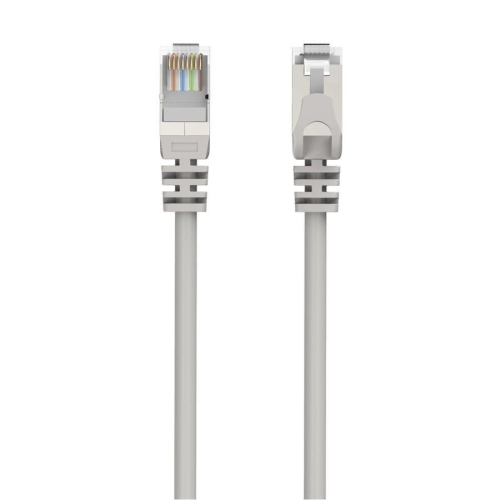
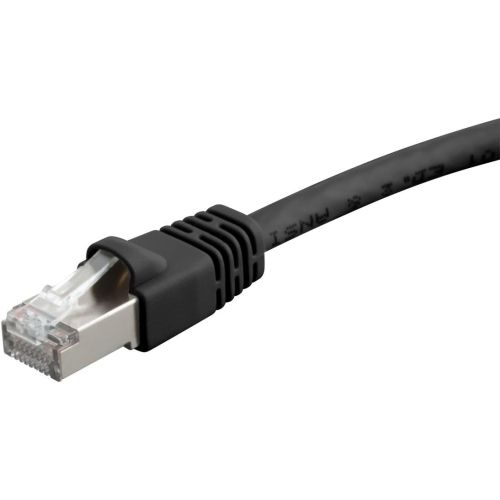
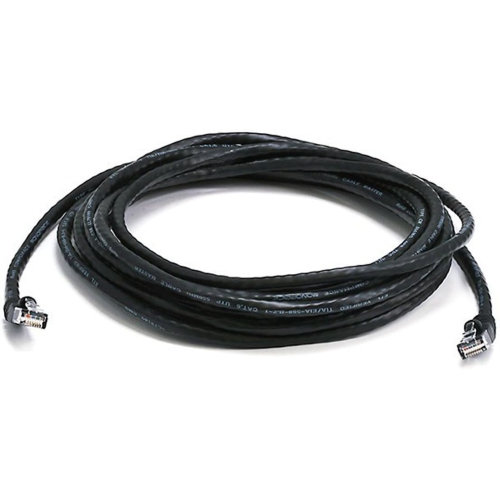
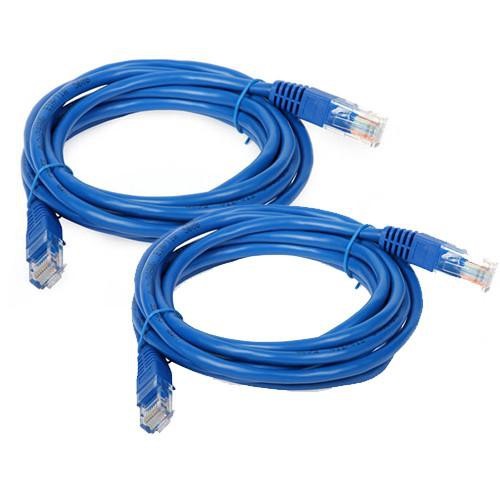
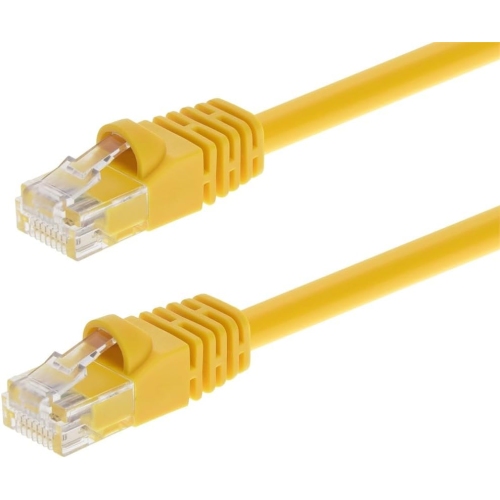
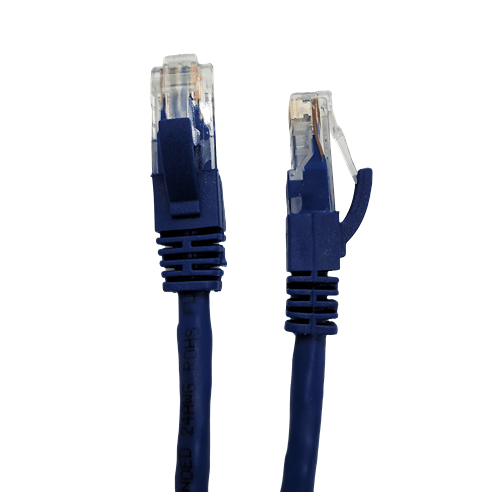
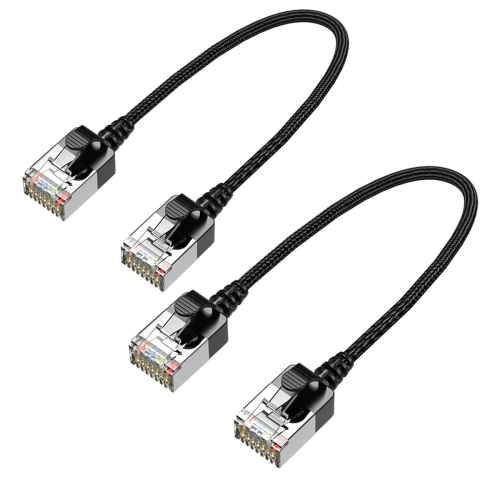
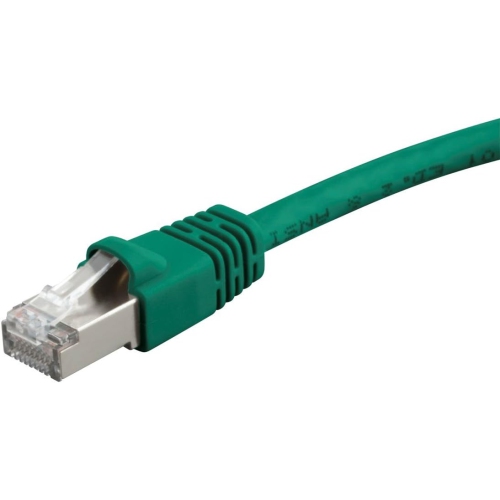
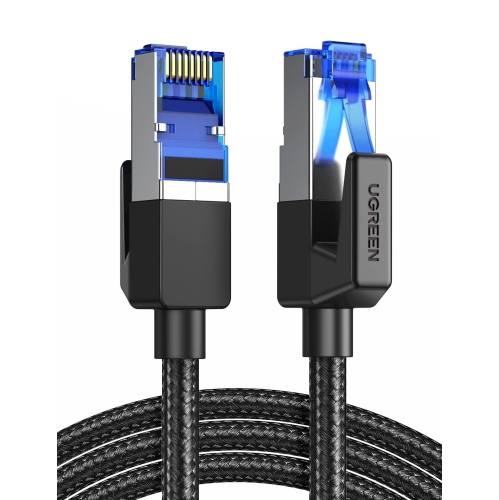
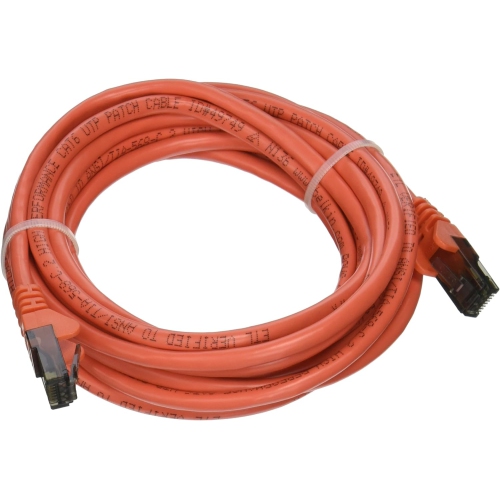
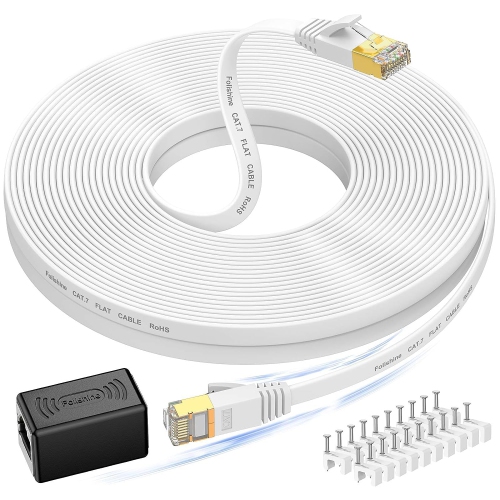
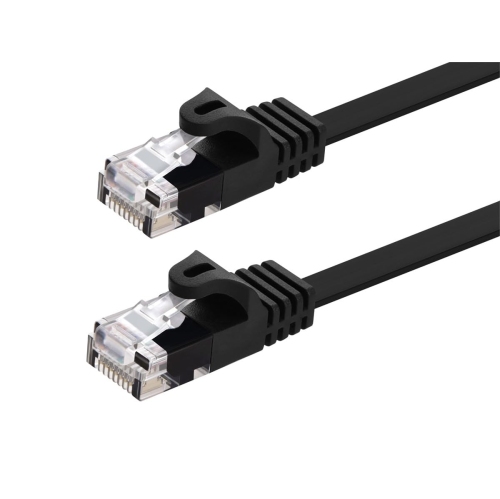
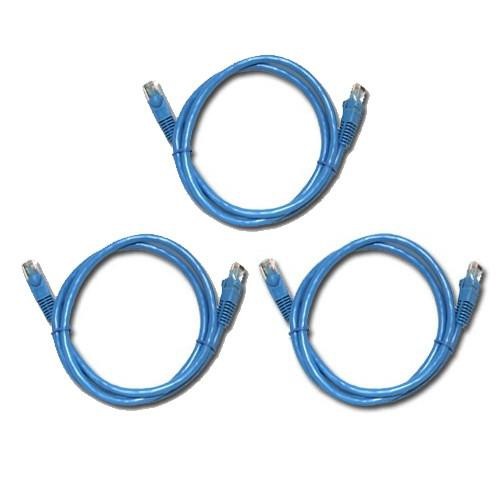
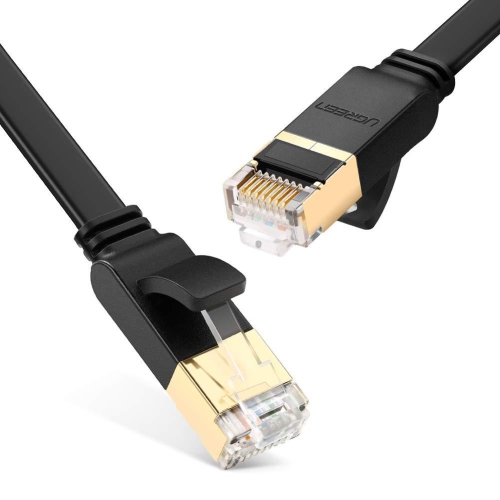
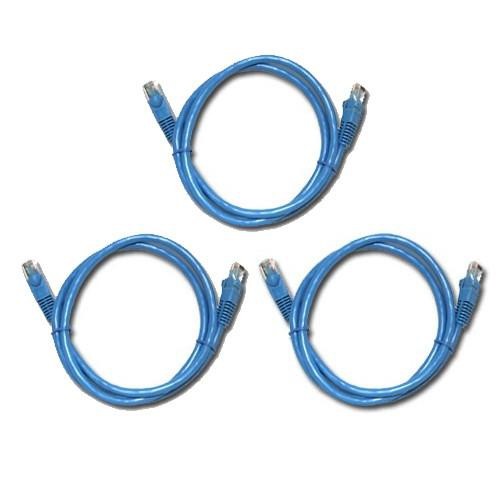
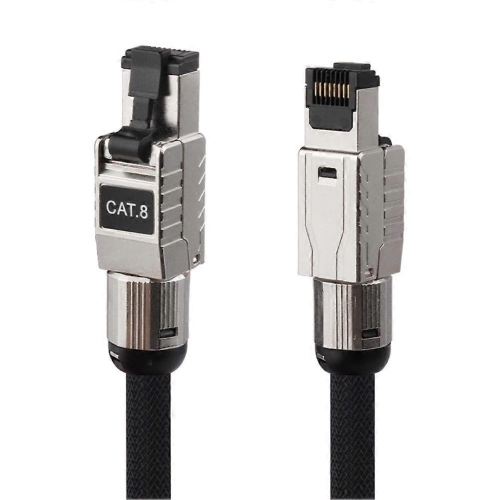
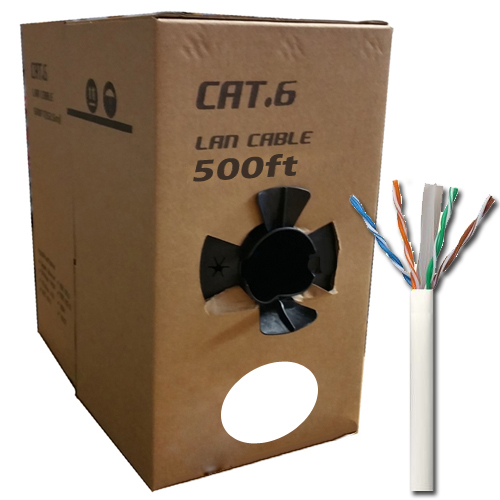
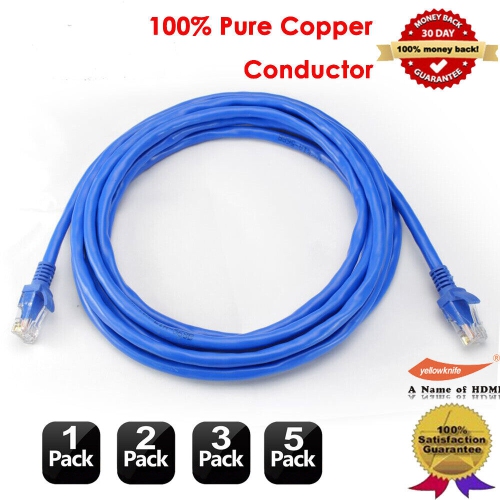
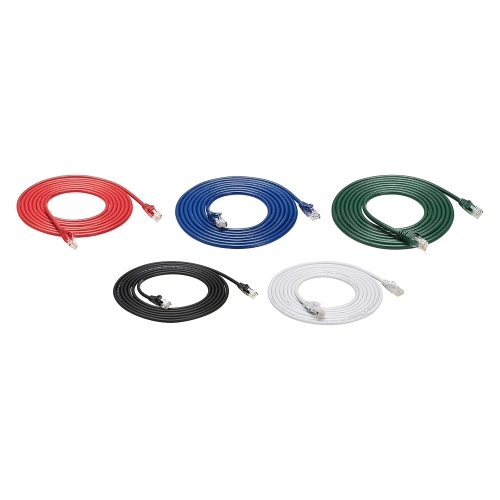
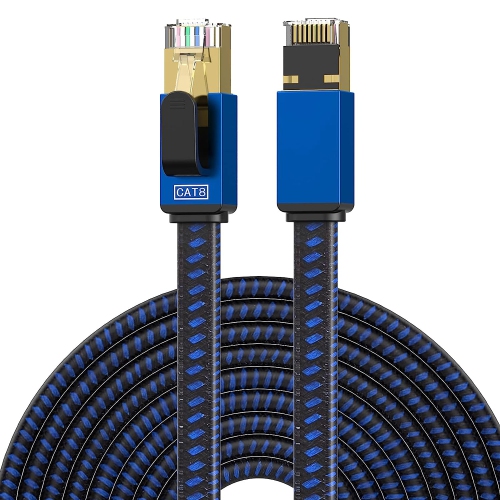

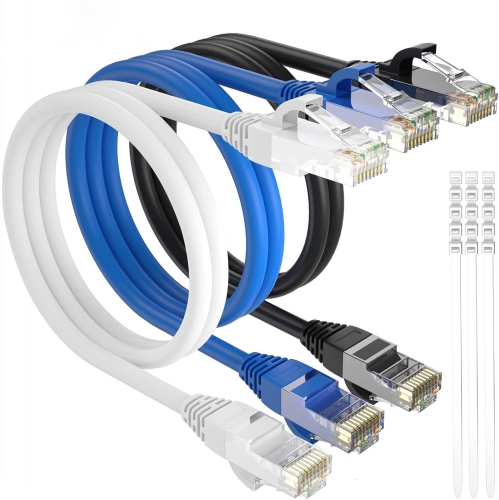
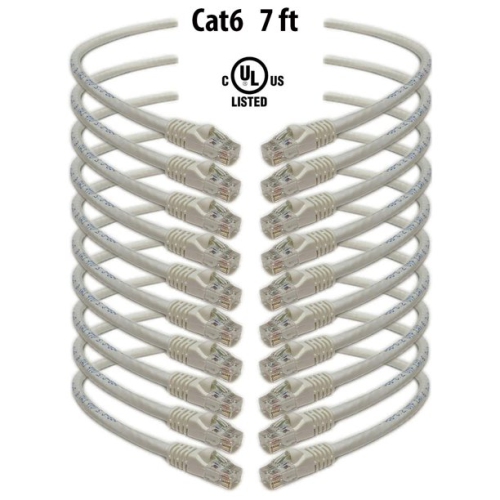
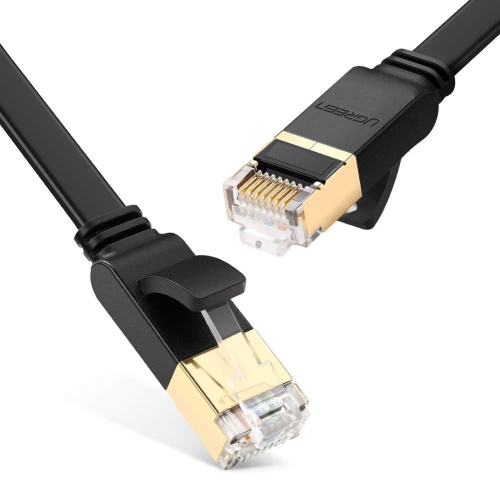
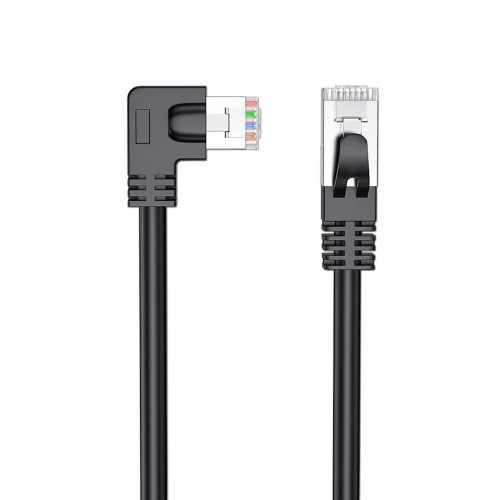
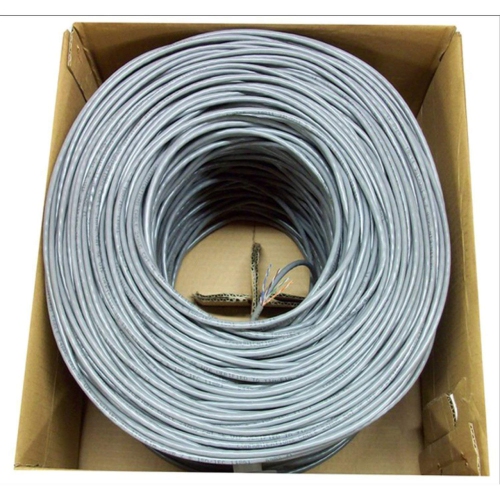
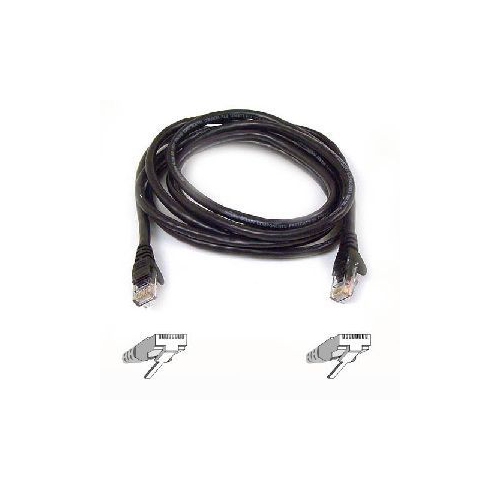


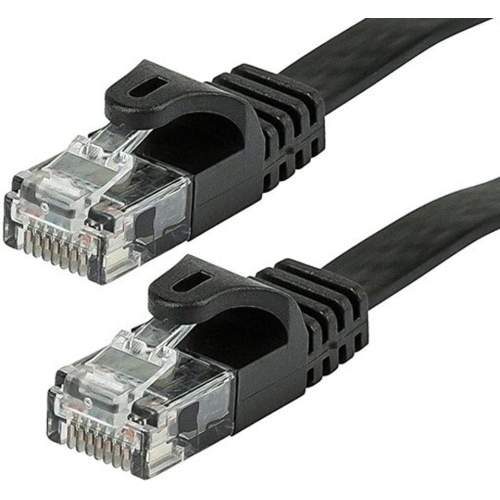
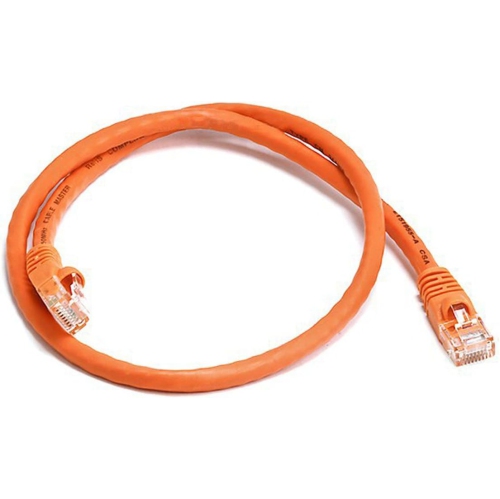
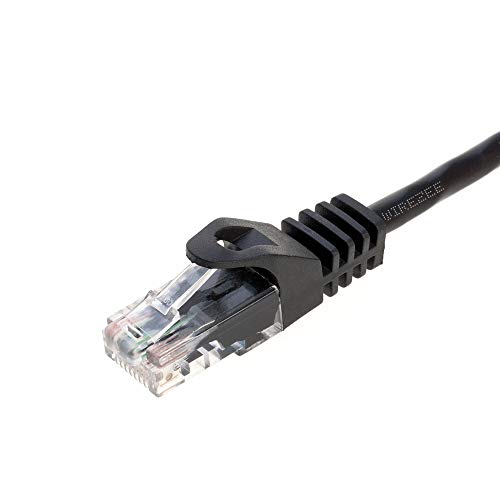
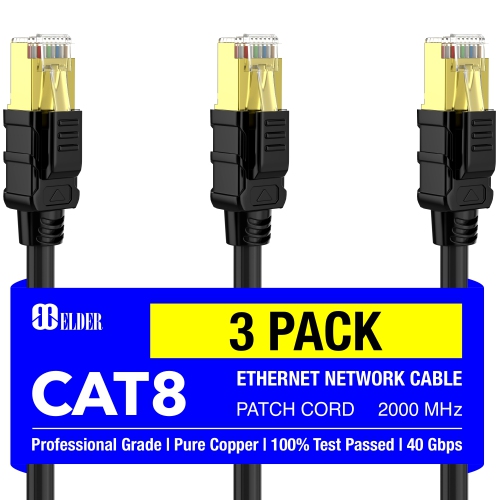
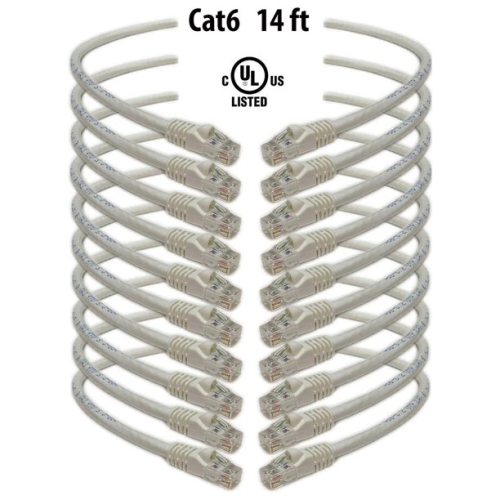
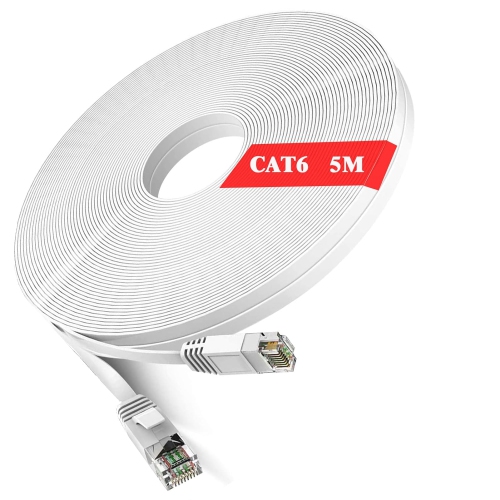
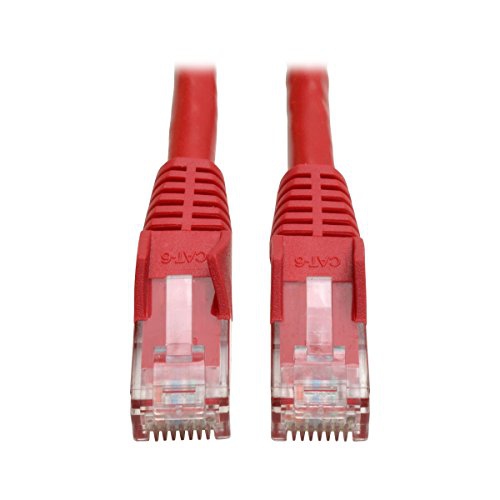
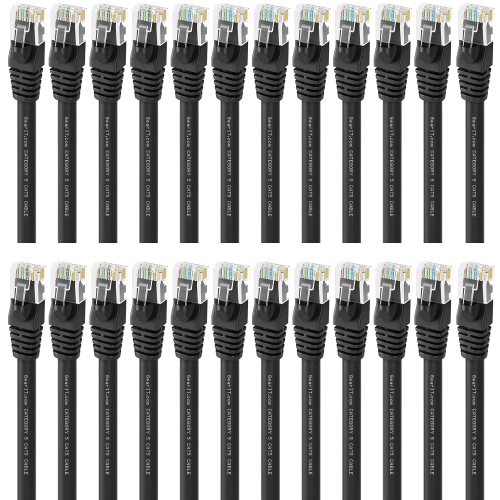
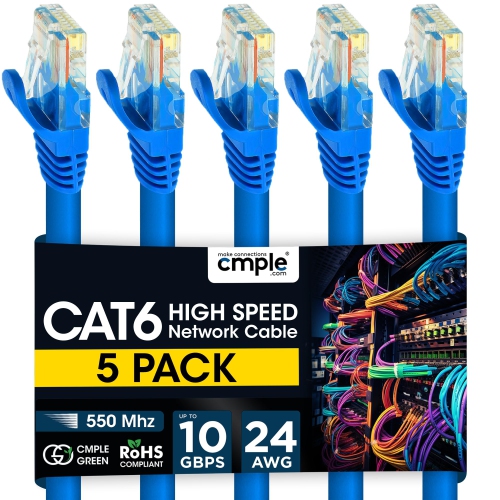
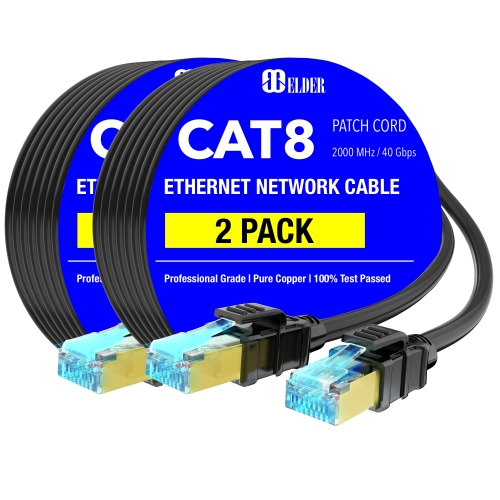
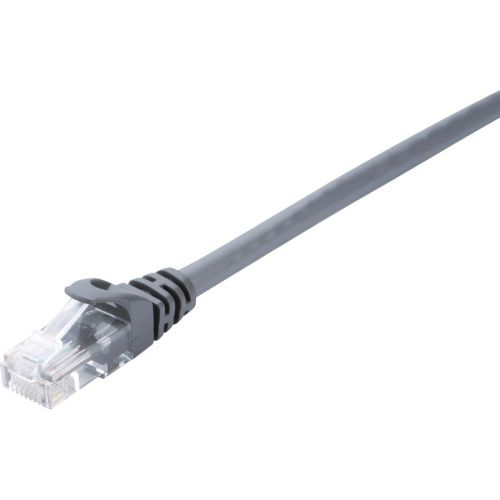
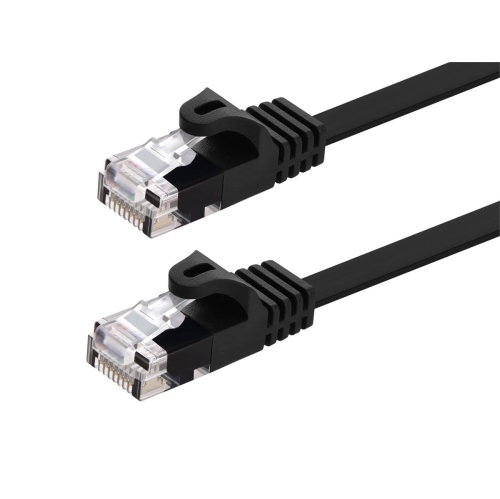
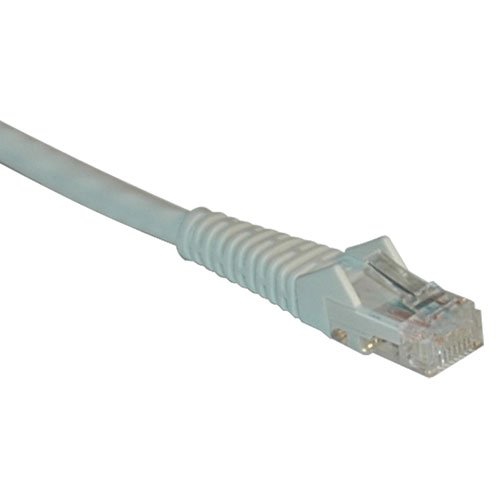

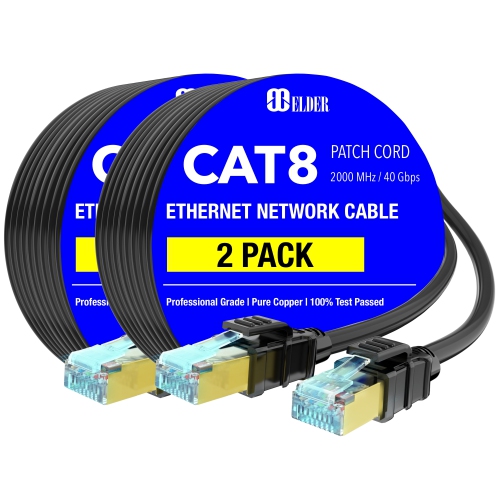
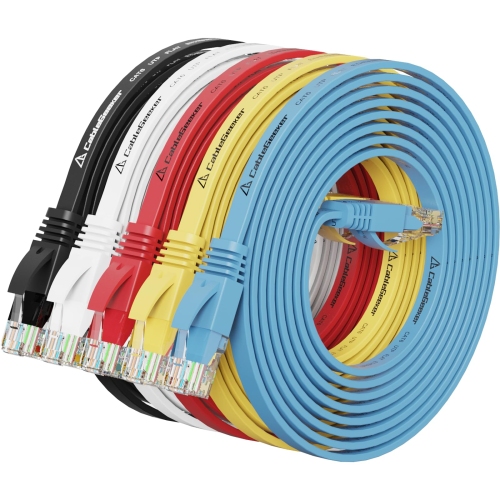

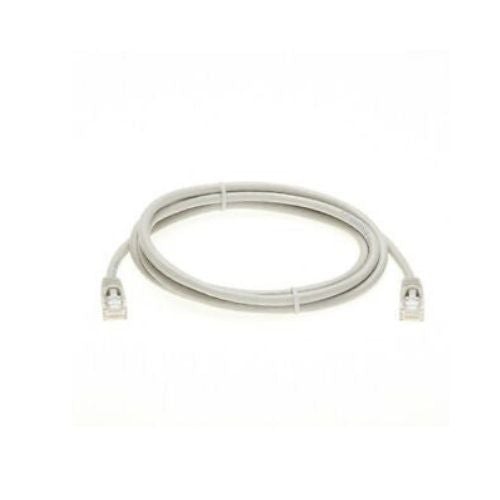
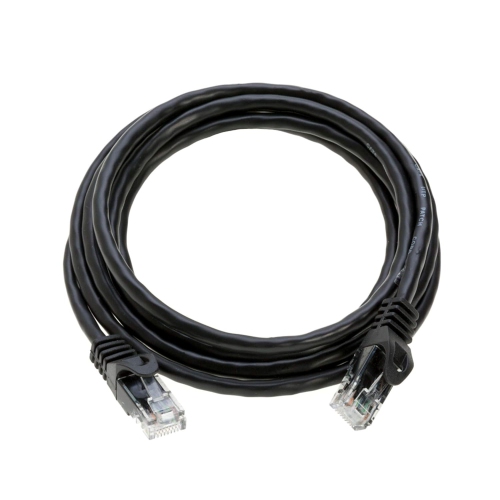
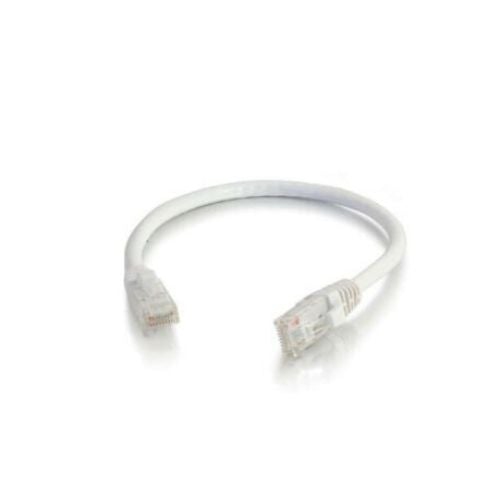
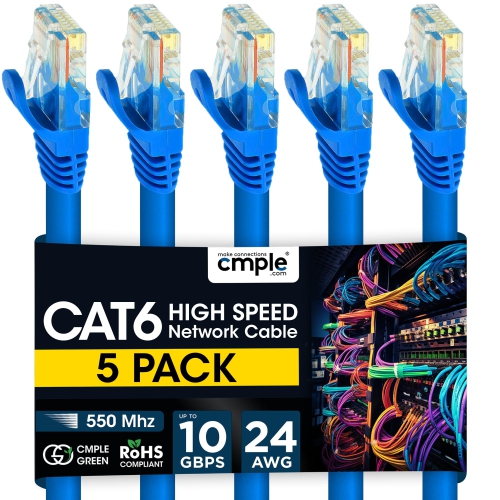
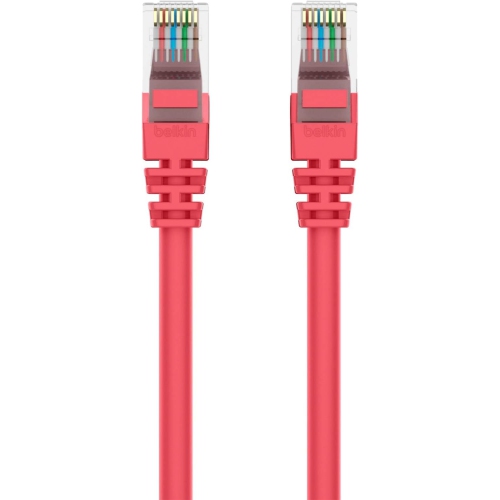

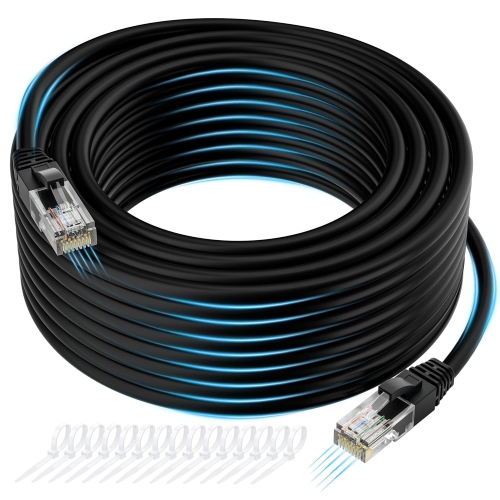
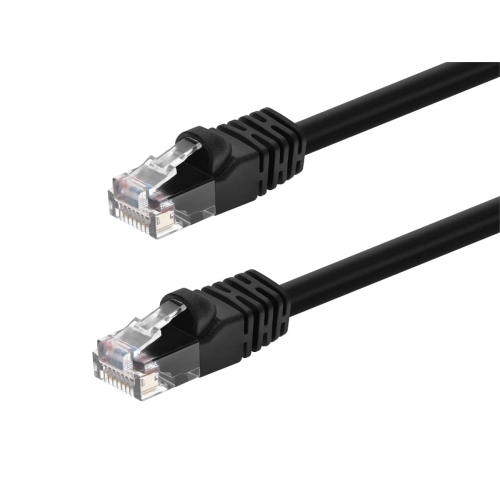
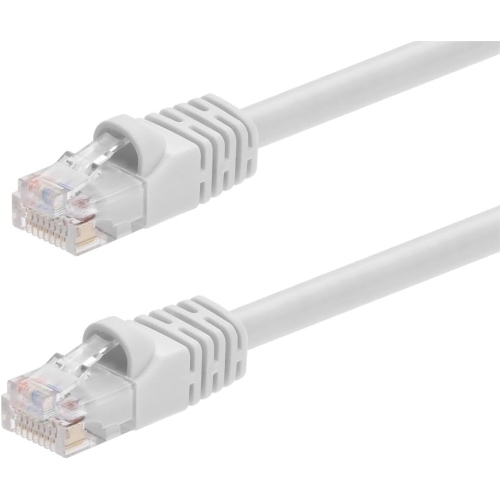
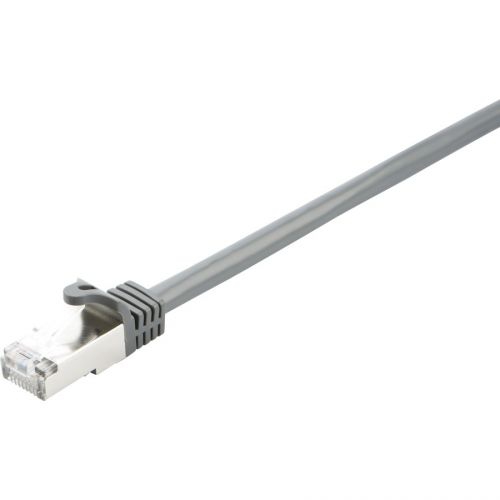
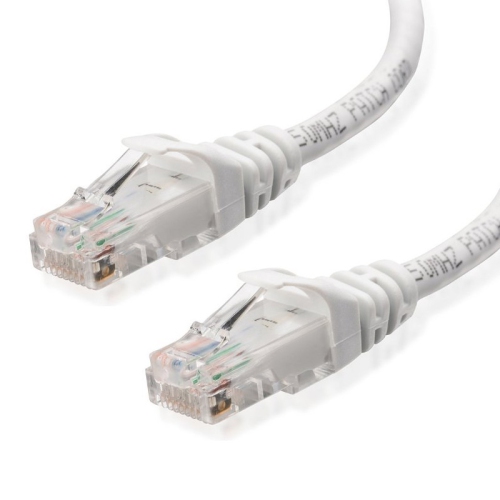
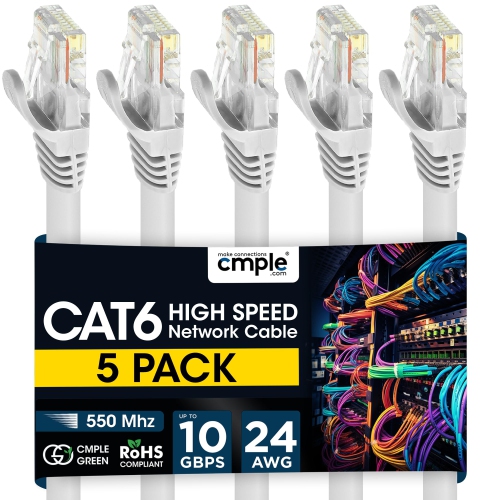
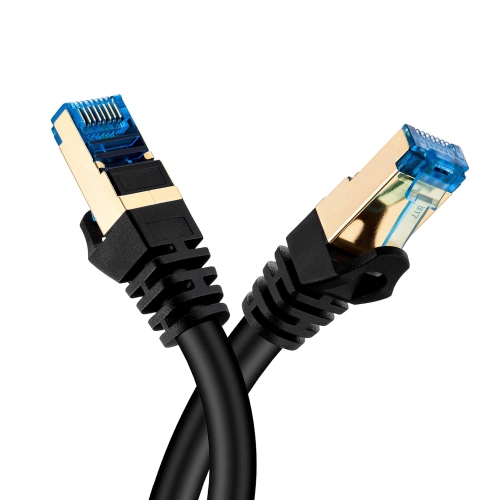
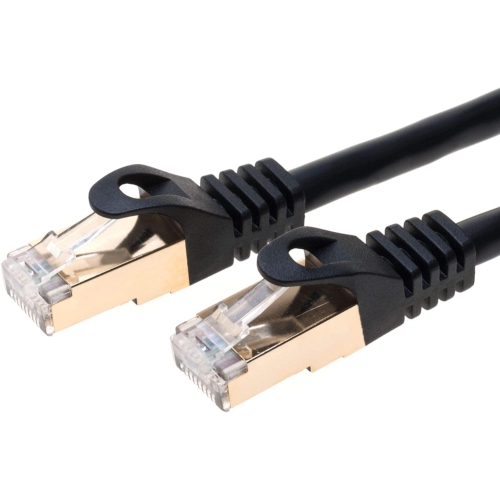
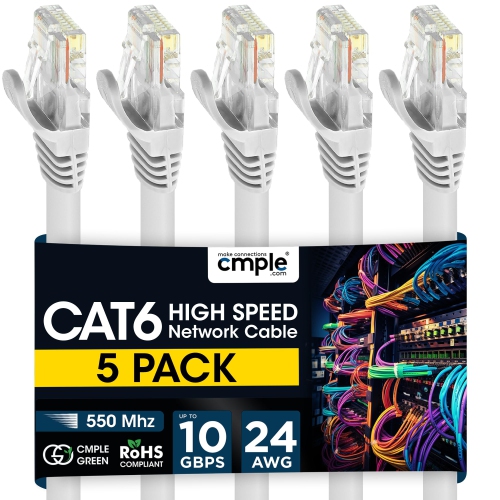
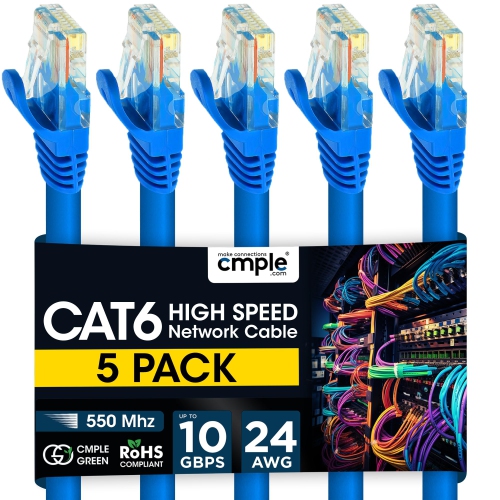
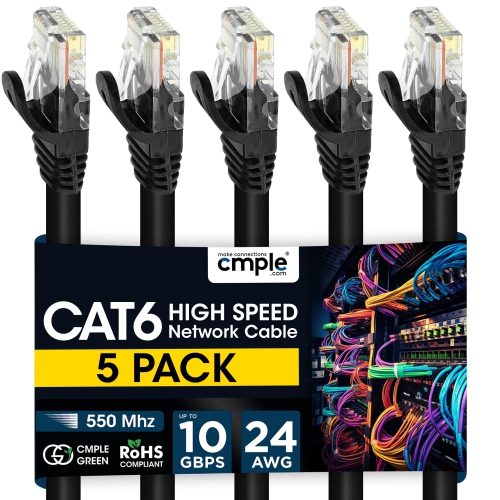
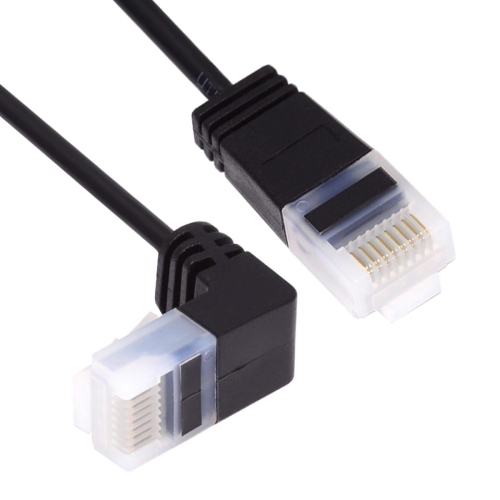
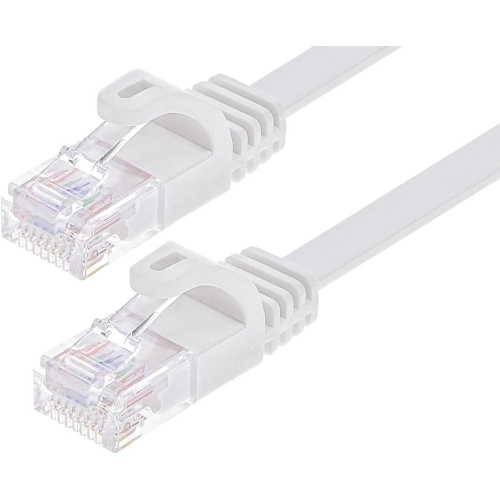
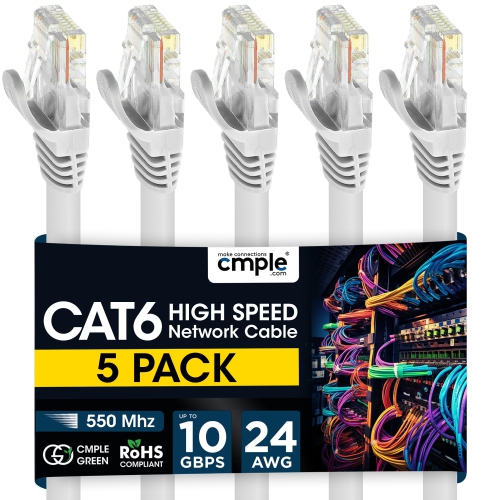
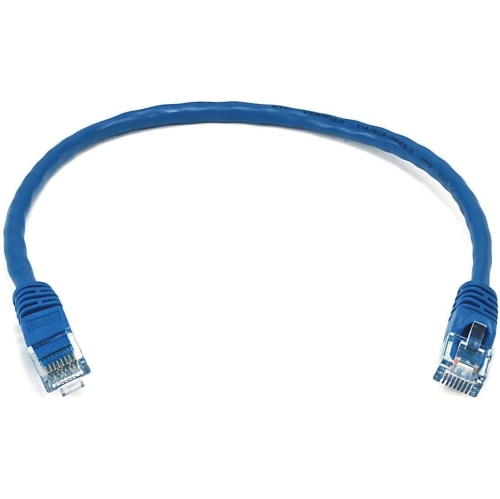
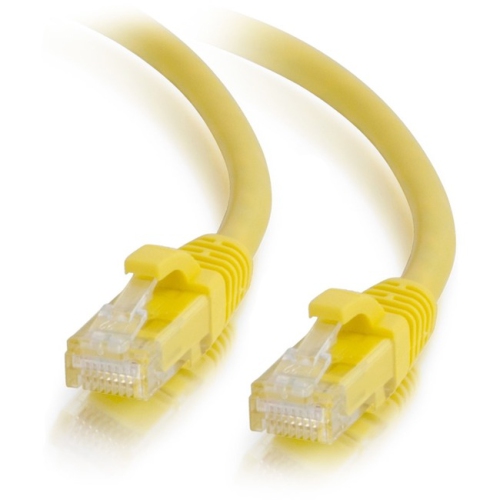
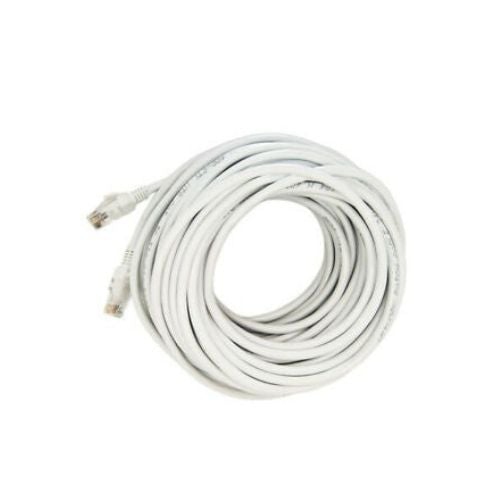
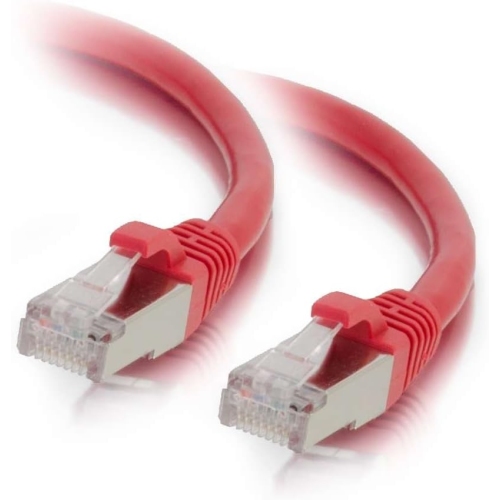
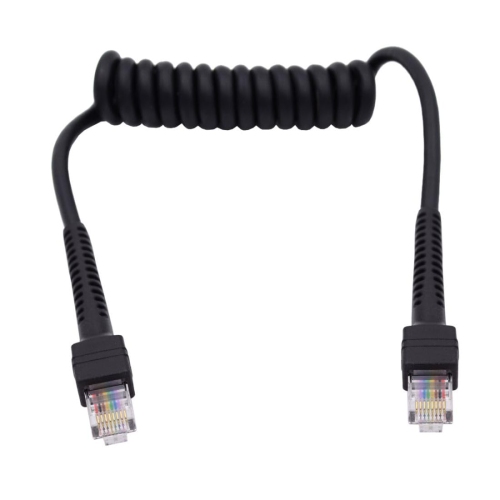
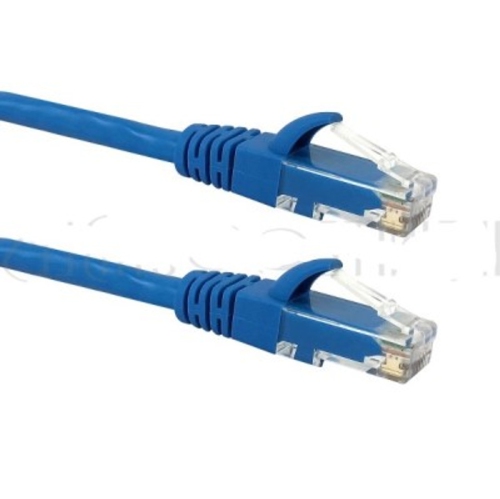
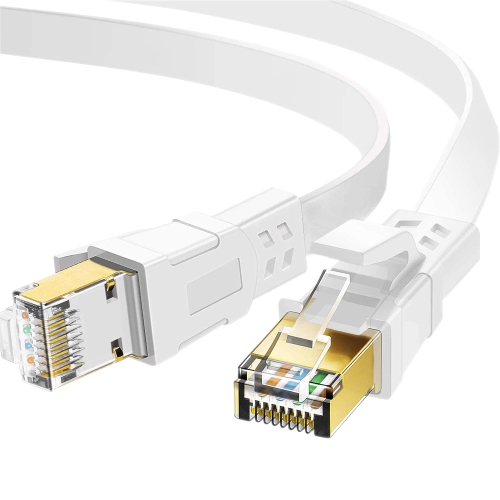
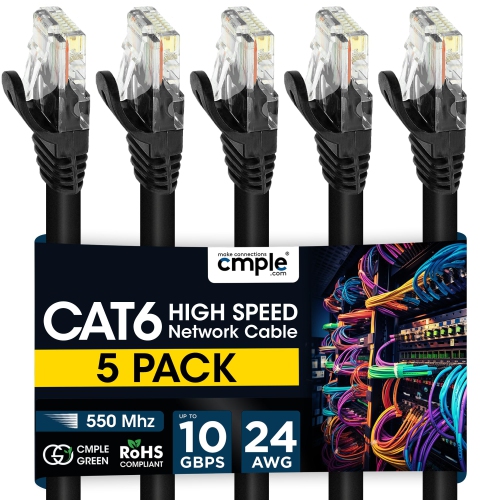
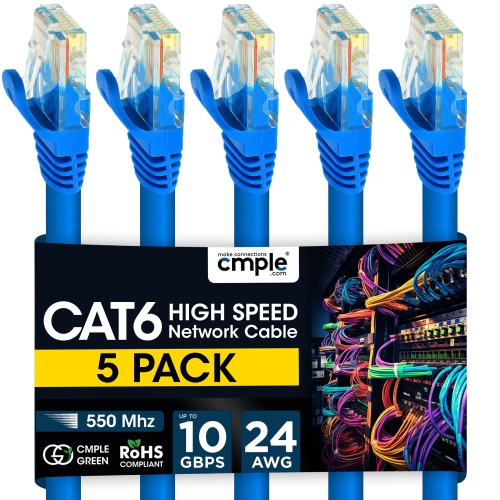
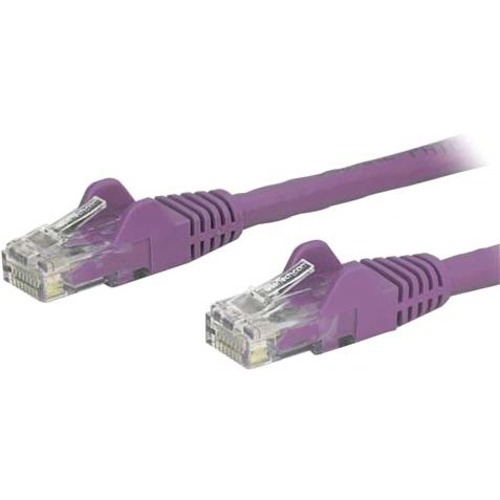
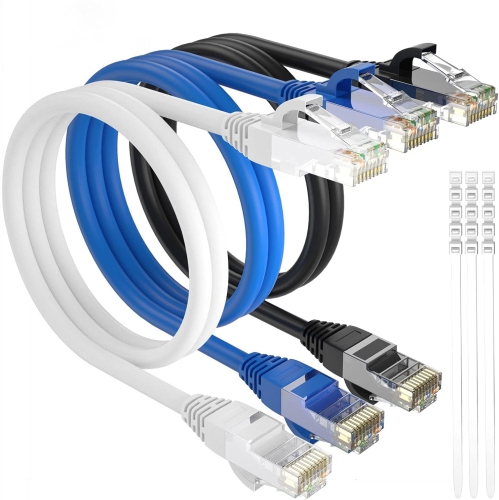
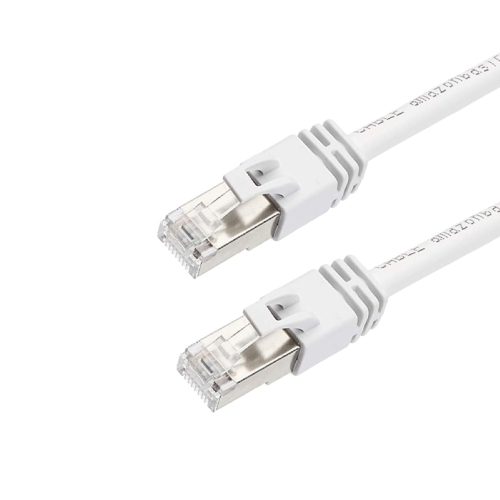
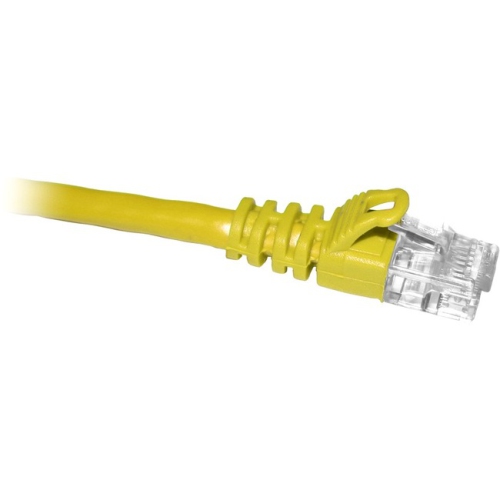
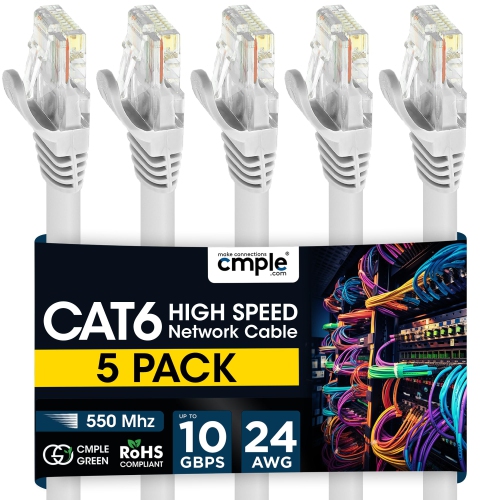
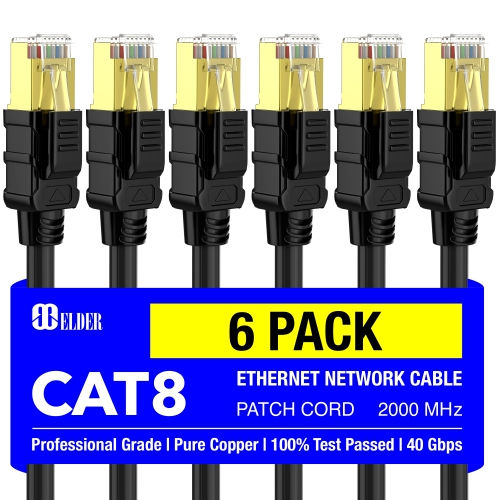

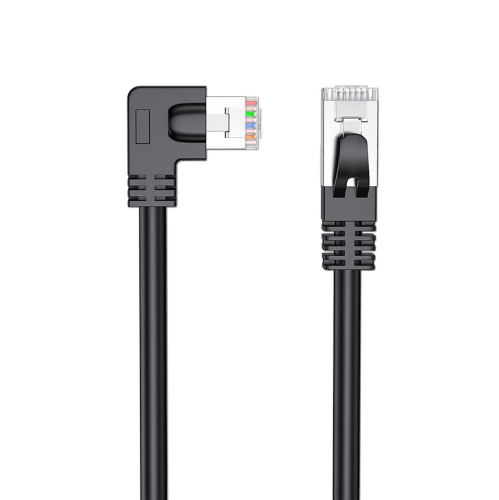
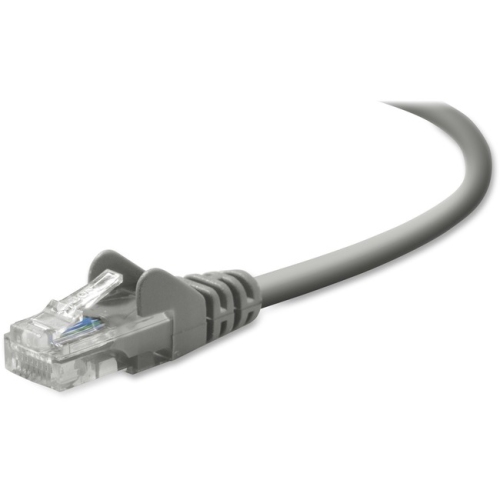
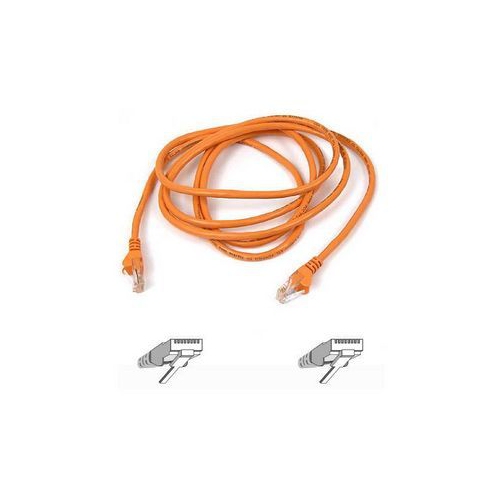
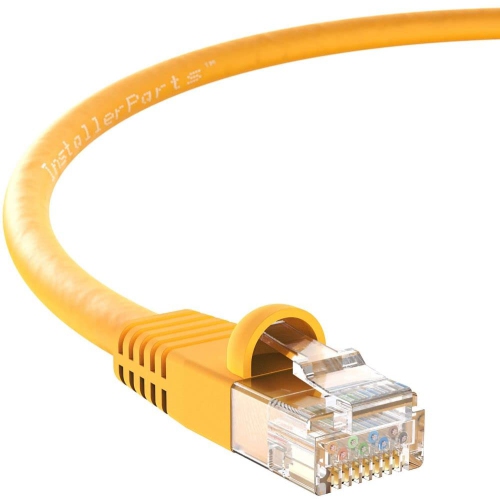
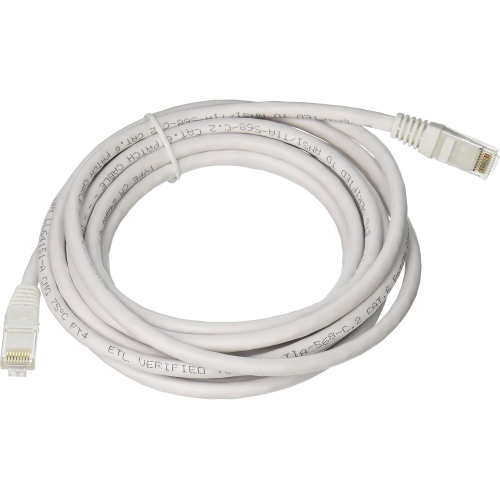
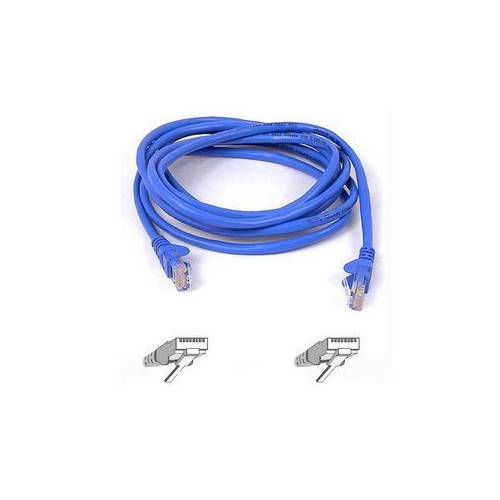
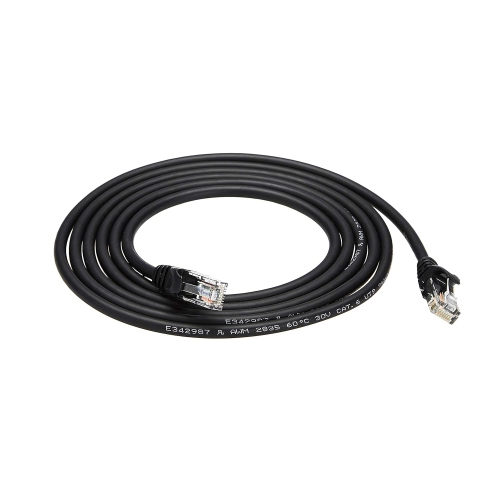
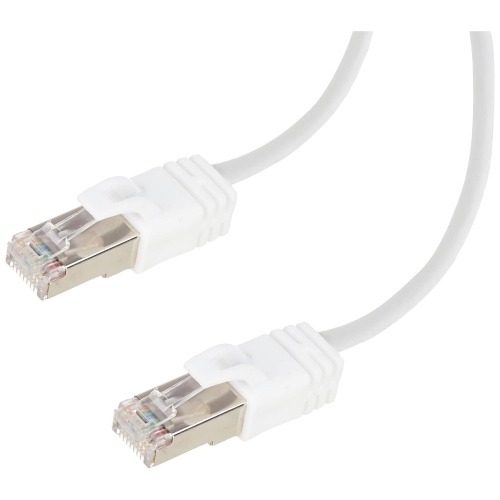
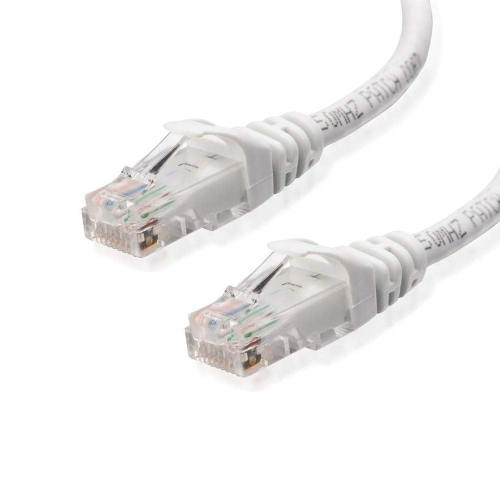
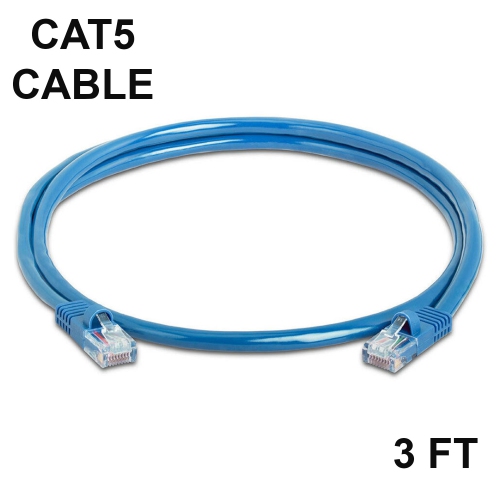
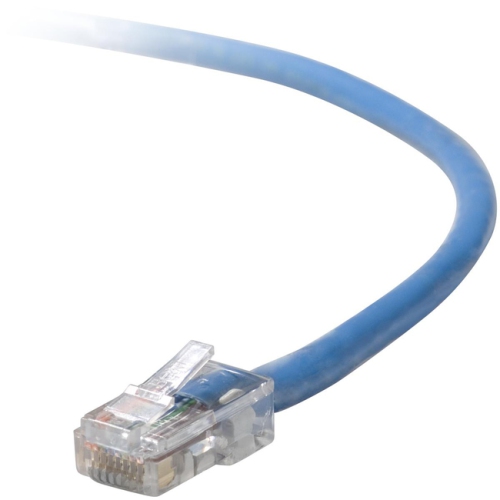
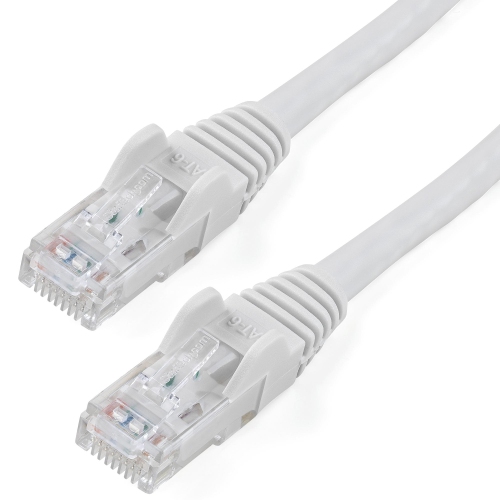
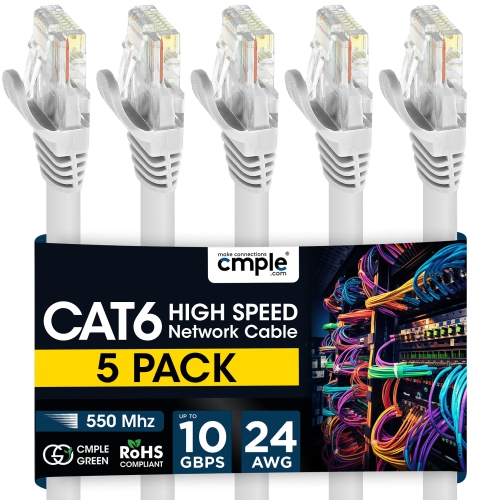
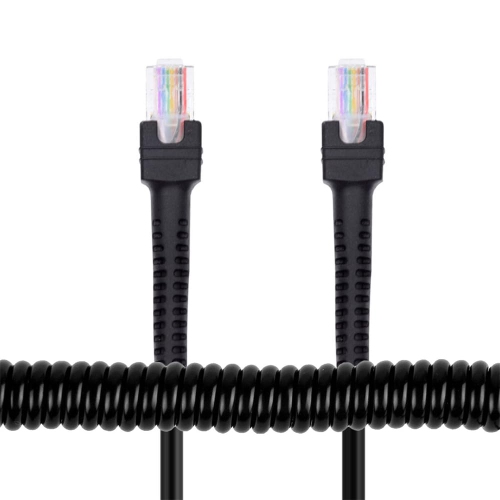
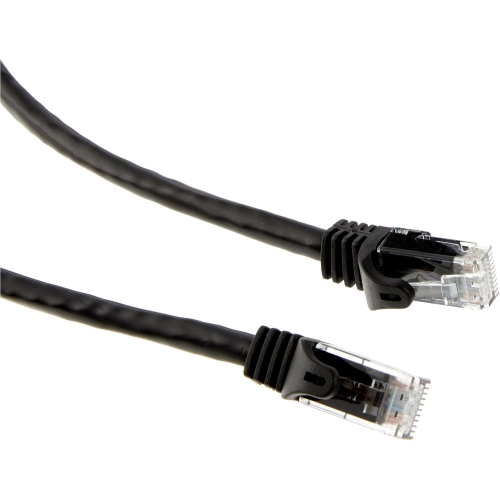
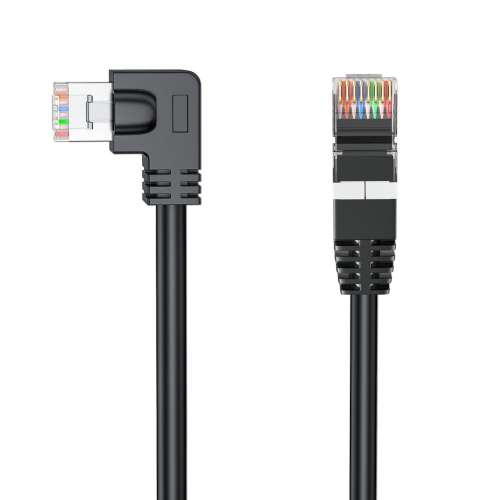
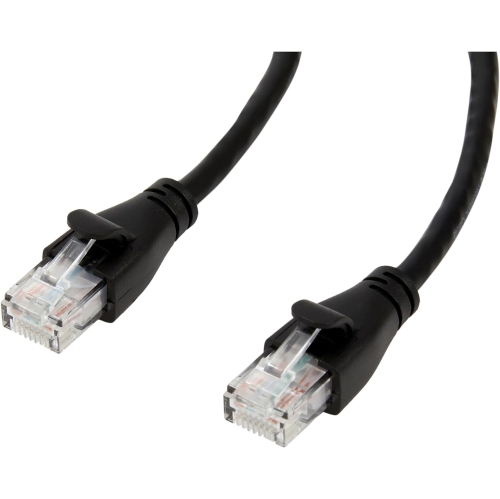
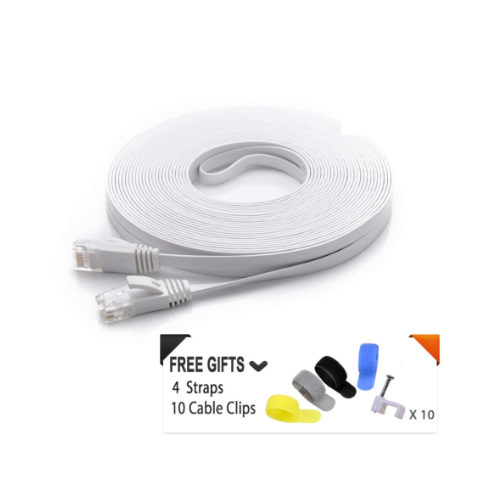
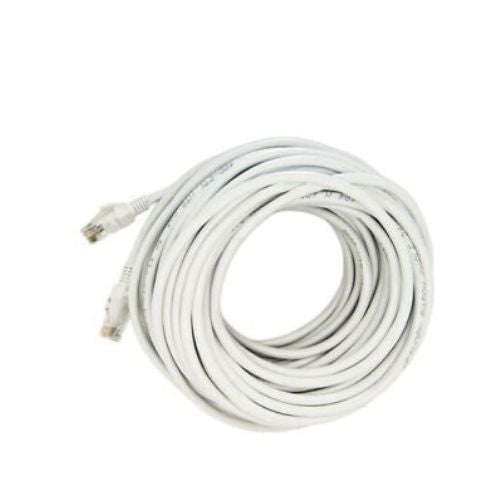
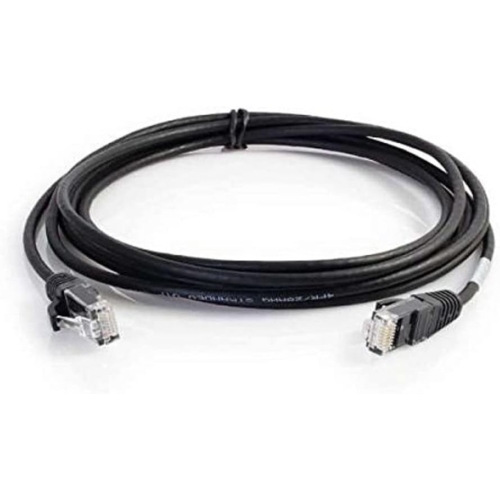
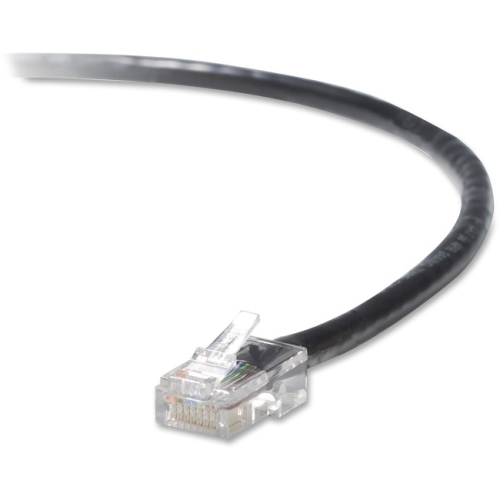
![GENERIC - [Tested With Versiv Cableanalyzer] Cat7 Ethernet Patch Cable -1 Ft (3 Pack) 10G Double Shielded Rj45 S/ftp](https://multimedia.bbycastatic.ca/multimedia/products/500x500/166/16603/16603107.jpeg)
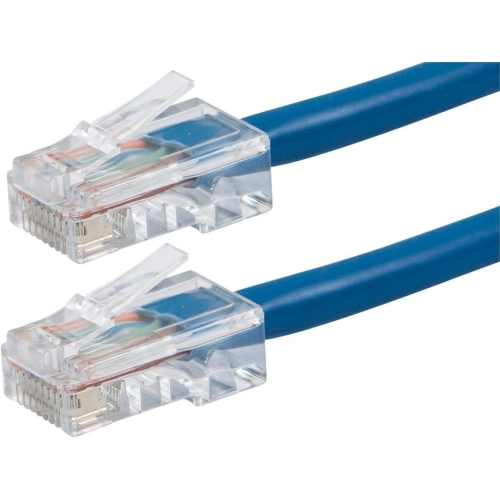
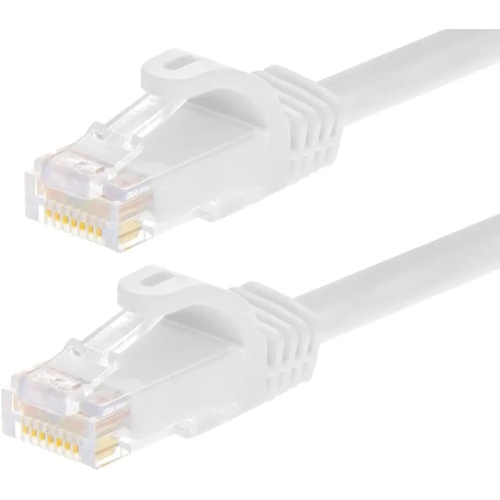
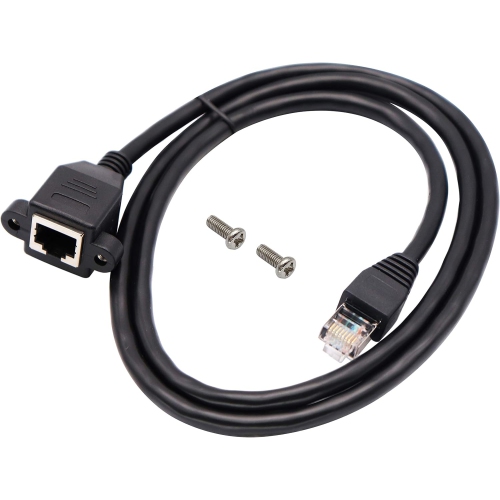
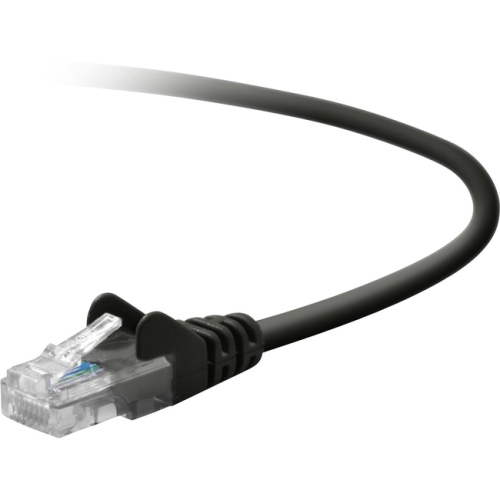
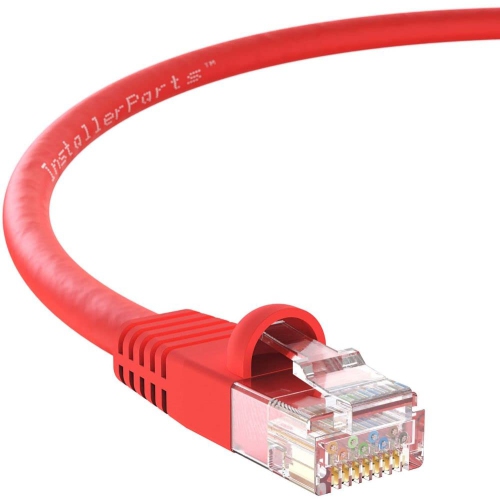
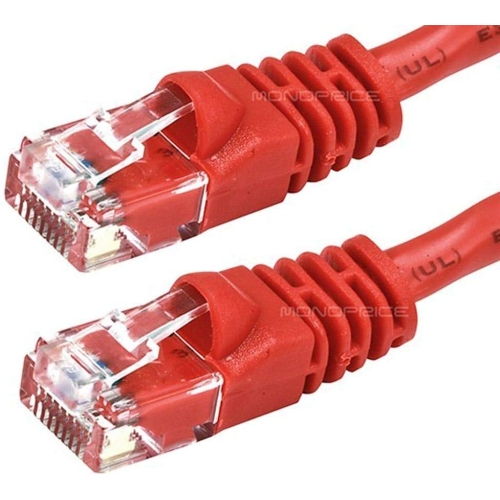

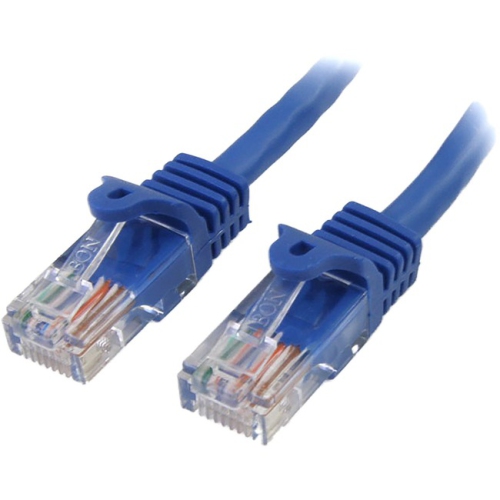
Reliable wired performance across home network setups
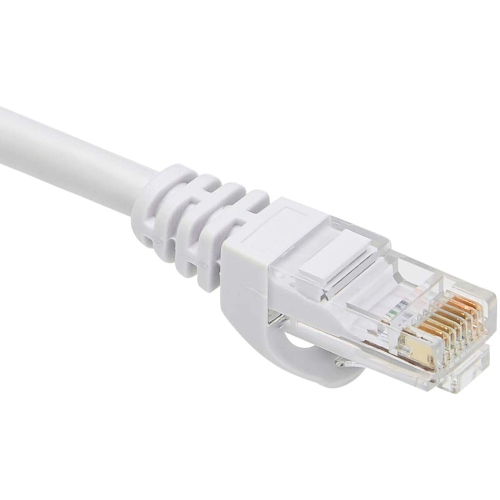
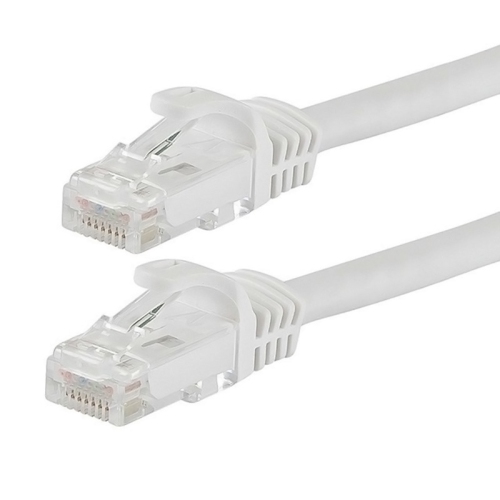
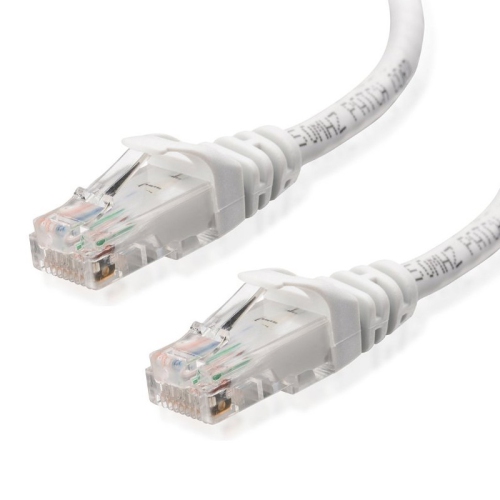
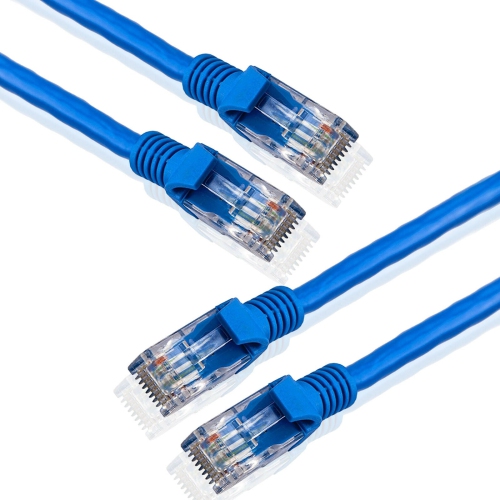
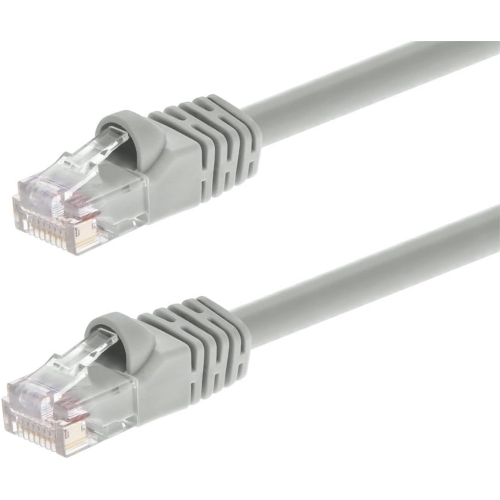
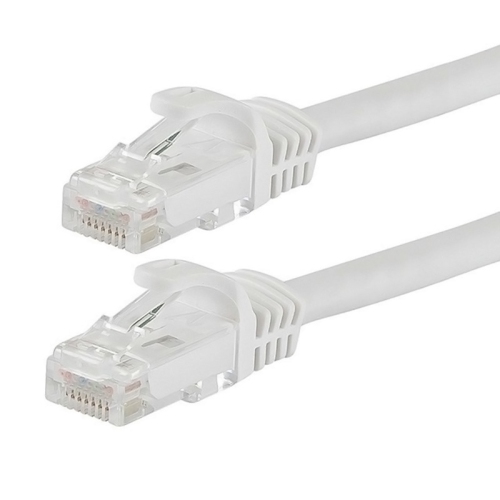
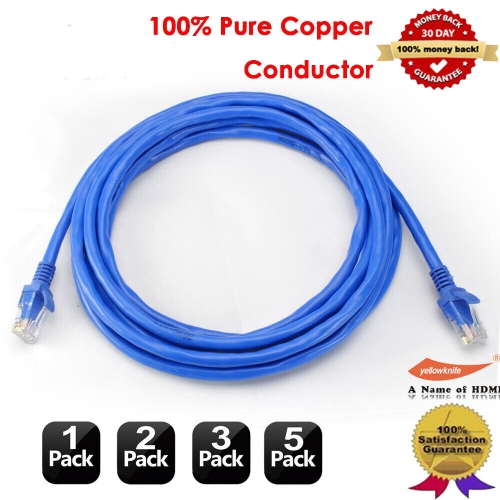
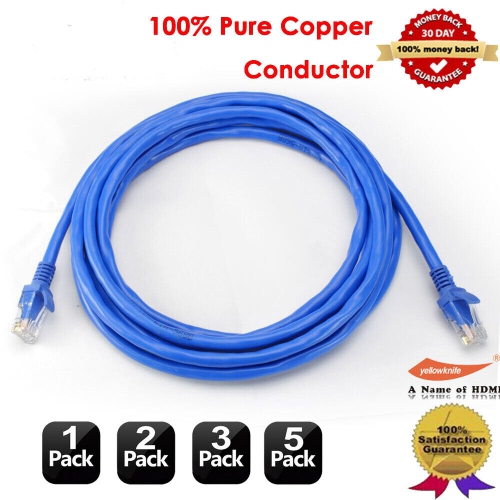
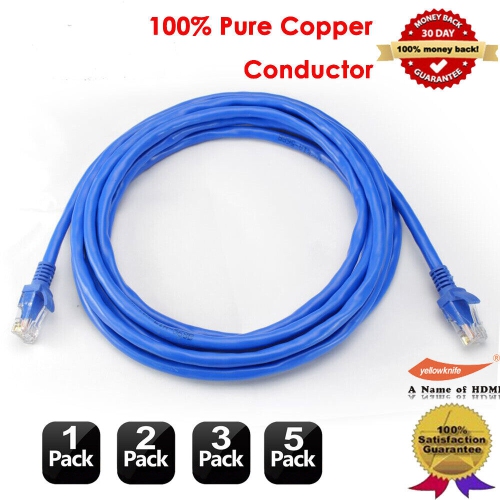
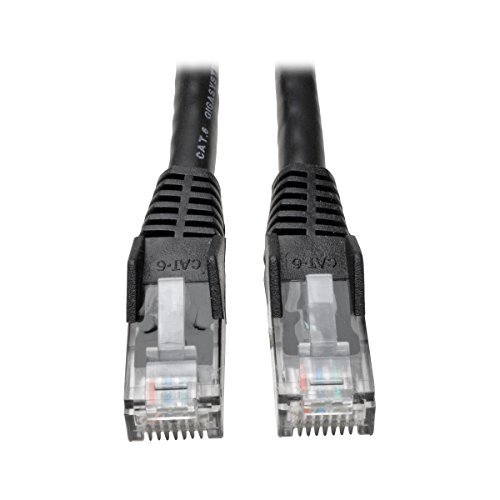
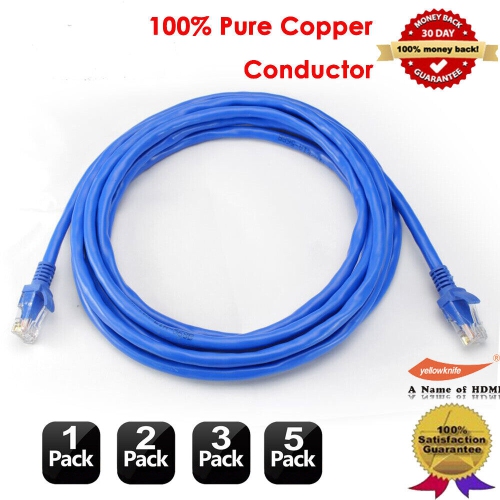
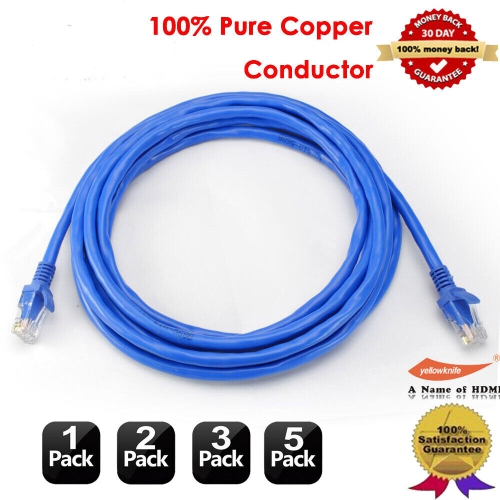
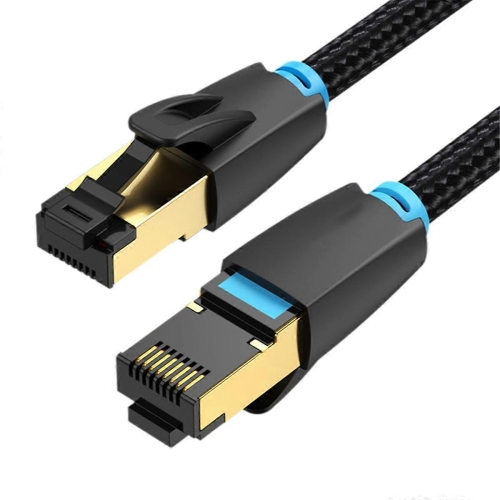
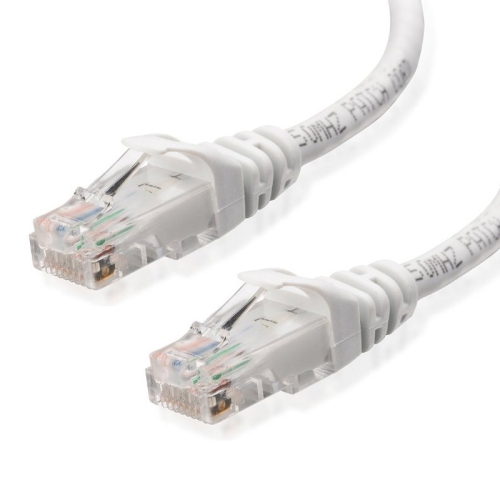
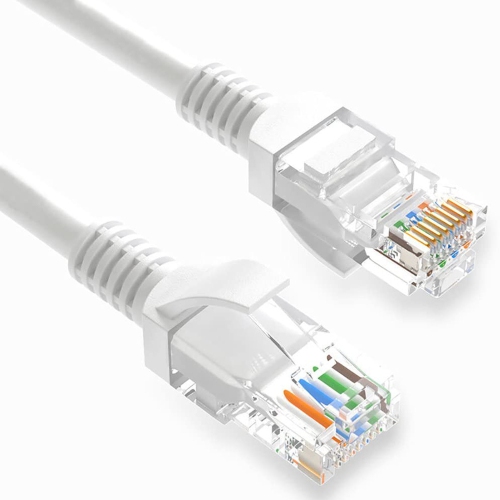
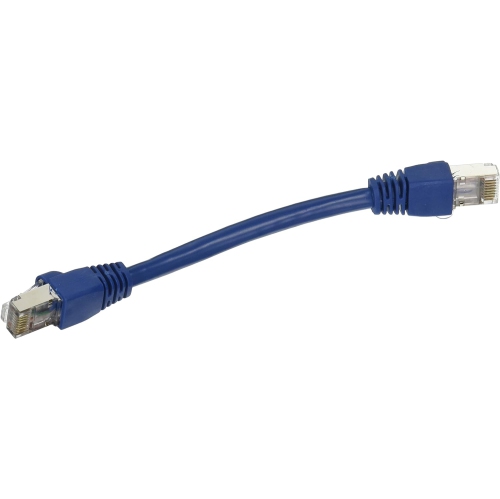
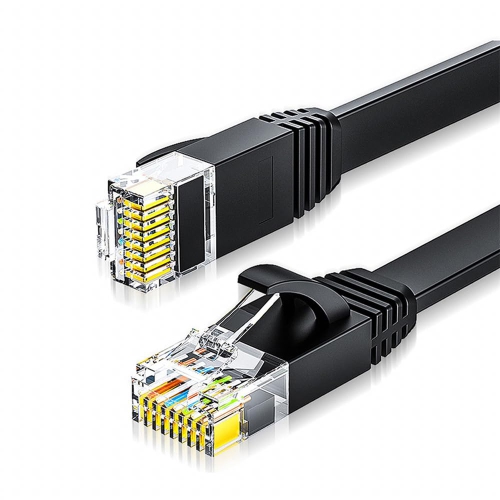
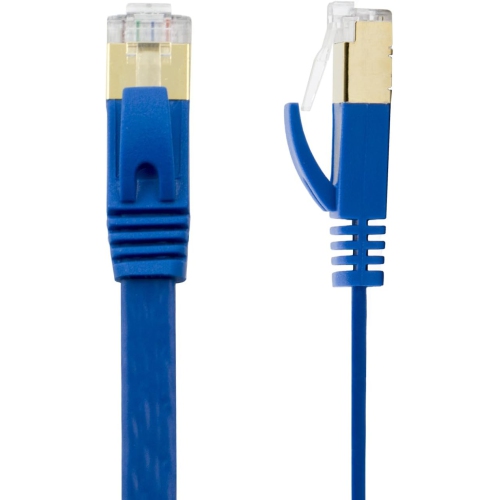
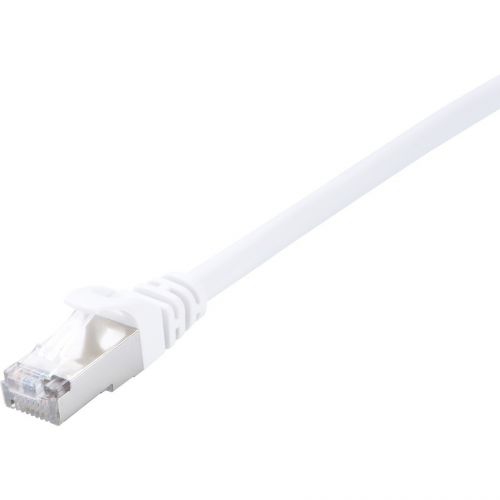
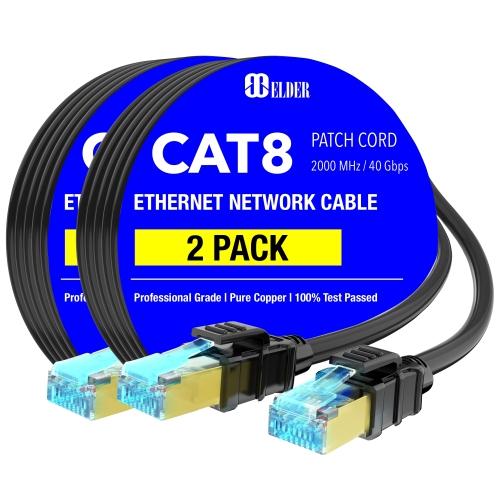
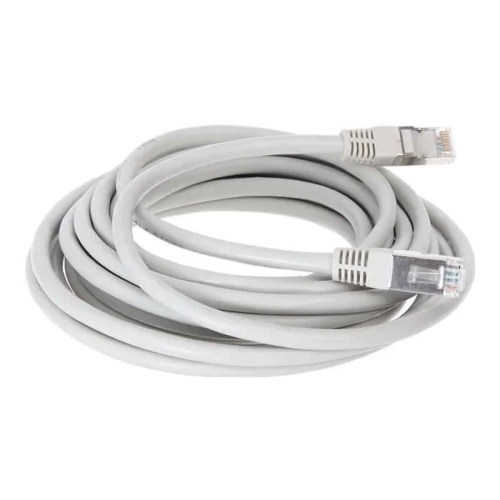
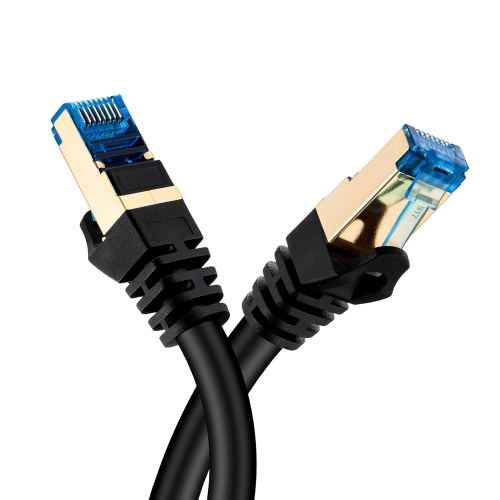
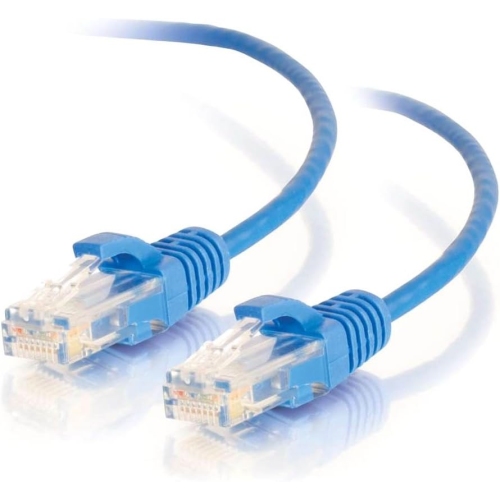
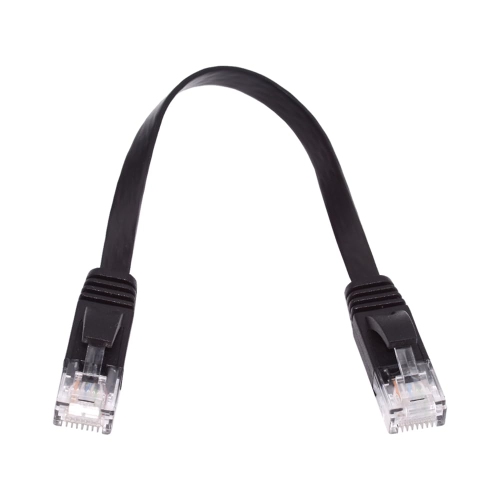
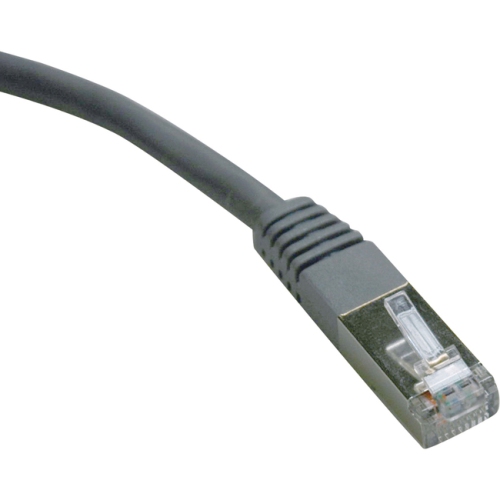
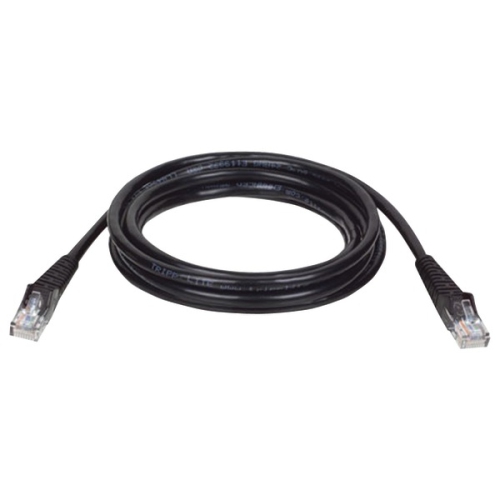
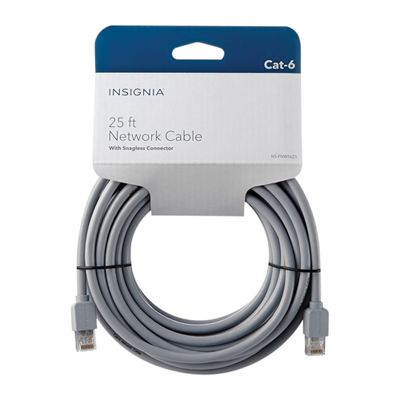
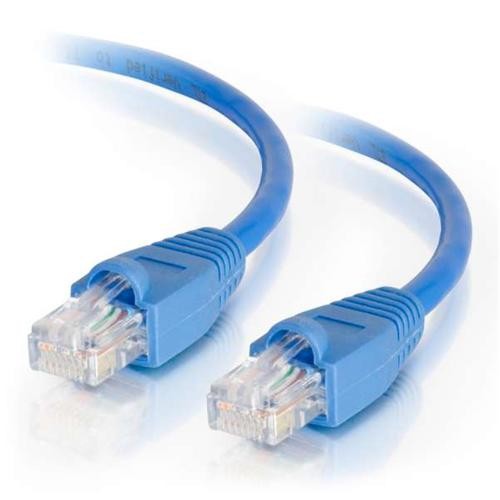
RJ45 network cables, commonly called Ethernet cables, provide a dependable wired connection between compatible devices on a local network. They are used to connect computers, gaming consoles, smart TVs, streaming players, printers, network-attached storage, access points, switches, and routers. The familiar connector at each end is often referred to as an RJ45 plug, although the more precise technical term is an 8P8C connector, meaning it has eight positions and eight electrical contacts. Those contacts meet the eight small metal pins inside a network port, allowing data to travel through the individual twisted wire pairs inside the cable. A wired connection can be especially useful when a room has thick walls, a busy wireless network, or a device that sits too far from the router for a consistently strong Wi-Fi signal. It can also help reduce the interruptions that sometimes affect wireless connections during online gaming, video calls, high-resolution streaming, file transfers, or other activities that benefit from a steady link. Many people use a short cable to connect a desktop computer beside a router, while longer cables can run around a room, along a baseboard, behind a media cabinet, or between floors when a more distant device needs network access. For a neat installation, consider where the cable will travel before choosing its length. A cable that is too short may pull against its connectors, while one that is much longer than necessary can leave a loose coil behind furniture. Leave enough slack to move equipment for cleaning or maintenance, but avoid sharp bends, tight knots, and locations where the cable may be pinched under a chair or walked on regularly. Strain relief boots can help protect the connector clip from catching or breaking when the cable is handled, which is useful in workspaces, entertainment areas, and network cabinets that are accessed often.
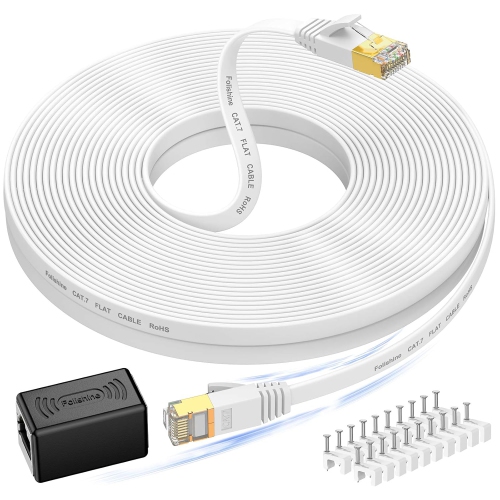
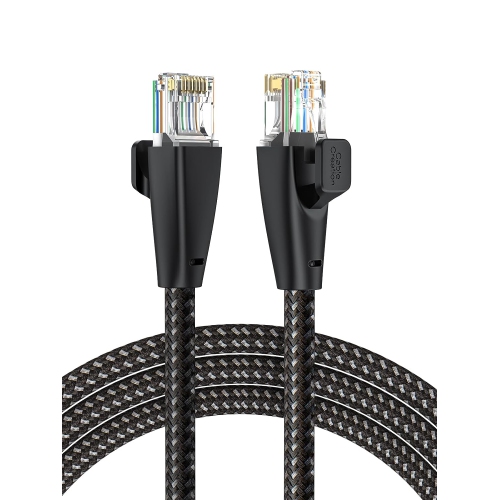
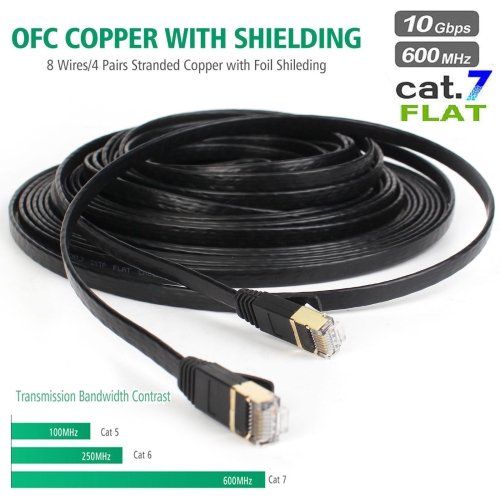
Cable category is one of the most important purchasing considerations. Cat5e cables support Gigabit Ethernet speeds up to 1 Gbps at a bandwidth of 100 MHz and are well suited to many everyday home internet connections, office setups, printers, smart TVs, and other standard network devices. Cat6 cables support 1 Gbps at up to 100 metres and can support speeds up to 10 Gbps over shorter distances, with a bandwidth of 250 MHz and construction designed to provide better separation between signal pairs. They are a practical choice for newer home networks, busy households, home offices, gaming areas, and anyone planning for faster networking equipment in the future. Cat6a cables are designed for 10 Gbps networking over longer distances, generally up to 100 metres, and support bandwidths up to 500 MHz. They can be a suitable choice for demanding installations, larger homes, workshops, media servers, or professional environments where higher data rates and longer cable runs are important. Some cables are labelled Cat7 or with other higher-category designations; when comparing them, check the stated speed, frequency, shielding, connector compatibility, and installation requirements rather than relying on the category name alone. The speed of a network connection is limited by the slowest part of the connection, so a high-category cable will not make a basic router or internet plan operate beyond its capabilities. However, selecting a suitable category can help create a reliable link between current equipment and future upgrades. Cable construction also matters. Unshielded twisted pair cables are flexible and commonly used in homes and offices, while shielded cables can provide additional protection against electrical interference in areas with dense wiring, motors, or other sources of electromagnetic noise. A solid-core cable is typically intended for fixed, in-wall or structured wiring, while stranded cables are more flexible and commonly used as patch cables between nearby devices. Before purchasing, confirm that the cable has the connector type required by the equipment and that its length, flexibility, colour, and jacket design suit the intended location.
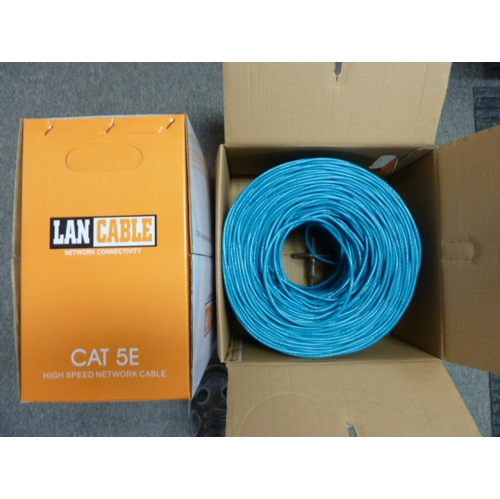
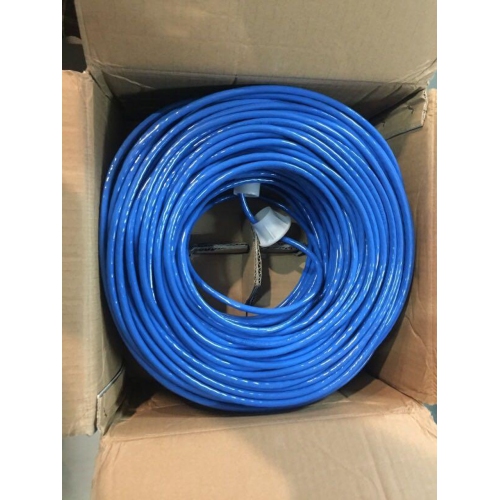
Choosing between a ready-made patch cable and a cable intended for custom termination depends on the installation. Pre-made cables are convenient for connecting devices immediately and are available in a range of lengths for desks, entertainment units, network shelves, and other common arrangements. A bulk cable can be useful for a more involved wiring project where each run needs a precise length, but making custom cables requires compatible 8P8C plugs, a crimping tool, careful wire preparation, and attention to the wiring standard. T568A and T568B are the two recognized colour-code arrangements used when terminating the eight conductors. For a standard straight-through connection, the same arrangement should be used at both ends. Pre-terminated cables remove that extra work and can be a sensible option for anyone setting up a home office, refreshing a gaming station, organizing a media room, or connecting devices after moving furniture. They can also make a thoughtful practical gift for a student moving into residence, someone building a first desktop setup, or a family member improving the reliability of a home network. If a household is adding a router, switch, access point, smart television, or network storage, keeping a few suitable cables on hand can make the installation easier when a device needs to be relocated. For more options across related wired networking needs, explore Computer Networking Cables. When planning a connection, identify the device ports first, estimate the route, choose a category that matches the network equipment, and select a cable with enough length to reach comfortably without excessive slack. During the cooler months, when more time may be spent indoors working, studying, gaming, or watching entertainment, a properly planned wired connection can help keep the home setup organized and ready for everyday use.
Cable category is one of the most important purchasing considerations. Cat5e cables support Gigabit Ethernet speeds up to 1 Gbps at a bandwidth of 100 MHz and are well suited to many everyday home internet connections, office setups, printers, smart TVs, and other standard network devices. Cat6 cables support 1 Gbps at up to 100 metres and can support speeds up to 10 Gbps over shorter distances, with a bandwidth of 250 MHz and construction designed to provide better separation between signal pairs. They are a practical choice for newer home networks, busy households, home offices, gaming areas, and anyone planning for faster networking equipment in the future. Cat6a cables are designed for 10 Gbps networking over longer distances, generally up to 100 metres, and support bandwidths up to 500 MHz. They can be a suitable choice for demanding installations, larger homes, workshops, media servers, or professional environments where higher data rates and longer cable runs are important. Some cables are labelled Cat7 or with other higher-category designations; when comparing them, check the stated speed, frequency, shielding, connector compatibility, and installation requirements rather than relying on the category name alone. The speed of a network connection is limited by the slowest part of the connection, so a high-category cable will not make a basic router or internet plan operate beyond its capabilities. However, selecting a suitable category can help create a reliable link between current equipment and future upgrades. Cable construction also matters. Unshielded twisted pair cables are flexible and commonly used in homes and offices, while shielded cables can provide additional protection against electrical interference in areas with dense wiring, motors, or other sources of electromagnetic noise. A solid-core cable is typically intended for fixed, in-wall or structured wiring, while stranded cables are more flexible and commonly used as patch cables between nearby devices. Before purchasing, confirm that the cable has the connector type required by the equipment and that its length, flexibility, colour, and jacket design suit the intended location.
Choosing between a ready-made patch cable and a cable intended for custom termination depends on the installation. Pre-made cables are convenient for connecting devices immediately and are available in a range of lengths for desks, entertainment units, network shelves, and other common arrangements. A bulk cable can be useful for a more involved wiring project where each run needs a precise length, but making custom cables requires compatible 8P8C plugs, a crimping tool, careful wire preparation, and attention to the wiring standard. T568A and T568B are the two recognized colour-code arrangements used when terminating the eight conductors. For a standard straight-through connection, the same arrangement should be used at both ends. Pre-terminated cables remove that extra work and can be a sensible option for anyone setting up a home office, refreshing a gaming station, organizing a media room, or connecting devices after moving furniture. They can also make a thoughtful practical gift for a student moving into residence, someone building a first desktop setup, or a family member improving the reliability of a home network. If a household is adding a router, switch, access point, smart television, or network storage, keeping a few suitable cables on hand can make the installation easier when a device needs to be relocated. For more options across related wired networking needs, explore Computer Networking Cables. When planning a connection, identify the device ports first, estimate the route, choose a category that matches the network equipment, and select a cable with enough length to reach comfortably without excessive slack. During the cooler months, when more time may be spent indoors working, studying, gaming, or watching entertainment, a properly planned wired connection can help keep the home setup organized and ready for everyday use.
Top selling and popular products
-
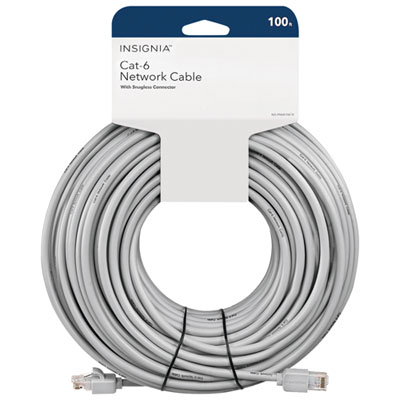 Your price for this item is $49.95
 -
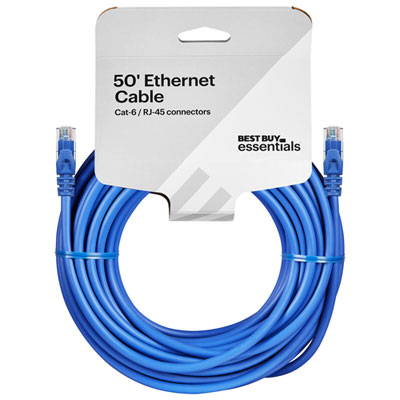 Your price for this item is $24.99
 -
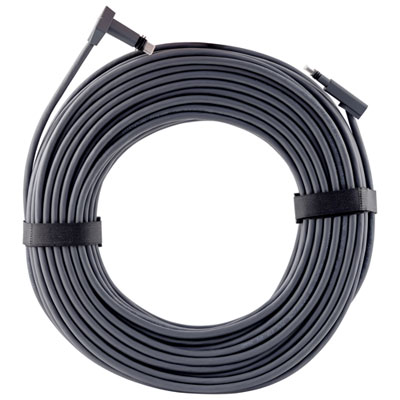 Your price for this item is $164.99
 -
 Your price for this item is $31.37
 -
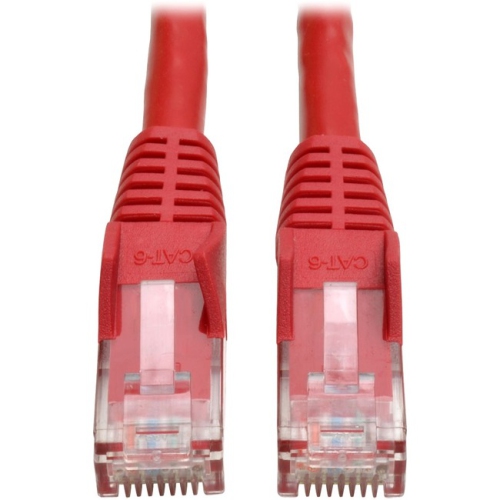 Your price for this item is $79.68
 -
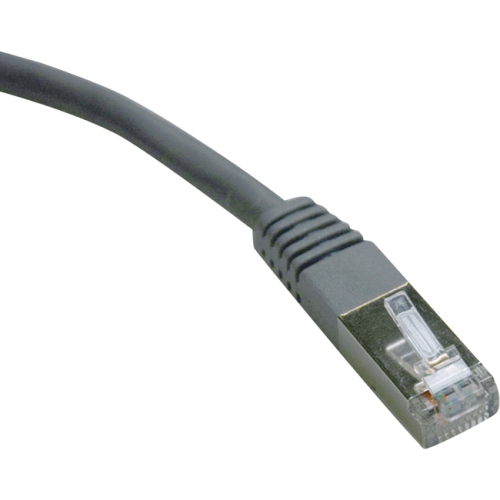 Your price for this item is $57.68
 -
 Your price for this item is $50.99
 -
 Your price for this item is $57.68
Discover more categories related to RJ45 Network Cables
Top Collections:
Pokemon Centers, Kindle Devices, Best Cameras for Sports Photography, Pokémon 30th Celebration Cards, Apple iPhones 16, Canon G7X Cameras, iPhone 15 Apple, Flip Phones, Samsung Galaxy Phones, Alarm Clock
Some products may be subject to Environmental Handling Fees
(EHF) depending on your province.
Learn more about EHFs.