Cable That Connects Monitor to Computers
Finding the right cable that connects monitor to computer is essential for a seamless setup, whether you're working, gaming, or streaming your favorite content. With a variety of options available, choosing the best cable ensures reliable performance and compatibility between your devices. Explore a wide selection of cables designed to deliver crisp visuals and smooth connectivity, making it easy to set up your workspace or entertainment center just the way you want it.
Sort






Understanding monitor cable types and port compatibility
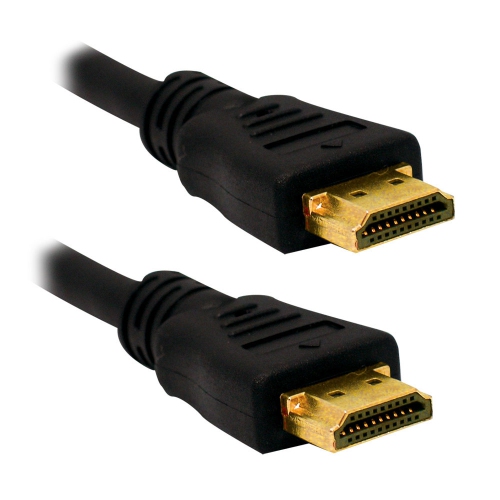
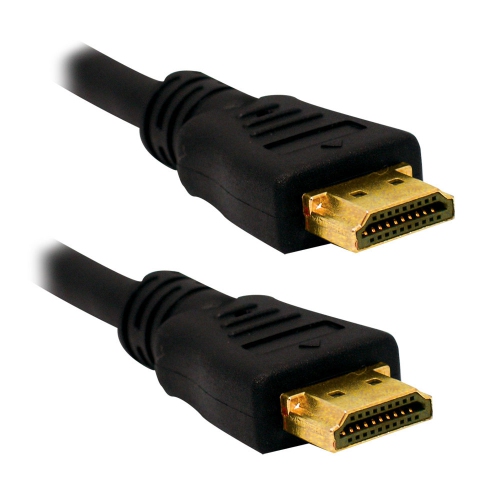
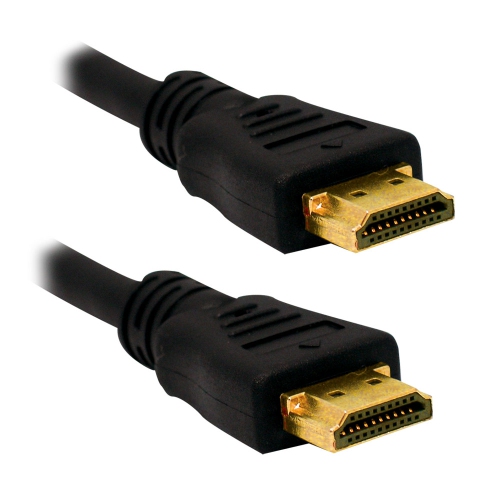
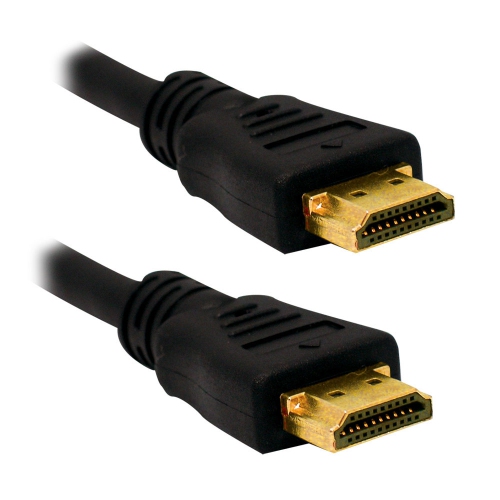
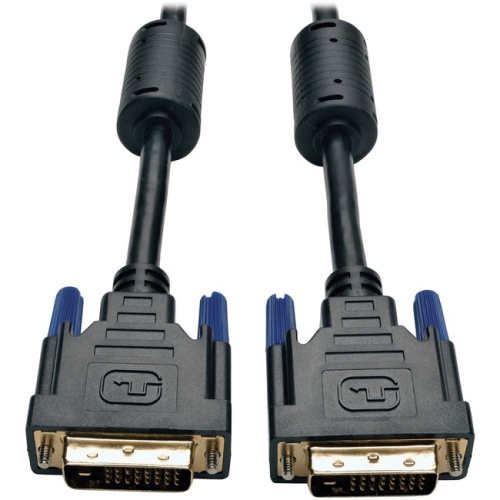
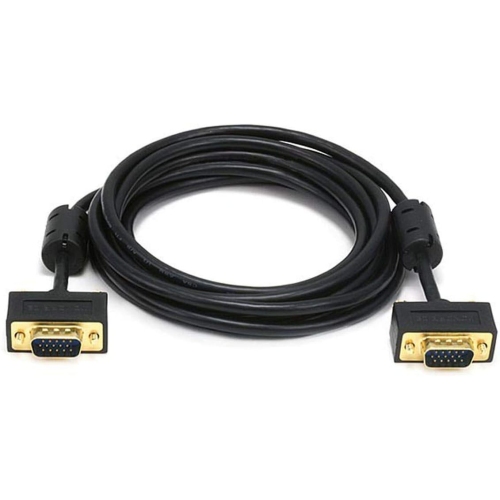
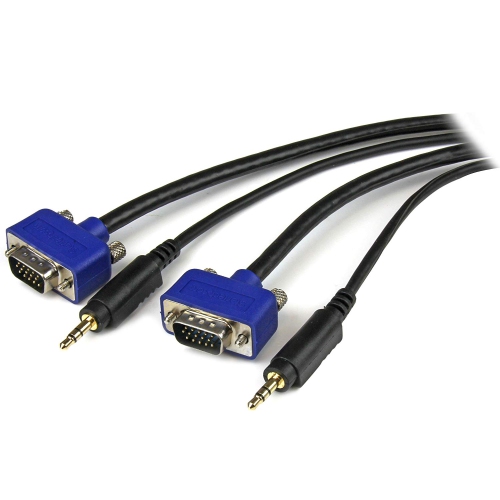
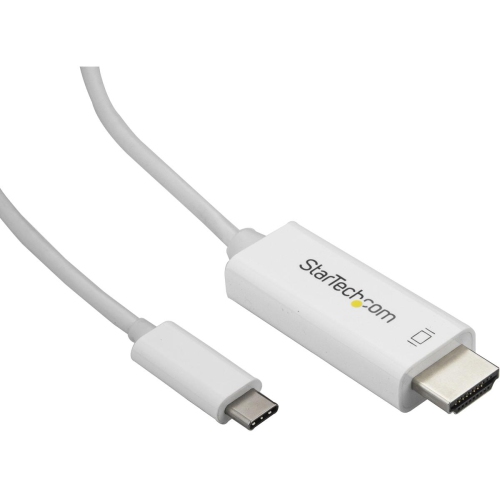
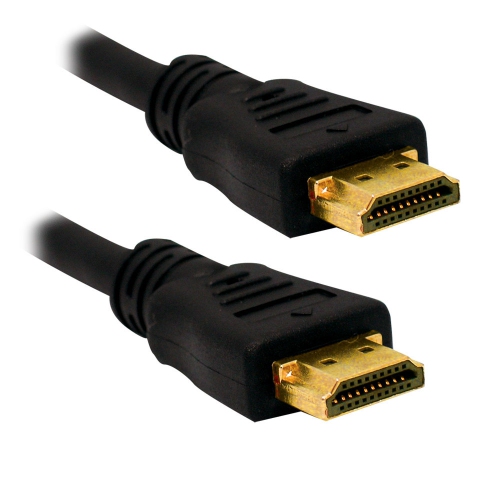
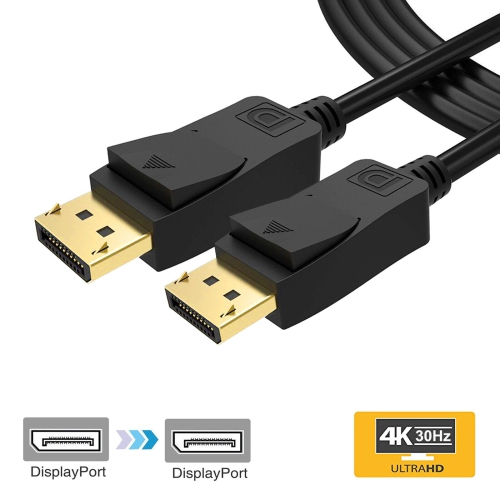
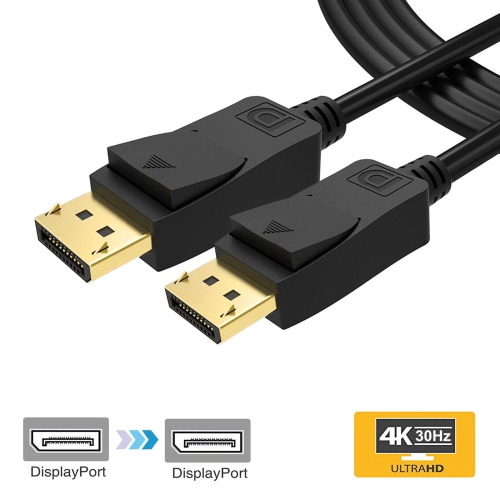
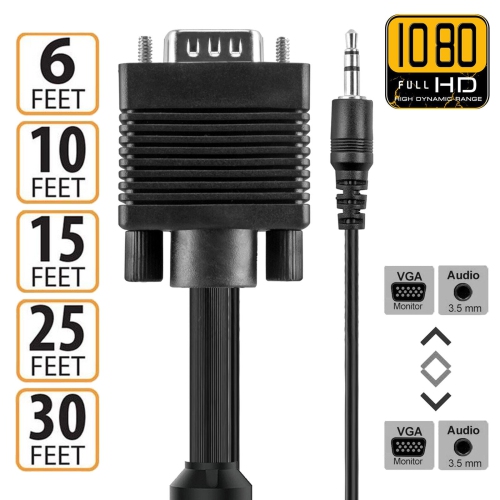
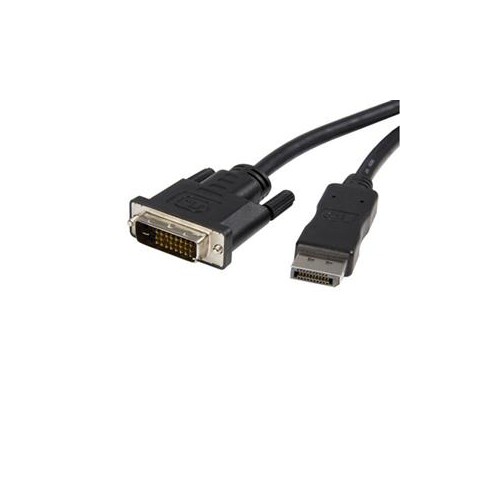
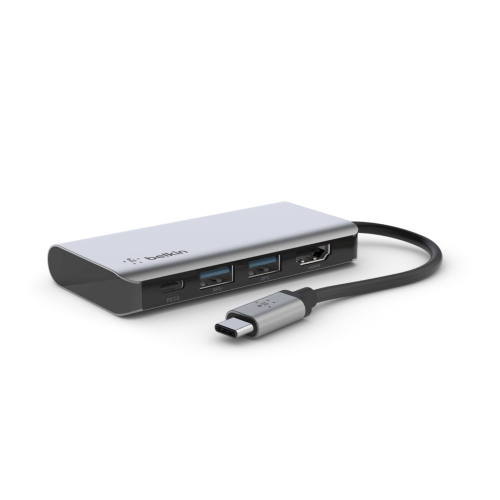
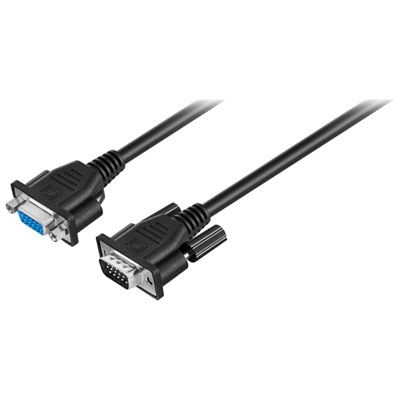
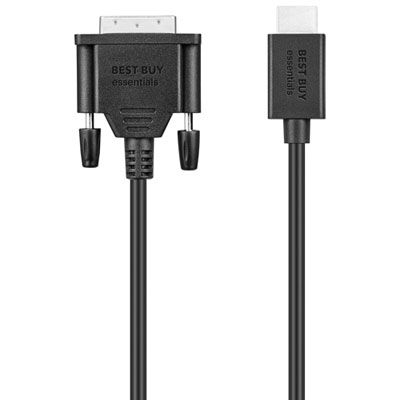
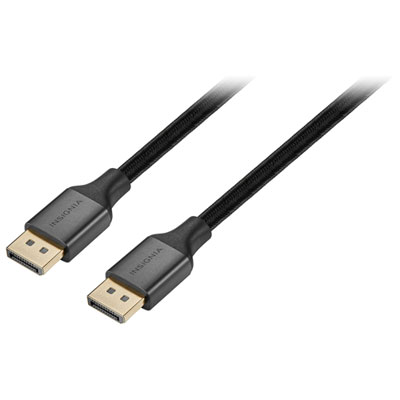
Connecting your monitor to your computer is a fundamental step in setting up any workspace, whether it’s a home office, a gaming station, or a classroom. With so many different types of computer monitor cords available, it’s important to select the right cable to ensure you get the best possible display quality and performance. HDMI and DisplayPort cables are the most common choices for modern setups, each offering their own advantages. HDMI is often the go-to for most users, providing crisp high-definition video and audio through a single cable, making it ideal for both work and entertainment. DisplayPort, on the other hand, is preferred by those who demand higher refresh rates and resolution, such as gamers or creative professionals working with detailed graphics and fast-moving visuals. For those using the latest laptops or ultra-slim monitors, USB-C cables have become increasingly popular, offering the convenience of transmitting video, audio, and even power through one reversible connector. If you’re working with older equipment, you might still encounter DVI or VGA cables—these are reliable for basic displays but lack the audio support and advanced features of newer standards.
Choosing the best cable to connect your monitor to your computer depends on several factors, including the available ports on both your devices and the level of performance you require. It’s always a good idea to check the back of your monitor and your computer’s graphics card before purchasing, as matching the correct ports ensures a seamless connection. For those who need high refresh rates for gaming or professional applications, it’s worth noting that DisplayPort or HDMI 2.1 cables are typically required to unlock the full capabilities of modern monitors. Meanwhile, students setting up a study area, families upgrading their home entertainment systems, or professionals creating an ergonomic workstation will appreciate the simplicity and reliability of a well-matched computer monitor cord. These cables also make practical gifts for graduates heading to university, remote workers upgrading their home office, or anyone with a new computer or monitor. As the weather warms and routines shift, having the right cable ensures you can enjoy vibrant visuals for everything from video calls to streaming movies or editing photos. For those interested in the latest technology, USB-C monitor cables offer a future-proof solution—learn more about these options by visiting our dedicated page for USB Cables for Monitors.
No matter the season or the task at hand, having the correct cable is essential for maximizing your monitor’s performance and making everyday computing smoother. Whether you’re setting up a multi-monitor workstation to boost productivity, connecting a laptop to a larger screen for presentations, or simply replacing an old cable, the right computer monitor cord can make all the difference. With so many choices—ranging from HDMI and DisplayPort to USB-C, DVI, and VGA—it’s easy to find a solution that fits your needs and your devices. Take the time to consider your setup, think about future upgrades, and choose a cable that delivers the clarity, speed, and compatibility you need for work, play, and everything in between.
Choosing the best cable to connect your monitor to your computer depends on several factors, including the available ports on both your devices and the level of performance you require. It’s always a good idea to check the back of your monitor and your computer’s graphics card before purchasing, as matching the correct ports ensures a seamless connection. For those who need high refresh rates for gaming or professional applications, it’s worth noting that DisplayPort or HDMI 2.1 cables are typically required to unlock the full capabilities of modern monitors. Meanwhile, students setting up a study area, families upgrading their home entertainment systems, or professionals creating an ergonomic workstation will appreciate the simplicity and reliability of a well-matched computer monitor cord. These cables also make practical gifts for graduates heading to university, remote workers upgrading their home office, or anyone with a new computer or monitor. As the weather warms and routines shift, having the right cable ensures you can enjoy vibrant visuals for everything from video calls to streaming movies or editing photos. For those interested in the latest technology, USB-C monitor cables offer a future-proof solution—learn more about these options by visiting our dedicated page for USB Cables for Monitors.
No matter the season or the task at hand, having the correct cable is essential for maximizing your monitor’s performance and making everyday computing smoother. Whether you’re setting up a multi-monitor workstation to boost productivity, connecting a laptop to a larger screen for presentations, or simply replacing an old cable, the right computer monitor cord can make all the difference. With so many choices—ranging from HDMI and DisplayPort to USB-C, DVI, and VGA—it’s easy to find a solution that fits your needs and your devices. Take the time to consider your setup, think about future upgrades, and choose a cable that delivers the clarity, speed, and compatibility you need for work, play, and everything in between.
Top selling and popular products
-
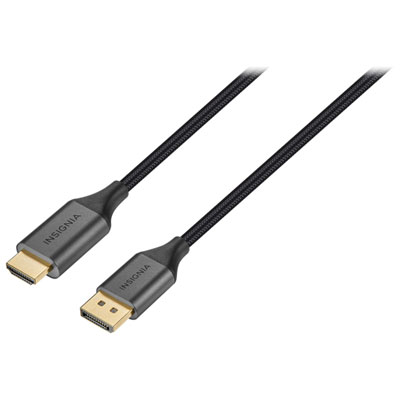 Your price for this item is $39.95
-
 Your price for this item is $63.99
-
 Your price for this item is $29.95
-
 Your price for this item is $14.99
-
 Your price for this item is $29.99
-
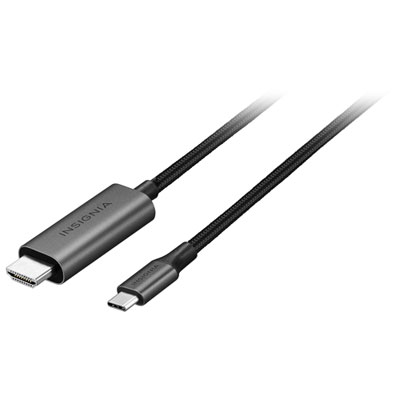 Your price for this item is $39.99
-
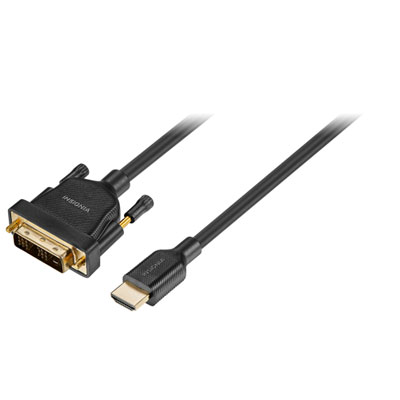 Your price for this item is $29.99
-
 Your price for this item is $29.99
Discover more categories related to Cable That Connects Monitor to Computers
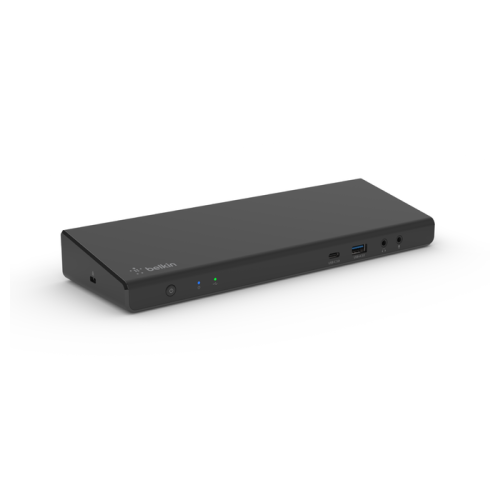
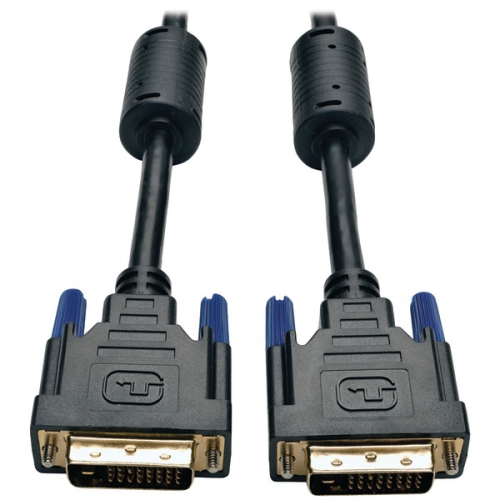
Top Collections:
Best Black Friday Deals This Year, Best Black Friday Deals On Electronics, Kindle Devices, Pokemon Centers, Best Black Friday Deals On Apple Products, Best Cameras for Sports Photography, Dyson Airwrap, Pokémon 30th Celebration Cards, Apple iPhone 17 Pro, Canon G7X Cameras
Some products may be subject to Environmental Handling Fees
(EHF) depending on your province.
Learn more about EHFs.