Cables for Dual Monitor Setup
Cables for a dual monitor setup are essential for creating a seamless and efficient workspace, whether you’re working from home, gaming, or multitasking at the office. With the right cables, you can easily connect multiple screens to your computer or laptop, enhancing productivity and making it simple to manage different tasks side by side. Explore a wide selection of connection options designed to support various monitor types and configurations, ensuring compatibility with your devices. Find the perfect cables for a dual monitor setup to help you achieve a streamlined and organized desktop experience.
Sort





Port compatibility and bandwidth help both screens run smoothly
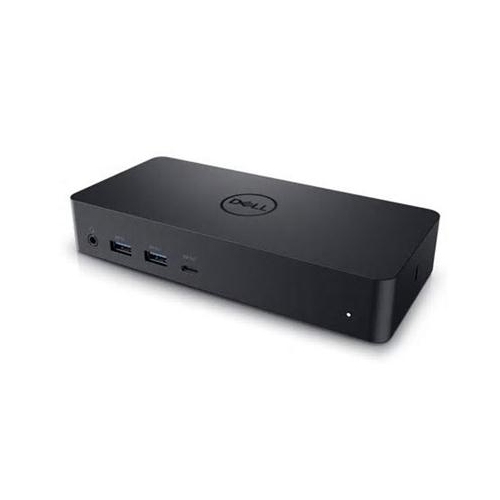
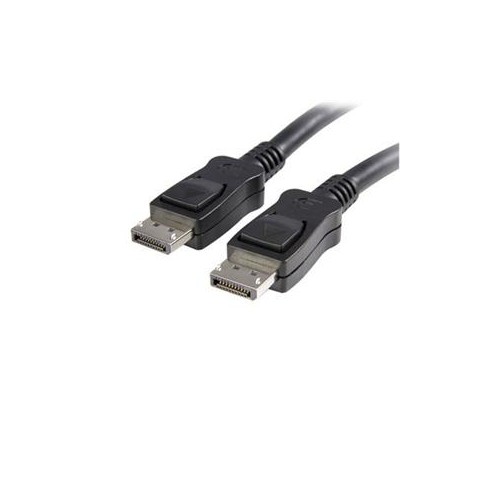
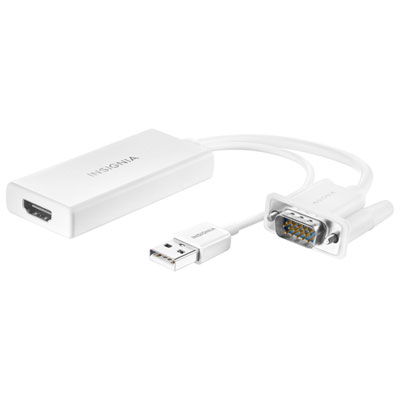
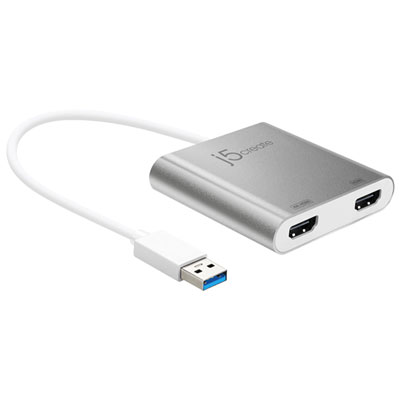
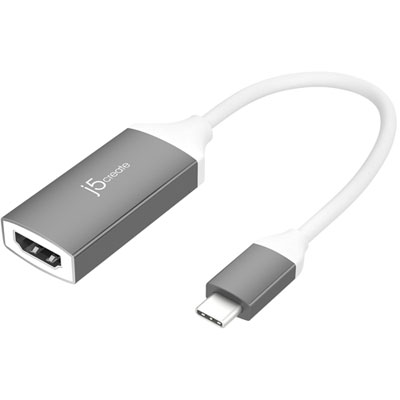
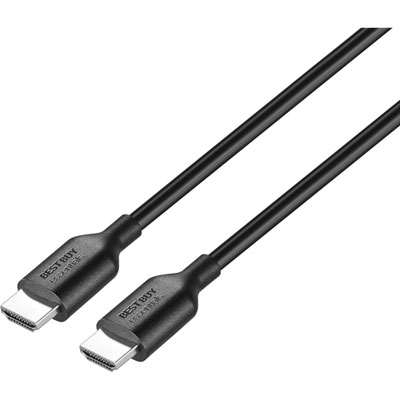
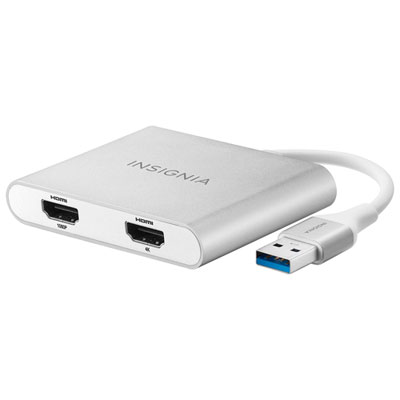
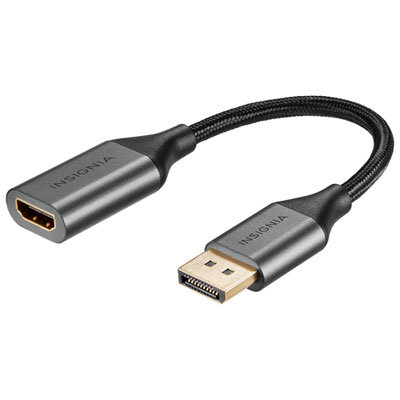
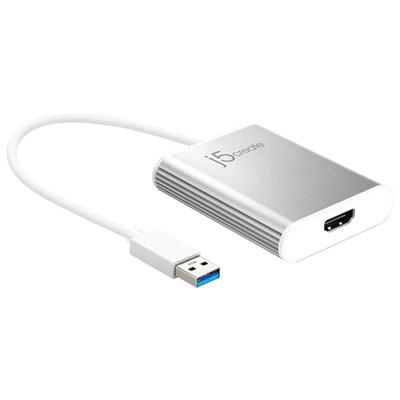
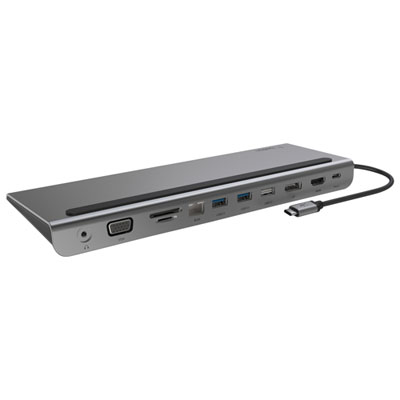
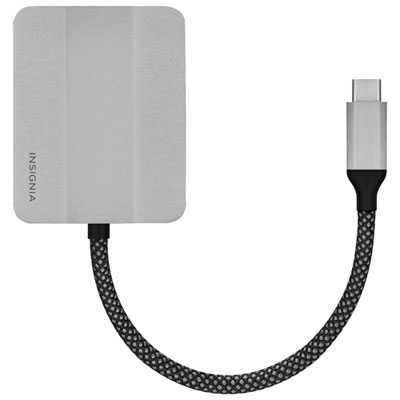
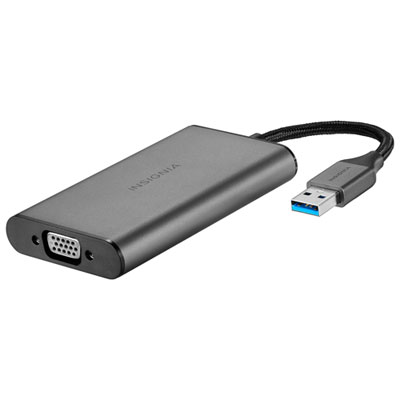
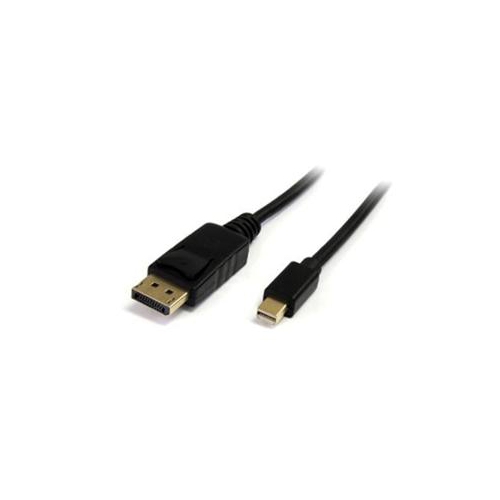
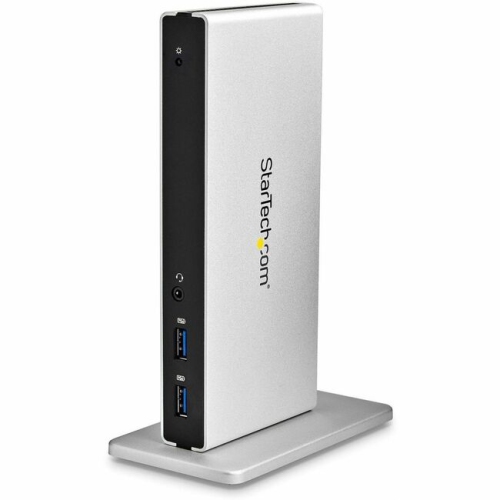
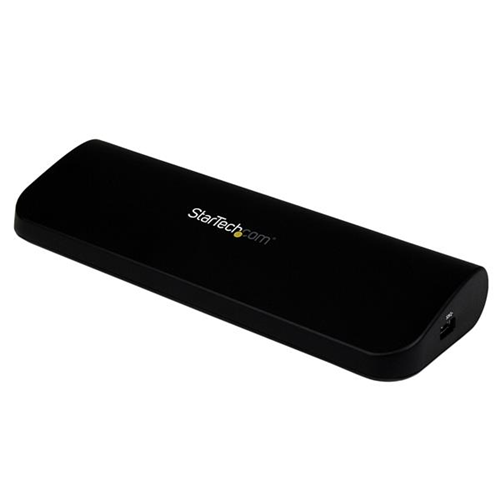
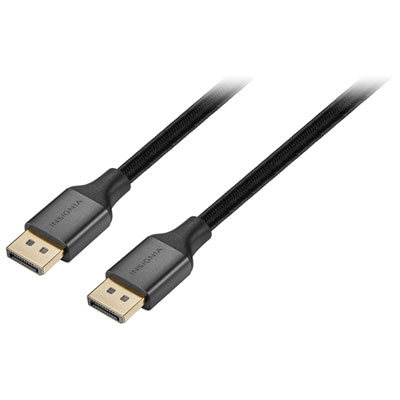
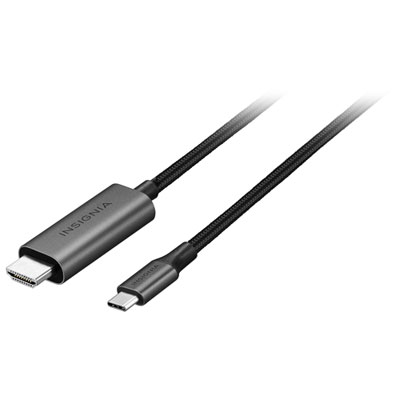
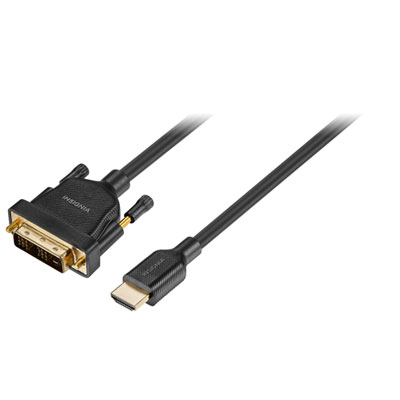
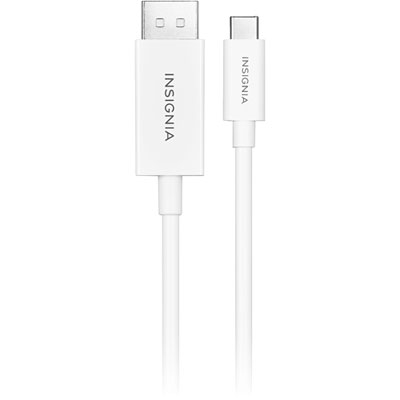
When setting up a dual monitor workspace, choosing the right cables is essential for achieving a seamless, high-performance experience. Whether you’re upgrading your home office, gaming station, or creative studio, the right cable for 2 monitors can make all the difference in both productivity and enjoyment. HDMI and DisplayPort cables are among the most popular options, as they offer reliable connections and support for high resolutions, making them ideal for everything from detailed design work to immersive gaming sessions. USB-C and Thunderbolt cables have become increasingly popular with modern laptops, offering the convenience of a single cable to drive multiple monitors, transfer data, and even provide power when used with compatible docks or hubs. For those working with high refresh rates or 4K monitors, DisplayPort cables are often the go-to choice, delivering the bandwidth needed for smooth visuals and crisp image quality. If your setup involves older monitors, you might need to consider adapters or converters, such as VGA or DVI to HDMI, to ensure compatibility without sacrificing performance.
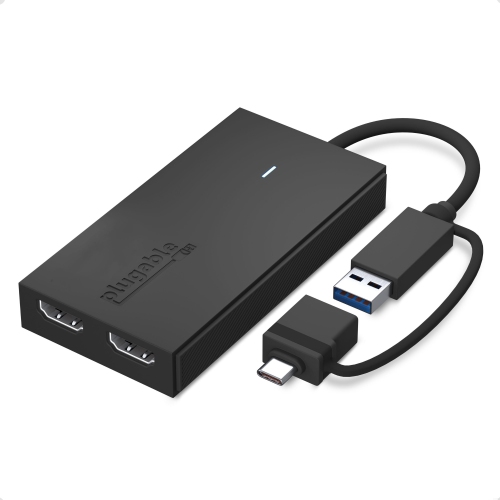
Dual monitor setups are not just for tech enthusiasts or professionals; they’re becoming a staple for students, remote workers, and anyone looking to boost efficiency at their desk. As the weather warms and more people refresh their workspaces, adding a second monitor can be a thoughtful gift for graduates, new hires, or anyone embracing a hybrid work lifestyle. The right cable for 2 monitors ensures that switching between spreadsheets, video calls, and creative projects is effortless. It’s important to check your computer’s available ports before purchasing—some desktops and laptops support daisy-chaining via DisplayPort, allowing you to connect one monitor directly to your PC and a second monitor to the first. Others might require active adapters or splitters, especially if you’re working with limited ports or want to connect two HDMI monitors to a device with only USB-C outputs. Investing in high-quality cables and adapters is always wise; not only do they provide consistent performance, but they also help avoid frustrating signal drops or display issues.
When selecting cables for your dual monitor setup, consider the resolution and refresh rate you want to achieve, as well as the length and flexibility of the cables for your workspace. Shorter cables are ideal for tidy, close-knit setups, while longer cables offer more versatility for larger desks or wall-mounted screens. For those interested in future-proofing their setup, opting for cables that support higher bandwidth ensures compatibility with upcoming devices and displays. If your monitors or laptop rely on USB-C connections, you can explore our dedicated selection of USB Cables for Monitors to find the perfect fit. Whether you’re building a new workstation, enhancing your gaming rig, or giving the gift of productivity, the right cables help unlock the full potential of a dual monitor setup, making every task smoother and more enjoyable.
Dual monitor setups are not just for tech enthusiasts or professionals; they’re becoming a staple for students, remote workers, and anyone looking to boost efficiency at their desk. As the weather warms and more people refresh their workspaces, adding a second monitor can be a thoughtful gift for graduates, new hires, or anyone embracing a hybrid work lifestyle. The right cable for 2 monitors ensures that switching between spreadsheets, video calls, and creative projects is effortless. It’s important to check your computer’s available ports before purchasing—some desktops and laptops support daisy-chaining via DisplayPort, allowing you to connect one monitor directly to your PC and a second monitor to the first. Others might require active adapters or splitters, especially if you’re working with limited ports or want to connect two HDMI monitors to a device with only USB-C outputs. Investing in high-quality cables and adapters is always wise; not only do they provide consistent performance, but they also help avoid frustrating signal drops or display issues.
When selecting cables for your dual monitor setup, consider the resolution and refresh rate you want to achieve, as well as the length and flexibility of the cables for your workspace. Shorter cables are ideal for tidy, close-knit setups, while longer cables offer more versatility for larger desks or wall-mounted screens. For those interested in future-proofing their setup, opting for cables that support higher bandwidth ensures compatibility with upcoming devices and displays. If your monitors or laptop rely on USB-C connections, you can explore our dedicated selection of USB Cables for Monitors to find the perfect fit. Whether you’re building a new workstation, enhancing your gaming rig, or giving the gift of productivity, the right cables help unlock the full potential of a dual monitor setup, making every task smoother and more enjoyable.
Top selling and popular products
-
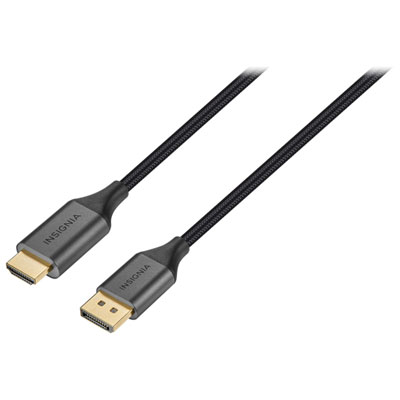 Your price for this item is $39.95
 -
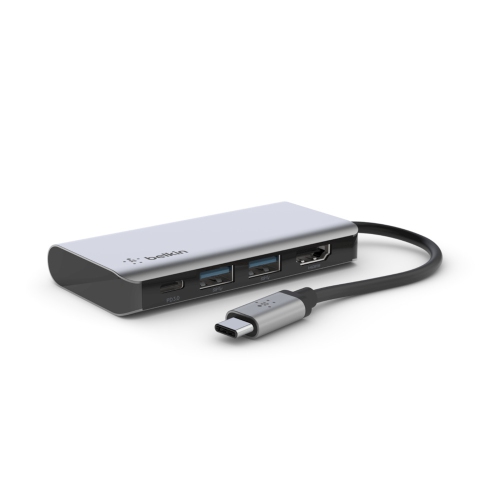 Your price for this item is $62.99
 -
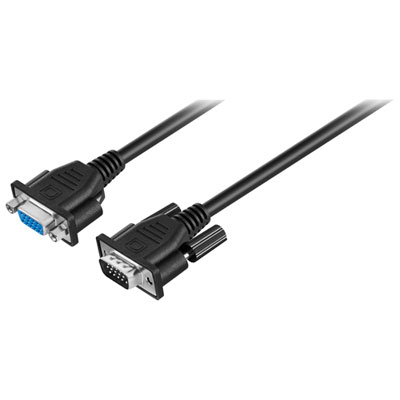 Your price for this item is $29.95
 -
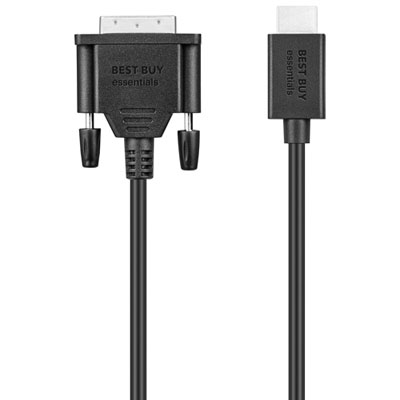 Your price for this item is $14.99
 -
 Your price for this item is $29.99
 -
 Your price for this item is $39.99
 -
 Your price for this item is $29.99
 -
 Your price for this item is $24.97
Discover more categories related to Cables for Dual Monitor Setup
Top Collections:
Pokemon Centers, Kindle Devices, Best Budget Office Chairs, Apple iPhones 16, Best Laptops for Writers, iPhone 15 Apple, Canon G7X Cameras, Refurbished Apple Laptops, Alarm Clock, Motorola Razr Phones
Some products may be subject to Environmental Handling Fees
(EHF) depending on your province.
Learn more about EHFs.