Cables for Modems
Find the perfect cables for your modem setup with our wide selection of high-quality options. Whether you need a specific length, type, or connection style, we have you covered. Say goodbye to slow internet speeds and unreliable connections by ensuring you have the right cables to optimize your modem's performance. Shop now and upgrade your home network with ease.
Sort
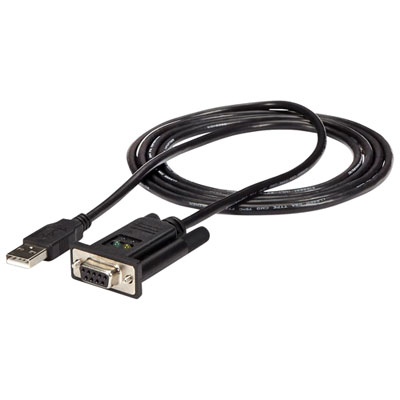
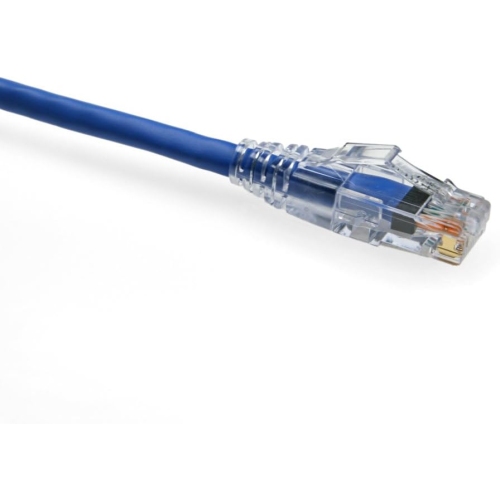
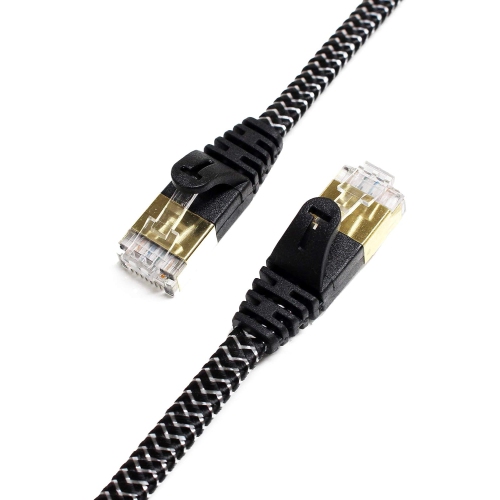
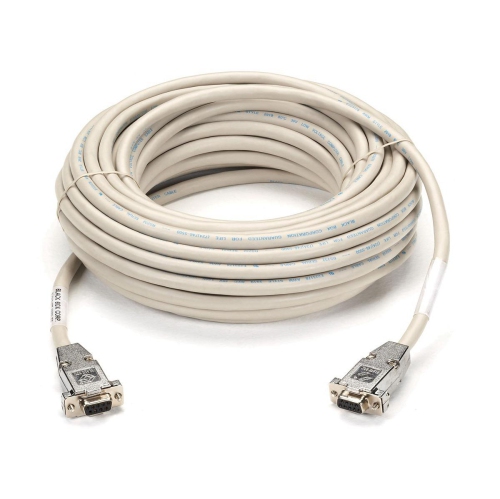
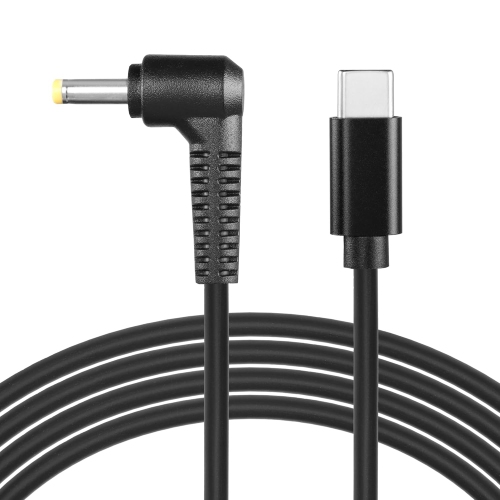
![OMNIHIL [Ul Listed] 1.5 Meter Long Ac Power Cord Compatible With Arris Tm804G Telephone Modem](https://multimedia.bbycastatic.ca/multimedia/products/500x500/149/14957/14957408.jpg)
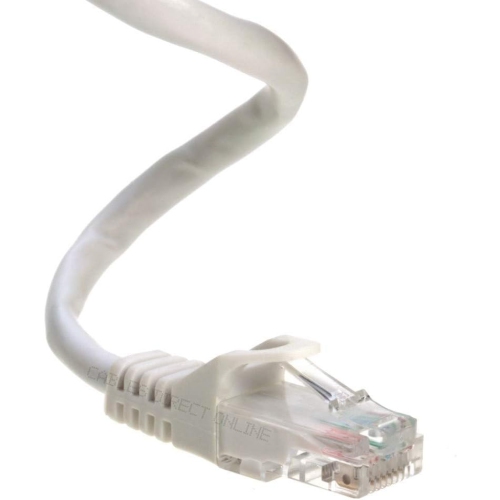
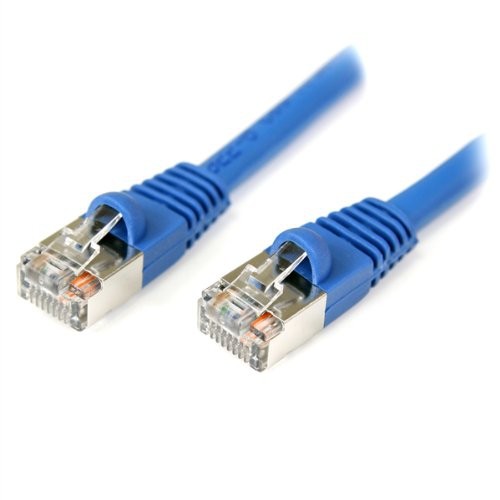

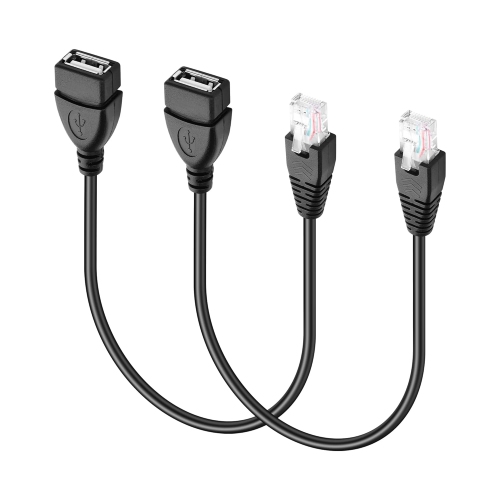
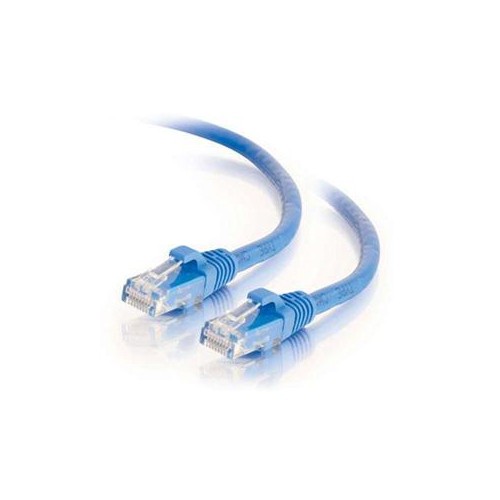
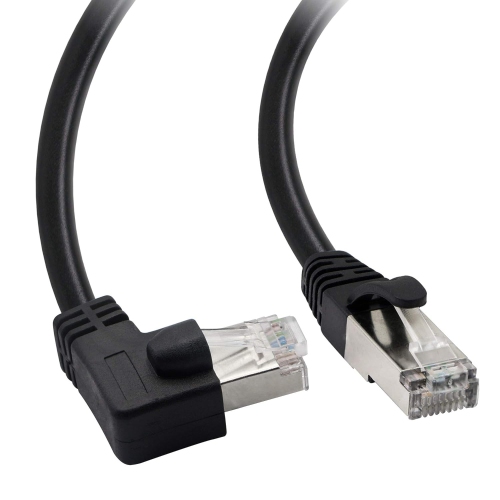
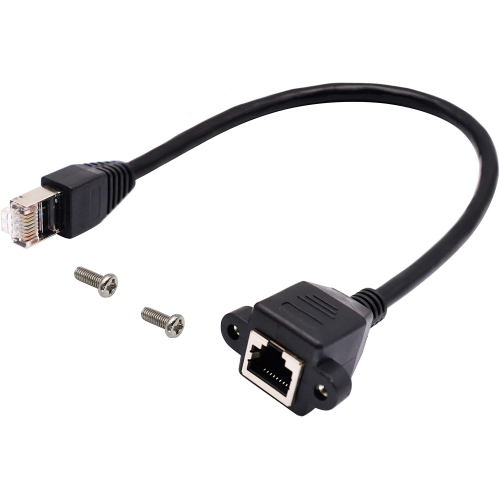
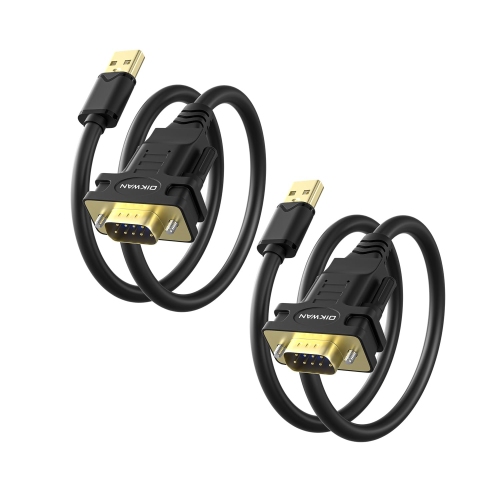
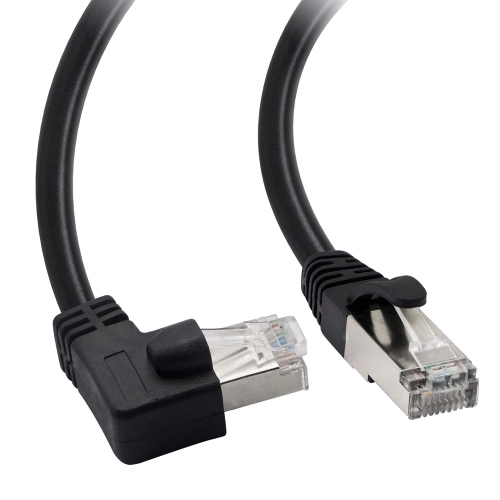
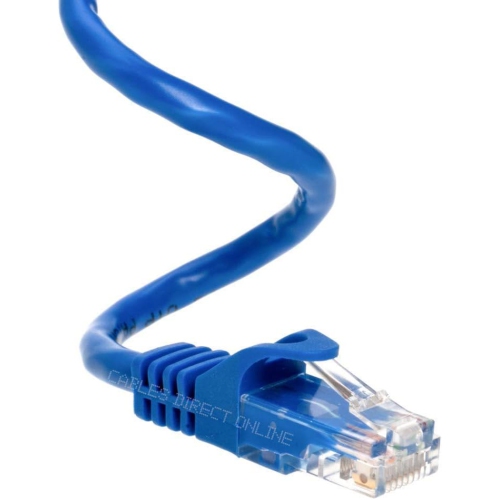
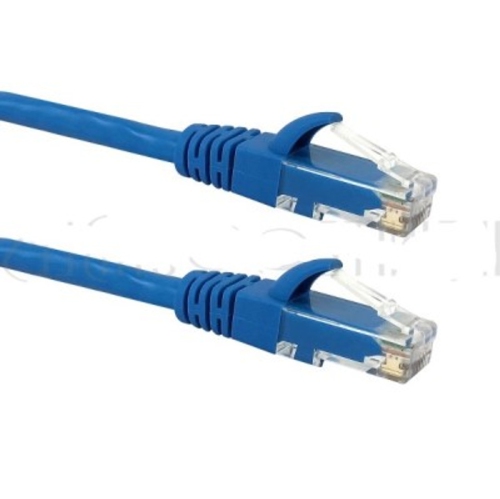
![YELLOW-PRICE [6-100Ft] Cat 6 Ethernet Patch Cable 550 Mhz for Xbox, Ps4, Ps3, Modem, Router-Blue](https://multimedia.bbycastatic.ca/multimedia/products/500x500/164/16432/16432360.jpeg)

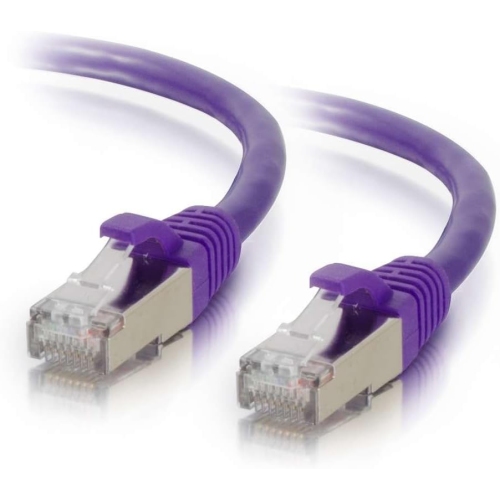
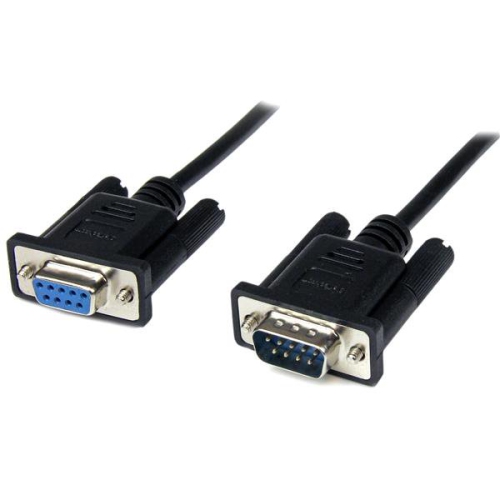
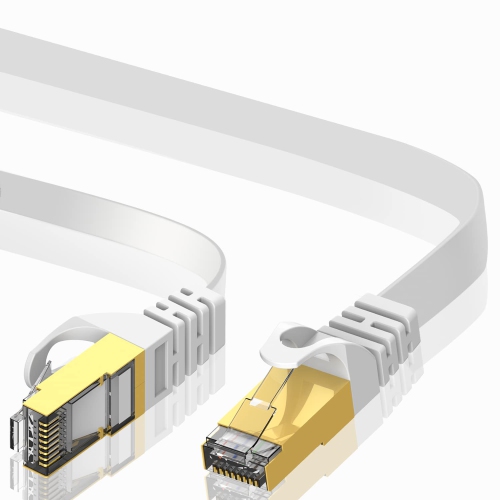
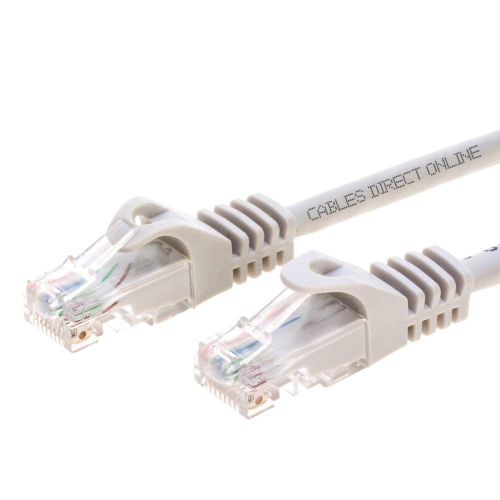

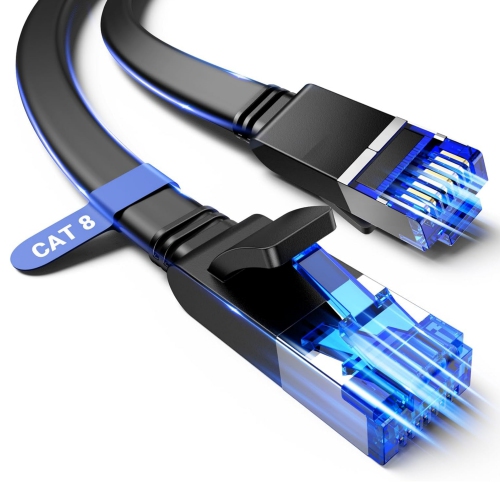
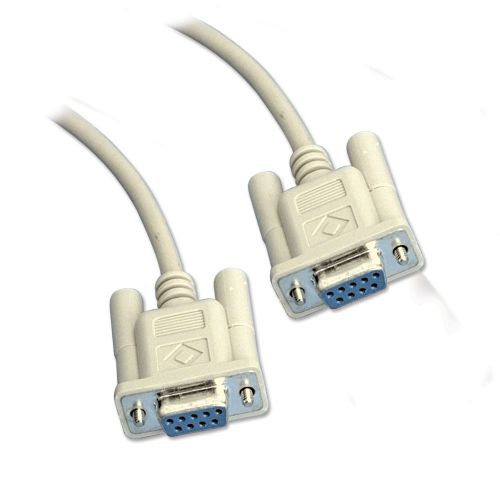
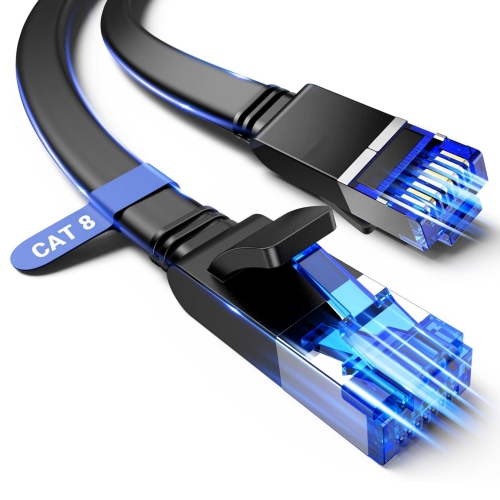
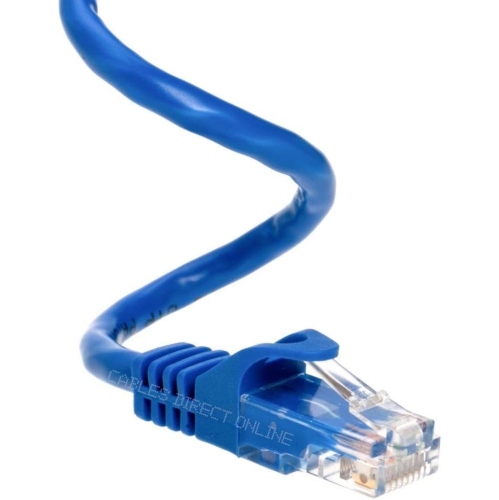
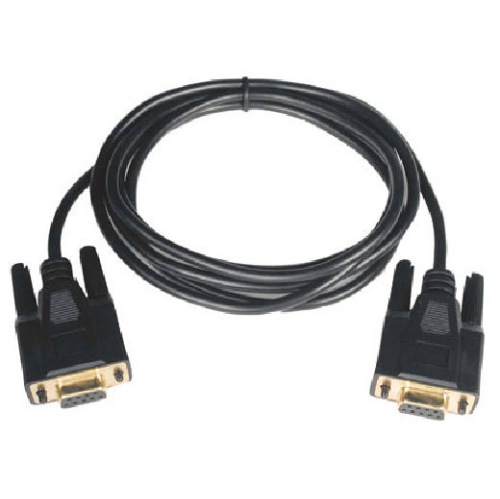
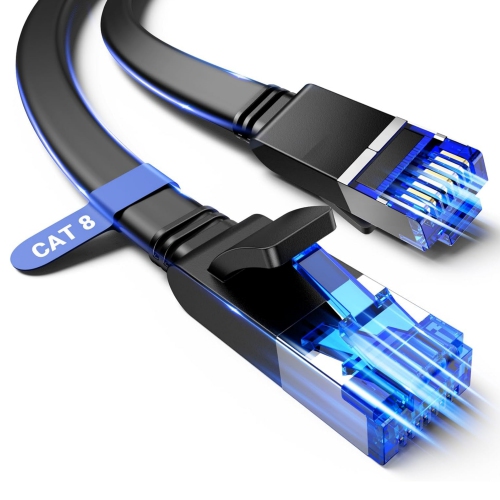
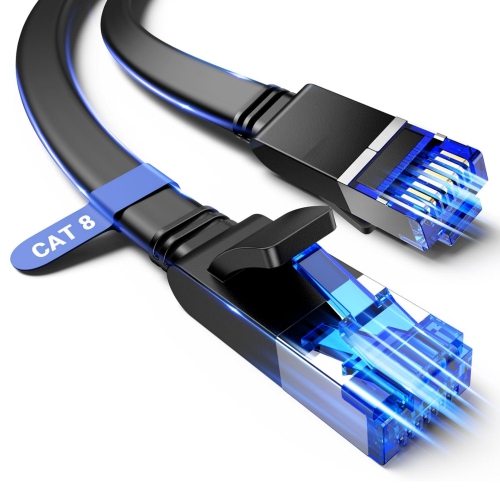
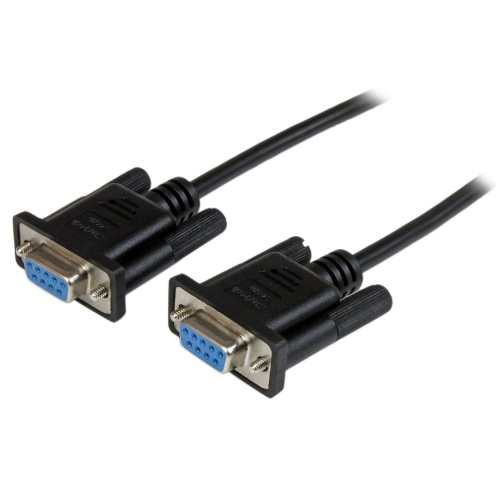
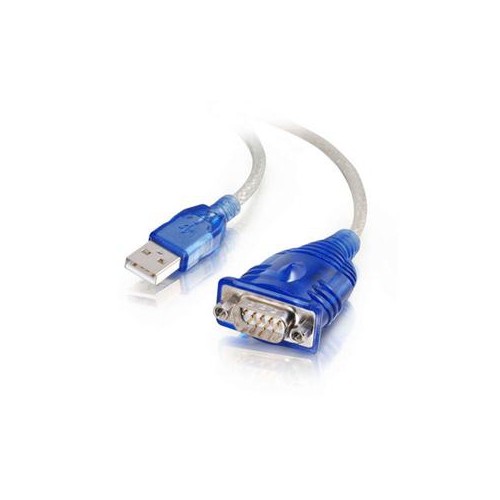

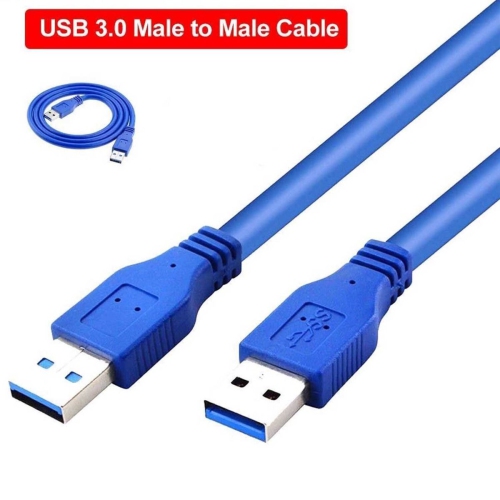
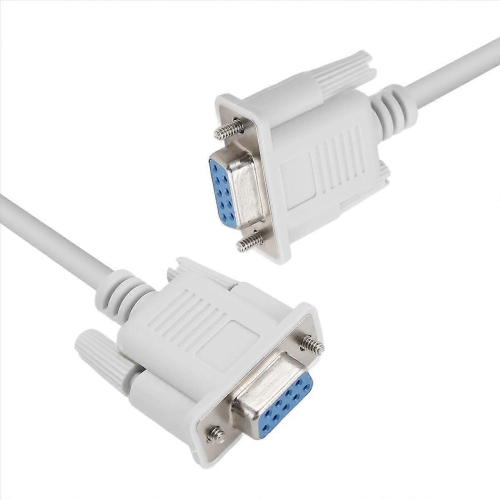
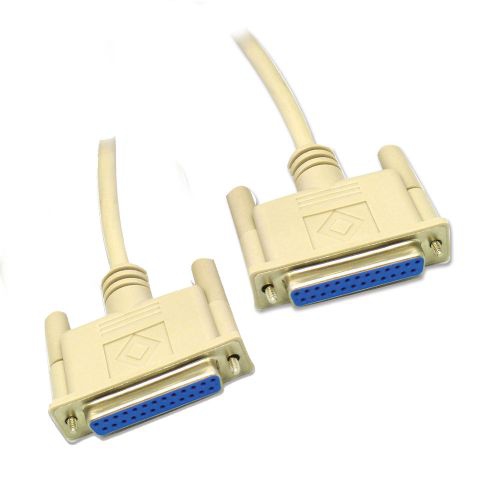
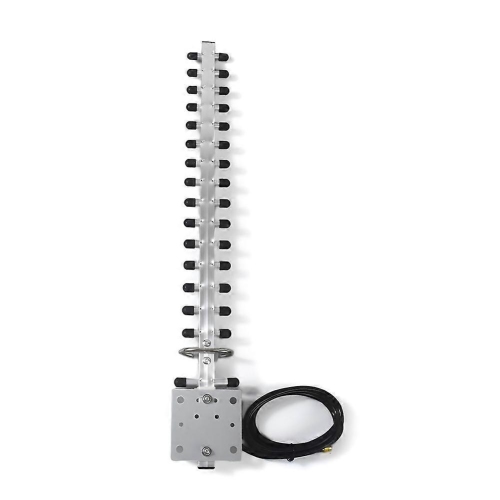
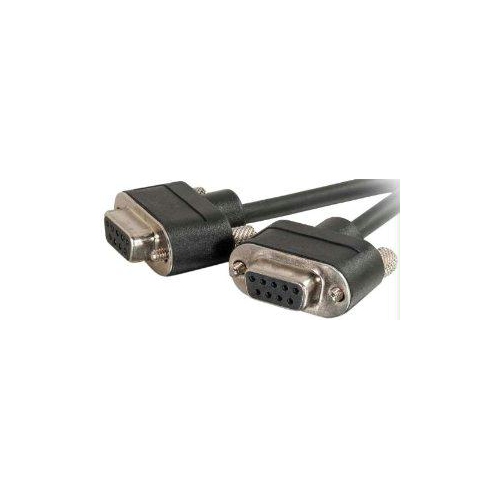
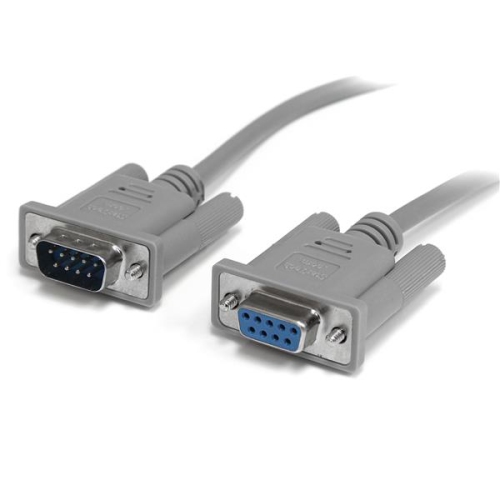
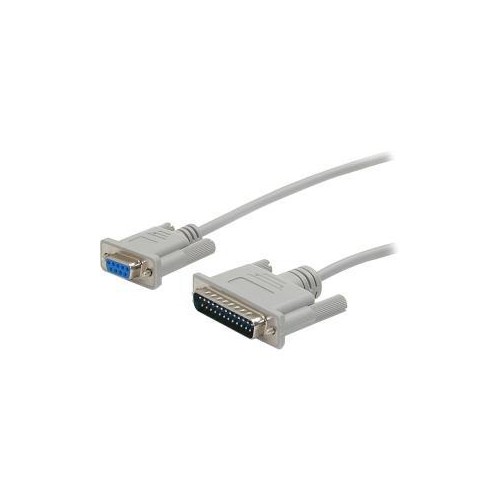
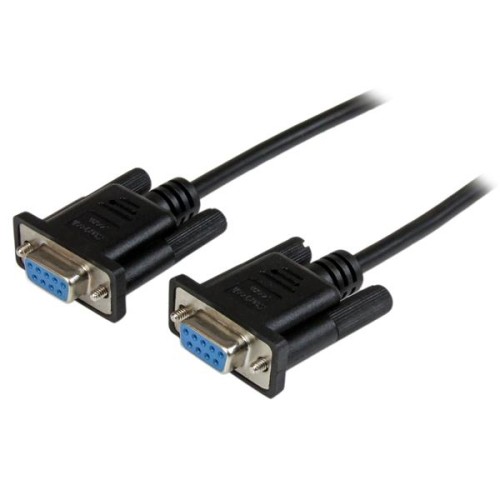
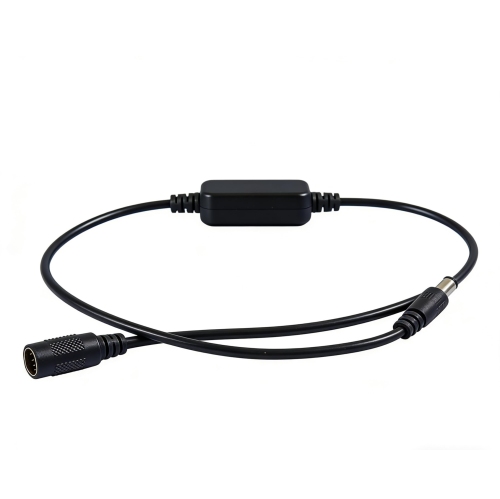
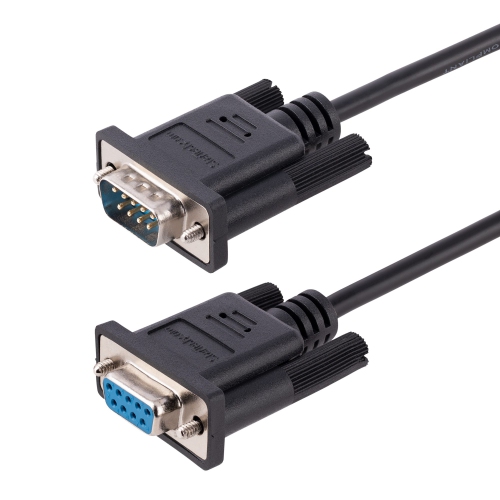
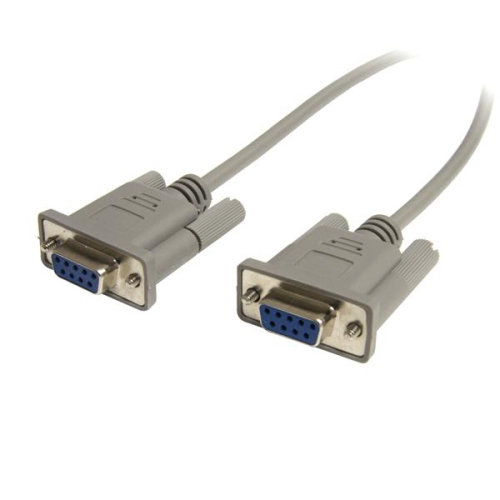
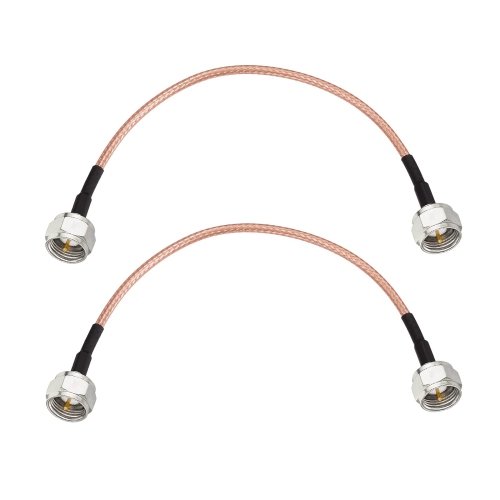
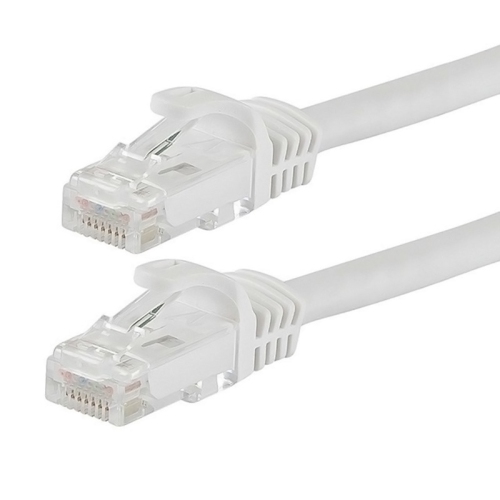
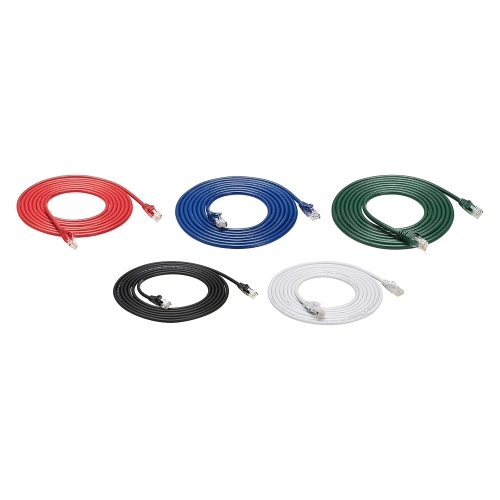
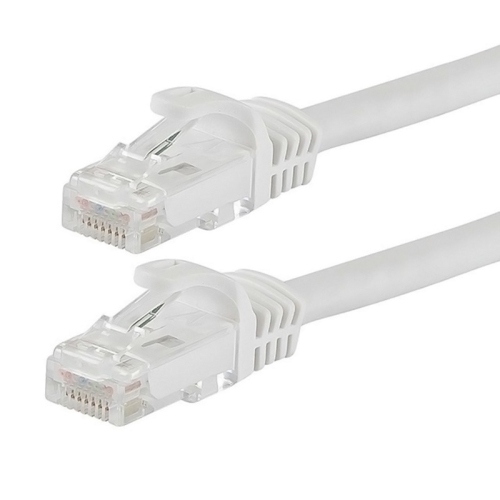
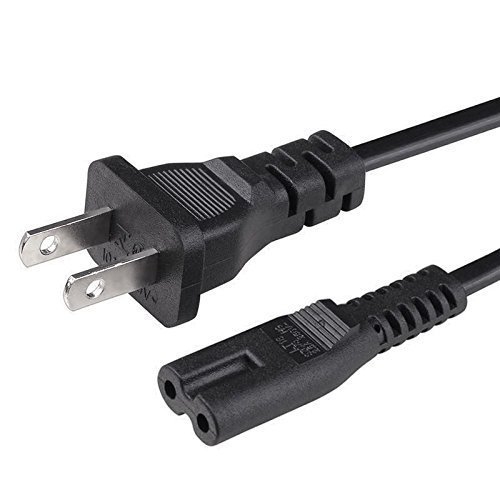
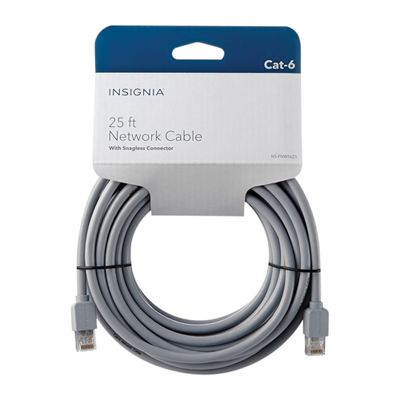
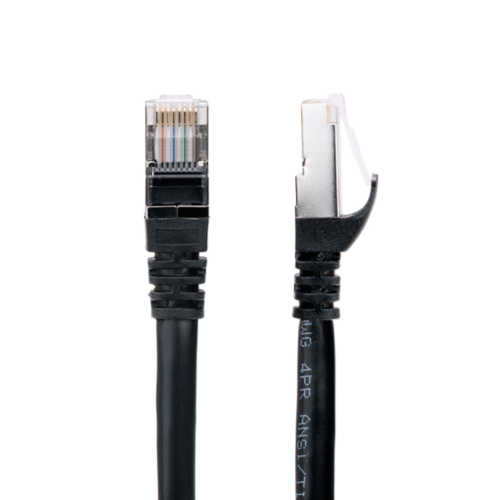
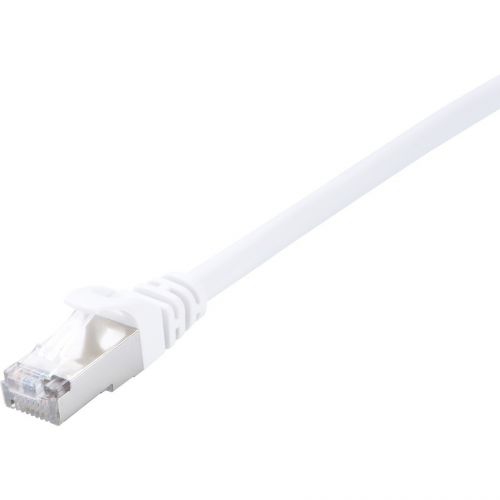
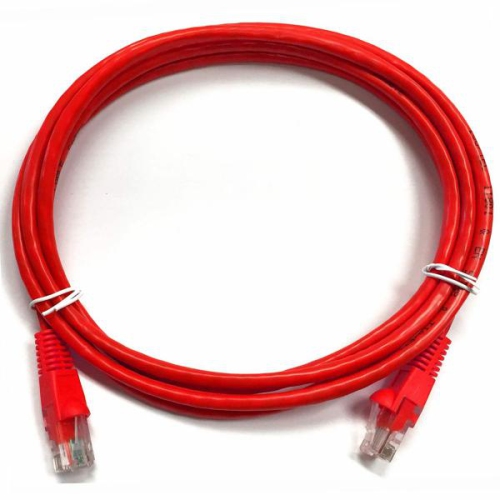
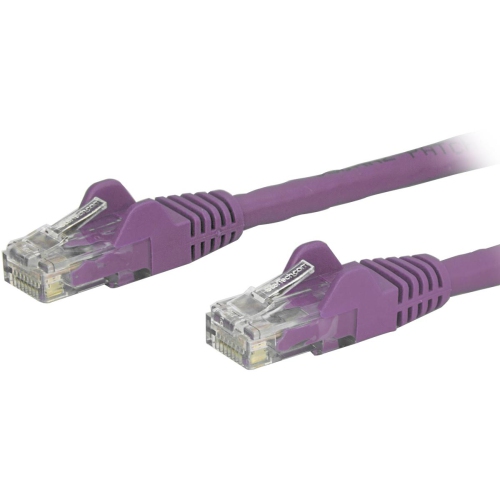
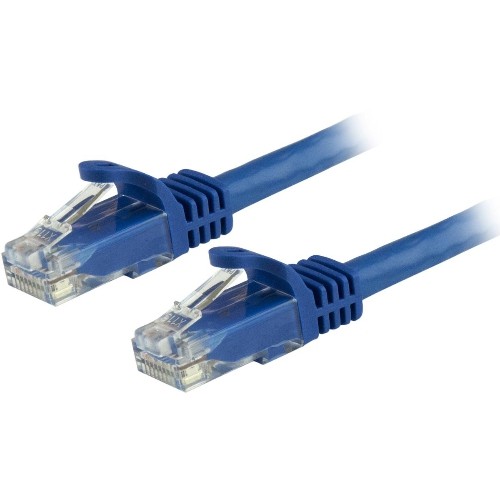
Understanding modem connections for reliable home networking
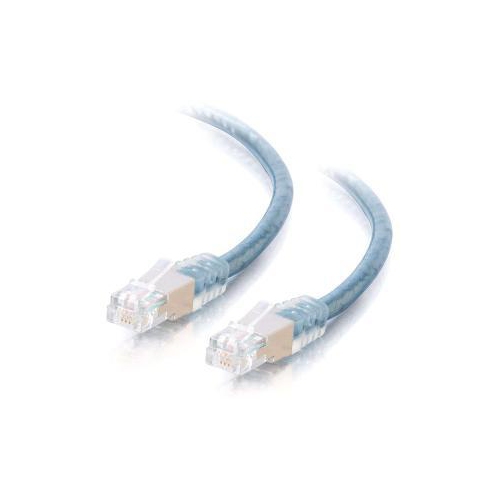
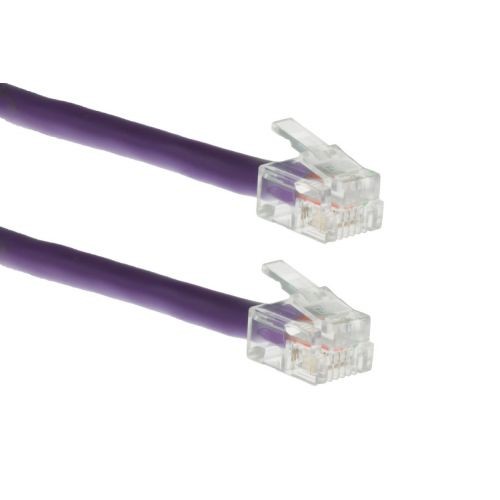
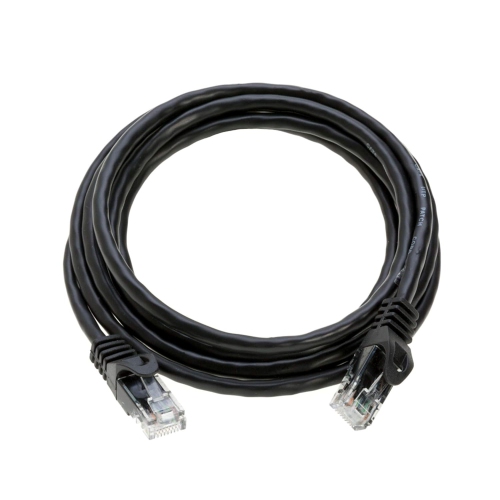
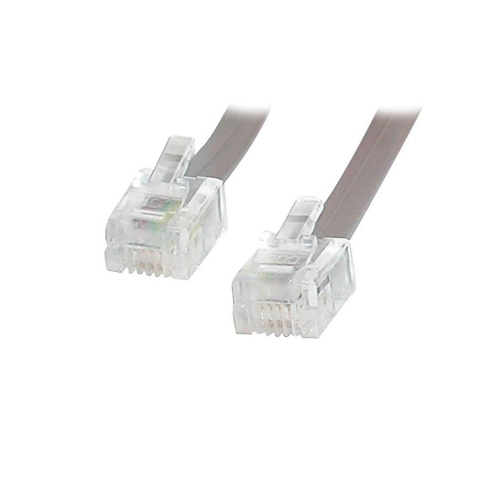
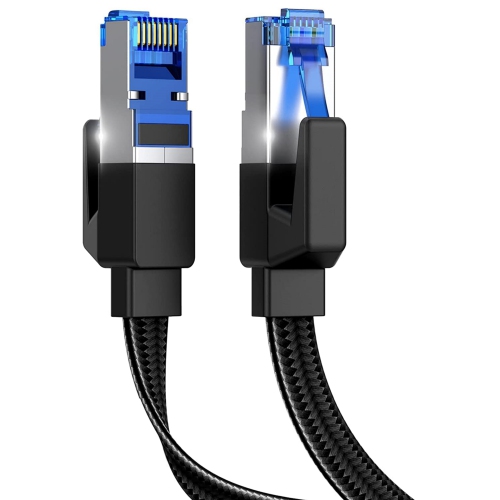
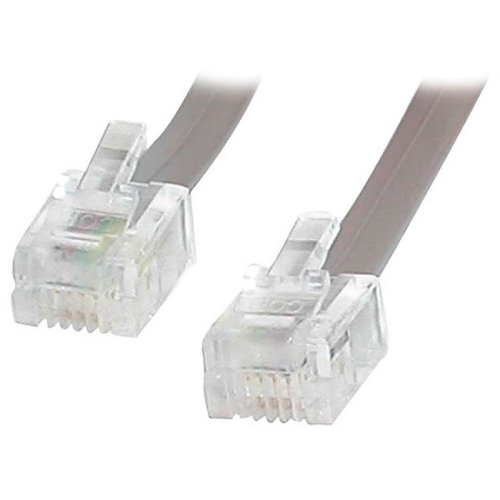
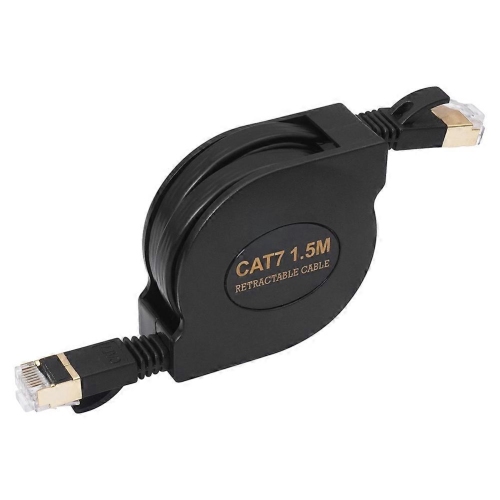
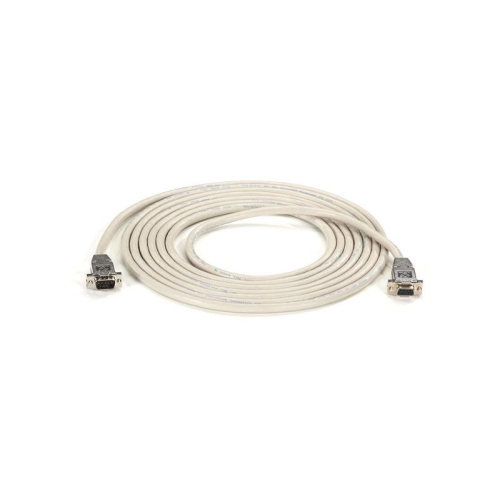
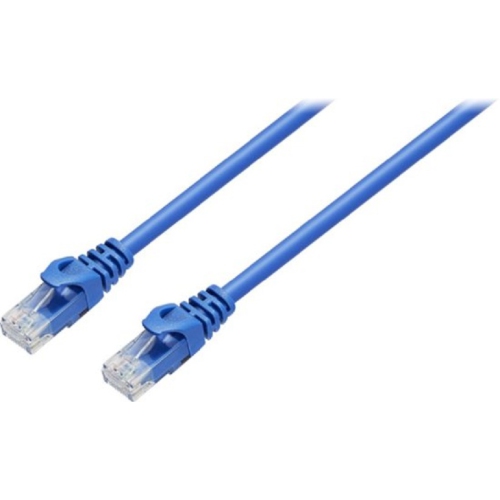
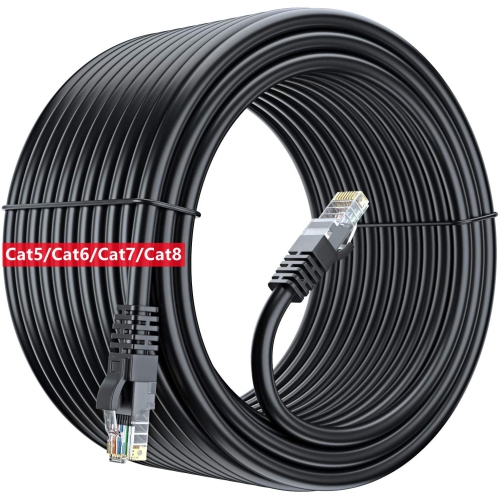
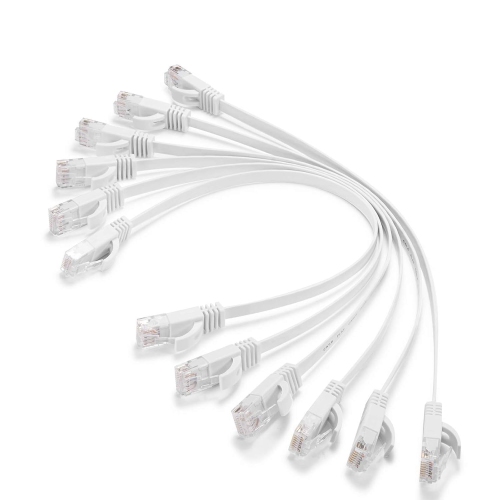
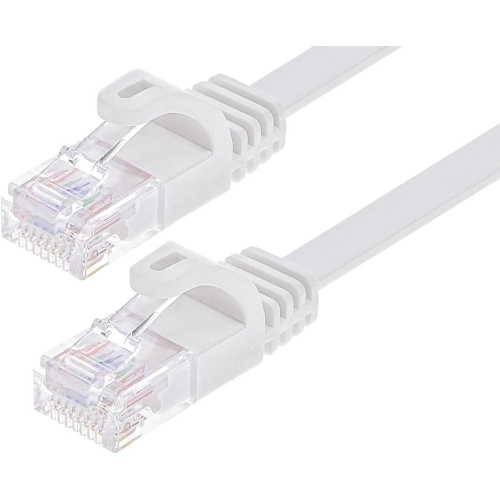
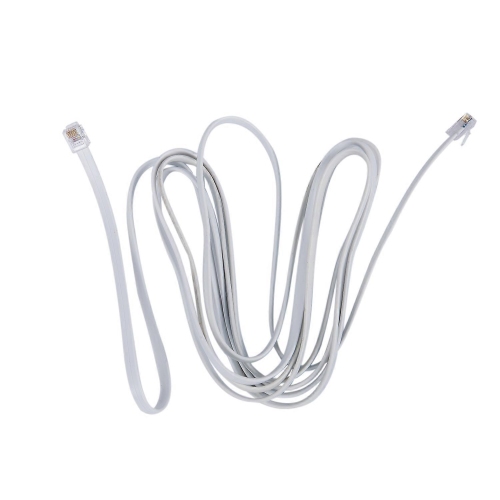
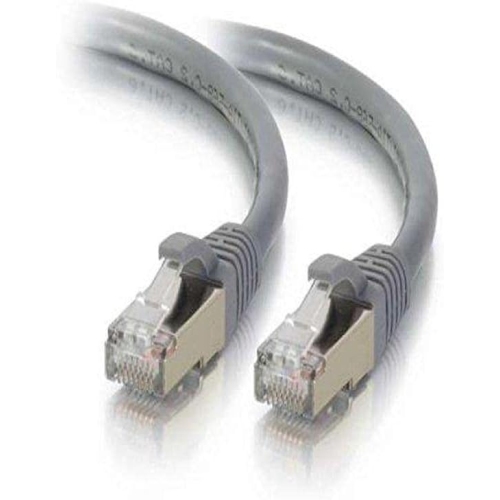
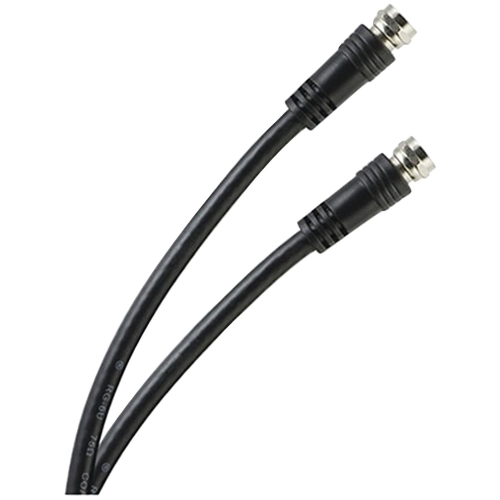
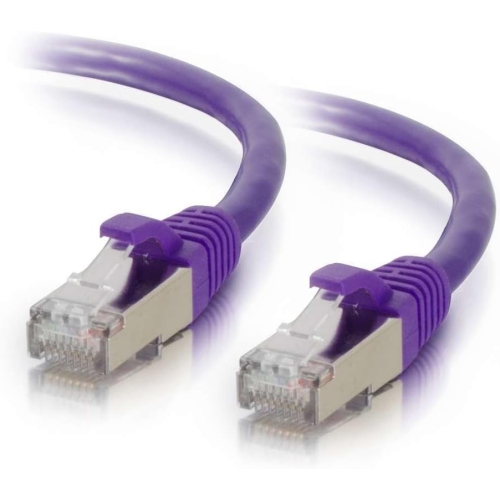
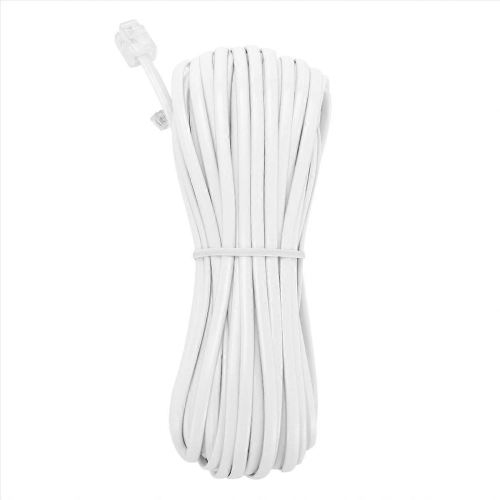
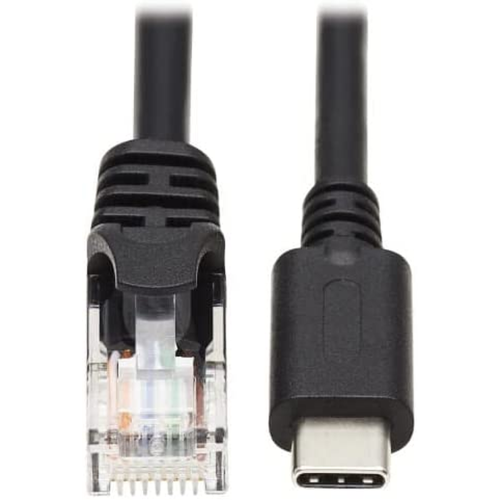
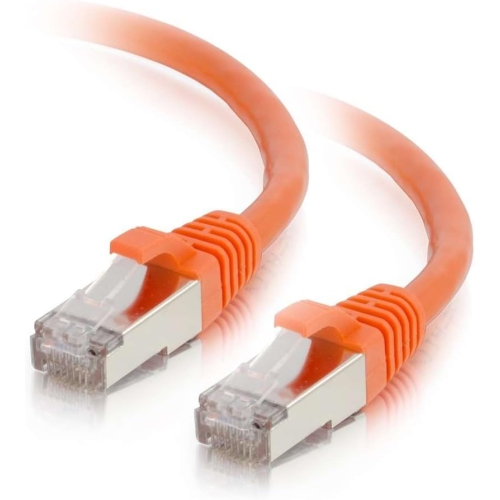
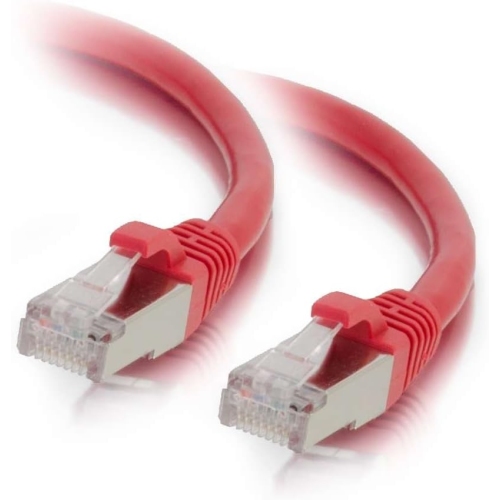
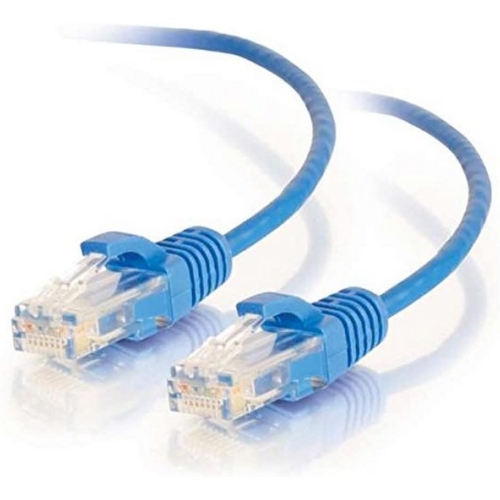
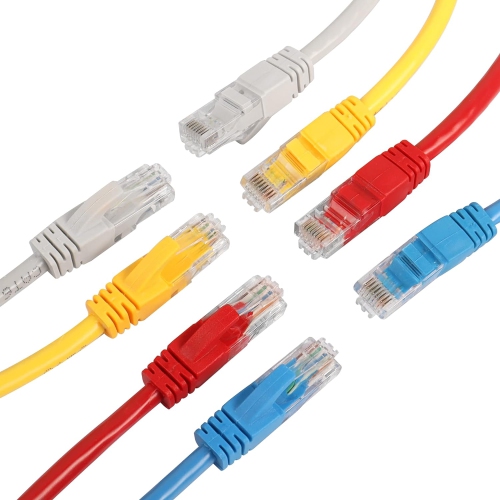
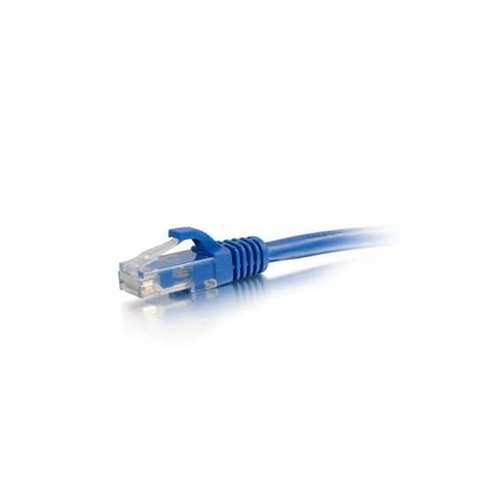
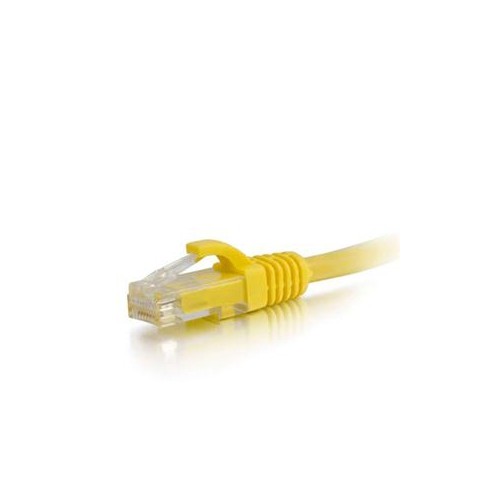
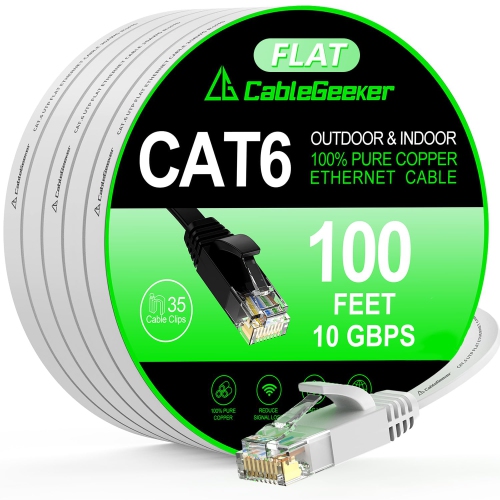
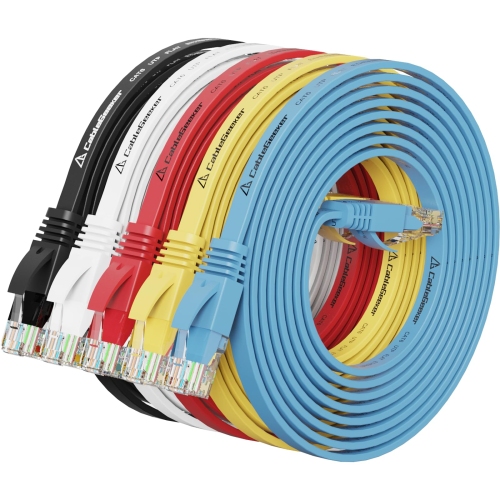
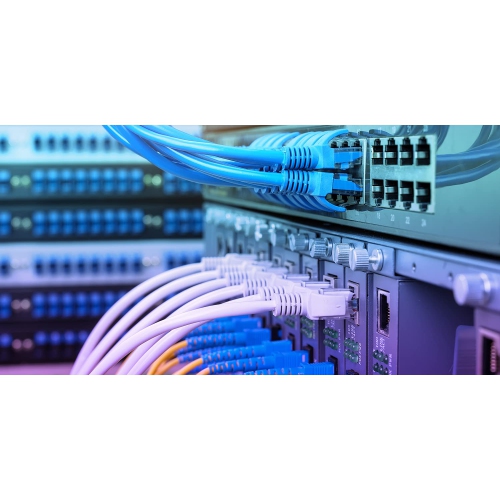
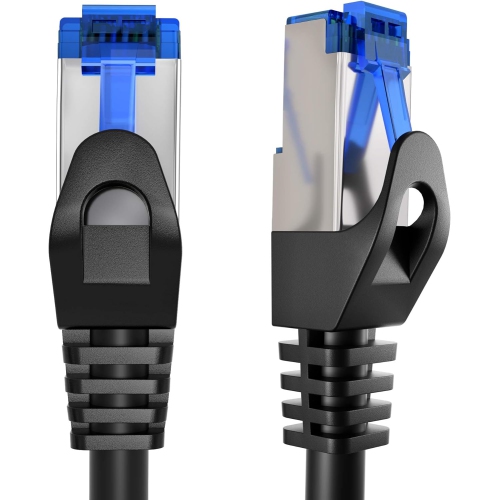
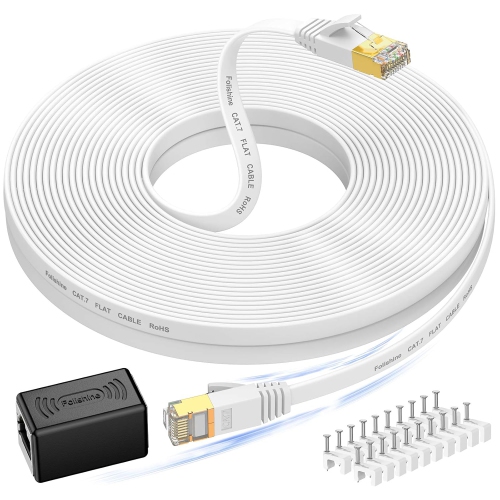
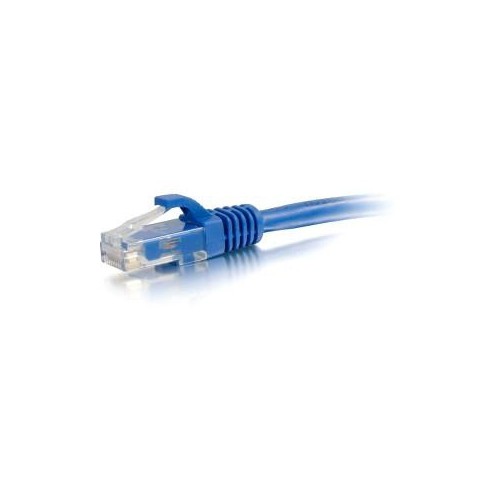
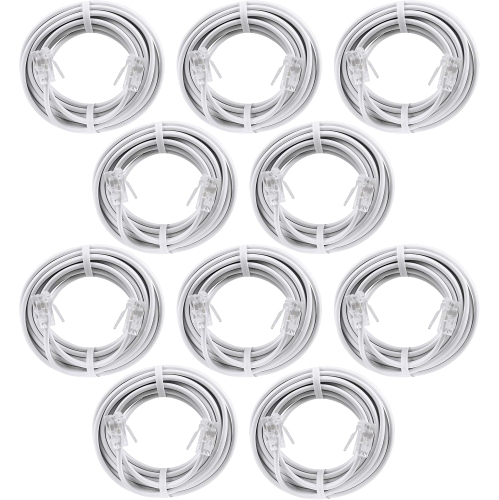
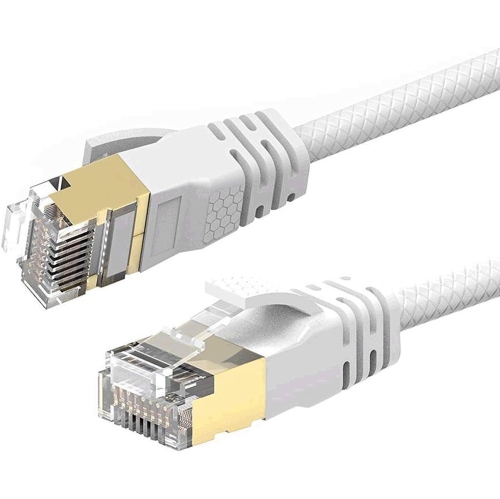
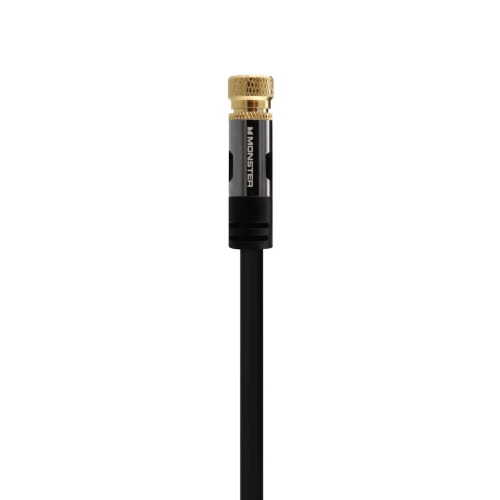
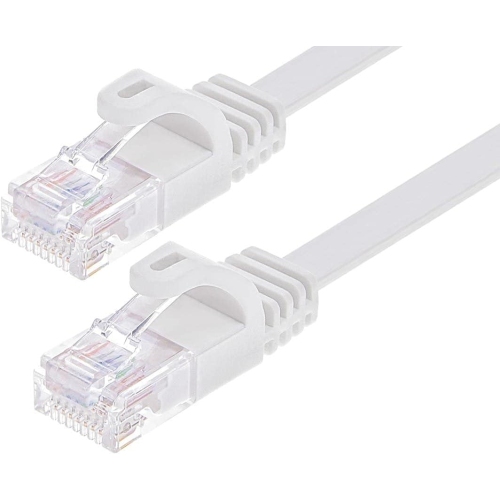
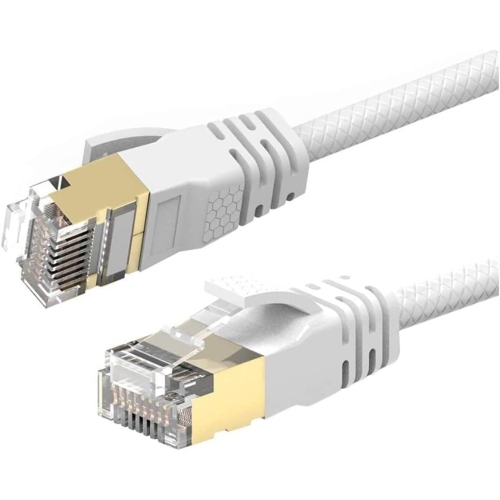
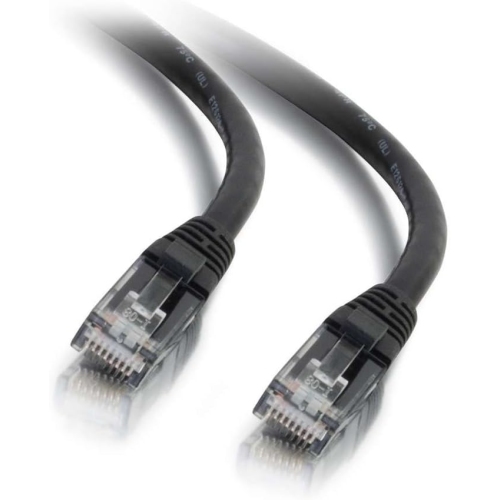
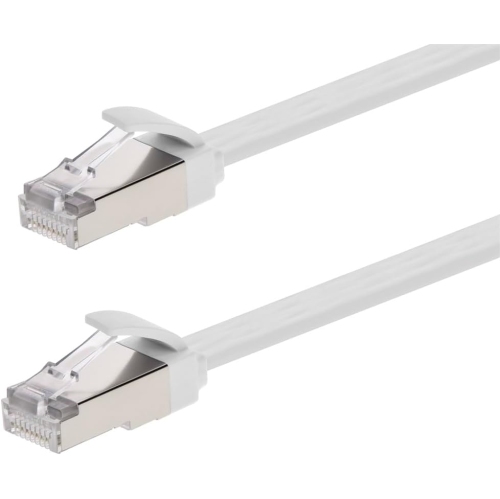
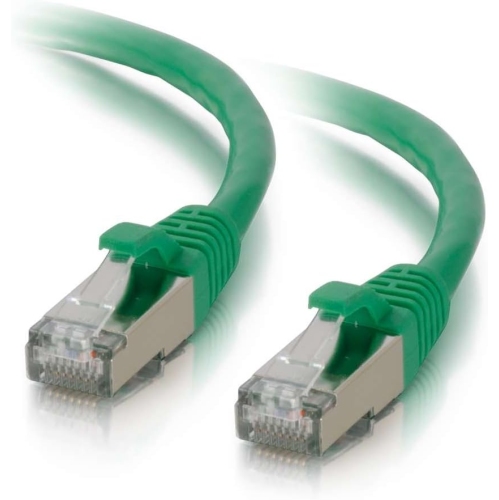
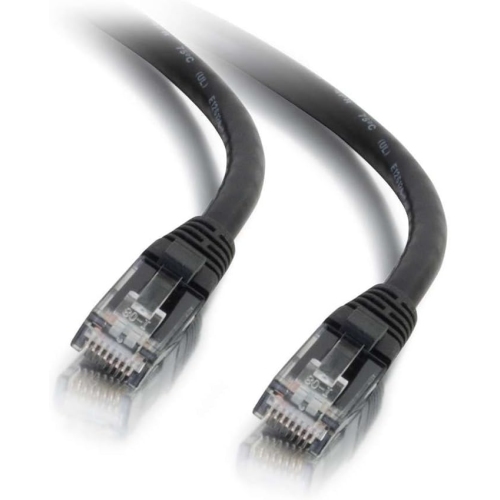
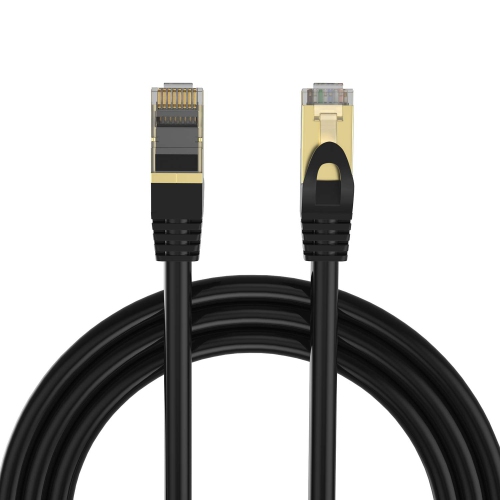
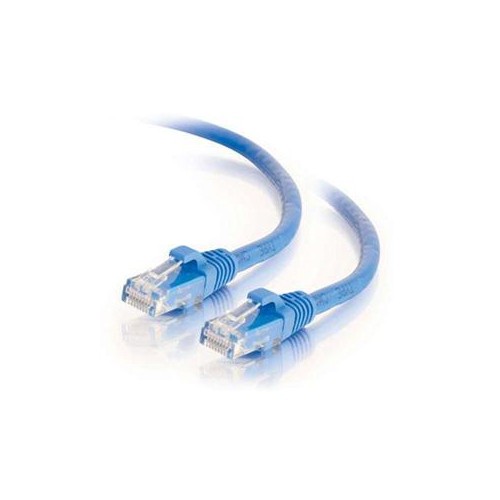
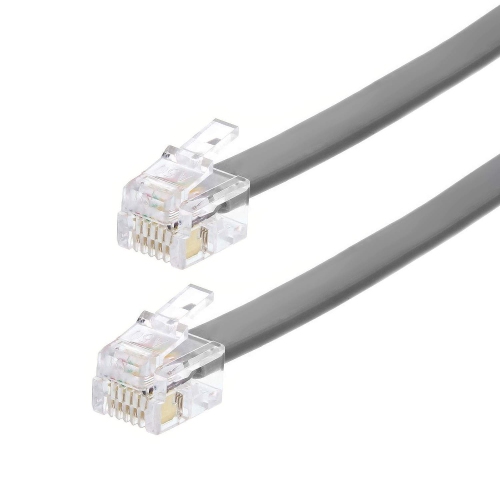
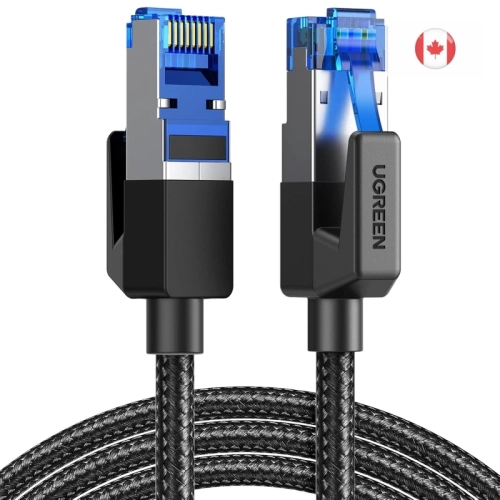
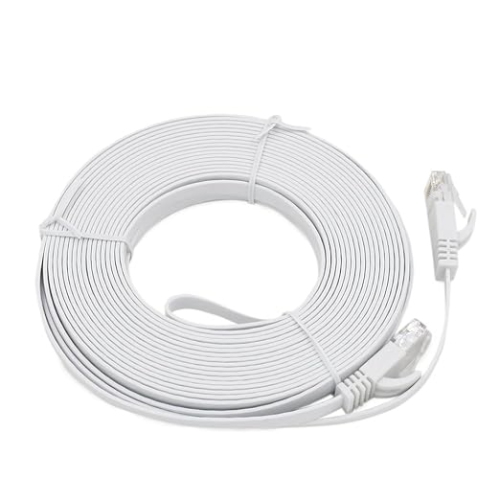
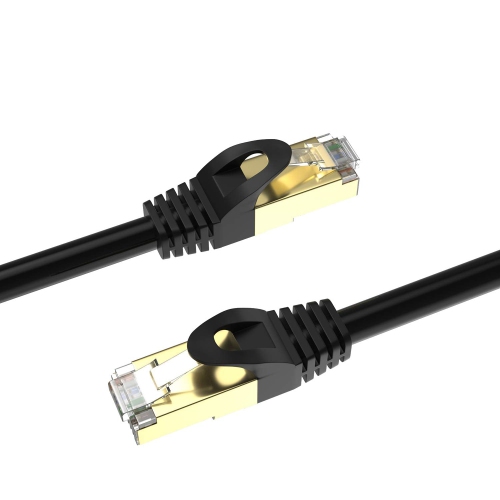
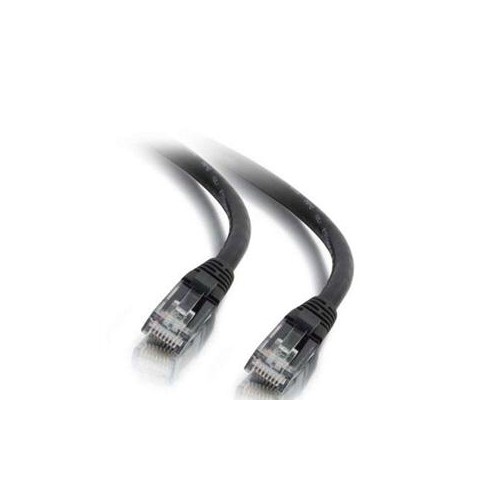
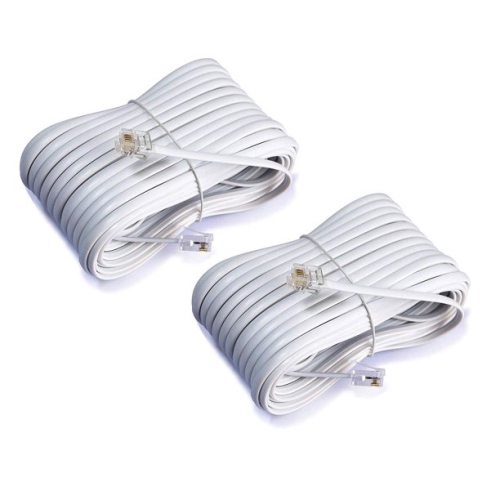
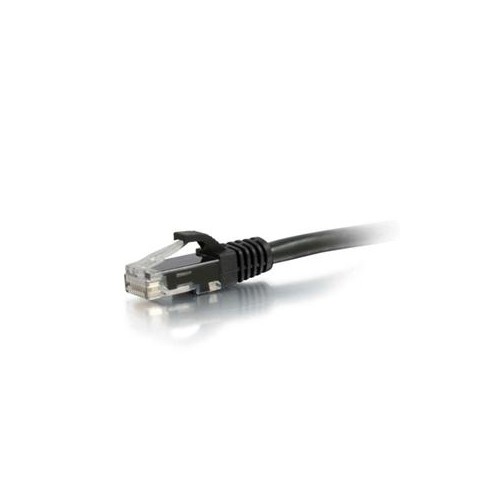
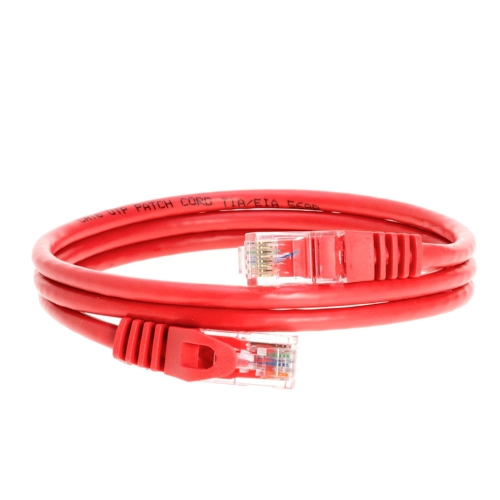
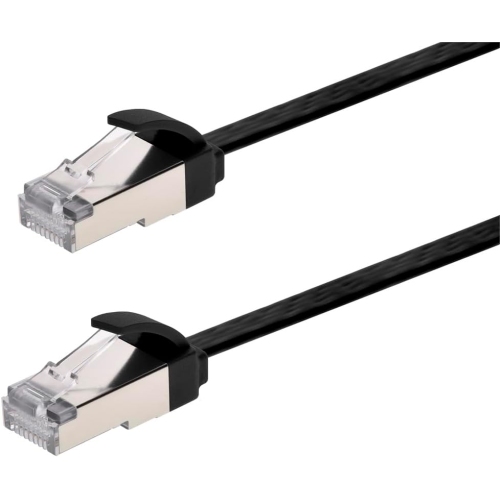
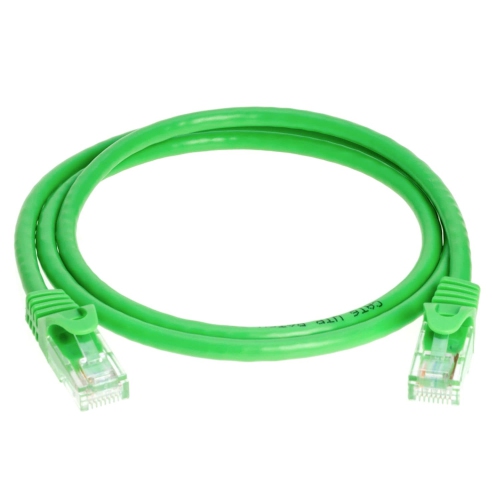
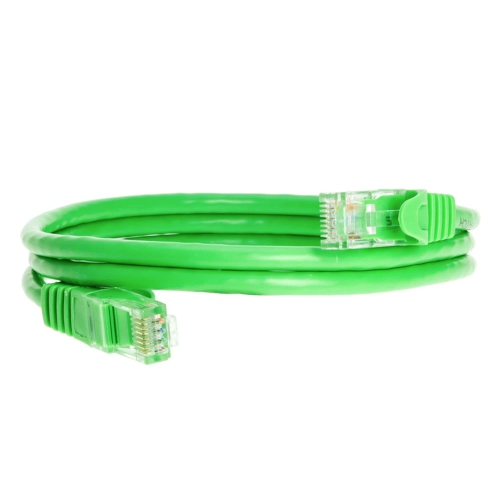
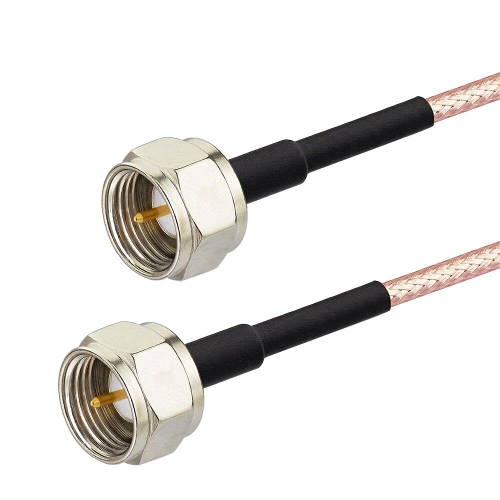
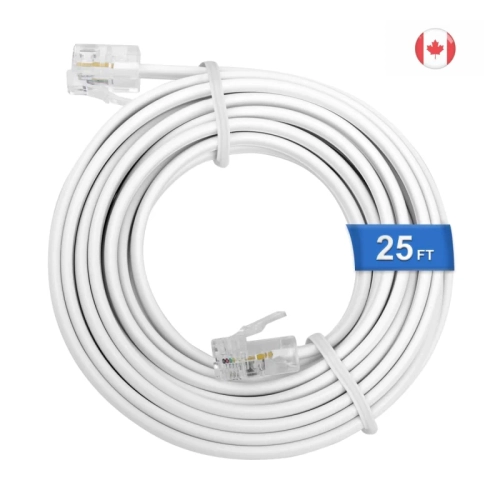
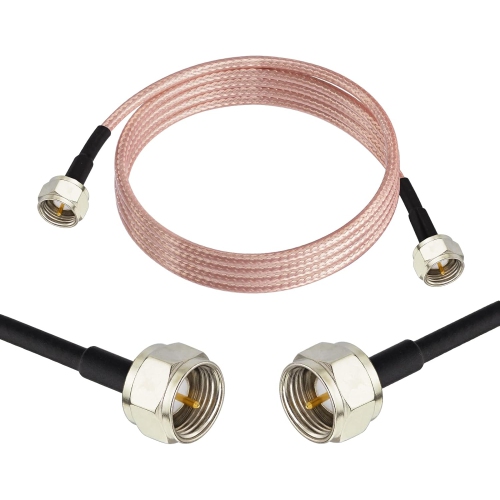
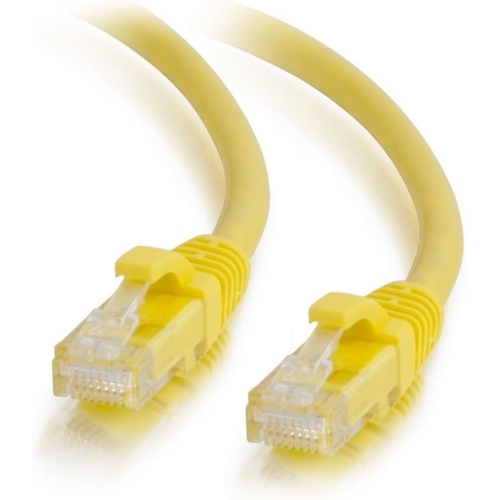
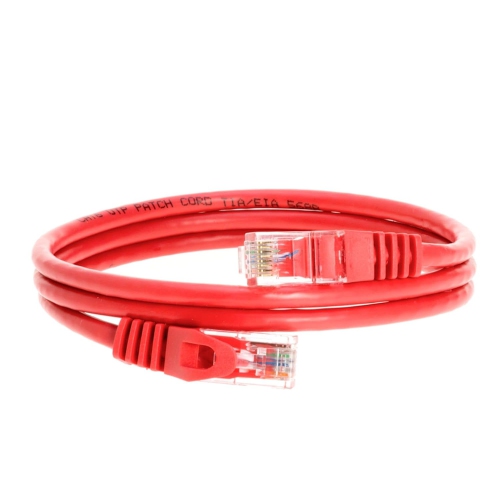
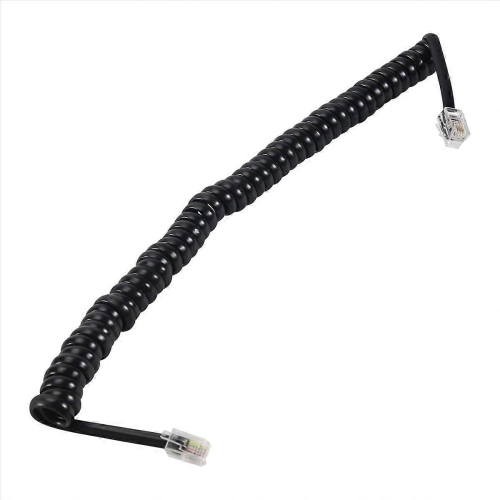
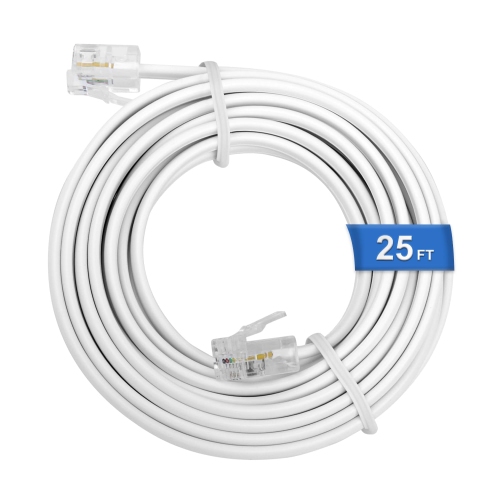
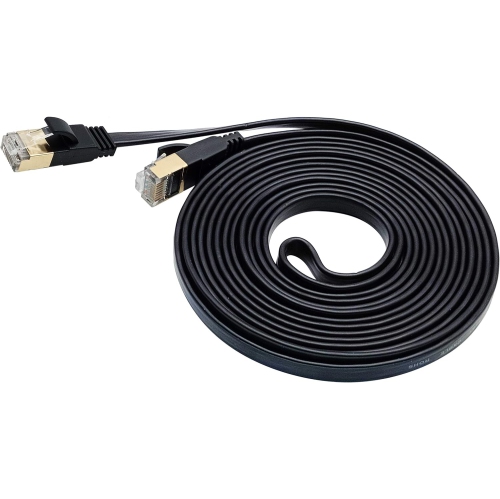
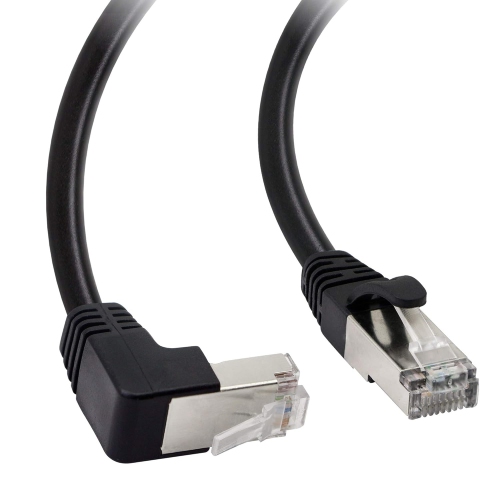
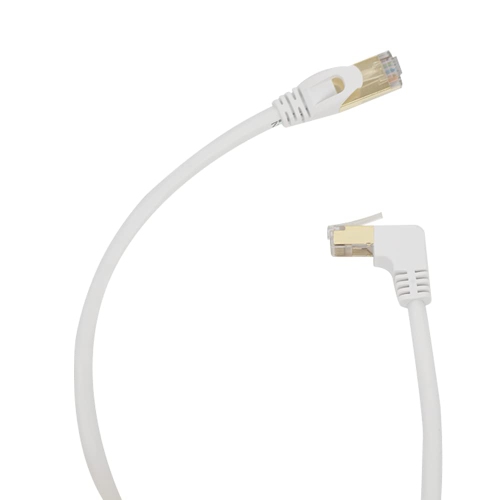
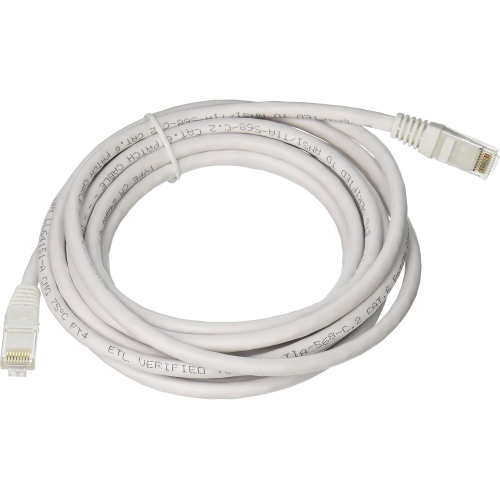
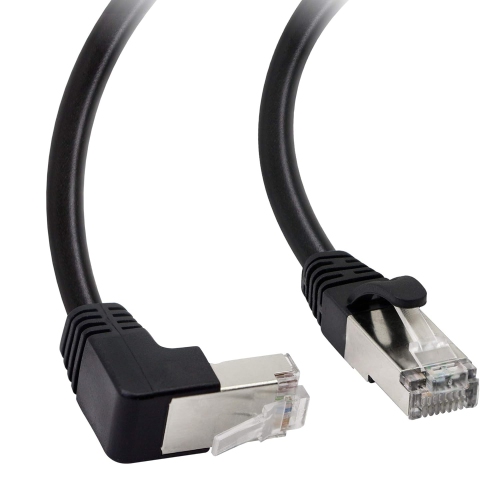
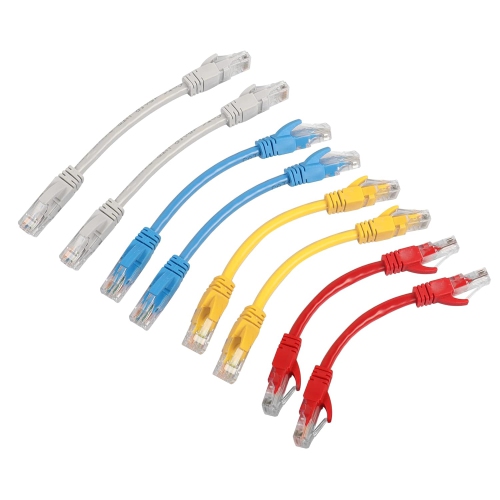
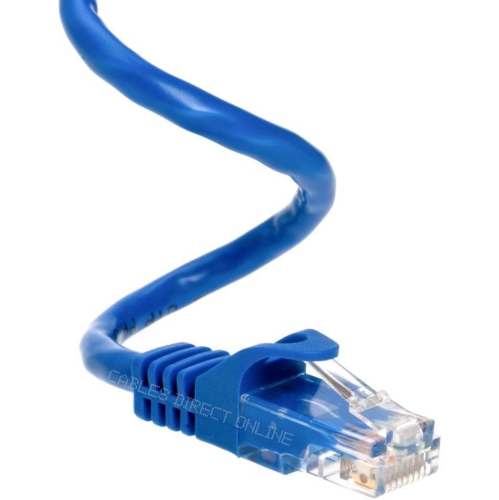
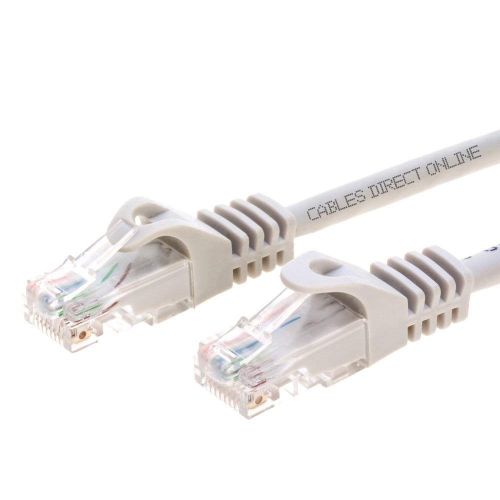
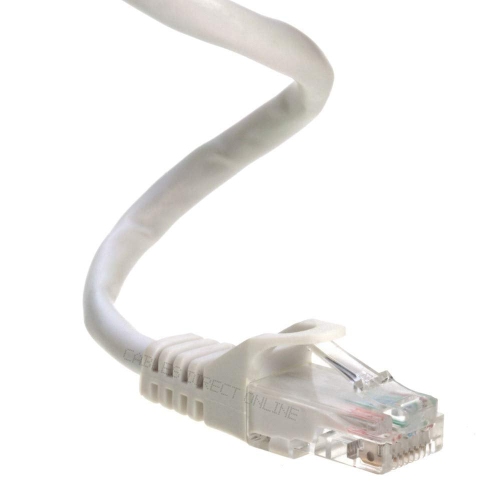
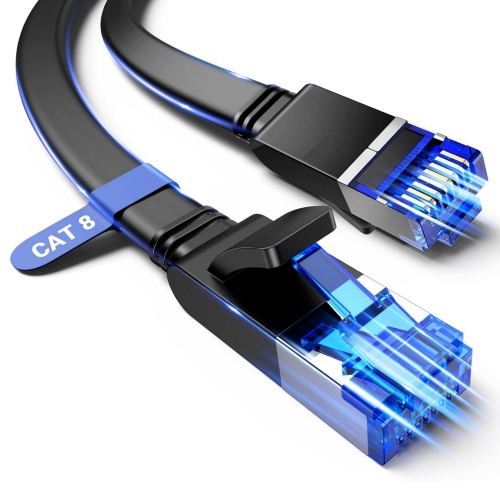
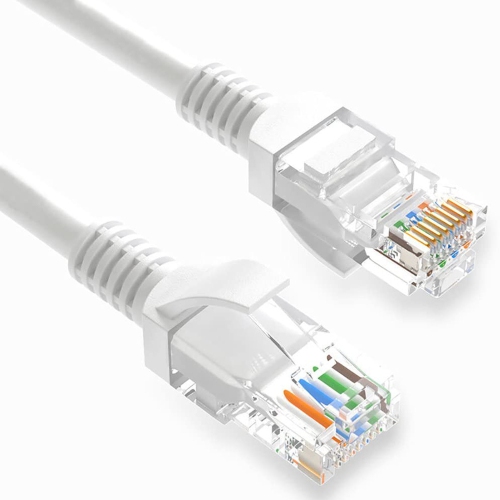
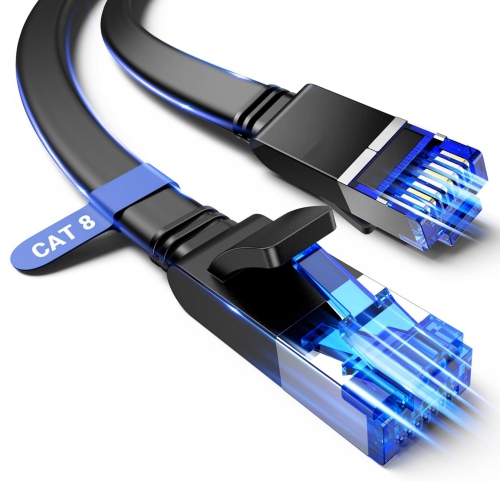
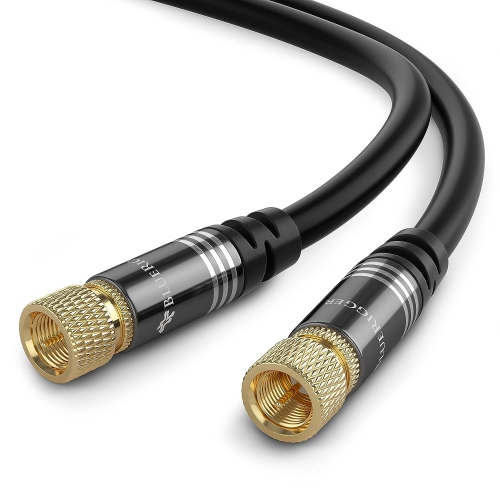
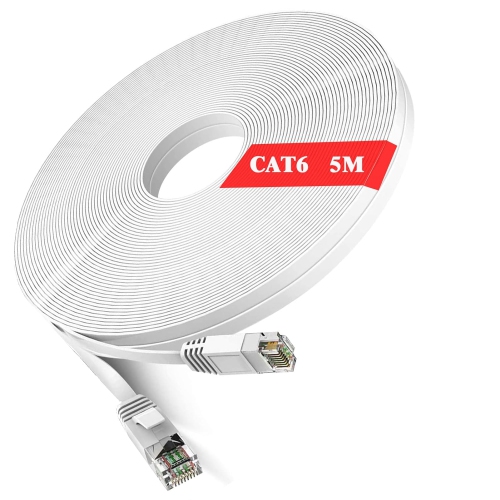
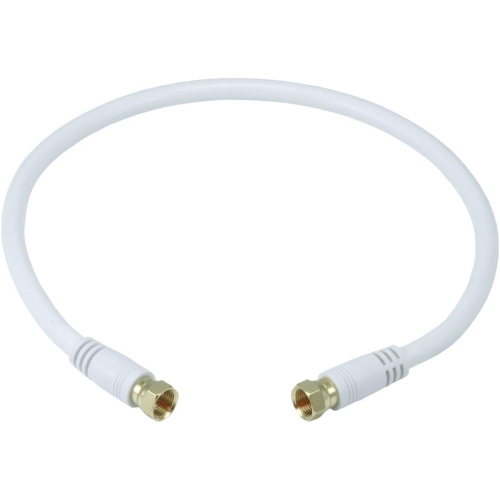
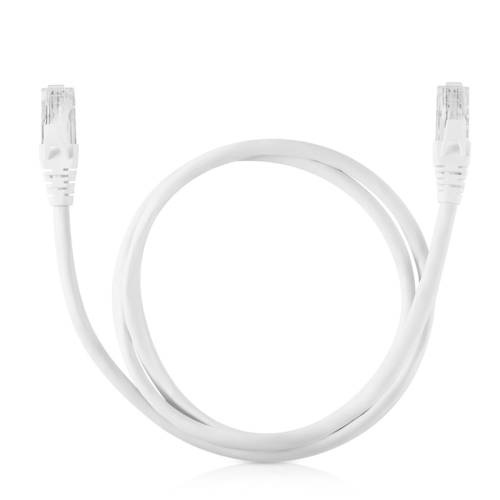
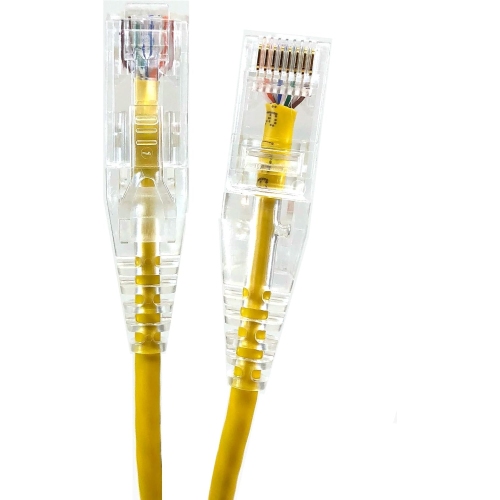
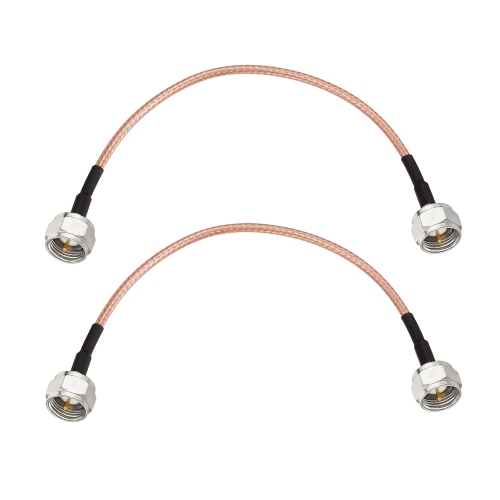
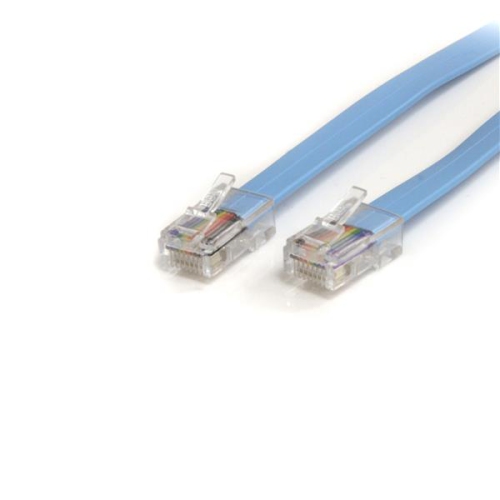
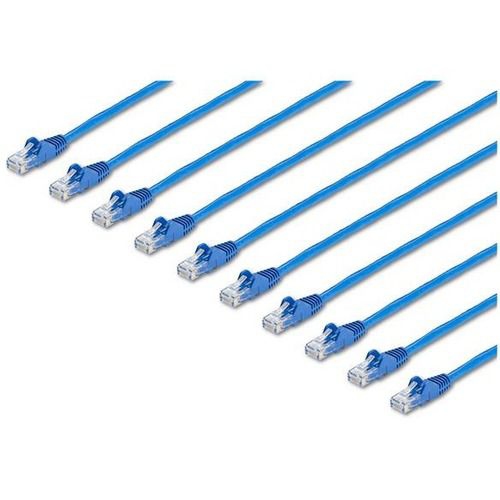
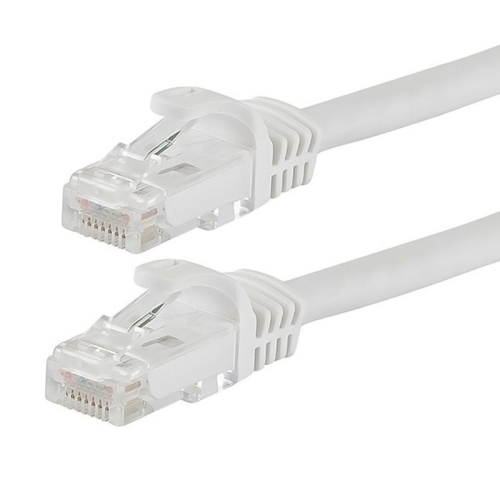
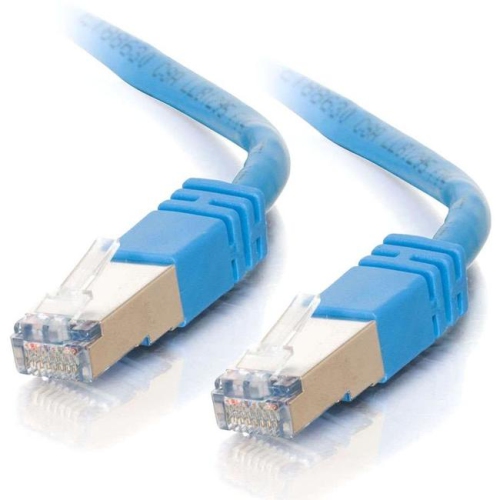
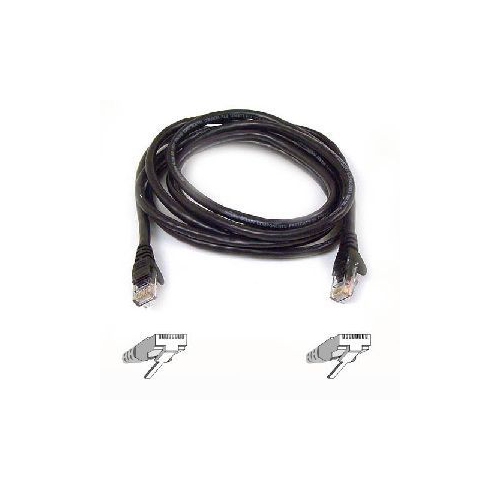
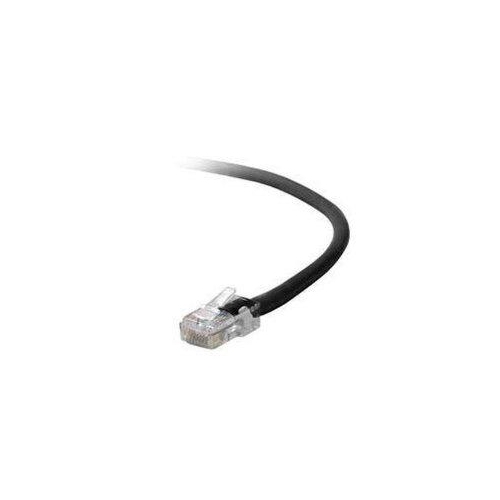
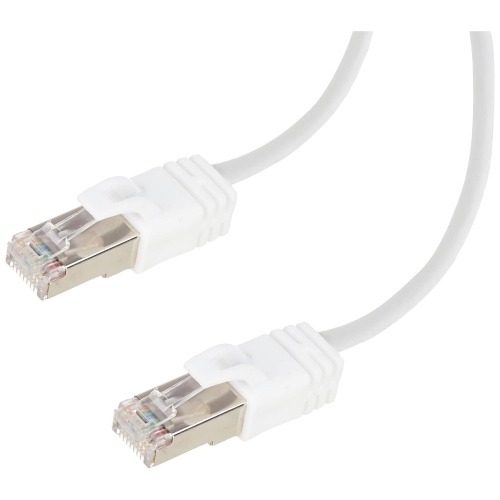
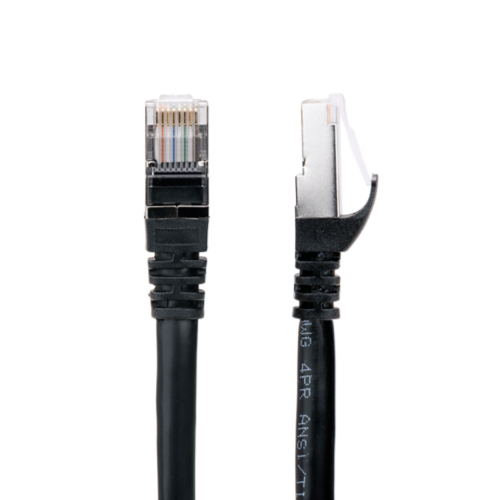
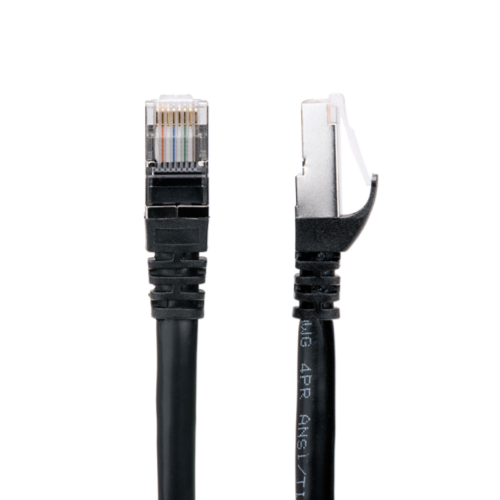
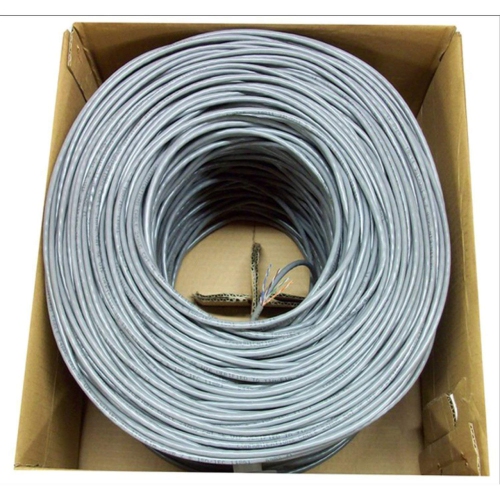
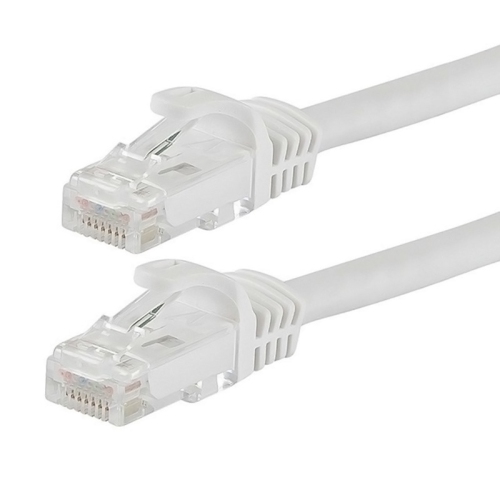
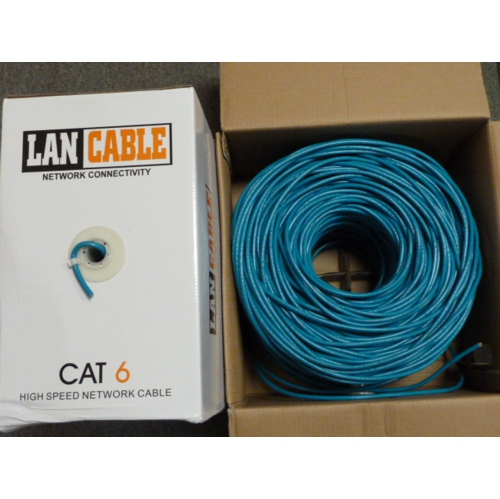
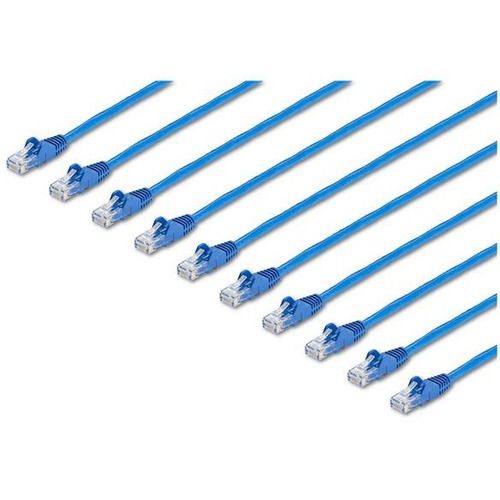
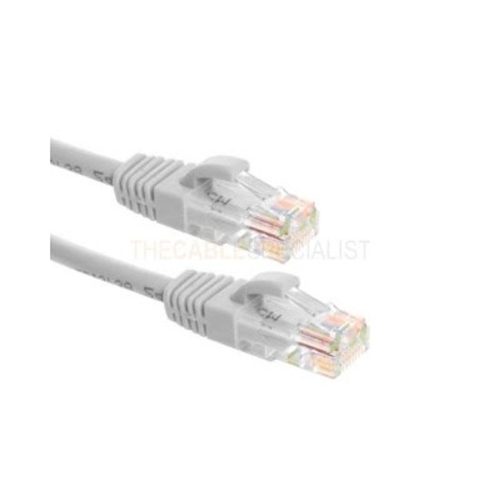
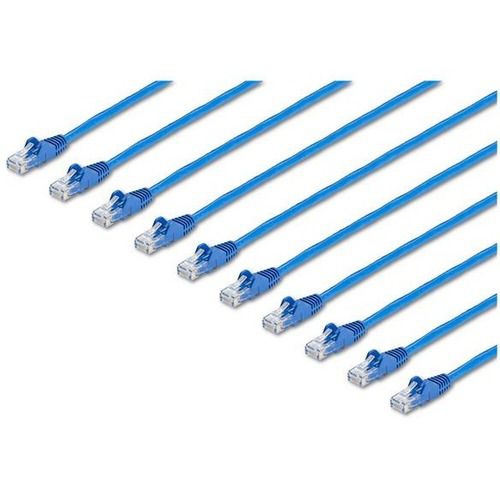
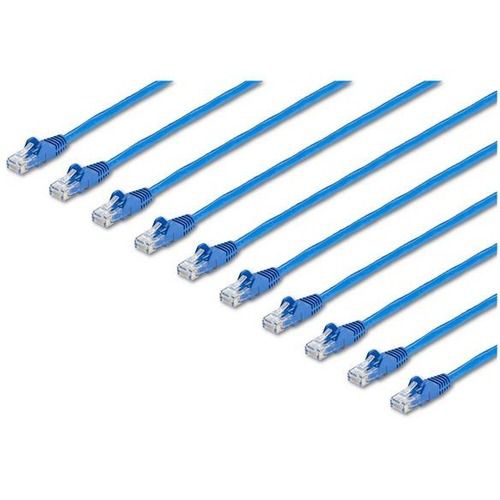
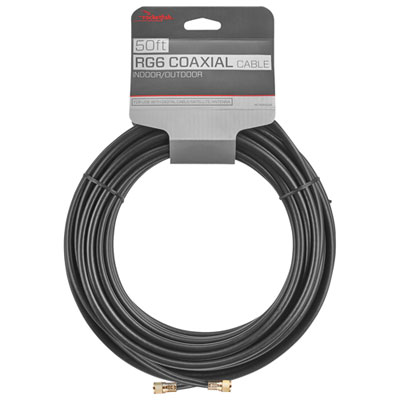
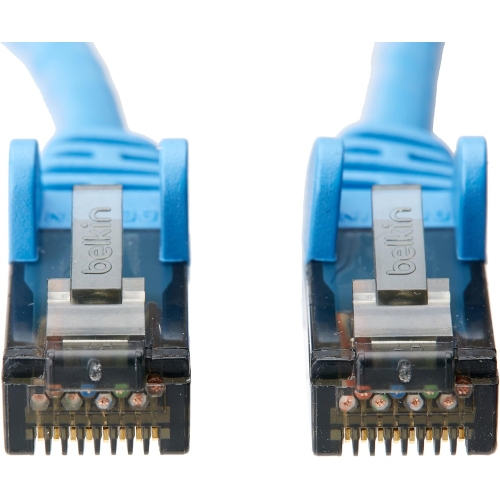
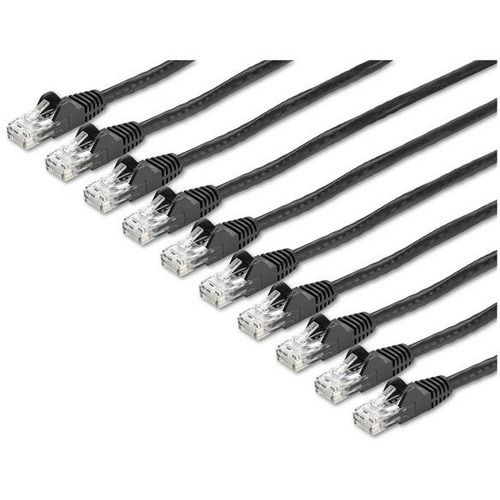
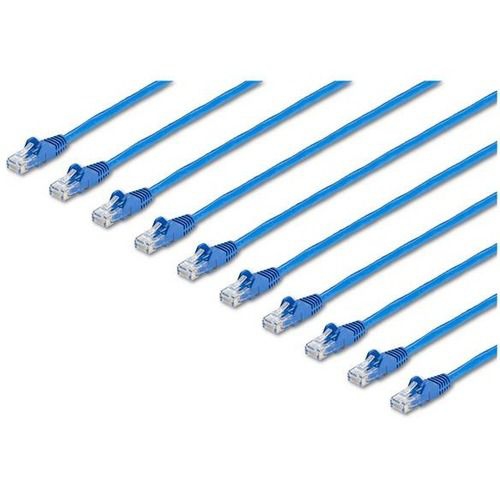
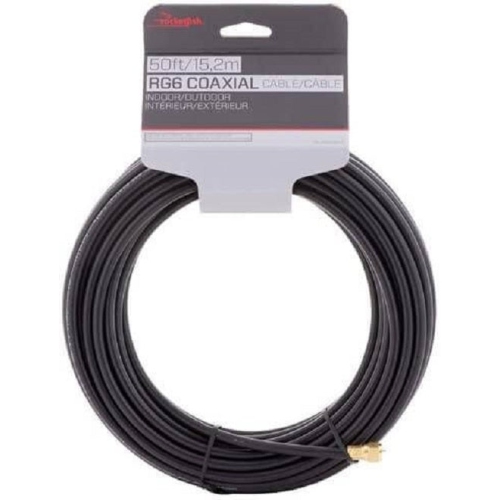
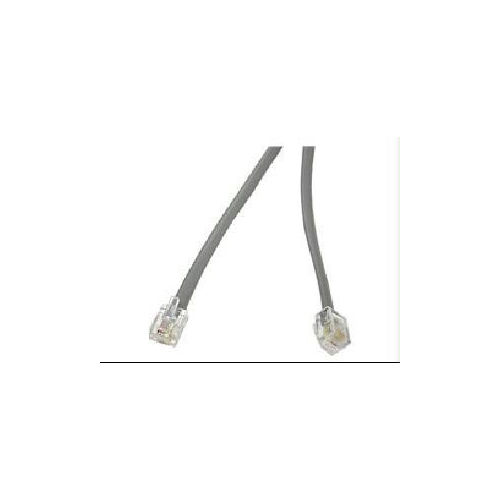
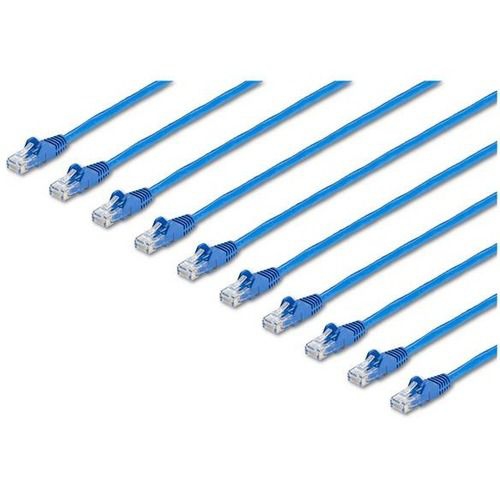
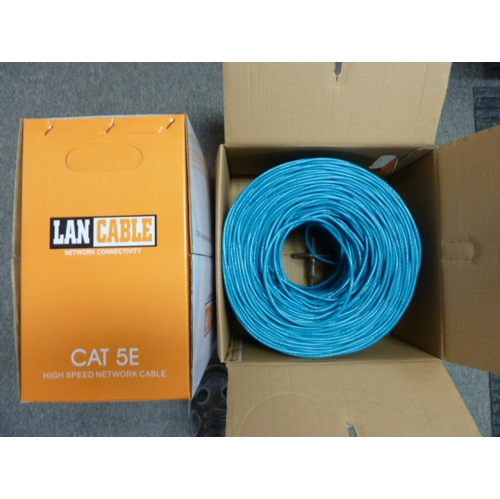
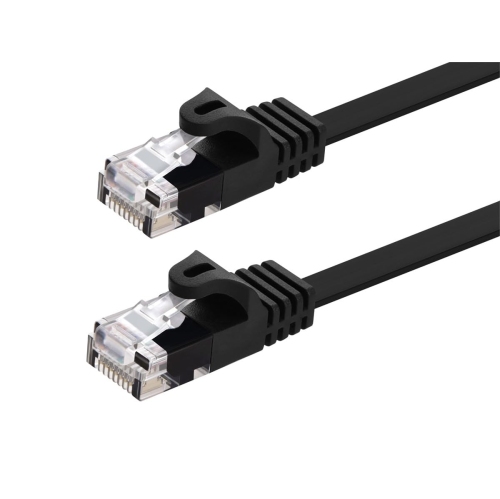
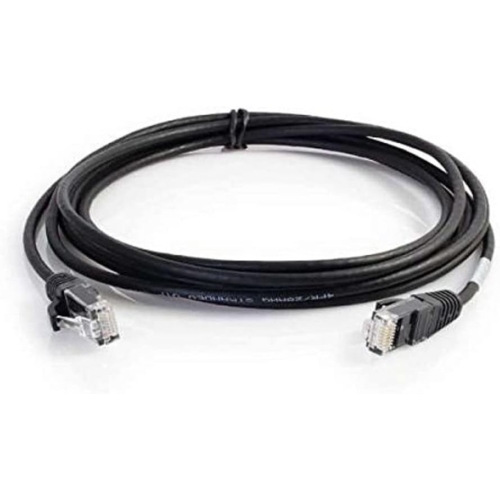
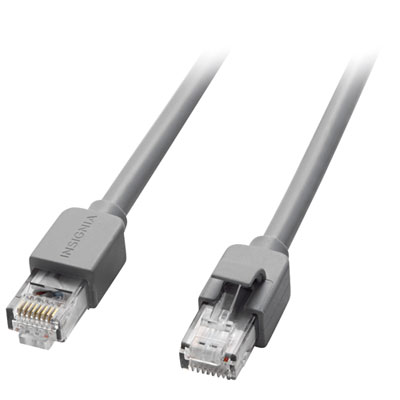
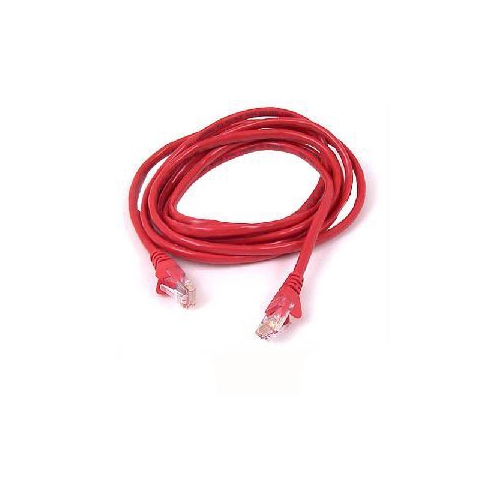
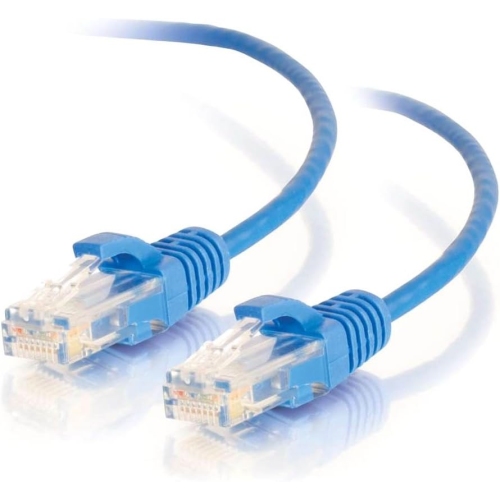
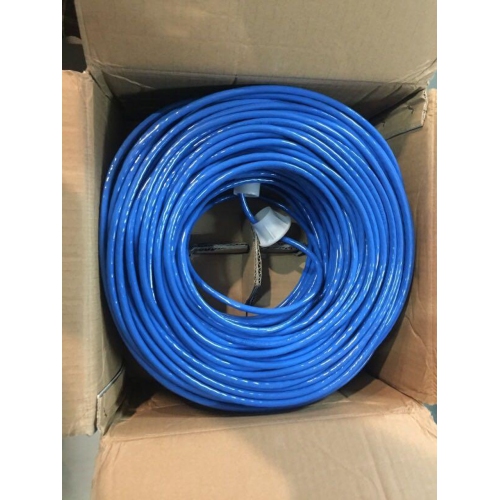
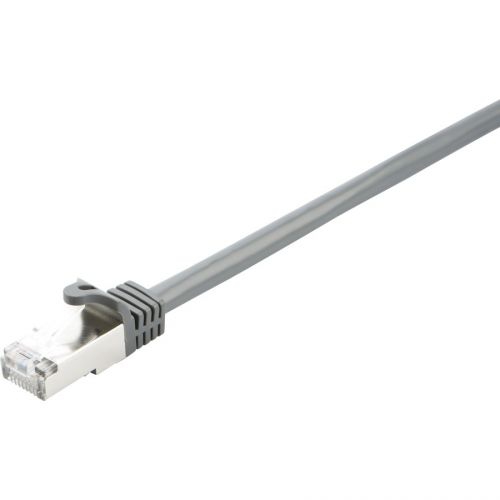
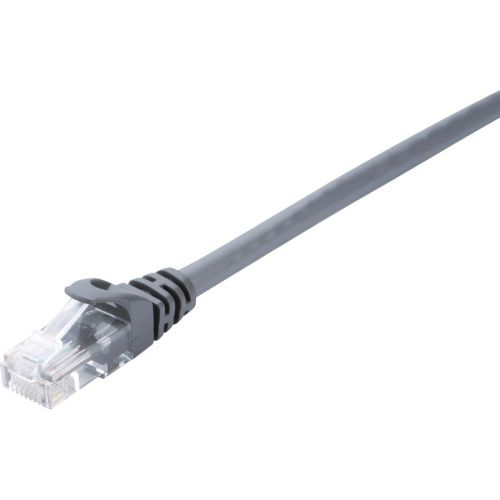
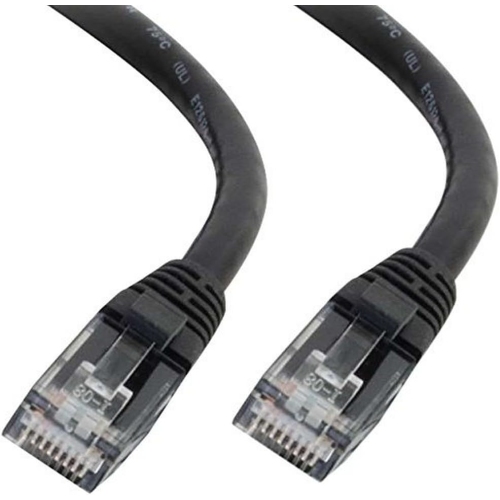
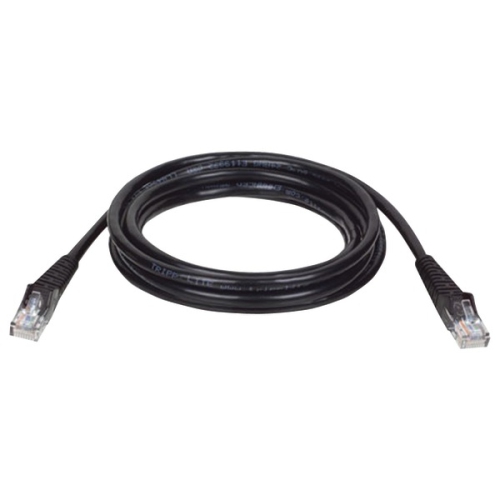
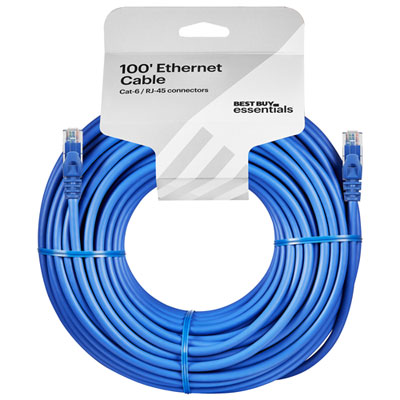
Cables for modems help create the essential connection between your internet service, modem, router, and connected devices. The right cable depends on the type of internet service installed in your home and the ports found on your equipment. For cable internet, a coaxial cable carries the incoming signal from the wall outlet to the modem. It is typically a thicker, round cable with a small metal pin in the centre and threaded connectors that screw securely into place. RG6 coaxial cable is a common choice for modern cable internet installations, although checking the requirements from your internet provider and modem is always a sensible first step. For a closer look at this connection type, explore Coaxial Cables for Cable Modem. Once the modem is connected to the wall, an Ethernet cable generally links the modem to a Wi-Fi router. This cable uses wider, clear plastic connectors with small clips and fits into Ethernet or LAN ports. The modem end usually connects to the router’s WAN or Internet port, allowing the router to distribute the connection throughout your home. A direct Ethernet connection can also link a modem or router to a computer, game console, smart TV, or other compatible device when a wired connection is preferred. Homes with DSL service may use a telephone cable instead. Often called an RJ11 cable, this narrower cord connects a DSL modem to a telephone wall jack and has smaller modular plugs than an Ethernet cable. Fibre internet installations can use different equipment and connections, so the cable between the fibre terminal, modem, and router should match the ports and instructions supplied with the service.
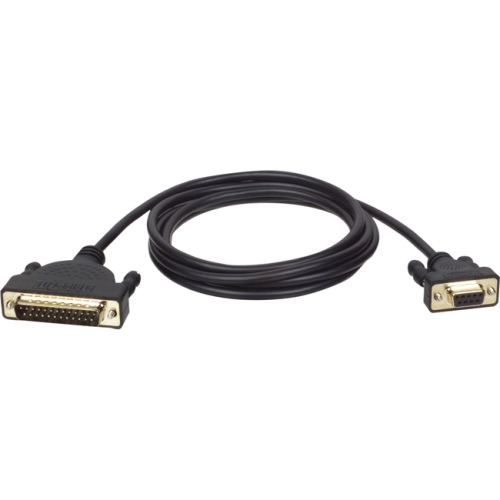
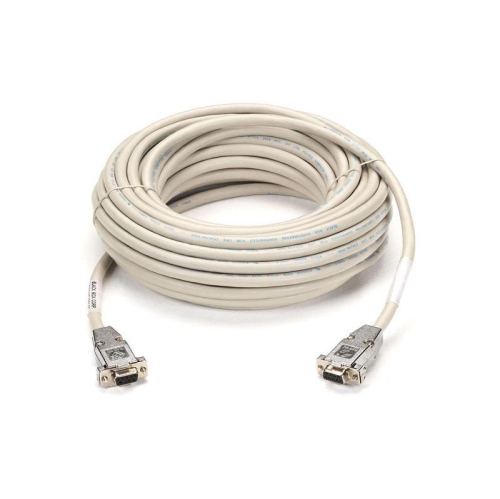
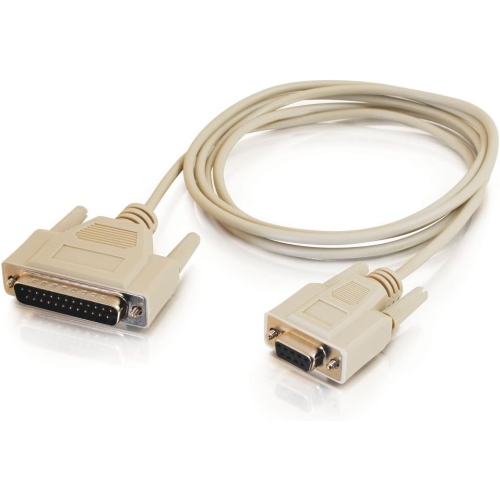
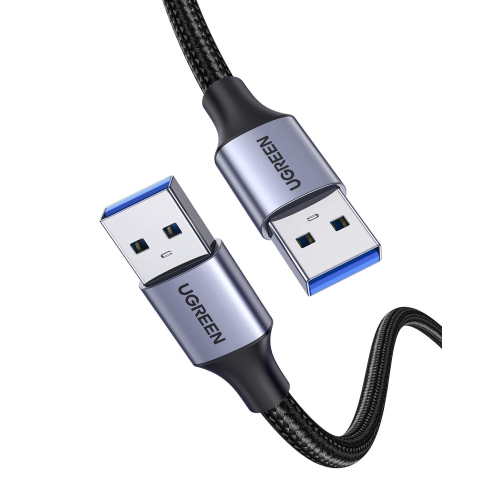
When choosing cables for modems, begin by identifying the connection that needs to be replaced or added rather than relying on appearance alone. Coaxial, Ethernet, and telephone cables are not interchangeable, even though they may all be available in similar lengths and colours. Look at the back of the modem and router, read the labels beside each port, and compare the connector shape with the cable you already have. Length is another important consideration. A cable should be long enough to reach without pulling on the ports, but excess length can create a tangled bundle behind a desk or entertainment unit. Measure the route from the wall outlet to the modem, then from the modem to the router, allowing a little extra room for gentle bends and future rearrangement. Avoid sharply folding a cable, pinching it beneath heavy furniture, or routing it where a chair, door, or drawer could repeatedly catch it. Secure connections are especially helpful in busy homes where pets, children, or regular cleaning can disturb equipment. Threaded coaxial connectors should be tightened by hand until snug, without forcing them, while Ethernet and telephone plugs should click into place. If an internet connection drops after furniture is moved or equipment is relocated, inspect the cable for loose connectors, bent pins, cracked clips, visible wear, or strain near either end. Replacing a damaged cable can be a straightforward way to restore a dependable connection, although service outages, modem faults, and account issues may require help from the internet provider.
These cables are useful for people setting up a home office, improving a gaming area, replacing a misplaced cord, or preparing a new apartment for internet service. They can also be practical additions to a household technology kit, particularly for students moving into residence, families rearranging a media room, or anyone helping a relative organize a modem and router without unnecessary clutter. During the warmer months, home projects and room changes may bring older connections into view, while cooler months often mean more time spent working, learning, streaming, and gaming indoors. Keeping a properly matched spare cable on hand can make those changes less disruptive, especially when a modem needs to be moved away from a crowded power bar or a router needs to sit in a more central location for better Wi-Fi coverage. For a new setup, connect the incoming service cable to the modem first, then use Ethernet to connect the modem to the router, following the port labels and provider instructions. Allow the modem and router to finish restarting before checking the connection. If you are replacing one cable in an existing setup, match its type and connector style, choose an appropriate length, and test the connection after installation. A simple, well-routed cable can help keep the equipment area tidy and make it easier to identify each connection when troubleshooting later. With the correct cable for the service type and device ports, setting up or refreshing a modem connection becomes a more manageable part of maintaining a reliable home network.
When choosing cables for modems, begin by identifying the connection that needs to be replaced or added rather than relying on appearance alone. Coaxial, Ethernet, and telephone cables are not interchangeable, even though they may all be available in similar lengths and colours. Look at the back of the modem and router, read the labels beside each port, and compare the connector shape with the cable you already have. Length is another important consideration. A cable should be long enough to reach without pulling on the ports, but excess length can create a tangled bundle behind a desk or entertainment unit. Measure the route from the wall outlet to the modem, then from the modem to the router, allowing a little extra room for gentle bends and future rearrangement. Avoid sharply folding a cable, pinching it beneath heavy furniture, or routing it where a chair, door, or drawer could repeatedly catch it. Secure connections are especially helpful in busy homes where pets, children, or regular cleaning can disturb equipment. Threaded coaxial connectors should be tightened by hand until snug, without forcing them, while Ethernet and telephone plugs should click into place. If an internet connection drops after furniture is moved or equipment is relocated, inspect the cable for loose connectors, bent pins, cracked clips, visible wear, or strain near either end. Replacing a damaged cable can be a straightforward way to restore a dependable connection, although service outages, modem faults, and account issues may require help from the internet provider.
These cables are useful for people setting up a home office, improving a gaming area, replacing a misplaced cord, or preparing a new apartment for internet service. They can also be practical additions to a household technology kit, particularly for students moving into residence, families rearranging a media room, or anyone helping a relative organize a modem and router without unnecessary clutter. During the warmer months, home projects and room changes may bring older connections into view, while cooler months often mean more time spent working, learning, streaming, and gaming indoors. Keeping a properly matched spare cable on hand can make those changes less disruptive, especially when a modem needs to be moved away from a crowded power bar or a router needs to sit in a more central location for better Wi-Fi coverage. For a new setup, connect the incoming service cable to the modem first, then use Ethernet to connect the modem to the router, following the port labels and provider instructions. Allow the modem and router to finish restarting before checking the connection. If you are replacing one cable in an existing setup, match its type and connector style, choose an appropriate length, and test the connection after installation. A simple, well-routed cable can help keep the equipment area tidy and make it easier to identify each connection when troubleshooting later. With the correct cable for the service type and device ports, setting up or refreshing a modem connection becomes a more manageable part of maintaining a reliable home network.
Top selling and popular products
-
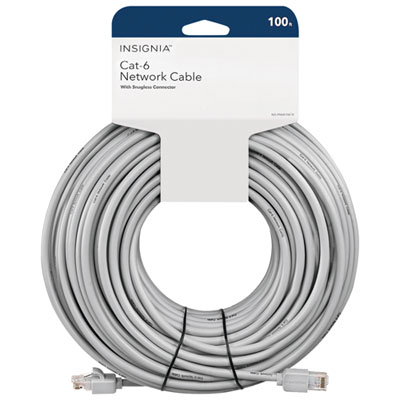 Your price for this item is $49.95
 -
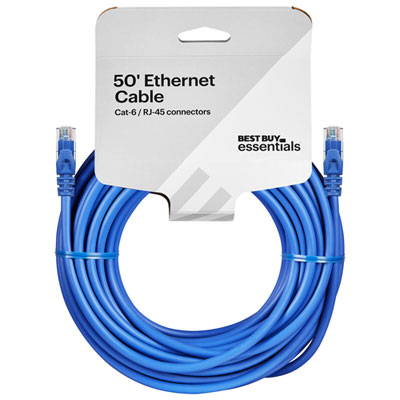 Your price for this item is $24.99
 -
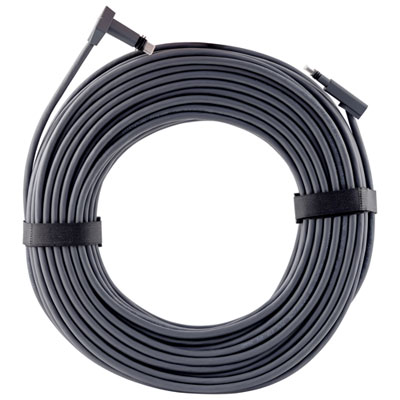 Your price for this item is $164.99
 -
 Your price for this item is $31.37
 -
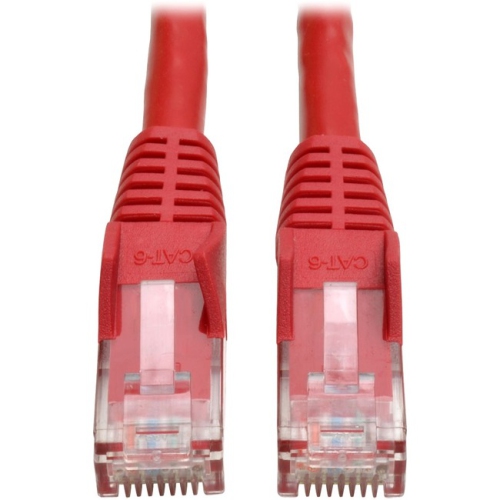 Your price for this item is $79.68
 -
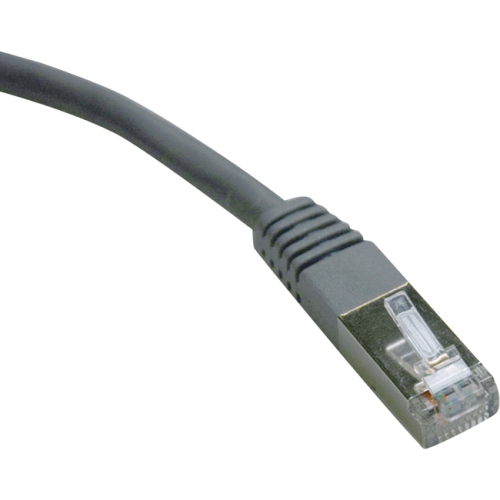 Your price for this item is $57.68
 -
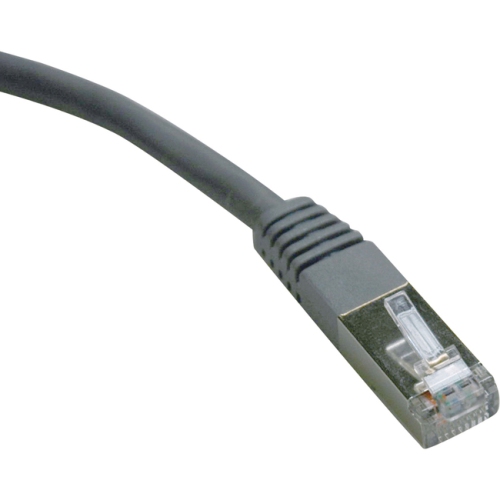 Your price for this item is $50.99
 -
 Your price for this item is $57.68
Discover more categories related to Cables for Modems

Top Collections:
Pokemon Centers, Kindle Devices, Best Cameras for Sports Photography, Pokémon 30th Celebration Cards, Apple iPhones 16, Canon G7X Cameras, iPhone 15 Apple, Flip Phones, Samsung Galaxy Phones, Alarm Clock
Some products may be subject to Environmental Handling Fees
(EHF) depending on your province.
Learn more about EHFs.