Internet Connection Cables
Enhance your online experience with our wide selection of internet connection cables, designed to keep you seamlessly connected in today's fast-paced digital world. Whether you're setting up a home office, gaming station, or simply need reliable connectivity for streaming and browsing, our collection offers the perfect solution for every need. Explore various lengths and types to find the ideal fit for your setup, ensuring optimal performance and speed. Stay connected with confidence and enjoy a smoother online journey with high-quality internet connection cables from Best Buy Canada.
Sort
How wired connections support reliable home networking
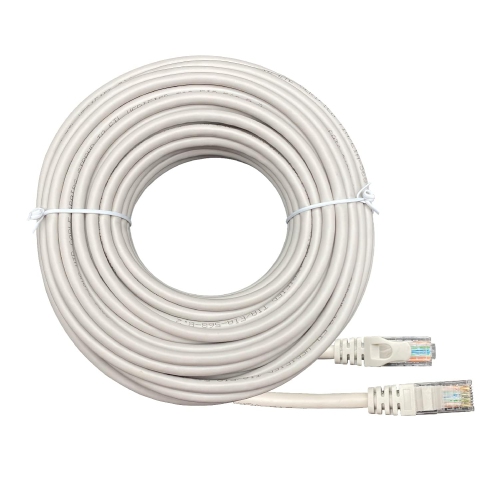
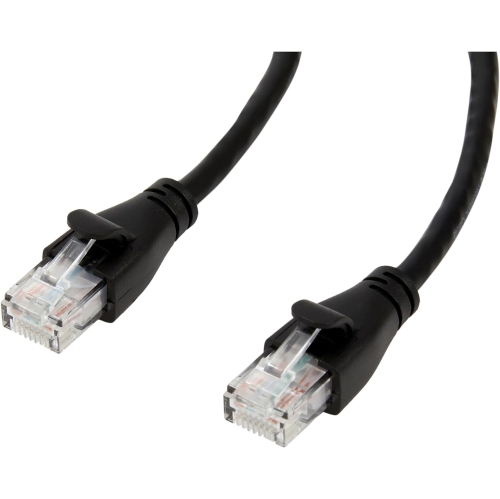
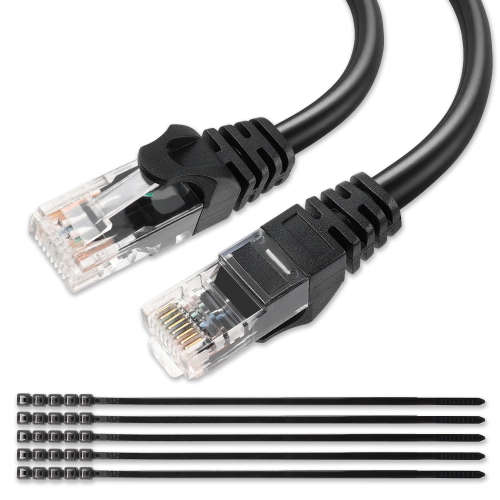
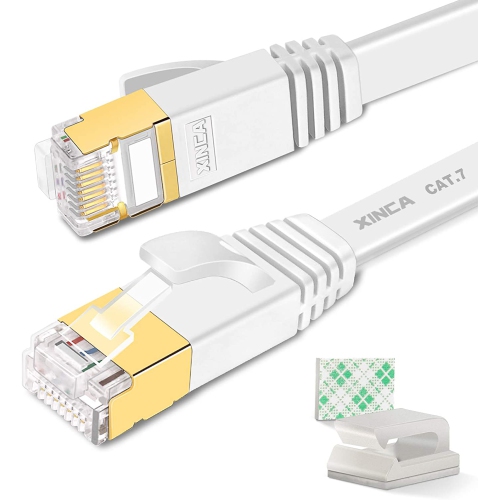
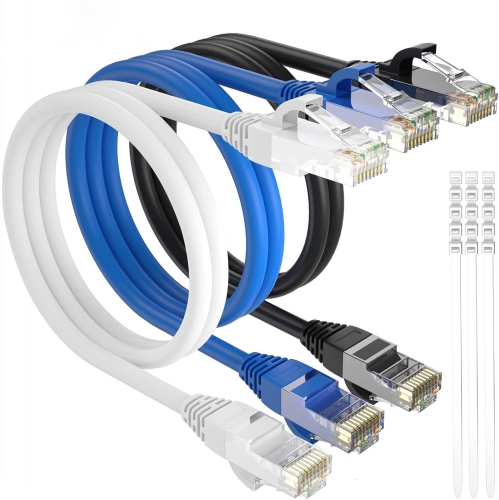
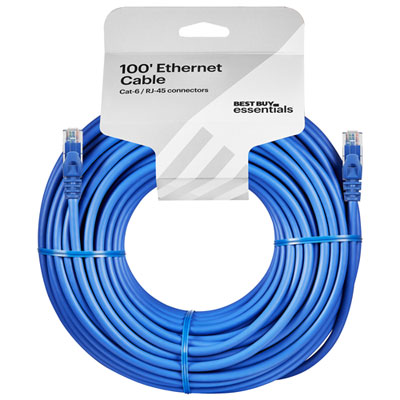
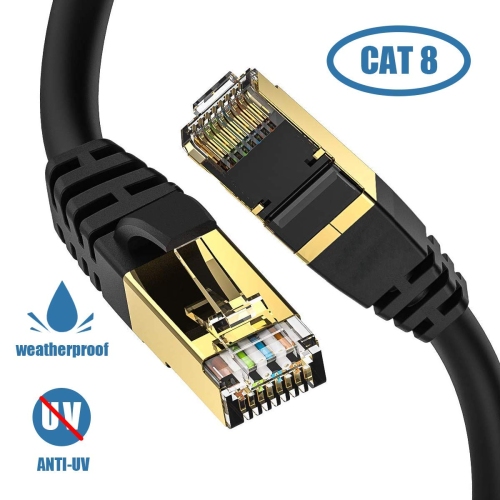
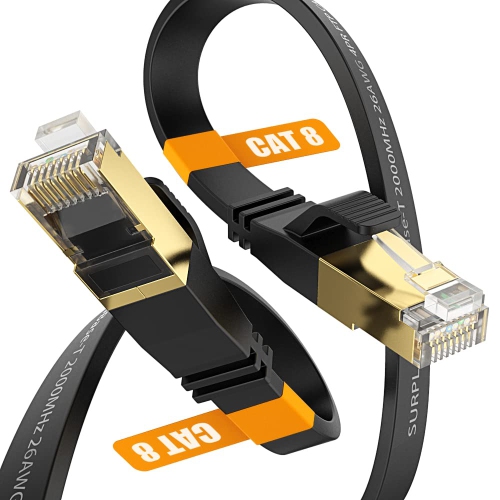
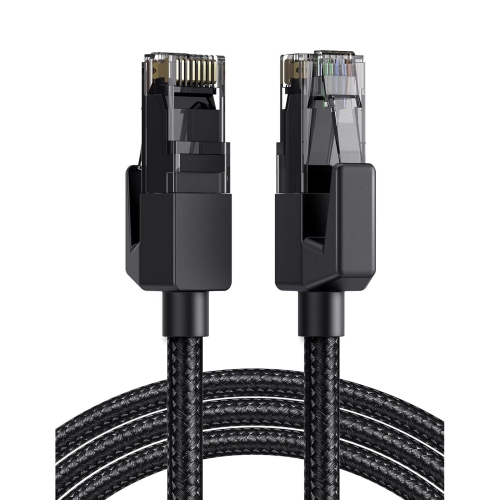
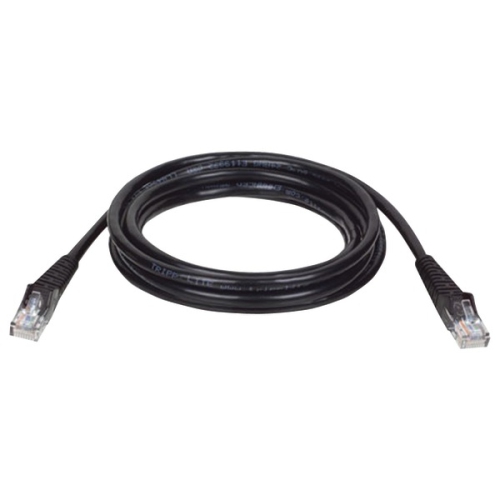
Internet connection cables provide a direct link between your internet equipment and the devices that rely on a dependable network connection. In most homes, the term refers to Ethernet cables, which connect a modem, router, or network switch to a computer, game console, smart TV, streaming player, printer, or other compatible device. They typically use an RJ45 connector at each end, with a small locking tab that clicks into the network port. Unlike a wireless connection, a wired link can help reduce interference, improve consistency, and deliver steady performance for activities such as online gaming, video calls, large file transfers, and high-resolution streaming. A wired connection can be particularly useful in a home office where a dropped signal can interrupt a meeting, or in a media room where several people are streaming while another household member is gaming. When browsing related options, the broader Electronics Cables selection can also be helpful for finding cords for nearby devices and accessories. Ethernet cables are available in several categories, and the right choice depends on your internet service, network hardware, device capabilities, and the distance between connection points. Cat5e cables are generally suitable for everyday home networking and can support speeds of up to 1 Gbps under appropriate conditions. Cat6 cables are a popular choice for newer networks, with support for speeds of up to 10 Gbps over shorter distances. Cat6a cables are designed to maintain 10 Gbps performance over longer runs and include additional protection against signal interference. Cat8 cables are intended for specialized, high-performance networking environments and may be more capability than a typical home setup requires. A higher category does not automatically make an internet plan faster, but it can provide useful capacity for modern networking equipment and future upgrades.
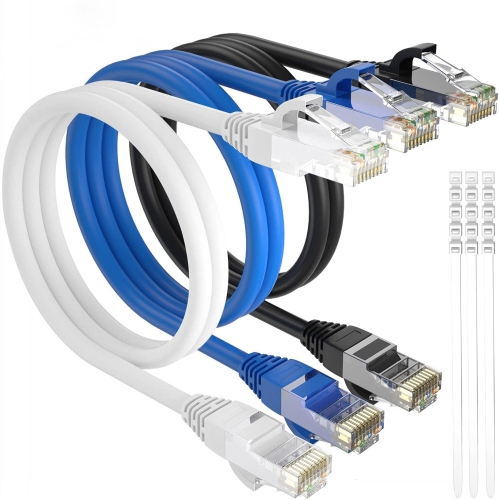
Cable length is one of the most practical details to consider. Measure the route from the router or switch to the device, then allow enough extra length to follow the edge of a wall, pass behind furniture, or create a gentle loop near each connection. A cable that is too short can pull on the port or leave equipment awkwardly positioned, while an excessively long cord may gather in a loose bundle and become difficult to organize. Flat Ethernet cables can fit neatly beneath a rug edge, along baseboards, or behind shelving, making them useful when a low-profile appearance matters. Round cables are often preferred for longer runs or areas where added durability is important. If a cable will pass near power cords, speakers, fluorescent lighting, or other sources of electrical interference, a shielded design may help preserve signal quality. For most typical rooms, an unshielded cable is sufficient. Look for secure connectors, reinforced strain relief, and a jacket that suits the intended environment. The locking tab should seat firmly without requiring excessive force, and the cable should bend naturally rather than sharply at the plug. Colour can also be practical: matching a cable to a desk setup or assigning different colours to separate devices can make a crowded network area easier to understand when troubleshooting. Before purchasing, check which ports are available on the modem, router, switch, or device. Ethernet cables are not the same as telephone cords, coaxial cables, USB cables, or HDMI cables, even though some may look similar at a glance.
Other internet connection cables serve different parts of a network. Coaxial cables are thick, round cables with a central pin and are commonly used to bring cable internet service into a home or connect compatible networking equipment to a wall outlet supplied by an internet provider. Fibre optic cables transmit data as pulses of light through fine glass or plastic strands, supporting high bandwidth and long-distance connections. Fibre equipment and connector types can vary, so compatibility is especially important when replacing or extending a fibre connection. For a straightforward connection between a router and a device, Ethernet is usually the most familiar option; for the service entering the home, the required cable may depend on the provider and installed equipment. These cables are useful for students setting up a study area, remote workers arranging a quieter office, families connecting a console in a basement or bedroom, and anyone who wants a stable alternative to Wi-Fi in a busy household. They can also make thoughtful practical gifts for someone moving into a new home, building a gaming station, adding a television to a room, or reorganizing a home office. During the warmer months and through the cooler months, a well-planned wired setup can keep a desk, entertainment centre, or network cabinet running neatly as furniture and devices shift around the home. For the best fit, note the device being connected, the port type, the desired cable category, the approximate route length, and whether the cable will be exposed to foot traffic or tucked behind furniture. A properly chosen connection cable is a small part of a home network, but it can make everyday browsing, streaming, gaming, and work feel noticeably more stable.
Cable length is one of the most practical details to consider. Measure the route from the router or switch to the device, then allow enough extra length to follow the edge of a wall, pass behind furniture, or create a gentle loop near each connection. A cable that is too short can pull on the port or leave equipment awkwardly positioned, while an excessively long cord may gather in a loose bundle and become difficult to organize. Flat Ethernet cables can fit neatly beneath a rug edge, along baseboards, or behind shelving, making them useful when a low-profile appearance matters. Round cables are often preferred for longer runs or areas where added durability is important. If a cable will pass near power cords, speakers, fluorescent lighting, or other sources of electrical interference, a shielded design may help preserve signal quality. For most typical rooms, an unshielded cable is sufficient. Look for secure connectors, reinforced strain relief, and a jacket that suits the intended environment. The locking tab should seat firmly without requiring excessive force, and the cable should bend naturally rather than sharply at the plug. Colour can also be practical: matching a cable to a desk setup or assigning different colours to separate devices can make a crowded network area easier to understand when troubleshooting. Before purchasing, check which ports are available on the modem, router, switch, or device. Ethernet cables are not the same as telephone cords, coaxial cables, USB cables, or HDMI cables, even though some may look similar at a glance.
Other internet connection cables serve different parts of a network. Coaxial cables are thick, round cables with a central pin and are commonly used to bring cable internet service into a home or connect compatible networking equipment to a wall outlet supplied by an internet provider. Fibre optic cables transmit data as pulses of light through fine glass or plastic strands, supporting high bandwidth and long-distance connections. Fibre equipment and connector types can vary, so compatibility is especially important when replacing or extending a fibre connection. For a straightforward connection between a router and a device, Ethernet is usually the most familiar option; for the service entering the home, the required cable may depend on the provider and installed equipment. These cables are useful for students setting up a study area, remote workers arranging a quieter office, families connecting a console in a basement or bedroom, and anyone who wants a stable alternative to Wi-Fi in a busy household. They can also make thoughtful practical gifts for someone moving into a new home, building a gaming station, adding a television to a room, or reorganizing a home office. During the warmer months and through the cooler months, a well-planned wired setup can keep a desk, entertainment centre, or network cabinet running neatly as furniture and devices shift around the home. For the best fit, note the device being connected, the port type, the desired cable category, the approximate route length, and whether the cable will be exposed to foot traffic or tucked behind furniture. A properly chosen connection cable is a small part of a home network, but it can make everyday browsing, streaming, gaming, and work feel noticeably more stable.
Top selling and popular products
-
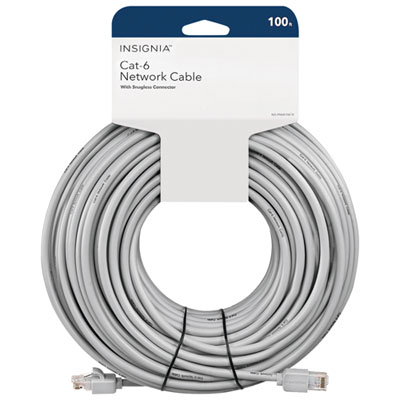 Your price for this item is $49.95
 -
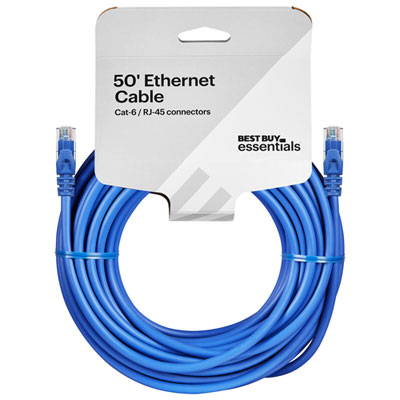 Your price for this item is $24.99
 -
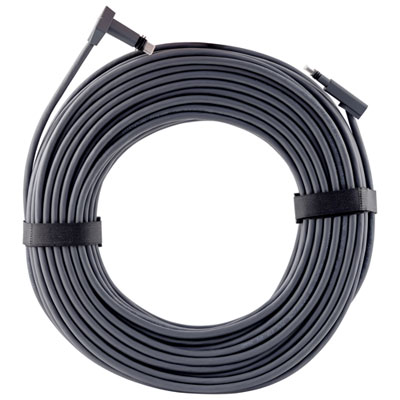 Your price for this item is $164.99
 -
 Your price for this item is $31.37
 -
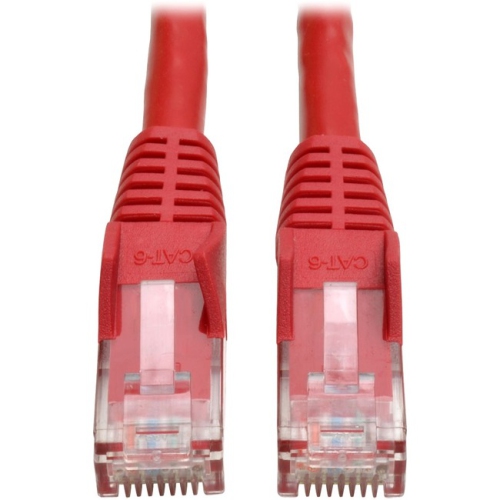 Your price for this item is $79.68
 -
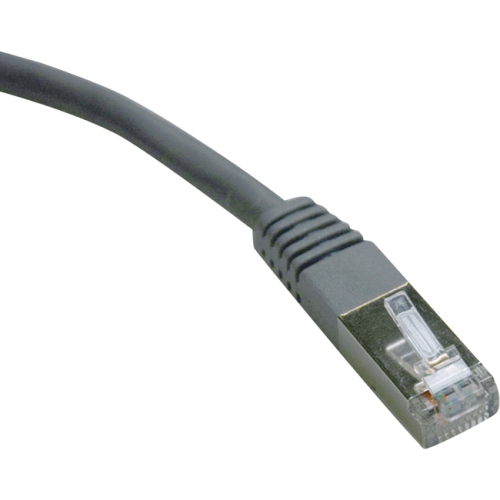 Your price for this item is $57.68
 -
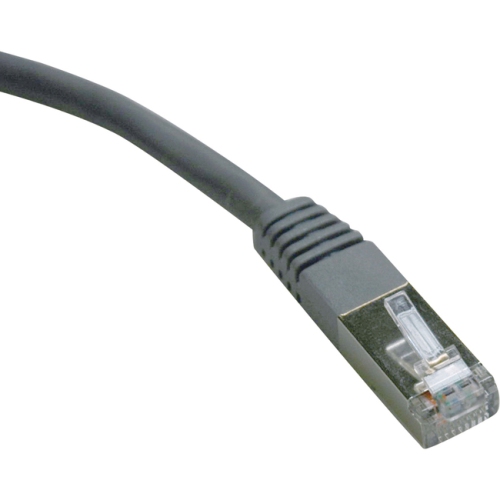 Your price for this item is $50.99
 -
 Your price for this item is $57.68
Discover more categories related to Internet Connection Cables

Top Collections:
Pokemon Centers, Kindle Devices, Best Cameras for Sports Photography, Pokémon 30th Celebration Cards, Apple iPhones 16, Canon G7X Cameras, iPhone 15 Apple, Flip Phones, Samsung Galaxy Phones, Alarm Clock
Some products may be subject to Environmental Handling Fees
(EHF) depending on your province.
Learn more about EHFs.