Color Changing Gaming Mice
Elevate your gaming setup with a Color Changing Gaming Mouse, designed to enhance both style and performance during every session. These dynamic mice add a vibrant touch to your desk with captivating lighting effects that respond to your gameplay. Whether you're aiming for precision in fast-paced action or seeking comfort for extended play, explore a range of options that suit every level of gamer. Find the perfect Color Changing Gaming Mouse to match your unique preferences and take your gaming experience to the next level.
Sort


There’s more to RGB lighting than a rainbow
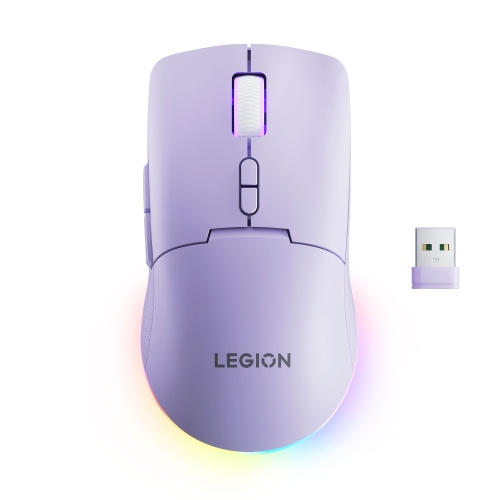
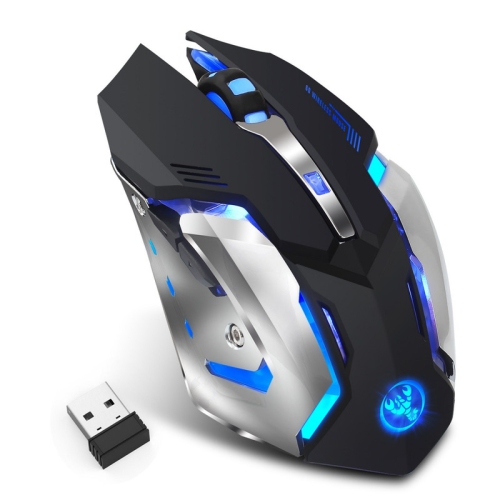
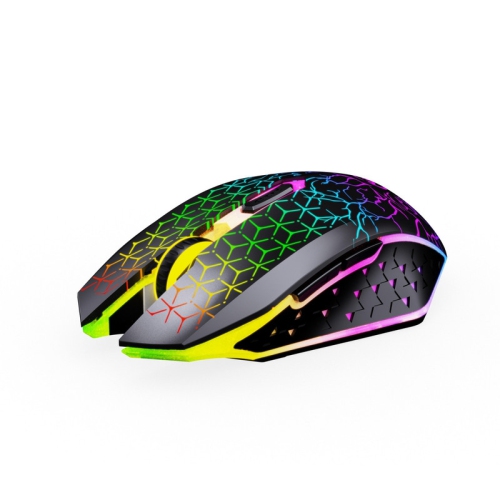
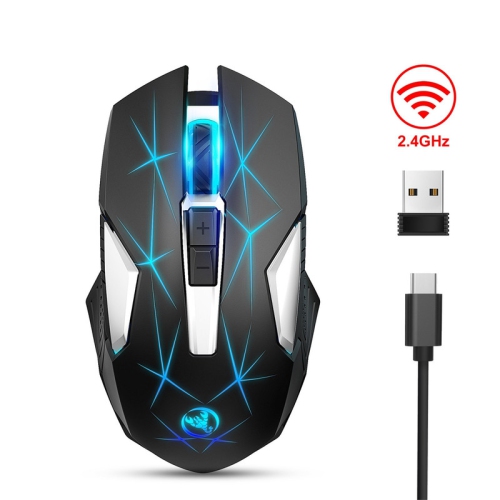
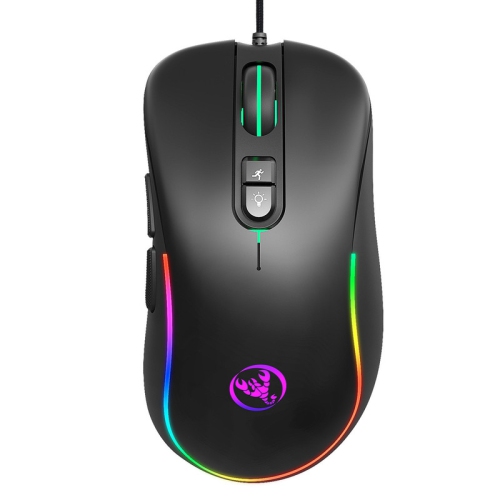
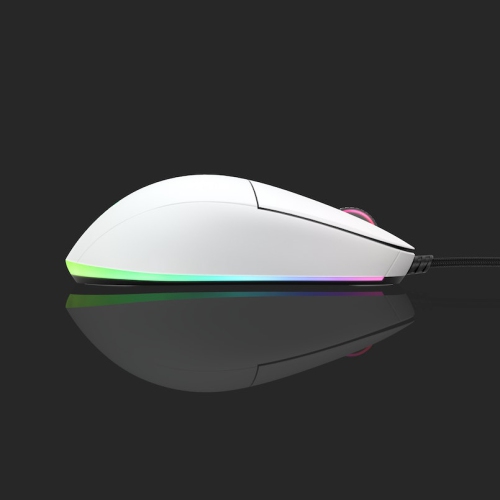
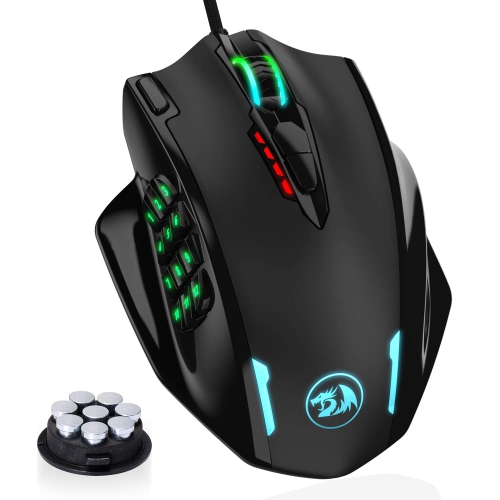
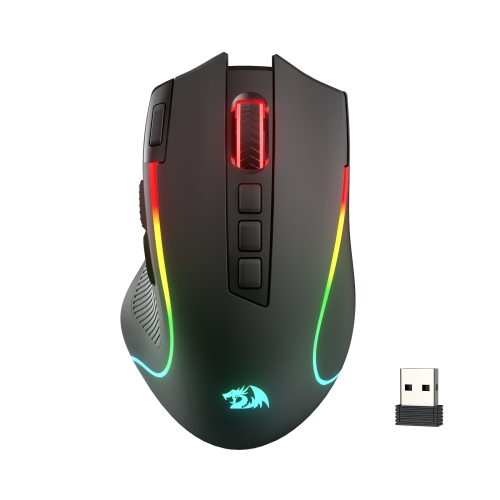
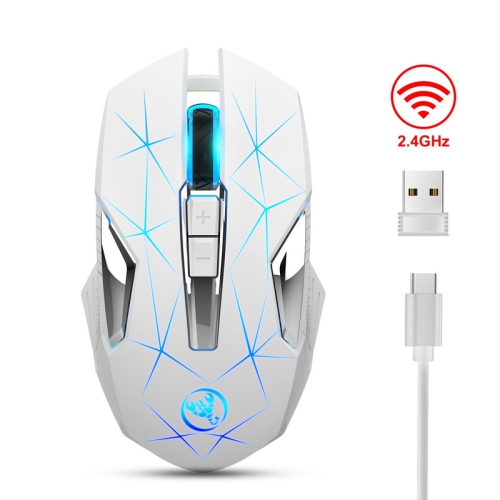
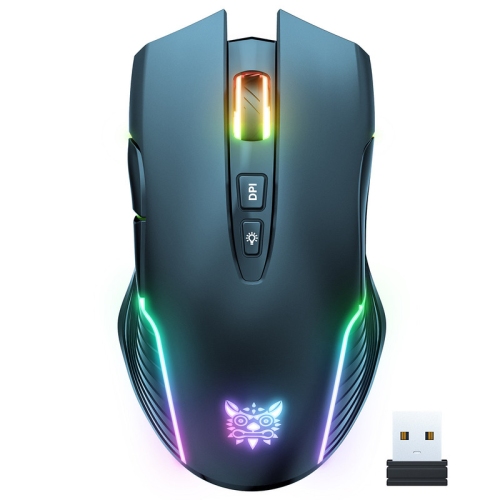
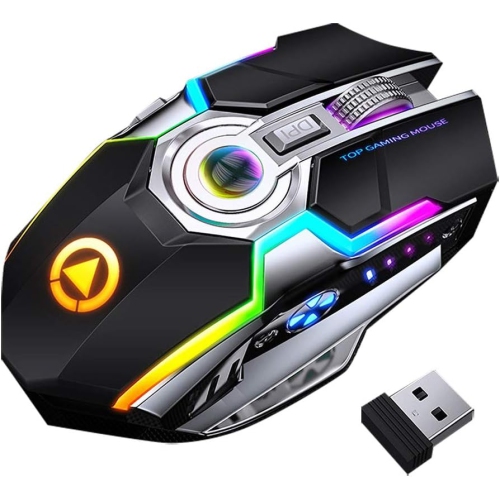
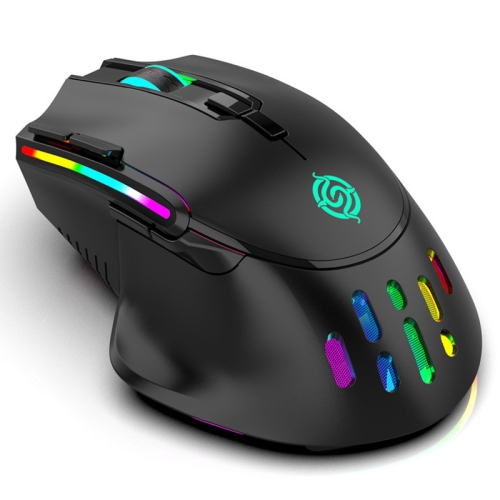
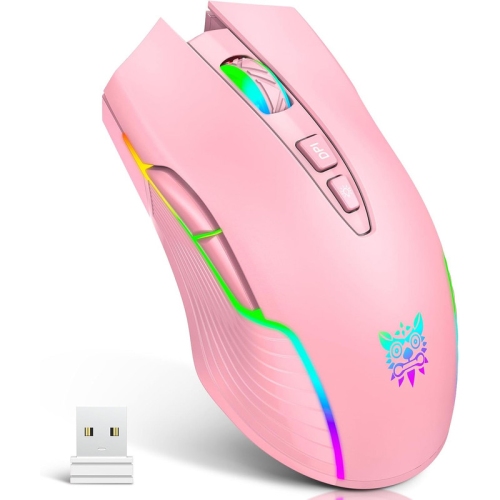
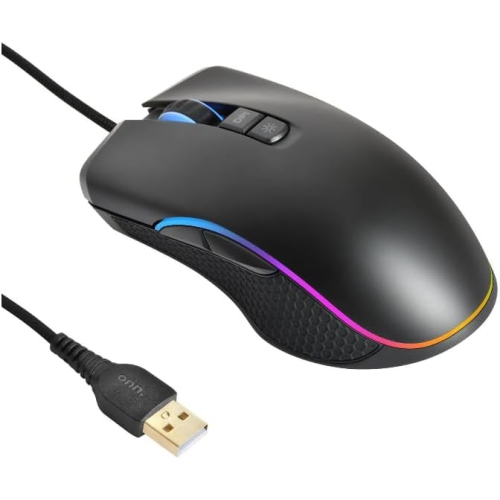
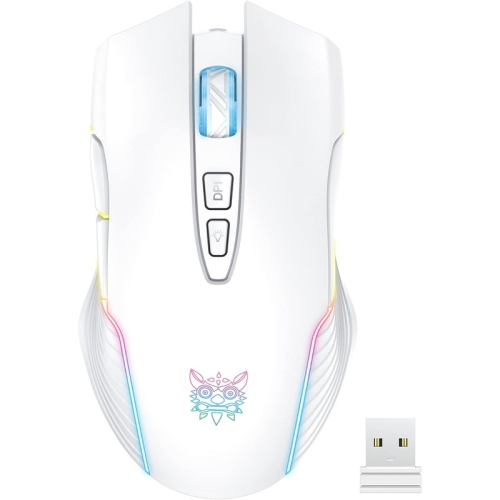
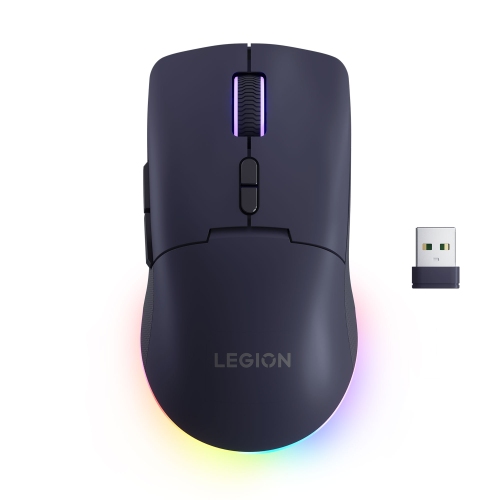
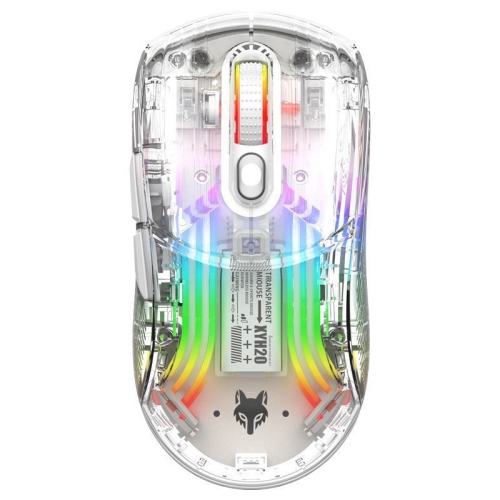
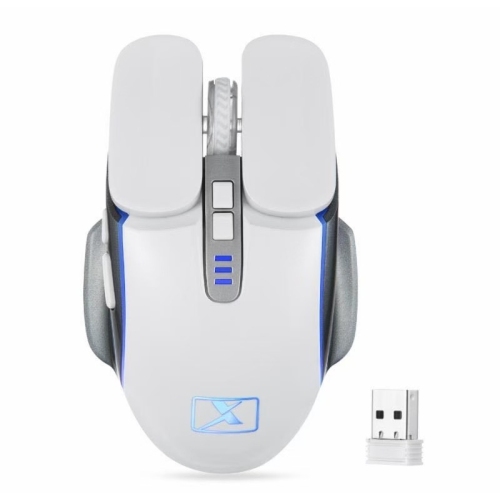
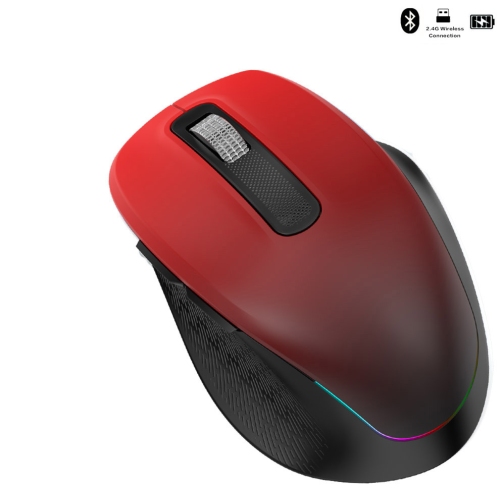
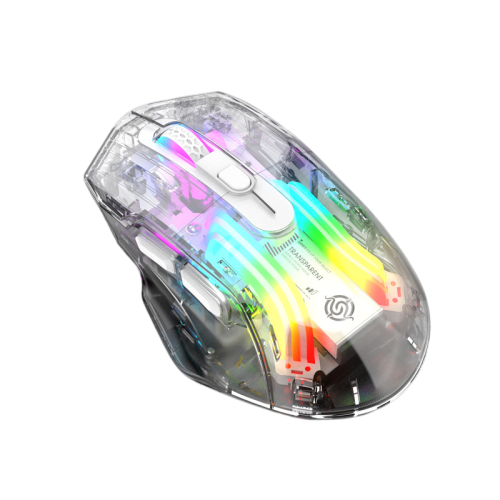
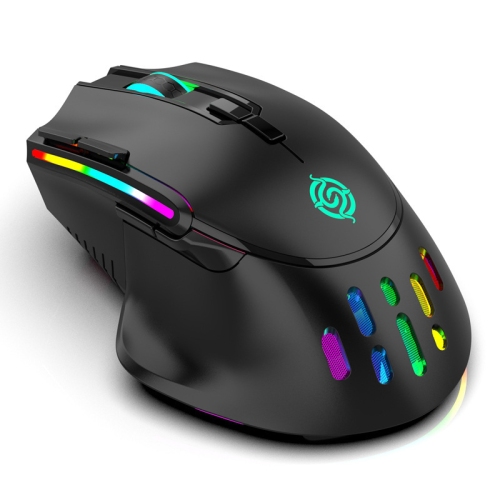
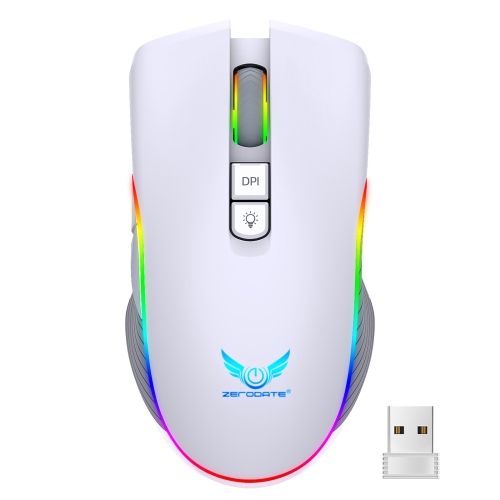
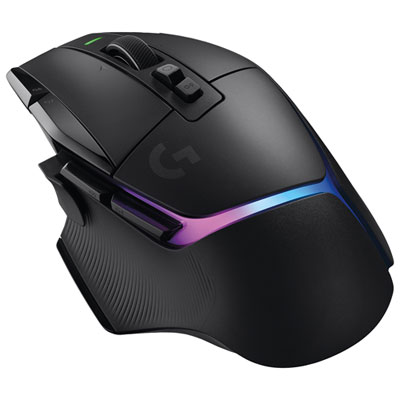
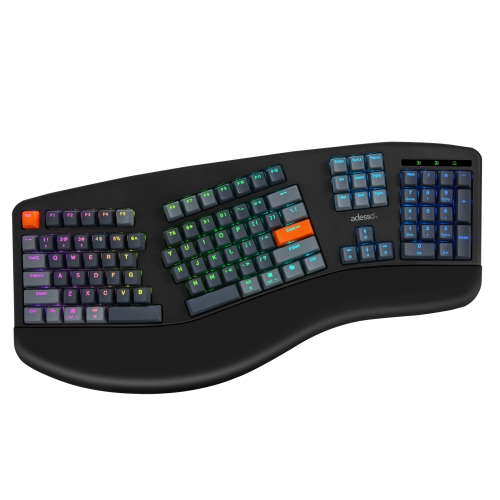
Colour-changing gaming mice pair everyday cursor control with lighting that can glow, pulse, cycle through colours, or display animated effects. Most use RGB lighting, which combines red, green, and blue light to create different hues. Depending on the design, illumination may appear around the scroll wheel, beneath the palm, along the sides, or through sections of the shell. Some mice offer a handful of preset effects controlled by a button, while others support software for adjusting brightness, speed, colour, and separate lighting zones. A steady blue glow creates a different look from a rainbow wave travelling around the base, even when both come from the same mouse. More advanced lighting features can include effects that respond to audio, sample colours from the screen, or coordinate with compatible peripherals, but these functions depend on the mouse and its software. A temporary colour change may also indicate a sensitivity setting, making the lighting useful beyond its appearance. These indicators are not universal, so the relationship between colours and controls varies by design. For a coordinated desk, a mouse can complement colour-changing keyboards, although matching colours manually is different from synchronizing effects through shared software. Compatibility matters here: two devices with RGB lighting do not automatically communicate with each other. Operating system support, software requirements, and access to lighting controls all influence how much customization is possible. Onboard memory, where supported, may retain selected settings when the mouse moves between computers, while other effects require an application to remain open. The visibility of the lighting also changes during use. A palm can cover an illuminated logo, whereas a light strip around the lower edge may remain visible against the mouse pad. Adjustable brightness and an option to switch the lights off make the same mouse easier to adapt to a shared desk, a video call, or a gaming session without changing the rest of the setup.
Comfort and tracking performance remain central to how a colour-changing gaming mouse feels once a game begins. The shell’s length, width, height, and contours affect where the fingers rest and how much support sits beneath the palm. A broad, raised shape may suit someone who rests most of their hand on the mouse, while a shorter or lower profile can leave more room for fingertip movements. Hand size and grip style matter together; a mouse that feels controlled in a fingertip grip may feel cramped when held with the whole palm. Side-button placement deserves similar attention, particularly when a thumb needs to reach a command without shifting the entire hand. A symmetrical shell does not necessarily offer equal access for both hands, since extra buttons may appear on only one side. Weight also changes the experience. A lighter mouse can feel easier to reposition during repeated sweeping movements, while some players prefer a heavier feel for slower, deliberate control. Neither preference makes lighting effects more responsive or tracking more accurate. Sensor quality, sensitivity settings, and the surface beneath the mouse contribute separately to cursor behaviour. DPI describes how far the pointer moves in relation to physical movement; a higher maximum does not automatically translate into better aim. Adjustable sensitivity can accommodate anything from broad arm movements in a competitive match to precise cursor placement on a busy desktop. Polling rate describes how often the mouse reports information to the computer, although the benefit of higher settings depends on the wider system and game. Programmable buttons can place frequently used actions within reach, whether that means a game command, a voice-chat shortcut, or a repeated desktop task. Clear button separation, a predictable scroll wheel, and a shape that permits a relaxed grip are useful during both play and everyday computer use, especially when the same desk handles study, work, and gaming.
Connection type, materials, and maintenance help distinguish how these mice fit into daily routines. A wired connection supplies power without a charging routine, though cable flexibility and routing can affect how freely the mouse moves across the desk. Wireless designs reduce cable drag, but connection options differ: a dedicated USB receiver and Bluetooth are not interchangeable features, and some mice support only one wireless method. Receiver placement, nearby interference, and the intended computer’s ports can all affect the setup. Lighting brightness and animated effects can shorten wireless battery life, so stated battery figures need to be understood alongside the settings used to achieve them. Charging arrangements vary too, including whether the mouse can operate while connected to its cable. Across both wired and wireless designs, plastic shells may have smooth, textured, matte, or soft-touch finishes. Textured sides can provide purchase during quick movements, while smooth surfaces may feel different as hands warm during play. Perforated shells offer another feel and appearance, but their openings can collect dust more readily than a closed surface. Durability depends on more than the outer finish: button construction, scroll-wheel components, cable strain relief, and the condition of the glide feet all contribute to long-term use. A clean mouse pad helps limit grit beneath those feet and keeps movement more consistent. Routine care generally involves disconnecting or switching off the mouse, wiping the exterior with a soft cloth, and following the manufacturer’s cleaning directions rather than spraying liquid into seams, buttons, or lighting openings. These details are especially relevant when a mouse travels between a home desk and another gaming space, where a protective compartment can help prevent the cable, receiver, or shell from being damaged in a bag. As a gift, a colour-changing gaming mouse can suit someone building a first gaming setup or personalizing an established one. The most useful match brings together their preferred hand feel, connection type, accessible controls, and lighting style, so the mouse feels as considered during a close match as it looks beside the keyboard.
Top selling and popular products
-
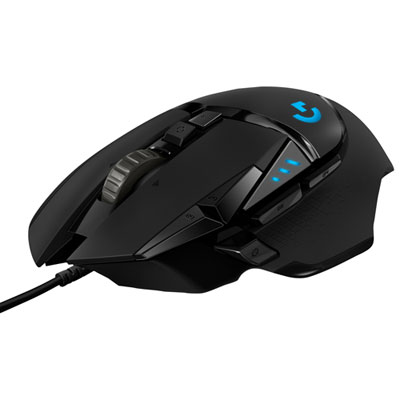 Your price for this item is $74.99
-
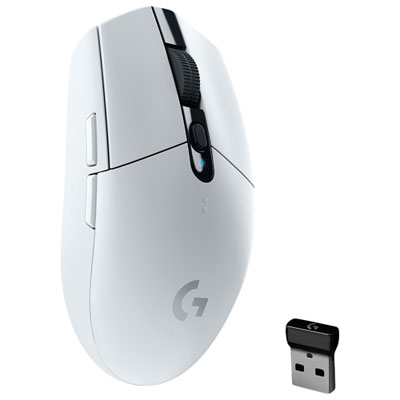 Your price for this item is $69.99
-
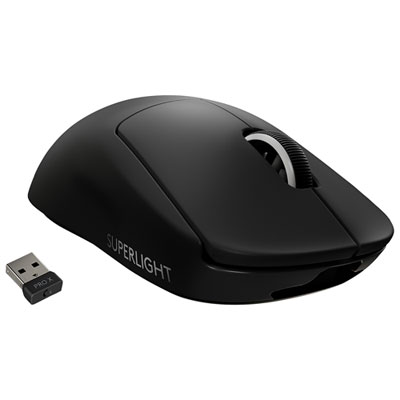 Your price for this item is $199.99
-
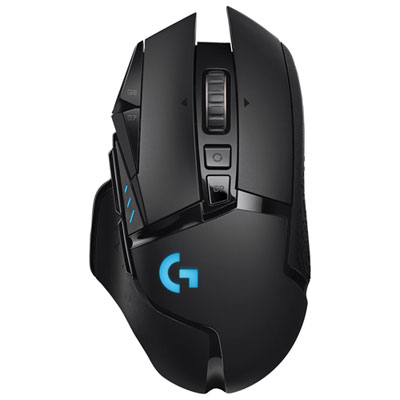 Your price for this item is $149.99
-
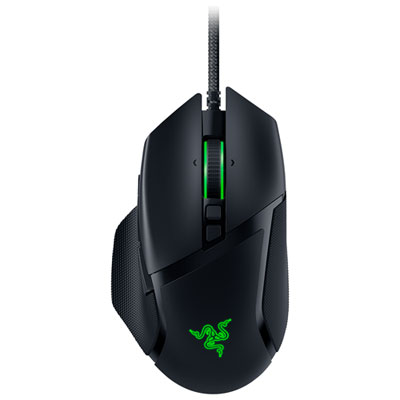 Your price for this item is $48.99
-
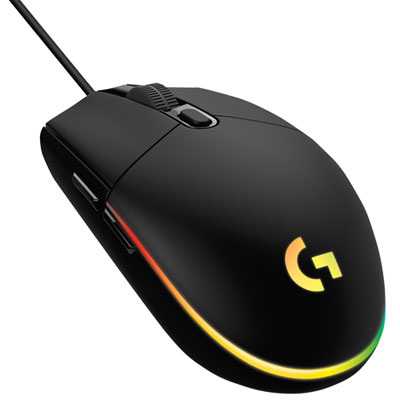 Your price for this item is $39.99
-
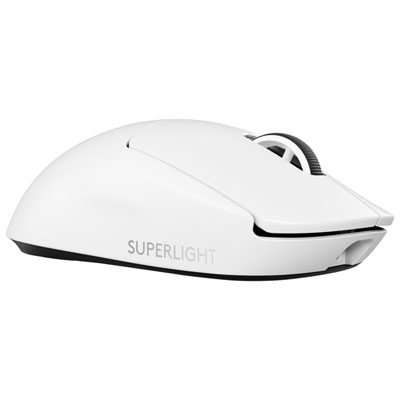 Your price for this item is $219.99
-
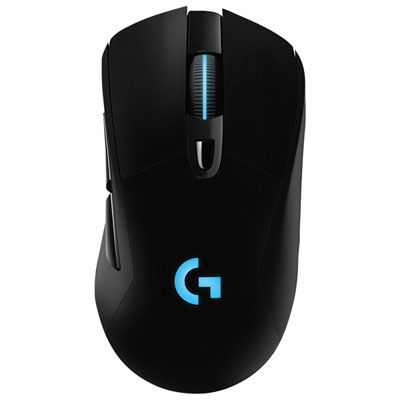 Your price for this item is $94.98
Discover more categories related to Color Changing Gaming Mice

Top Collections:
Best Black Friday Deals This Year, Best Black Friday Deals On Electronics, Kindle Devices, Pokemon Centers, Best Black Friday Deals On Apple Products, Best Cameras for Sports Photography, Dyson Airwrap, Pokémon 30th Celebration Cards, Apple iPhone 17 Pro, Canon G7X Cameras
Some products may be subject to Environmental Handling Fees
(EHF) depending on your province.
Learn more about EHFs.