Compact Bluetooth Photo Printers
Capture and print your favorite memories with a bluetooth photo printer, the perfect solution for creating high-quality photos directly from your smartphone or tablet. Enjoy the convenience of wireless connectivity and bring your snapshots to life in seconds. Whether you're at home, at a party, or on the go, a bluetooth photo printer makes sharing special moments easier than ever. Explore a wide selection of compact and portable options designed to fit your lifestyle and printing needs.
Sort
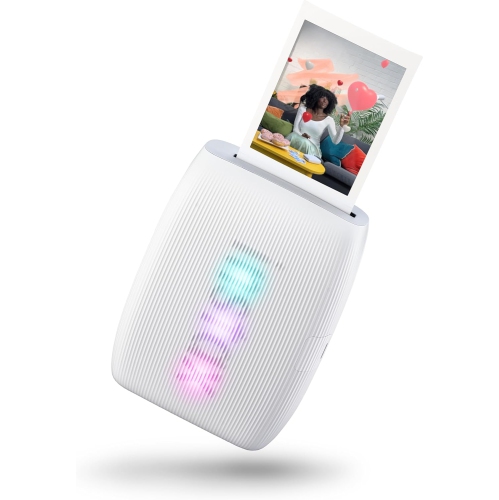
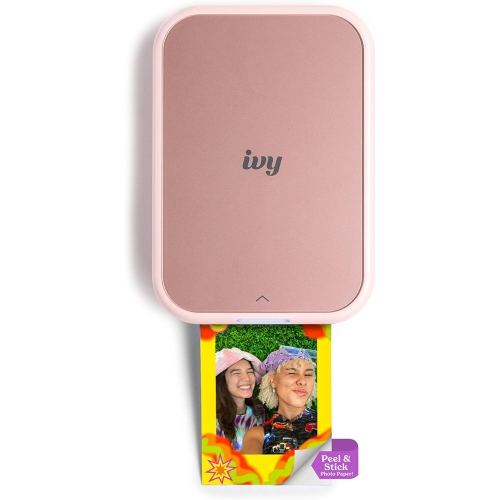
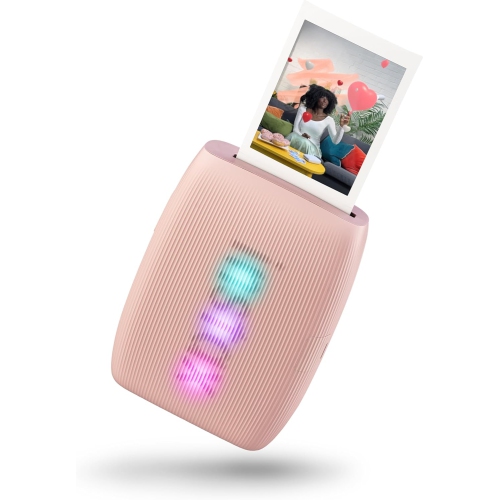
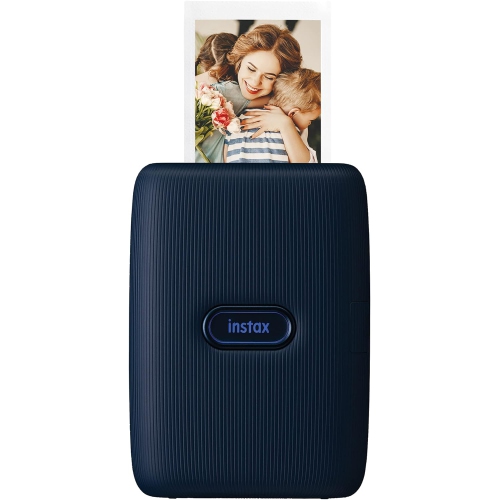
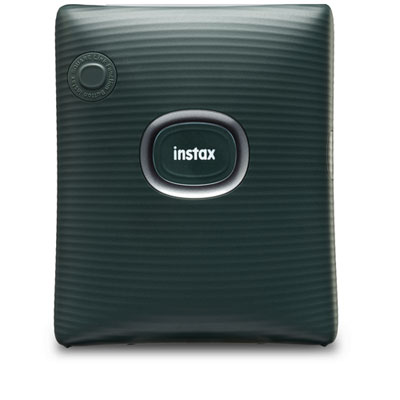
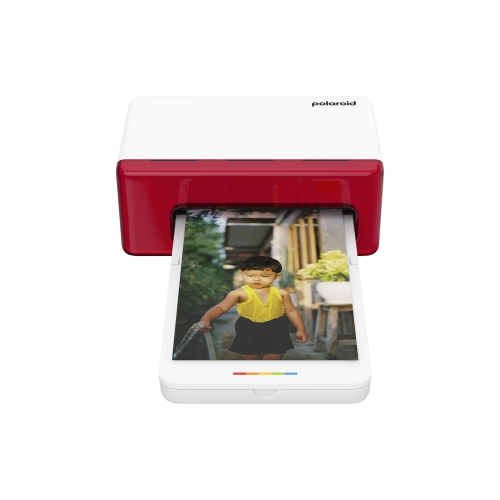
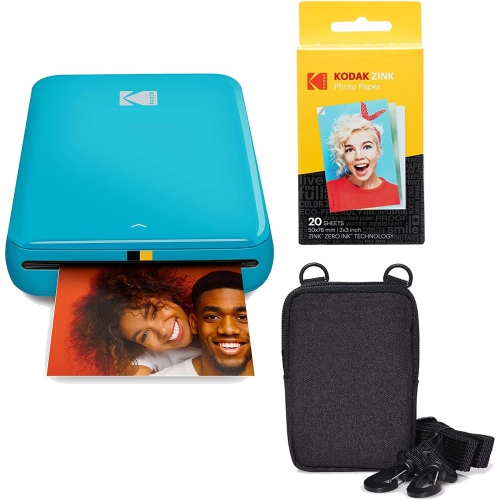
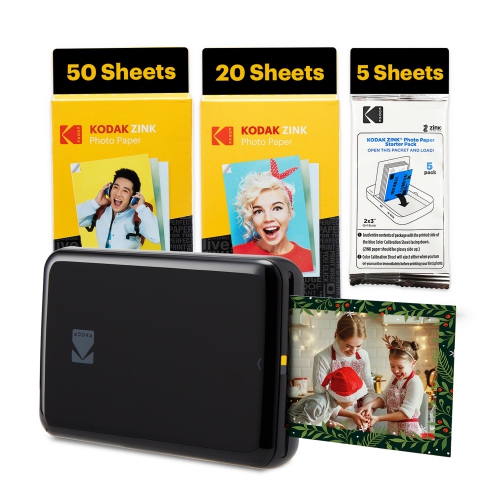
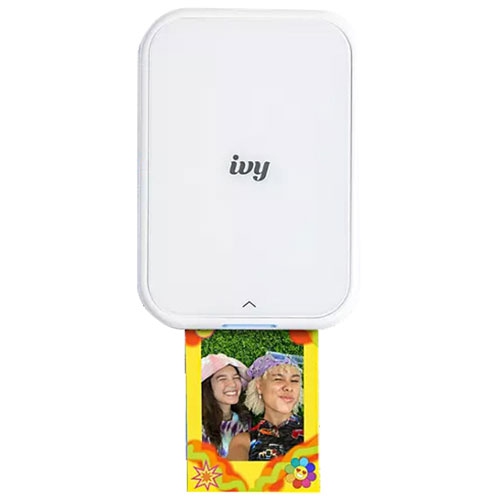
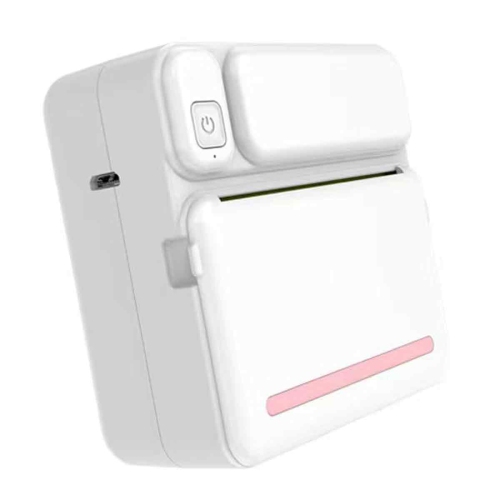
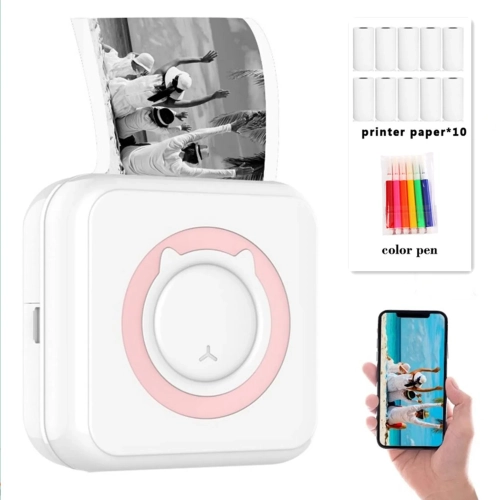

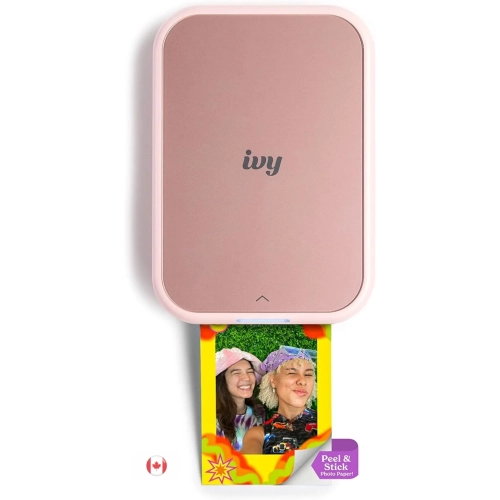
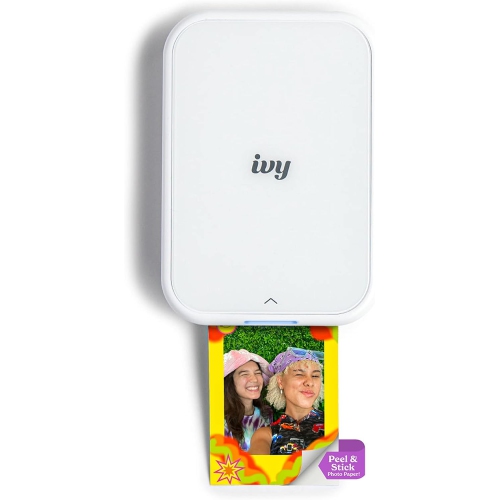


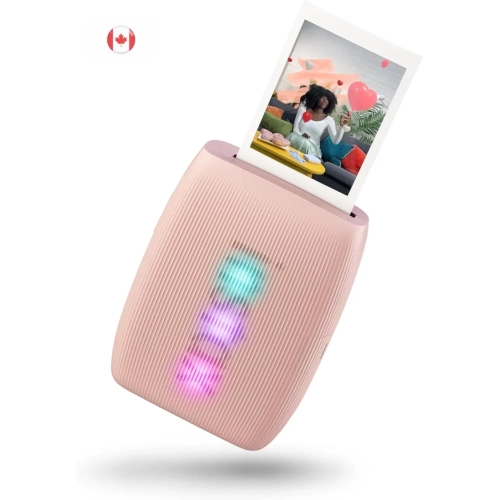
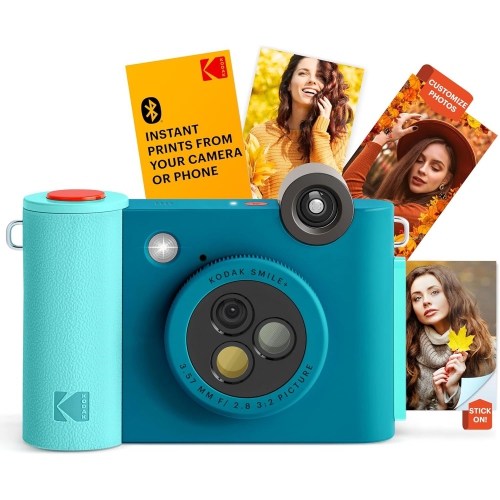
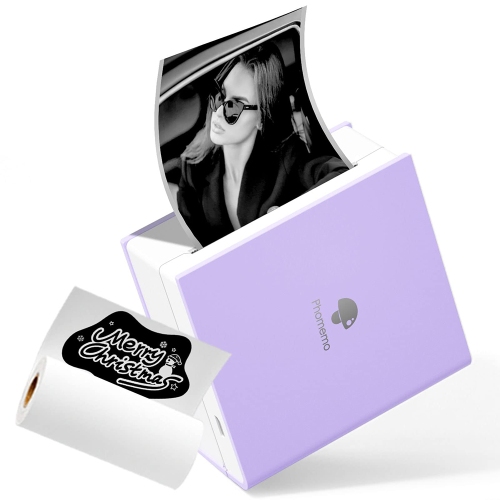
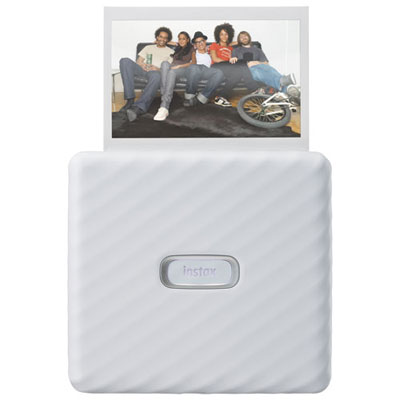
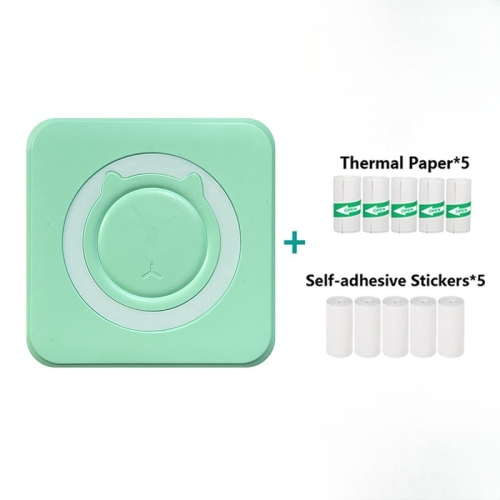
Favourite phone photos become pocket-sized prints worth sharing
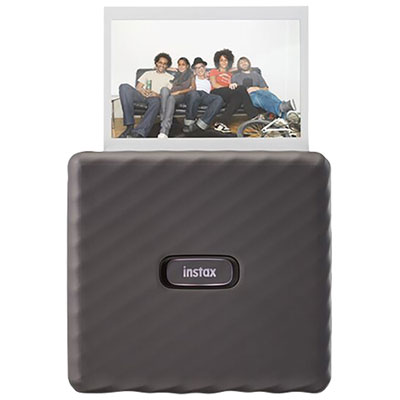
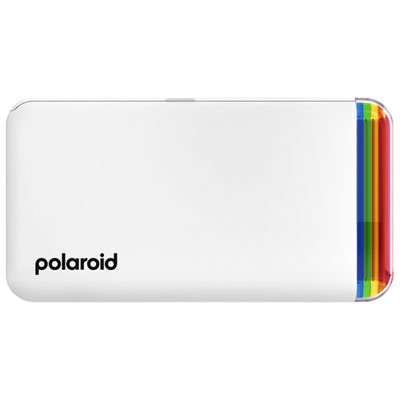
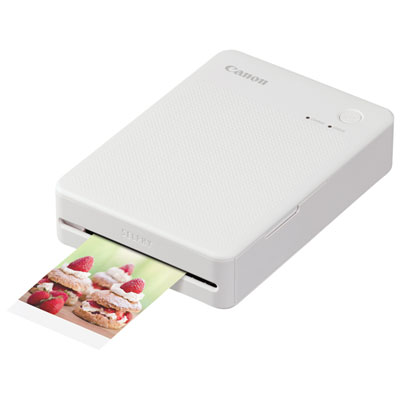
Compact Bluetooth photo printers turn pictures stored on a compatible smartphone into small, tangible prints, usually through a companion app. Many produce 2 x 3-inch photos or similarly compact formats, and some support adhesive-backed paper that turns a favourite snapshot into a sticker. Their appeal is immediate and personal: a candid portrait can become a journal entry, a travel photo can fill an empty space in an album, and a picture taken with friends can leave the gathering in someone’s pocket. Bluetooth provides a short-range wireless connection between the phone and printer, so a cable between the two devices is generally unnecessary when printing from a supported app. The actual printing process varies. Some compact models use specially coated paper that develops colour when heated, with no separate ink cartridge required. Others use dye-sublimation, transferring colour from a ribbon onto matching photo paper, often with a finishing layer that helps protect the image. These systems use different supplies, and paper that fits one printer is not necessarily suitable for another, even when the finished photos have similar dimensions. Print size also shapes the result. A small photo suits a close-up of a pet, a couple’s portrait, or a clearly framed landmark, while a wide group shot may leave faces difficult to see. Fine text and distant details can be less legible at pocket size than they appear on a phone screen. Border options and the original image’s proportions affect how much of the picture makes it onto the paper; a square social photo may need cropping or blank space to fit a rectangular print. Colour, contrast, and sharpness also differ from a backlit phone display. A well-lit image with a clear subject generally translates more successfully than a dark screenshot or a heavily compressed picture saved from a messaging thread. The result is a small photo made for handling, sharing, and keeping close, rather than a substitute for a large framed enlargement.
Portability involves more than a printer’s footprint. A slim body can slip into a bag alongside a phone, but the space needed for paper, charging accessories, and the paper’s exit path matters too. Some printers feed a sheet through more than once during printing, so they need clear space around the openings rather than a tight spot between books or other belongings. Many have lightweight plastic housings, which keep them manageable for everyday carrying, although a compact shell does not automatically mean resistance to drops, spills, or pressure inside a crowded backpack. A fitted pouch or separate compartment can help keep the paper slot free of lint and prevent loose objects from rubbing against the casing. Rechargeable batteries support printing away from an outlet, while battery capacity, charging connections, and the number of prints possible between charges vary by model and use. For someone making several copies after a celebration, the paper tray’s capacity and the time needed for each print may be as noticeable as the printer’s size. Bluetooth compatibility also depends on more than a phone having Bluetooth switched on. The supported mobile operating system, app requirements, and access to locally stored photos all affect everyday use. Companion apps may offer cropping, borders, captions, layouts, or collage tools, but features differ, and some require an account or additional permissions. A printer intended for family sharing is easier to enjoy when its connection process and app controls suit the people using it. Across the broader selection of Portable Photo Printers, compact Bluetooth designs are particularly suited to phone-centred use, where selecting a picture and making a small print are the main tasks. They are not necessarily designed for printing documents, connecting to every computer, or replacing a household printer. Their strength is a focused one: bringing a manageable number of favourite phone photos into physical form without needing a desk-sized setup.
Small photo prints fit naturally into everyday projects because they do not demand much display space. A student might add pictures of friends to a notebook, a traveller might place snapshots beside handwritten notes, and a parent might build a simple album of ordinary moments that would otherwise stay buried in a camera roll. Adhesive-backed formats can work well in scrapbooks and on suitable personal belongings, although the adhesive’s suitability depends on the surface, and easy removal should not be assumed. Non-adhesive prints suit album pockets, small frames, photo clips, and handwritten cards. For a birthday gathering or graduation celebration, a compact printer can provide a few personal keepsakes, particularly when photos are chosen thoughtfully rather than printed in large batches. It can also make a useful gift for someone who already enjoys journalling, photography, memory books, or hands-on creative projects. The recipient’s phone compatibility and comfort with apps matter as much as the printer’s appearance; a simple printing routine is more valuable than extra editing effects that never get used. Ongoing care centres on keeping both the device and its supplies clean and properly stored. Photo paper is best left in its packaging until needed, handled by the edges where practical, and loaded according to the printer’s directions. Dust, fingerprints, bent sheets, or mismatched supplies can affect feeding and print quality. The outside of the printer generally needs only gentle cleaning with a soft, dry cloth, with cleaning fluids kept away from openings unless the manufacturer specifies otherwise. Finished prints also benefit from thoughtful handling. Protective finishes vary, so resistance to smudges or splashes should not be mistaken for complete waterproofing or permanent colour stability. Albums and sleeves help limit rubbing and everyday wear, while keeping prints away from prolonged direct sunlight helps preserve their appearance. With the right format and compatible supplies, these printers offer an approachable way to turn selected digital moments into something that can be tucked into a letter, passed across a table, or revisited in an album.
Top selling and popular products
-
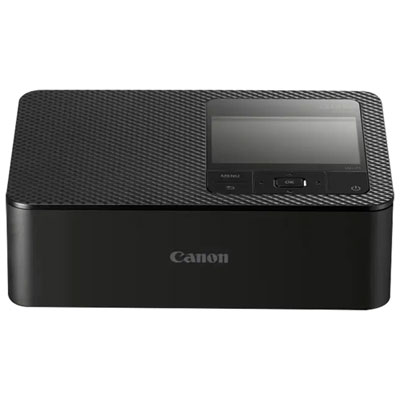 Your price for this item is $149.99
-
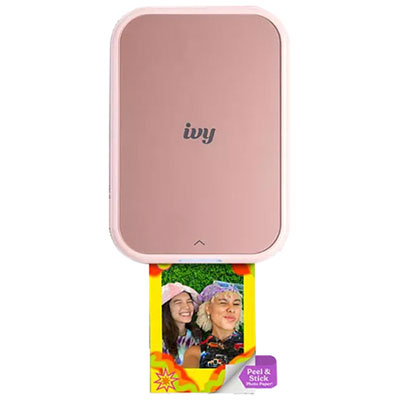 Your price for this item is $99.99
-
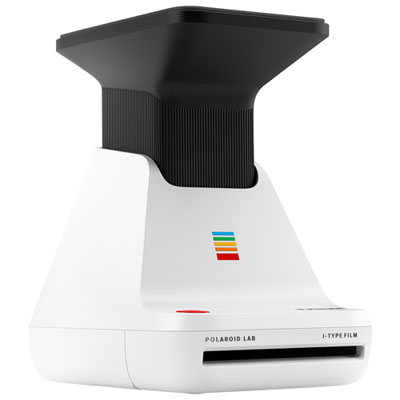 Your price for this item is $169.98
-
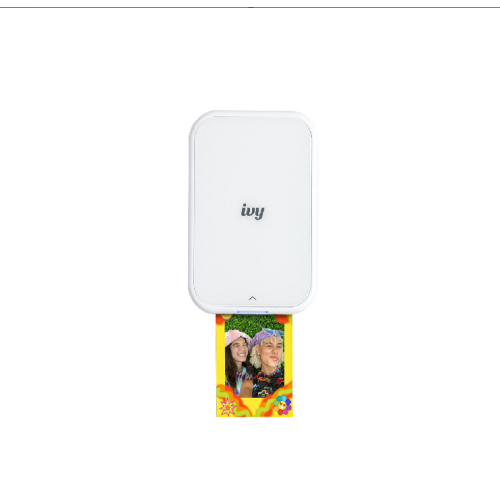 Your price for this item is $163.74
-
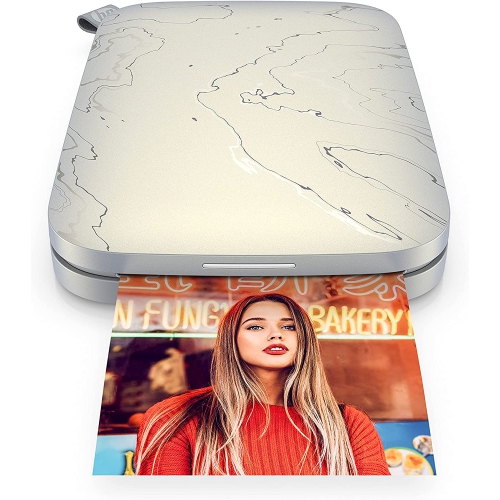 Your price for this item is $149.99
-
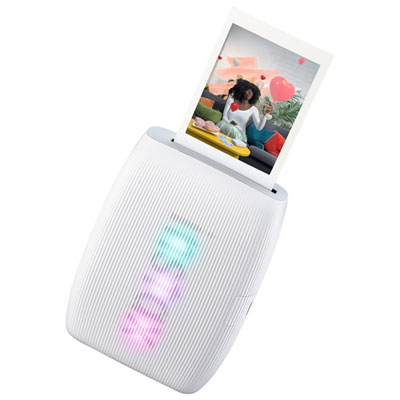 Your price for this item is $179.99
-
 Your price for this item is $209.99
-
 Your price for this item is $149.99
Discover more categories related to Compact Bluetooth Photo Printers
Top Collections:
Best Black Friday Deals This Year, Best Black Friday Deals On Electronics, Kindle Devices, Pokemon Centers, Best Black Friday Deals On Apple Products, Best Cameras for Sports Photography, Dyson Airwrap, Pokémon 30th Celebration Cards, Apple iPhone 17 Pro, Canon G7X Cameras
Some products may be subject to Environmental Handling Fees
(EHF) depending on your province.
Learn more about EHFs.