Mini Phone Printers
Discover the convenience and fun of a mini phone printer, the perfect companion for turning digital memories into tangible keepsakes. Compact and easy to use, these handy devices make it simple to print photos directly from your smartphone, so you can share special moments with friends and family anytime. Whether you're looking to create personalized gifts or decorate your space with snapshots, a mini phone printer offers a creative way to bring your favorite images to life. Explore a variety of options designed to suit your style and needs.
Sort
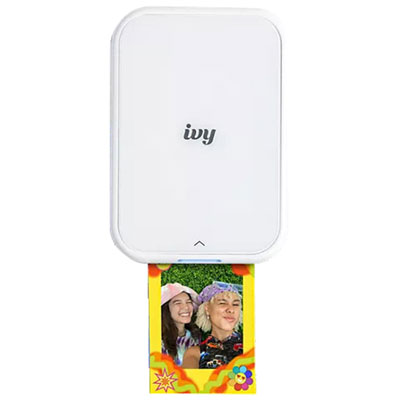
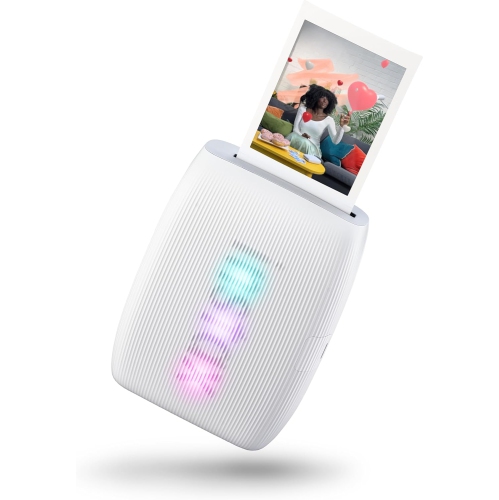
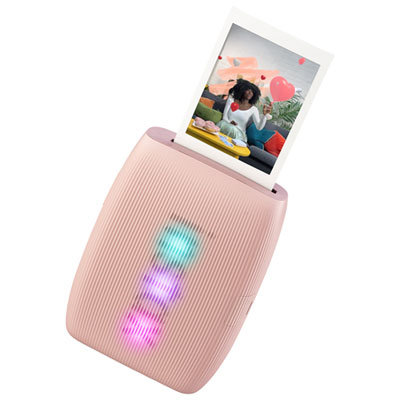
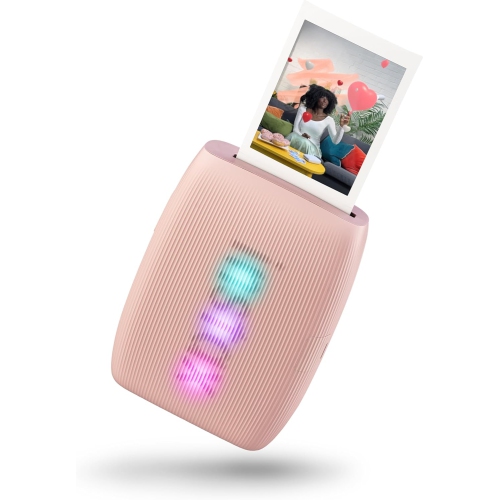
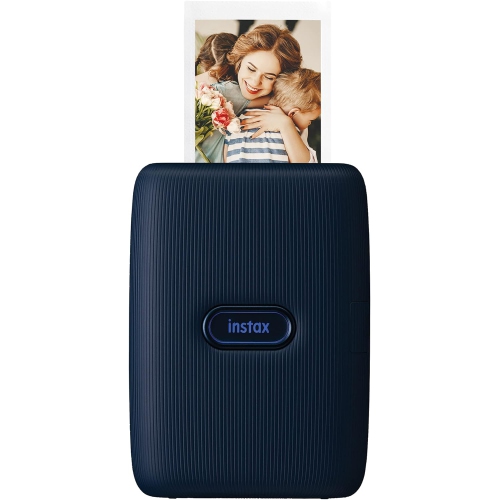
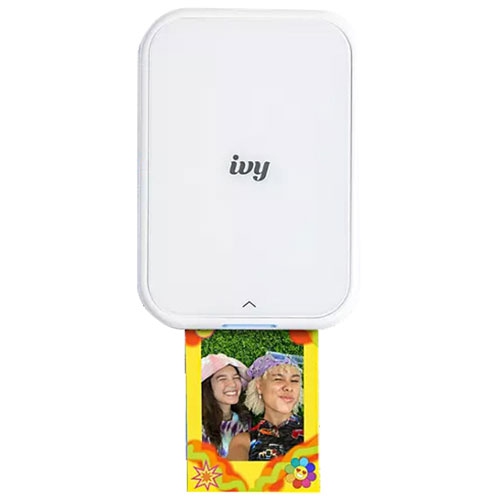
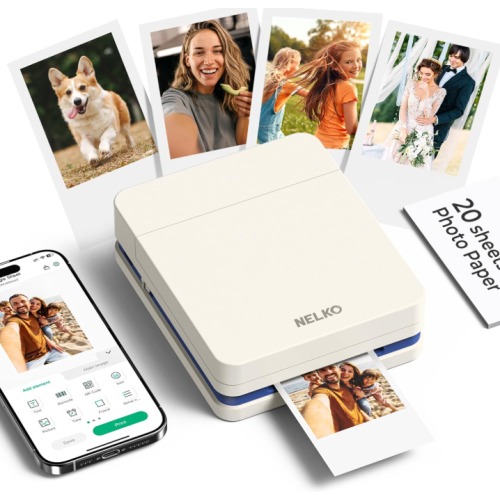
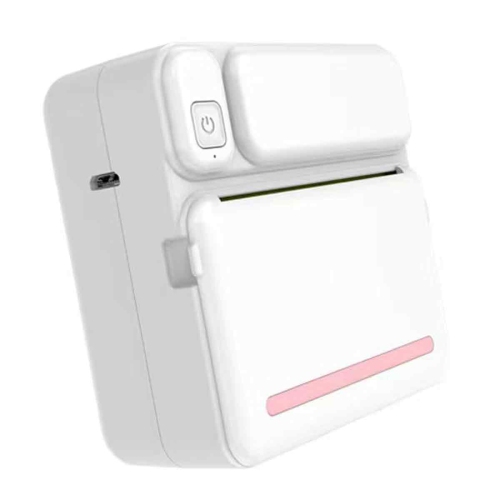
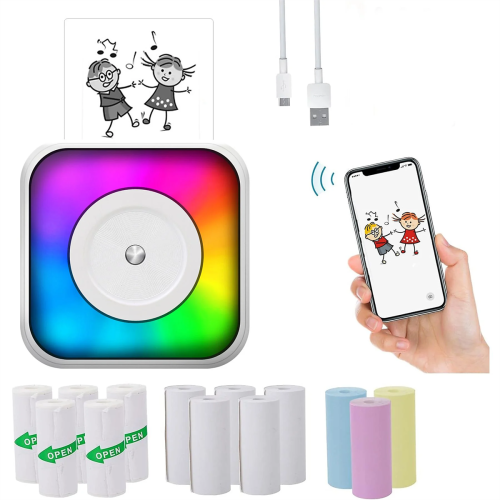
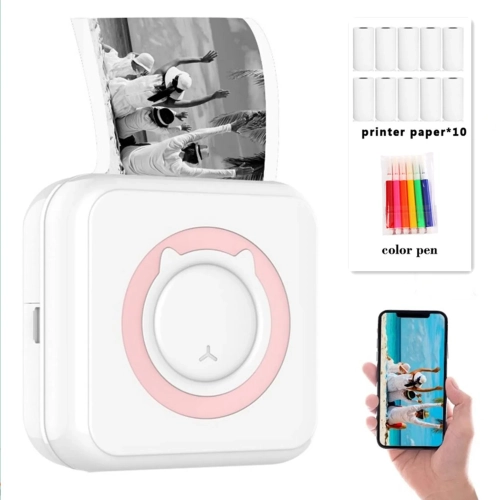
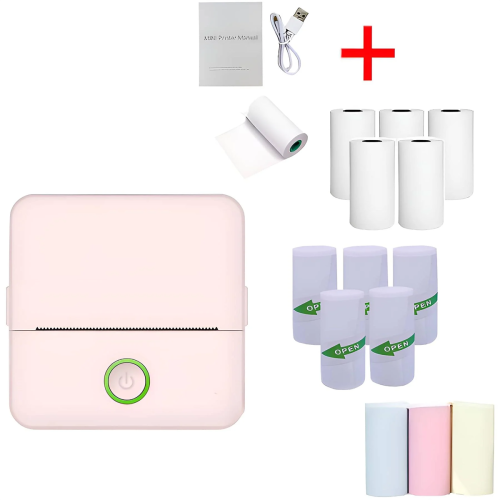
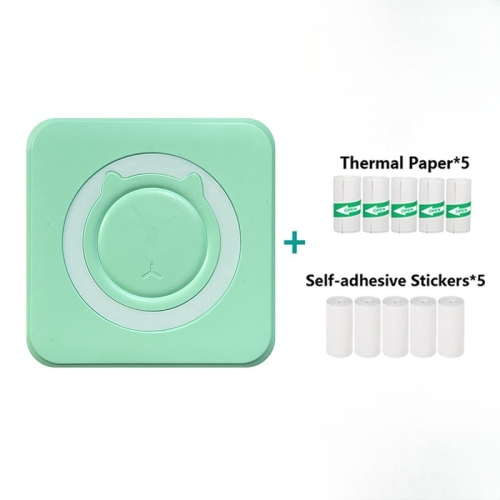
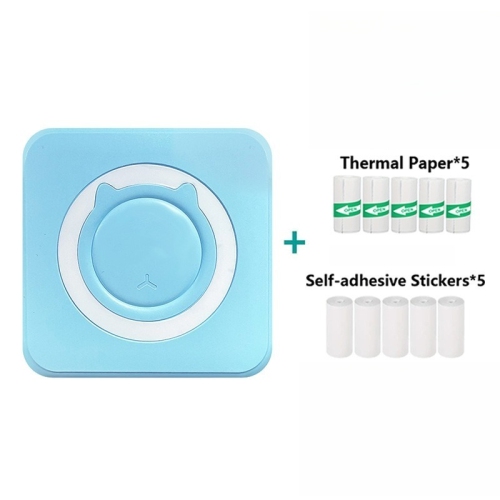
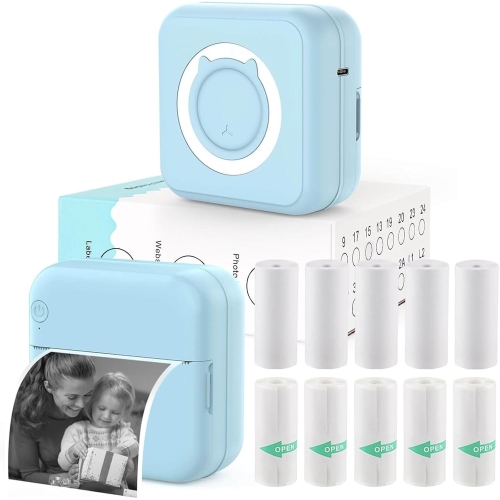

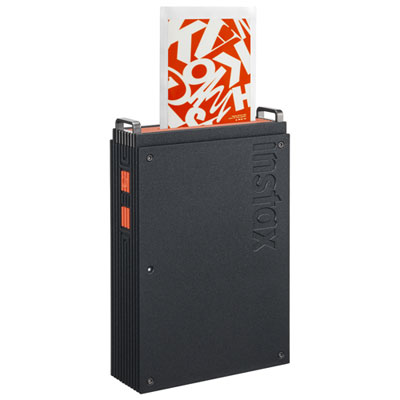
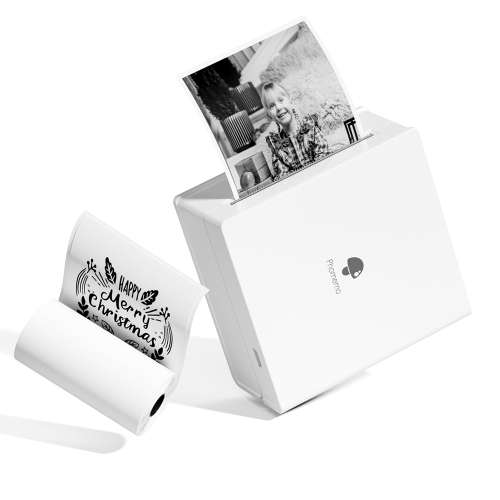
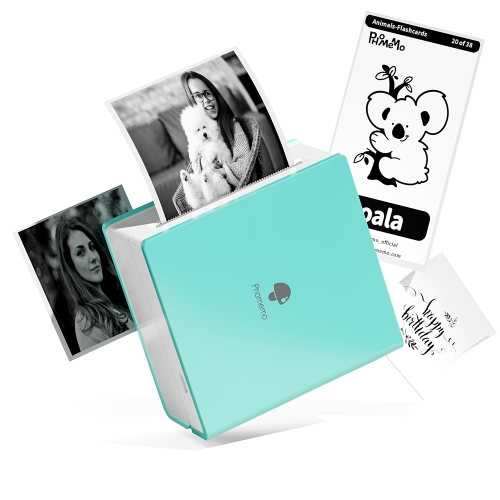
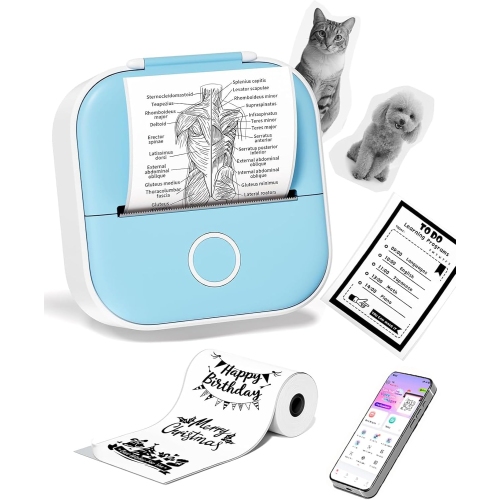
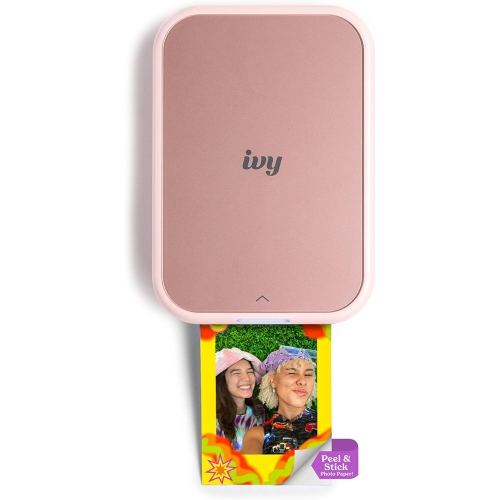
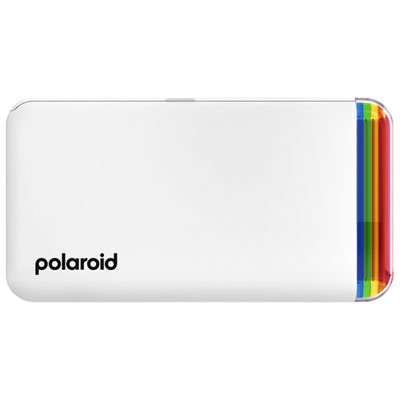
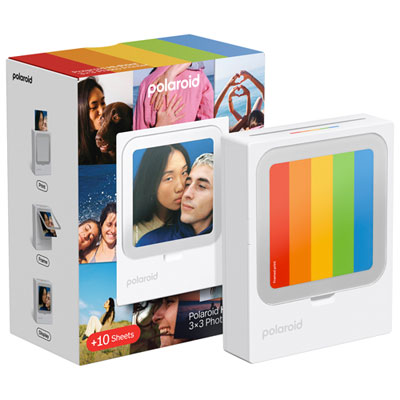
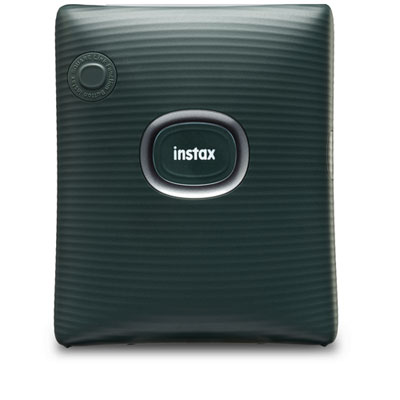
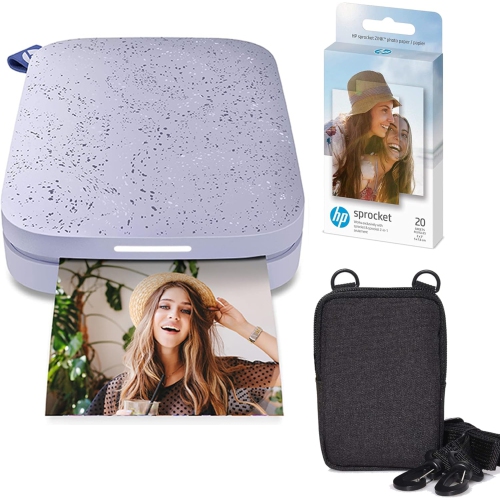
From camera roll favourites to pocket-sized keepsakes
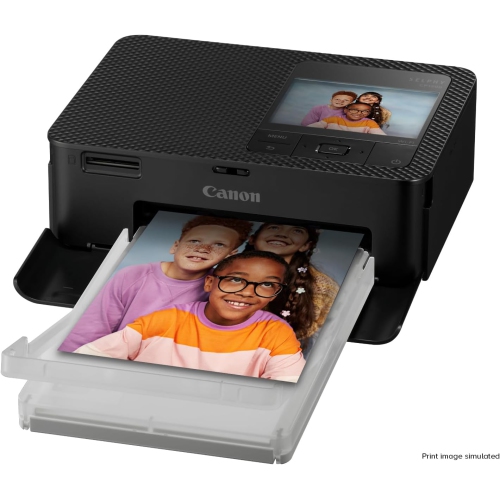
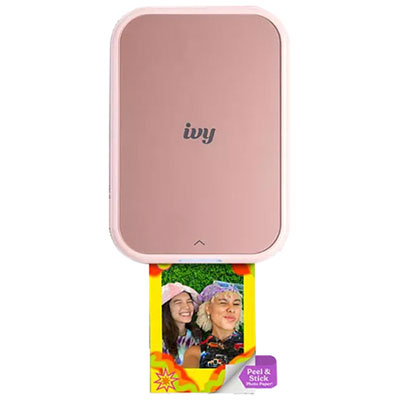
Mini phone printers turn pictures stored on a smartphone into small, physical prints for albums, journals, displays, and sharing. These compact printers typically connect through Bluetooth, while some support Wi-Fi, and use a compatible mobile app to select, edit, and send images for printing. Their appeal is straightforward: a favourite photo can move from a camera roll to a scrapbook page or a friend’s hand without a desktop computer. Most are designed for snapshots rather than full-size documents, with print dimensions and paper formats that vary by printer. A 2-inch by 3-inch print, for example, fits easily into a journal pocket or alongside a handwritten note, though the printable area may differ depending on borders and layout settings. Printing technology makes an important difference to both the finished picture and the supplies required. Some mini photo printers use special paper with colour-forming layers activated by heat, so there is no separate ink cartridge to replace. Others use dye-sublimation technology with compatible ribbon cartridges and photo paper, often applying a protective finishing layer as part of the printing process. Small monochrome thermal printers also connect to phones, but their black-and-white output is better suited to notes, simple graphics, and supported label projects than to colour snapshots. These formats are not interchangeable, and paper needs to match the printer’s specifications. Glossy surfaces can give pictures a bright, polished appearance, while adhesive-backed sheets make it possible to place a print directly on a scrapbook page or card. Borderless printing, collage layouts, and decorative frames depend on the printer and its app. Image quality also depends on the original file: a sharp photograph with balanced lighting generally gives a more satisfying result than a heavily enlarged screenshot. Small prints can make faces and bold compositions stand out, while fine text and distant subjects may lose detail. Cropping deserves particular attention because a phone screen and a sheet of photo paper often have different proportions; checking the preview helps keep a face, pet’s ears, or handwritten sign within the finished frame.
Portability involves more than the printer’s dimensions. The weight, shape, battery capacity, paper compartment, and charging connection all affect how comfortably a mini phone printer fits into everyday routines. A slim body may slip into a bag beside a phone and notebook, while a slightly larger design may need a dedicated pouch with room for paper and charging accessories. Many compact printers have rigid plastic housings that keep weight manageable, but that does not make them resistant to drops or spills. A fitted case can help protect the outer shell and keep loose objects away from the paper opening during travel. Battery-powered models are convenient for printing away from an outlet, although the number of prints per charge varies with the device, battery condition, and use. Charging requirements also differ; a familiar connector shape does not necessarily mean that every cable or power adapter provides the required power. Phone compatibility is equally important. Supported operating systems, app requirements, connection methods, and any account features should suit the phone that will be used with the printer. Bluetooth printing does not necessarily require access to a home network, while features that retrieve photos from online services may require an internet connection. Apps can offer cropping, brightness adjustments, stickers, and layouts, but editing tools and access permissions differ. For shared use, selecting only the photos intended for printing can help keep personal images separate from a party or craft project. Routine care is usually simple but specific to the printing system. Paper should remain clean, flat, and protected in its packaging until needed, with fingers kept away from the printable surface where directed. Loading the correct quantity and following the indicated paper orientation helps reduce feeding problems. The printer’s exterior can generally be wiped with a soft, dry cloth, while internal cleaning should follow its care instructions. Finished prints also benefit from careful handling: resistance to fingerprints, moisture, and fading varies by paper and process, so a protective album or sleeve remains useful for pictures meant to be kept.
Mini phone printers suit people who enjoy giving digital photographs a place in daily life. A student might add a picture beside notes from a campus event, a traveller might pair a snapshot with a ticket stub, and a family might build an album one small page at a time. For a journal keeper, adhesive-backed photos can sit alongside handwritten captions without the bulk of separate mounting materials. For someone making a birthday card, a print of a shared memory adds a personal detail that a typed message alone cannot provide. They can also be thoughtful gifts for photographers who mostly shoot on a phone, scrapbookers, and friends who enjoy crafts, provided the recipient has a compatible device and can easily identify the correct replacement supplies. Younger users may enjoy decorating notebooks or assembling photo stories with adult help, particularly when paper loading or charging requires supervision. At gatherings, a compact printer can produce little mementos for guests, although printing speed and battery life make it better suited to a relaxed flow of snapshots than a large queue expecting immediate copies. A few carefully chosen pictures often work better than trying to print an entire camera roll. Wider-format options within Portable Photo Printers may suit albums or displays that call for larger images, while mini formats emphasize easy carrying and small keepsakes. The most useful fit depends on the intended result: peel-and-stick pictures for a journal, individual photos for sharing, or protected prints for a personal collection. Keeping the original digital files matters, too, since a small print is a companion to the photograph rather than a replacement for it. Matching the paper format, print technology, app features, and carrying needs to those everyday uses helps make a mini phone printer a practical creative tool, whether it lives beside a scrapbook at home or travels in a bag for sharing memories in person.
Top selling and popular products
-
 Your price for this item is $180.75
-
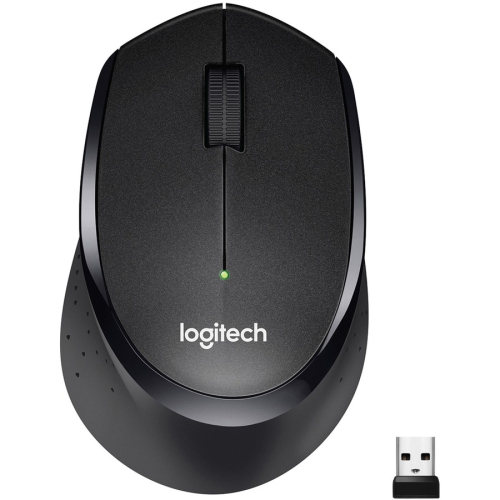 Your price for this item is $29.99
-
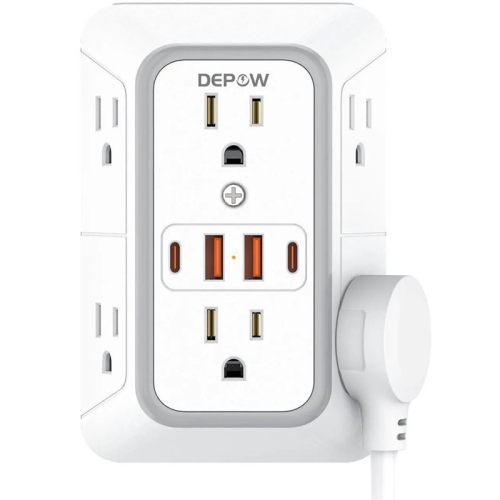 Your price for this item is $14.98
-
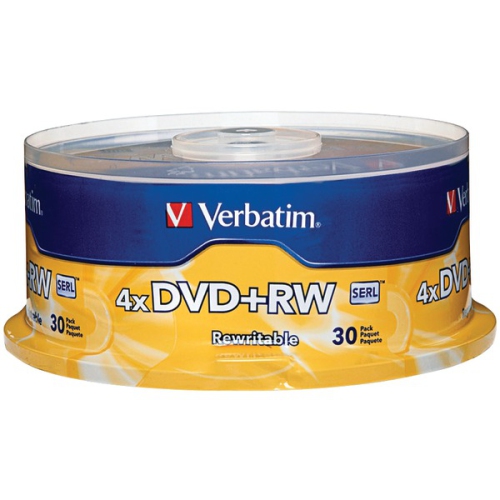 Your price for this item is $107.68
-
 Your price for this item is $234.68
-
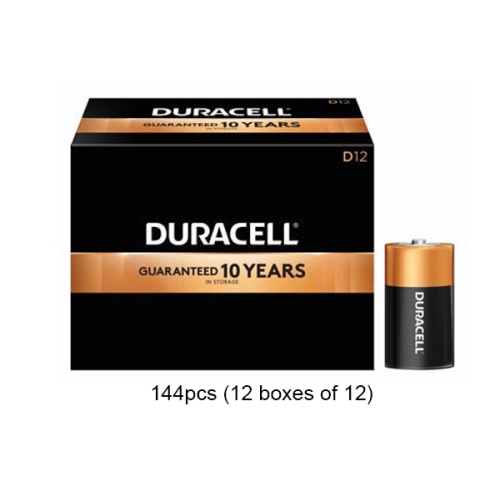 Your price for this item is $379.97
-
 Your price for this item is $112.37
-
 Your price for this item is $74.99
Discover more categories related to Mini Phone Printers
Top Collections:
Best Black Friday Deals This Year, Best Black Friday Deals On Electronics, Kindle Devices, Pokemon Centers, Best Black Friday Deals On Apple Products, Best Cameras for Sports Photography, Dyson Airwrap, Pokémon 30th Celebration Cards, Apple iPhone 17 Pro, Canon G7X Cameras
Some products may be subject to Environmental Handling Fees
(EHF) depending on your province.
Learn more about EHFs.