Mini Photo Printers
Capture your cherished memories and bring them to life with the convenience of a mini photo printer. Perfect for on-the-go printing, these compact devices allow you to instantly transform digital moments into tangible keepsakes. Whether you're creating a scrapbook, decorating your space, or sharing photos with friends and family, mini photo printers offer a seamless way to print directly from your smartphone or tablet. With their sleek design and user-friendly features, they fit effortlessly into any lifestyle, making it easier than ever to preserve and share your favourite snapshots. Discover the joy of instant prints and add a personal touch to your photo collection with the latest in portable printing technology.
Sort
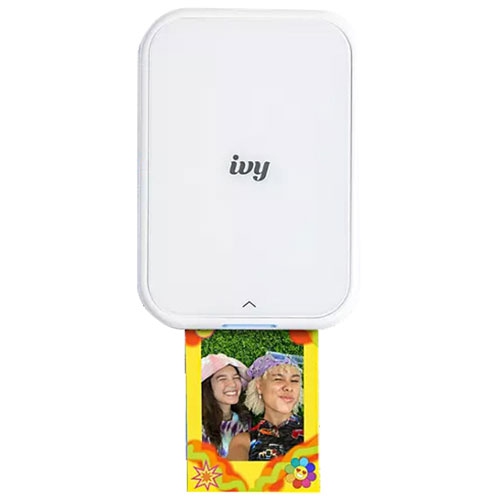
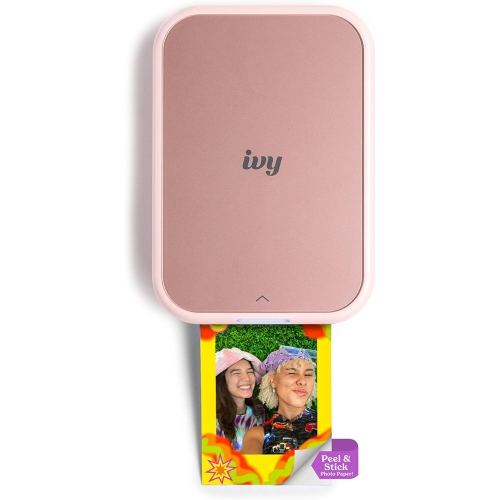
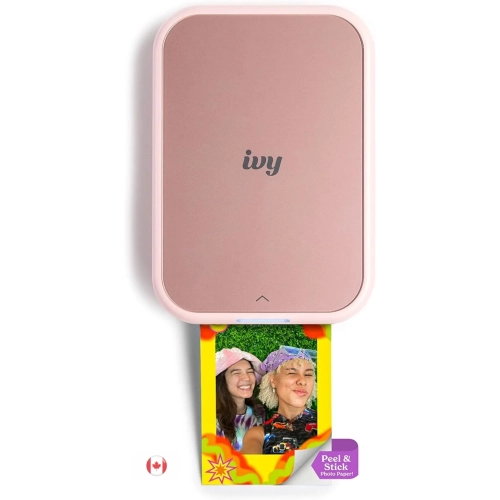
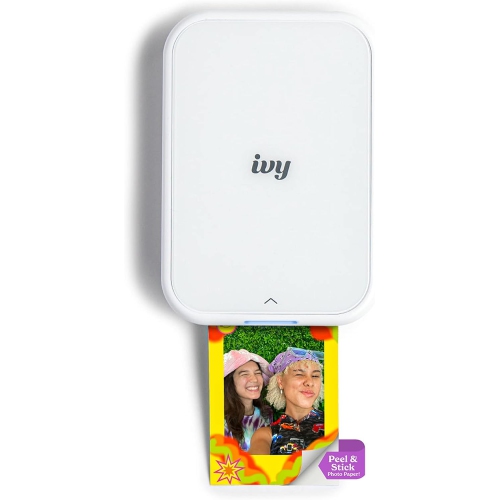
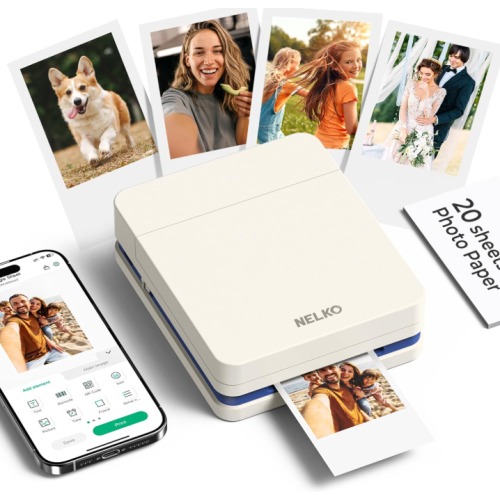

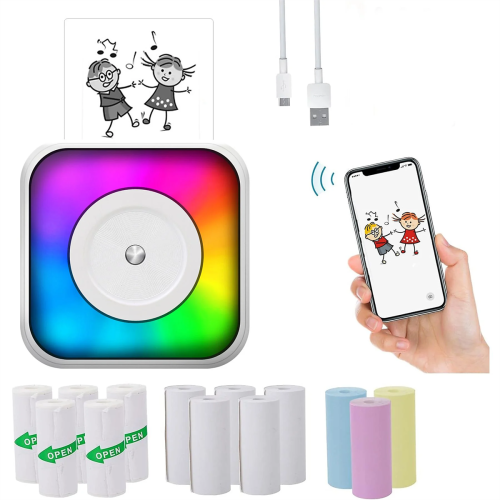


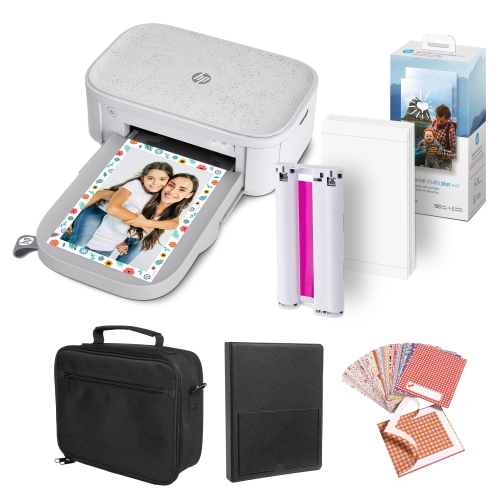
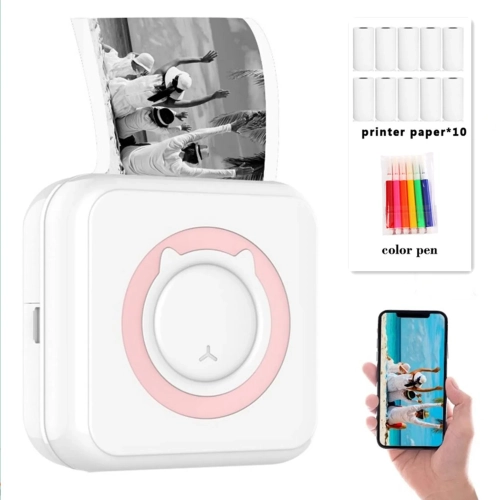
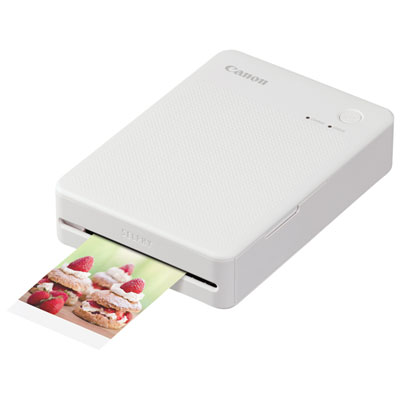

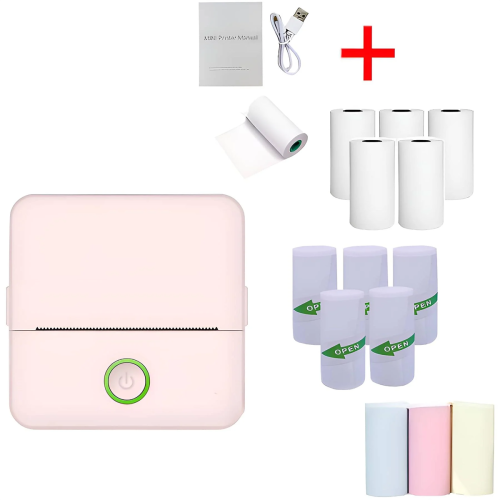
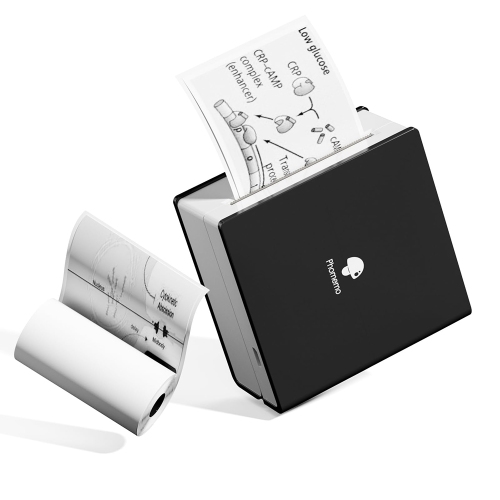
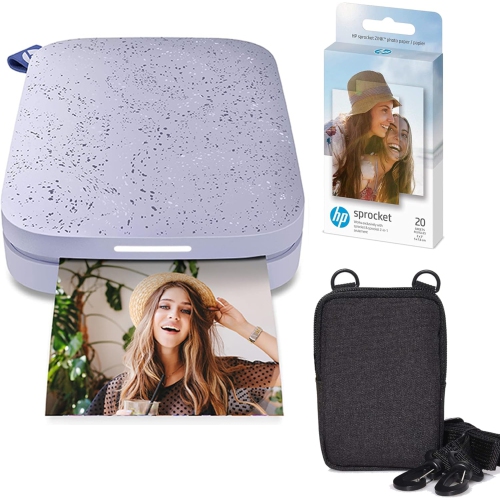
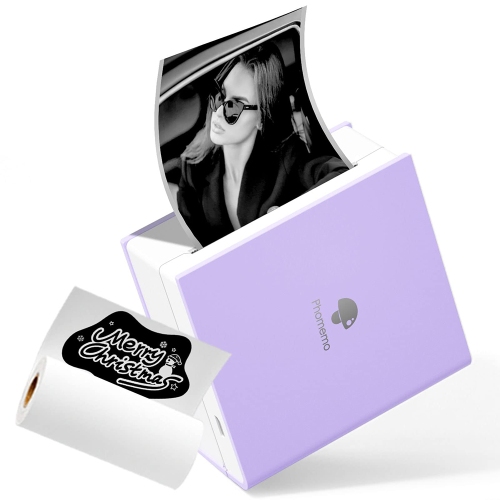
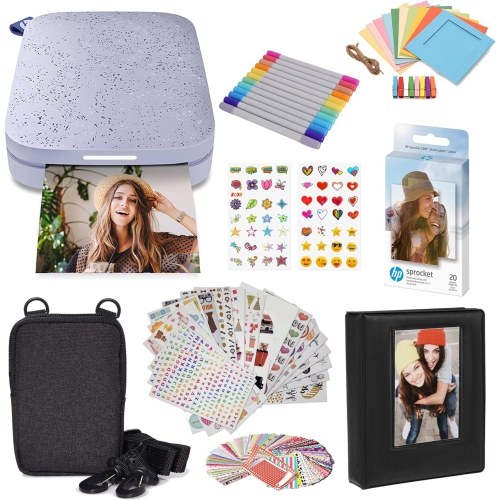
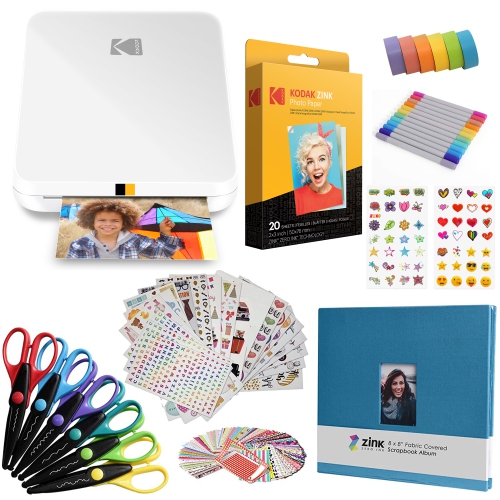

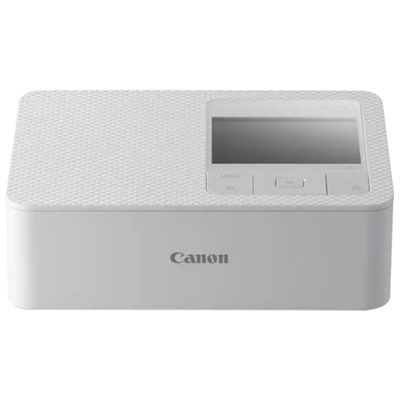
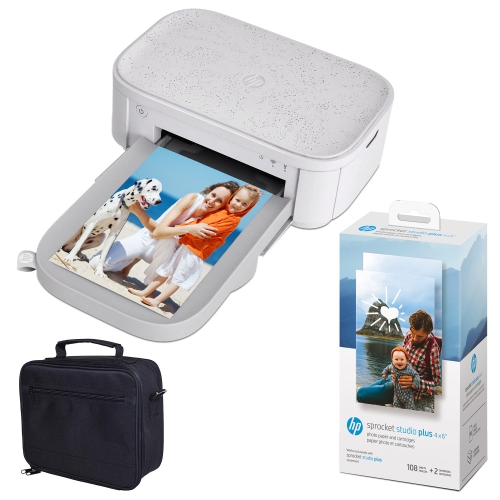
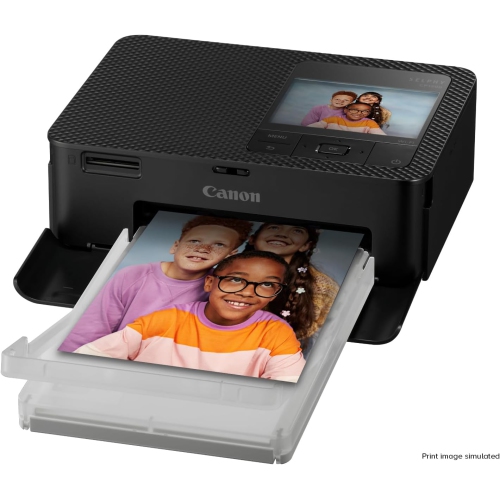
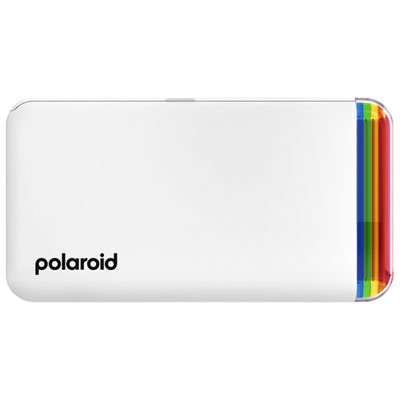
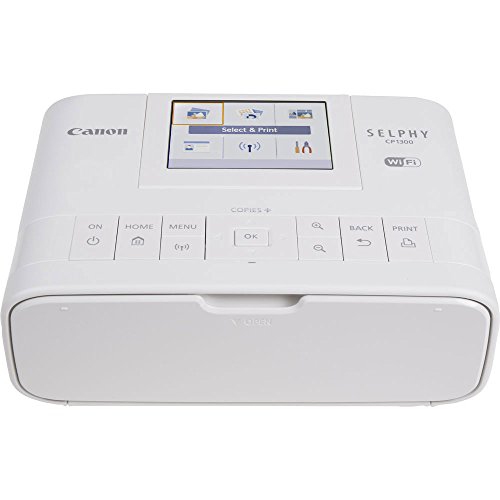
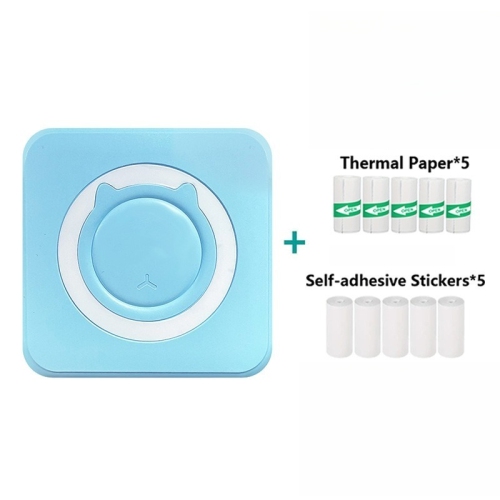
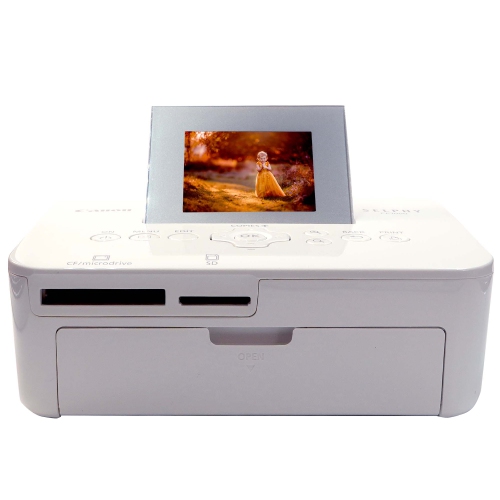
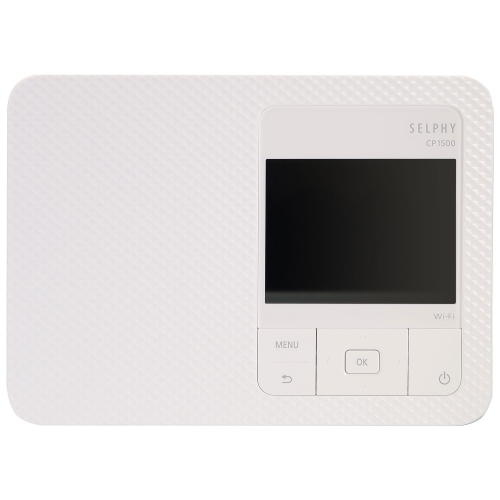
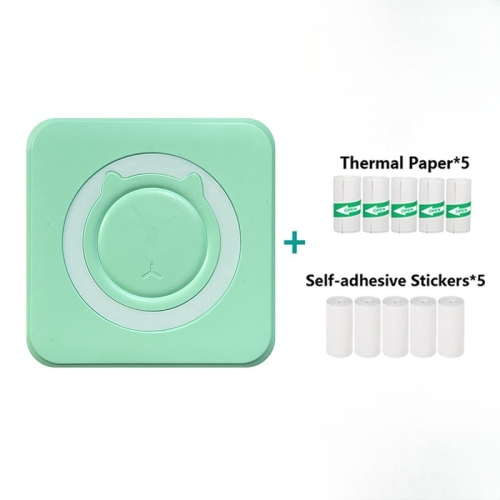
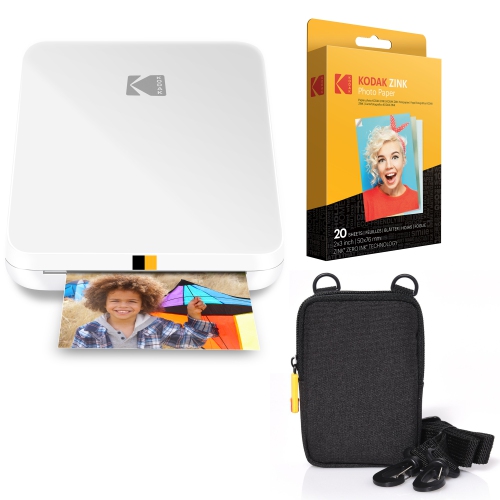
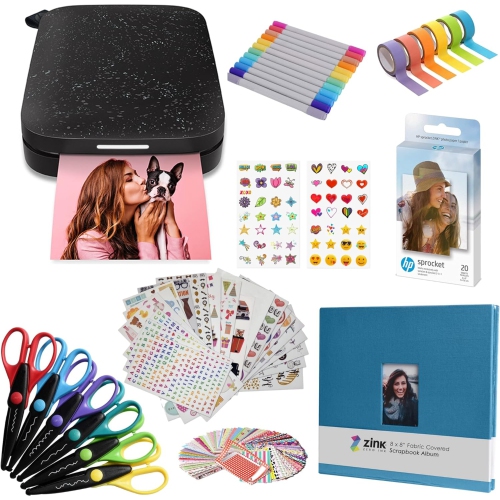
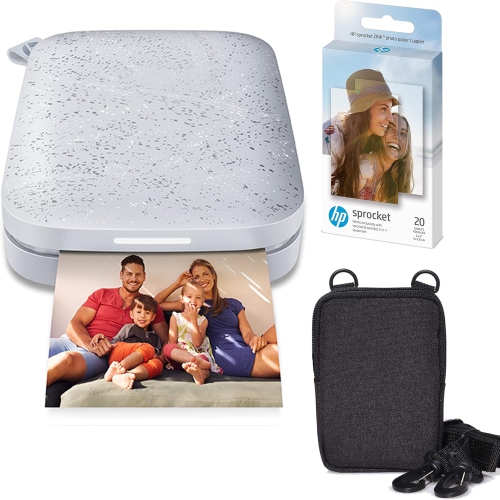
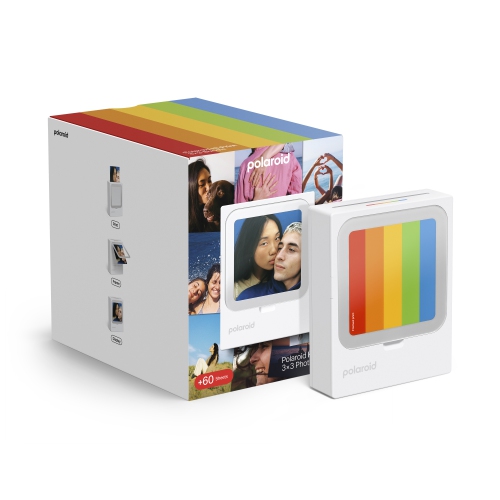
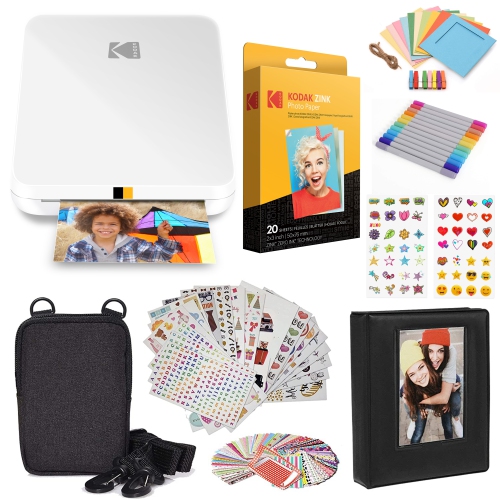
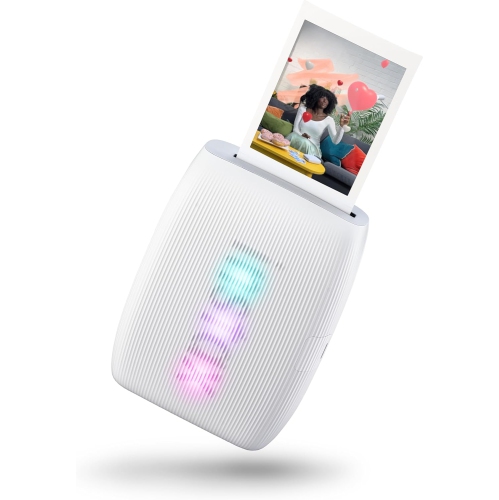
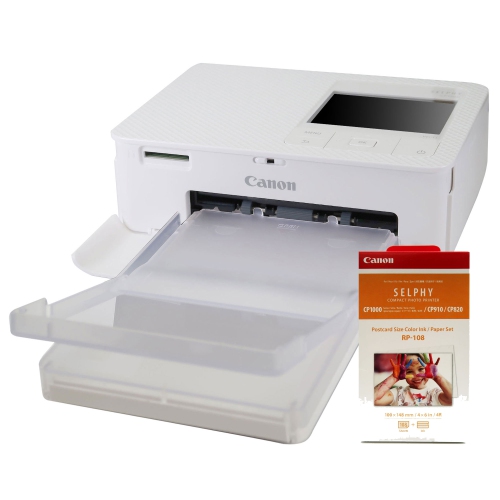
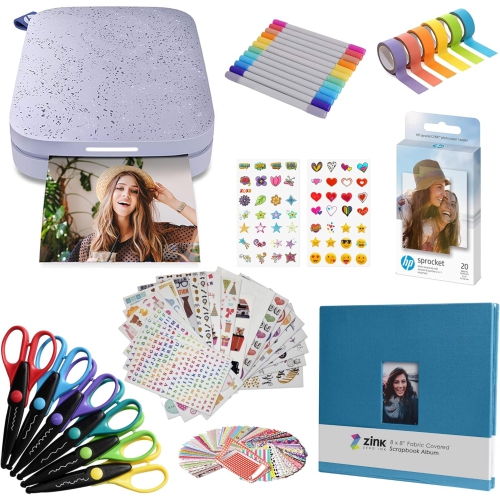
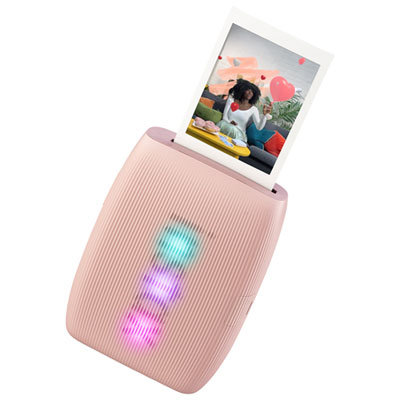
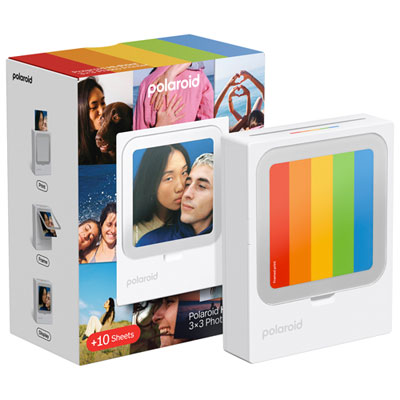
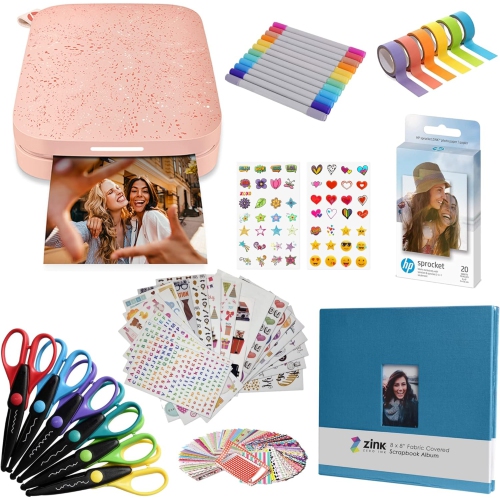

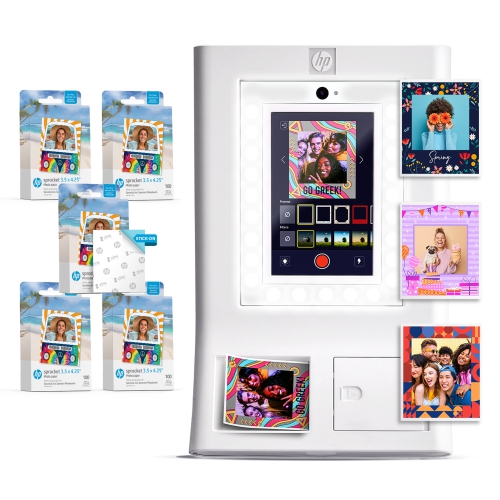
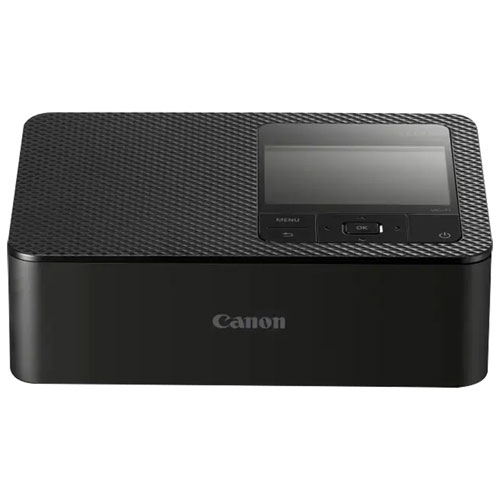
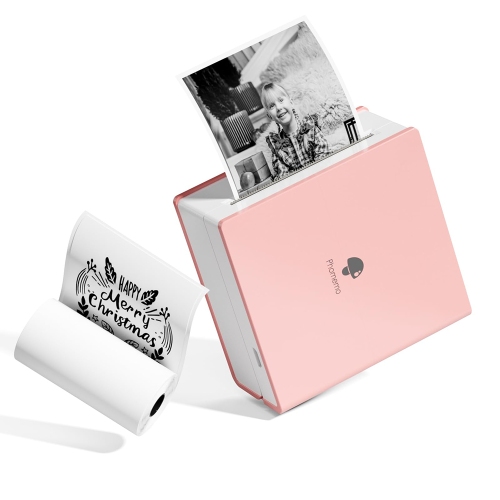
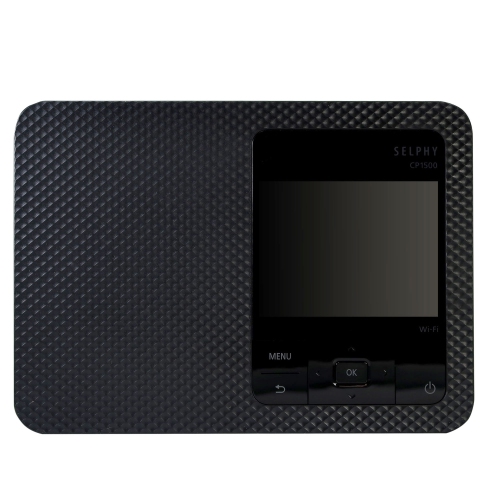
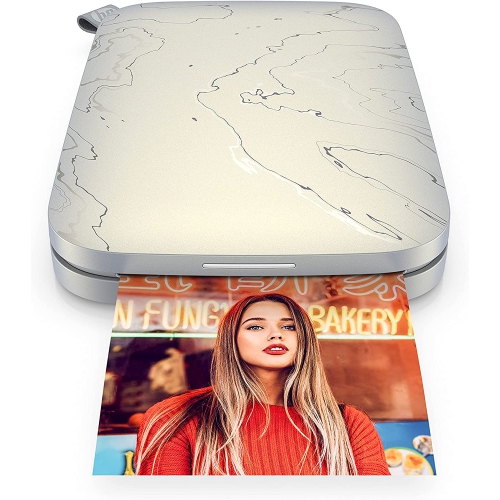
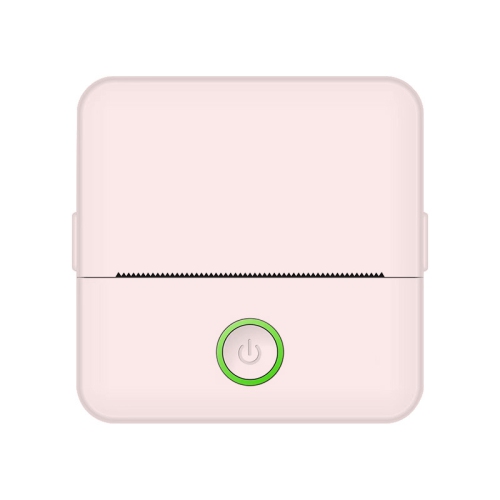
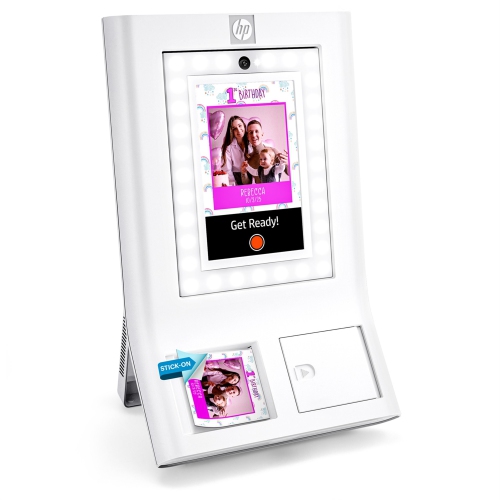
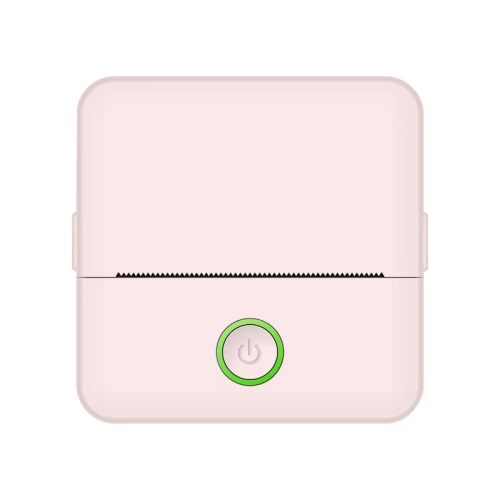
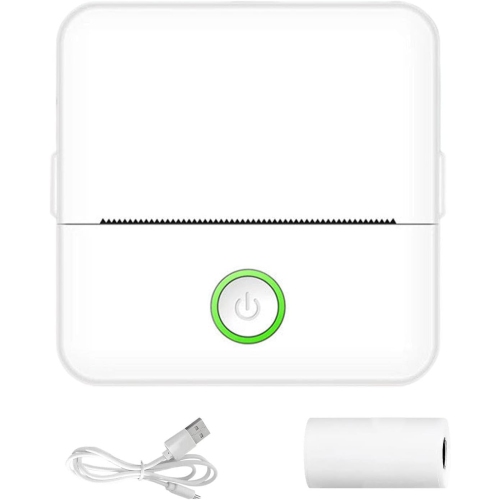
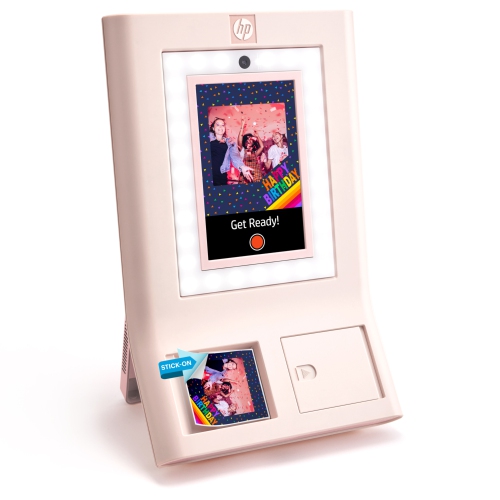
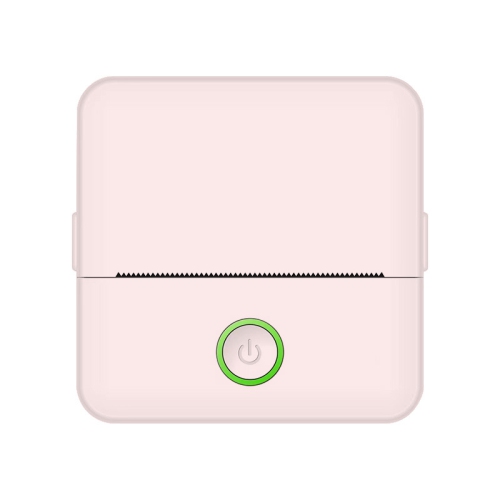

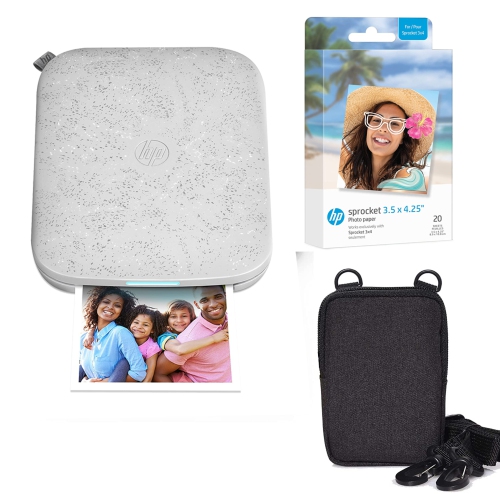
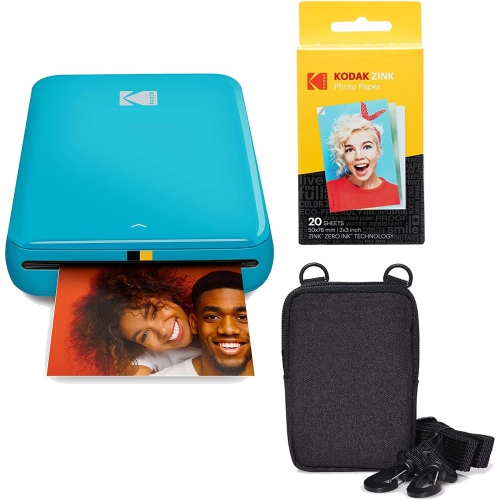
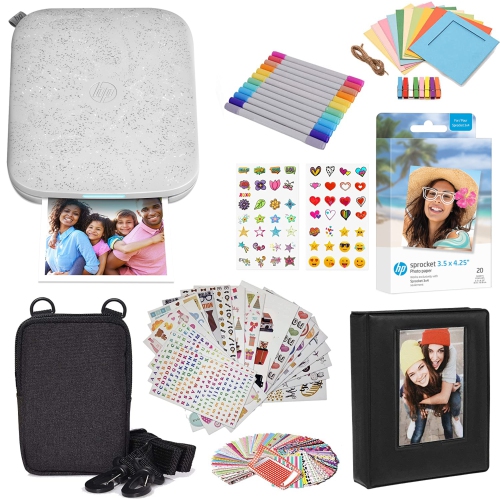
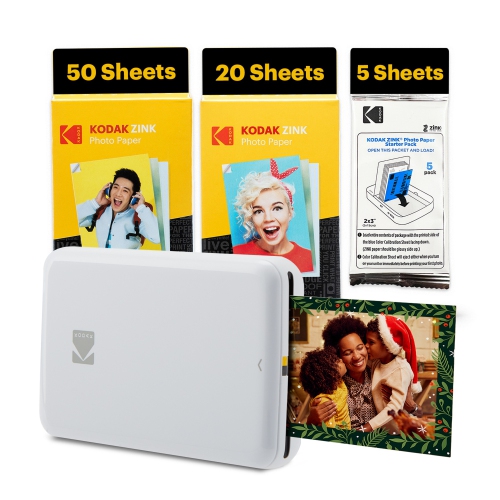
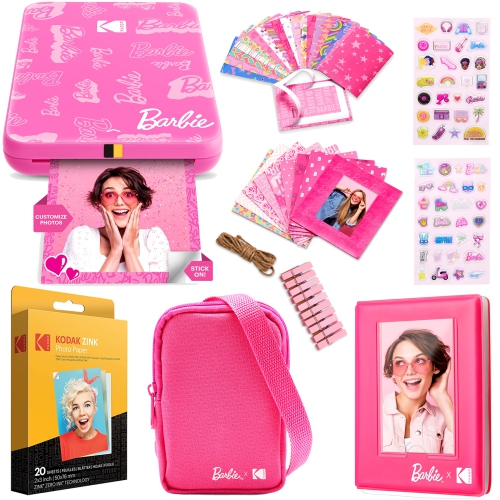

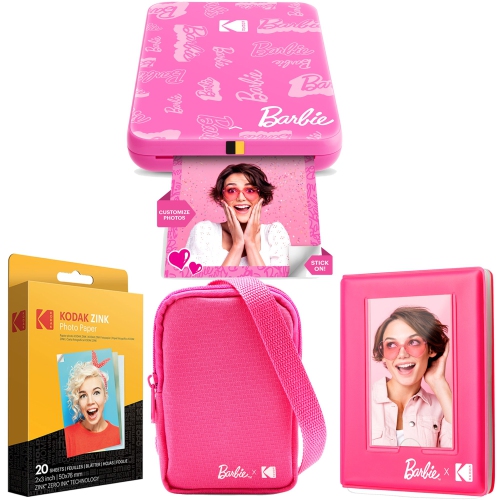
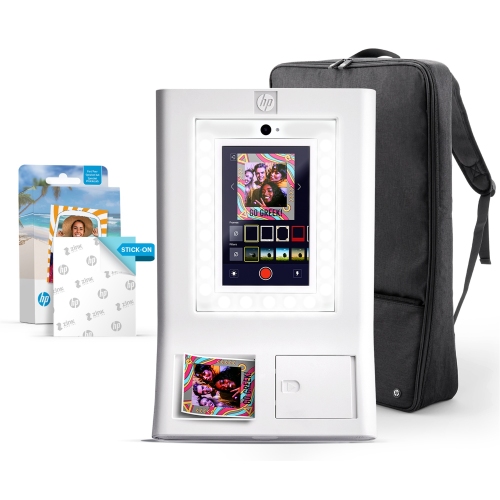
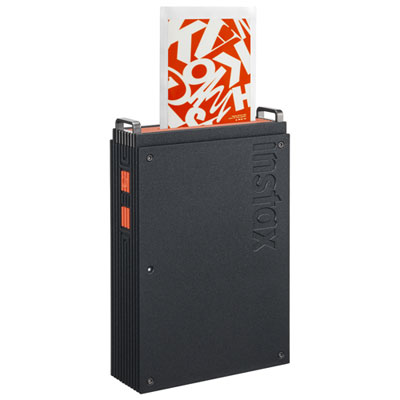
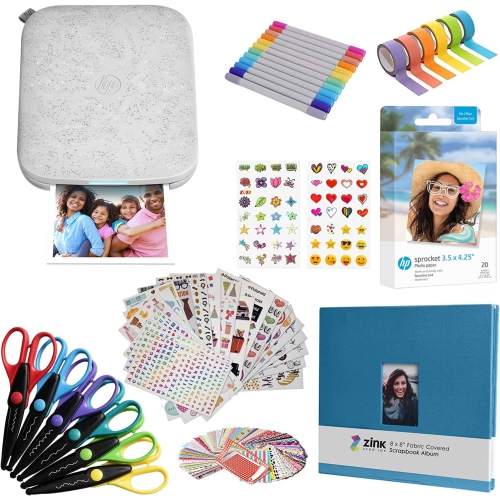

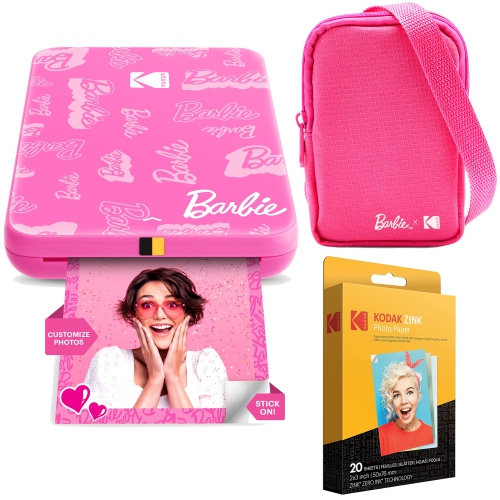
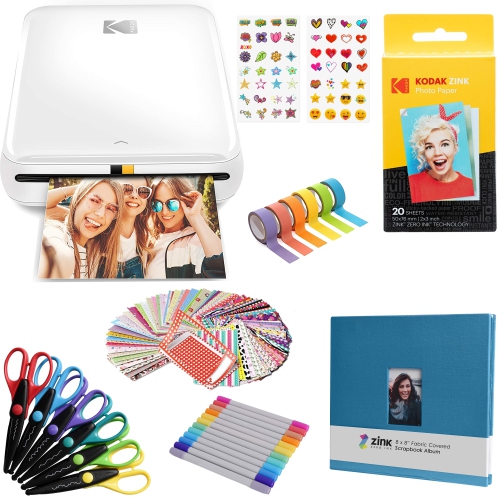
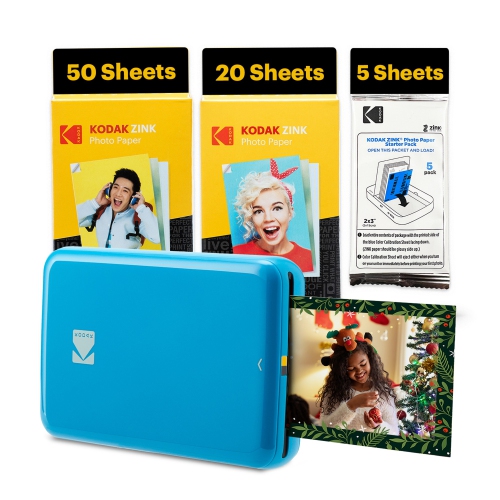
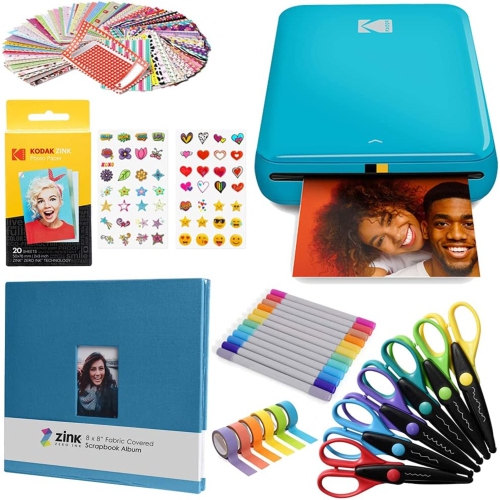
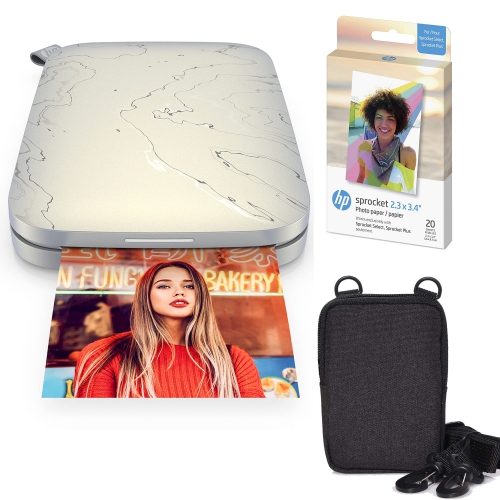
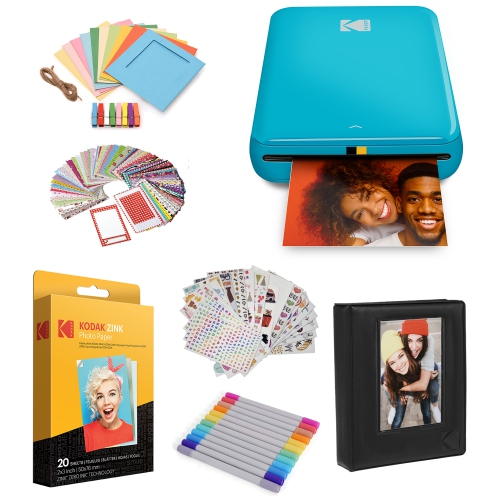
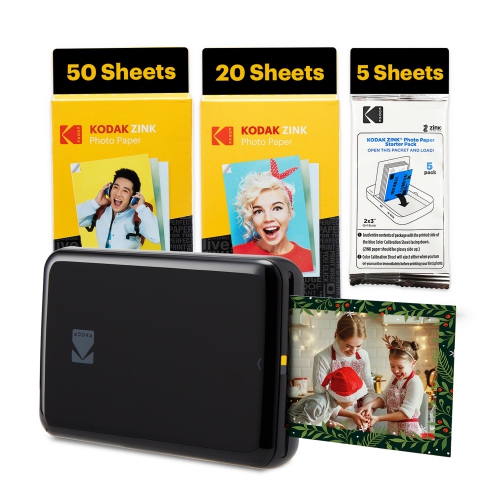
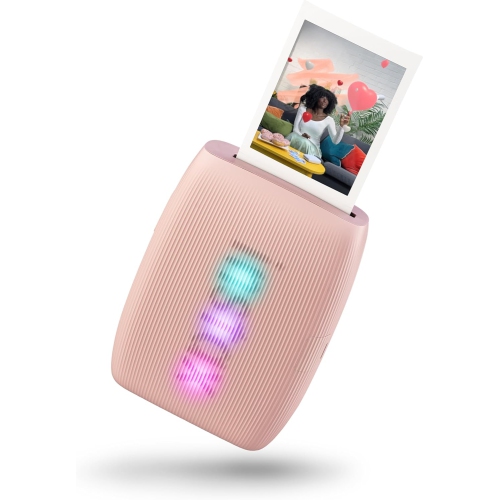

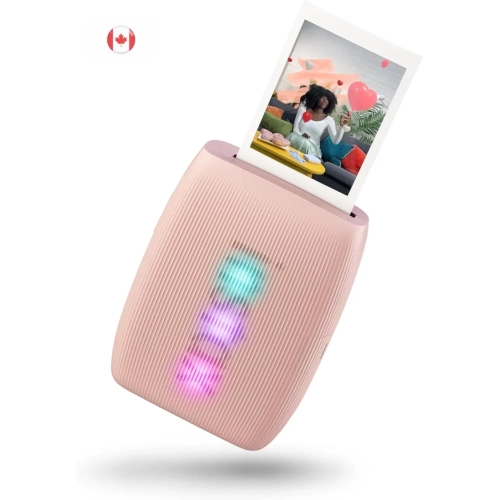
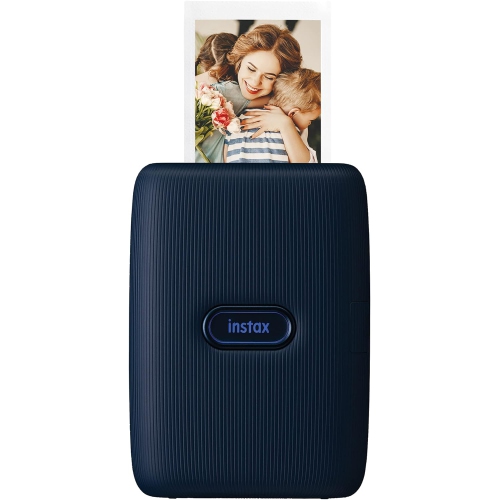
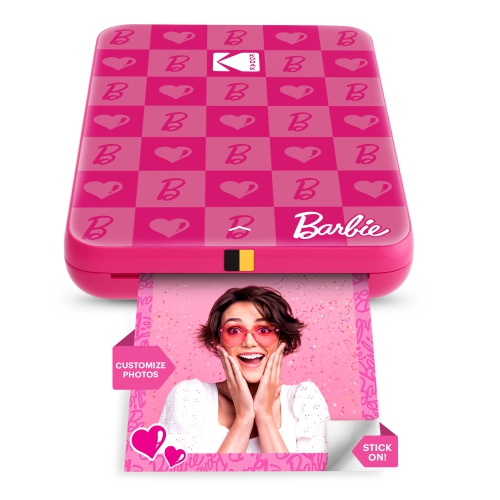
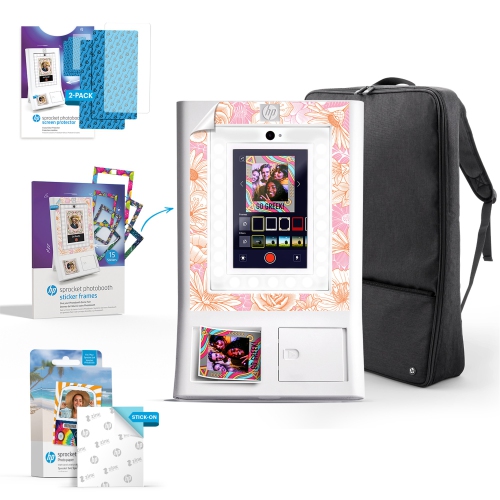
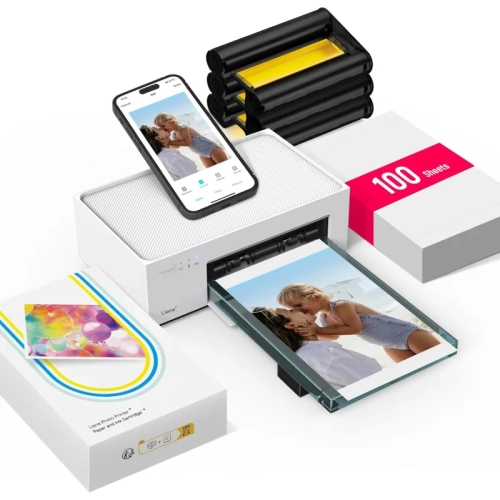
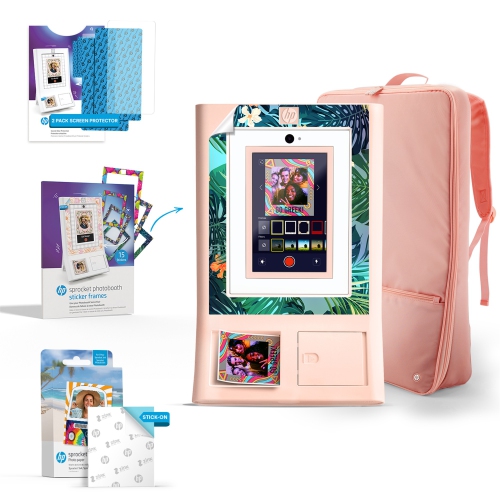

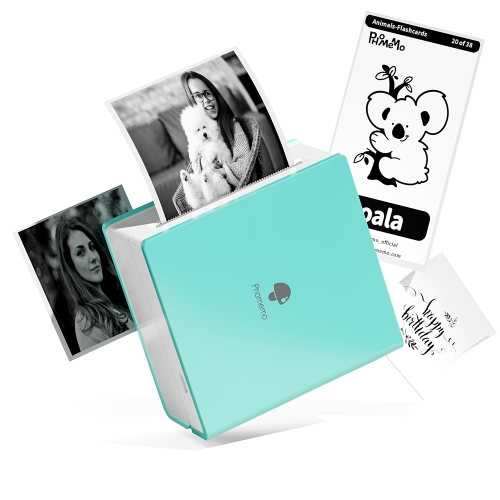
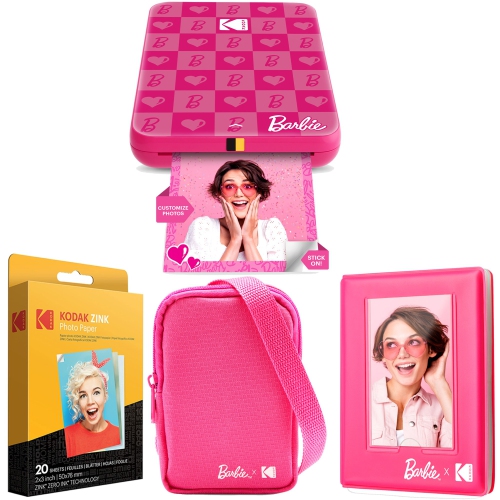
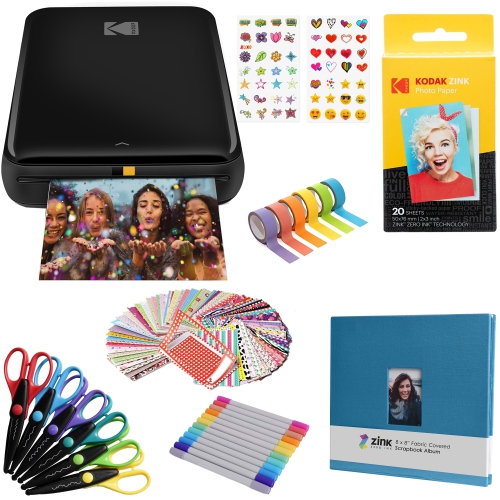
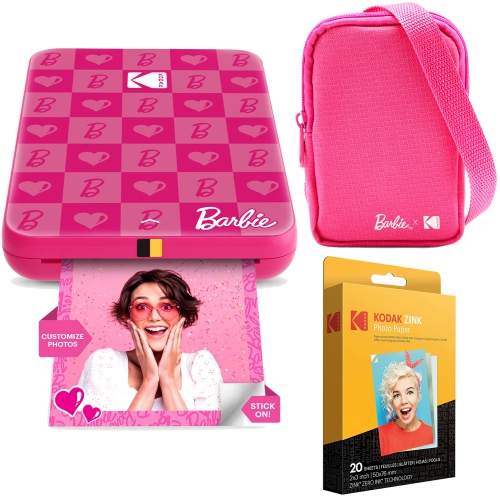
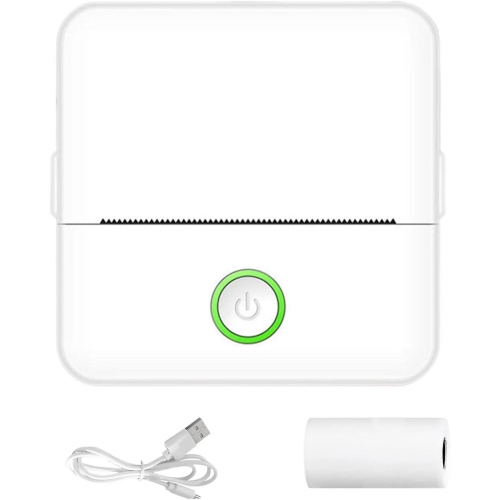
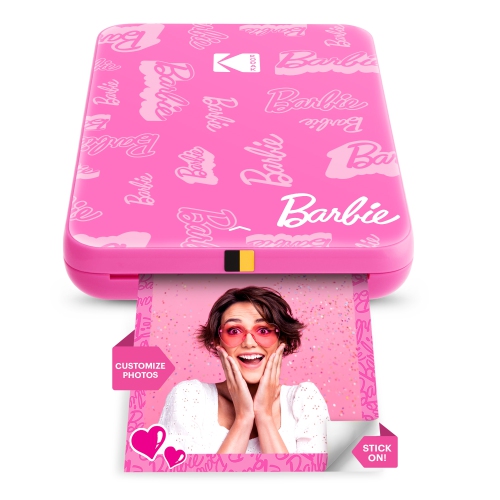
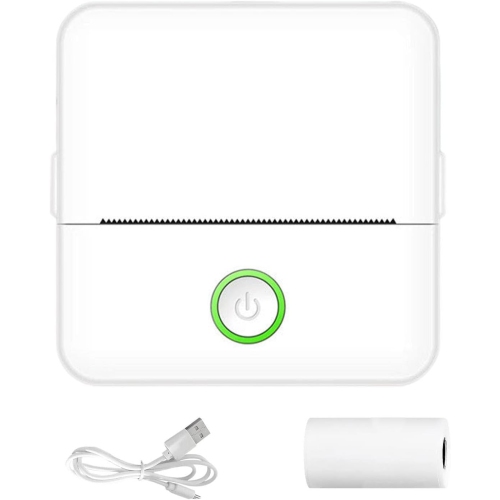
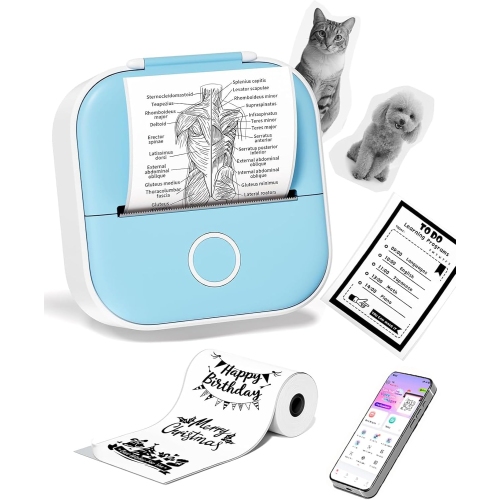

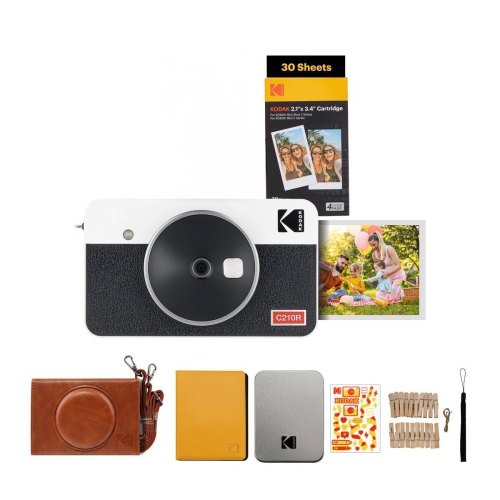
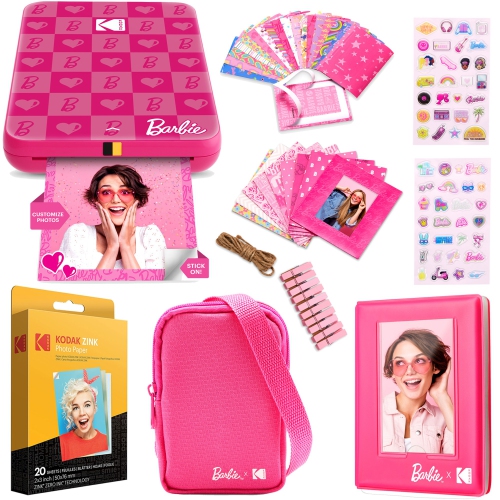

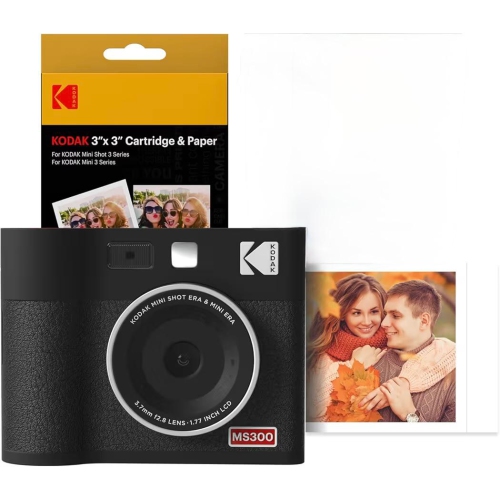
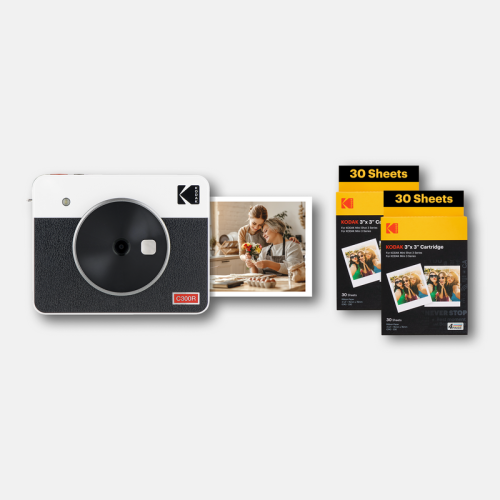
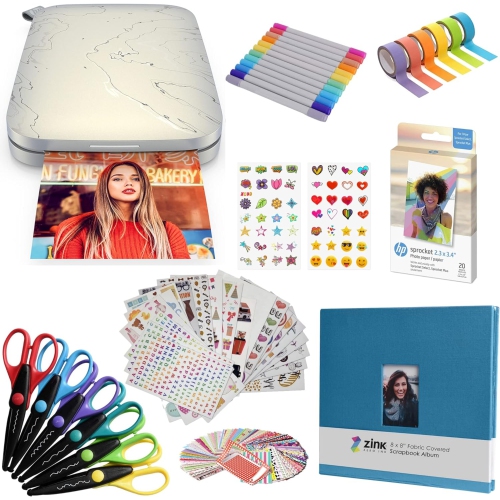
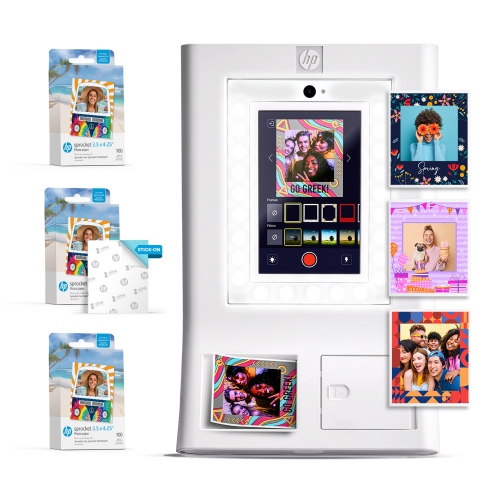
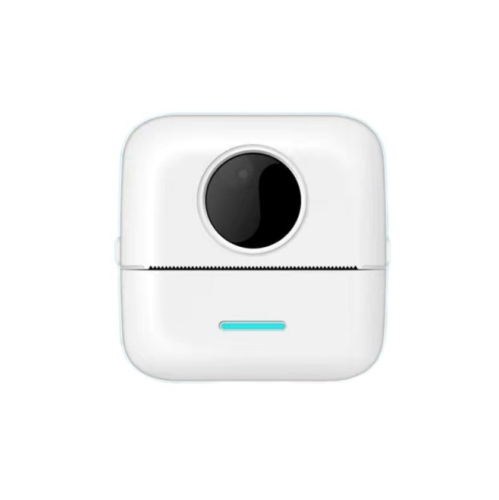

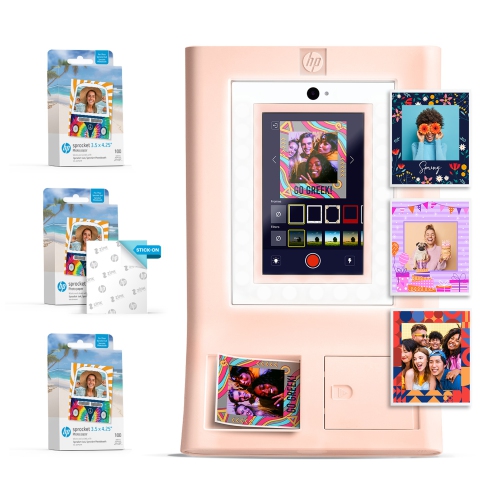
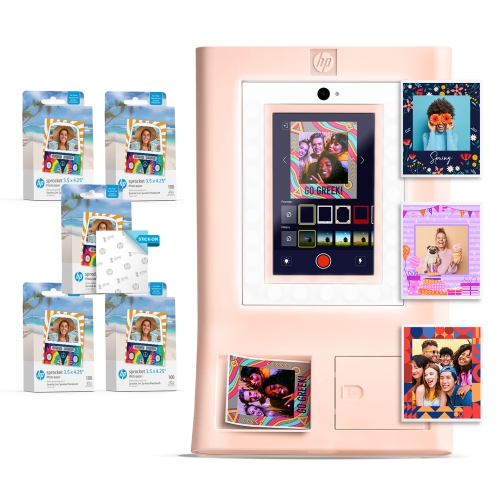

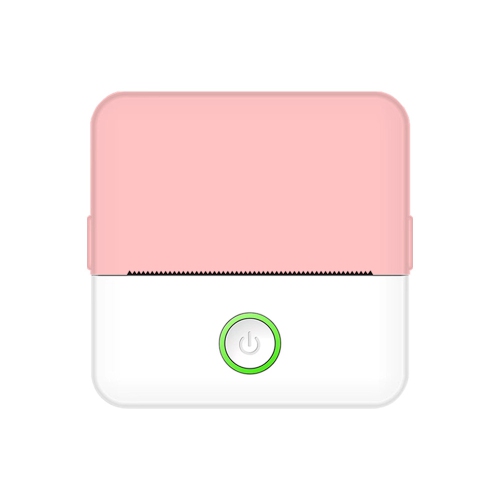
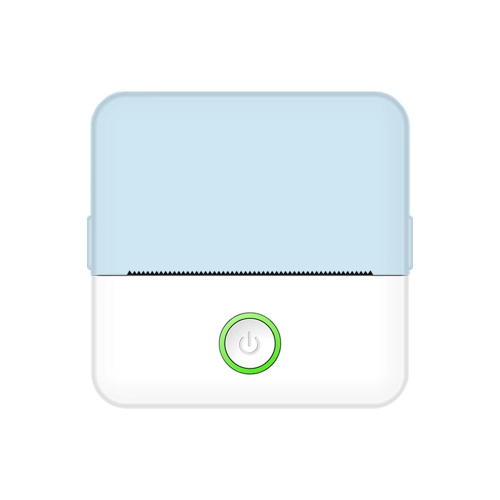
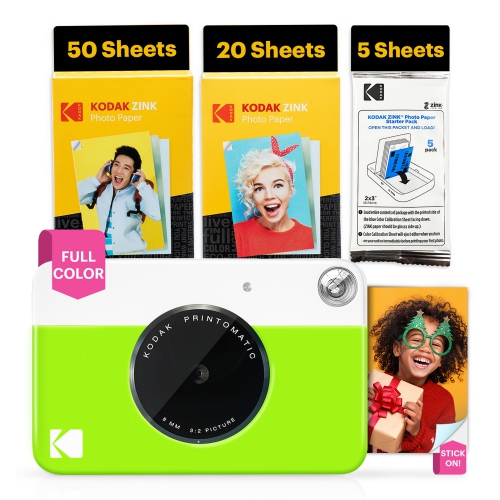
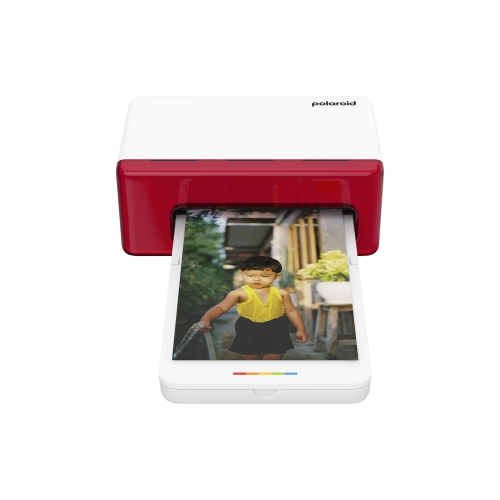
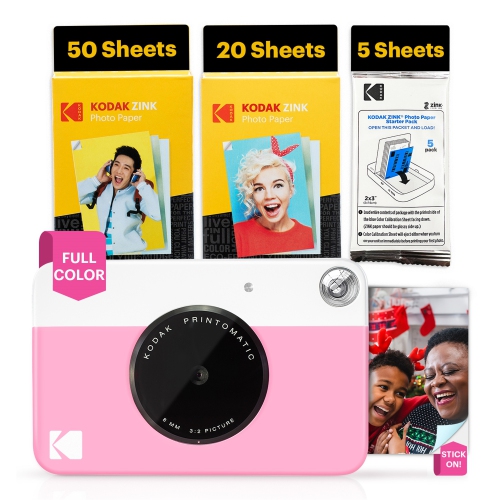
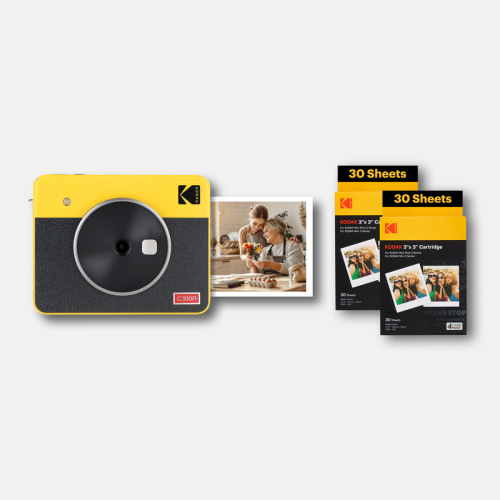
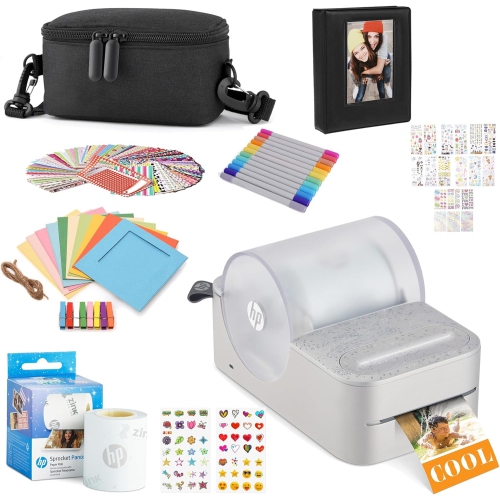

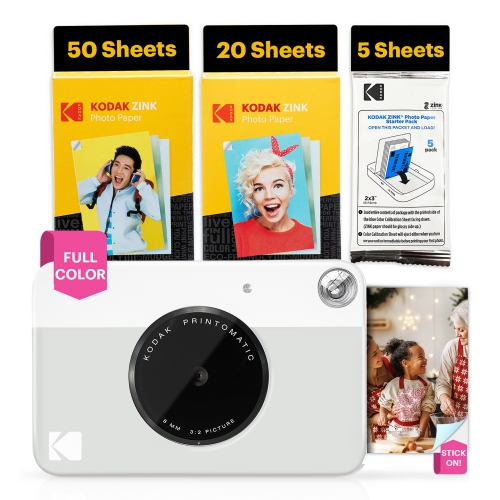
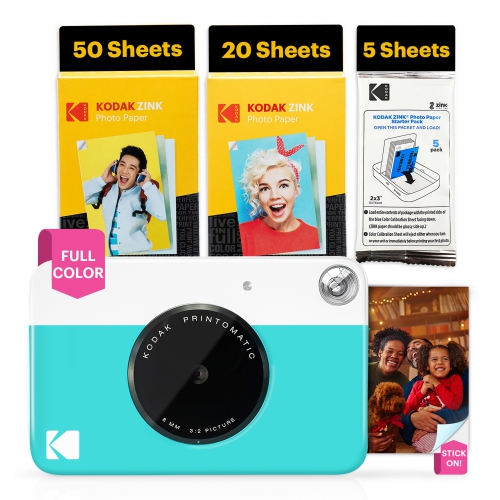
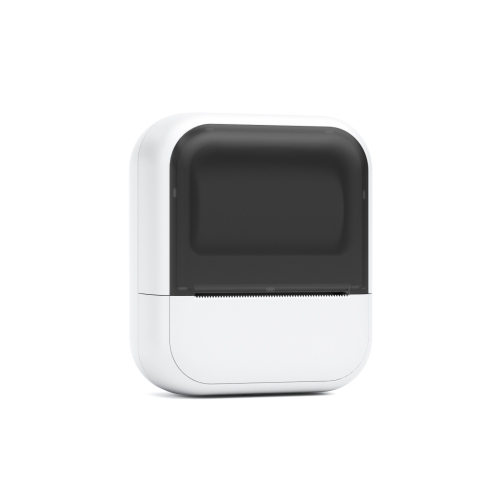
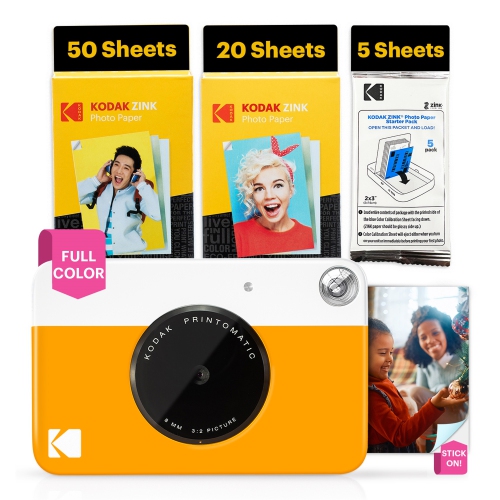
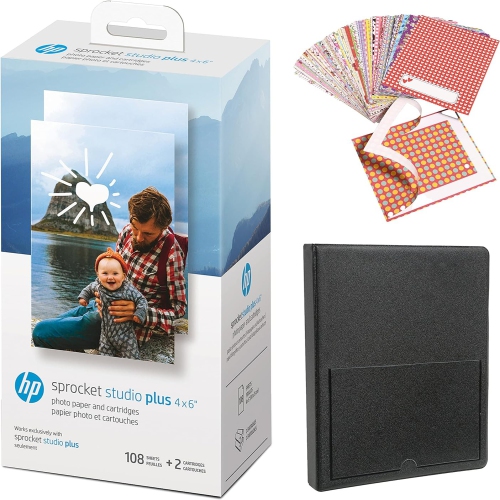
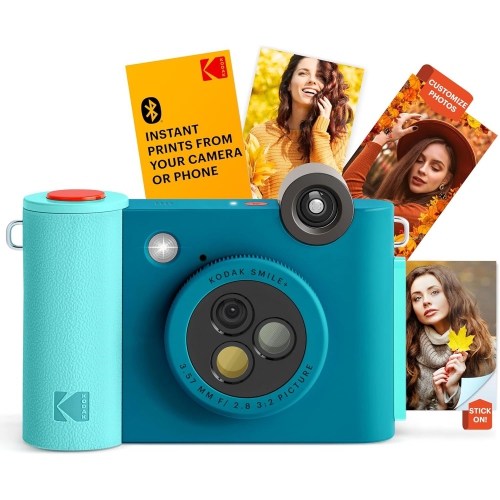

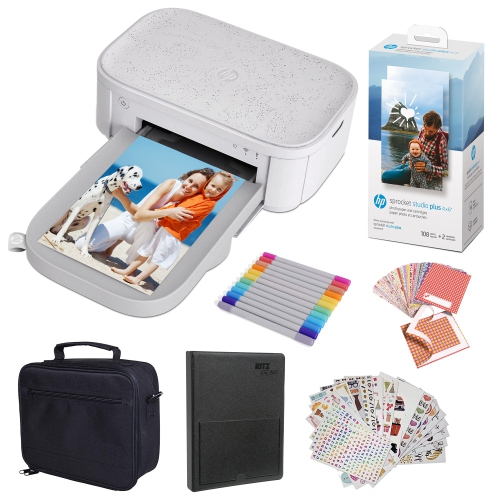
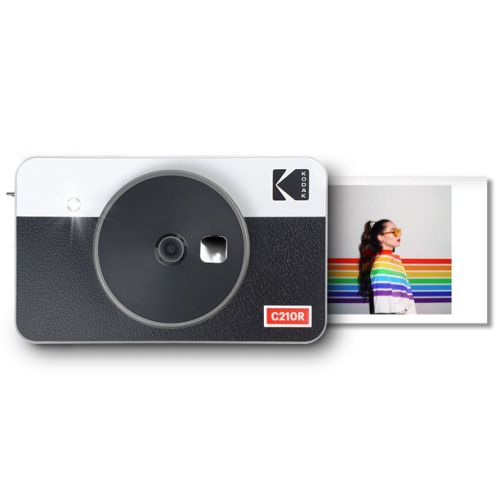

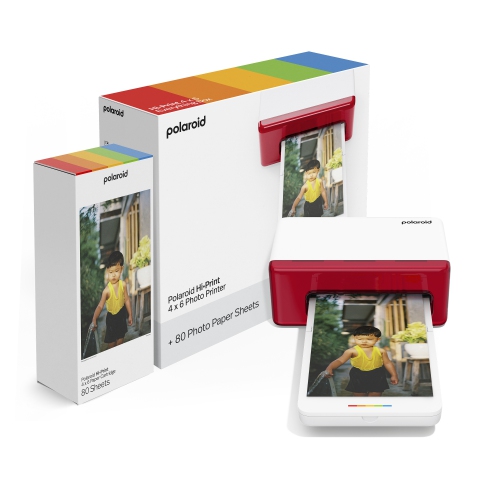
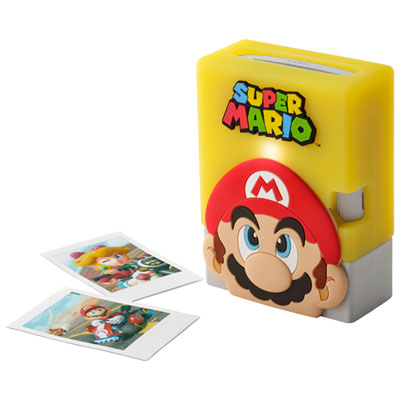
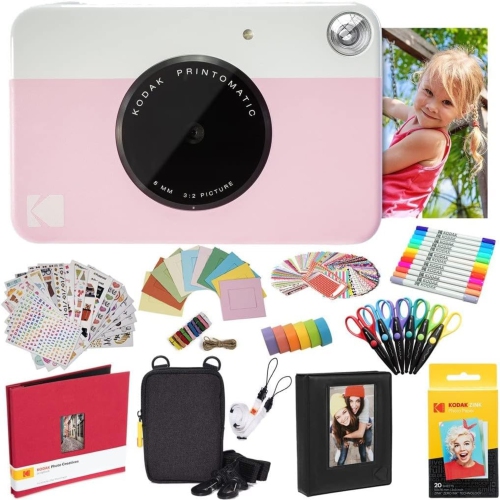
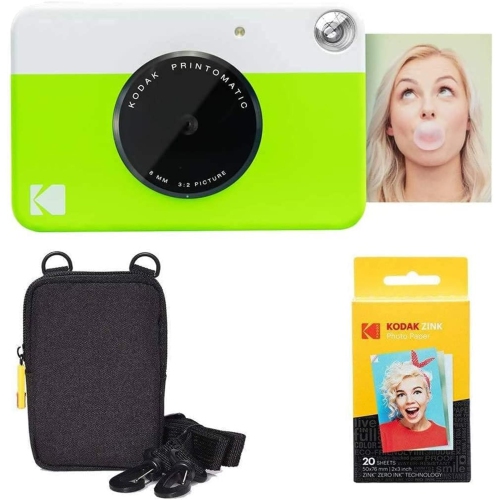
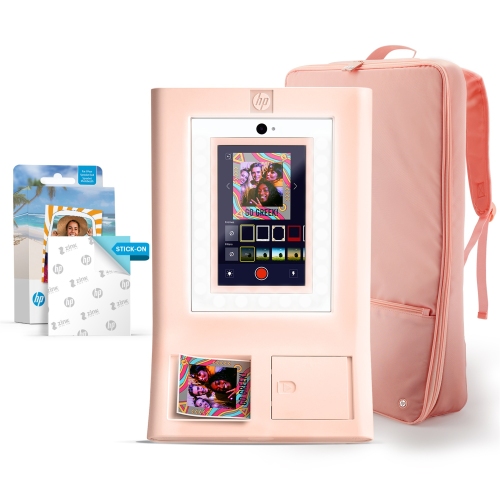
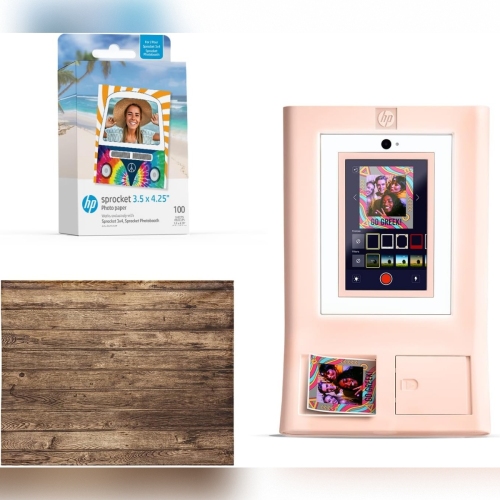
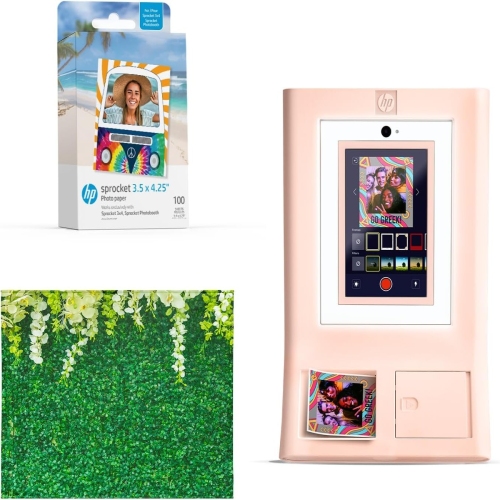
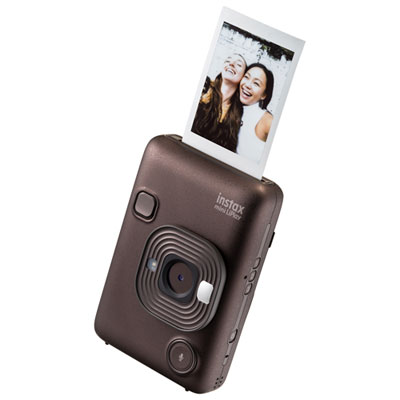
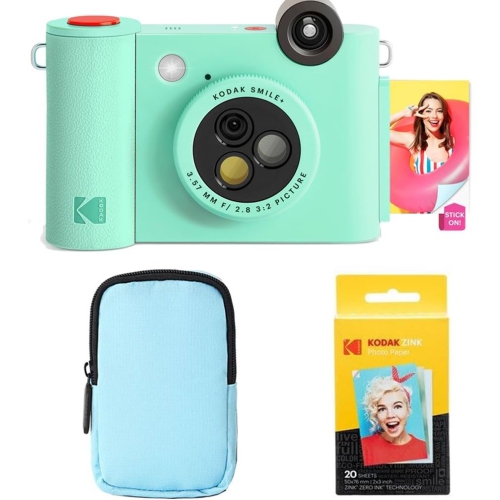

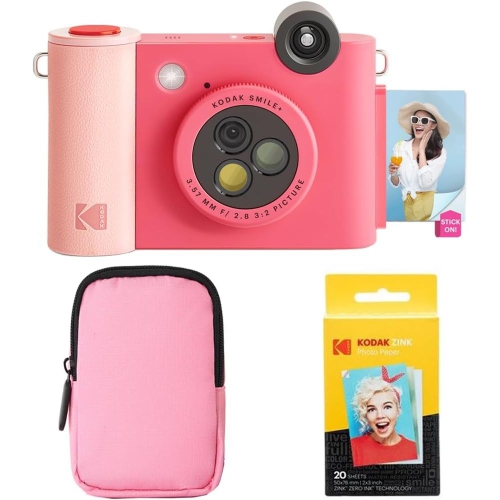
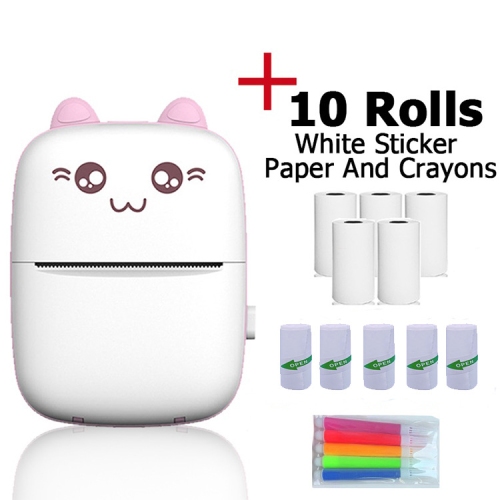
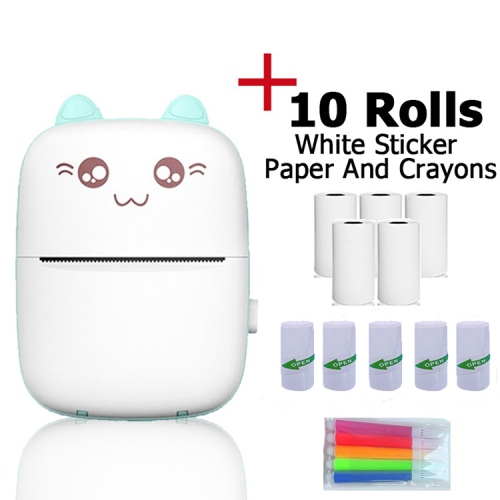
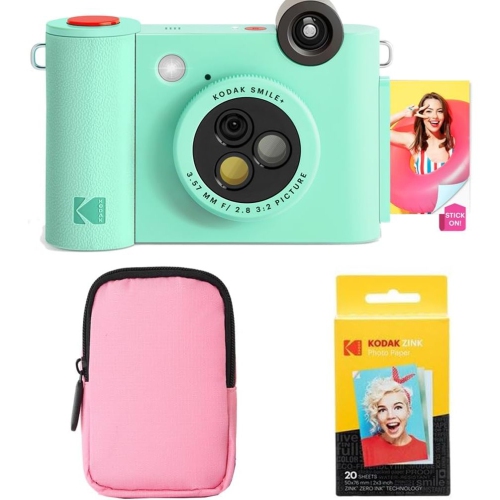
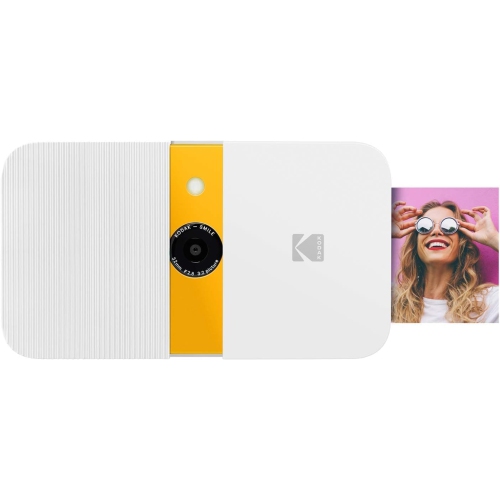
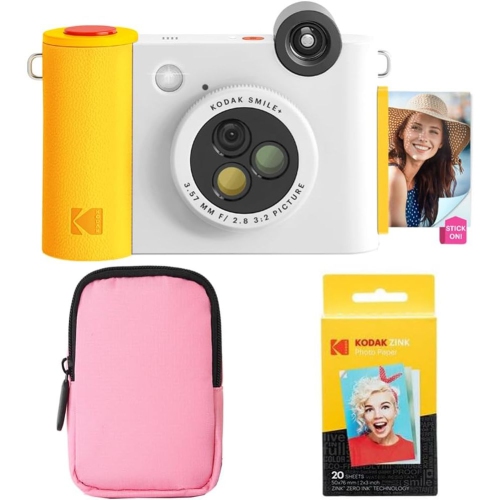
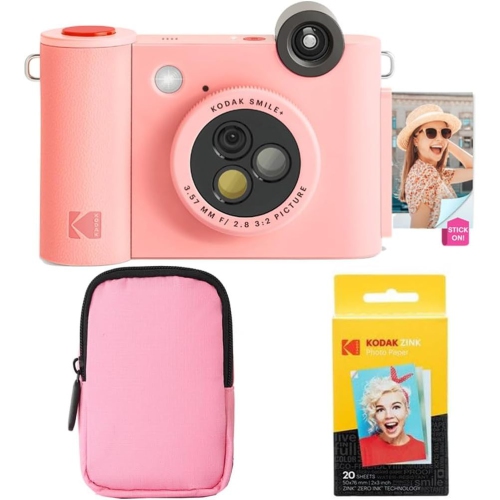
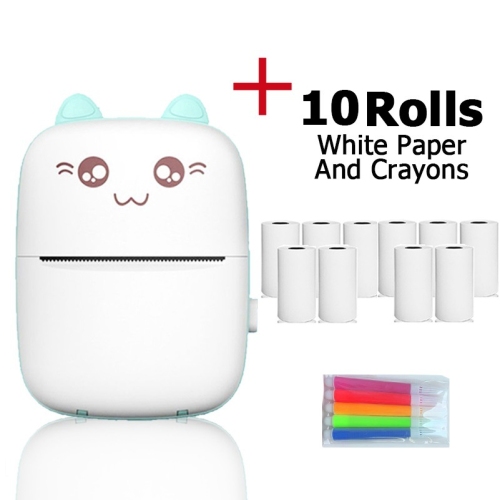
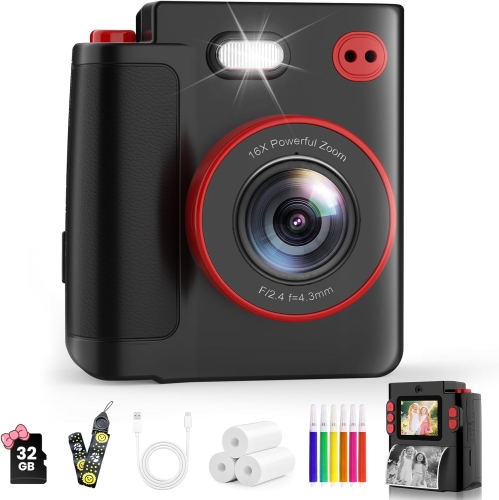
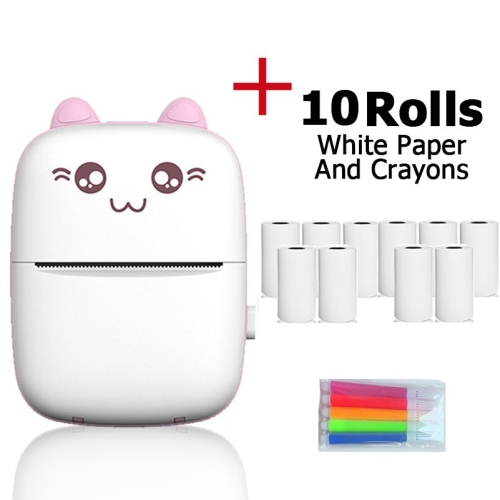
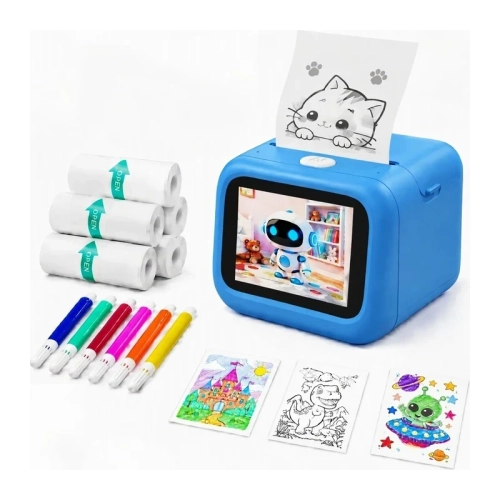
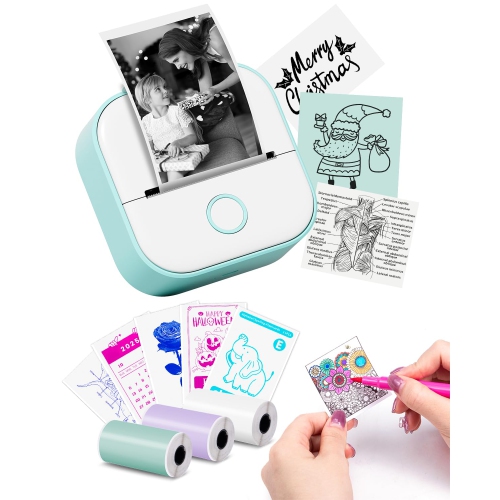
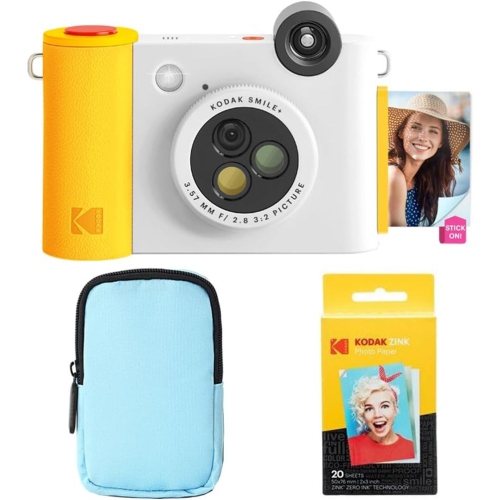
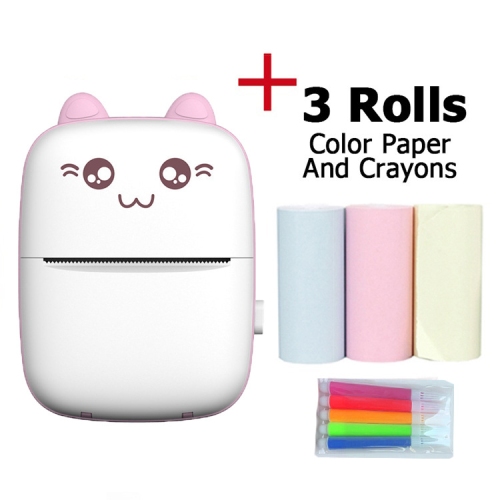
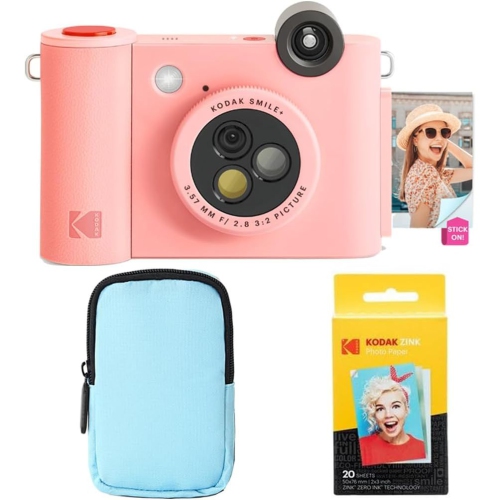
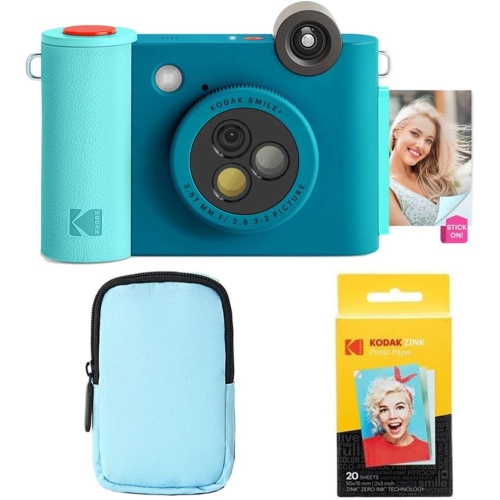
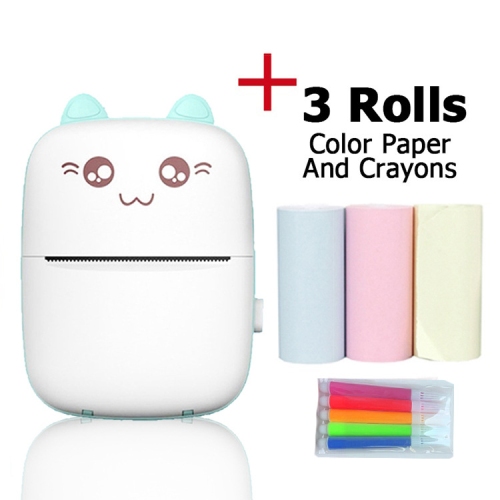
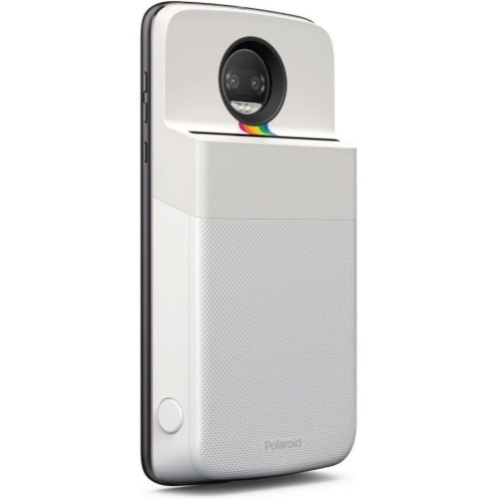
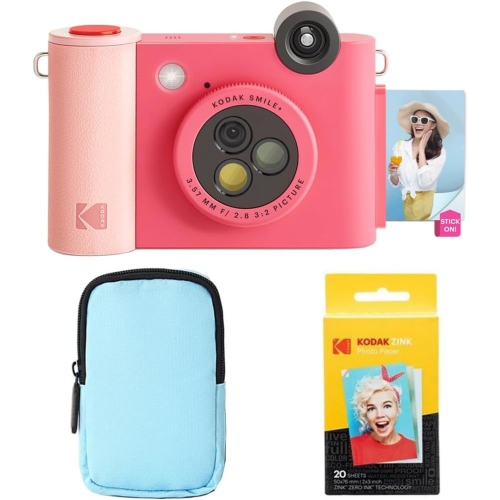
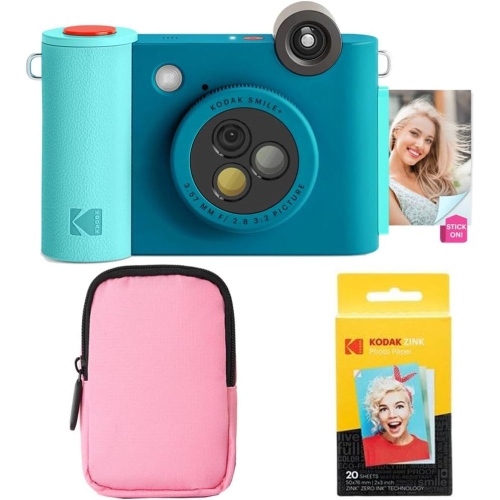
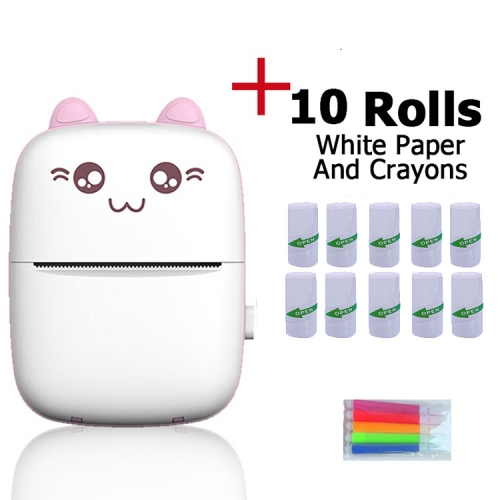
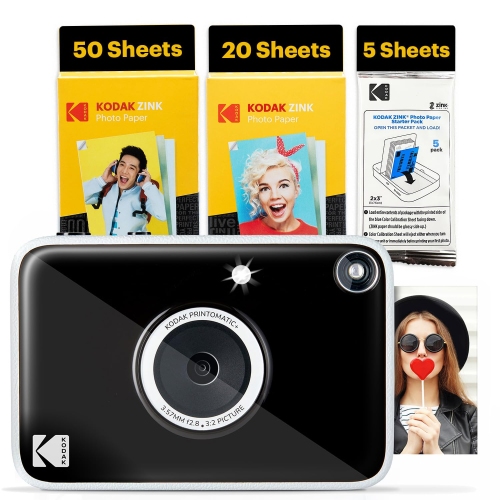
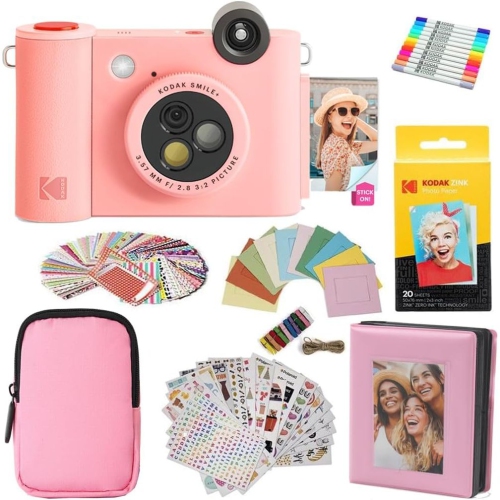
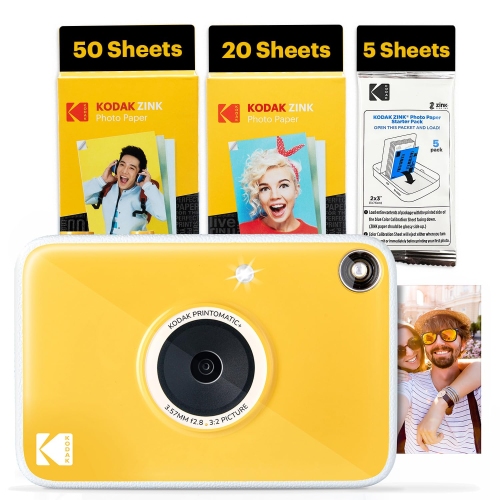
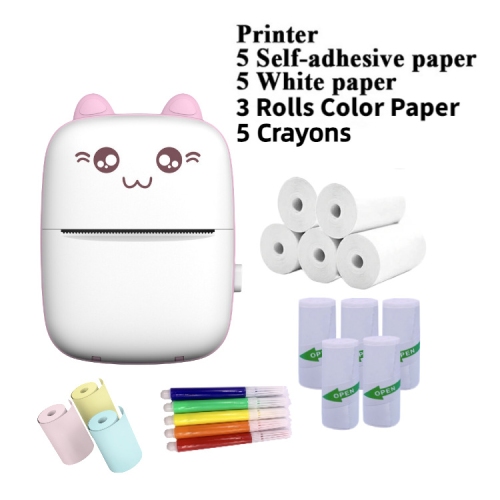
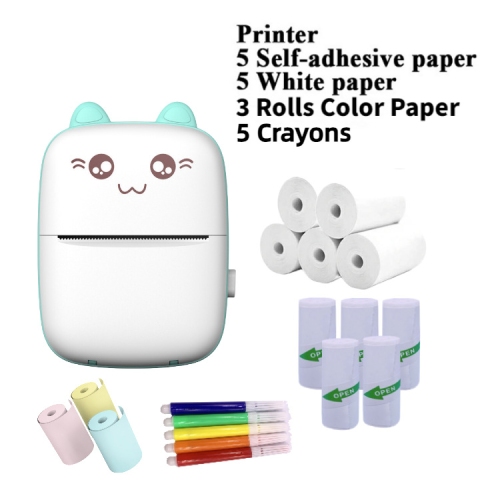
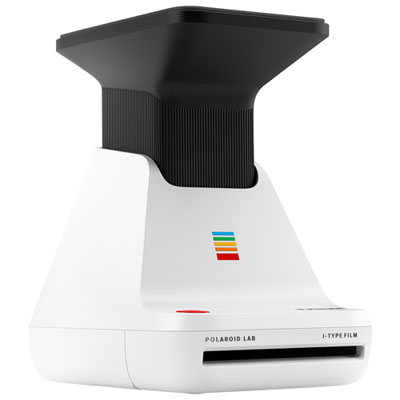
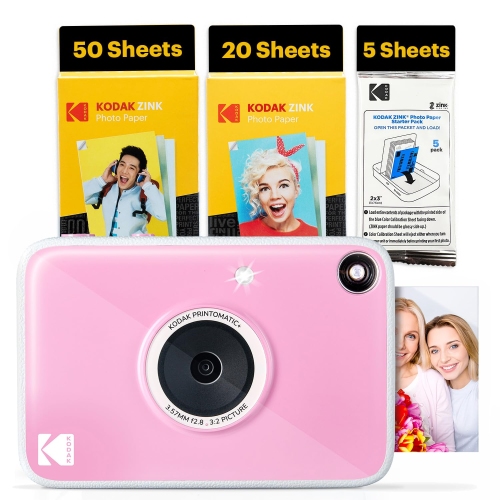
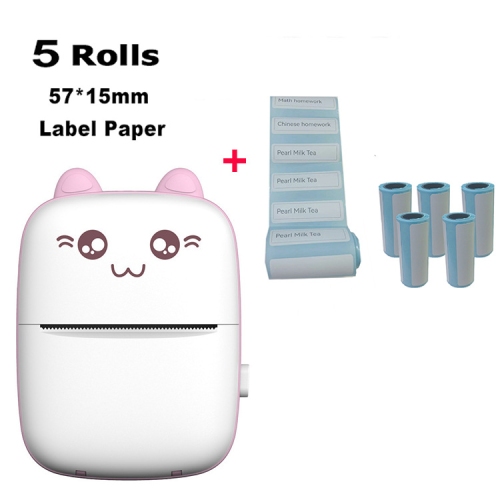
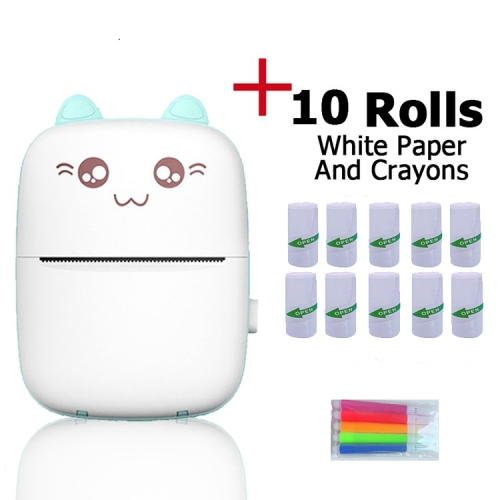
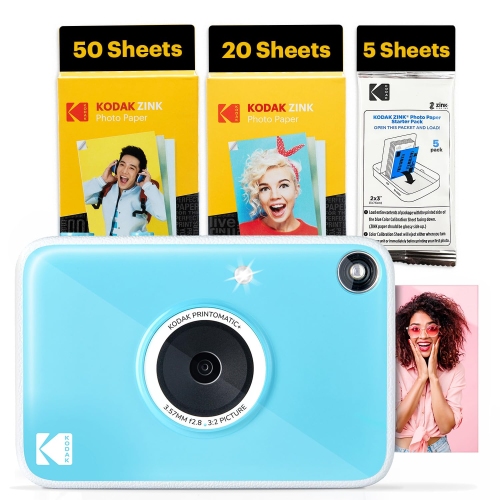
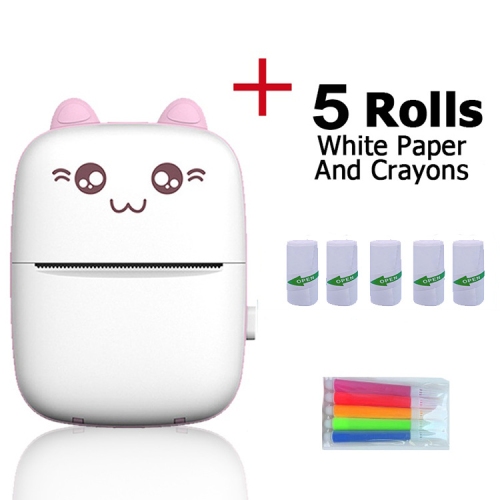
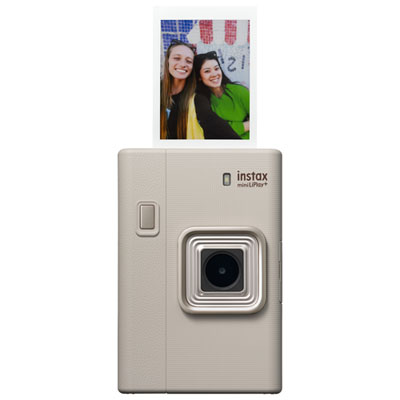
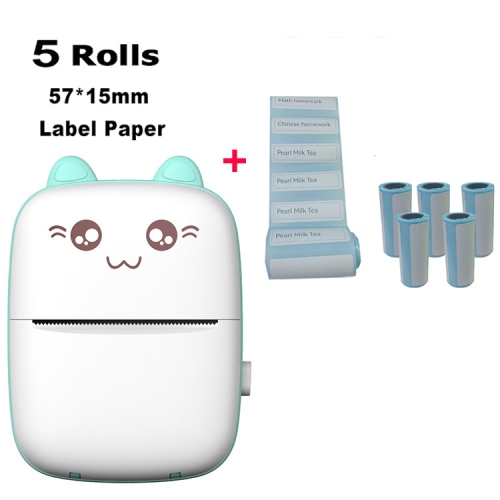
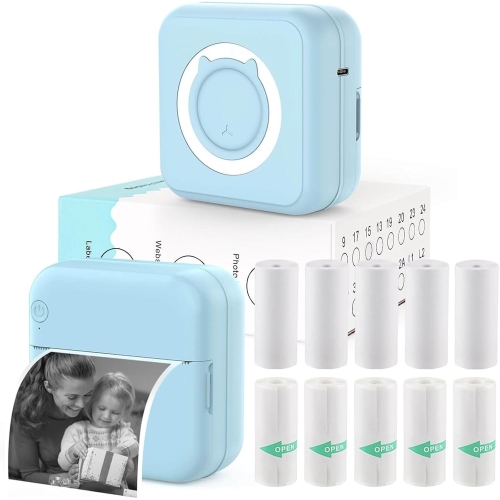
From phone snapshots to keepsakes you can hold
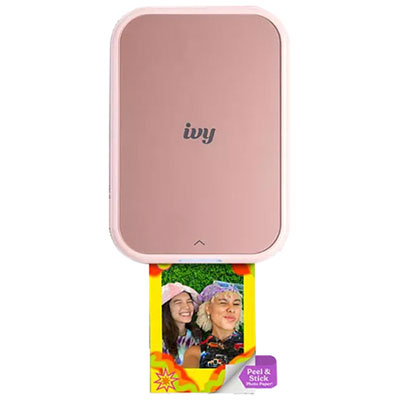
Mini photo printers are small, portable devices that turn digital pictures into physical prints, often directly from a smartphone through Bluetooth and a companion app. Many are compact enough to tuck into a small bag, making them useful for sharing snapshots, filling a travel journal, or adding a personal touch to a card without setting up a full-size printer. Their appeal is the connection between a photo on a screen and something that can be held, displayed, or passed to a friend. A candid picture from a birthday dinner can become a keepsake before everyone heads home, while a favourite pet portrait can find a place beside a desk. Printing methods vary, and that difference affects both the supplies required and the finished photograph. ZINK, short for zero ink, uses heat to activate colour within specially designed paper rather than applying ink from a cartridge. Some mini photo printers use dye-sublimation, which transfers colour from a ribbon onto compatible paper, often with a protective finishing layer. Others expose instant film, producing a photograph that develops after it leaves the printer. These technologies are not interchangeable: each printer requires the paper, film, or ribbon specified for its printing system. Print dimensions also vary, with options ranging from small rectangular snapshots, such as 2-inch by 3-inch prints, to square or bordered formats. The paper dimensions and the visible image area may differ, particularly with instant film or decorative borders. That matters when fitting photographs into an album sleeve, a journal layout, or a small frame. Adhesive-backed photo paper adds another possibility, turning an image into a sticker for a notebook, greeting card, or storage label. Not every printing format has a peel-and-stick backing, so the intended use helps determine which type makes sense. For printing needs that extend beyond small photographs, Compact Printers provides a broader category to explore when a small footprint remains important.
The experience of using a mini photo printer depends as much on its connection and app as on its physical size. Smartphone compatibility, supported operating system versions, and any account requirements are worth considering, especially when the printer is intended as a gift. Bluetooth is common for nearby wireless printing, while some portable printers support Wi-Fi; the connection method should match the device that will supply the photos. A charging port does not necessarily support photo transfer, and wireless printing does not automatically mean that every phone or tablet will work with the printer. Companion apps may offer cropping, borders, text, collage layouts, and image adjustments, though available features differ. These tools can make a small print feel personal: a short caption beneath a family photograph, a pair of pictures arranged together, or a neatly cropped close-up for a journal page. Small formats reward careful image selection. A bright portrait with a clear subject often reads better at pocket size than a wide group photograph in which each face becomes tiny. The shape of the original image also matters. Fitting a tall phone photograph onto square paper may trim details at the top and bottom, while adding borders can preserve the composition but reduce the printed image area. A preview helps show whether a face, handwritten sign, or important background detail will be cut off. Colour and brightness on a backlit phone screen can differ from the finished print, so subtle adjustments may be useful rather than expecting an exact screen-to-paper match. Print speed, paper capacity, and battery performance vary as well. For occasional journalling, a small paper compartment may be sufficient; for sharing several photos at a gathering, the ease of reloading and the number of prints supported by a charge become more relevant. A rechargeable design suits printing away from a desk, but charging time and the required cable or power adapter still affect convenience. The printer’s dimensions, weight, and shape also influence how comfortably it travels alongside a phone, keys, and other everyday essentials.
Mini photo printers suit people who enjoy making something tangible from their picture libraries, including scrapbookers, students, travellers, and families who like to share photographs without relying on a screen. A child’s drawing photographed on a phone can become a small addition to a family album, while a sequence of snapshots can tell the story of a weekend trip across a journal spread. They can also make thoughtful gifts for someone who enjoys memory keeping, provided the recipient has a compatible device and an interest in the required print format. For someone who prefers writing captions and arranging pages by hand, a simple rectangular print may be more useful than extensive app effects. Someone who decorates notebooks may appreciate adhesive-backed prints, while a person filling a photo box may prefer loose photographs without a sticky backing. The finish and material of the print influence how it should be handled. Glossy surfaces can show fingerprints, adhesive sheets need a suitable clean surface, and instant film should be allowed to develop according to its instructions. Resistance to moisture, smudging, or fading depends on the printing system and media; a small photograph should not be assumed to be waterproof or suitable for prolonged outdoor display. Albums, protective sleeves, and indoor display spaces help keep treasured prints away from spills, abrasion, and direct sunlight. Care for the printer itself is generally straightforward but important. A compact casing is convenient for carrying, not a guarantee of protection against drops or pressure inside a packed bag. A fitted case or padded compartment can help protect the paper slot and housing during transport. Paper and film should remain clean, dry, and stored as directed, with unused supplies kept in their protective packaging where appropriate. Loading the correct media in the specified orientation, avoiding overfilled trays, and using any supplied calibration sheet as directed can help prevent feeding problems and inconsistent output. With a suitable format, compatible phone, and manageable supply requirements, a mini photo printer can become a practical part of everyday memory keeping, giving favourite pictures a place in albums, journals, and personal displays.
Top selling and popular products
-
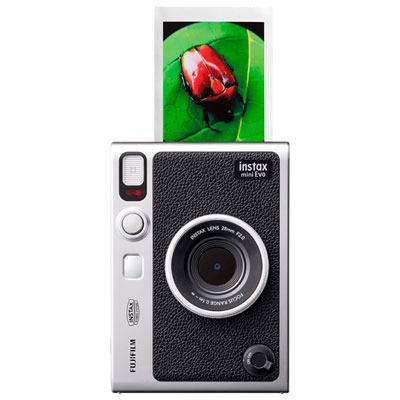 Your price for this item is $299.99
-
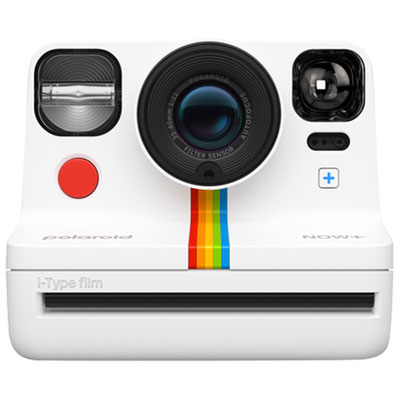 Your price for this item is $199.97
-
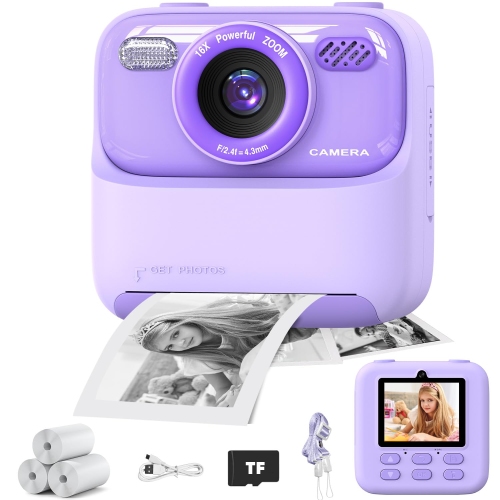 Your price for this item is $91.99
-
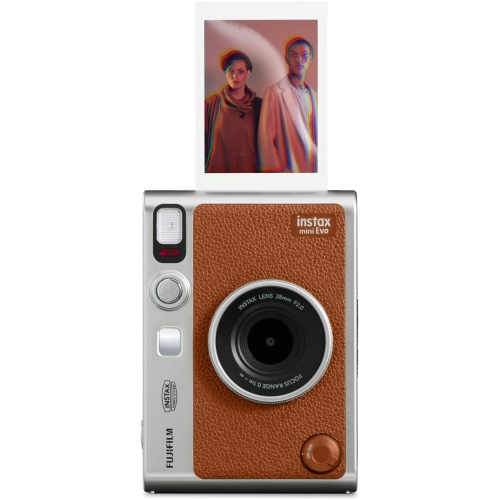 Your price for this item is $450
-
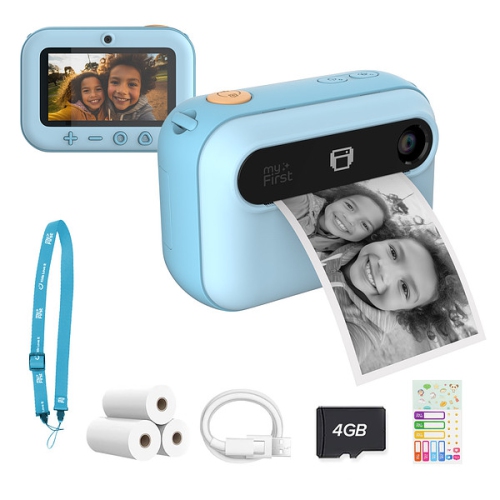 Your price for this item is $129.9
-
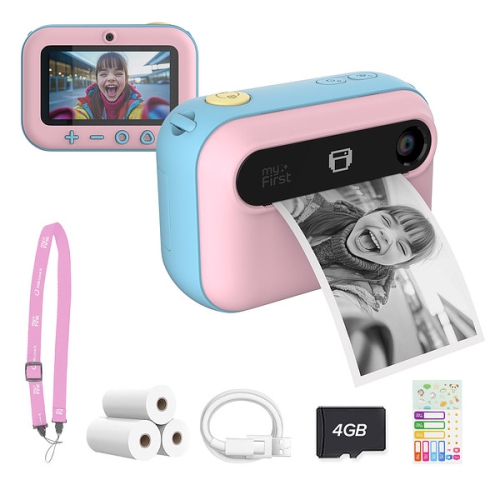 Your price for this item is $129.9
-
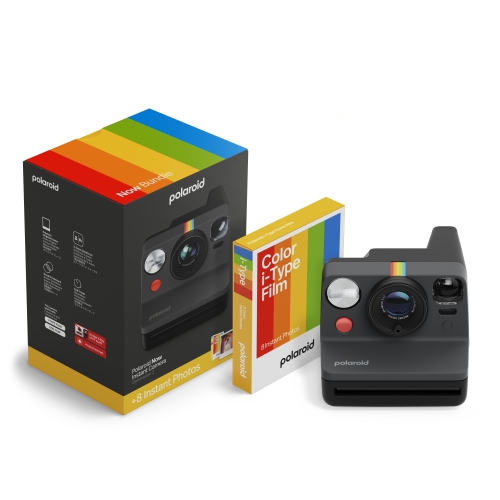 Your price for this item is $199.99
-
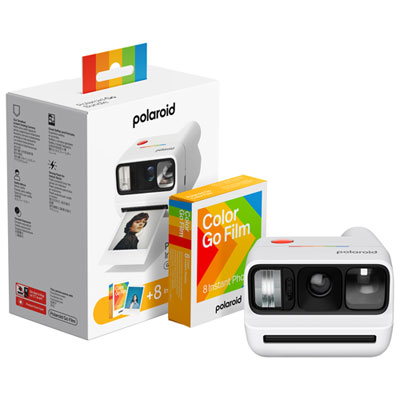 Your price for this item is $144.99
Discover more categories related to Mini Photo Printers
Top Collections:
Best Black Friday Deals This Year, Best Black Friday Deals On Electronics, Kindle Devices, Pokemon Centers, Best Black Friday Deals On Apple Products, Best Cameras for Sports Photography, Dyson Airwrap, Pokémon 30th Celebration Cards, Apple iPhone 17 Pro, Canon G7X Cameras
Some products may be subject to Environmental Handling Fees
(EHF) depending on your province.
Learn more about EHFs.