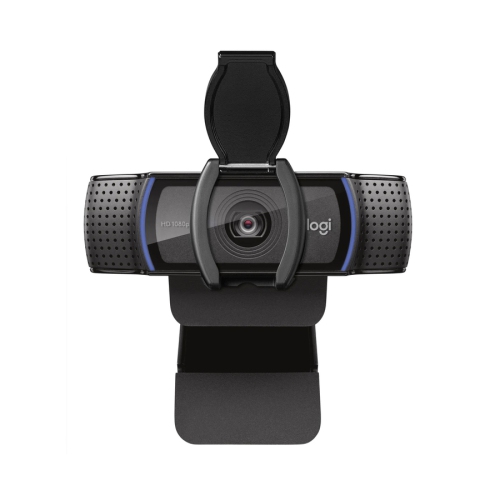
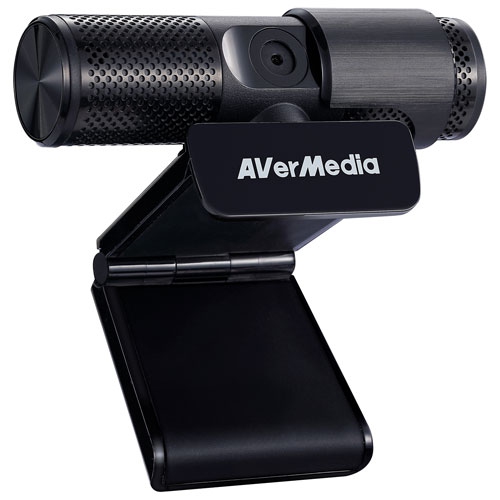
Compact Webcams for Students
Compact Webcams for Students offer a convenient solution for online classes, virtual study groups, and remote learning. With easy setup and portability, these webcams are designed to fit seamlessly into any study space, making them ideal for students who need reliable video communication. Explore a variety of options to find the right compact webcam that meets your academic needs and enhances your online learning experience.
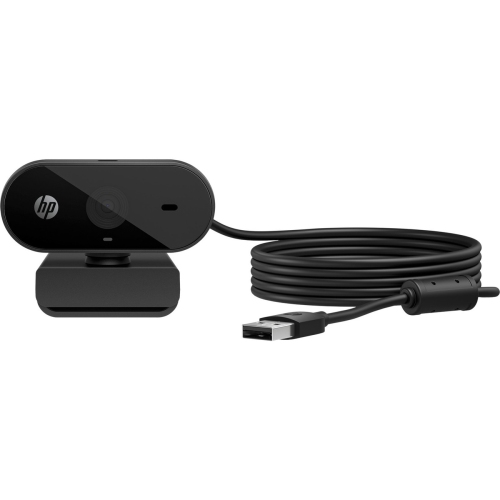
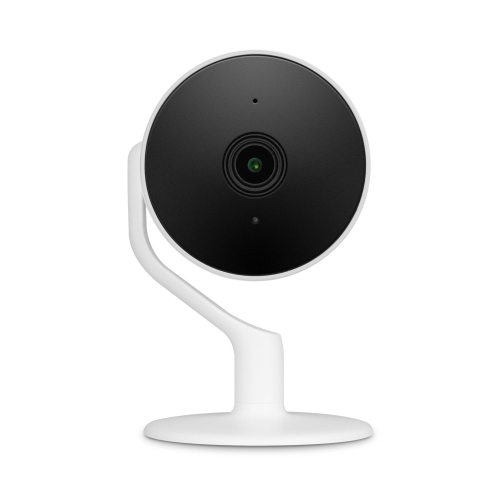
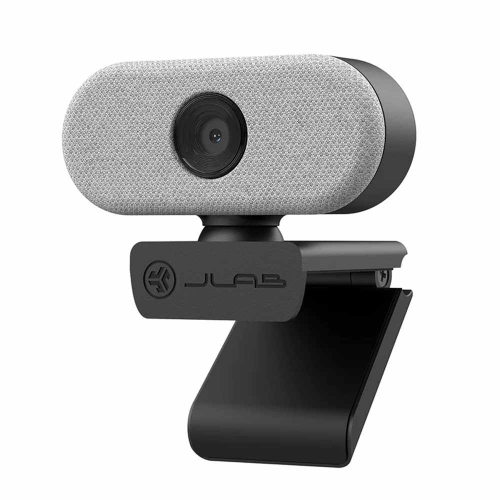
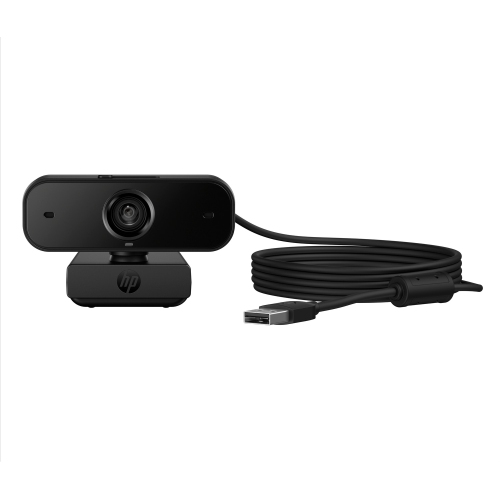

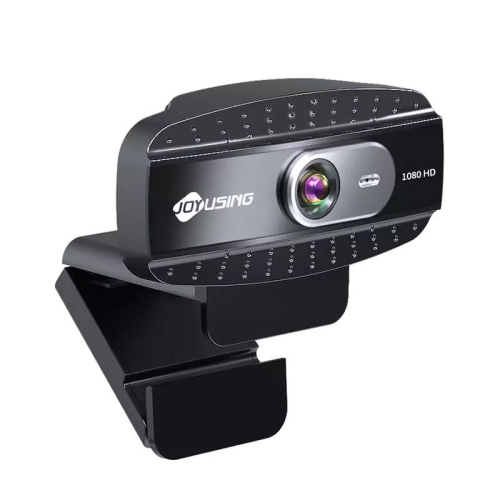
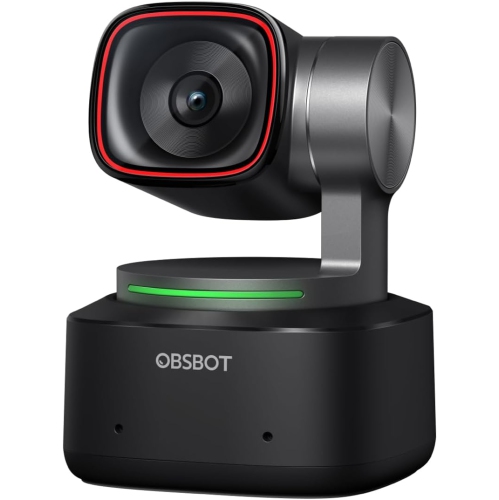
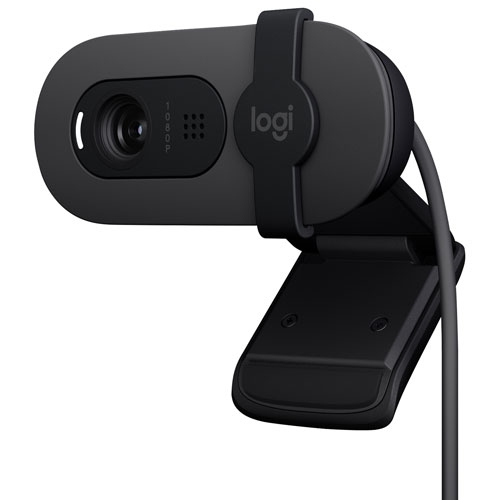
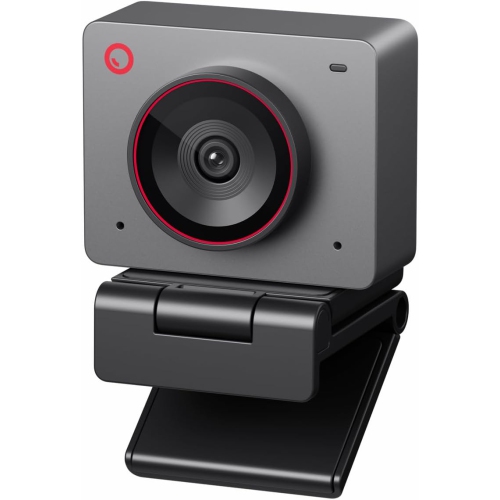
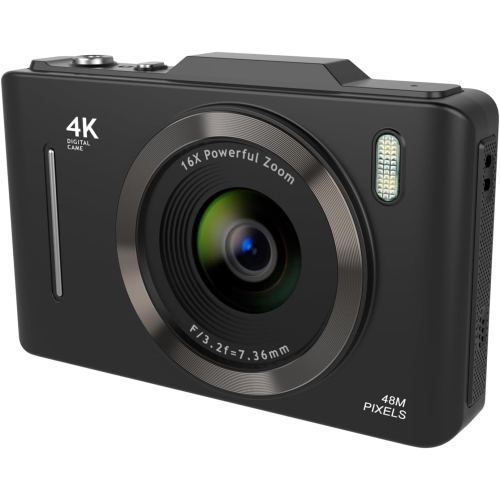
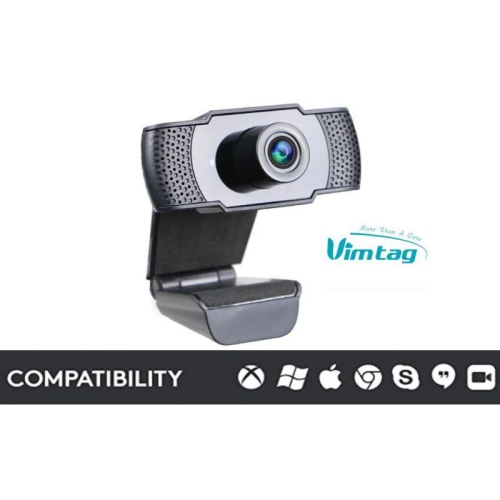
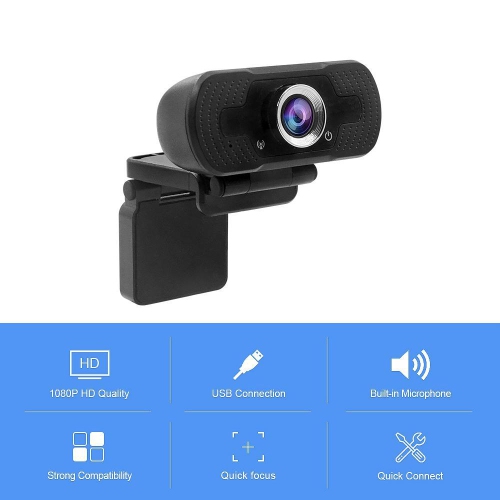
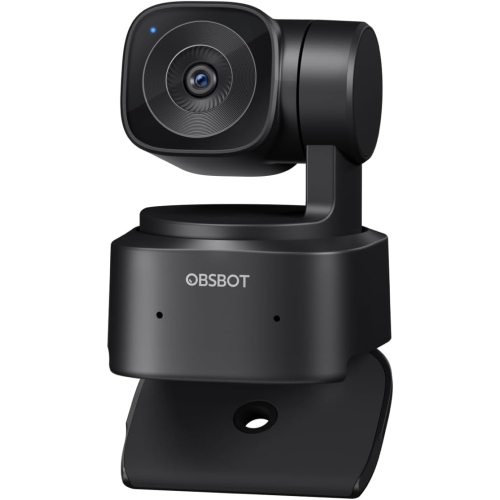

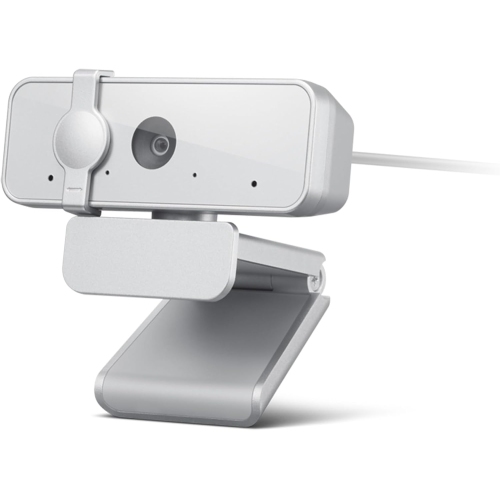

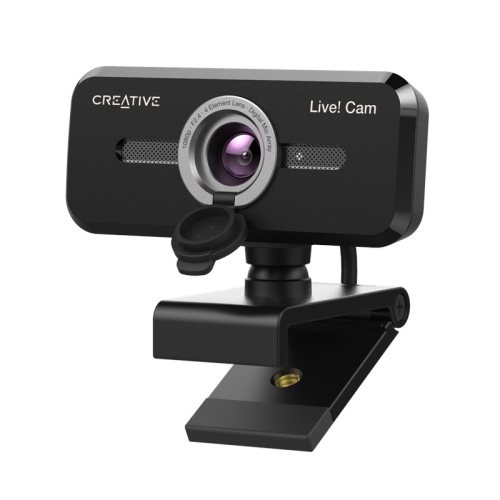
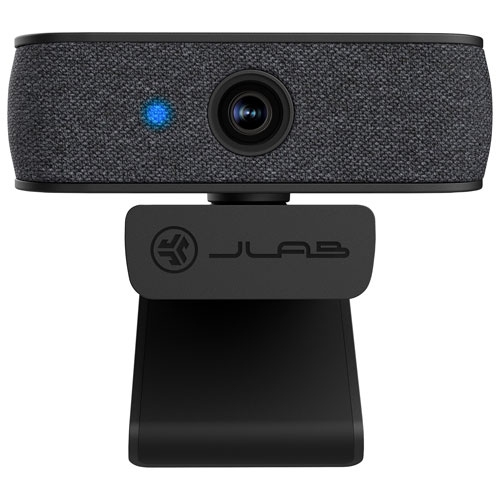
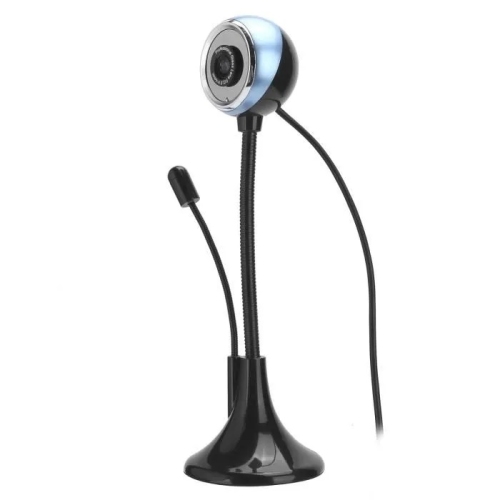
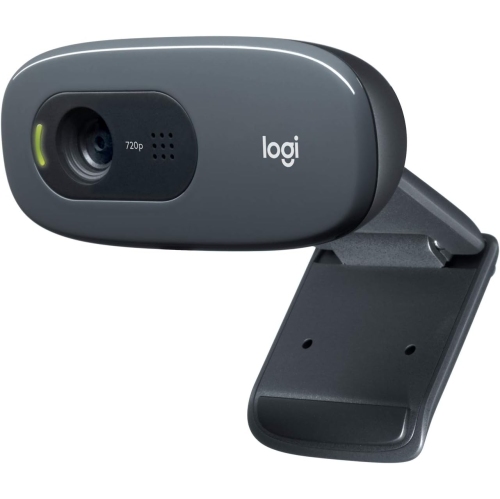
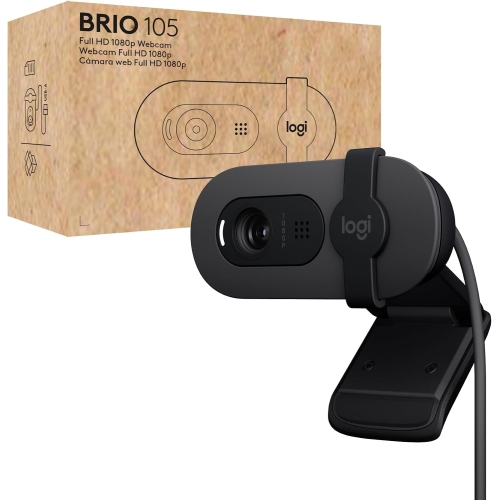
Small-space webcams for clearer classes and connections
When shopping for a compact webcam, there are a few key considerations to keep in mind. Video resolution is a top priority; a webcam with at least 720p or 1080p HD resolution helps ensure that faces and details remain clear, even in low-light conditions. Built-in microphones are another feature to look for, especially for students who might not have space for an external mic or headset. Some models offer noise-cancelling technology, which can be invaluable in busy households or shared living spaces. The mounting mechanism is also important—clip-on webcams attach easily to laptops or monitors, while others can stand on a desk or tripod for more flexible positioning. Plug-and-play compatibility with common operating systems like Windows, macOS, and Chrome OS means setup is usually quick and straightforward, so students can focus more on their studies and less on troubleshooting.
Compact webcams make a thoughtful gift for students heading off to university, starting a new program, or even transitioning to a hybrid learning model. They’re practical, versatile, and easy to use—qualities that students and their families appreciate as they navigate the demands of school and social life. For those looking to enhance their video calling setup further, there’s a wide range of accessories available, from privacy covers to adjustable lighting and portable tripods. To explore these options, visit the Webcam Accessories for Students page for ideas that can help personalize and optimize any at-home or on-the-go workspace. With the right compact webcam and a few thoughtful extras, students are well-equipped to make the most of their online learning experiences, connect with peers, and stay productive as the seasons change.
FAQ
What features should students look for in a compact webcam?
Students should consider webcams with high-definition video quality, built-in microphones, easy plug-and-play setup, and compatibility with popular video conferencing platforms. Autofocus and low-light correction are also helpful for clear video during online classes.
Are compact webcams compatible with both Windows and Mac computers?
Most compact webcams are designed to be compatible with both Windows and Mac operating systems. Always check the product specifications to ensure compatibility with your device.
Can compact webcams be used for purposes other than online classes?
Yes, compact webcams are versatile and can be used for video chatting with friends and family, recording videos, streaming on social media, or participating in virtual study groups.
Do compact webcams require special software to work?
Many compact webcams are plug-and-play, meaning they work automatically when connected to your computer. Some models may offer optional software for advanced features like background effects or image adjustments.
How do I maintain the video quality of my compact webcam?
To maintain optimal video quality, keep the webcam lens clean by gently wiping it with a microfiber cloth. Ensure your workspace is well-lit and avoid placing bright lights directly behind you to prevent glare or shadows.
Top selling and popular products
-
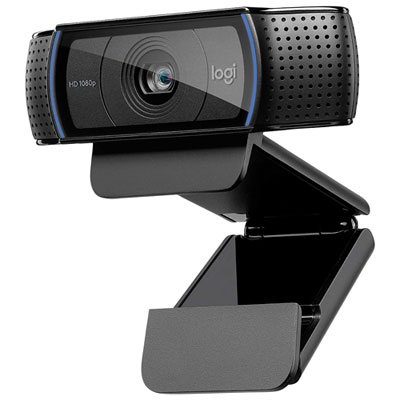 Your price for this item is $99.99
-
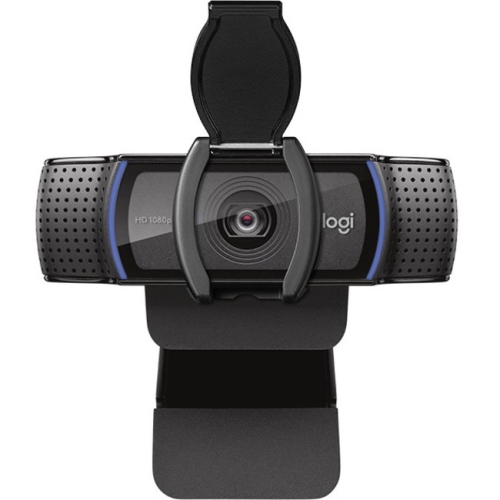 Your price for this item is $123.44
-
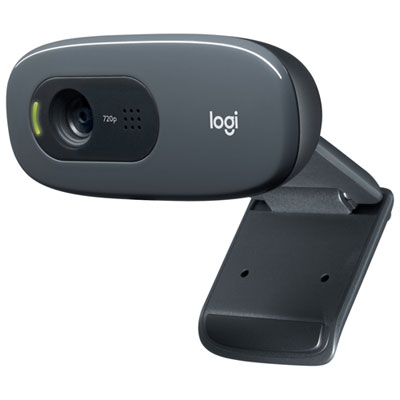 Your price for this item is $39.99
-
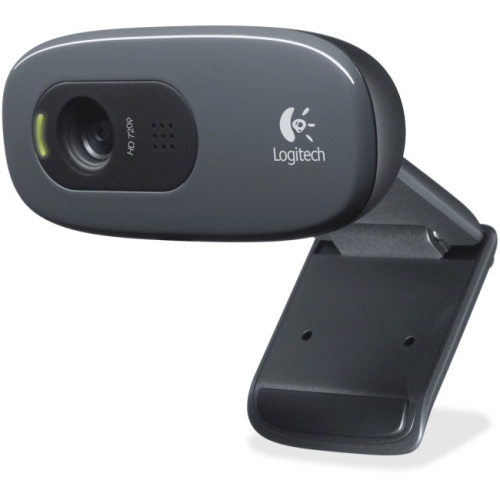 Your price for this item is $48.49
-
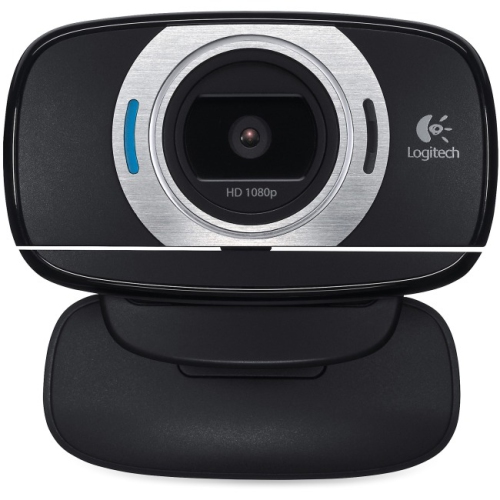 Your price for this item is $106.68
-
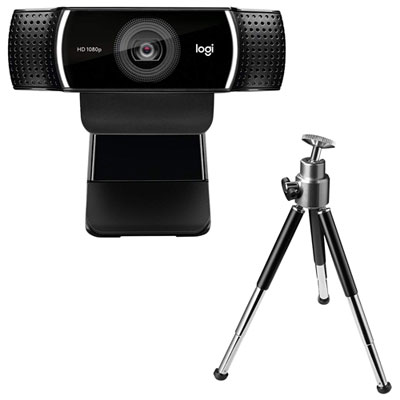 Your price for this item is $149.99
-
 Your price for this item is $130.68
-
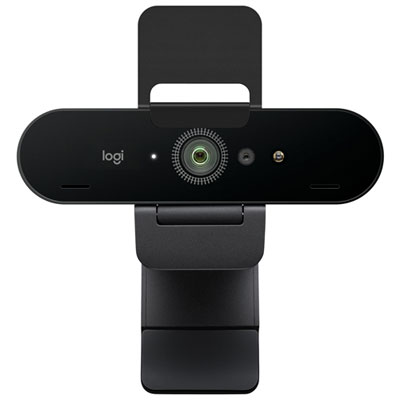 Your price for this item is $249.99