Computer Cases With Cable Management
Computer Cases With Cable Management offer a streamlined solution for organizing your PC build, helping to keep your workspace tidy and efficient. Designed for both novice builders and experienced enthusiasts, these cases support a clutter-free setup that enhances airflow and makes future upgrades easier. Explore a wide range of options to find the perfect fit for your gaming rig, home office, or creative workstation. Discover how Computer Cases With Cable Management can help you achieve a polished look while maintaining easy access to components.
Sort

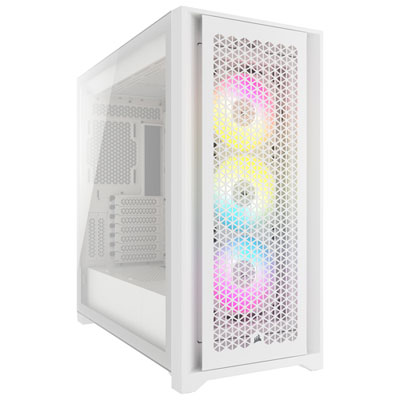
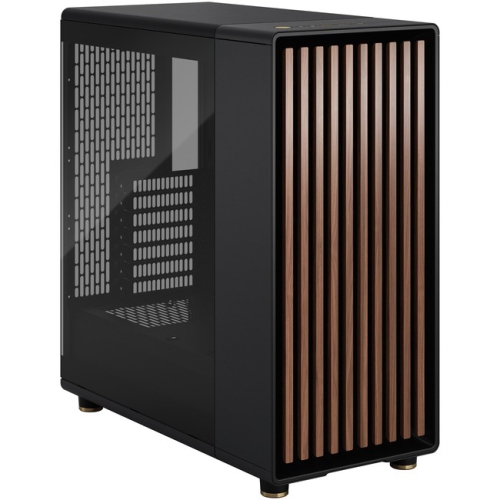
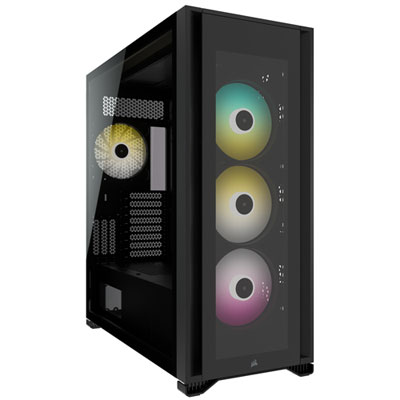
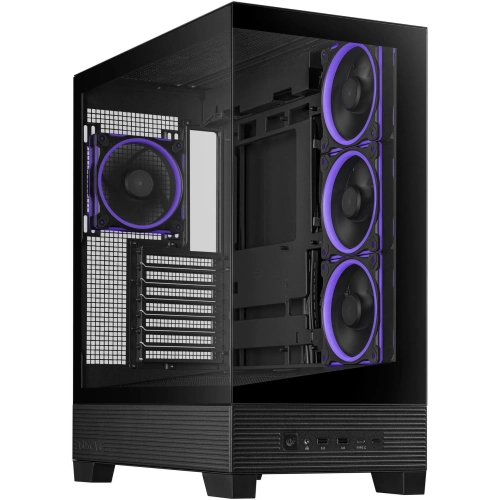
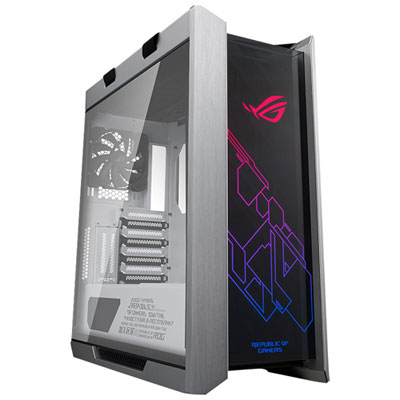
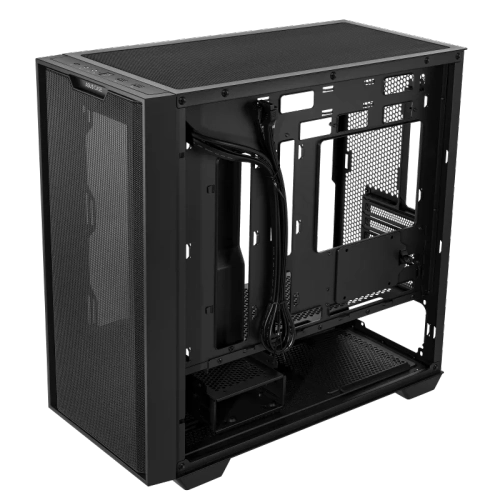
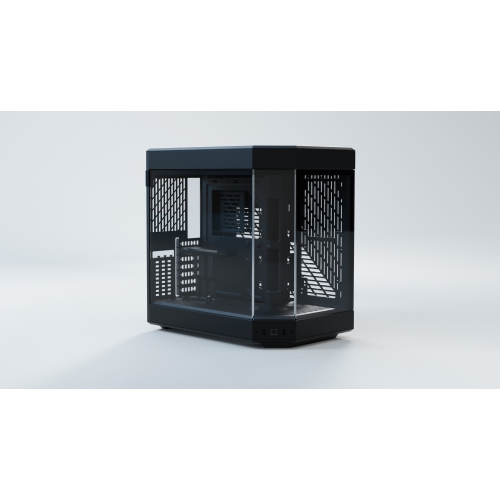
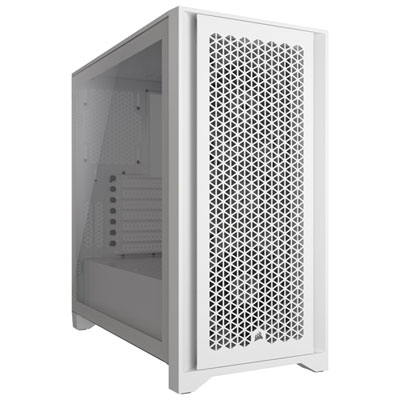
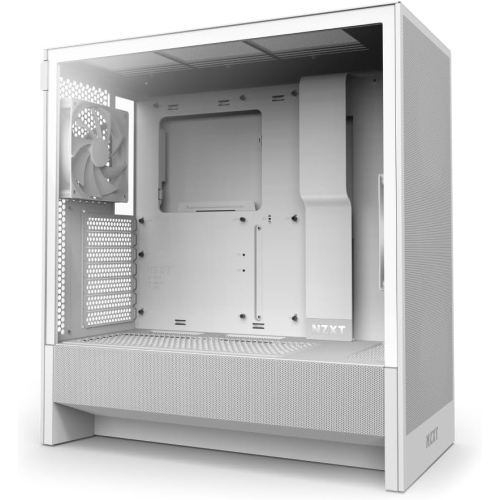
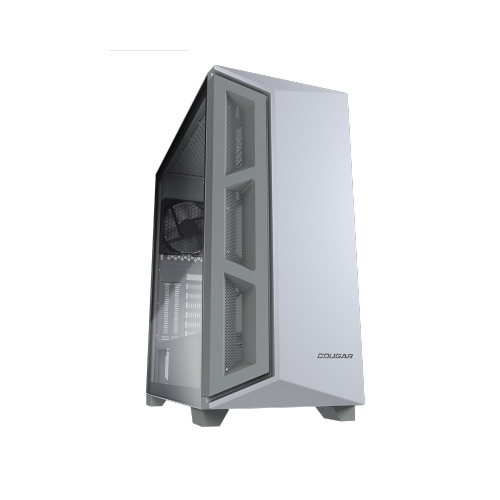
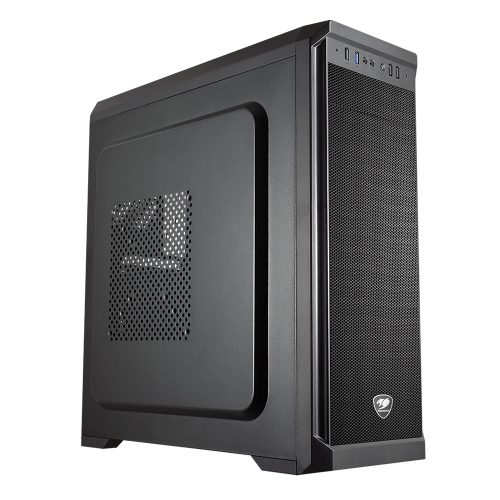
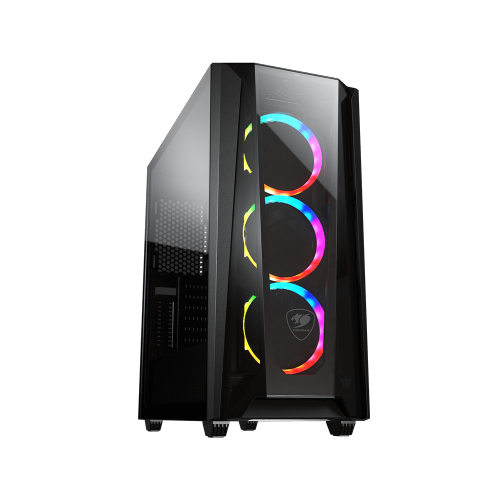
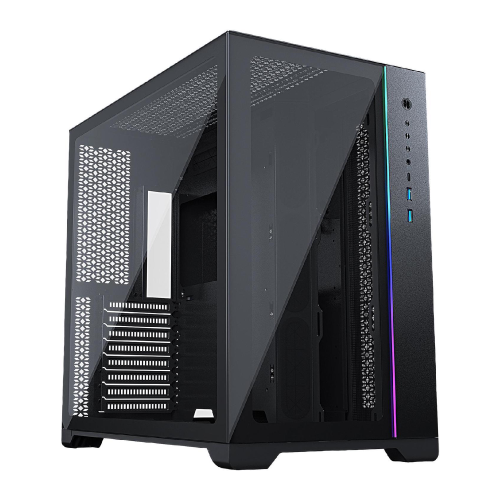
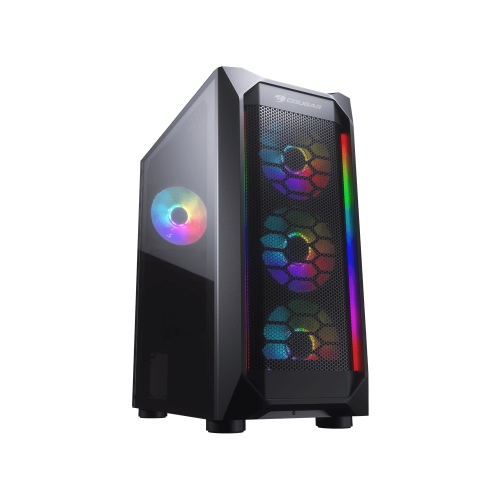
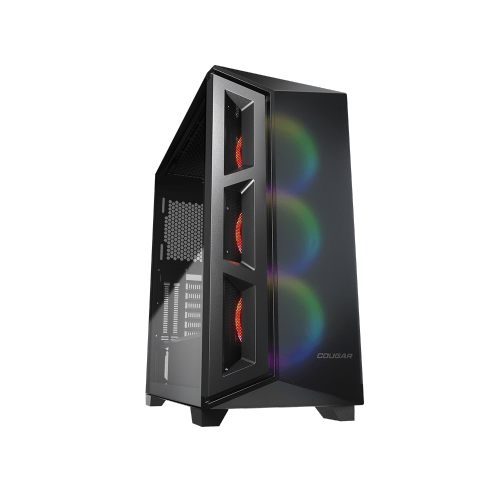
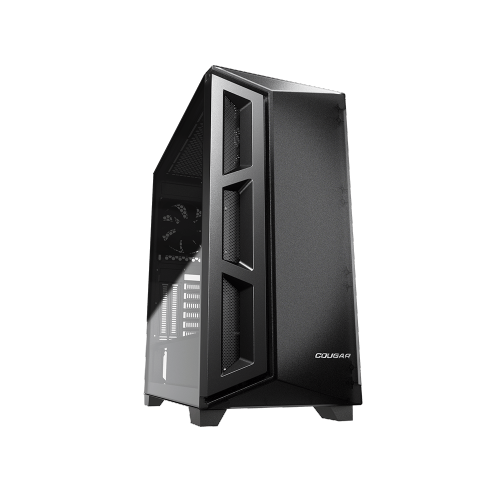

Thoughtful cable routing makes future upgrades easier
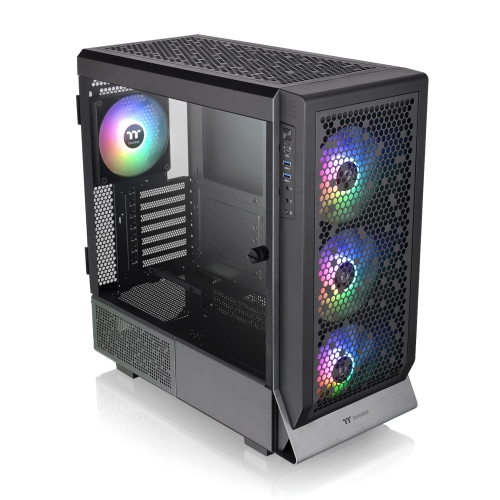
Computer cases with cable management are designed to organize power and data cables inside a desktop PC, keeping wiring out of the main component area and making the interior easier to work in. Routing openings, channels behind the motherboard tray, and cable attachment points give each lead a defined path rather than leaving it draped across the graphics card or cooling fans. Depending on the layout, a power supply shroud can conceal spare cable lengths, while rubber-lined openings help protect cable jackets where they pass through metal panels. Reusable straps and built-in cable covers can keep bundles together without making every connection difficult to reach later. These features are useful for first-time builders, experienced PC enthusiasts, and anyone who expects to add storage or replace components over time. They also suit gaming desktops, creative workstations, and home office computers where a clean interior matters as much for access as appearance. A clear view through a side panel is one benefit, but practical routing has value in a closed case, too. Keeping loose wires away from fan blades helps prevent interference, and reducing cable clutter in an airflow path can support the case’s cooling design. Cable management alone does not guarantee lower component temperatures; fan placement, ventilation, component demands, and dust buildup also matter. The most useful layouts account for the everyday details of a build: a processor power cable that must reach the upper corner of the motherboard, a thick motherboard power lead that needs room to bend, and front-panel connectors that should remain accessible. Space behind the motherboard tray is particularly important because a case can look tidy from the front while hiding an awkward, compressed bundle at the back. Enough routing depth allows the side panel to close without forcing it against cables. Separate paths for thicker power leads and smaller control wires can also make connections easier to identify when a fan, drive, or front-panel port needs attention.
Fit begins with the components the case is intended to hold. Motherboard support, graphics card clearance, power supply dimensions, and processor cooler height all affect whether a build will fit comfortably, while cable routing determines how easily those parts can be connected. A compact case may offer carefully placed channels but require more precise cable lengths and a planned assembly order. A larger tower can provide more working room, although extra space does not automatically mean better routing. The position of openings matters: a cable pass-through close to a motherboard connector can create a short, neat run, whereas a poorly placed opening may leave a cable stretched across the board. Radiators, drive cages, and larger power supplies can occupy space that might otherwise hold spare wiring, so their placement affects the finished layout. Graphics card power connections also need clearance for the connector and an appropriate cable bend without pressure from the side panel. Materials influence both the feel of the enclosure and how it stands up to repeated upgrades. Steel panels can provide a sturdy structure, while aluminium panels can reduce weight; actual strength depends on thickness and construction. Tempered glass shows off carefully routed wiring and interior lighting, while solid panels keep components out of view. Mesh sections allow air to pass through more freely, though they may also let more fan noise escape than a more enclosed panel design. Smooth panel edges, well-finished routing holes, secure attachment points, and firmly mounted covers are useful signs of attention to detail. Black interiors can make dark cables less noticeable, while lighter finishes create more contrast and make cable placement more visible. A build displayed beside a desk may put greater emphasis on matching finishes and concealed connections; a workstation under a desk may benefit more from accessible filters, straightforward panel removal, and wiring that stays secure when the computer is moved for cleaning.
The appeal of Cable Management Cases extends beyond the first assembly, especially when a desktop changes with its owner’s needs. Adding a storage drive, replacing a fan, or installing a different graphics card is less frustrating when cables are grouped logically and connections are not buried under tightly fastened bundles. Reusable hook-and-loop straps are convenient for these changes because they can be opened and adjusted without cutting anything near delicate wiring. A little slack near a connector helps with servicing, provided the spare length is secured away from moving fans and does not obstruct panel closure. Tight bends, stretched leads, and connectors held under sideways pressure are worth avoiding, particularly around larger power connections. When a modular power supply is involved, its cables must be compatible with that exact power supply; similar-looking connectors do not make cables interchangeable. Routine care is mostly about keeping the enclosure clean and maintaining clear ventilation paths. Before cleaning inside, shut down the computer, disconnect it from power, and follow the case and component care instructions. Removable filters make dust easier to manage, and any filter washed according to its instructions needs to dry completely before being refitted. Exterior panels generally benefit from a soft cloth and cleaning methods appropriate to their finish, with liquids kept away from internal electronics. Glass panels need careful handling, especially around their edges, and secure placement during maintenance. Good cable organization can make this work simpler by leaving fewer loose wires in the way. For someone building a first gaming PC, assembling a quiet workspace, or refreshing a long-used desktop, the right enclosure provides more than a place to mount hardware. It creates a practical framework for neat connections, routine upkeep, and future changes, with enough room to work comfortably rather than having to disturb the entire build to reach one cable.
Top selling and popular products
-
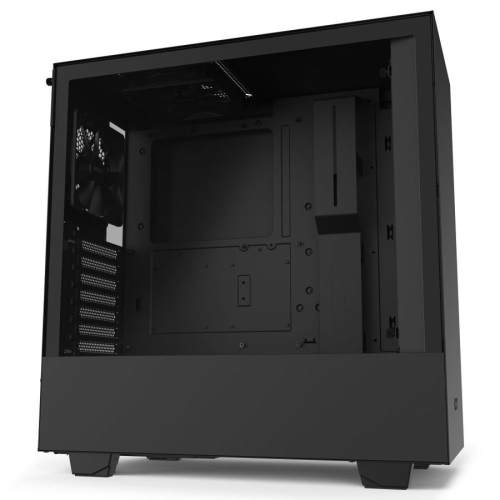 Your price for this item is $299
-
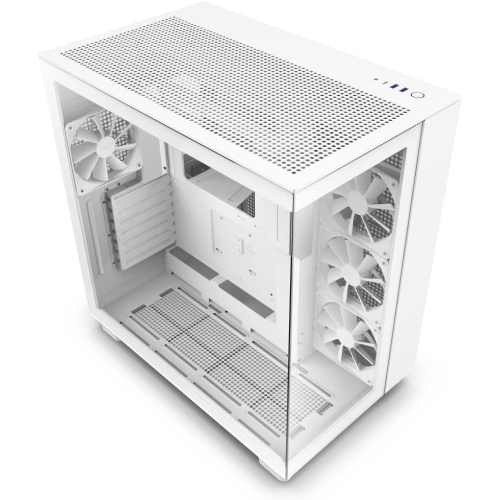 Your price for this item is $514.68
-
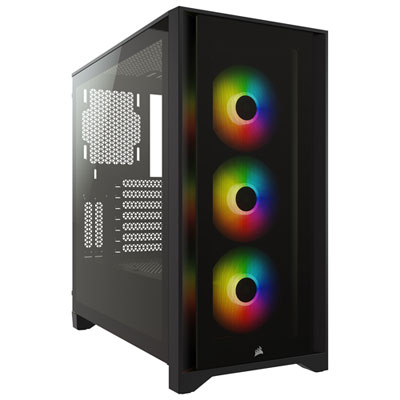 Your price for this item is $149.97
-
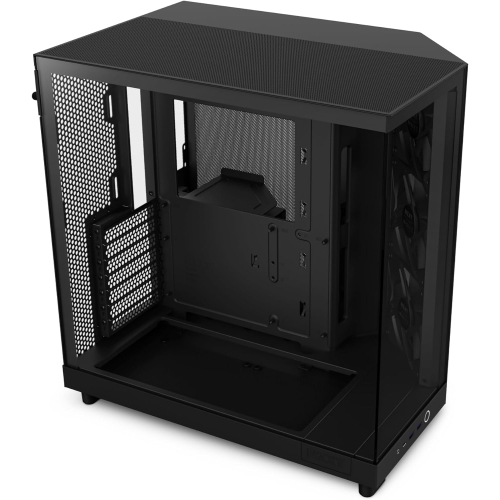 Your price for this item is $169.99
-
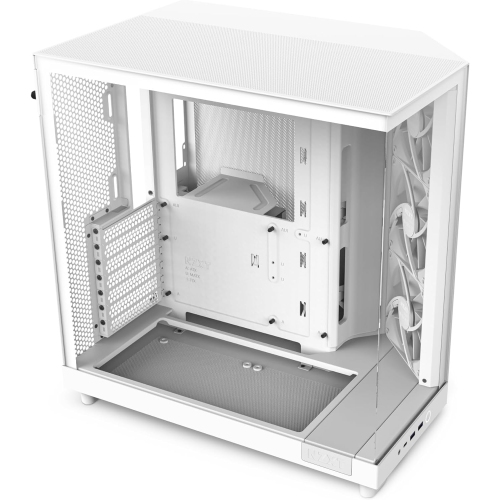 Your price for this item is $116.49
-
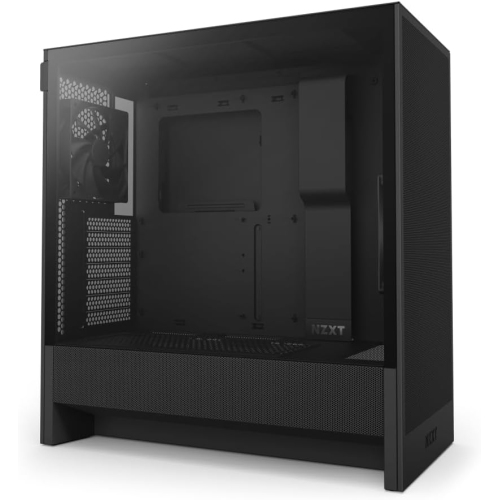 Your price for this item is $116.49
-
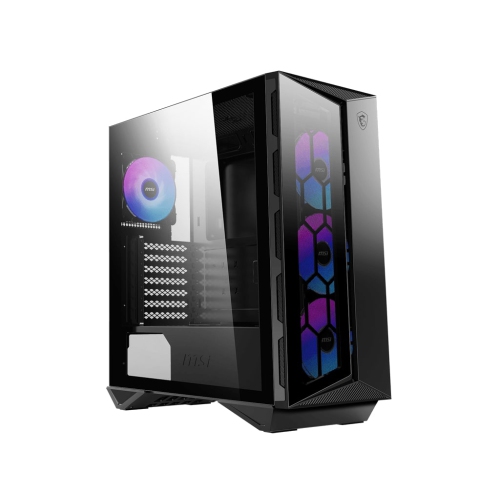 Your price for this item is $157.68
-
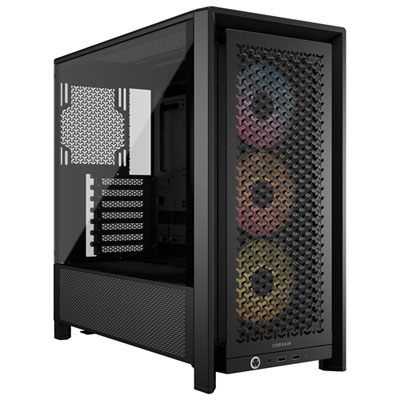 Your price for this item is $154.99
Discover more categories related to Computer Cases With Cable Management
Top Collections:
Best Black Friday Deals This Year, Best Black Friday Deals On Electronics, Kindle Devices, Pokemon Centers, Best Black Friday Deals On Apple Products, Best Cameras for Sports Photography, Dyson Airwrap, Pokémon 30th Celebration Cards, Apple iPhone 17 Pro, Canon G7X Cameras
Some products may be subject to Environmental Handling Fees
(EHF) depending on your province.
Learn more about EHFs.