Cable Management Cases
Cable Management Cases offer a practical solution for keeping cords, wires, and cables organized in any space. Whether setting up a home office, entertainment center, or gaming area, these cases help maintain a neat and clutter-free environment. With a variety of sizes and styles available, it's easy to find options that suit different needs and preferences. Explore Cable Management Cases to simplify your setup and enhance the overall look of your workspace or living area.
Sort

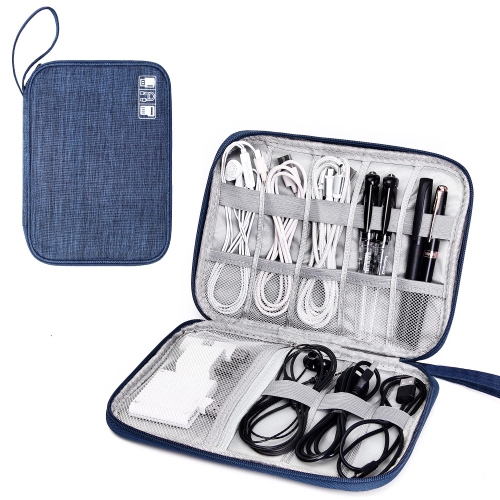
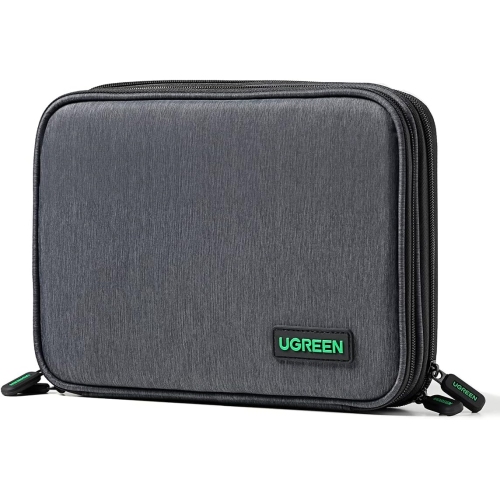
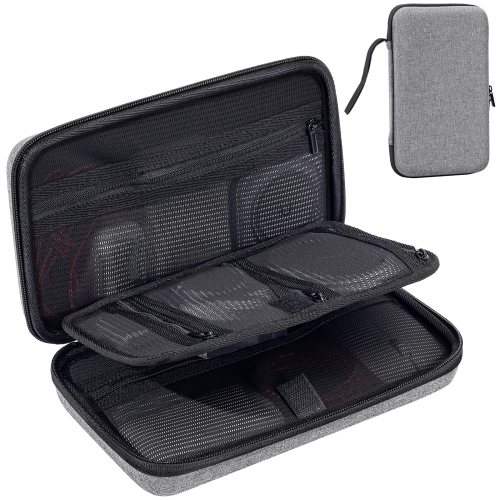
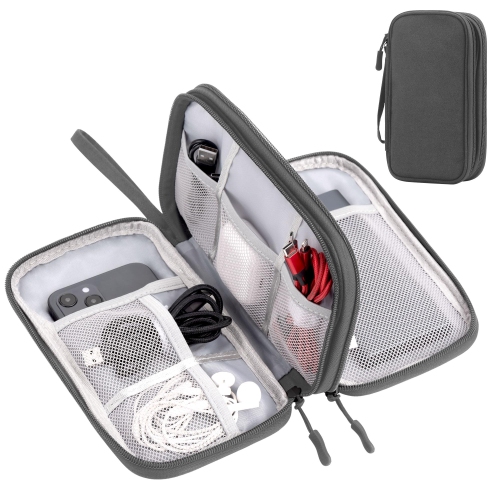
The right case starts with where your cables belong
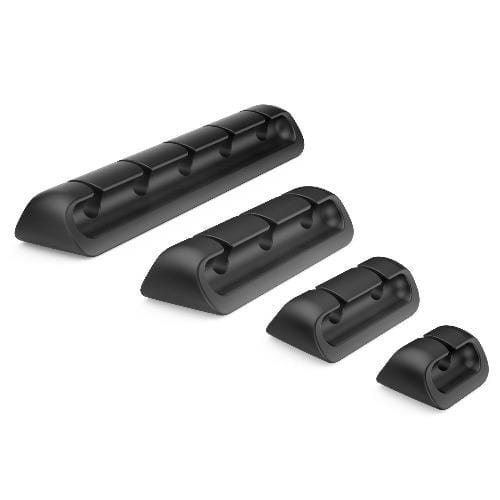
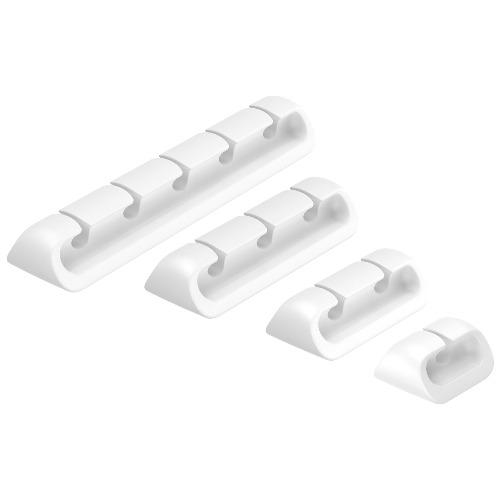
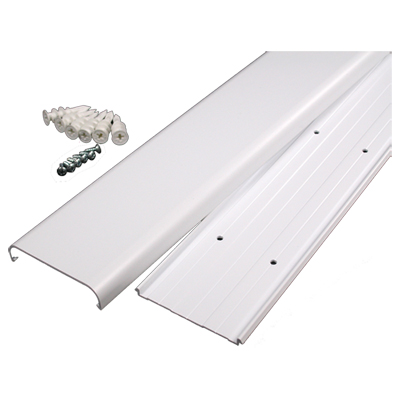
Cable management cases keep cords, chargers and related accessories organized, but the right type depends on where those cables belong. A desktop cable box conceals a compatible power bar and loose leads near a desk or entertainment unit; a portable organizer holds disconnected cables and charging accessories for travel; and a computer chassis with cable-routing features manages wiring inside a desktop PC. These categories serve different purposes, so size, construction and access matter more than appearance alone. Around a workspace, a rigid cable box can gather the cluster of connections beneath a monitor, leaving the keyboard area and work surface less crowded. Openings at the ends or sides allow leads to reach a laptop, display or nearby outlet, while a removable lid provides access when a charger needs changing. Interior dimensions are especially important: a power bar that fits by itself may need substantially more room once bulky adapters are plugged in. The position of the outlets, the direction of the plugs and the space beneath the lid all affect how comfortably the contents fit. Ventilation openings should remain unobstructed, and the enclosure must be suitable for the intended electrical accessories and used according to their manufacturers’ directions. A cable box is not a spillproof container or a substitute for keeping electrical connections away from children and pets. Rigid plastic is easy to wipe down, while the finish and colour can help a case blend into a home office or media cabinet. A stable base and smoothly finished cable openings are useful details where cords move during everyday adjustments. Smaller winding cases serve a different role, gathering a single thin cord rather than enclosing a group of chargers. Their suitability depends on the cable’s thickness, connector size and minimum bend radius; a tightly wound lead is not necessarily a well-protected one. For shared workspaces, easy access to frequently used connections can be more practical than hiding every centimetre of cable.
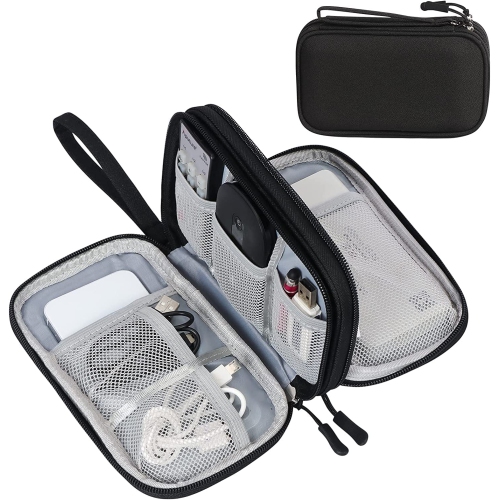
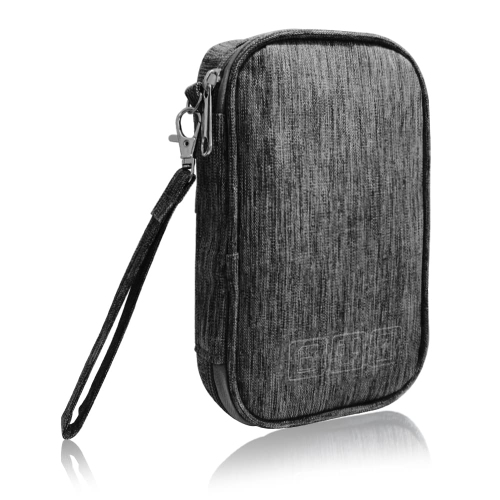
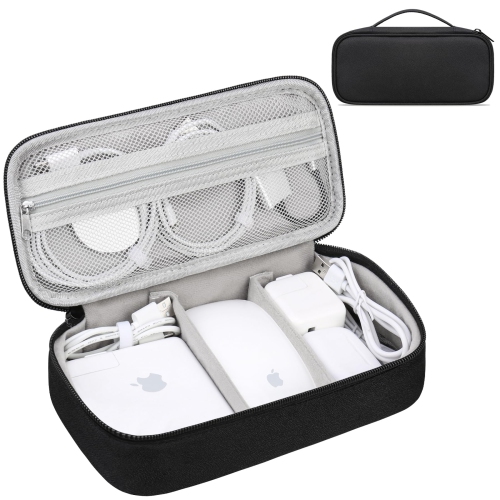
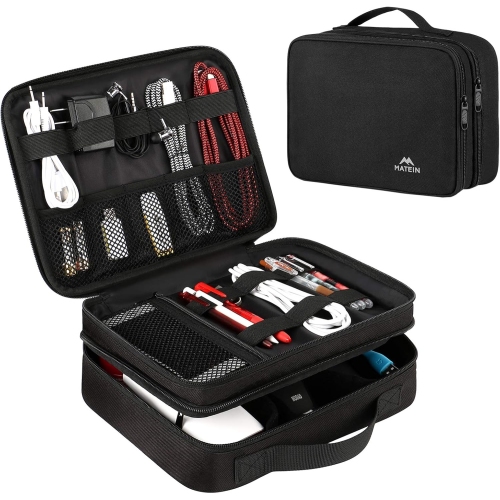
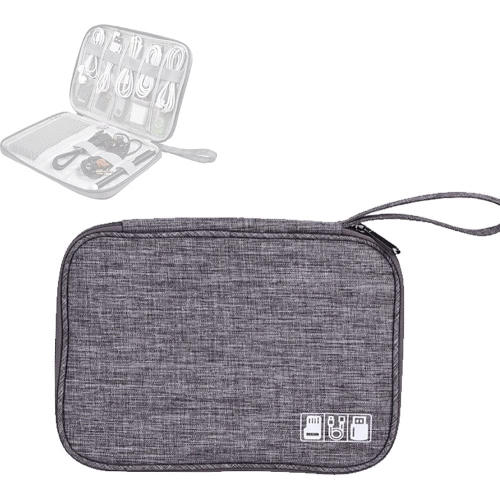
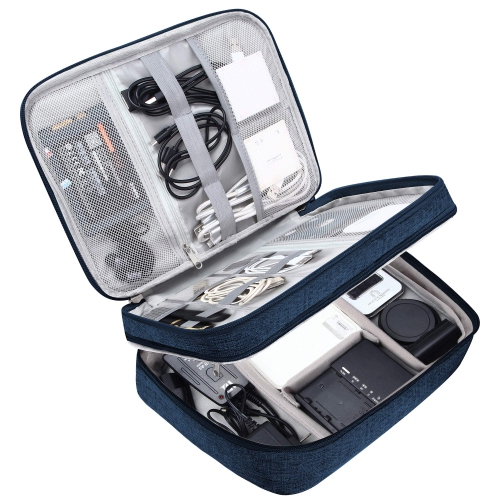
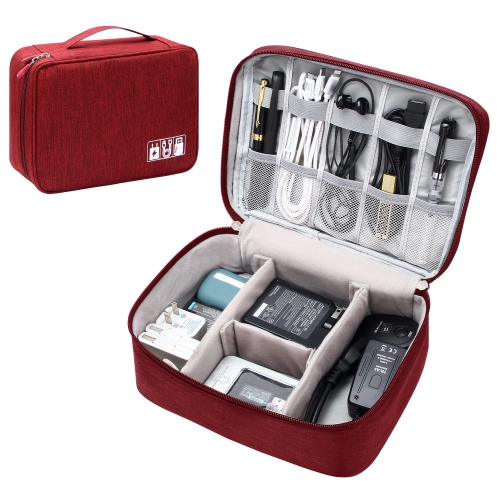
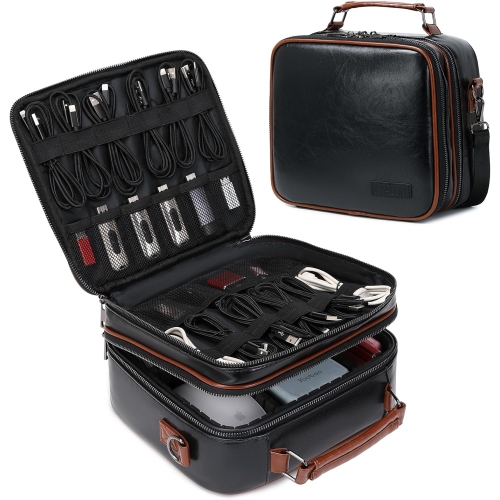
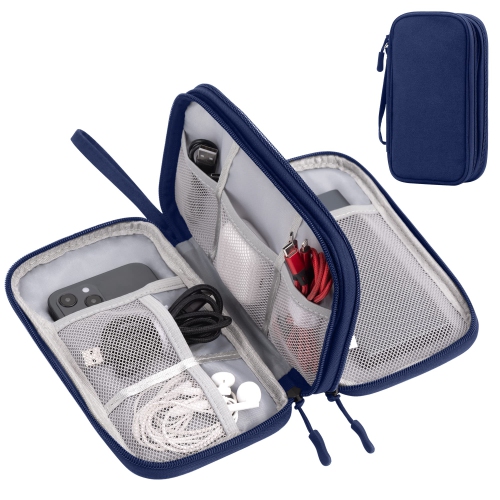
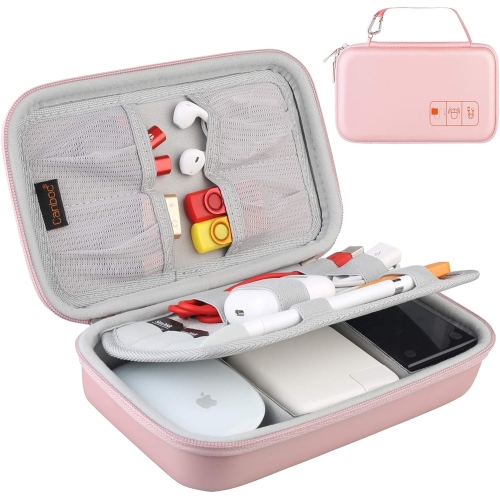
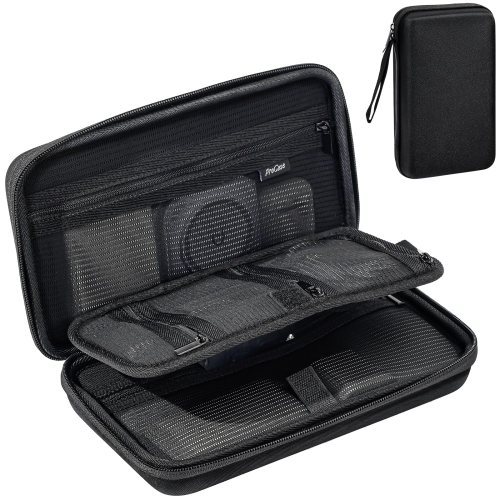
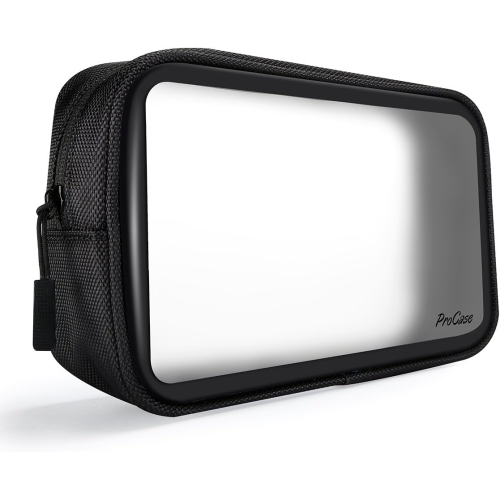
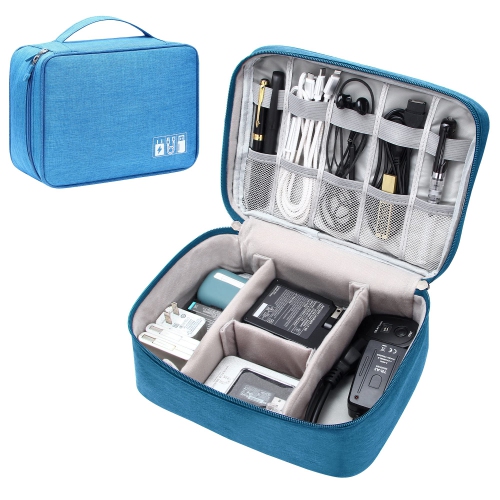
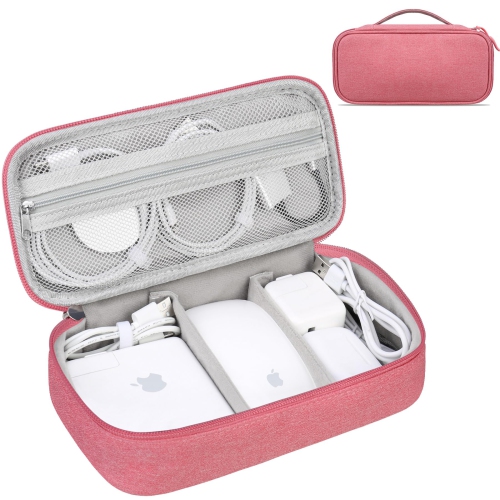
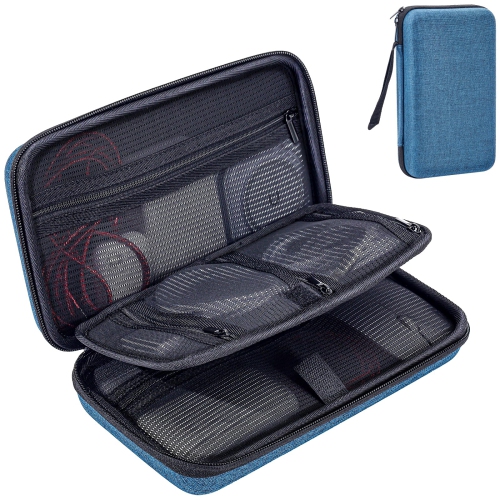
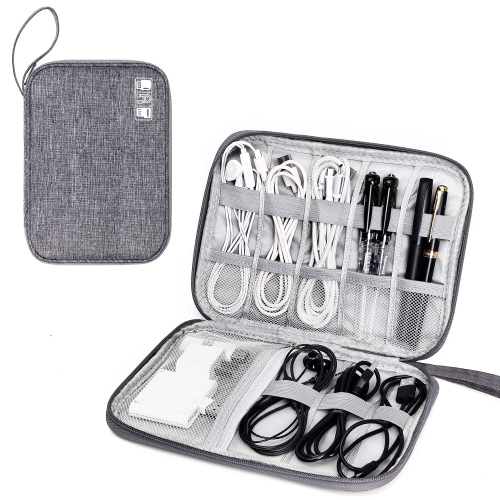
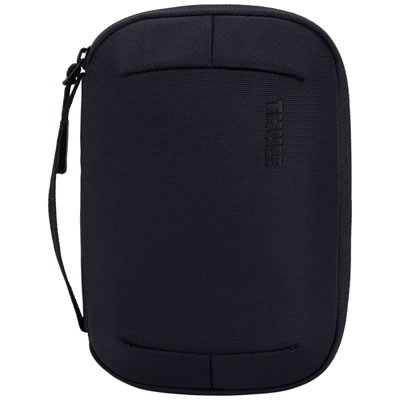
Portable cable management cases bring order to the accessories that otherwise settle at the bottom of a backpack, briefcase or carry-on. Separate compartments can keep a laptop charging lead apart from shorter phone cables, while elastic loops, mesh pockets and zippered sections give smaller accessories a consistent place. That separation is useful during an ordinary commute as well as a longer trip: a charging cable can be found without emptying the bag, and a missing adapter is easier to notice before leaving a hotel room or meeting space. Capacity depends on the shape of the contents, not simply the number of pockets. A slim organizer may suit a few short leads, whereas a deeper case provides room for a larger power adapter without forcing the zipper closed. Connector ends also need space, particularly where a stiff connector housing meets a flexible cable. Soft-sided nylon or polyester cases offer flexibility inside a crowded bag, while structured shells and padded dividers provide more shape and help reduce contact between accessories. Neither padding nor a firm shell makes a case crushproof, and a water-resistant exterior should not be mistaken for waterproof protection. Smooth zipper operation, reinforced seams and elastic that holds its shape are useful durability details for cases opened several times a day. Lighter linings can make dark cables easier to see, while adjustable dividers suit changing combinations of accessories. For someone who moves between a home office, a classroom and a shared desk, a dedicated organizer can become a small, dependable part of the daily routine. It can also make a practical gift for a student, commuter or frequent traveller, especially when its layout matches the accessories they already carry. These cases are generally for storage and transport rather than operating chargers inside a closed pouch. Care is usually straightforward: loose debris can be brushed away, surfaces cleaned as directed, and the lining allowed to dry fully before cables are returned. Regular checks around seams, loops and zipper corners help reveal wear before an accessory slips loose.
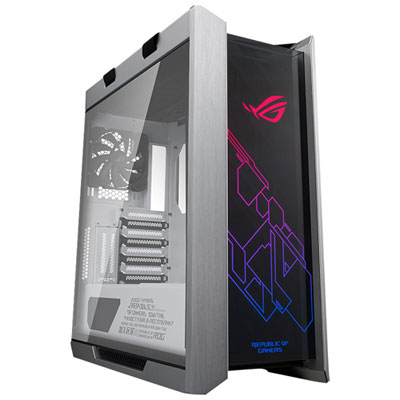
Inside a desktop PC, cable management has a different purpose: routing power and data leads so that components remain accessible and wires stay clear of moving fans. For a new build or a hardware refresh, computer cases with good cable management offer features worth considering alongside overall size and component compatibility. Space behind the motherboard tray, well-positioned routing openings, tie-down points and dedicated cable channels can make a chassis easier to work in. Rubber-lined openings may help protect cable jackets at pass-through points, while a power supply shroud can keep unused leads out of the main compartment. These features do not replace adequate clearance: the side panel still needs to close without pressing heavily against bundled wiring or connectors. Compatibility includes the motherboard format, graphics card length, power supply dimensions and room required for fans or liquid-cooling hardware. Drive mounts and front-panel connections can also influence the route a cable must take. A compact chassis may suit a small desk, but its tighter spaces can demand more careful planning than a larger tower. Cable routing should leave fan blades unobstructed and avoid sharp bends, strained plugs or wires pinched beneath panels. A tidy interior can make later maintenance easier, although hidden cables alone do not guarantee better cooling; airflow also depends on the case layout, ventilation and cooling components. Removable panels, accessible filters and reusable cable straps are useful for owners who expect to clean the system or change hardware over time. Sturdy panel fittings and smoothly finished edges matter during repeated access, while sufficient routing depth helps avoid an unnecessarily tight bundle behind the motherboard. For a gaming setup, family computer or work-focused desktop, the strongest fit is a case that accommodates the actual hardware and leaves sensible room for upkeep. Across desk boxes, travel organizers and PC chassis, cable management works best when storage space, access and protection suit the way the cables are used.
Top selling and popular products
-
 Your price for this item is $59
-
 Your price for this item is $34.95
-
 Your price for this item is $29.99
-
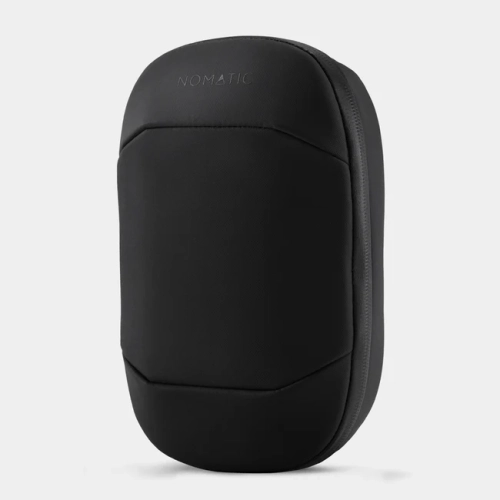 Your price for this item is $79.99
-
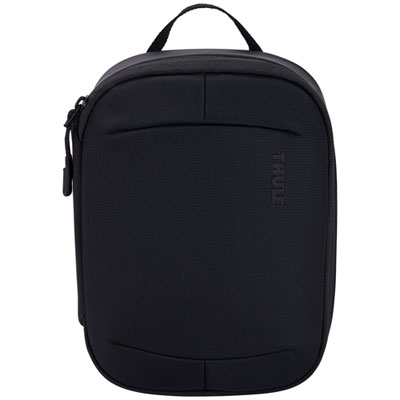 Your price for this item is $39.99
-
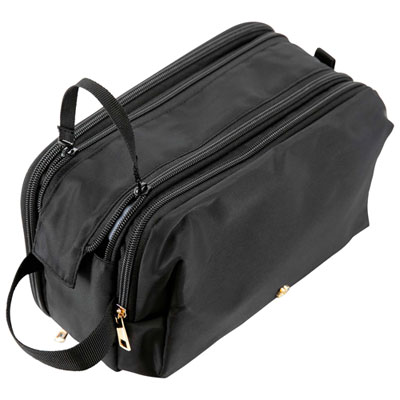 Your price for this item is $49.99
-
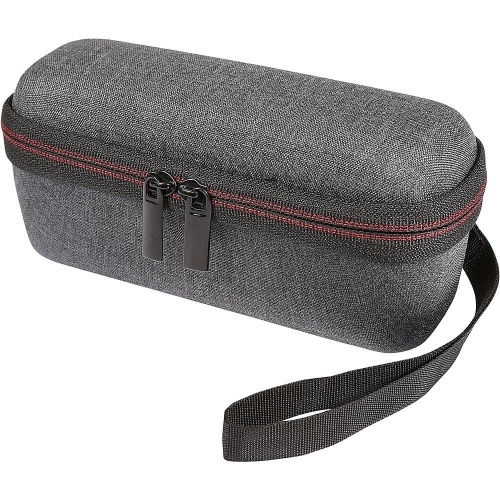 Your price for this item is $59.99
-
 Your price for this item is $34.99
Discover more categories related to Cable Management Cases
Top Collections:
Best Black Friday Deals This Year, Best Black Friday Deals On Electronics, Kindle Devices, Pokemon Centers, Best Black Friday Deals On Apple Products, Best Cameras for Sports Photography, Dyson Airwrap, Pokémon 30th Celebration Cards, Apple iPhone 17 Pro, Canon G7X Cameras
Some products may be subject to Environmental Handling Fees
(EHF) depending on your province.
Learn more about EHFs.