Computer Cases With Good Airflow
Looking to keep your computer running cool and efficient? Look no further than our selection of Best Gaming Computer Cases with good airflow. These cases are designed with ventilation in mind, ensuring that your components stay at optimal temperatures even during intense gaming sessions or heavy workloads. With a variety of styles and sizes available, you'll find the perfect case to suit your needs and keep your system running smoothly. Say goodbye to overheating woes and hello to improved performance with our range of computer cases designed for excellent airflow.
Sort
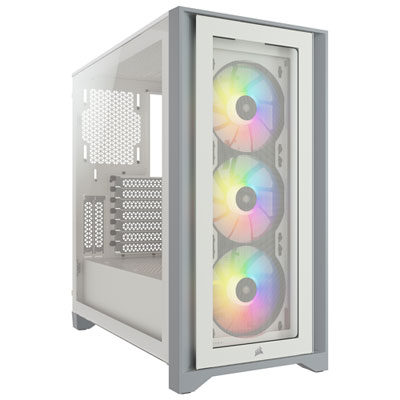
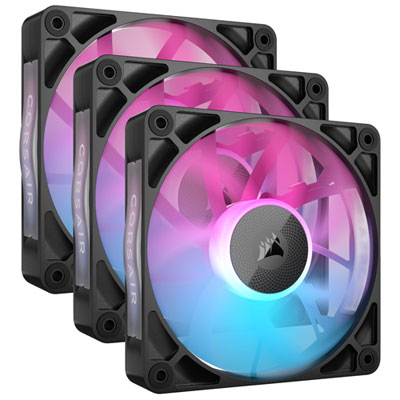
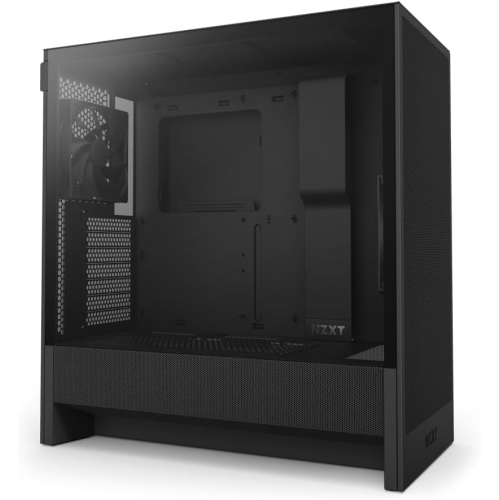
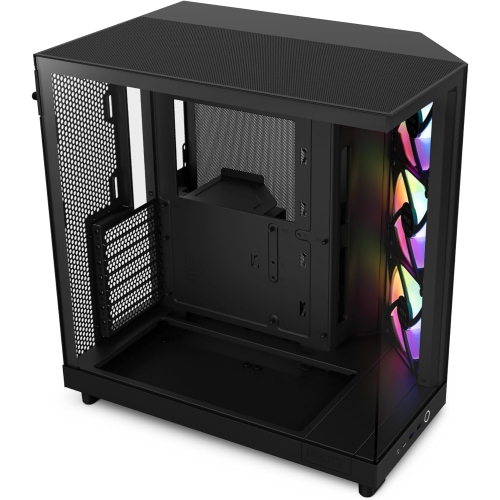
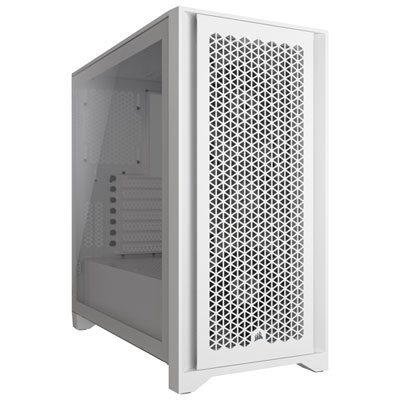
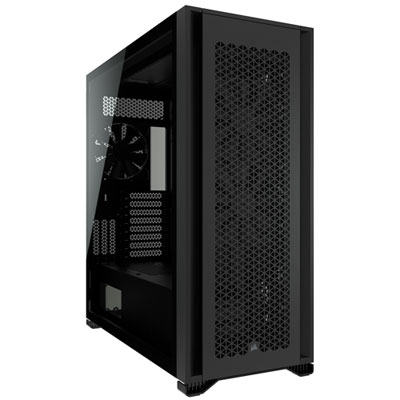
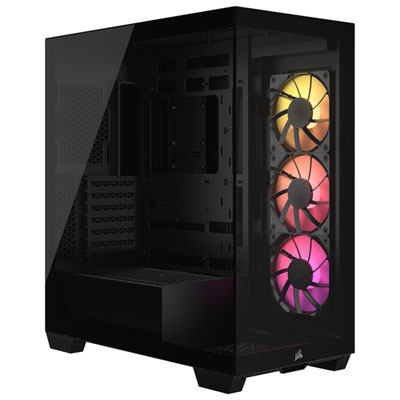
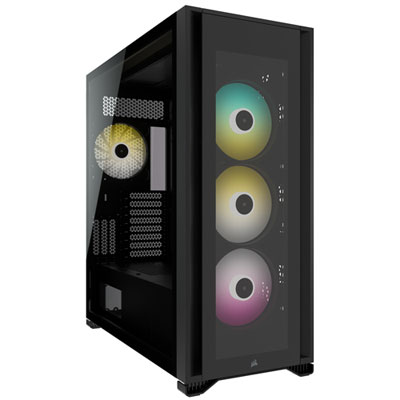
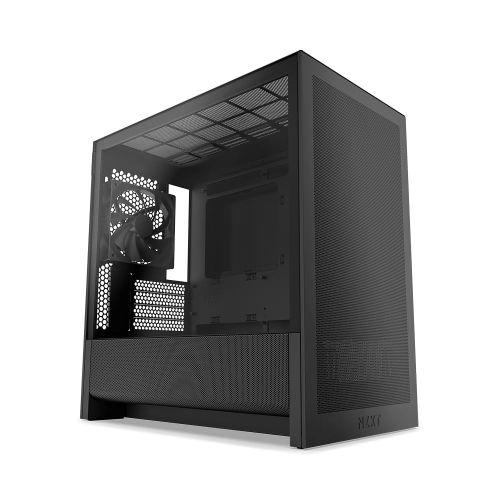
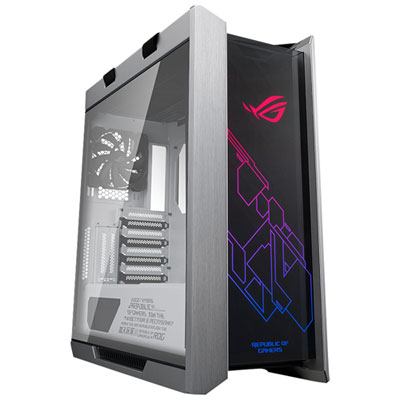
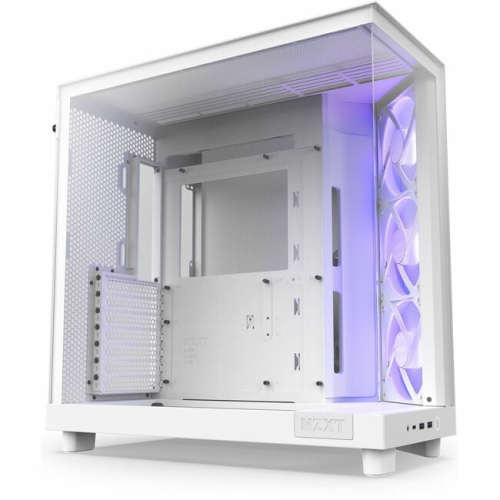
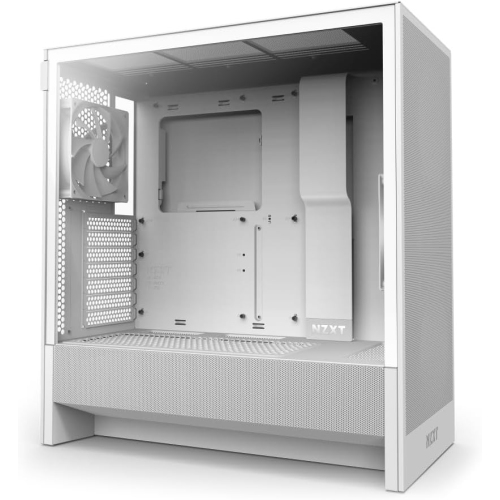
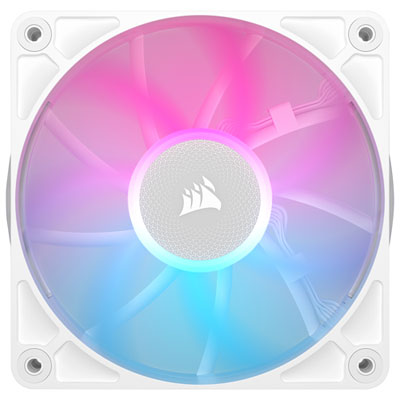
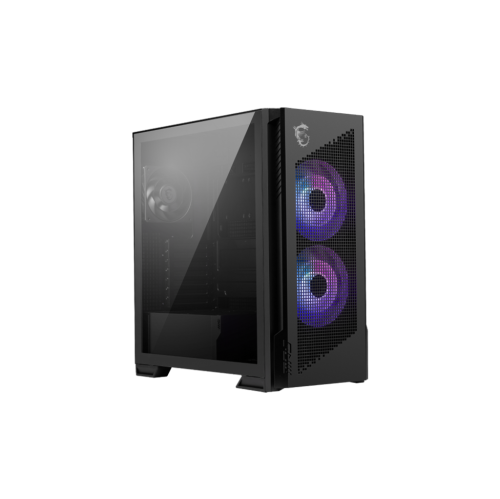
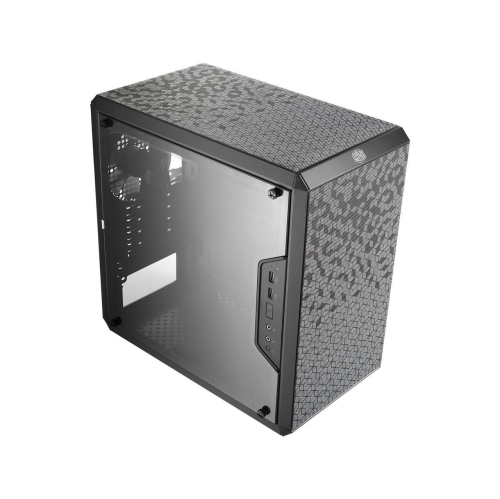
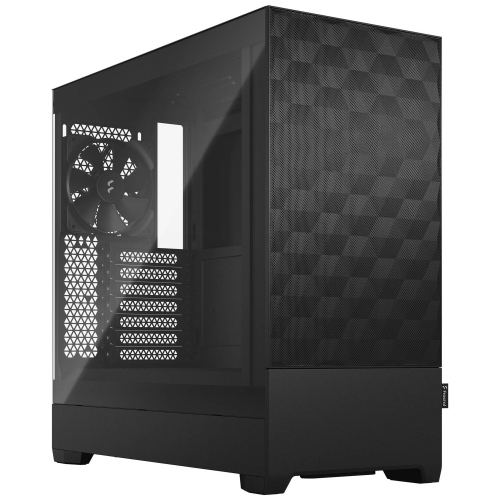
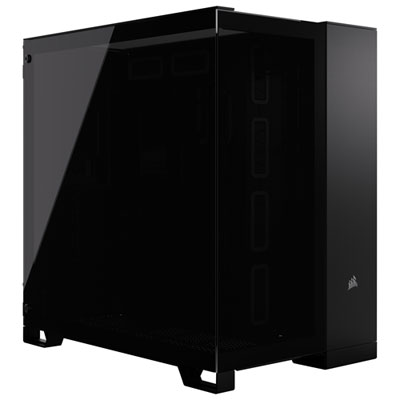
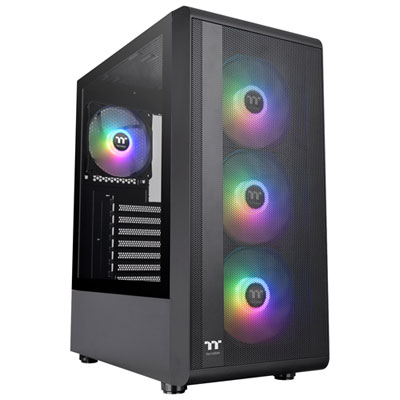
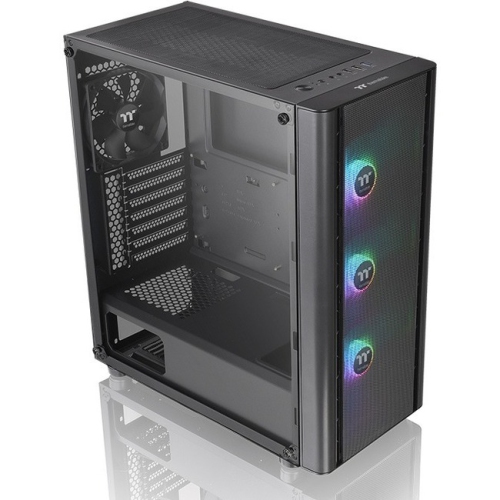
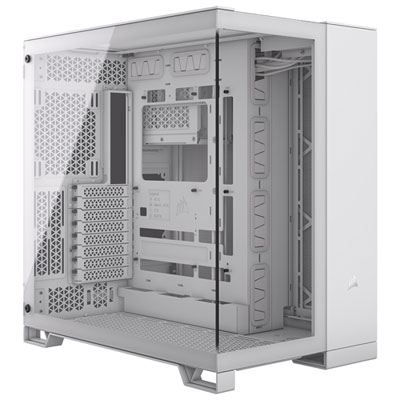
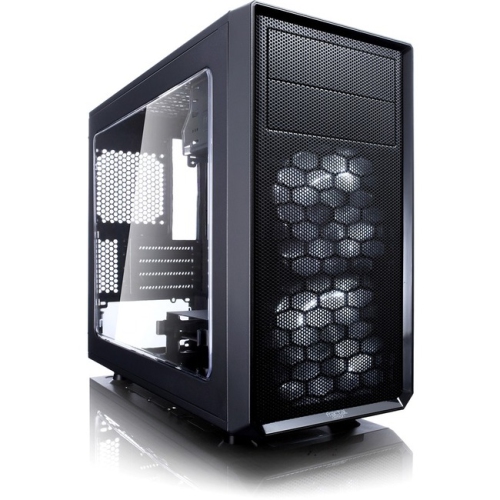
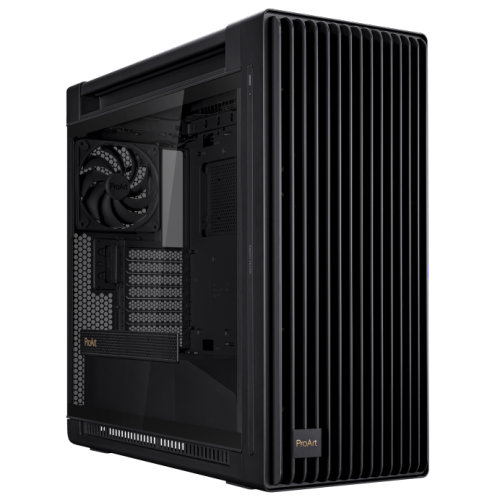
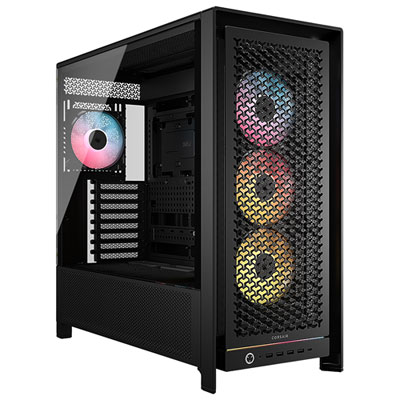
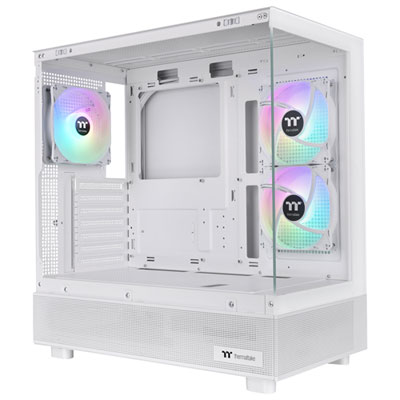
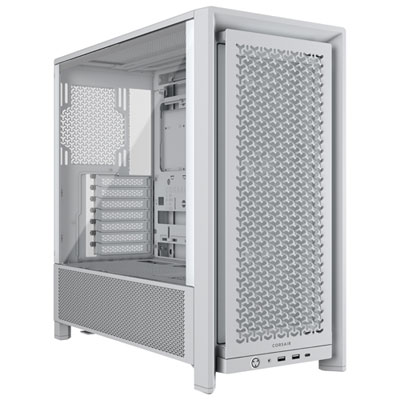
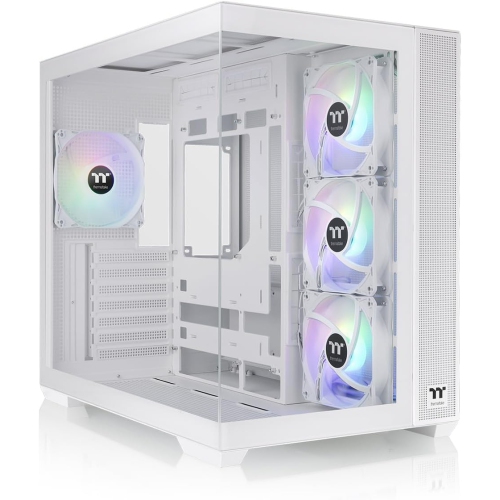
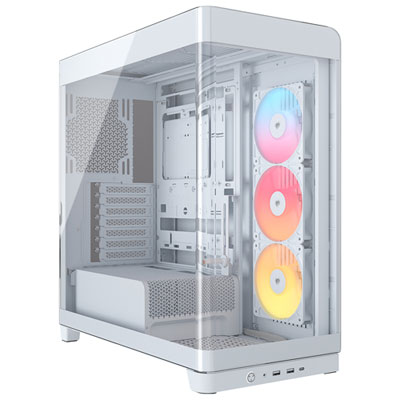
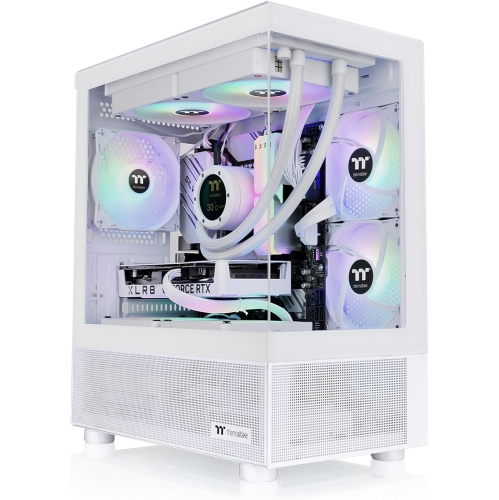
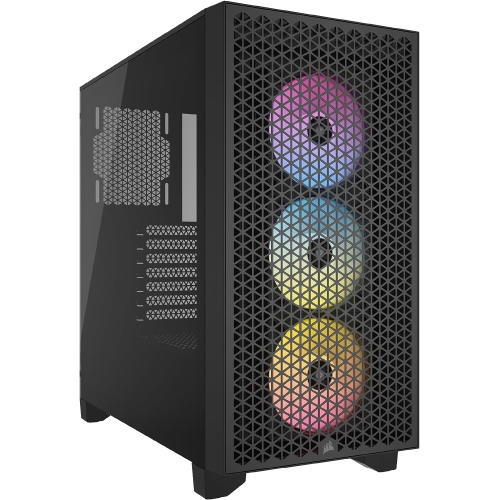
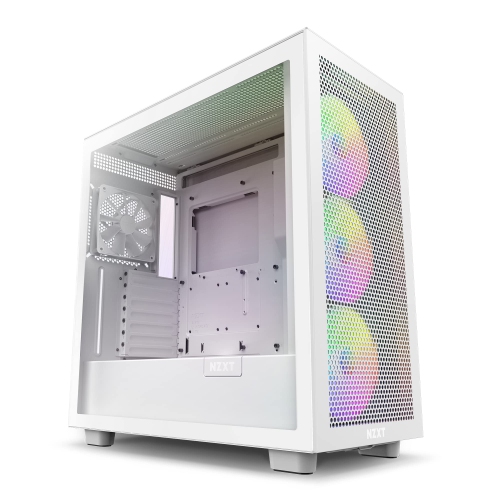
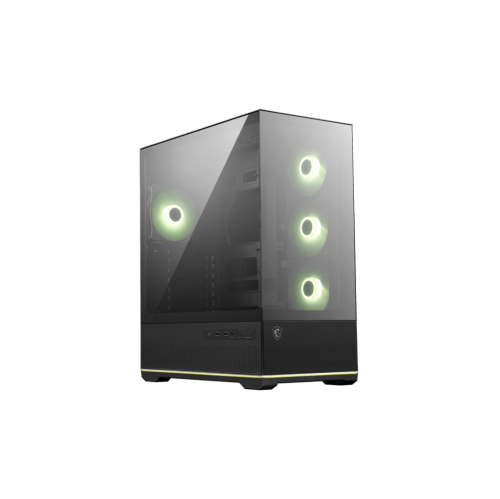

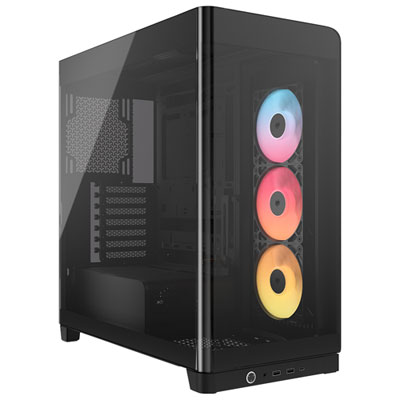
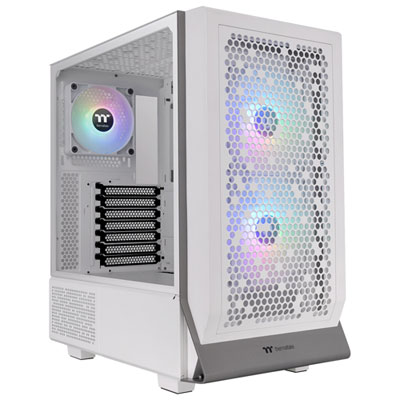
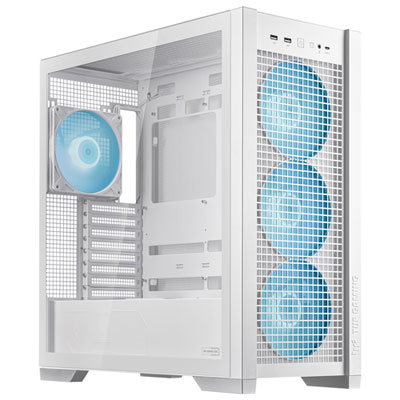
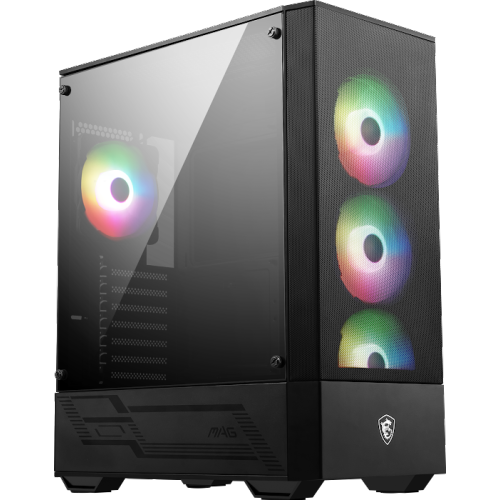
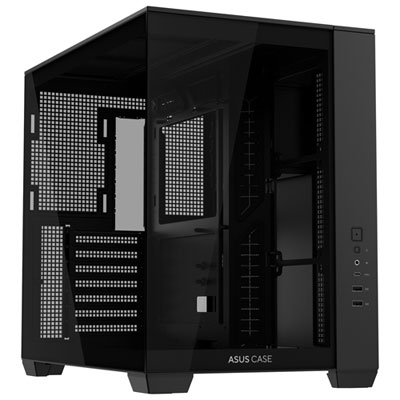
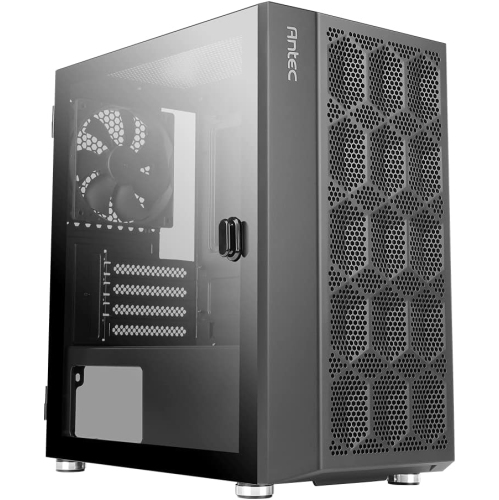
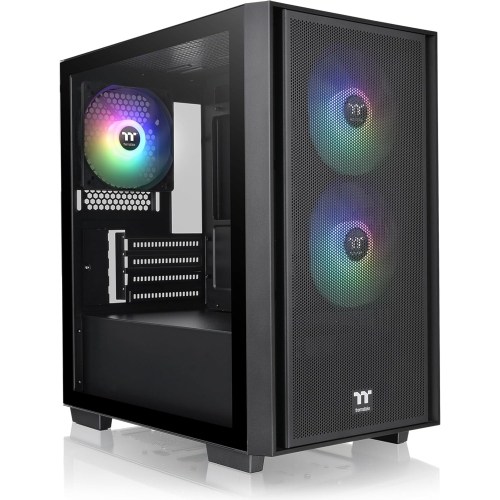
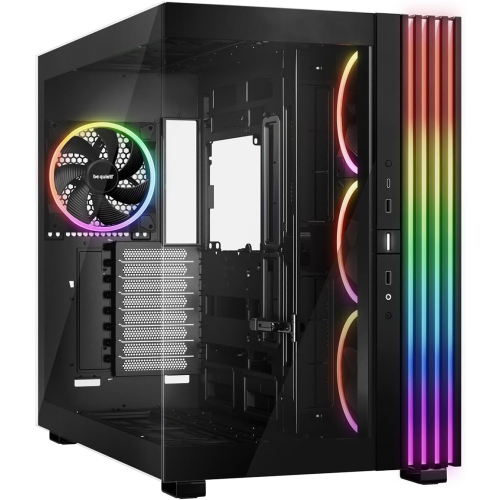
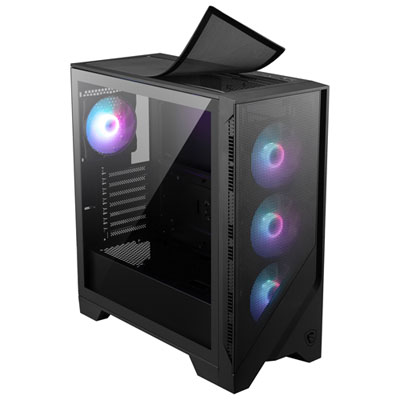
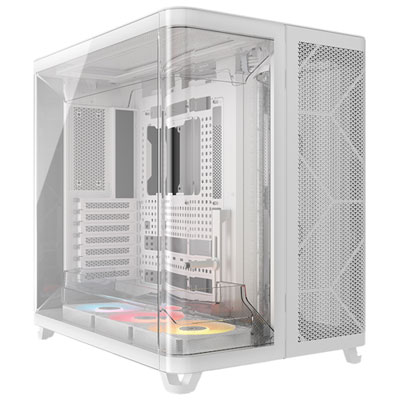
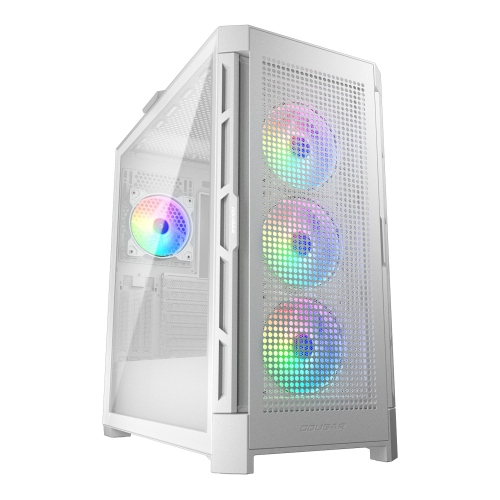

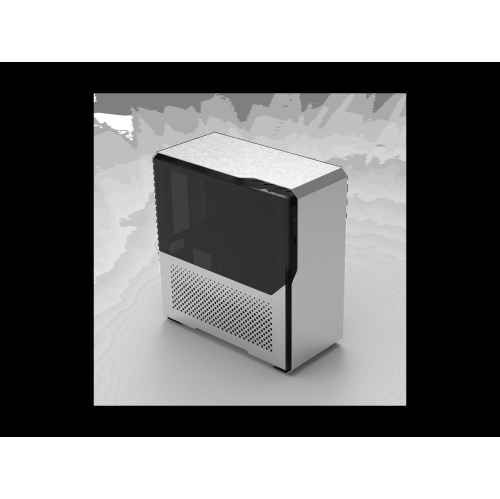
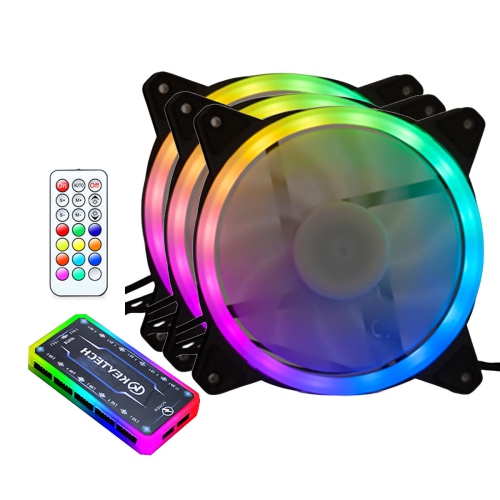

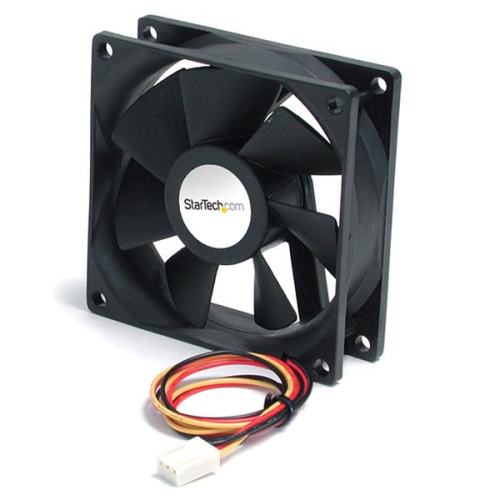
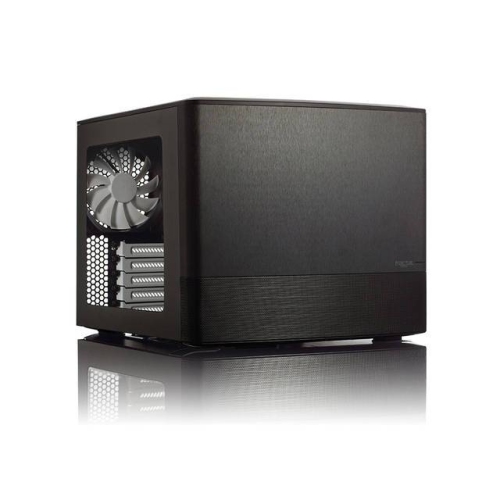
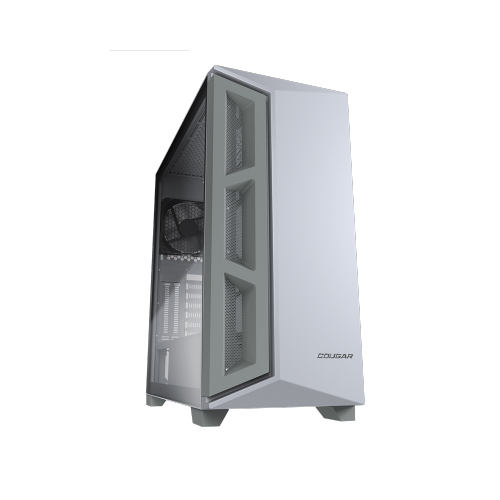
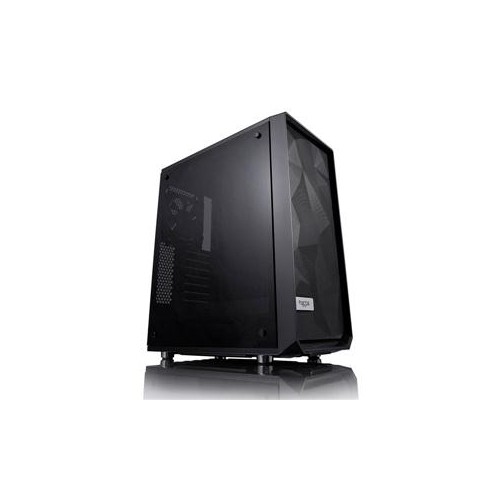
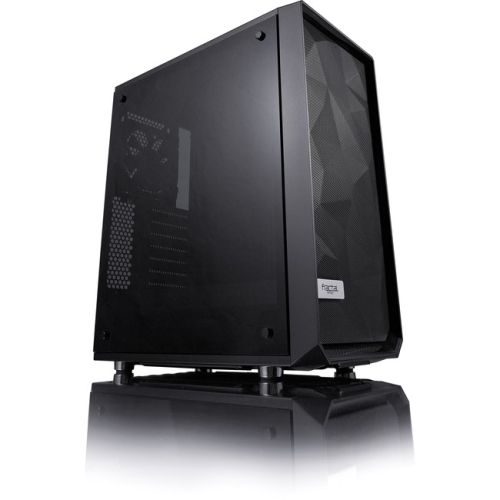
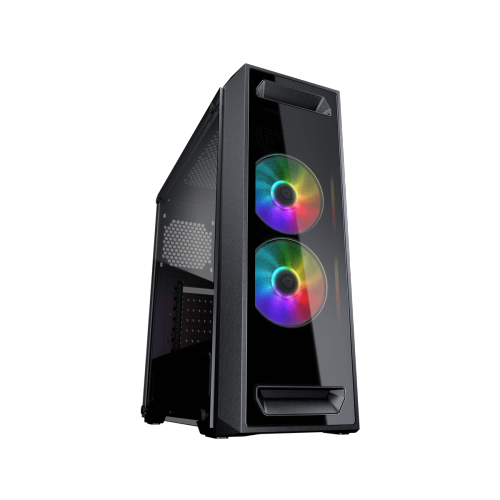
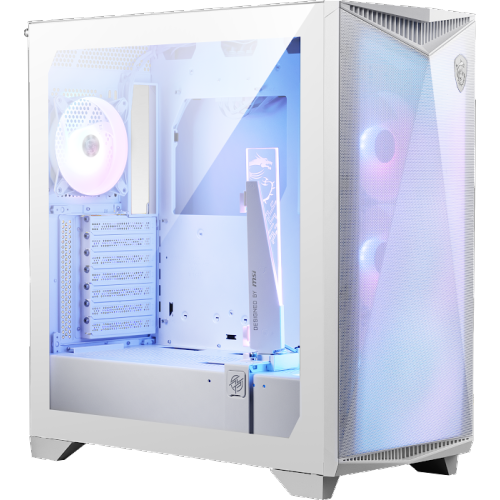
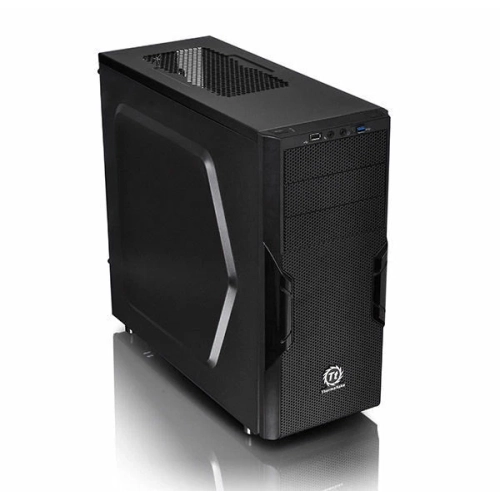
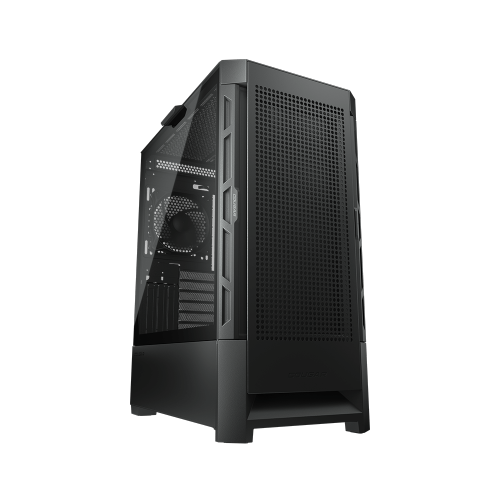
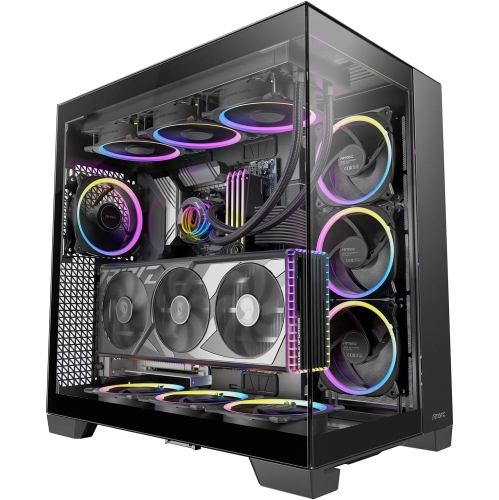
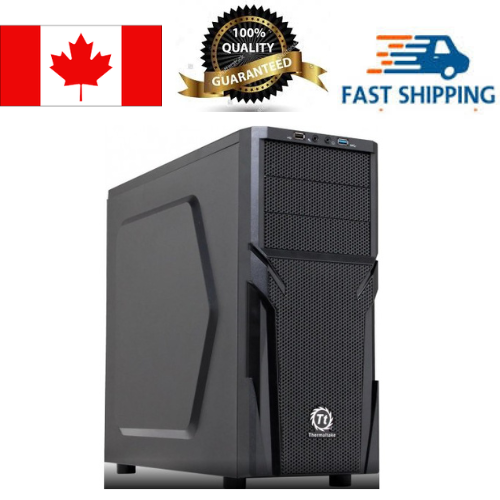
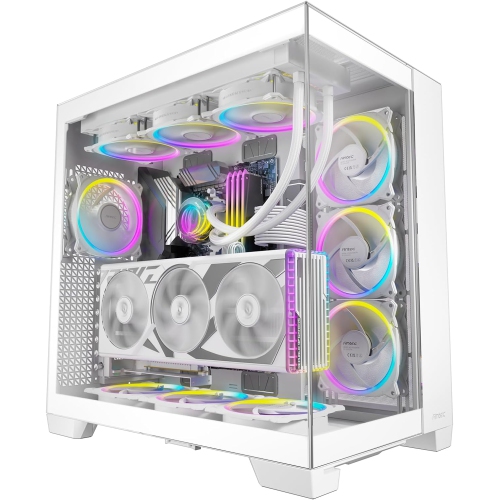
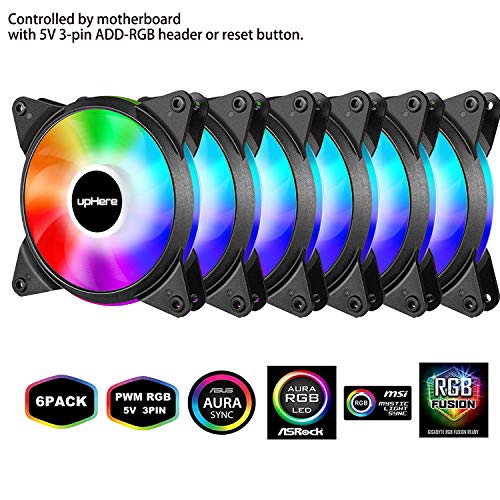
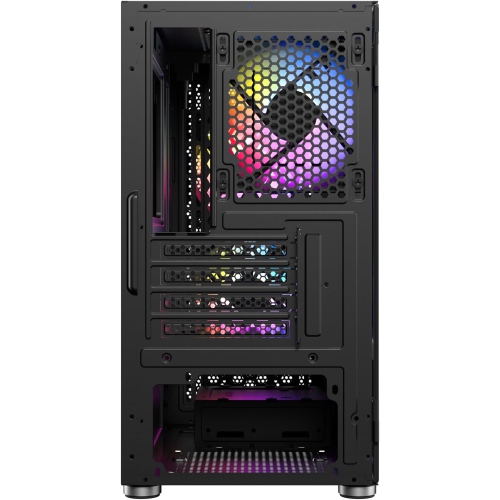
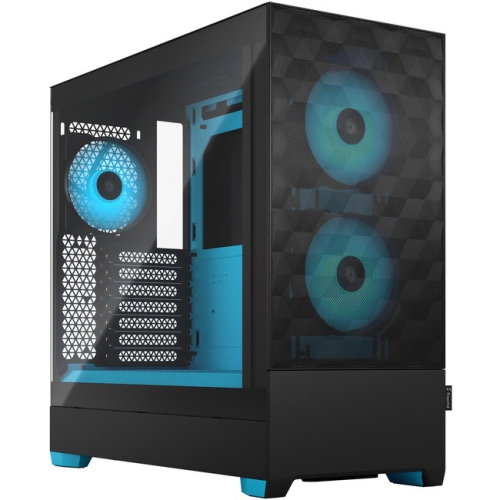
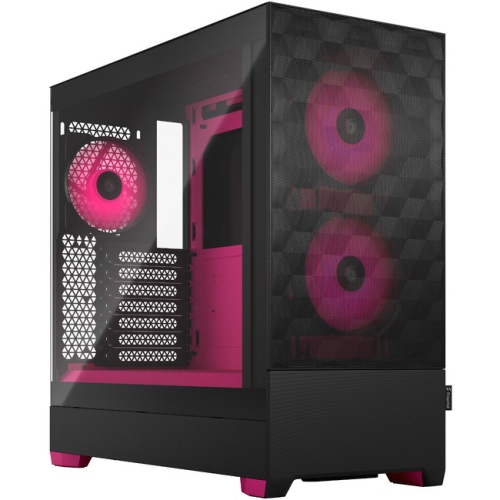
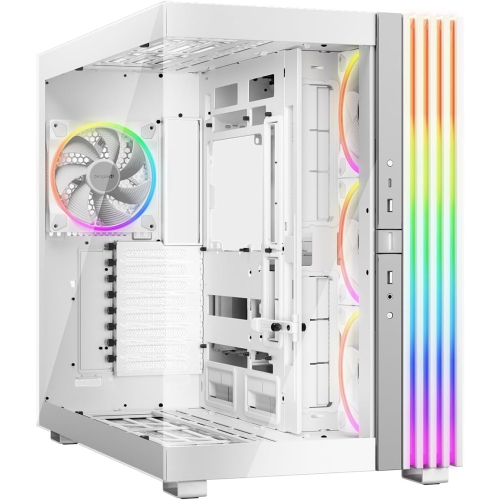
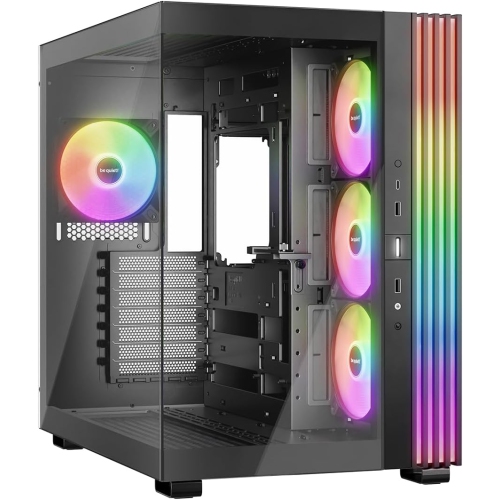
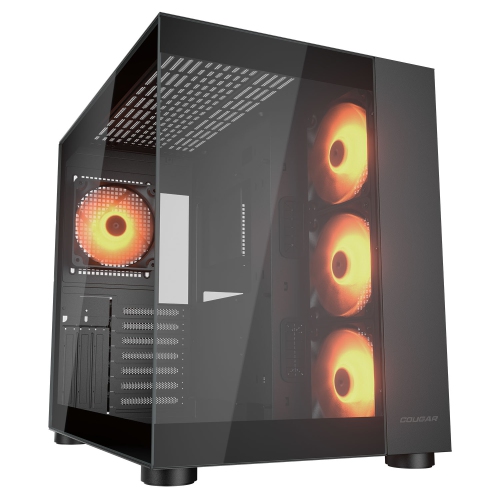
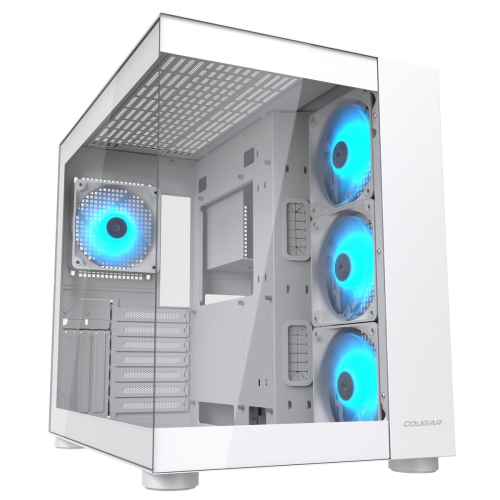
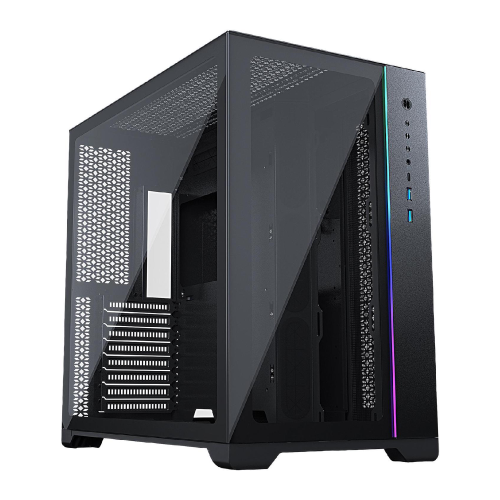
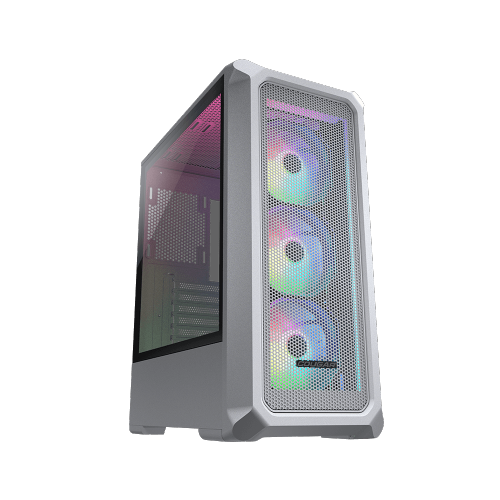
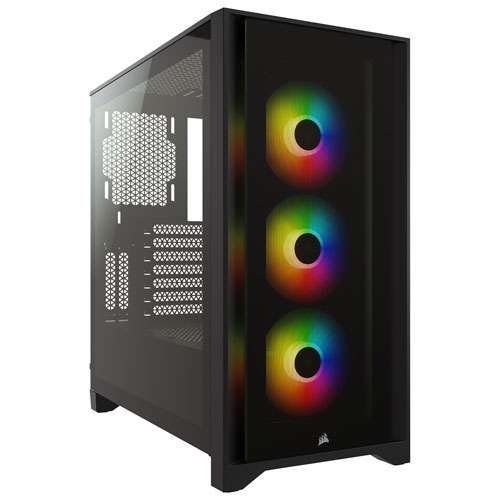
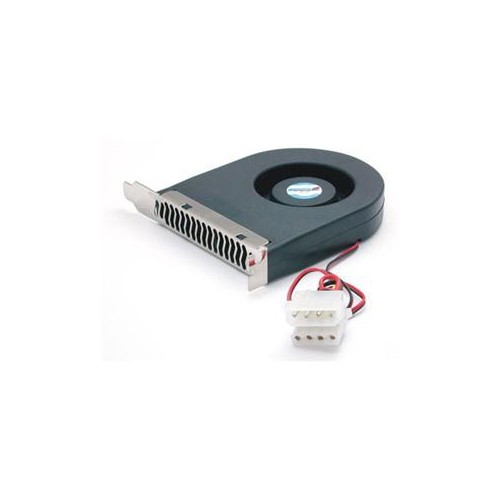
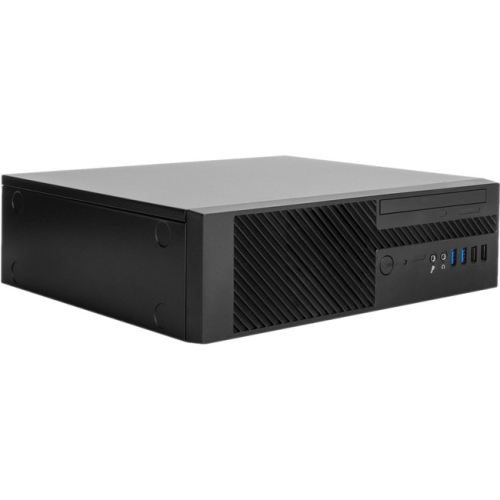
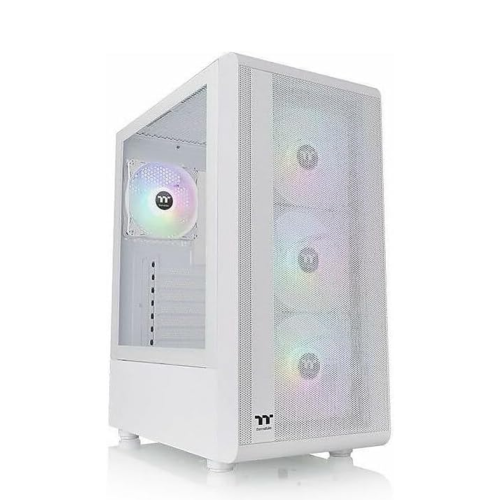
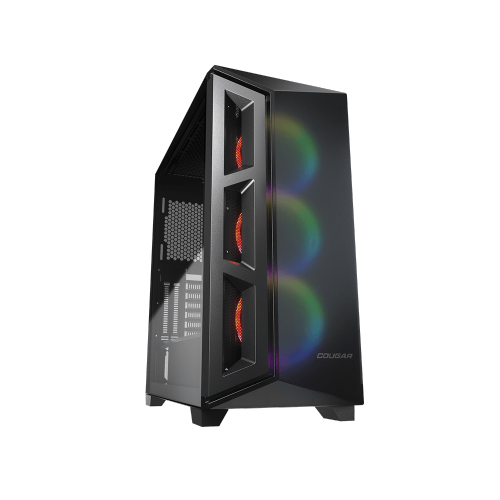
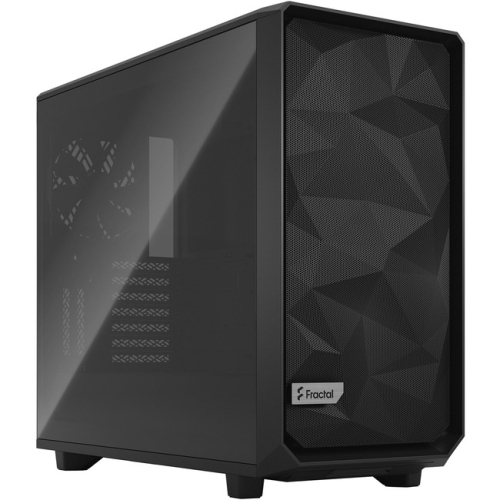
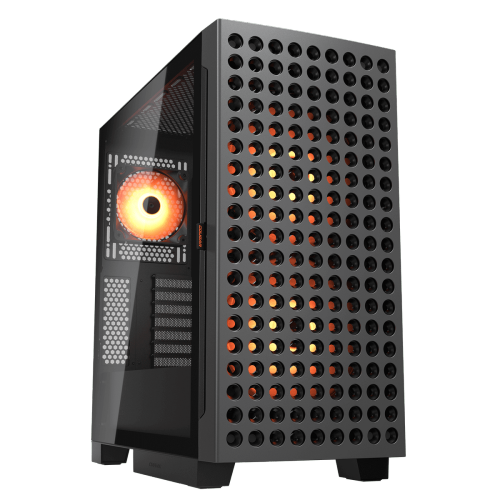
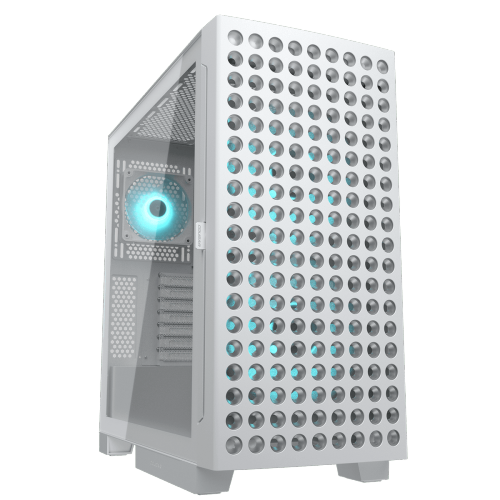
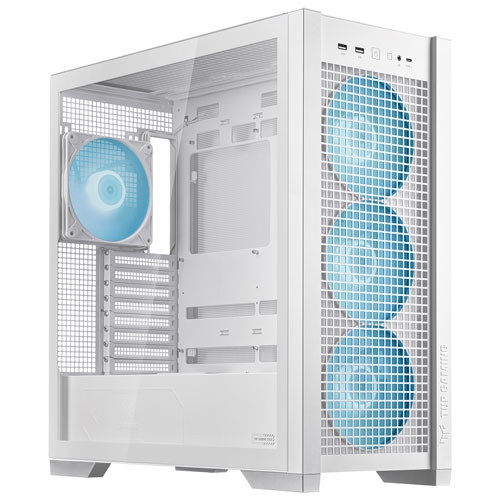
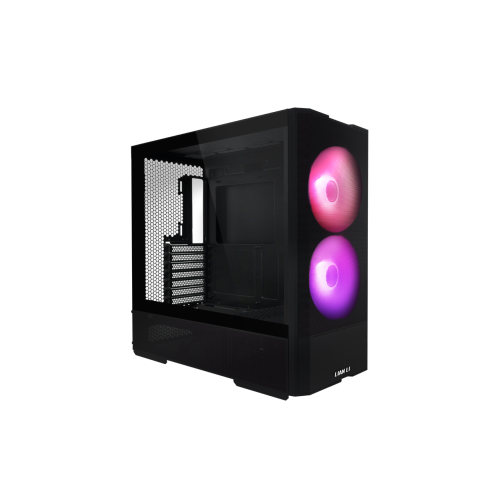
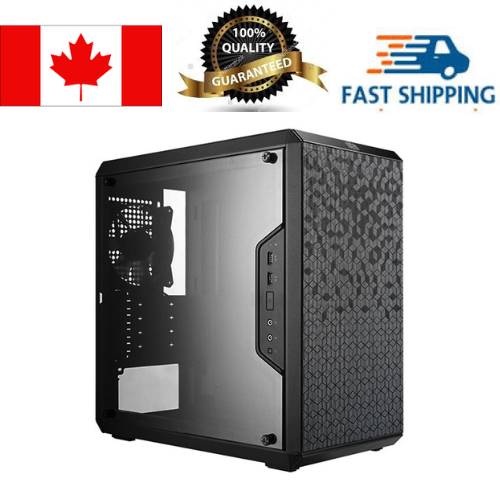
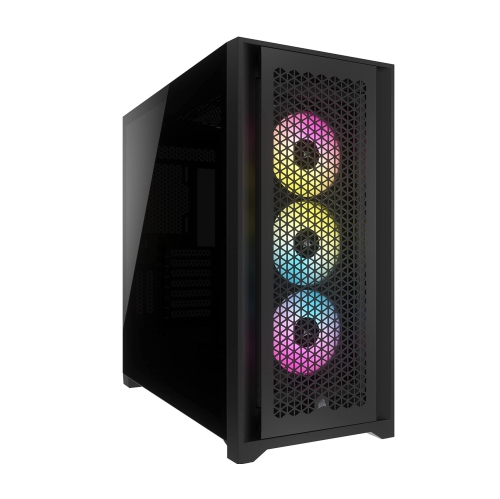
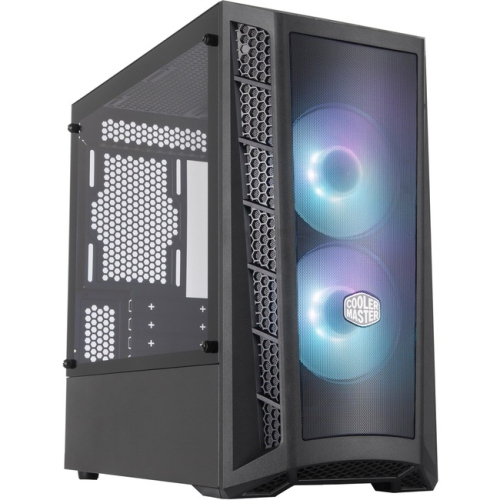
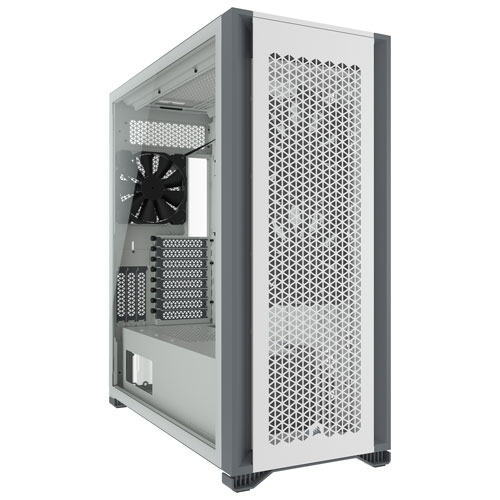
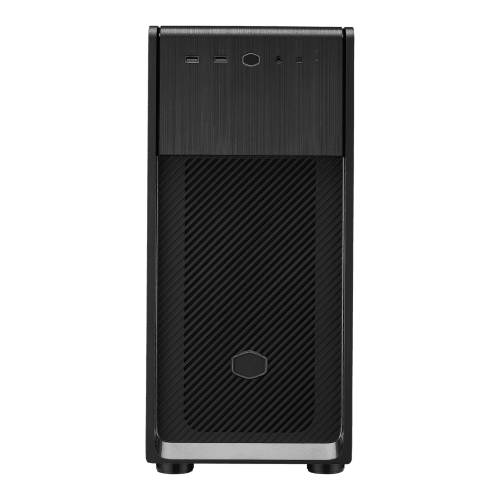
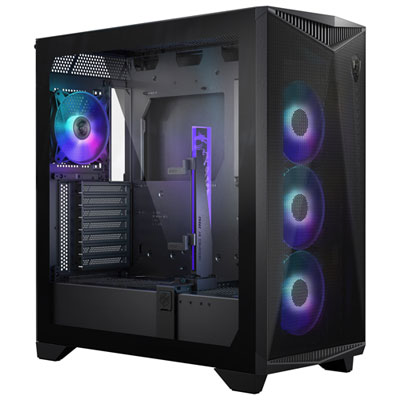
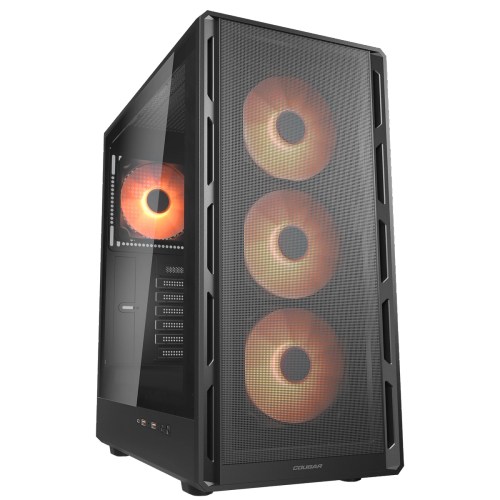
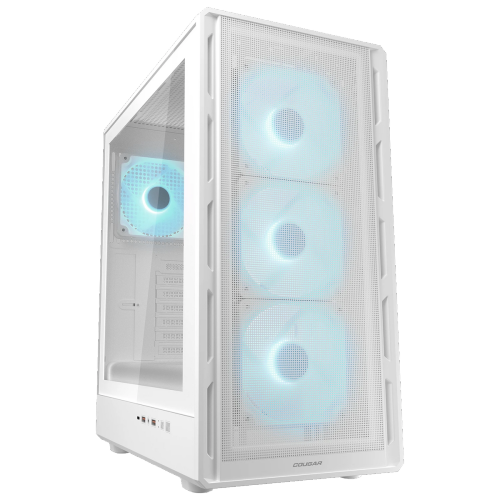
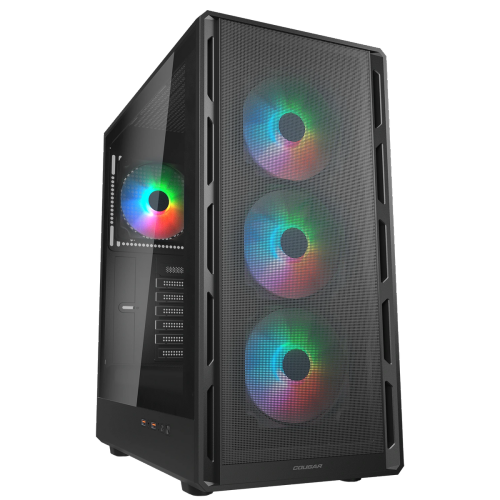
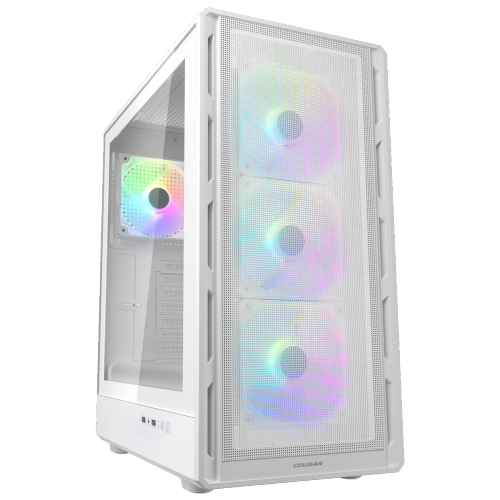
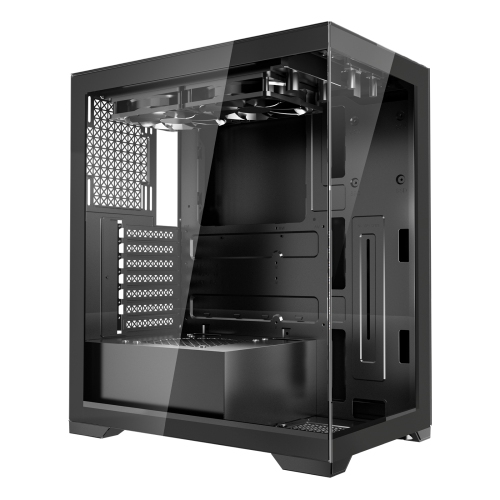
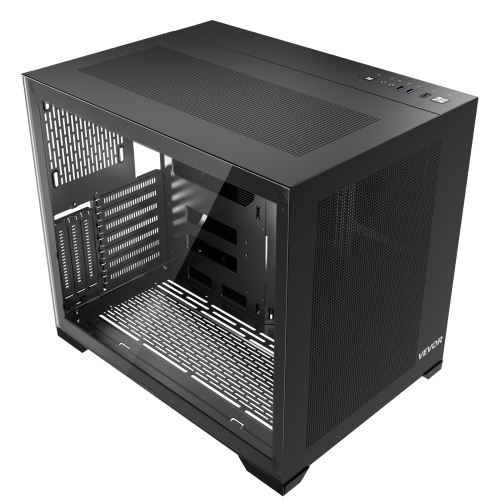
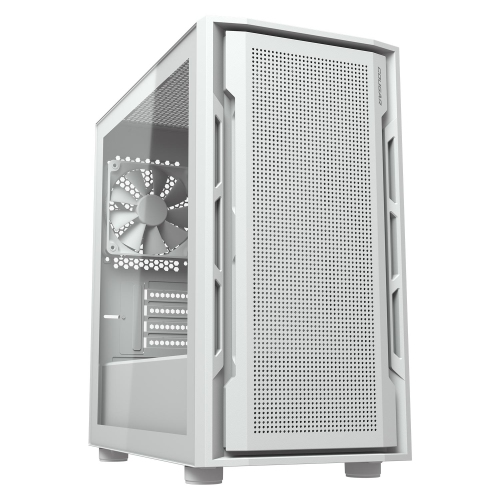
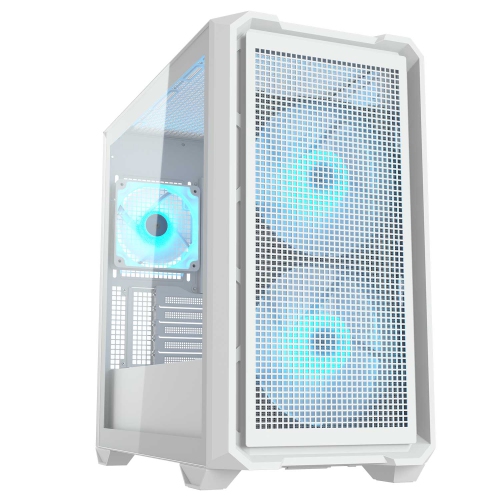
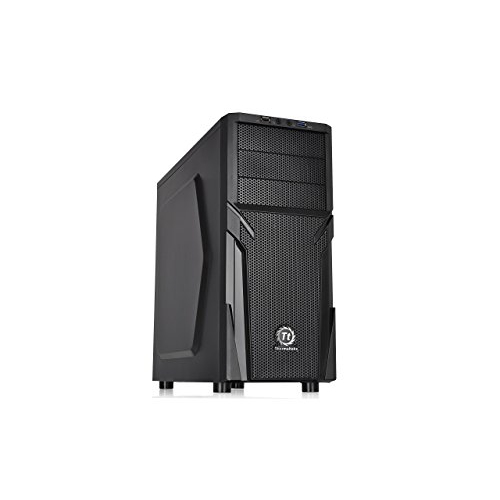
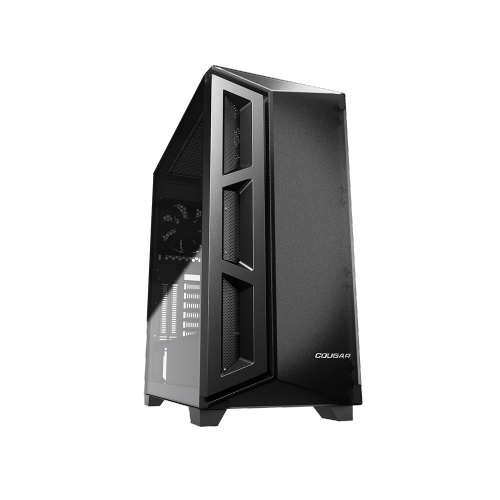
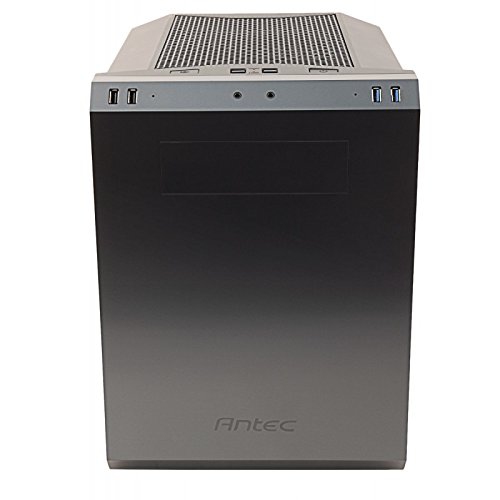
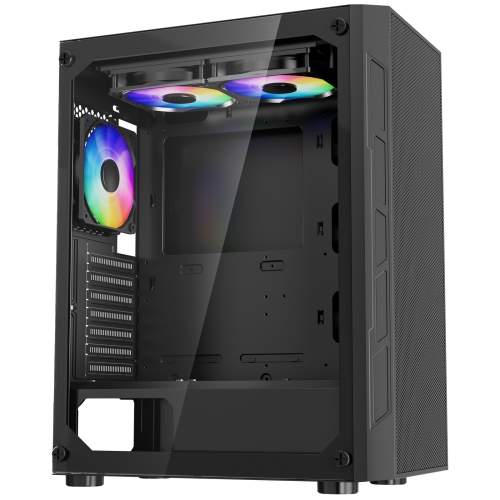
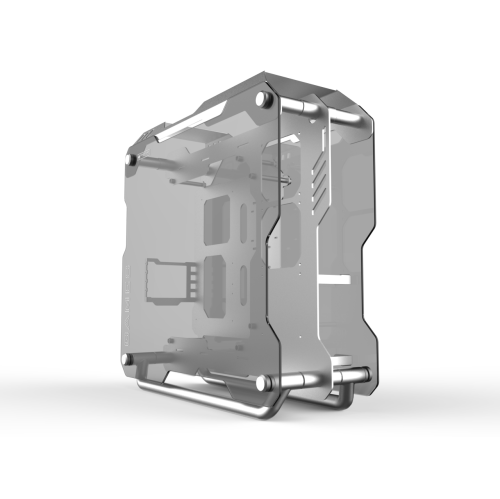
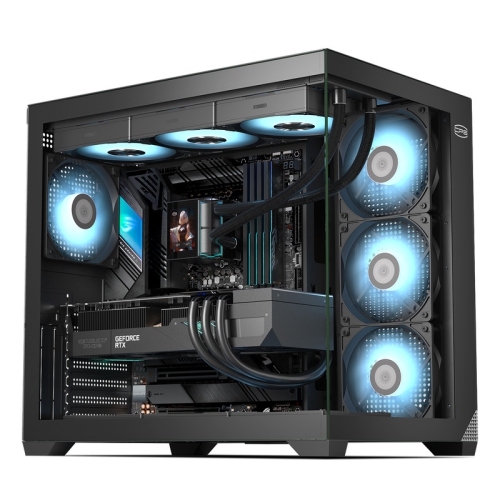
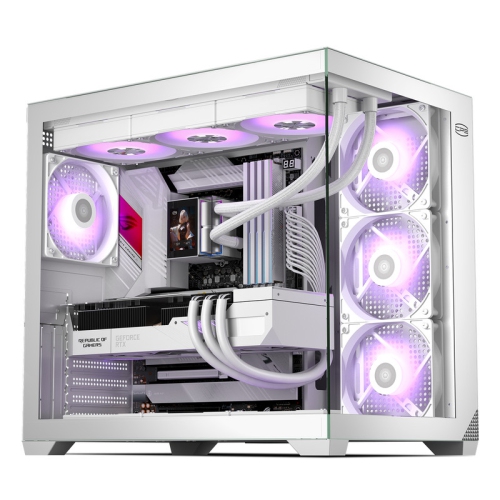
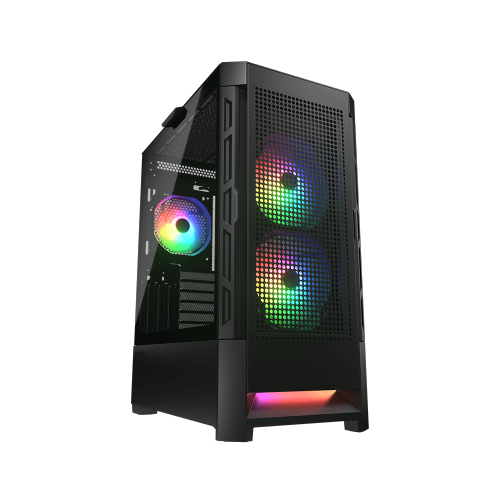
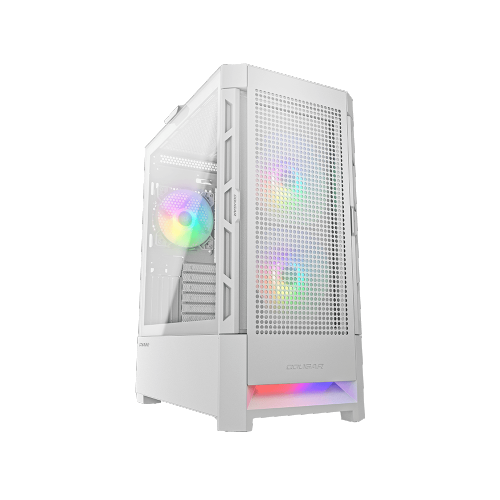

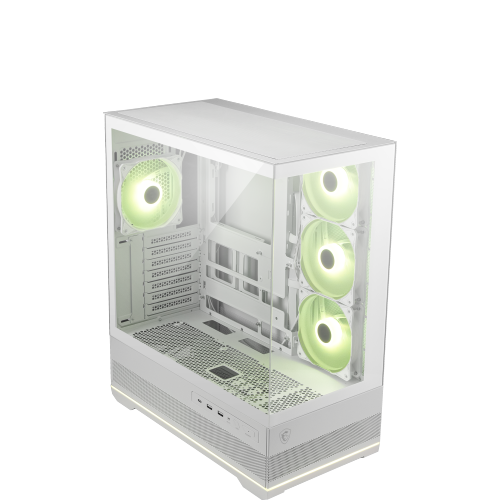
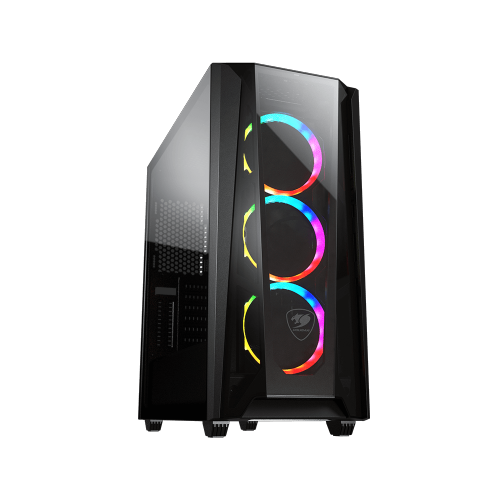
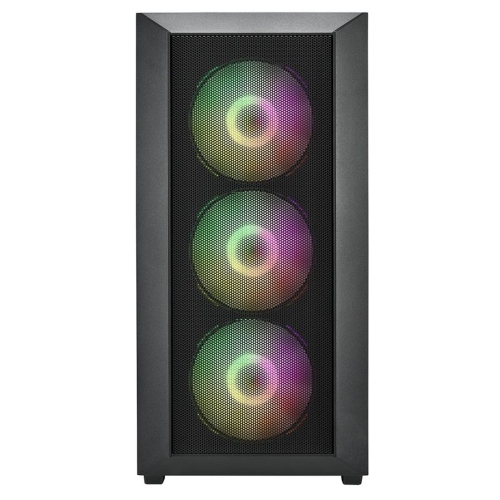
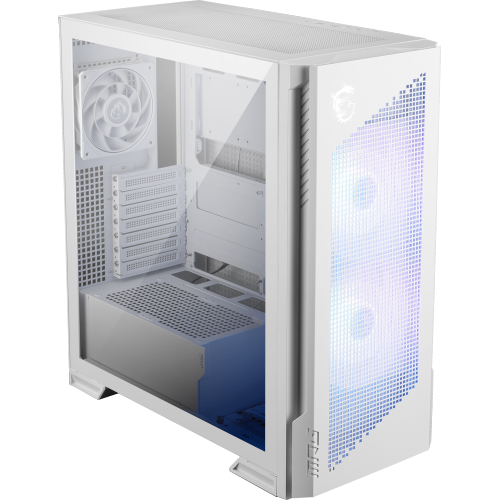
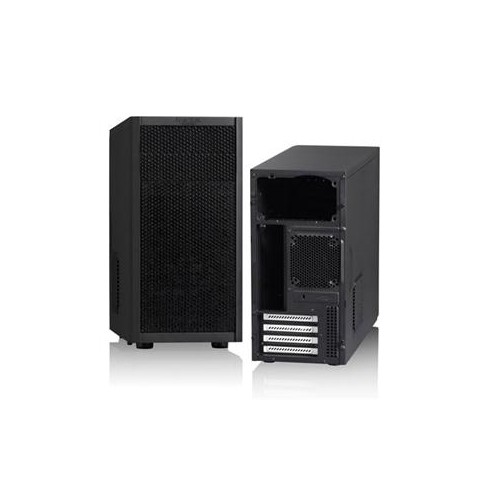
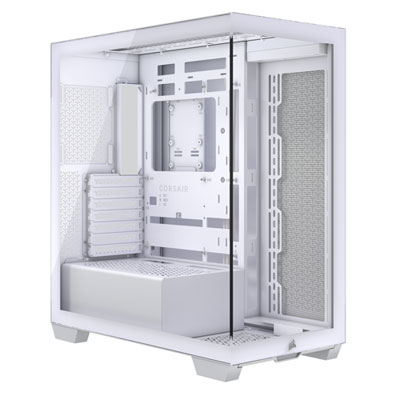
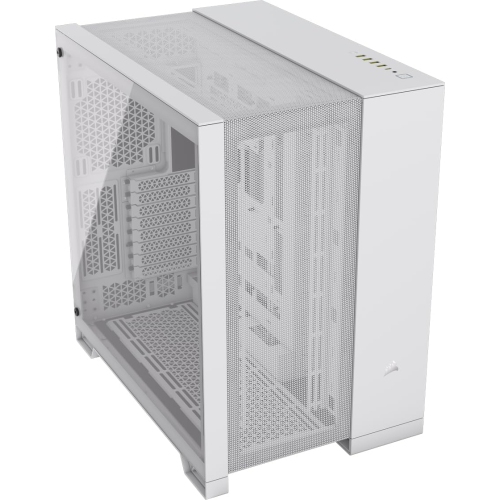
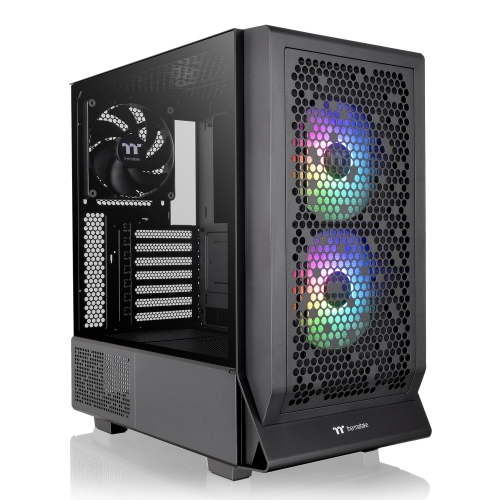
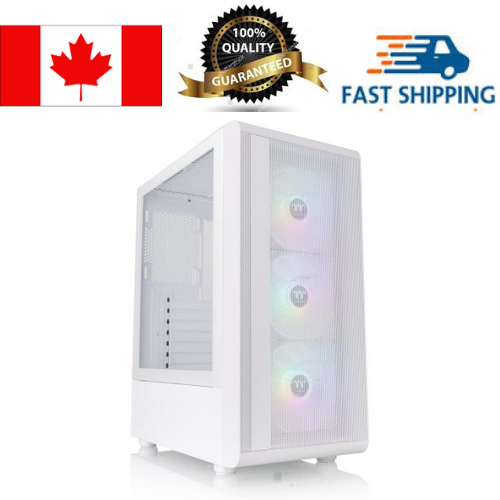
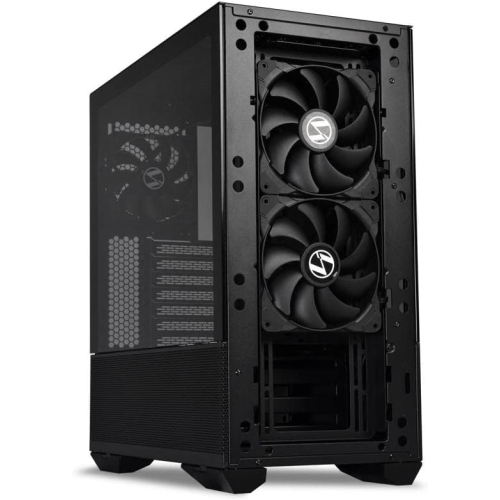
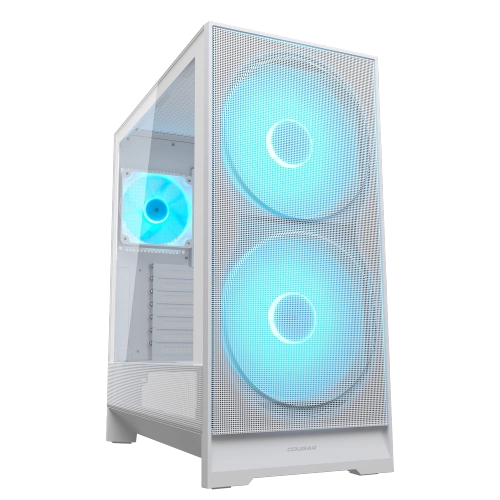
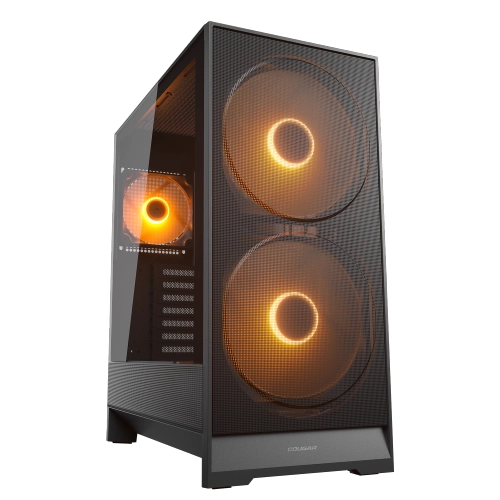
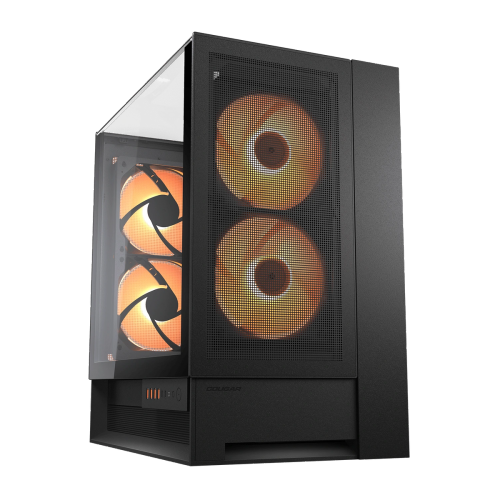
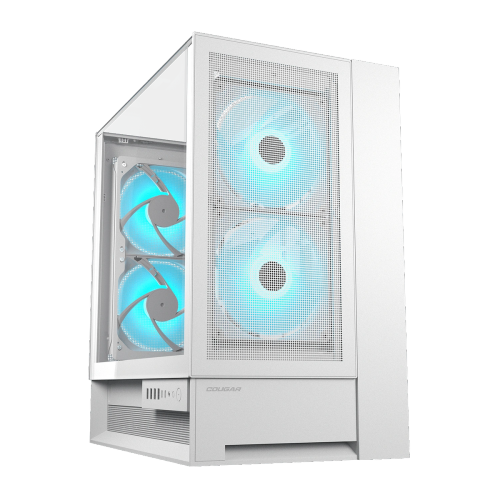
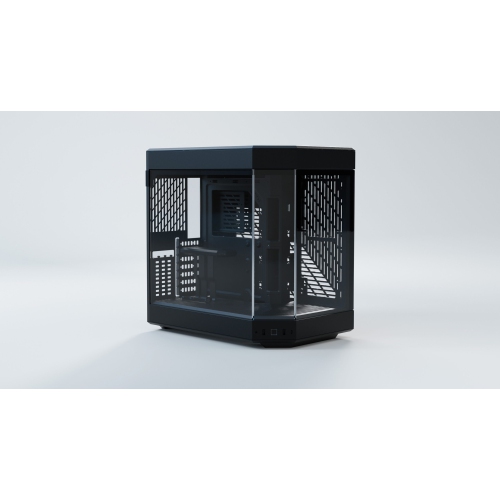
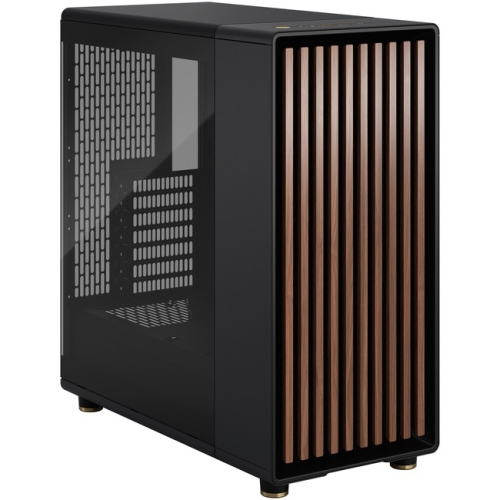
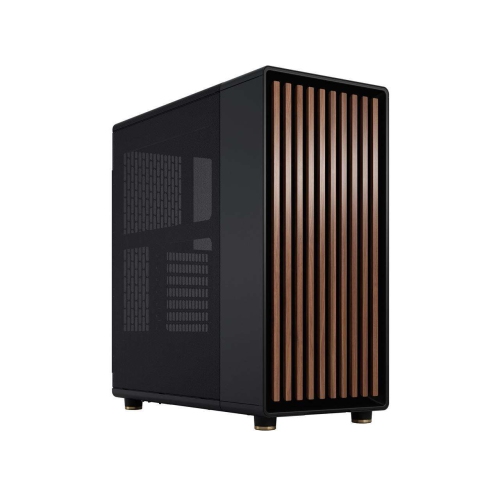
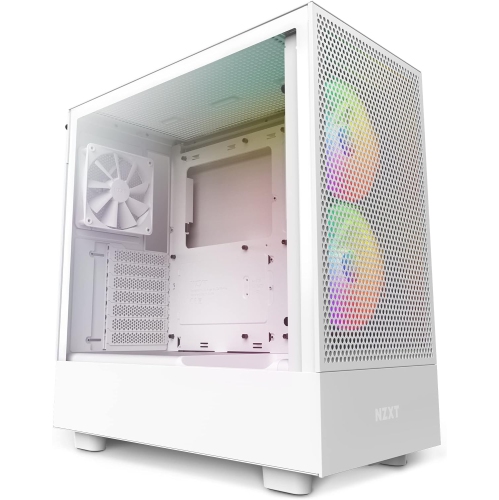
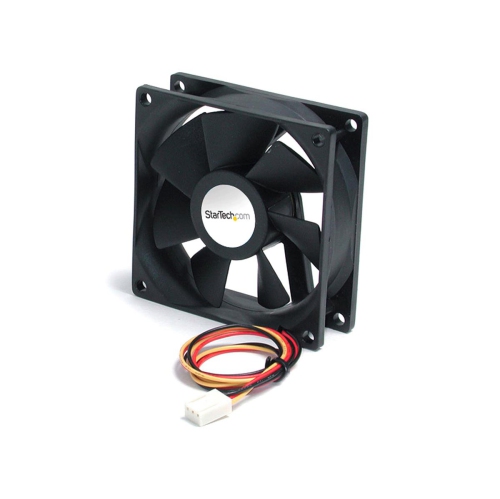
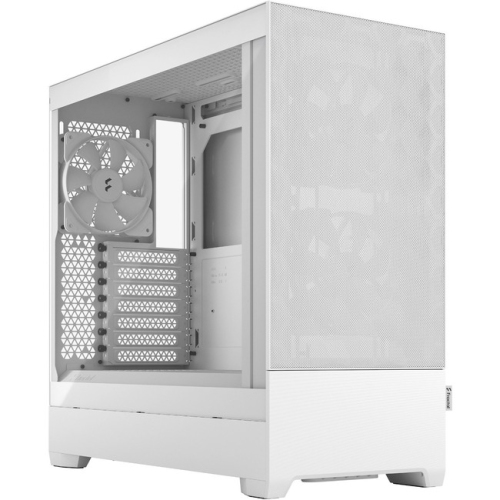
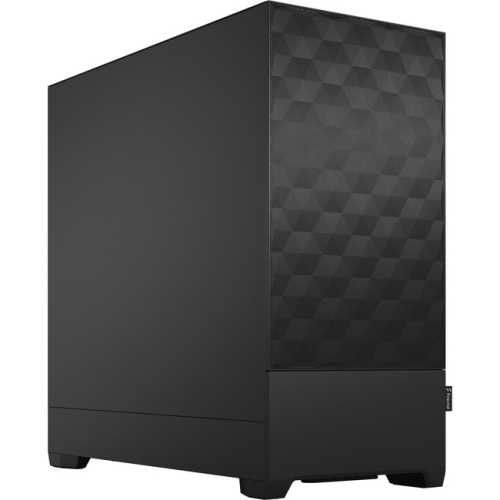
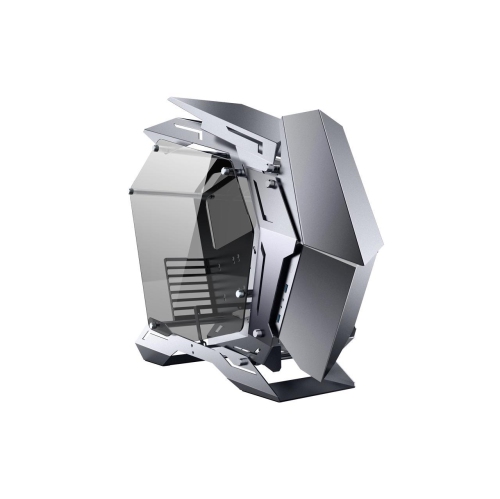
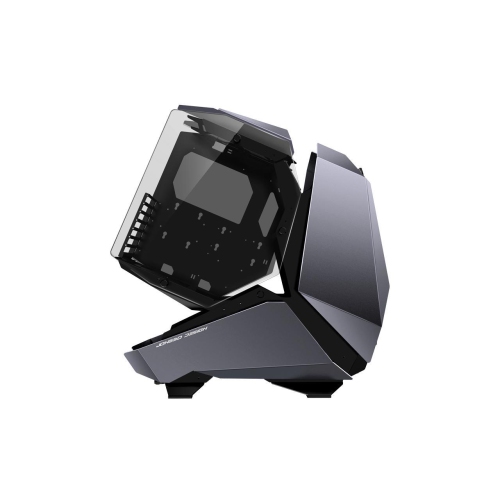
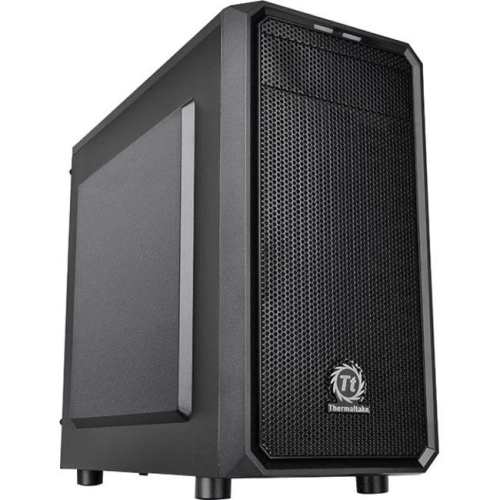
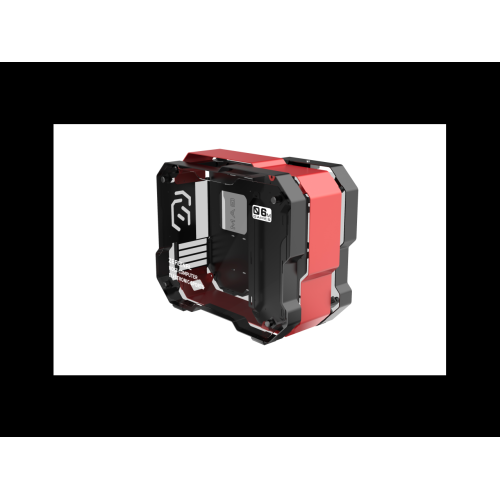
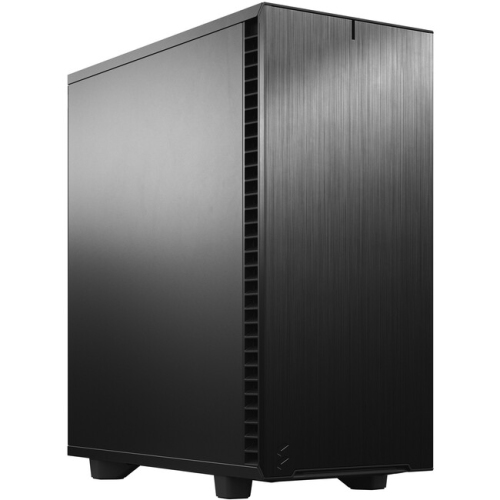
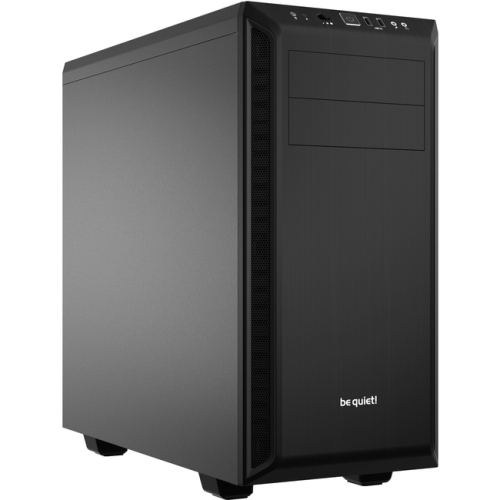

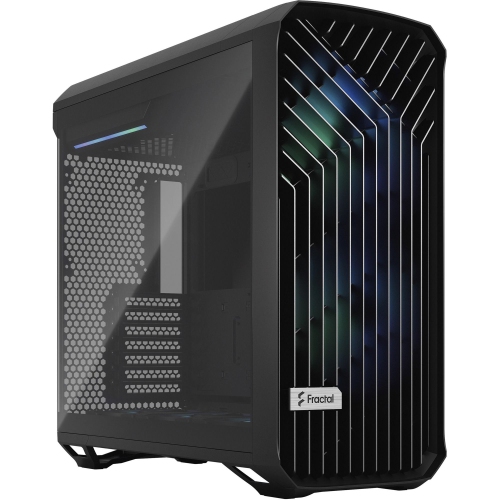
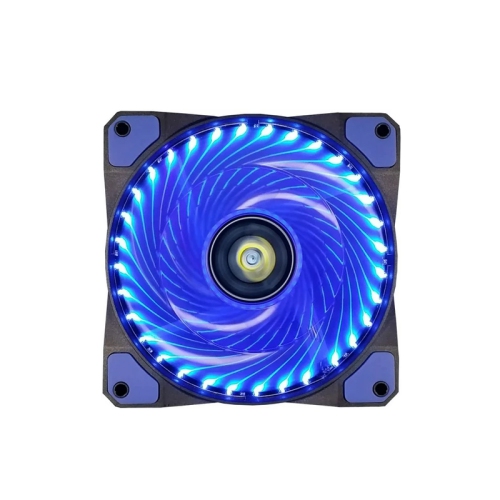
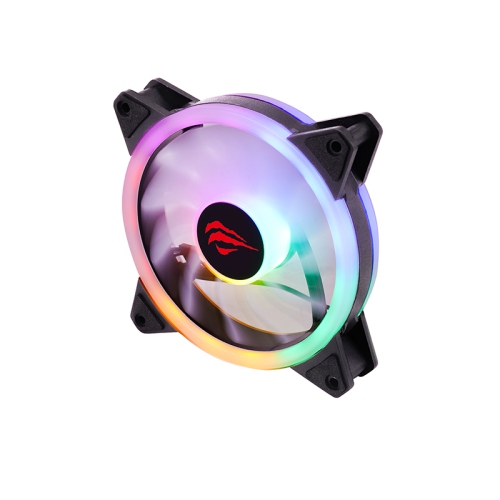
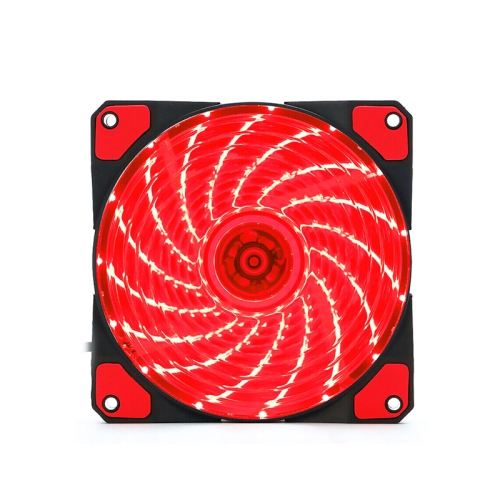
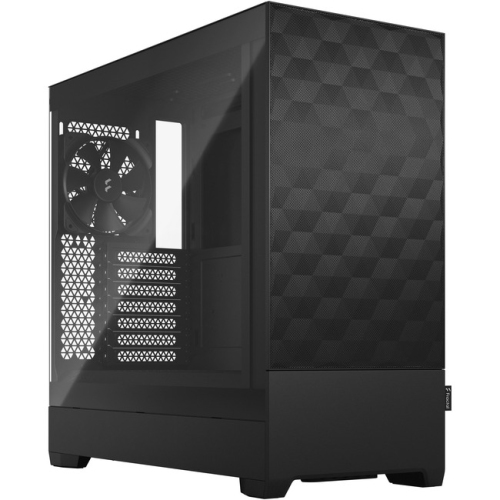

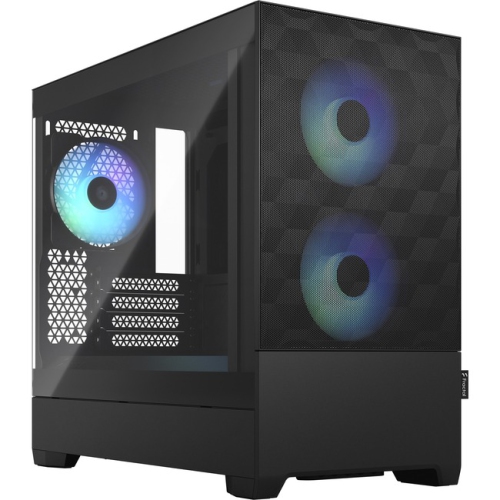
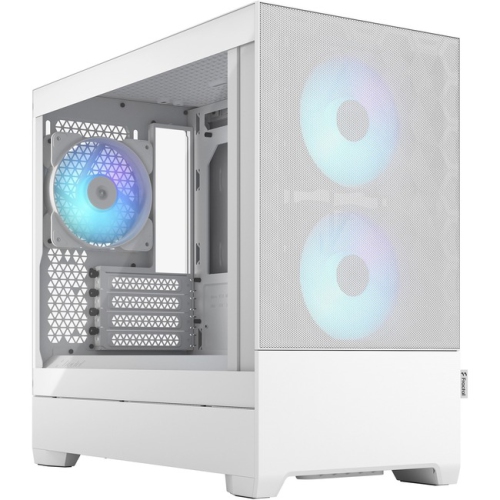
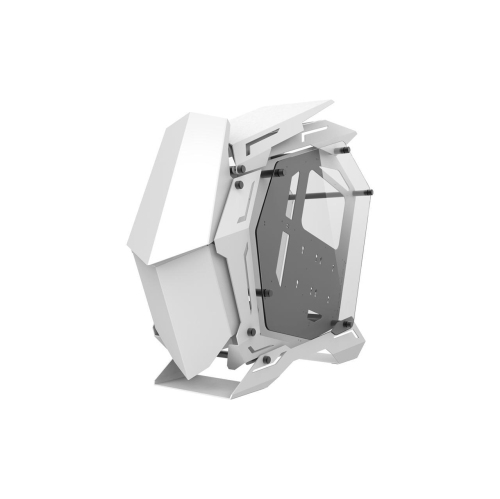
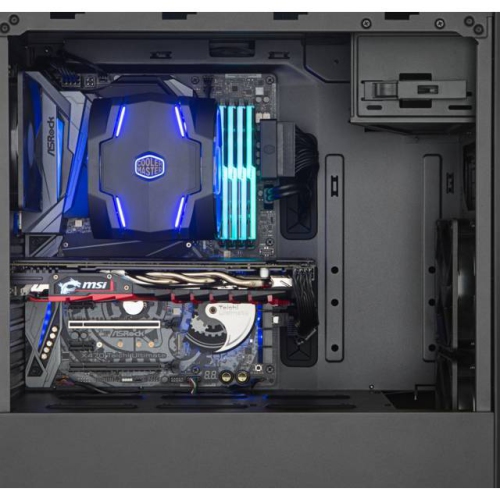
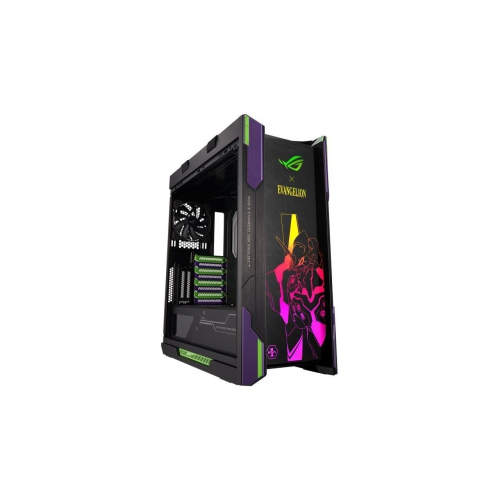
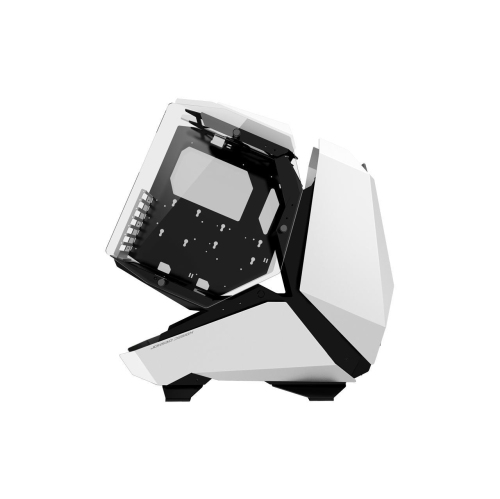
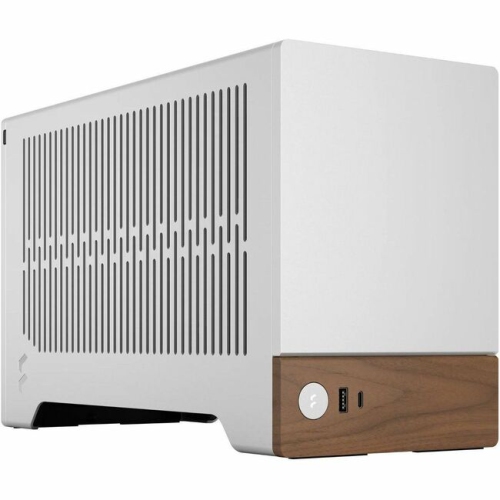
Mesh panels and cooling features support demanding PC builds
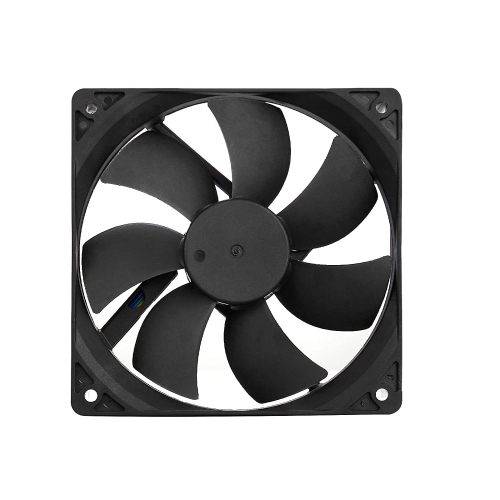
Computer cases with good airflow are designed to help fresh air move through the system efficiently, making them a practical choice for gaming PCs, creative workstations, home office computers, and upgraded desktops. The most important feature to look for is a front, top, or bottom panel that allows air to pass through easily, often using a fine or open mesh rather than a solid panel. A mesh front can help intake fans draw cooler room air into the case, while exhaust fans at the rear or top guide warm air away from the processor, graphics card, storage drives, and other internal components. This front-to-back or bottom-to-top airflow pattern is especially useful for computers that run demanding games, video editing software, 3D applications, livestreaming tools, or multiple displays for long periods. A well-ventilated case can also make it easier for installed cooling hardware to work as intended. When comparing options, check how many fans are included, where those fans are positioned, and whether the case supports additional 120 mm or 140 mm fans. Larger fans can move a substantial amount of air at lower speeds, which may help balance cooling with a more comfortable noise level. Removable dust filters on the front, top, and power supply intake are useful for routine maintenance, while a clear side panel can make it easier to inspect components and enjoy a carefully assembled build. Since every computer setup is different, it is worth confirming that the case supports the selected motherboard format, power supply size, graphics card length, CPU cooler height, and any liquid-cooling radiator you plan to install.
The right airflow-focused case also depends on how the computer will be used and where it will sit. A performance-oriented gaming build may benefit from a roomy mid-tower or full-tower layout with generous clearance around a long graphics card, several intake locations, and space for a larger CPU cooler or radiator. A family desktop, school computer, or compact home office system may be better suited to a smaller case that still provides a perforated intake area and sensible fan placement without taking up unnecessary floor or desk space. Look for a layout that leaves room around the graphics card and front fans, as tightly packed components can restrict circulation and make installation more difficult. Cable routing matters as well: dedicated channels, tie-down points, and space behind the motherboard tray help keep power and data cables away from intake fans. For extra organization, consider pairing an airflow case with Computer Cases With Good Cable Management, particularly when building a system with multiple drives, lighting accessories, or several case fans. A clean interior is not only easier to work on later; it can also help preserve clear air paths and make it simpler to spot dust buildup. Before purchasing, measure the available area around your desk or entertainment centre, including clearance behind the case for cables and above it for exhaust. A case with a removable side panel, accessible fan mounts, and a spacious interior can be especially helpful for first-time builders or anyone who expects to upgrade components over time.
Airflow cases can be a thoughtful gift for a PC enthusiast, student, remote worker, or family member who is planning a custom computer, although the recipient’s component choices should guide the final selection. Someone replacing an older enclosure may appreciate improved ventilation, easier access, and a layout that accommodates newer graphics cards or cooling equipment. For a new build, match the case to the motherboard and power supply before focusing on appearance, then consider details such as front-panel USB ports, audio connections, tempered glass or opaque side panels, built-in lighting, and fan-control options. Airflow does not depend on appearance alone: a stylish enclosure can still perform well when its decorative front panel is backed by a breathable mesh layer and its internal layout supports a balanced intake and exhaust setup. In practical terms, many builders aim for slightly more filtered intake than exhaust to help reduce unfiltered air entering through gaps, while keeping filters clean so fans do not have to work harder. The computer’s location also makes a difference. A case placed on a hard surface with open space around its intake and exhaust areas will generally have an easier time moving air than one pressed against a wall, tucked into a crowded cabinet, or surrounded by fabric and papers. During warmer periods, good ventilation can provide useful thermal headroom for extended sessions, while during cooler months it can continue to support steady performance when a computer is working through large files, game updates, rendering tasks, or everyday multitasking. Reviewing dimensions, compatibility, included accessories, fan support, and maintenance access before checkout helps ensure the case is a suitable foundation for the complete computer rather than simply an attractive enclosure.
The right airflow-focused case also depends on how the computer will be used and where it will sit. A performance-oriented gaming build may benefit from a roomy mid-tower or full-tower layout with generous clearance around a long graphics card, several intake locations, and space for a larger CPU cooler or radiator. A family desktop, school computer, or compact home office system may be better suited to a smaller case that still provides a perforated intake area and sensible fan placement without taking up unnecessary floor or desk space. Look for a layout that leaves room around the graphics card and front fans, as tightly packed components can restrict circulation and make installation more difficult. Cable routing matters as well: dedicated channels, tie-down points, and space behind the motherboard tray help keep power and data cables away from intake fans. For extra organization, consider pairing an airflow case with Computer Cases With Good Cable Management, particularly when building a system with multiple drives, lighting accessories, or several case fans. A clean interior is not only easier to work on later; it can also help preserve clear air paths and make it simpler to spot dust buildup. Before purchasing, measure the available area around your desk or entertainment centre, including clearance behind the case for cables and above it for exhaust. A case with a removable side panel, accessible fan mounts, and a spacious interior can be especially helpful for first-time builders or anyone who expects to upgrade components over time.
Airflow cases can be a thoughtful gift for a PC enthusiast, student, remote worker, or family member who is planning a custom computer, although the recipient’s component choices should guide the final selection. Someone replacing an older enclosure may appreciate improved ventilation, easier access, and a layout that accommodates newer graphics cards or cooling equipment. For a new build, match the case to the motherboard and power supply before focusing on appearance, then consider details such as front-panel USB ports, audio connections, tempered glass or opaque side panels, built-in lighting, and fan-control options. Airflow does not depend on appearance alone: a stylish enclosure can still perform well when its decorative front panel is backed by a breathable mesh layer and its internal layout supports a balanced intake and exhaust setup. In practical terms, many builders aim for slightly more filtered intake than exhaust to help reduce unfiltered air entering through gaps, while keeping filters clean so fans do not have to work harder. The computer’s location also makes a difference. A case placed on a hard surface with open space around its intake and exhaust areas will generally have an easier time moving air than one pressed against a wall, tucked into a crowded cabinet, or surrounded by fabric and papers. During warmer periods, good ventilation can provide useful thermal headroom for extended sessions, while during cooler months it can continue to support steady performance when a computer is working through large files, game updates, rendering tasks, or everyday multitasking. Reviewing dimensions, compatibility, included accessories, fan support, and maintenance access before checkout helps ensure the case is a suitable foundation for the complete computer rather than simply an attractive enclosure.
Top selling and popular products
-
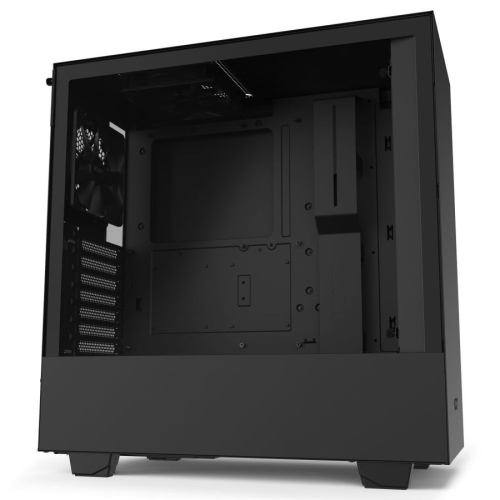 Your price for this item is $299
 -
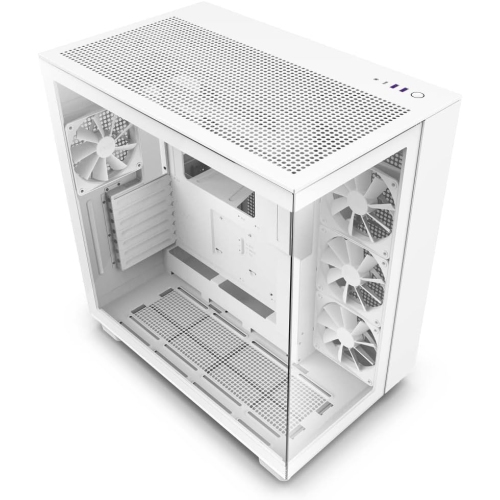 Your price for this item is $424.68
 -
 Your price for this item is $149.95
 -
 Your price for this item is $249.95
 -
 Your price for this item is $186.99
 -
 Your price for this item is $131.99
 -
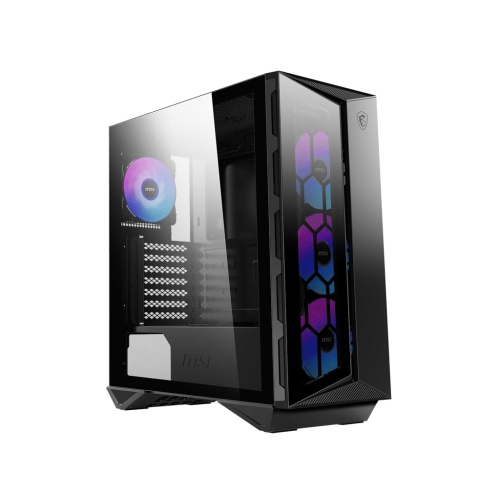 Your price for this item is $157.68
 -
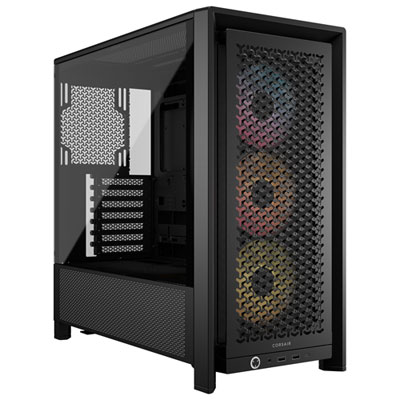 Your price for this item is $124.99
Discover more categories related to Computer Cases With Good Airflow
Top Collections:
Pokemon Centers, Kindle Devices, Best Budget Office Chairs, Apple iPhones 16, Best Laptops for Writers, iPhone 15 Apple, Canon G7X Cameras, Refurbished Apple Laptops, Alarm Clock, Motorola Razr Phones
Some products may be subject to Environmental Handling Fees
(EHF) depending on your province.
Learn more about EHFs.