Computer Cases With Filters
Computer Cases With Filters offer an ideal solution for keeping your PC components protected and running smoothly. These cases are designed to help maintain optimal airflow while providing an extra layer of defense against dust and debris. Whether you're building a high-performance gaming rig or upgrading your workstation, Computer Cases With Filters make it easy to keep your system clean and efficient. Explore a wide selection of styles and sizes to find the perfect fit for your setup.
Sort

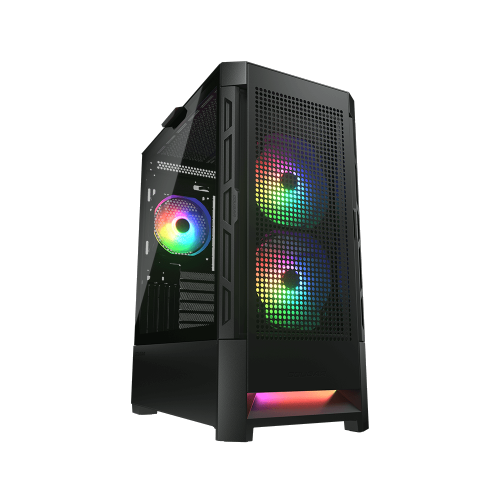
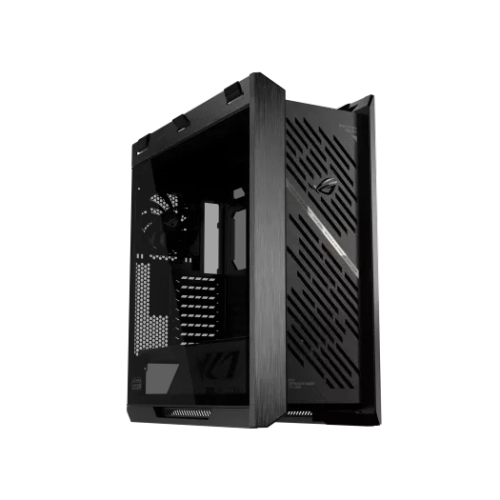
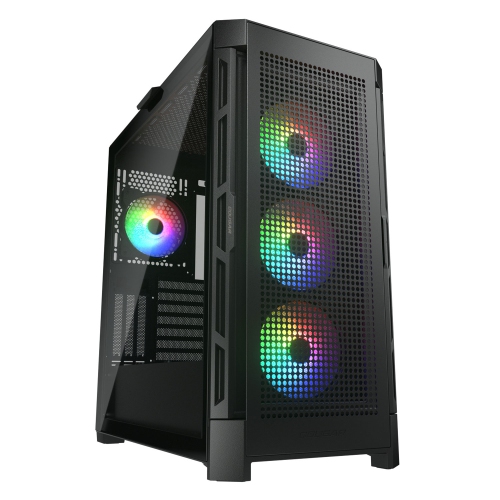
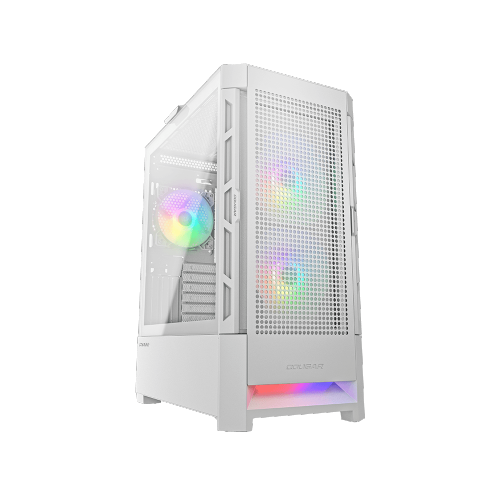
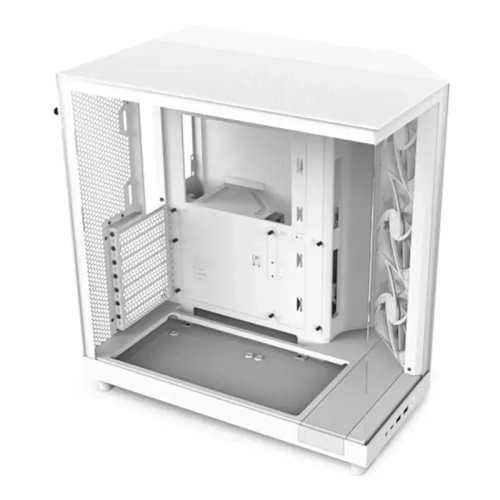
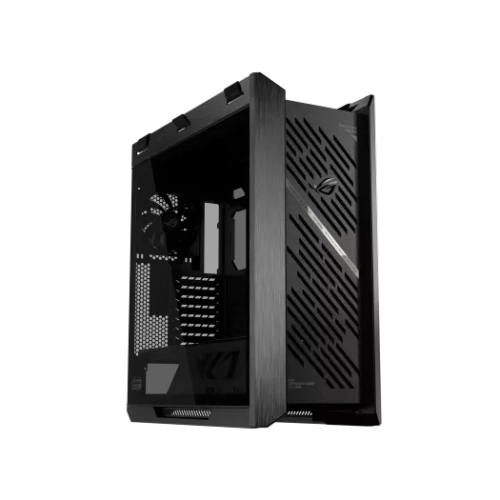
Why dust filter placement matters for airflow and upkeep
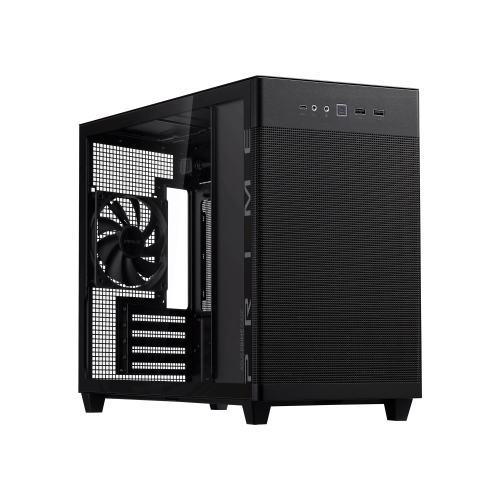
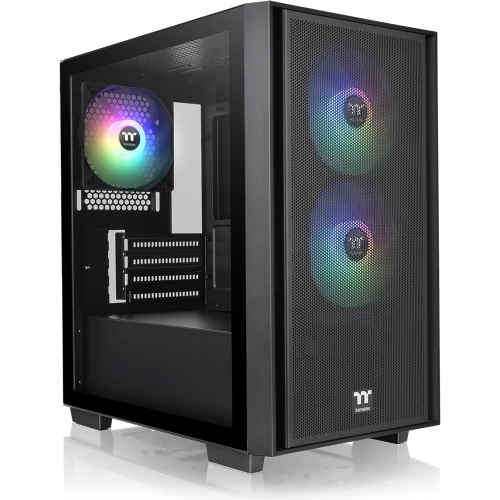
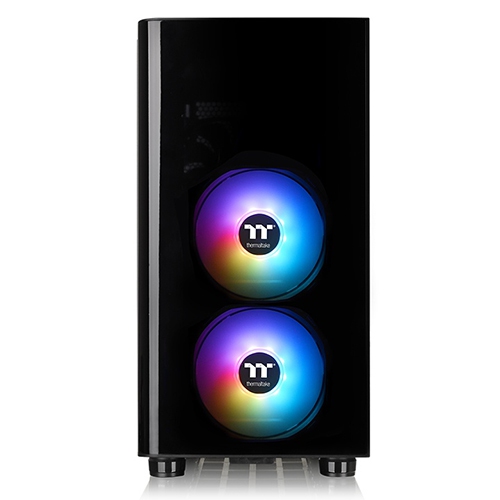
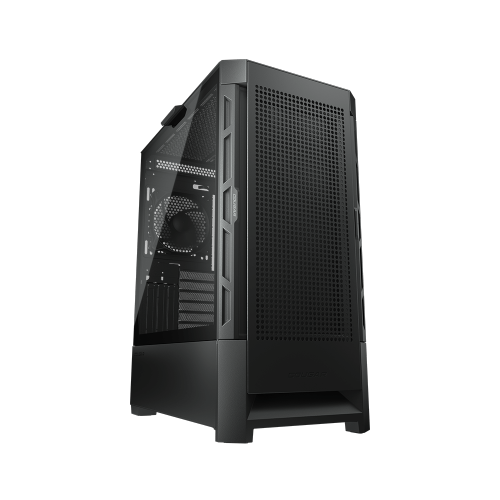
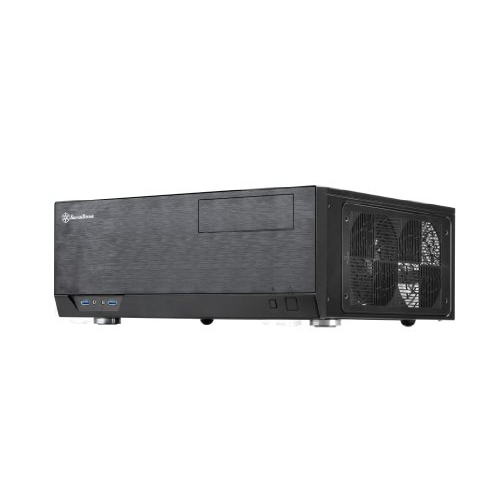
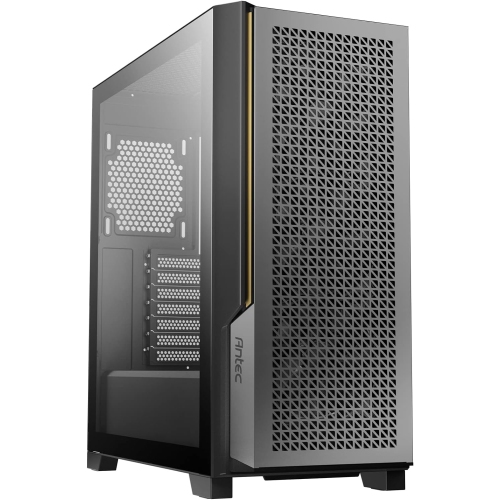
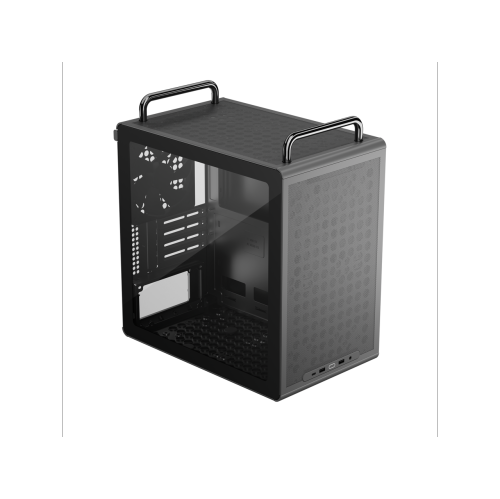
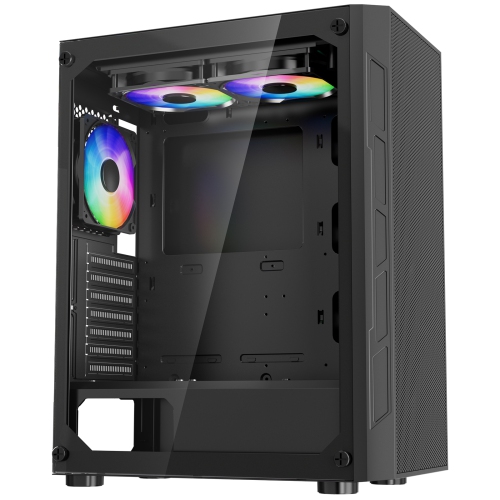
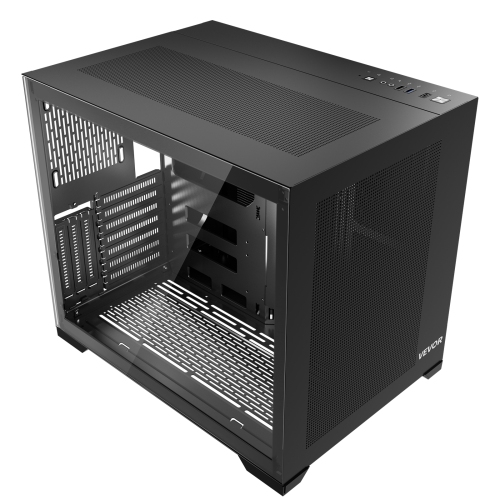
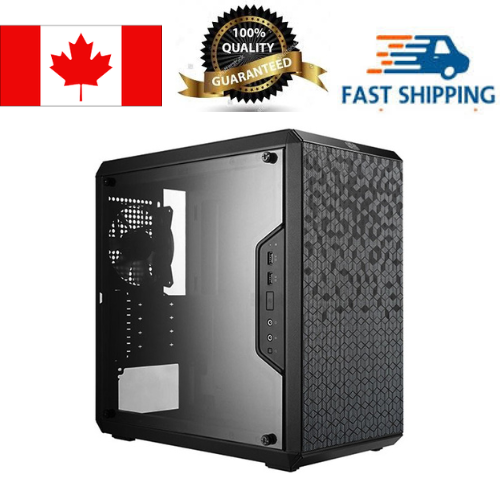
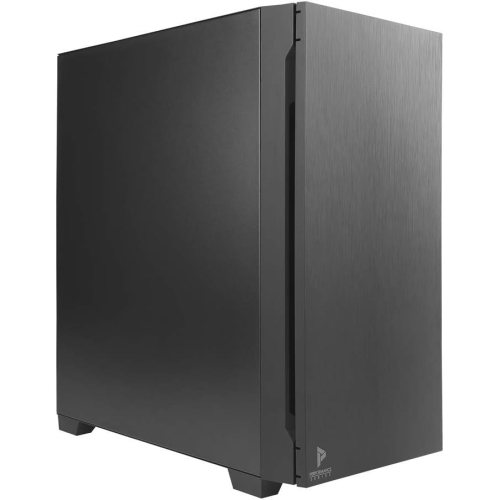
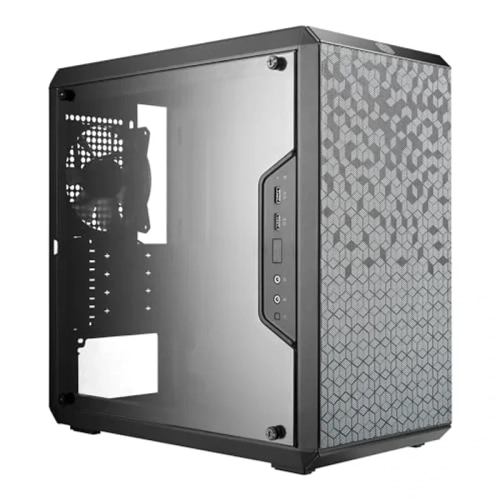
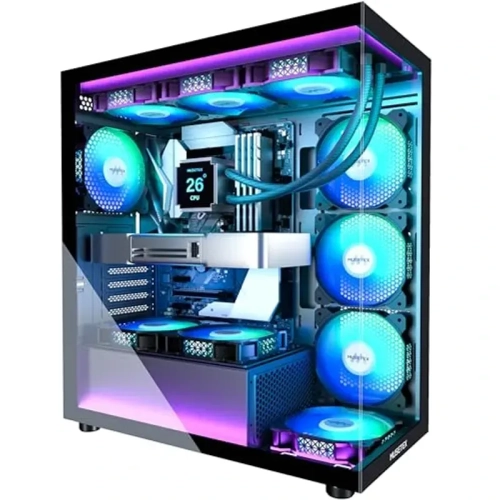
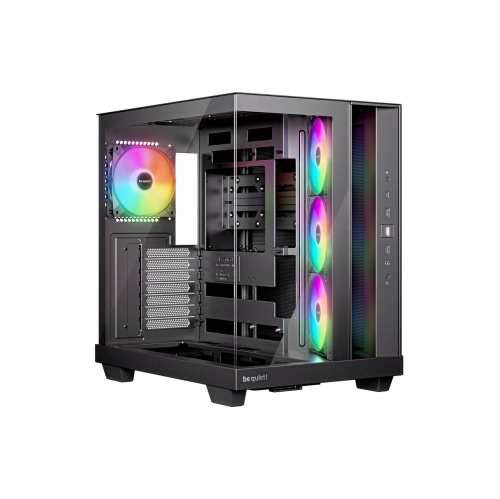
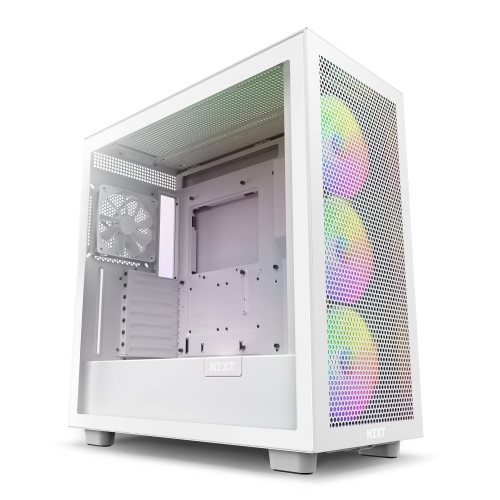
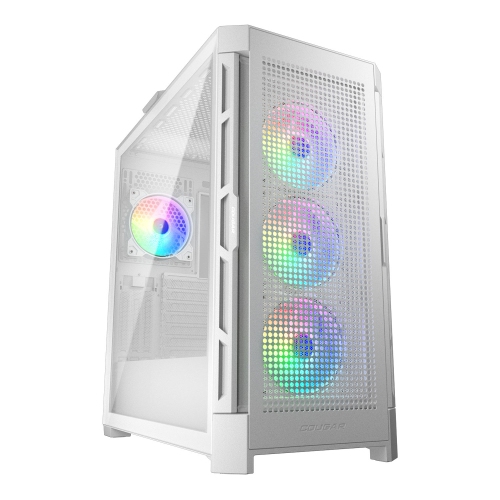
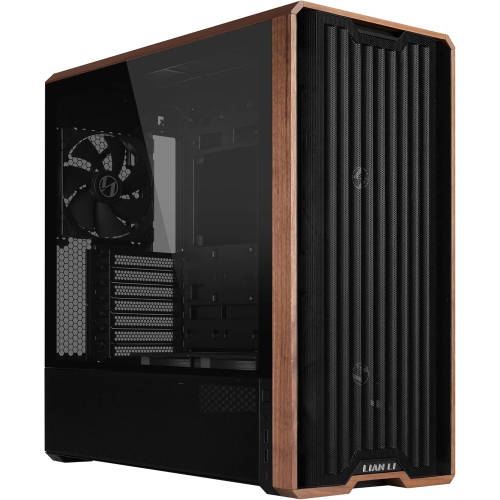
Computer cases with filters help limit the dust, lint, and pet hair drawn towards internal components while allowing air to move through the chassis. Their filters typically sit across intake openings at the front, bottom, or side, with some designs also providing coverage at the top. The most useful placement depends on where the fans pull air into the case: a filtered front intake can catch debris before it reaches the graphics card and processor cooler, while a bottom filter can protect a power supply with a downward-facing fan. Fine nylon mesh and metal screens are common, although the size of the openings and the total filtering area vary. A perforated front panel is not necessarily a dedicated dust filter; larger holes may stop visible fluff while allowing finer particles through. Removable filters make that distinction easier to assess and make regular care more convenient. Magnetic sheets lift away from compatible mounting surfaces, slide-out trays run along tracks, and framed filters may clip into the chassis behind a panel. Access matters as much as coverage, particularly when a tower sits beneath a desk or close to a wall. A bottom filter that slides out towards the front can be easier to reach than one that requires moving the entire computer. Filtration also needs to work with the cooling layout rather than simply covering every opening. Dense filter material adds airflow resistance, so generous intake areas and suitable fans help maintain circulation during gaming, rendering, and other demanding tasks. A setup that moves slightly more air through filtered intakes than through exhaust fans can reduce the amount drawn through unfiltered gaps, but fan count alone does not establish that balance. Fan speed, size, filter resistance, and the case layout all contribute. For another perspective on ventilation-focused designs, explore Computer Cases With Good Airflow alongside filtered options.
Case size and component clearance remain essential considerations, even when dust protection is the main priority. Motherboard compatibility usually identifies support for formats such as ATX, Micro-ATX, and Mini-ITX, but that label does not describe every dimension inside the chassis. A compact case may support the motherboard while leaving limited room for a long graphics card, a tall processor cooler, or cables connected near a side panel. Graphics card thickness also matters, particularly when lower expansion slots or bottom-mounted fans share the same space. Radiator support needs similar attention: a stated mounting size does not always mean that every radiator and fan combination will fit without affecting memory clearance or graphics card length. Drive bays, power supply length, and cable-routing space can further influence how comfortably a build comes together. Mid-tower designs often suit gaming systems, home office computers, and creative workstations, while smaller cases appeal to people who want more usable desktop space. Larger towers can provide room for additional drives, cooling hardware, and future changes, though they require a suitably sized location. Construction affects both the feel of the case and its everyday practicality. Steel panels provide a solid structure, aluminium can reduce weight, and tempered glass offers a clear view of internal lighting and carefully routed cables. A glass side panel does not automatically mean restricted airflow when the front and other intake areas provide adequate ventilation. Solid side panels may appeal to someone who prefers a restrained appearance or wants internal components hidden from view. Panel fit, secure fasteners, and a rigid frame contribute to durability, especially when the computer is moved for cleaning or upgrades. Cable channels and tie-down points help organize wiring behind the motherboard tray, keeping leads away from fans and making later maintenance less awkward. Front-facing ports, accessible controls, and enough clearance to remove panels can be just as valuable as the appearance of the finished build.
The appeal of a filtered computer case is especially clear in spaces where dust collects visibly around furniture, fabric, or pet bedding. A gaming tower beside a carpeted desk area faces different practical demands from a workstation on a clear work surface, but both benefit from accessible intake filters. Hard, stable placement helps preserve clearance beneath bottom vents; thick carpet can obstruct those openings even when a filter is fitted. Room around the front and rear also allows air to move without being blocked by a cabinet wall or stored belongings. Filters reduce the amount of debris entering through covered openings, but they do not seal the computer against dust or replace internal cleaning. How often they need attention depends on the room, operating hours, and how quickly a visible layer forms. A design with filters that detach without tools makes inspection easier, especially for a computer used daily for schoolwork, video editing, or long gaming sessions. Care requirements vary by material and construction. Loose dust may be removed with a soft brush or another method permitted by the manufacturer, while rinsing is appropriate only for filters identified as washable. Any rinsed filter needs to dry completely before returning to the case, and surrounding electrical components must remain dry. Gentle handling helps preserve fine mesh, frames, clips, and magnetic edges; a bent frame or torn screen can leave gaps that let debris pass around the filtering surface. Replacement filter compatibility is another useful consideration for a case intended to serve through several component upgrades. For someone building a first desktop, a well-planned filtered chassis can make routine upkeep feel more manageable. Experienced builders may place greater value on broad intake coverage, easy panel removal, and space to adjust fans as hardware changes. As a gift for a PC enthusiast, a case is most suitable when the recipient’s component dimensions, preferred size, and visual style are known. The strongest match brings filtration, fit, access, and ventilation together, supporting the way the computer will actually be used and maintained.
Top selling and popular products
-
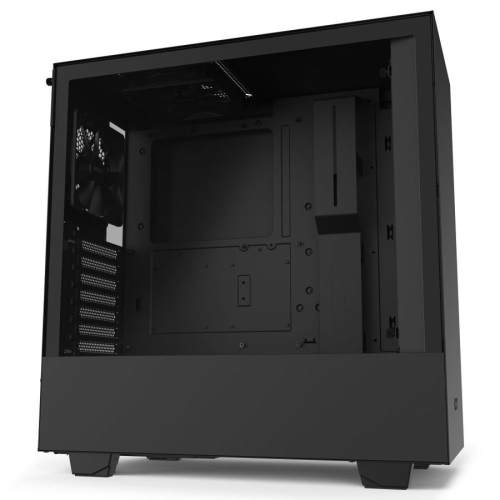 Your price for this item is $299
-
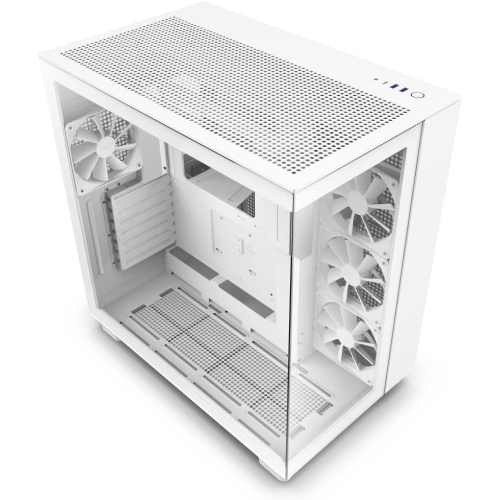 Your price for this item is $514.68
-
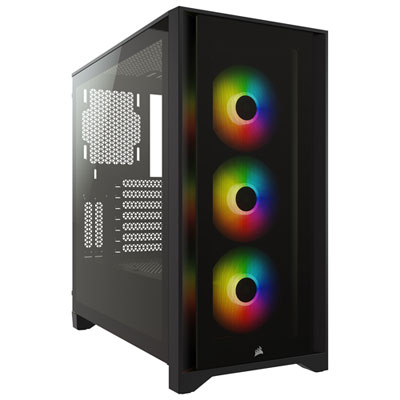 Your price for this item is $149.97
-
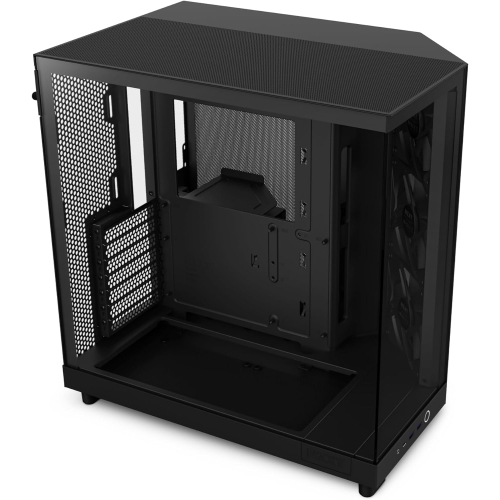 Your price for this item is $169.99
-
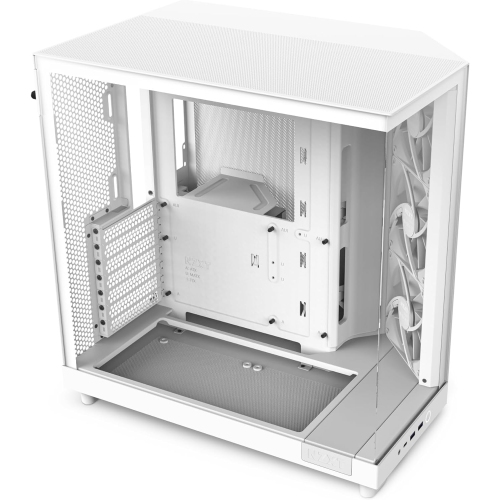 Your price for this item is $116.49
-
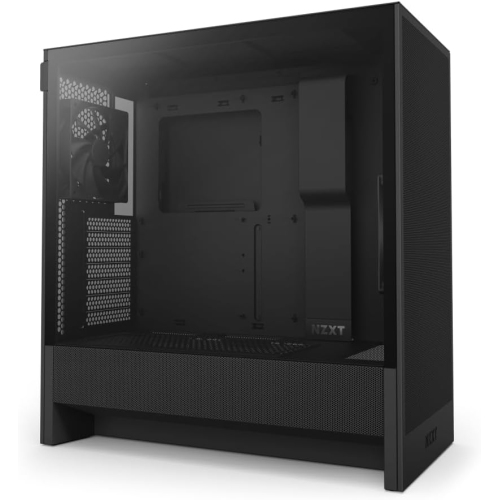 Your price for this item is $116.49
-
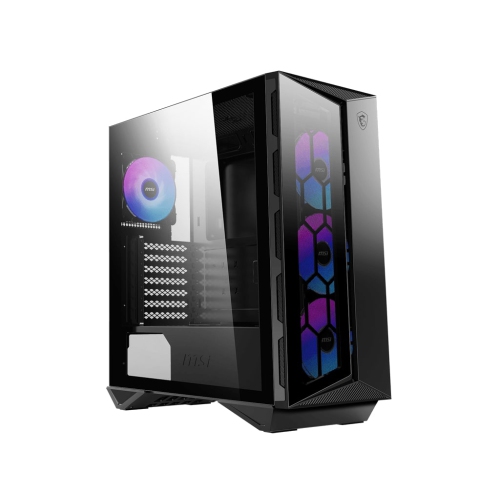 Your price for this item is $157.68
-
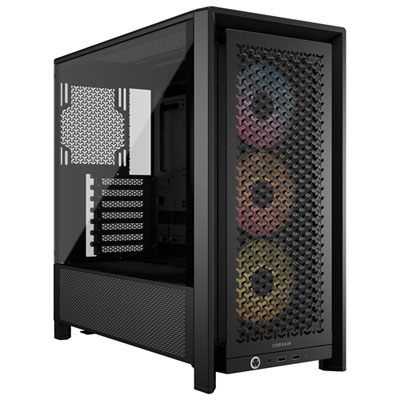 Your price for this item is $154.99
Discover more categories related to Computer Cases With Filters
Top Collections:
Best Black Friday Deals This Year, Best Black Friday Deals On Electronics, Kindle Devices, Pokemon Centers, Best Black Friday Deals On Apple Products, Best Cameras for Sports Photography, Dyson Airwrap, Pokémon 30th Celebration Cards, Apple iPhone 17 Pro, Canon G7X Cameras
Some products may be subject to Environmental Handling Fees
(EHF) depending on your province.
Learn more about EHFs.