Best Case Fans for Optimal Airflow
Keep your PC cool with the best case fans for optimal airflow, ranked based on user review ratings. Whether you’re building a gaming rig or upgrading your desktop, explore options to help move heat out of your case and support reliable performance. Compare fan sizes, airflow ratings, and noise levels to find the right fit for your setup.
What to look for in case fans for optimal airflow
1. Fan Size and Case Compatibility
2. Airflow and Static Pressure
3. Noise Levels and Speed Control
4. Airflow Layout and Connections
-
1
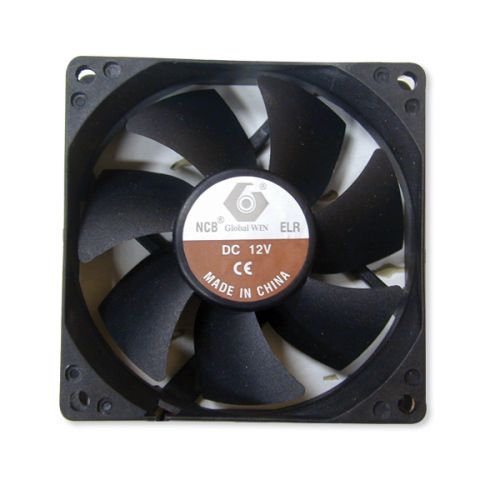
GLOBAL WIN TECH 80X80X25 Elr Fan
About this product
An efficient cooling fan designed for optimal airflow in computer and tablet components.
$26.68 Your price for this item is $26.68 -
2
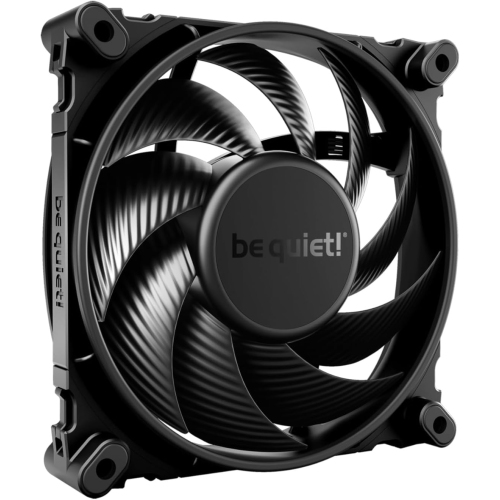
BEQ Be Quiet Silent Wings 4 120MM Pwm High Speed 2500 Premium Low Noise Cooling Fan | 4-Pin | Bl094
About this product
A high-speed 120mm cooling fan with low noise and 4-pin PWM connectivity.
$62.68 Your price for this item is $62.68 -
3
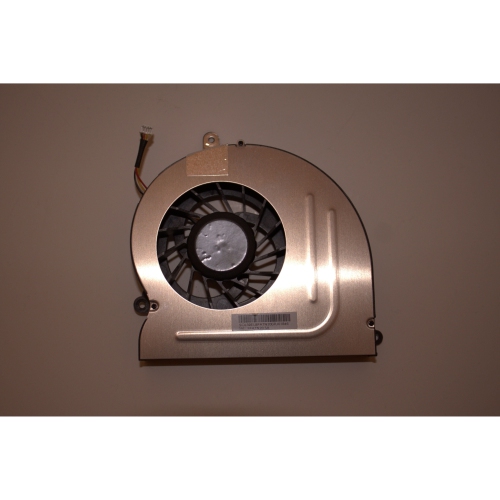
ACER Genuine Aspire Z5600 & Gateway Zx6800 Cpu Cooling Fan Replacement - Part # 23.scy07.003
About this product
A genuine replacement CPU cooling fan that ensures efficient airflow and prevents overheating in compatible PCs.
$68.99 Your price for this item is $68.99 -
4
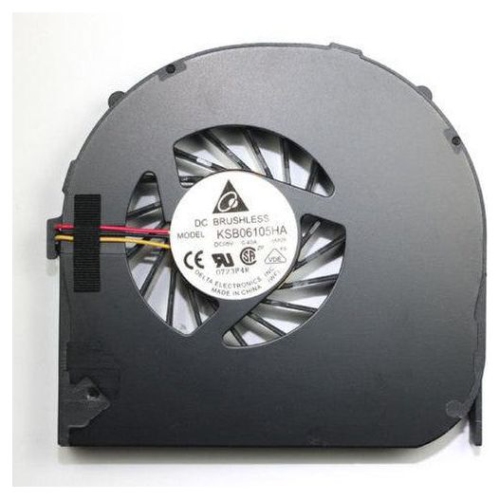
ACER High-Performance Aspire Cpu Fan - Compatible With 4741, 4741G, 4741Z, 4741Zg, 4551 Models
About this product
A replacement CPU fan designed for select Acer Aspire and eMachines laptop models.
$47.99 Your price for this item is $47.99 -
5
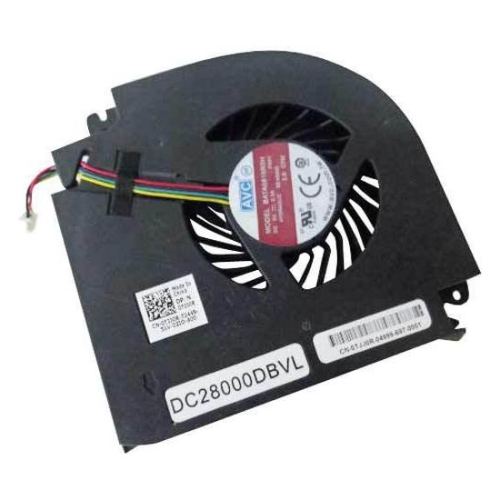
DELL High-Performance Precision M6800 Graphics Card Cooling Fan - Model Tjj0R
About this product
A high-performance cooling fan designed to efficiently dissipate heat from your graphics card.
$108.99 Your price for this item is $108.99 -
6
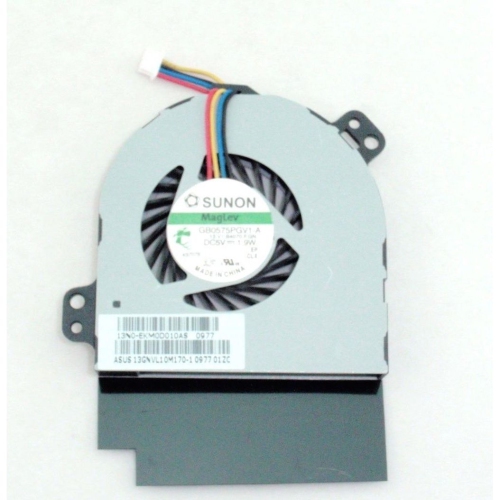
ASUS Ux50 Ux50V Replacement Cpu Cooling Fan - Model 13N0-Ekm0D010As
About this product
A high-performance replacement CPU cooling fan designed for efficient heat dissipation in compatible Asus laptops.
$47.99 Your price for this item is $47.99 -
7
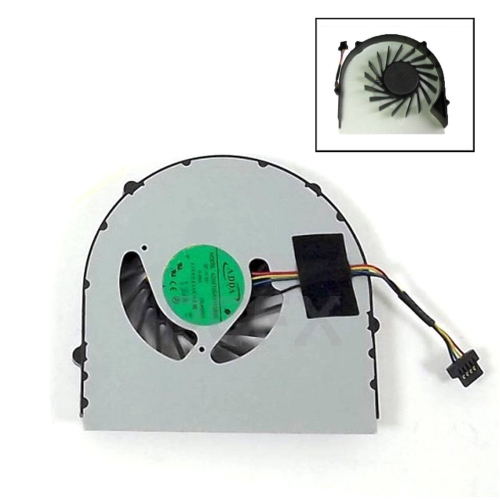
LENOVO Genuine B560 B565 B560A V560 Replacement Cpu Cooling Fan - Model Ad06705Hx11Db00
About this product
A replacement CPU fan designed for select Lenovo laptop models to help maintain optimal cooling performance.
$58.99 Your price for this item is $58.99 -
8
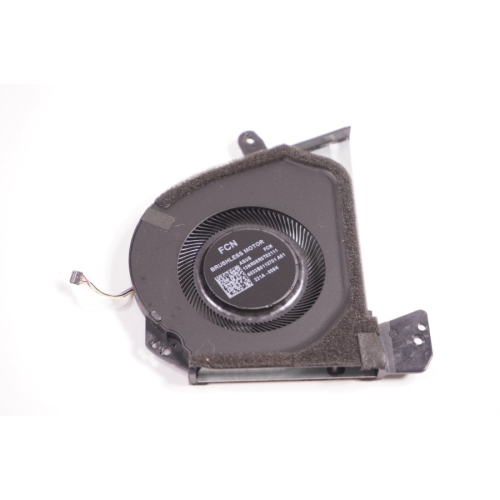
ASUS Gu603 Laptop Cooling Fan - Model 13Nr08R0T02111 for Enhanced Performance
About this product
A high-efficiency replacement cooling fan designed to maintain optimal airflow and performance in compatible laptops.
$55.98 Your price for this item is $55.98 -
9
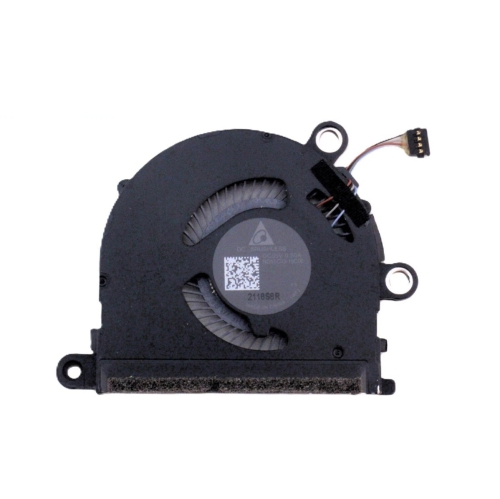
HP Spectre X360 13-Aw Cpu Cooling Fan - High-Performance 5V Nd55C03-19C06 Compatible Replacement
About this product
A high-performance 5V replacement fan that delivers efficient cooling and reliable airflow for select HP laptops.
$39.98 Your price for this item is $39.98 -
10
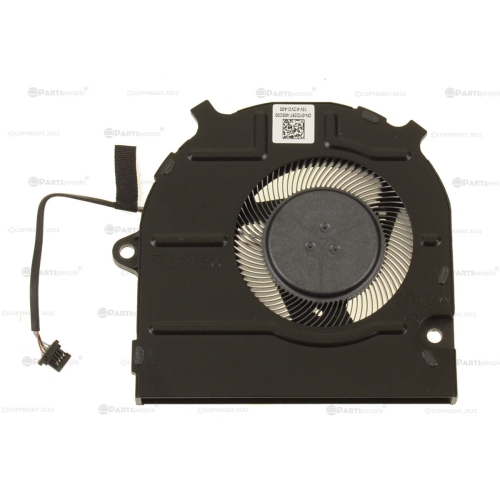
DELL High-Performance Oem Cpu Cooling Fan for Latitude 3420, 3430, And 3520 Laptops
About this product
A high-performance replacement CPU cooling fan that ensures efficient airflow and prevents laptop overheating.
$37.99 Your price for this item is $37.99
FAQ
PWM case fans typically use a 4-pin power connector and a dedicated control signal to adjust fan speed. DC case fans typically use a 3-pin power connector and adjust speed through changes in voltage. Check your motherboard manual to see which control modes its fan headers support.
Standard RGB lighting typically displays one colour across all LEDs at a time, while addressable RGB, or ARGB, allows individual LEDs to display different colours and patterns. RGB commonly uses a 4-pin 12V lighting connection, while ARGB commonly uses a 3-pin 5V connection. These lighting connections are not interchangeable and are separate from the fan’s power connection.
Common case fan bearing types include sleeve, ball and fluid dynamic bearings. Sleeve bearings use a lubricated sleeve around the fan shaft, ball bearings use small rolling balls, and fluid dynamic bearings use a specially designed fluid film. The bearing type is usually listed in the fan’s specifications.
Depending on your hardware, you can adjust case fan settings through your motherboard’s BIOS or UEFI, compatible desktop software, or a dedicated fan controller. Available settings may include fixed speeds, preset profiles and custom fan curves that link fan speed to a temperature sensor.
Case fans may come with mounting screws, vibration-dampening pads, extension cables, splitter cables or lighting adapters. Multi-fan kits may also include a hub or controller. Package contents vary, so check the included-accessories list to understand what comes with the fans.
Top selling and popular products
Discover more categories related to Best Case Fans for Optimal Airflow
Some products may be subject to Environmental Handling Fees (EHF) depending on your province. Learn more about EHFs.