Computer Keyboards for Seniors
Computer Keyboards for Seniors are designed to make everyday computing more comfortable and enjoyable. Explore a selection of keyboards that offer practical solutions for enhanced ease of use, whether for staying connected with family, enjoying hobbies online, or managing daily tasks. Find options that help simplify your digital experience and support your needs, so you can focus on what matters most. Discover the right fit among Computer Keyboards for Seniors to complement your desktop or laptop setup.
Sort








Why readable keys and typing comfort matter
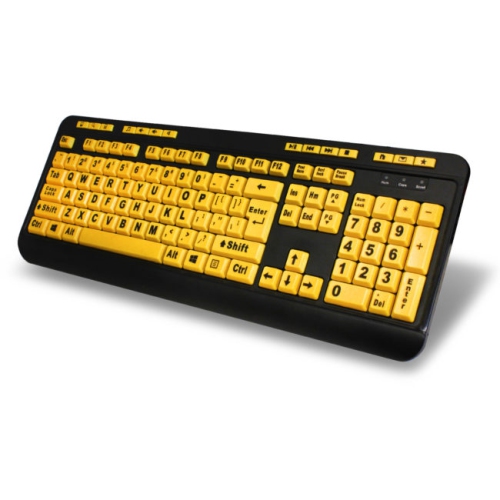
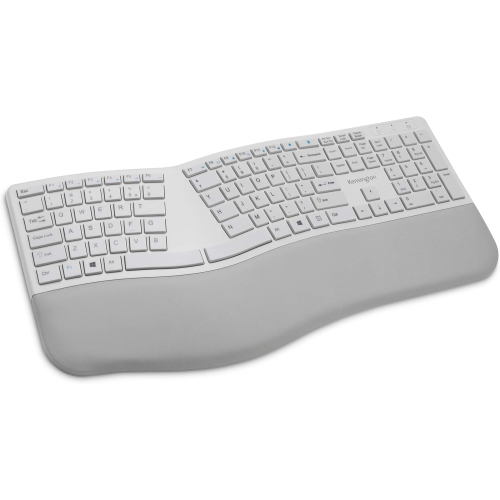
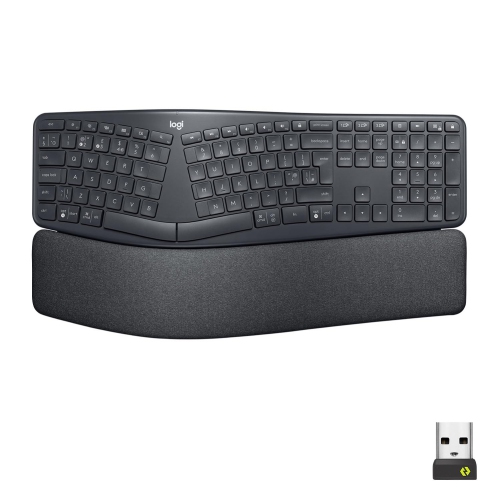
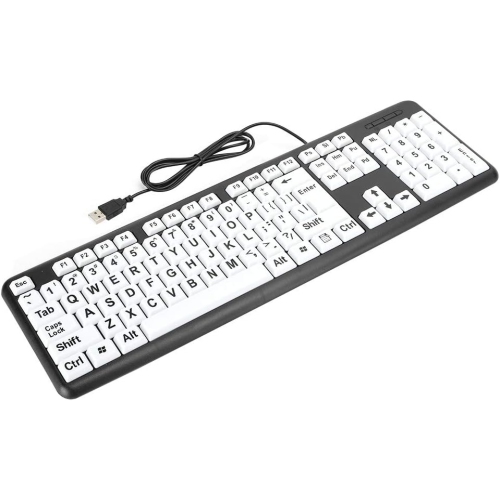
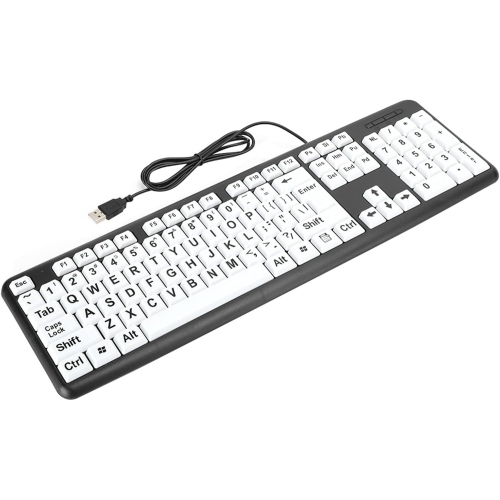
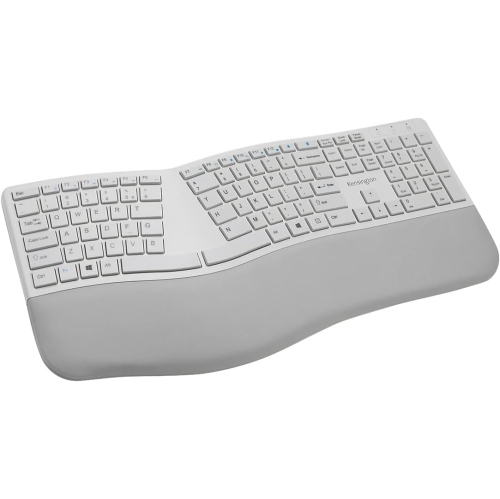
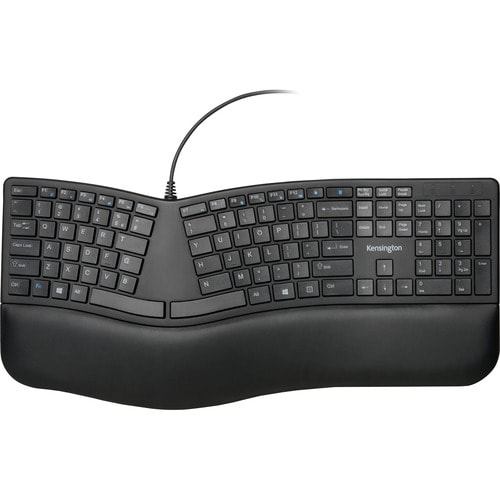
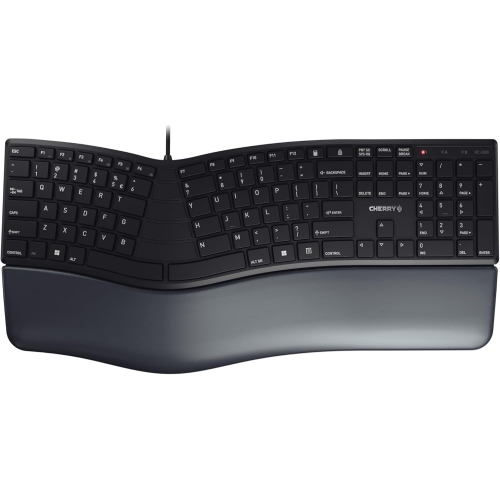
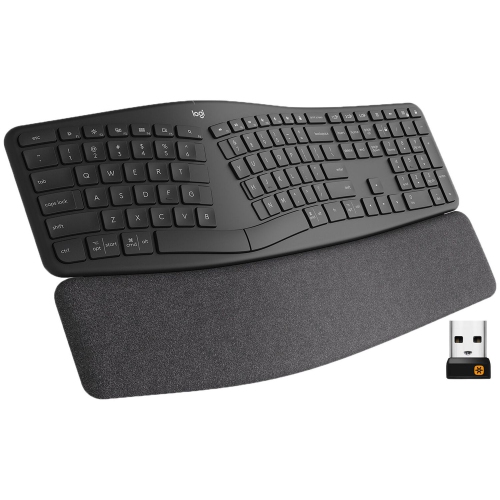
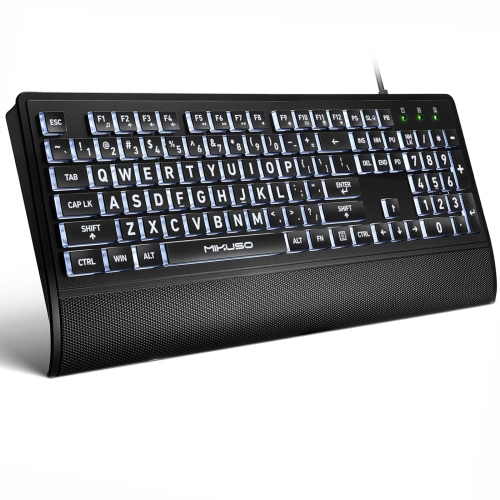
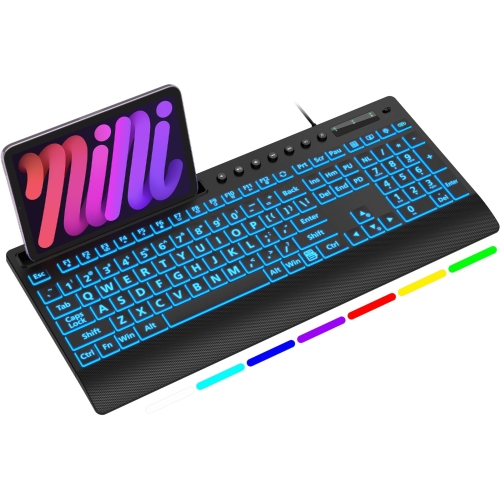
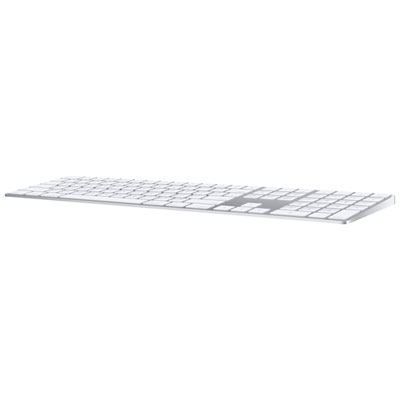
Computer keyboards for seniors often emphasize large, easy-to-read lettering, clear contrast, and a comfortable typing feel. These features can make everyday tasks such as writing emails, entering search terms, filling out forms, and keeping in touch with family feel more manageable. Age alone does not determine the right keyboard: some older adults prefer the familiar feel of a traditional full-size layout, while others value lighter key presses, a smaller footprint, or more visible characters. For someone who frequently leans forward to identify a letter, larger legends—the letters, numbers, and symbols printed on the keys—may be especially useful. Larger print does not necessarily mean larger keys, so both character size and key dimensions matter. High-contrast combinations, such as dark lettering on light keys or light lettering on dark keys, can help characters stand out. The most readable combination depends on individual vision and the lighting around the desk. Backlighting can make lettering easier to locate in a dim workspace, particularly when light shines through the characters, although brightness settings and reflections affect the result. A matte surface may be preferable where a nearby lamp creates glare. Layout is just as important as visibility. Clearly separated arrow keys, an easy-to-find Delete key, and familiar placement of punctuation can reduce interruptions when editing a message or correcting a document. A full-size keyboard usually includes a dedicated number pad, which can be convenient for household budgets, calculations, or entering long numbers. It does not automatically have larger letter keys than a compact keyboard. A compact layout leaves more room for a mouse and may suit a smaller work surface, but tightly grouped navigation keys or extra functions shared by one key can take some adjustment. Distinct labels for common controls, including volume and screen brightness where supported, can also make routine computer use more straightforward. Familiarity often matters as much as extra features, especially for someone replacing a keyboard they have used comfortably for years.
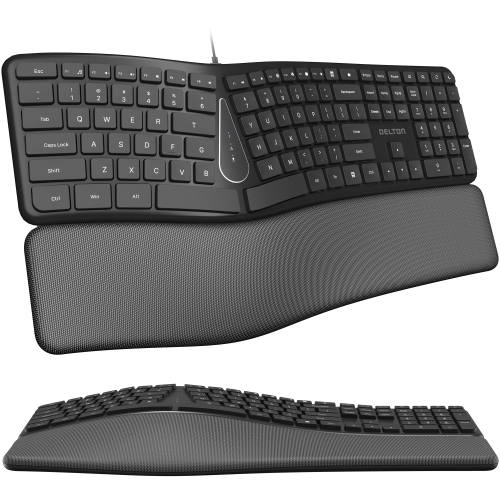
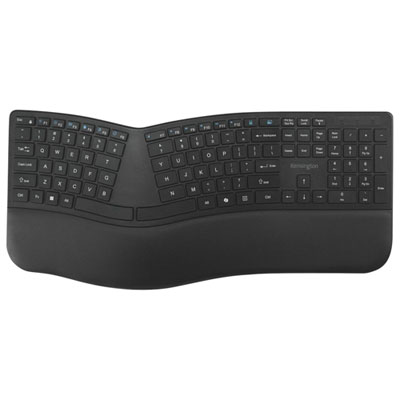
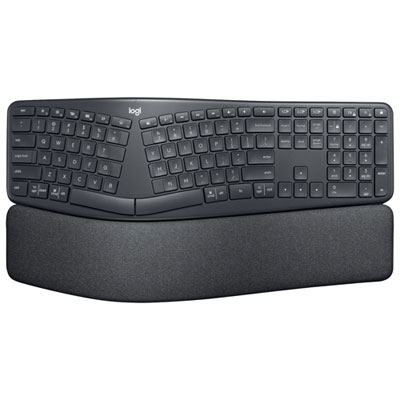
Typing comfort involves the way a keyboard feels beneath the fingers as well as its shape. Keyboards vary in how much pressure each key requires, how far it moves, and how clearly it signals that a press has registered. A lighter action may suit someone who finds repeated pressing tiring, while a more noticeable tactile response can help another person avoid uncertain or repeated keystrokes. Very sensitive keys can also register accidental presses, so the lightest feel is not automatically the best fit. Low-profile keys offer a shorter movement, while taller keys may feel more familiar to someone accustomed to a traditional desktop keyboard. Quiet operation can be useful in a shared living space, although sound alone does not indicate how much force typing requires. A stable base and secure, non-slip feet help keep the keyboard from sliding when reaching for keys near the edges. Curved or split layouts may allow a more natural hand position for some people, but they can require an adjustment period and are not a substitute for a well-arranged desk. Keeping the keyboard within easy reach, with relaxed shoulders and wrists reasonably straight, matters more than raising its rear feet as high as possible. A palm rest can provide support during pauses without pressing against the wrists while typing. Materials and construction also influence daily use. Textured plastic keycaps can offer a different feel from smooth surfaces, and clearly applied or moulded legends help maintain readability over time. Durability depends on the construction and lettering method rather than appearance alone. For a keyboard used beside a cup of tea or during lengthy correspondence, easy-to-clean surfaces are practical, but spill resistance should never be assumed. Care generally involves disconnecting or switching off the keyboard, removing loose debris gently, and wiping surfaces according to the manufacturer's directions without allowing liquid into the case. Removable keycaps and protective covers are not suitable for every design; a cover can also change the typing feel or make lettering less clear.
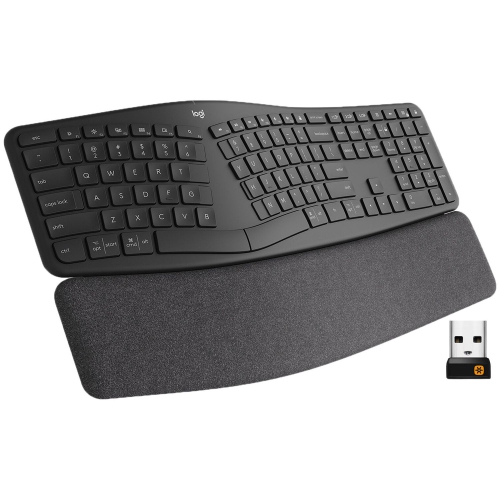
Connection type and computer compatibility help determine how smoothly a keyboard fits into an existing setup. A wired USB keyboard avoids battery changes and usually offers a straightforward connection, provided the computer has a suitable port and supports the keyboard. Cable length and routing matter when the computer sits beneath a desk or farther from the chair. Wireless keyboards reduce cable clutter and allow more flexible placement, but they need either replaceable batteries or charging. Models that use a USB receiver occupy a compatible port, while Bluetooth keyboards require a computer with Bluetooth support and an initial pairing process. An accessible power switch, a clear battery indicator, and a charging connection that is easy to reach can make ongoing use less fiddly. Compatibility extends beyond making a connection: shortcut keys, media controls, and extra buttons may behave differently across operating systems. The printed layout should also match the person's typing habits, particularly when switching between English and French or regularly entering accented characters. For someone who writes long family updates, familiar spacing and comfortable key pressure may take priority; for someone managing spreadsheets, a number pad and clear navigation keys may be more useful. Older adults with reduced vision may value bold lettering, while those with limited finger movement may pay closer attention to spacing, accidental key presses, and access to frequently used controls. Computer accessibility settings can complement the hardware by adjusting key-repeat behaviour or allowing shortcut combinations to be entered one key at a time, where supported. The related selection of Easy Typing Keyboards offers another way to explore layouts and features centred on typing comfort. A keyboard can also be a thoughtful gift for a parent, grandparent, friend, or partner who spends time at a computer, especially when their preferences are part of the choice. Matching the recipient's familiar layout, desk space, connection needs, and preferred typing feel is more useful than choosing solely by age or by the number of added features.
Typing comfort involves the way a keyboard feels beneath the fingers as well as its shape. Keyboards vary in how much pressure each key requires, how far it moves, and how clearly it signals that a press has registered. A lighter action may suit someone who finds repeated pressing tiring, while a more noticeable tactile response can help another person avoid uncertain or repeated keystrokes. Very sensitive keys can also register accidental presses, so the lightest feel is not automatically the best fit. Low-profile keys offer a shorter movement, while taller keys may feel more familiar to someone accustomed to a traditional desktop keyboard. Quiet operation can be useful in a shared living space, although sound alone does not indicate how much force typing requires. A stable base and secure, non-slip feet help keep the keyboard from sliding when reaching for keys near the edges. Curved or split layouts may allow a more natural hand position for some people, but they can require an adjustment period and are not a substitute for a well-arranged desk. Keeping the keyboard within easy reach, with relaxed shoulders and wrists reasonably straight, matters more than raising its rear feet as high as possible. A palm rest can provide support during pauses without pressing against the wrists while typing. Materials and construction also influence daily use. Textured plastic keycaps can offer a different feel from smooth surfaces, and clearly applied or moulded legends help maintain readability over time. Durability depends on the construction and lettering method rather than appearance alone. For a keyboard used beside a cup of tea or during lengthy correspondence, easy-to-clean surfaces are practical, but spill resistance should never be assumed. Care generally involves disconnecting or switching off the keyboard, removing loose debris gently, and wiping surfaces according to the manufacturer's directions without allowing liquid into the case. Removable keycaps and protective covers are not suitable for every design; a cover can also change the typing feel or make lettering less clear.
Connection type and computer compatibility help determine how smoothly a keyboard fits into an existing setup. A wired USB keyboard avoids battery changes and usually offers a straightforward connection, provided the computer has a suitable port and supports the keyboard. Cable length and routing matter when the computer sits beneath a desk or farther from the chair. Wireless keyboards reduce cable clutter and allow more flexible placement, but they need either replaceable batteries or charging. Models that use a USB receiver occupy a compatible port, while Bluetooth keyboards require a computer with Bluetooth support and an initial pairing process. An accessible power switch, a clear battery indicator, and a charging connection that is easy to reach can make ongoing use less fiddly. Compatibility extends beyond making a connection: shortcut keys, media controls, and extra buttons may behave differently across operating systems. The printed layout should also match the person's typing habits, particularly when switching between English and French or regularly entering accented characters. For someone who writes long family updates, familiar spacing and comfortable key pressure may take priority; for someone managing spreadsheets, a number pad and clear navigation keys may be more useful. Older adults with reduced vision may value bold lettering, while those with limited finger movement may pay closer attention to spacing, accidental key presses, and access to frequently used controls. Computer accessibility settings can complement the hardware by adjusting key-repeat behaviour or allowing shortcut combinations to be entered one key at a time, where supported. The related selection of Easy Typing Keyboards offers another way to explore layouts and features centred on typing comfort. A keyboard can also be a thoughtful gift for a parent, grandparent, friend, or partner who spends time at a computer, especially when their preferences are part of the choice. Matching the recipient's familiar layout, desk space, connection needs, and preferred typing feel is more useful than choosing solely by age or by the number of added features.
Top selling and popular products
-
 Your price for this item is $44.99
-
 Your price for this item is $49.72
-
 Your price for this item is $159
-
 Your price for this item is $219.99
-
 Your price for this item is $199.99
-
 Your price for this item is $44.99
-
 Your price for this item is $29.99
-
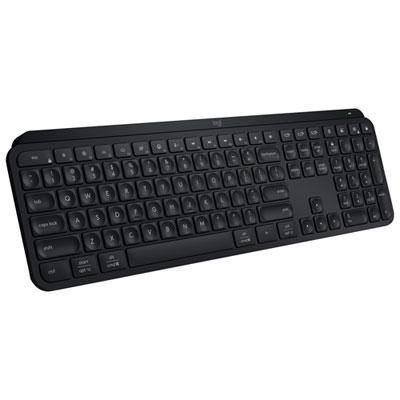 Your price for this item is $169.99
Discover more categories related to Computer Keyboards for Seniors
Top Collections:
Pokemon Centers, Best Black Friday Deals This Year, Best Black Friday Deals On Electronics, Kindle Devices, Best Budget Office Chairs, Best Black Friday Deals On Apple Products, Best Cameras for Sports Photography, Pokémon 30th Celebration Cards, Dyson Airwrap, Canon G7X Cameras
Some products may be subject to Environmental Handling Fees
(EHF) depending on your province.
Learn more about EHFs.