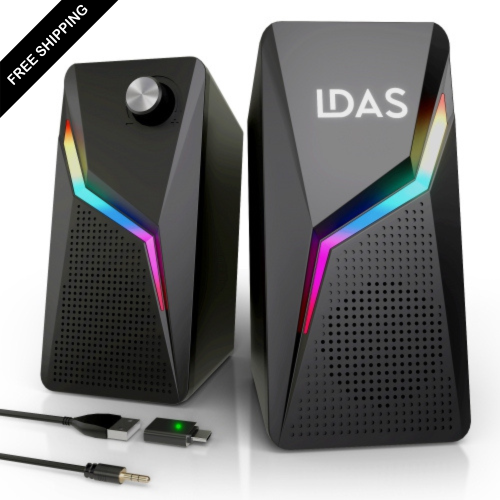
Desktop Computer Speakers
Enhance your audio experience with desktop computer speakers designed to deliver clear, immersive sound for work, entertainment, and everyday use. Whether you’re setting up a home office or upgrading your gaming setup, desktop computer speakers offer a convenient way to enjoy music, movies, and calls with improved clarity. Explore a variety of styles and sizes to find the perfect match for your space and listening preferences. Discover options that fit seamlessly into your setup and bring high-quality sound to your desktop area.
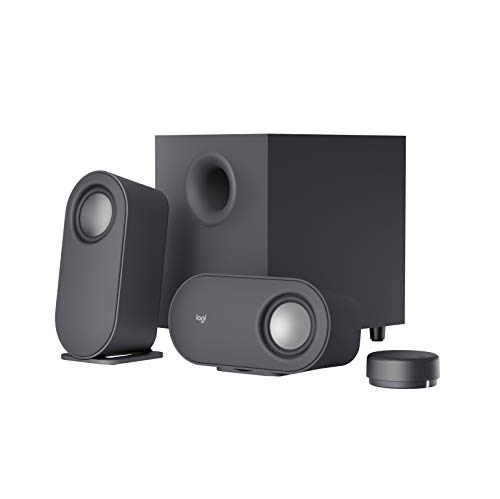
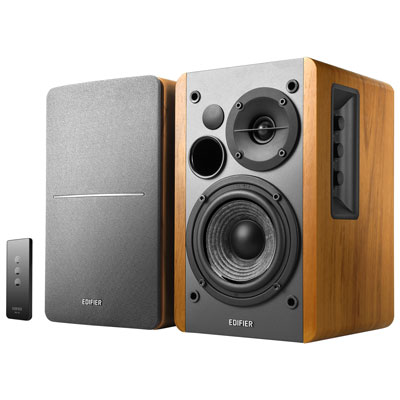
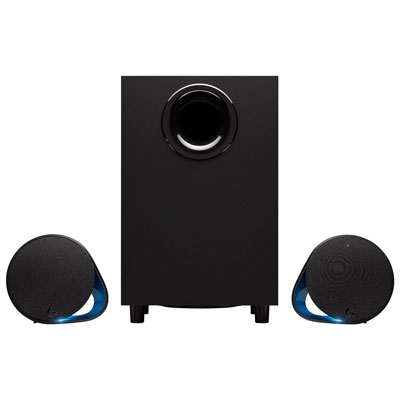
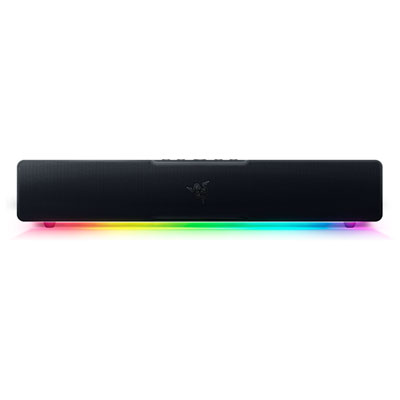
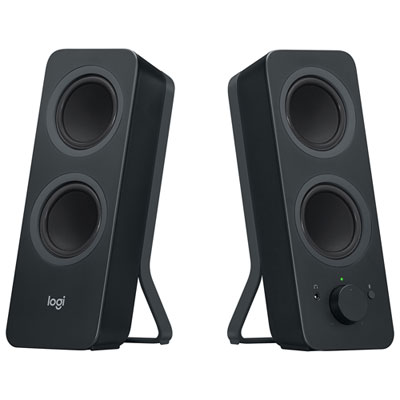
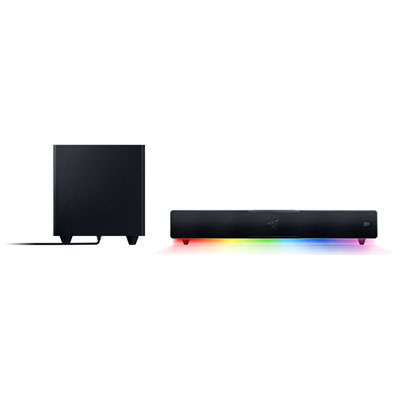
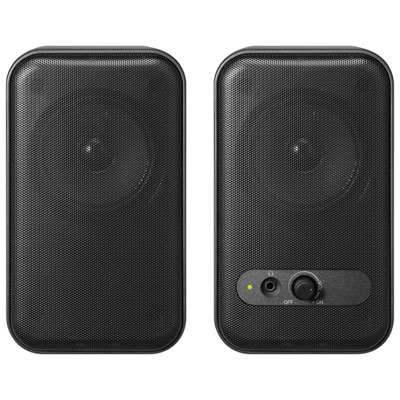
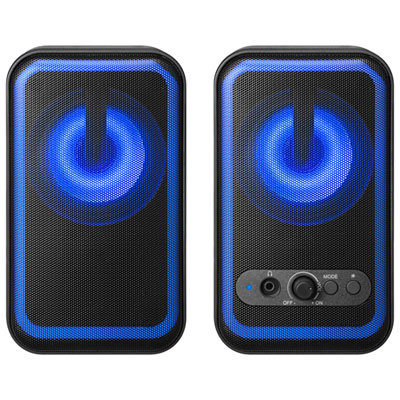
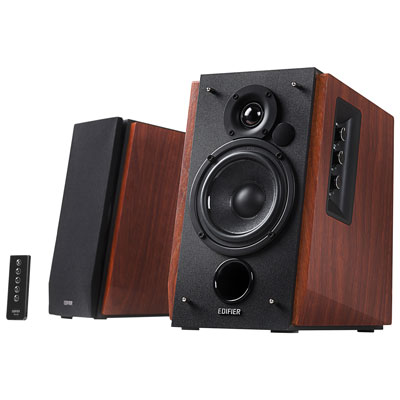
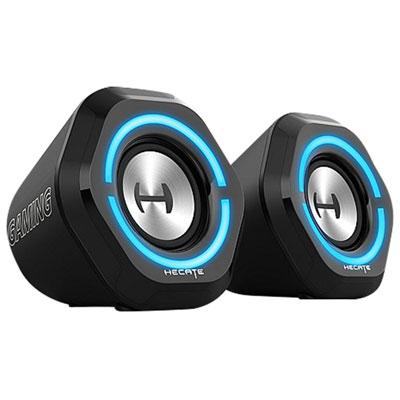
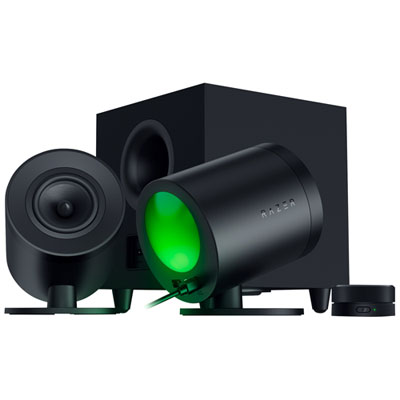
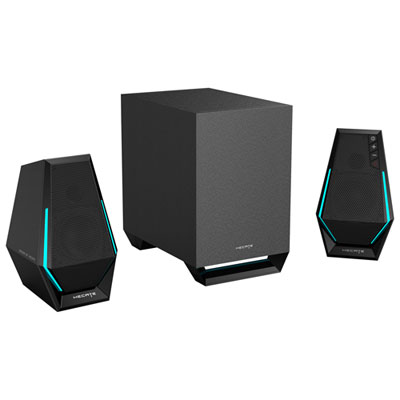
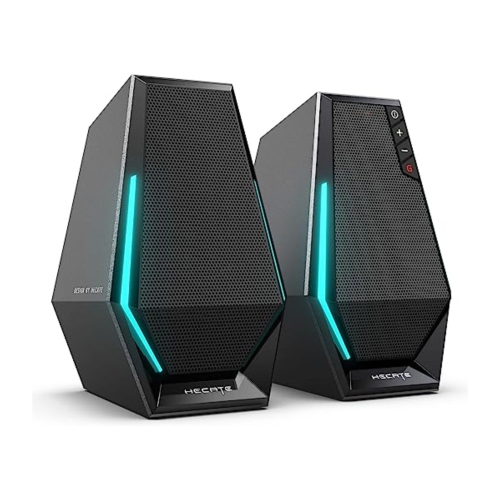
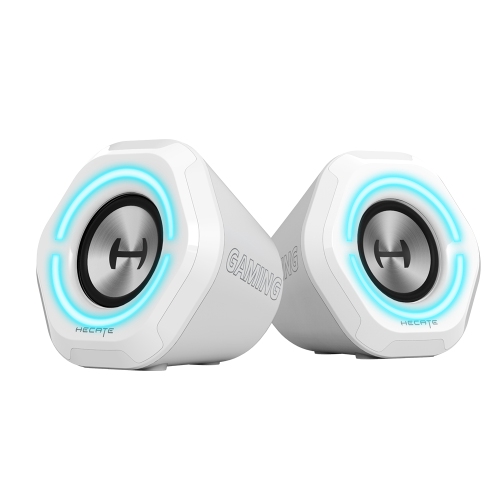
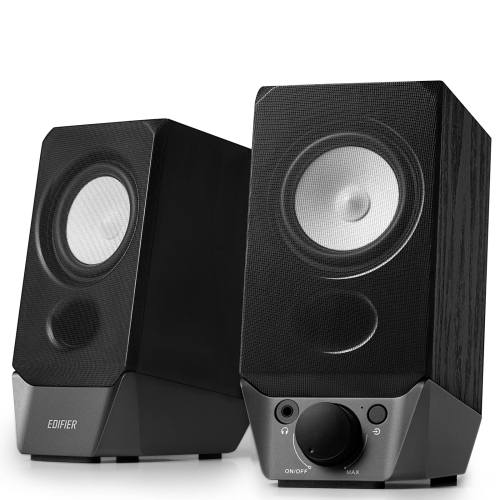


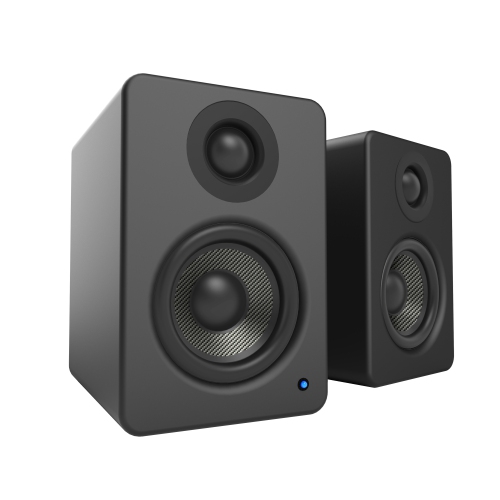
Better sound for work, gaming, calls, and music
When considering which desktop computer speakers might be the best fit, it’s worth thinking about how and where they’ll be used. Compact options are ideal for smaller desks or shared spaces, while larger, more powerful models can deliver room-filling sound for those who want a more immersive experience. Many people appreciate speakers with easy-to-reach volume controls, headphone jacks, or Bluetooth connectivity for the flexibility to connect multiple devices. If you’re someone who enjoys gaming late into the evening or watching movies with friends, look for features like enhanced bass or surround sound simulation to elevate the experience. For those working from home, clear dialogue and balanced mids can make virtual meetings and online learning sessions more productive. As a thoughtful gift, desktop speakers are a great choice for graduates setting up a dorm room, family members creating a home office, or anyone who spends time at their computer and could use a boost in audio quality. They’re one of those practical upgrades that people might not think to buy for themselves, but will appreciate every time they listen.
No matter your needs or preferences, there’s a wide range of desktop computer speakers to suit different budgets and styles, from minimalist designs that blend seamlessly into modern spaces to statement pieces that add flair to your setup. If you’re looking to refresh your sound system or replace an older set, it’s easy to find options that match your setup and deliver the performance you want. For those who need to swap out a worn or malfunctioning pair, check out the selection of Replacement Computer Speakers to keep your audio experience running smoothly. Whether you’re upgrading for better music, clearer calls, or a more engaging gaming session, the right desktop speakers can make every moment at your computer more enjoyable, season after season.
FAQ
What features should I look for when choosing desktop computer speakers?
When selecting desktop computer speakers, consider factors such as sound quality, connectivity options (like Bluetooth or USB), power output, size and design to fit your workspace, and any additional features like built-in controls or subwoofers for enhanced bass.
Can I use desktop computer speakers with devices other than my computer?
Yes, many desktop computer speakers can be connected to other devices such as smartphones, tablets, TVs, or gaming consoles, provided they have compatible input options like a 3.5mm audio jack, Bluetooth, or USB.
What is the difference between 2.0 and 2.1 speaker systems?
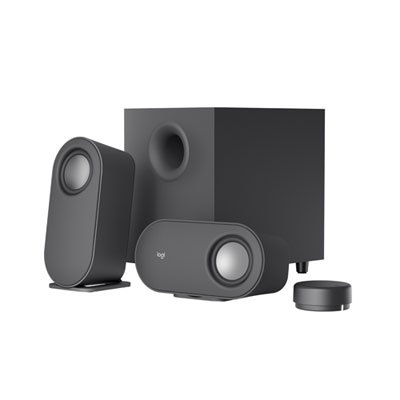
A 2.0 speaker system includes two speakers (left and right channels) without a subwoofer, while a 2.1 system adds a dedicated subwoofer for improved bass response alongside the two main speakers.
Do I need an external amplifier for desktop computer speakers?
Most desktop computer speakers are powered and include built-in amplifiers, so you typically do not need an external amplifier. Passive speakers, which are less common for desktops, would require one.
How do I set up desktop computer speakers with my PC or laptop?
To set up desktop computer speakers, connect them to your PC or laptop using the appropriate cable (such as a 3.5mm audio jack or USB). Plug in the power supply if required, then select the correct audio output device in your system settings to start enjoying enhanced sound.
Top selling and popular products
-
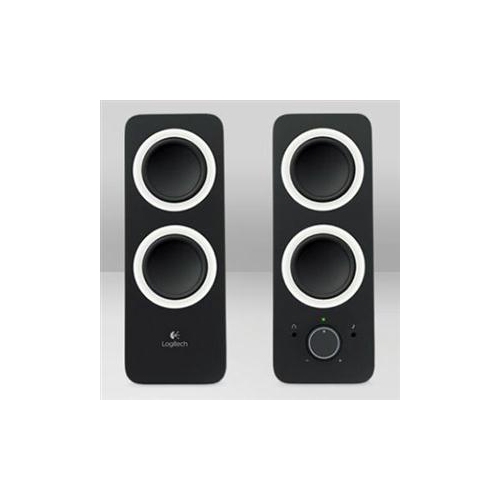 Your price for this item is $101.68
-
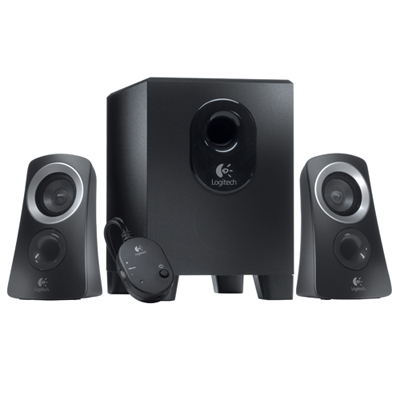 Your price for this item is $79.98
-
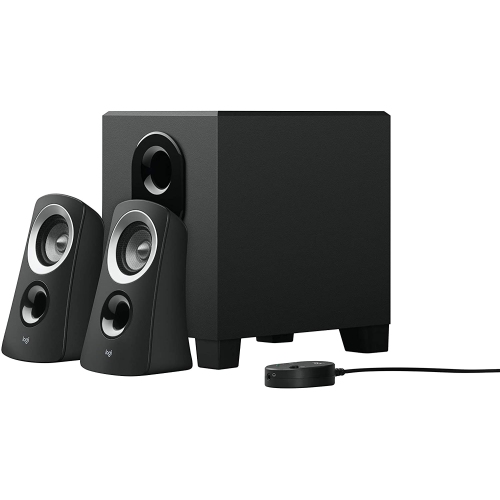 Your price for this item is $106.11
-
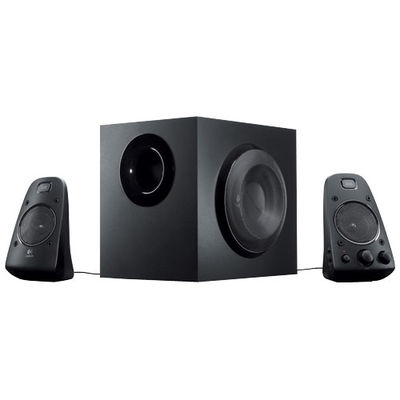 Your price for this item is $231.98
-
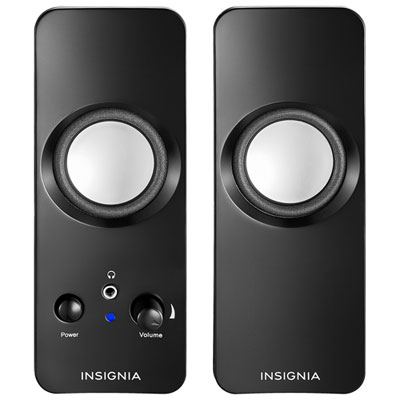 Your price for this item is $29.95
-
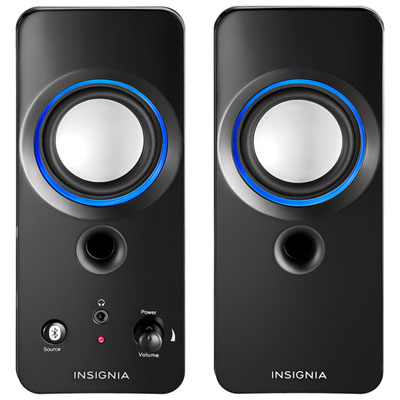 Your price for this item is $39.95
-
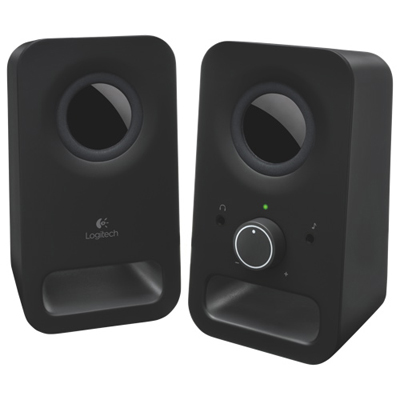 Your price for this item is $34.98
-
 Your price for this item is $179.99