Computers for Home Studios
Computers for Home Studios are essential for anyone looking to create, edit, and produce high-quality audio, video, or digital content from the comfort of home. Whether setting up a music production space, a podcasting corner, or a video editing suite, choosing the right computer can make all the difference in your creative workflow. Explore a wide range of options tailored to meet the demands of home studio projects and discover the perfect setup to bring your ideas to life.
Sort
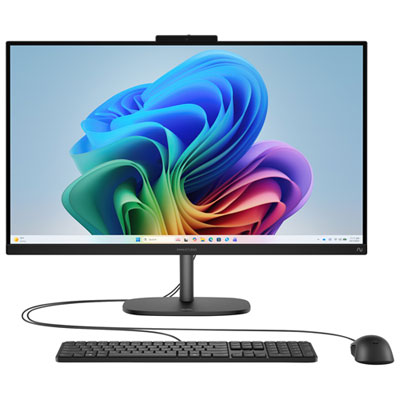


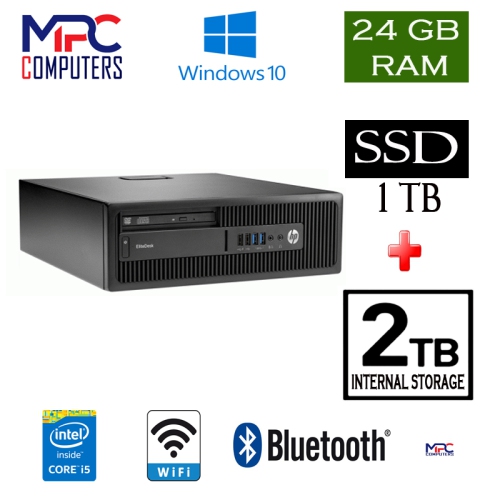
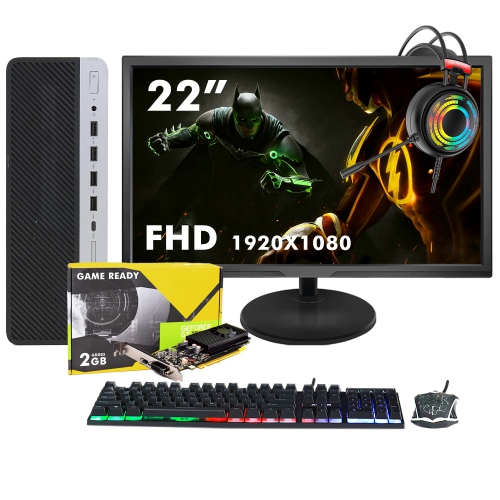
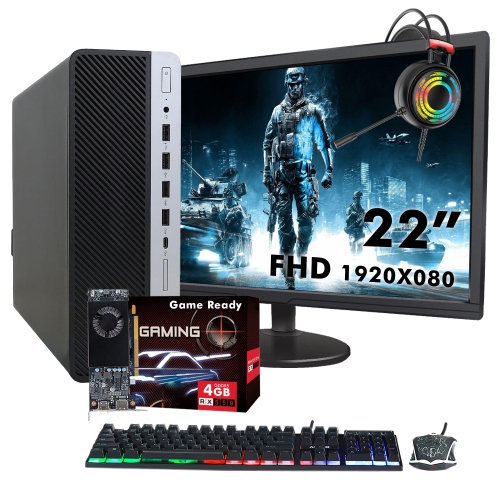











What your recording sessions demand from a computer
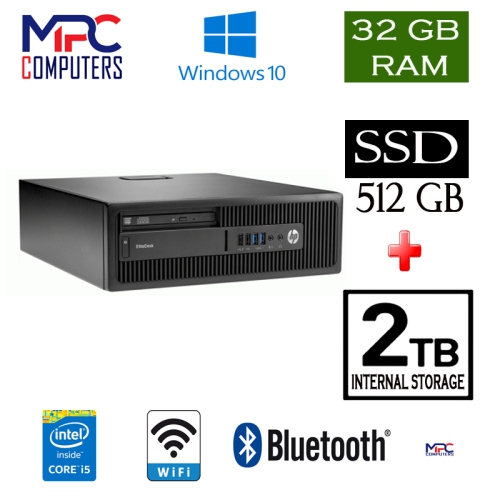
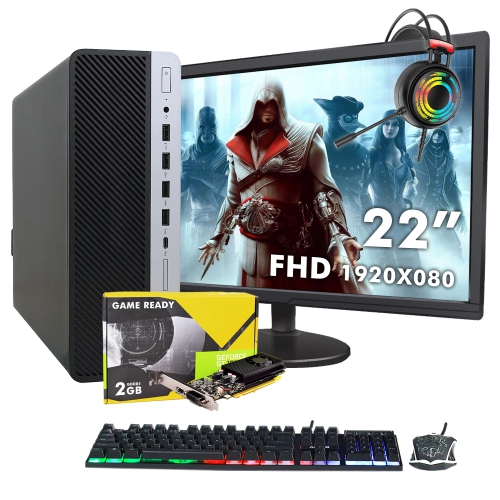
Computers for home studios bring together responsive processing, enough memory for recording software and virtual instruments, fast storage, and cooling that keeps distracting fan noise to a minimum. These qualities matter whether a spare bedroom holds a microphone and a pair of headphones or a dedicated room accommodates keyboards, speakers and several performers. A computer handling a spoken-word recording has different demands from one playing a detailed piano library while processing dozens of audio tracks. Processor performance affects how smoothly a session runs, particularly when software instruments, effects and real-time monitoring compete for resources. Both individual-core speed and multicore performance matter, although recording software distributes work differently, and some demanding signal chains cannot spread evenly across every core. Low latency also depends on the audio interface, its drivers, the software settings and the complexity of the session; a powerful processor alone does not guarantee an immediate response. Smaller audio buffer settings can make monitoring feel more natural while recording, but they leave less processing headroom. Larger settings are often practical during mixing, when immediate input response is less important. Memory provides space for active projects and loaded sounds. For many smaller sessions, 16 GB of RAM is a practical starting point, while 32 GB or more provides additional room for larger arrangements, sample libraries and several applications running together. Requirements vary by software, so the recommended specifications for a preferred digital audio workstation and its plug-ins remain useful reference points. A songwriter sketching vocals over a few guitar tracks may value quick startup and simple connections, while a composer building layered arrangements may need substantially more memory and storage. For podcasters, voice performers, musicians and producers, the most suitable computer is one that matches the actual recording workload rather than relying on a single headline specification. Capacity for larger future projects can also be useful, especially when memory cannot be upgraded after purchase.
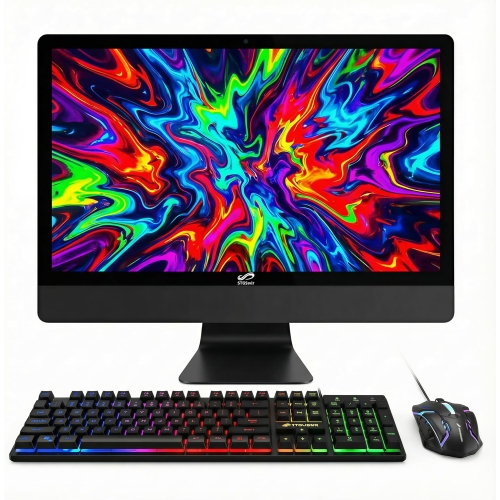
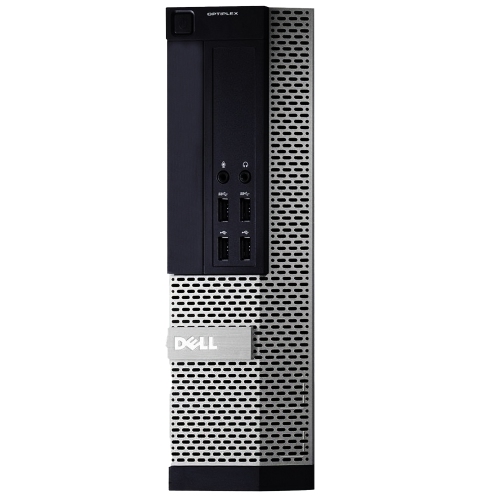
Desktop and laptop computers suit different home studio layouts. A desktop can provide space for internal expansion, a broad selection of connections and cooling designed for sustained workloads, though those capabilities vary by design. It also allows the screen, keyboard and computer itself to occupy separate positions, which can help keep the workspace comfortable and place fan noise farther from a microphone. A laptop combines the display and computer in a portable format, making it useful for someone who records vocals at home, edits elsewhere and takes projects to rehearsals or collaborative sessions. Its built-in screen can handle a compact setup, while external display support may make detailed editing and mixing easier at a desk. Thin construction does not necessarily mean quiet operation: cooling fans may become more noticeable during long exports or demanding sessions. Quiet cooling is particularly valuable when recording an acoustic guitar or a softly spoken passage in the same room as the computer. Ventilation still needs clear space, so enclosing a running computer in a cupboard or surrounding it with fabric can cause heat buildup rather than solve a noise problem. Physical fit matters as much as the footprint on the desk. Cable clearance, access to frequently used ports and room around ventilation openings all affect everyday use. A rigid chassis, securely fitted connections and sturdy laptop hinges contribute to durability, especially when equipment moves between locations. Metal and plastic housings both appear in well-built computers; material alone does not establish reliability or cooling performance. Regular care generally involves keeping vents clear, handling cables by their connectors and following the manufacturer’s cleaning instructions with the computer shut down. In a small recording space, thoughtful placement helps a computer remain accessible without crowding microphone stands, instrument cables or the listening position. A stable surface and an uncluttered path for cables also make repeated recording sessions easier to set up.
Storage and connectivity shape how comfortably a studio computer supports the work around the recording itself. A solid-state drive helps applications open quickly and gives projects responsive access to audio files, while total capacity determines how much room remains for recordings, sample libraries and completed sessions. Multitrack audio can accumulate steadily, especially when every take is retained, and large instrument libraries may occupy considerable space before recording begins. Space for working files, installed software and future additions is therefore more meaningful than capacity considered in isolation. External storage can extend a setup, but connection speed, drive performance and software requirements affect whether it is suitable for active sessions or better used for archiving. A separate backup is important because a second folder on the same drive does not protect a project from drive failure. Connections deserve similar attention. Audio interfaces, MIDI controllers, external drives and displays may all need to operate together, and matching connector shapes does not guarantee matching capabilities. USB-C describes a connector rather than a single speed or feature set; supported data rates, display output and charging depend on the computer and the connected equipment. A dock can simplify a shared workspace, although its specifications and compatibility still matter. Reliable wired networking or Wi-Fi can support downloads, remote collaboration and file transfers, but neither replaces a properly configured audio connection for recording. Operating system support is equally important, particularly for an existing audio interface, favourite plug-ins or older projects that must remain accessible. Major software changes can affect those relationships, so a stable, supported setup often matters more than adopting every update immediately. The related Computers for Music category shares these priorities for composing, recording and playback. In a home studio, the computer becomes the centre of a connected workspace: it needs to capture a quiet vocal without interruption, keep an arrangement responsive as layers build, and preserve the finished work for the next session. Matching processing, memory, storage and connections to those everyday tasks supports a setup that feels dependable from the first idea through the final export.
Desktop and laptop computers suit different home studio layouts. A desktop can provide space for internal expansion, a broad selection of connections and cooling designed for sustained workloads, though those capabilities vary by design. It also allows the screen, keyboard and computer itself to occupy separate positions, which can help keep the workspace comfortable and place fan noise farther from a microphone. A laptop combines the display and computer in a portable format, making it useful for someone who records vocals at home, edits elsewhere and takes projects to rehearsals or collaborative sessions. Its built-in screen can handle a compact setup, while external display support may make detailed editing and mixing easier at a desk. Thin construction does not necessarily mean quiet operation: cooling fans may become more noticeable during long exports or demanding sessions. Quiet cooling is particularly valuable when recording an acoustic guitar or a softly spoken passage in the same room as the computer. Ventilation still needs clear space, so enclosing a running computer in a cupboard or surrounding it with fabric can cause heat buildup rather than solve a noise problem. Physical fit matters as much as the footprint on the desk. Cable clearance, access to frequently used ports and room around ventilation openings all affect everyday use. A rigid chassis, securely fitted connections and sturdy laptop hinges contribute to durability, especially when equipment moves between locations. Metal and plastic housings both appear in well-built computers; material alone does not establish reliability or cooling performance. Regular care generally involves keeping vents clear, handling cables by their connectors and following the manufacturer’s cleaning instructions with the computer shut down. In a small recording space, thoughtful placement helps a computer remain accessible without crowding microphone stands, instrument cables or the listening position. A stable surface and an uncluttered path for cables also make repeated recording sessions easier to set up.
Storage and connectivity shape how comfortably a studio computer supports the work around the recording itself. A solid-state drive helps applications open quickly and gives projects responsive access to audio files, while total capacity determines how much room remains for recordings, sample libraries and completed sessions. Multitrack audio can accumulate steadily, especially when every take is retained, and large instrument libraries may occupy considerable space before recording begins. Space for working files, installed software and future additions is therefore more meaningful than capacity considered in isolation. External storage can extend a setup, but connection speed, drive performance and software requirements affect whether it is suitable for active sessions or better used for archiving. A separate backup is important because a second folder on the same drive does not protect a project from drive failure. Connections deserve similar attention. Audio interfaces, MIDI controllers, external drives and displays may all need to operate together, and matching connector shapes does not guarantee matching capabilities. USB-C describes a connector rather than a single speed or feature set; supported data rates, display output and charging depend on the computer and the connected equipment. A dock can simplify a shared workspace, although its specifications and compatibility still matter. Reliable wired networking or Wi-Fi can support downloads, remote collaboration and file transfers, but neither replaces a properly configured audio connection for recording. Operating system support is equally important, particularly for an existing audio interface, favourite plug-ins or older projects that must remain accessible. Major software changes can affect those relationships, so a stable, supported setup often matters more than adopting every update immediately. The related Computers for Music category shares these priorities for composing, recording and playback. In a home studio, the computer becomes the centre of a connected workspace: it needs to capture a quiet vocal without interruption, keep an arrangement responsive as layers build, and preserve the finished work for the next session. Matching processing, memory, storage and connections to those everyday tasks supports a setup that feels dependable from the first idea through the final export.
Top selling and popular products
-
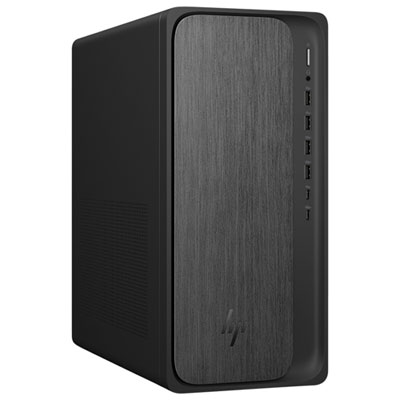 Your price for this item is $1999.99
-
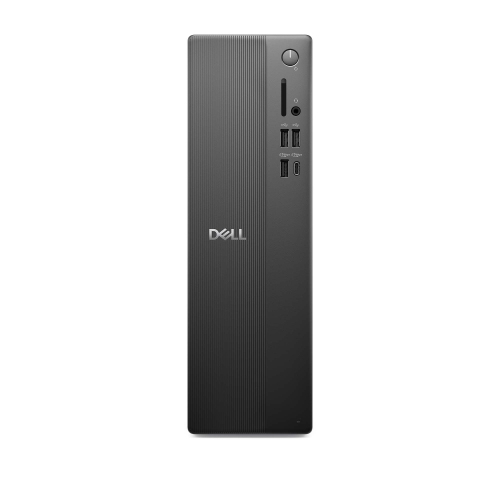 Your price for this item is $1629.79
-
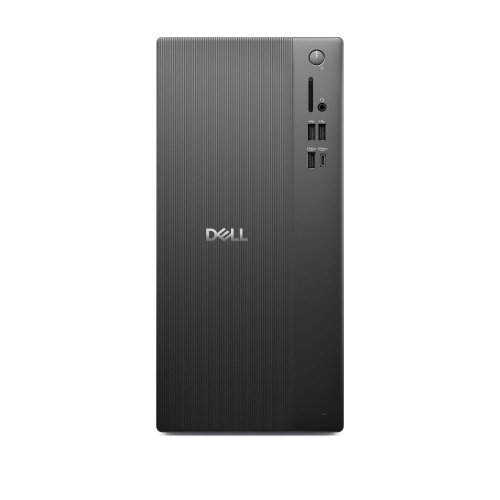 Your price for this item is $1459.79
-
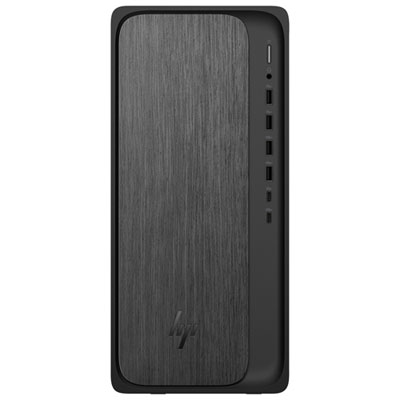 Your price for this item is $1399.99
-
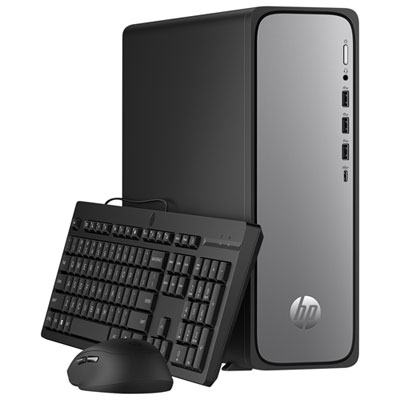 Your price for this item is $649.99
-
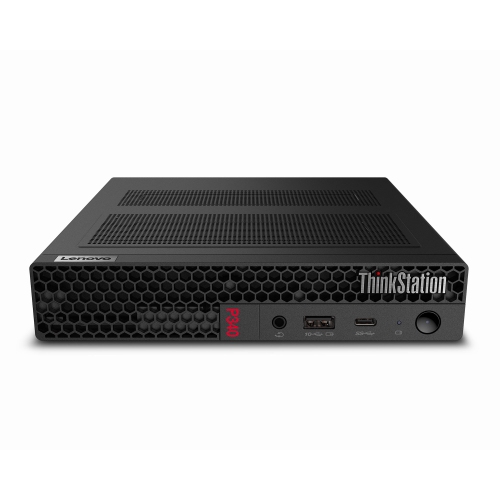 Your price for this item is $699.79
-
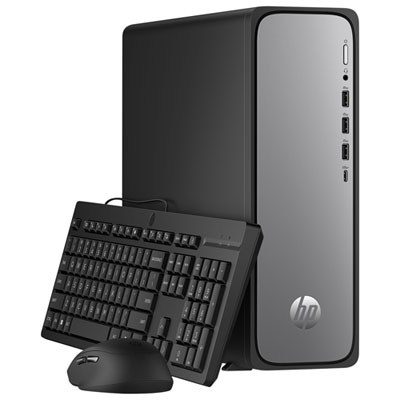 Your price for this item is $1759.99
-
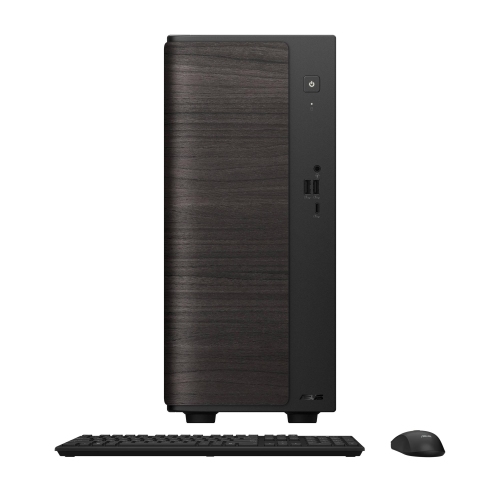 Your price for this item is $3149
Discover more categories related to Computers for Home Studios
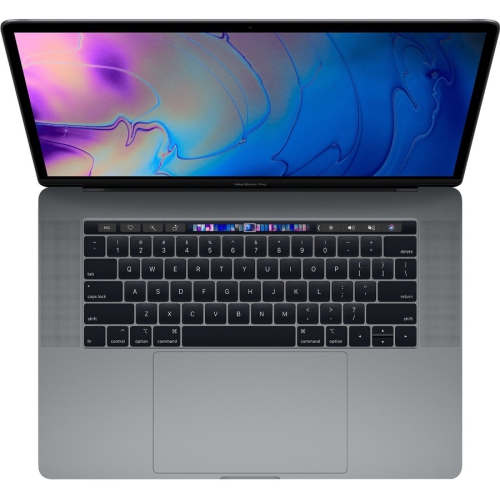
Top Collections:
Pokemon Centers, Pokémon 30th Celebration Cards, Best Budget Office Chairs, Kindle Devices, Best Cameras for Sports Photography, Canon G7X Cameras, Best Black Friday Deals On Electronics, Best Laptops for Writers, iPhone 15 Apple, Jackery Power Stations
Some products may be subject to Environmental Handling Fees
(EHF) depending on your province.
Learn more about EHFs.