Computers for Teachers
Computers for teachers are essential tools for creating engaging lesson plans, managing classroom activities, and staying connected with students and colleagues. Whether you're working from home, in the classroom, or on the go, finding the right computer can help streamline your daily tasks and support your teaching goals. Explore a wide selection of computers for teachers designed to meet the unique demands of education professionals and enhance your productivity every step of the way.
Sort



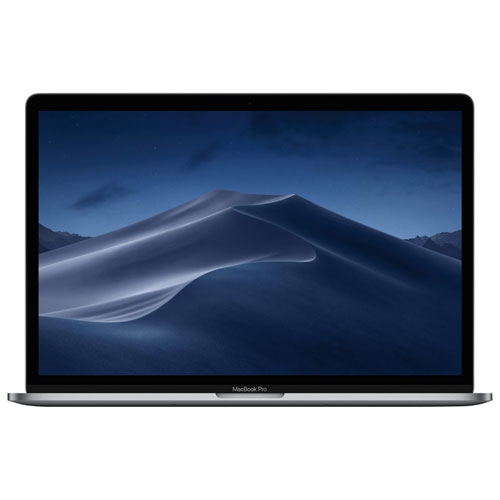
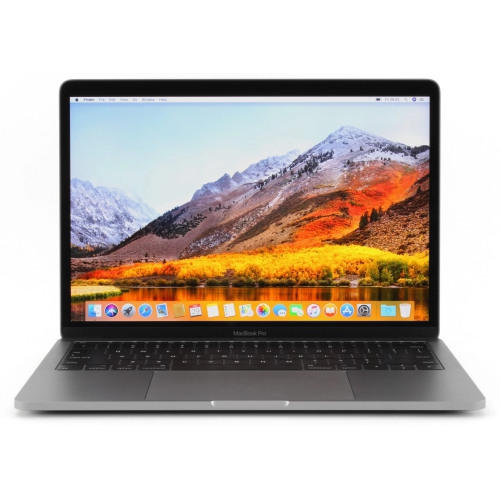
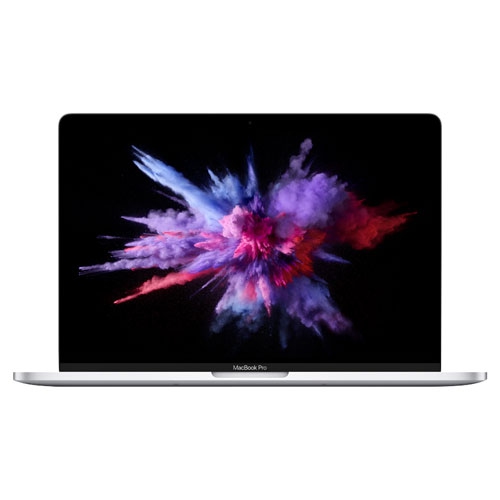
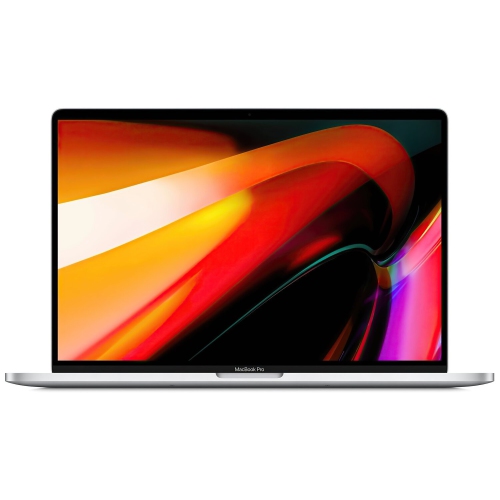
Practical features for planning, teaching, grading, and presenting
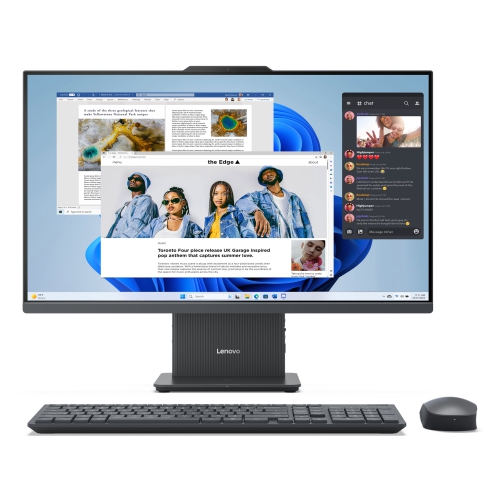
Computers for teachers need to support much more than everyday browsing. A well-chosen computer can become the centre of a busy teaching routine, moving from lesson planning at the kitchen table to attendance, grading, video meetings, classroom presentations, and quick research between periods. Laptops are often the most practical choice because they can travel easily from a classroom desk to a staff room, library, or home office, while desktop computers can provide a larger screen and a comfortable fixed workstation for educators who do most of their planning in one place. Chromebooks may suit teachers who work primarily in browser-based platforms such as Google Classroom, online gradebooks, cloud storage, and web-based teaching tools. Windows and macOS computers can be a better fit for users who rely on specialized education software, downloadable applications, advanced presentation tools, or a wider range of peripherals. When comparing options, consider how the computer will fit into a full school day rather than focusing only on its appearance or starting price. A bright, clear display can make lesson materials easier to review, a comfortable keyboard can reduce fatigue during long grading sessions, and a responsive touchpad can make it simpler to move between documents, browser tabs, and video calls. A touchscreen may be useful for annotating diagrams, demonstrating activities, or navigating a device while standing at the front of a classroom, although it is not essential for every teaching style. Computers in this category can also be thoughtful gifts for student teachers, new educators, tutors, education assistants, and teachers preparing a home workspace for the cooler months. The best choice depends on the recipient’s teaching environment, preferred operating system, existing accessories, and the types of files and applications they use most often. For additional purchasing context and eligible offers, explore the Laptops for Teachers Program.
Portability and battery life deserve particular attention for educators who carry a computer through a school building. A lightweight laptop weighing under about 3.5 pounds can be easier to place in a work bag alongside notebooks, chargers, and teaching materials, especially when moving between classrooms several times a day. Battery life in the range of 10 to 18 hours can help a computer last through lessons, planning periods, staff meetings, and an evening marking session, though real-world results vary with screen brightness, video use, connected accessories, and the applications running in the background. USB-C charging can be convenient when the same charger is used at home, in the classroom, and at a shared workspace, while a range of ports may be important for connecting projectors, external drives, displays, headphones, or presentation remotes. For general teaching tasks, at least 8 GB of RAM can provide a smoother experience when grading in one window, attending a video call in another, and keeping reference material open in a browser. A fast, modern processor can help with document creation, spreadsheets, presentations, online learning platforms, and multitasking, while additional memory and processing capability may be worthwhile for educators working with video editing, large image files, coding tools, music software, or demanding simulations. Storage is another practical consideration: solid-state storage generally makes starting the computer and opening files feel quick, and a larger capacity gives more room for downloaded lesson resources, recordings, presentations, and personal files. Cloud storage can reduce the need to keep every document on the device, but local storage remains useful when internet access is limited or when a teacher needs important materials available offline. A good webcam and microphone support clear virtual meetings, parent conferences, remote lessons, and recorded instructions. Speakers that are easy to hear can help with multimedia lessons, while a headphone jack or reliable wireless connectivity gives teachers more flexibility in shared spaces.
Durability and comfort matter because a school computer is often opened, closed, moved, and used many times throughout the day. Look for a sturdy build, a hinge that feels secure, and a keyboard that remains comfortable during hours of lesson-plan writing, feedback, and report-card comments. A spill-resistant design may offer added reassurance around coffee, water bottles, and busy classroom surfaces, while a protective sleeve or padded bag can help when the computer is carried with books and supplies. Screen size is a balance between working space and portability. A compact display can make a laptop easier to carry, whereas a larger display may be more comfortable for comparing student work, reviewing detailed spreadsheets, or arranging multiple documents side by side. An external monitor, keyboard, and mouse can turn a portable computer into a more spacious home workstation without giving up the flexibility of taking the laptop to school. Teachers should also check compatibility with the school’s wireless network, printing system, display equipment, accessibility tools, and required software before purchasing. Security features such as a privacy shutter, fingerprint reader, secure sign-in, and automatic updates can be useful when a device contains student information or connects to institutional accounts. For educators who spend time presenting, a 360-degree hinge or touchscreen can support flexible demonstrations, while a traditional clamshell laptop may offer a simpler and lighter setup. During the transition from early fall routines into the cooler months, a dependable computer can make it easier to prepare indoor activities, organize digital resources, communicate with families, and keep work moving between school and home. Whether the priority is an affordable computer for browser-based teaching, a lightweight laptop for daily travel, or a more capable system for creative and specialized applications, matching the device to the teacher’s real workload will lead to a more useful and comfortable choice.
Portability and battery life deserve particular attention for educators who carry a computer through a school building. A lightweight laptop weighing under about 3.5 pounds can be easier to place in a work bag alongside notebooks, chargers, and teaching materials, especially when moving between classrooms several times a day. Battery life in the range of 10 to 18 hours can help a computer last through lessons, planning periods, staff meetings, and an evening marking session, though real-world results vary with screen brightness, video use, connected accessories, and the applications running in the background. USB-C charging can be convenient when the same charger is used at home, in the classroom, and at a shared workspace, while a range of ports may be important for connecting projectors, external drives, displays, headphones, or presentation remotes. For general teaching tasks, at least 8 GB of RAM can provide a smoother experience when grading in one window, attending a video call in another, and keeping reference material open in a browser. A fast, modern processor can help with document creation, spreadsheets, presentations, online learning platforms, and multitasking, while additional memory and processing capability may be worthwhile for educators working with video editing, large image files, coding tools, music software, or demanding simulations. Storage is another practical consideration: solid-state storage generally makes starting the computer and opening files feel quick, and a larger capacity gives more room for downloaded lesson resources, recordings, presentations, and personal files. Cloud storage can reduce the need to keep every document on the device, but local storage remains useful when internet access is limited or when a teacher needs important materials available offline. A good webcam and microphone support clear virtual meetings, parent conferences, remote lessons, and recorded instructions. Speakers that are easy to hear can help with multimedia lessons, while a headphone jack or reliable wireless connectivity gives teachers more flexibility in shared spaces.
Durability and comfort matter because a school computer is often opened, closed, moved, and used many times throughout the day. Look for a sturdy build, a hinge that feels secure, and a keyboard that remains comfortable during hours of lesson-plan writing, feedback, and report-card comments. A spill-resistant design may offer added reassurance around coffee, water bottles, and busy classroom surfaces, while a protective sleeve or padded bag can help when the computer is carried with books and supplies. Screen size is a balance between working space and portability. A compact display can make a laptop easier to carry, whereas a larger display may be more comfortable for comparing student work, reviewing detailed spreadsheets, or arranging multiple documents side by side. An external monitor, keyboard, and mouse can turn a portable computer into a more spacious home workstation without giving up the flexibility of taking the laptop to school. Teachers should also check compatibility with the school’s wireless network, printing system, display equipment, accessibility tools, and required software before purchasing. Security features such as a privacy shutter, fingerprint reader, secure sign-in, and automatic updates can be useful when a device contains student information or connects to institutional accounts. For educators who spend time presenting, a 360-degree hinge or touchscreen can support flexible demonstrations, while a traditional clamshell laptop may offer a simpler and lighter setup. During the transition from early fall routines into the cooler months, a dependable computer can make it easier to prepare indoor activities, organize digital resources, communicate with families, and keep work moving between school and home. Whether the priority is an affordable computer for browser-based teaching, a lightweight laptop for daily travel, or a more capable system for creative and specialized applications, matching the device to the teacher’s real workload will lead to a more useful and comfortable choice.
Top selling and popular products
-
 Your price for this item is $1500
 -
 Your price for this item is $749.77
 -
 Your price for this item is $699.77
 -
 Your price for this item is $549.77
 -
 Your price for this item is $699.77
 -
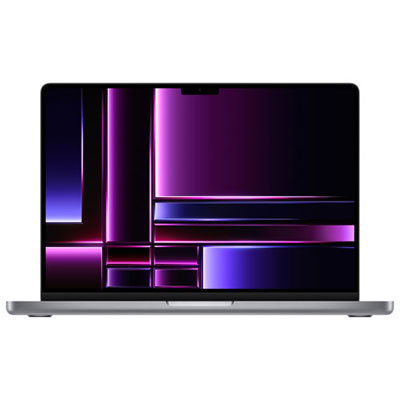 Your price for this item is $2299.97
 -
 Your price for this item is $699.77
 -
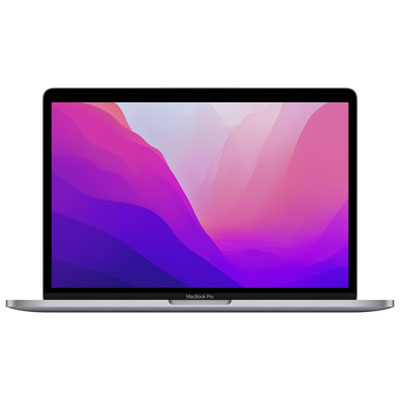 Your price for this item is $1599.97
Discover more categories related to Computers for Teachers

Top Collections:
Pokemon Centers, Budget 4K TVs, Best Budget Office Chairs, Kindle Devices, Canon G7X Cameras, Apple iPhones 16, iPhone 15 Apple, Laptops for Business Work, Xiaomi Phones, Flip Phones
Some products may be subject to Environmental Handling Fees
(EHF) depending on your province.
Learn more about EHFs.