Conference Equipments
Whether you're gearing up for a corporate event, hosting a virtual meeting, or upgrading your home office setup, having the right conference equipment is essential to ensure seamless communication and productivity. From high-quality audio systems and professional-grade webcams to sleek presentation clickers and ergonomic chairs, our collection of conference equipment offers a wide range of solutions to meet your needs. Elevate your conferencing experience with top-notch gear designed to enhance clarity, comfort, and convenience, so you can focus on what matters most - getting the job done efficiently and effectively.
Sort
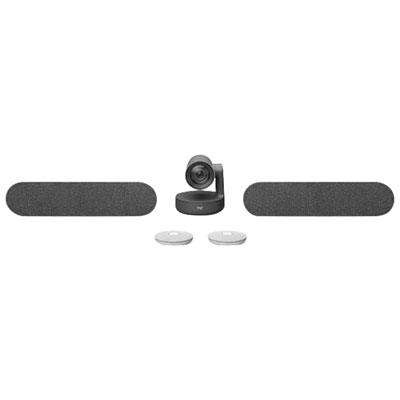
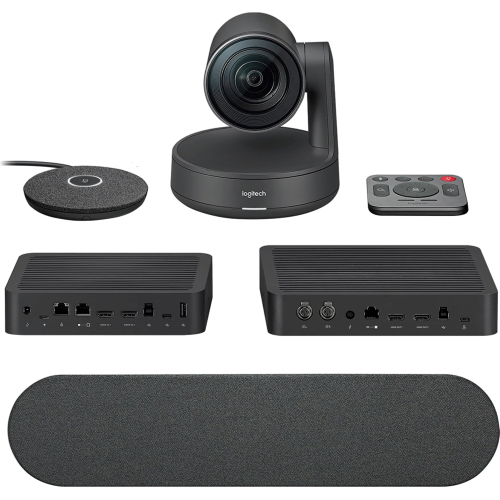
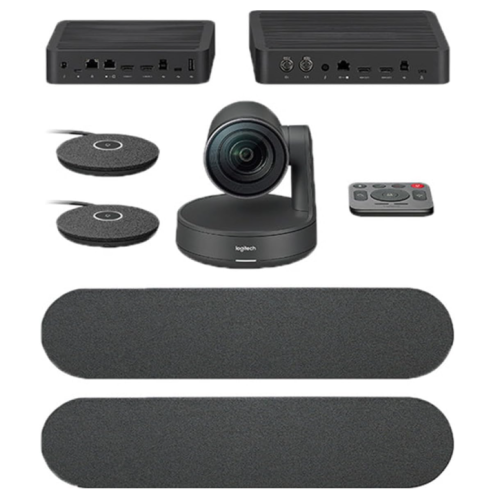

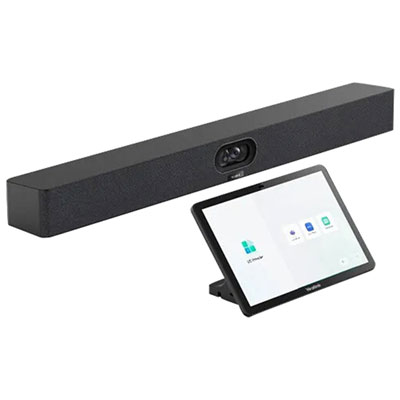




















































Why room layout matters for clearer hybrid meetings
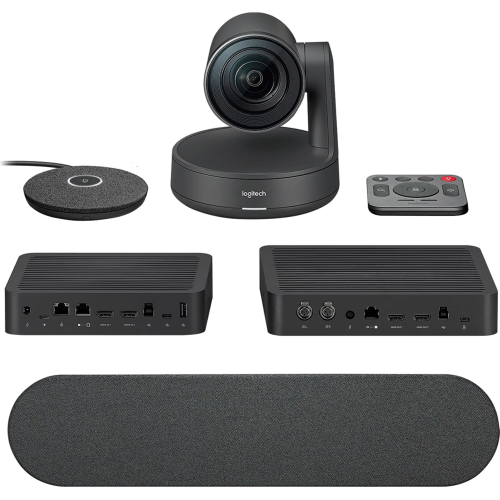
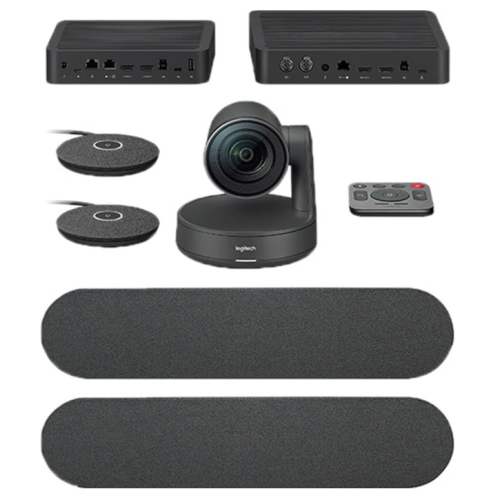
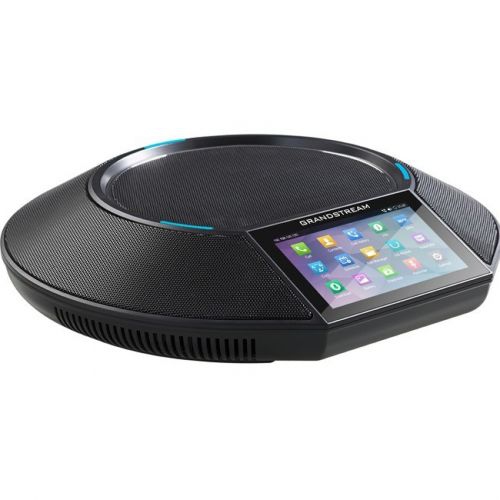
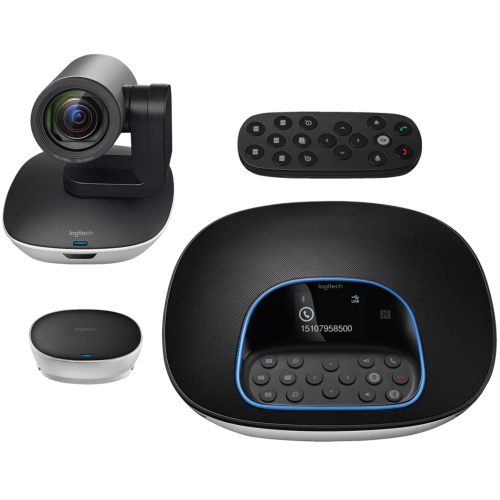
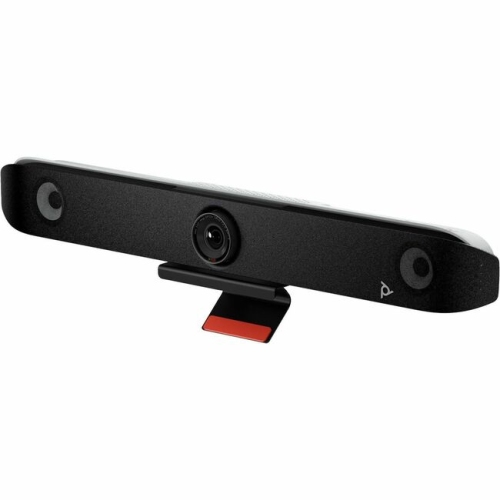
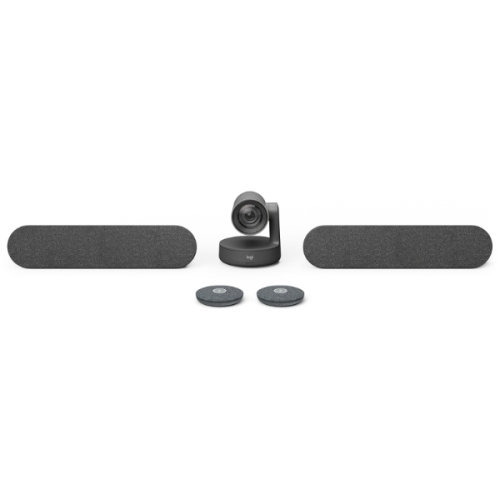
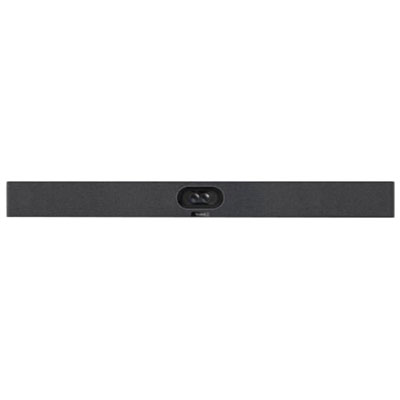
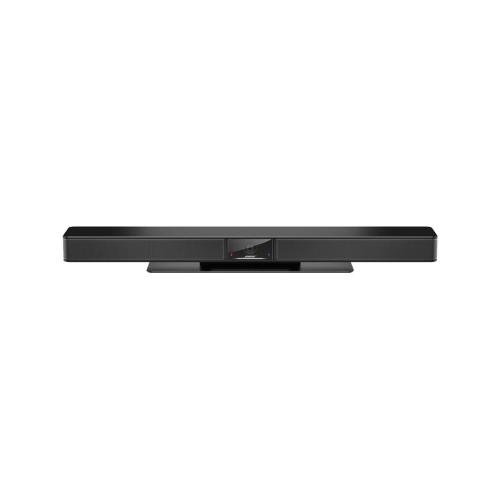
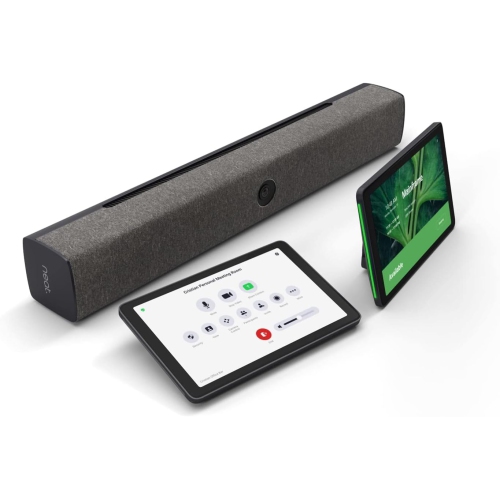
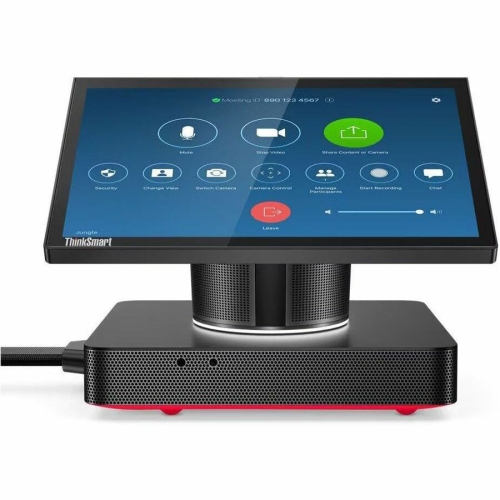
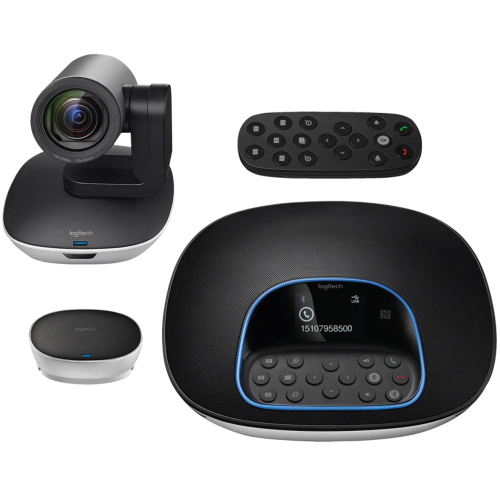
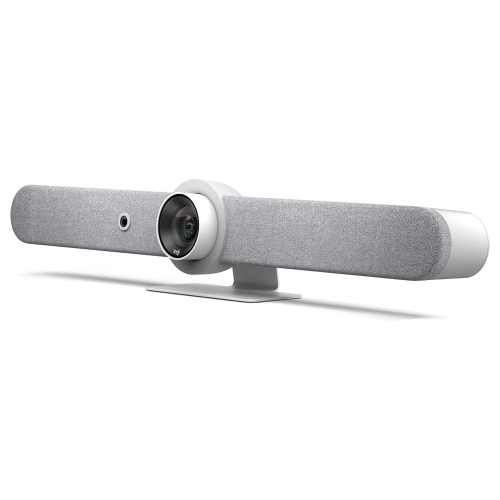
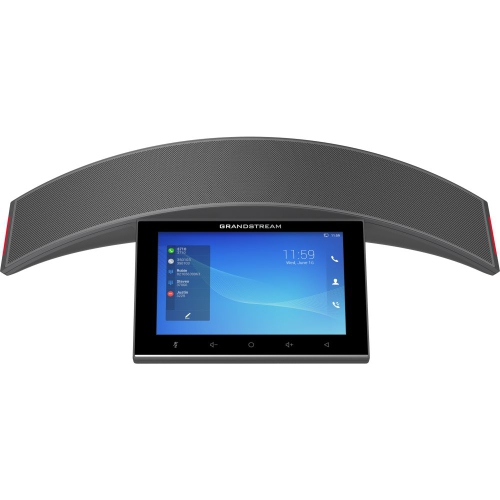
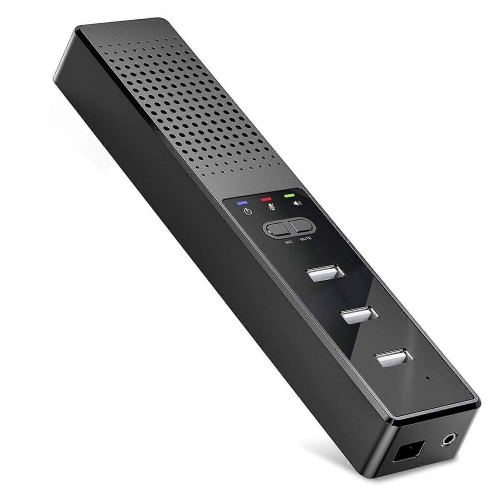
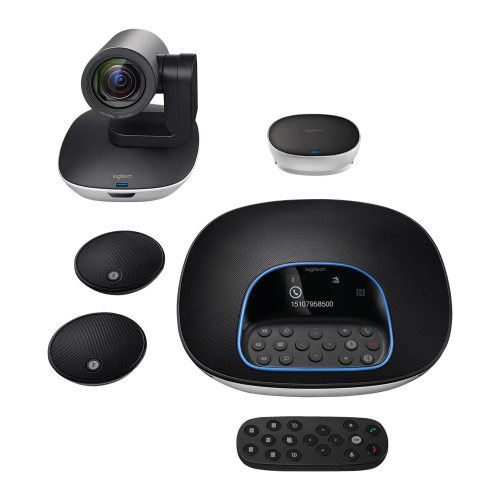
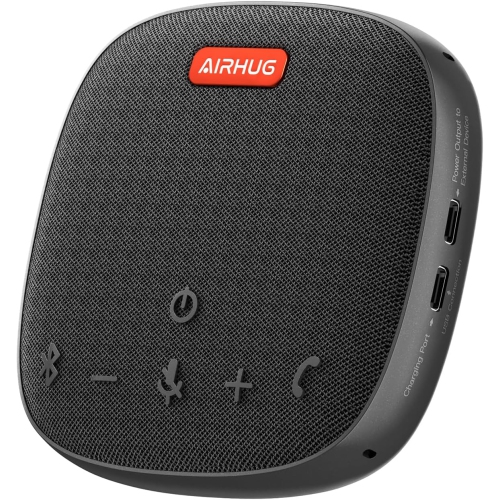
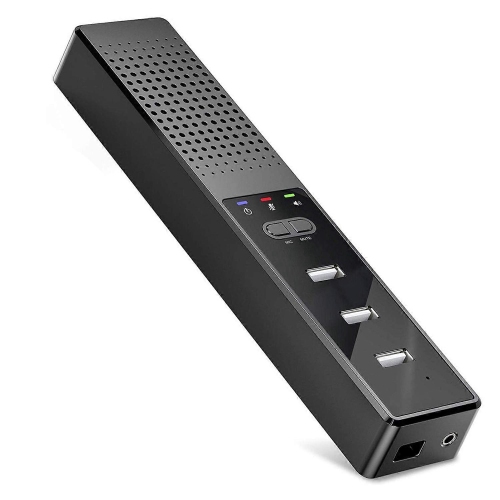
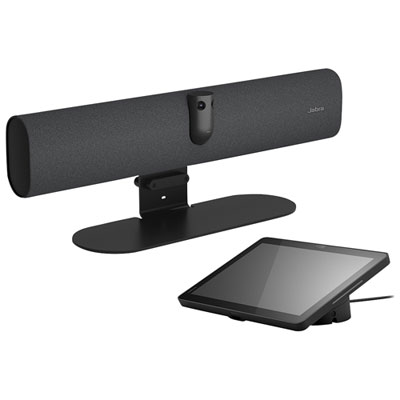
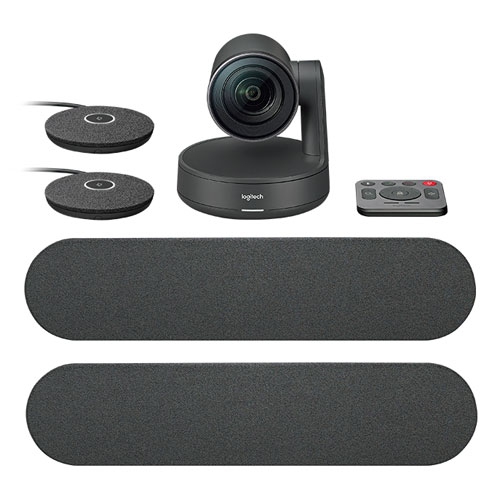
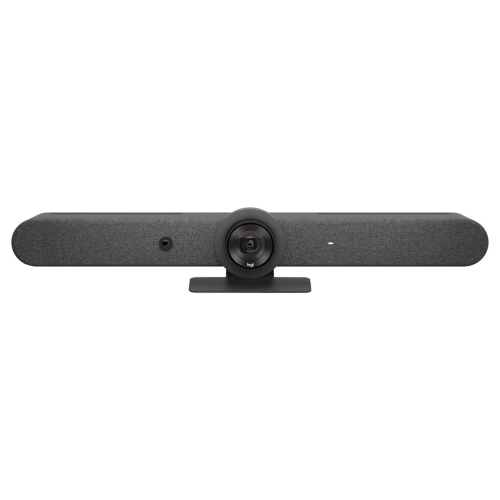
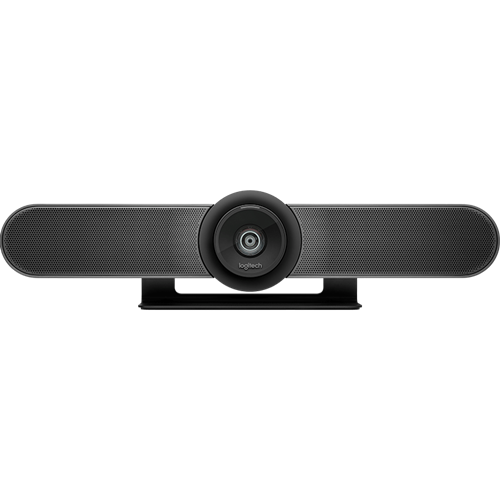
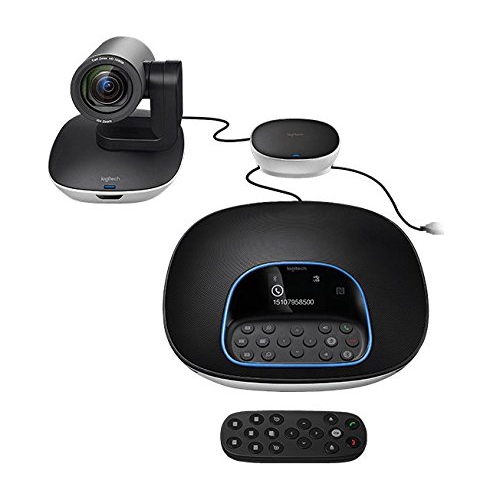
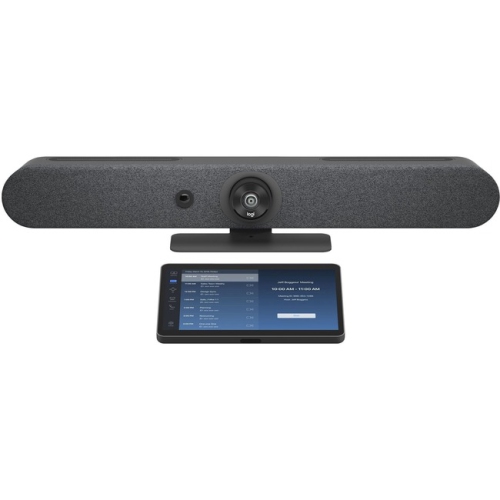
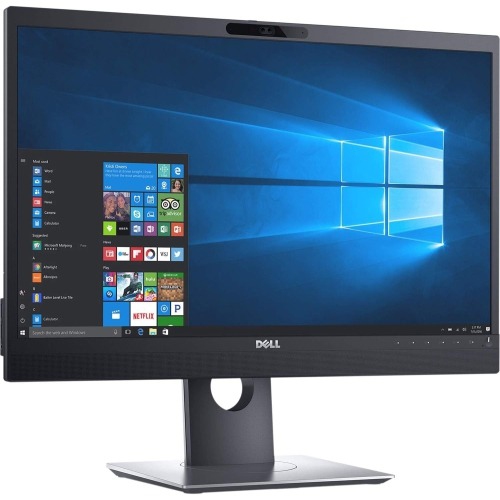
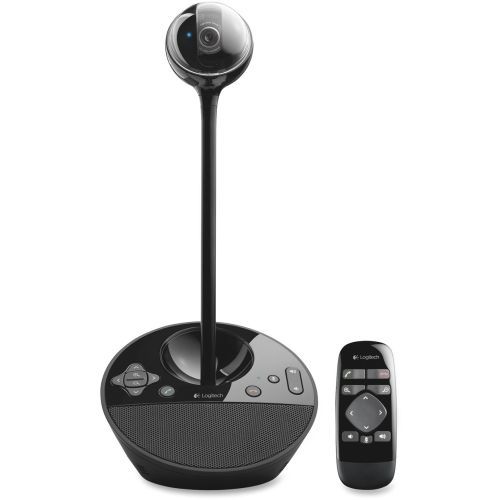
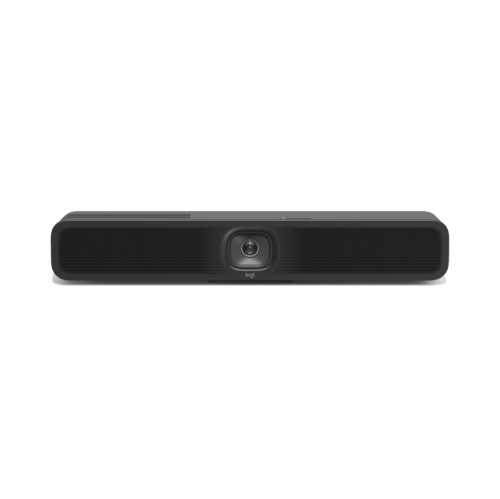
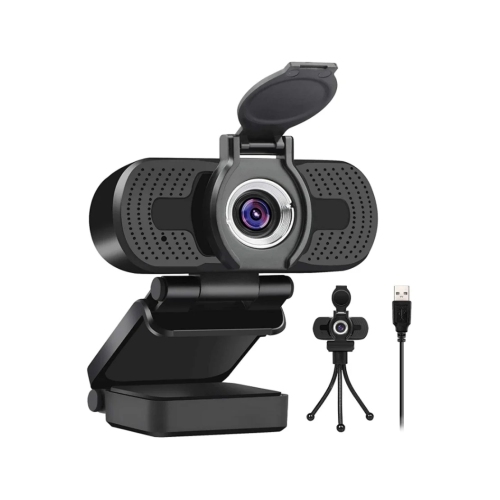
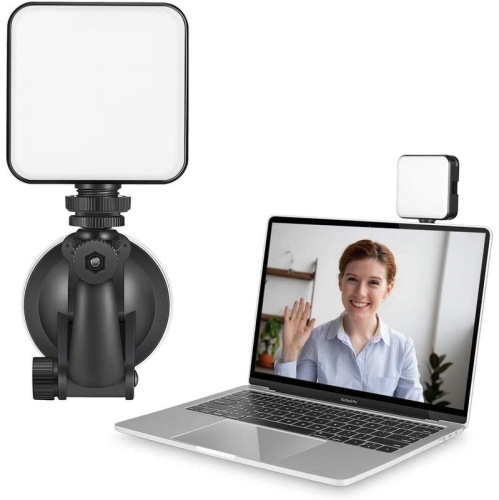
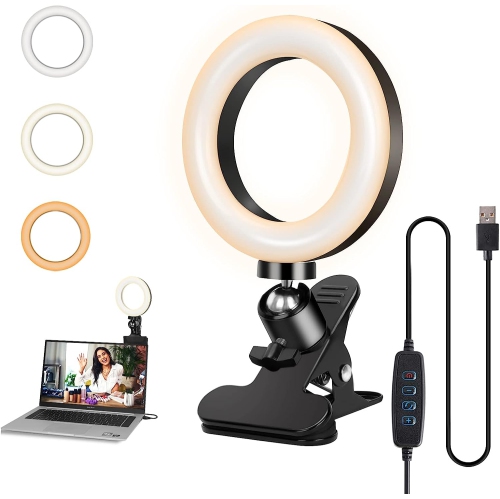
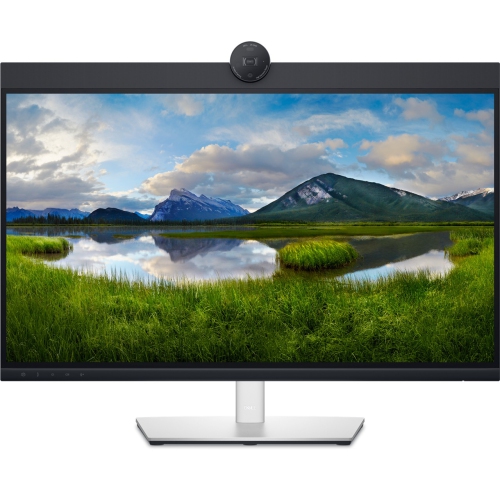
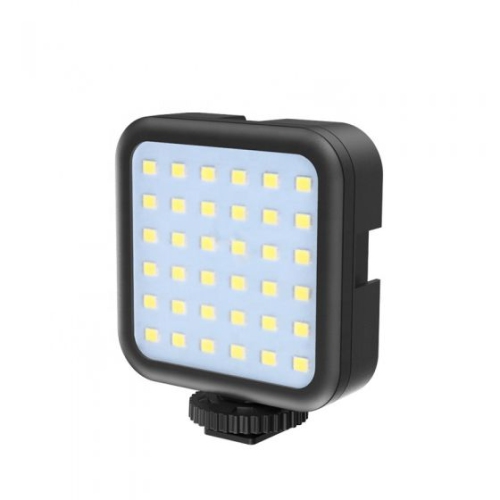
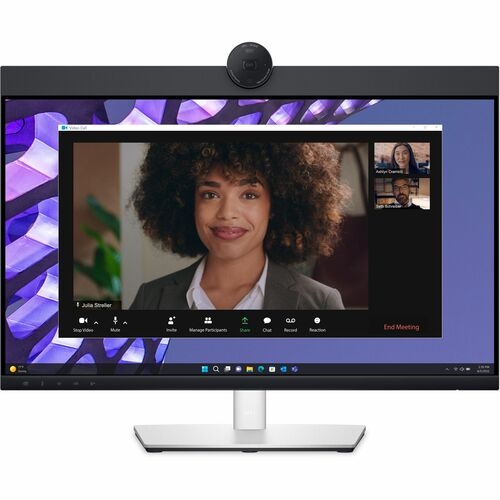
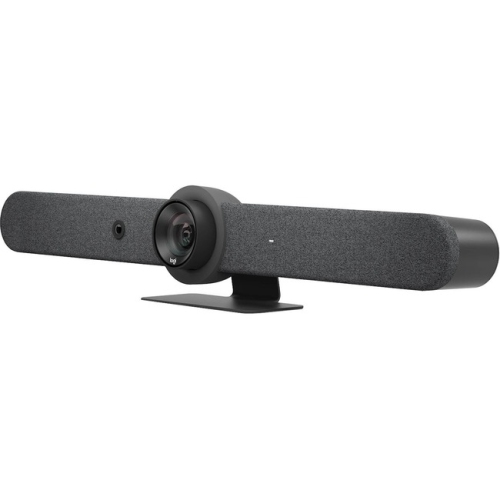
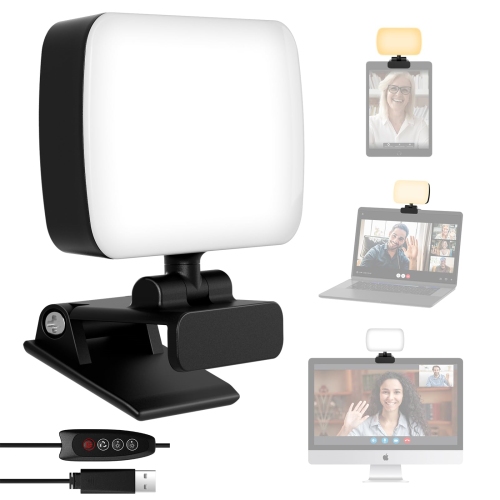
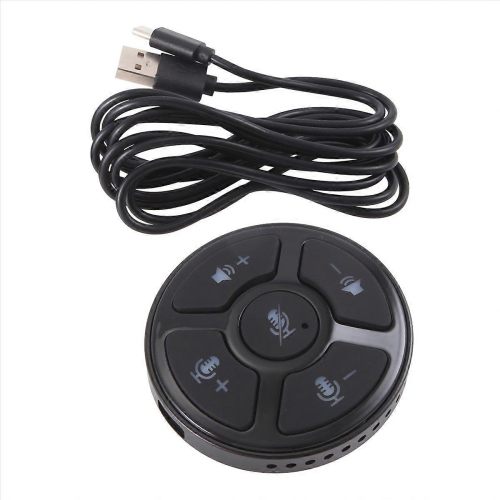
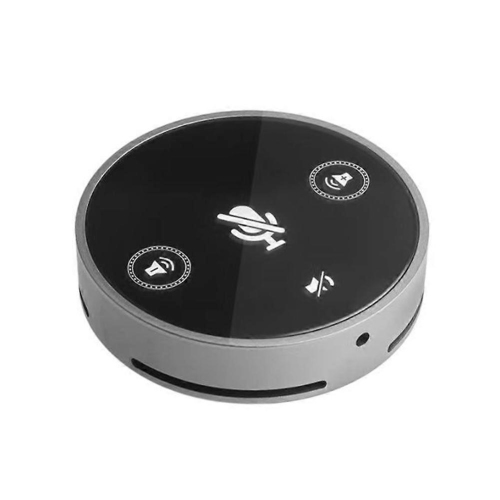
Conference equipment brings together displays, cameras, microphones, speakers, and connection or control hardware to support presentations, group discussions, and hybrid meetings. The right combination depends on the room’s dimensions, the number of participants, and whether people are sharing a table, presenting to an audience, or joining remotely. A compact meeting space may suit a single integrated audio and video unit, while a long boardroom often needs separate components to capture voices and faces across a greater distance. Within a broader meeting-room setup, Video Conference Equipment focuses on helping participants in different locations see, hear, and communicate with one another. Displays provide a shared view of presentations, documents, and remote attendees, with screen size and resolution affecting how comfortably people can read content from the far end of the table. A high-resolution screen can make detailed charts clearer, but readable text also depends on viewing distance, presentation layout, and the quality of the shared source. Interactive displays add touch input and annotation where supported, making them useful for teams that sketch workflows or mark up documents together. Camera coverage is equally important: a wide field of view can include several people seated close to the screen, while a pan-tilt-zoom camera offers more flexibility when the presenter or seating arrangement changes. Optical zoom can preserve detail when framing a distant speaker, whereas digital zoom crops the image and may reduce clarity. Automatic framing and speaker-tracking features, where included, can adjust the view during a discussion, though their effectiveness depends on placement, lighting, and room layout. A camera positioned near eye level usually creates a more natural conversation than one aimed steeply down from above a display. Soft, even light across participants’ faces also helps remote attendees read expressions without the distraction of a bright window behind the group.
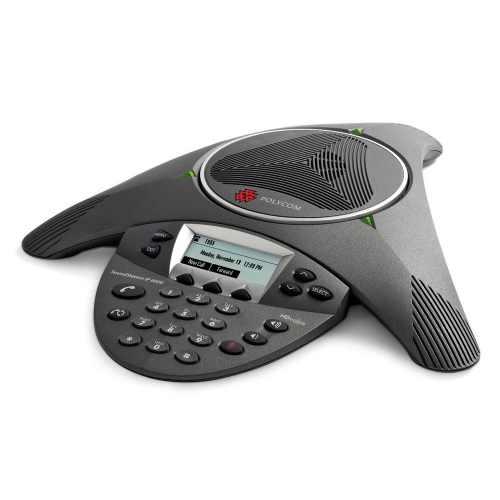
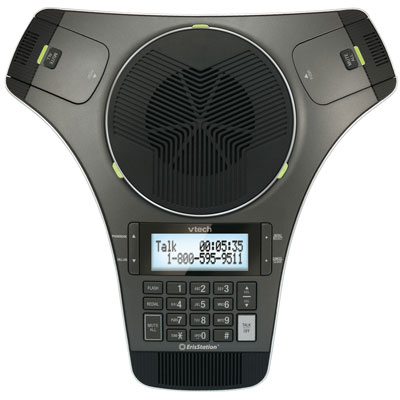
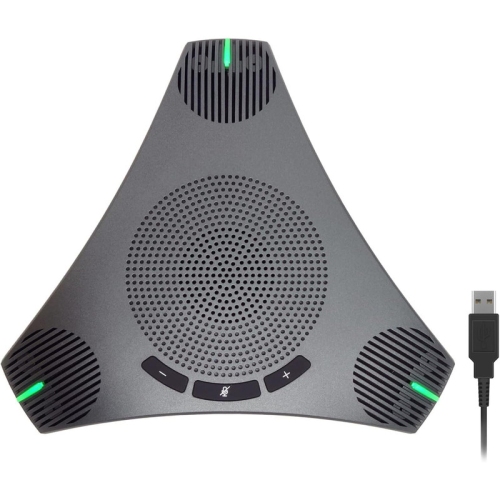
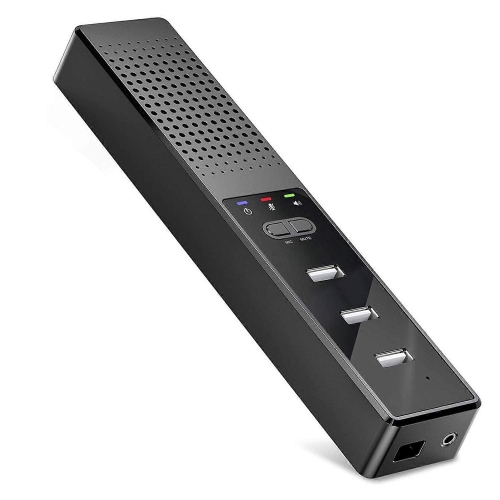
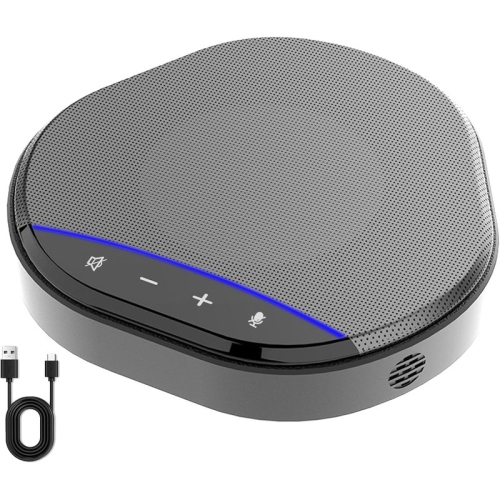
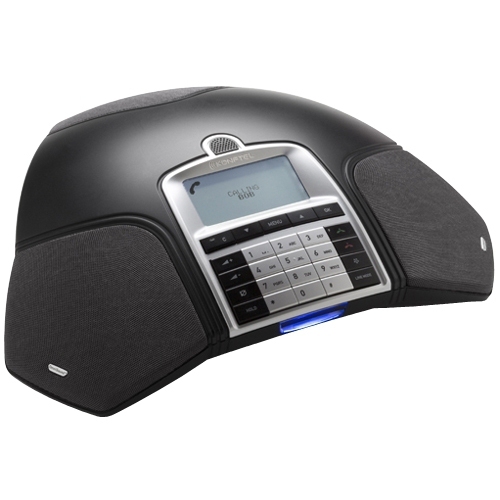
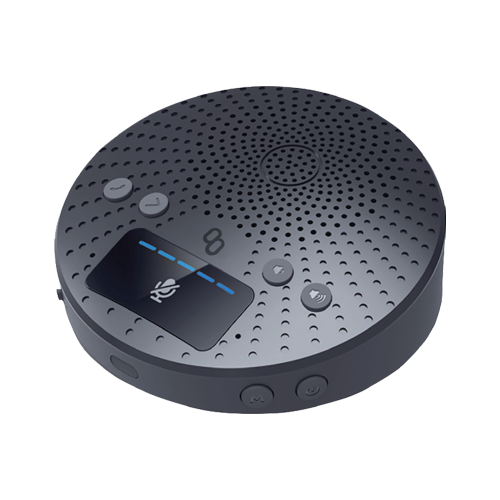
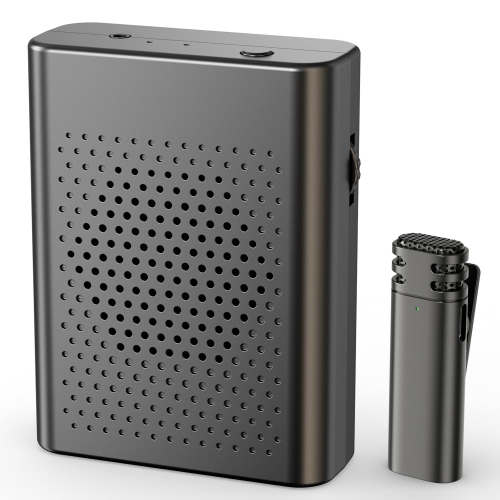
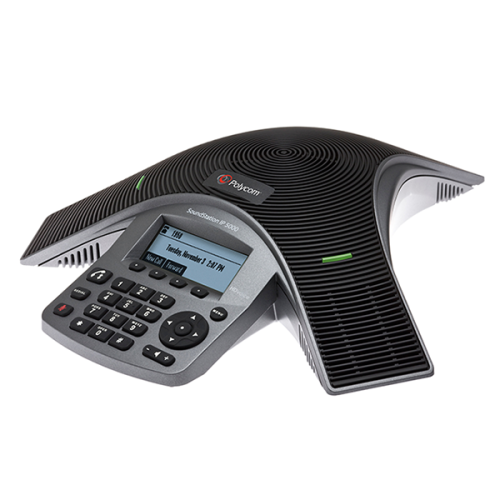
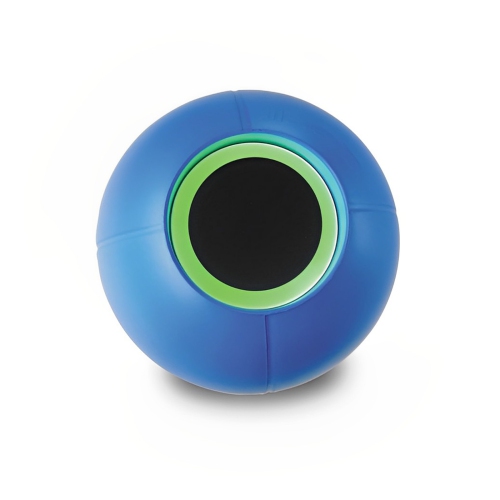
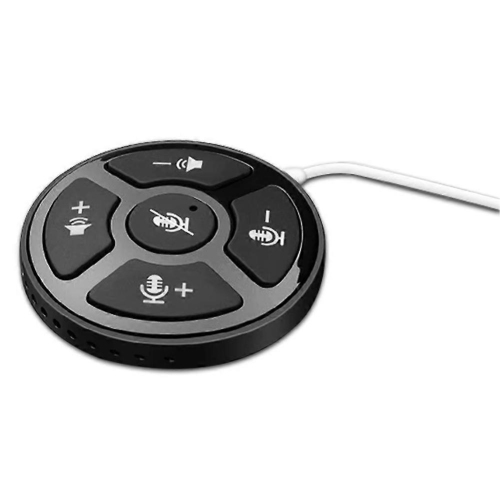
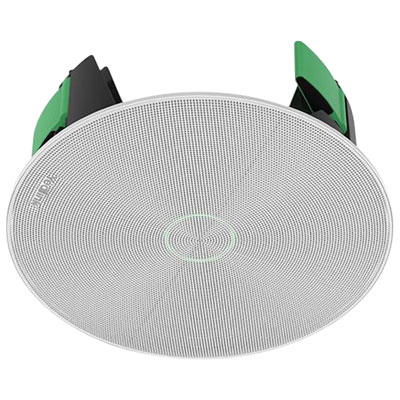
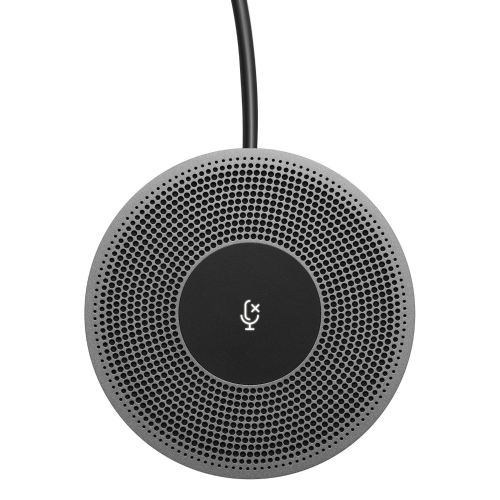
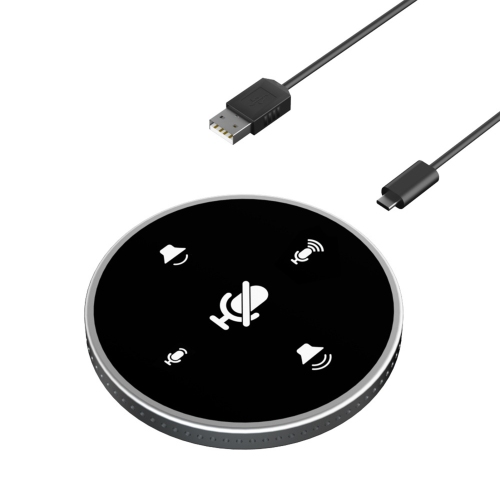
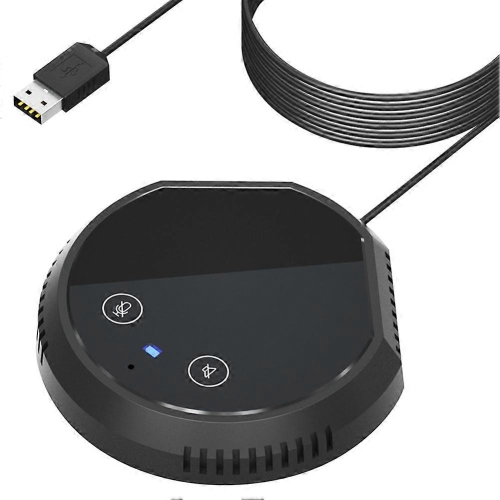
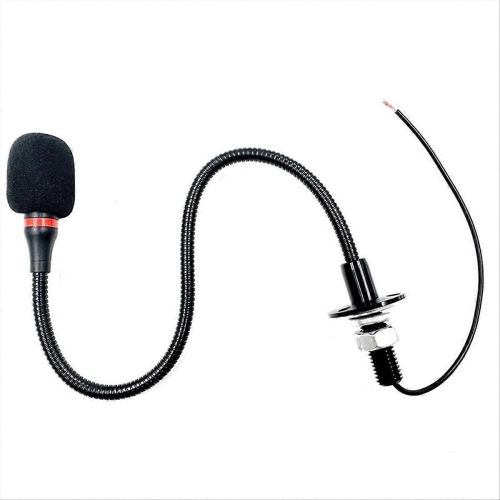
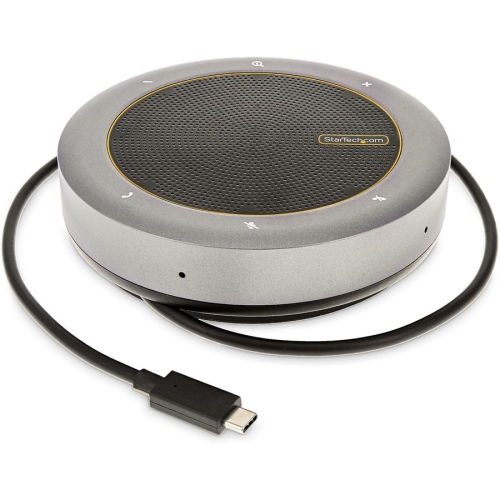
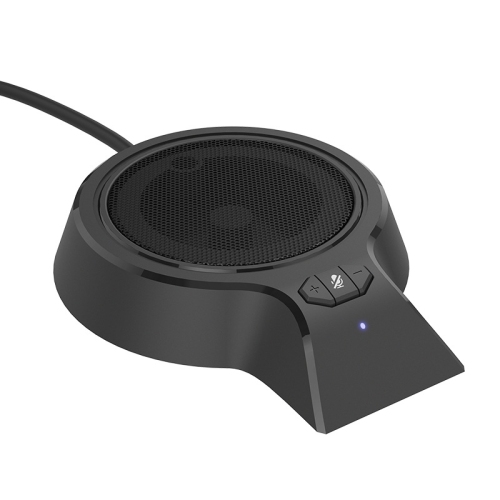
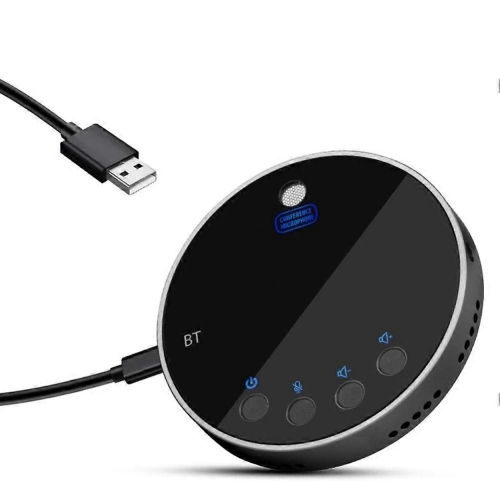
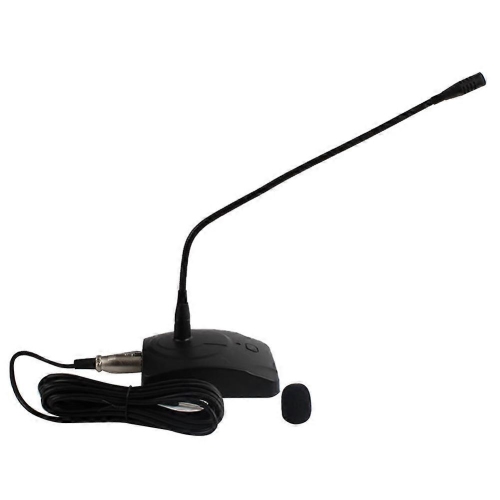
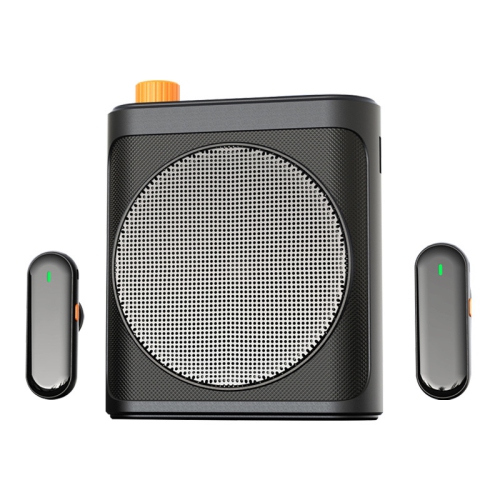
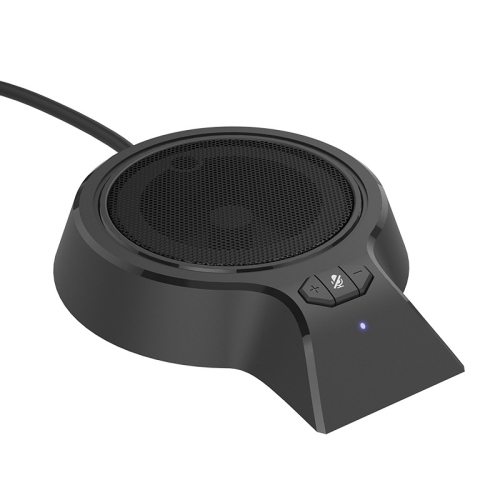
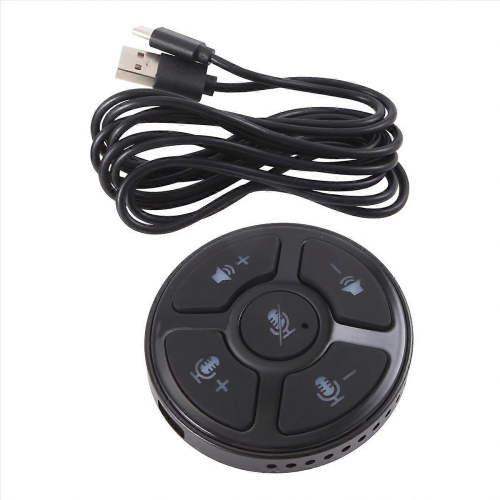
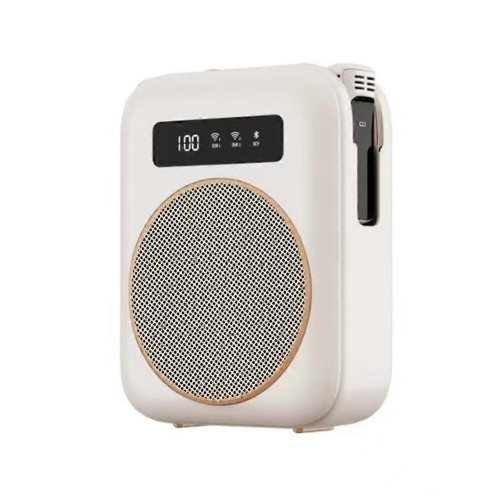
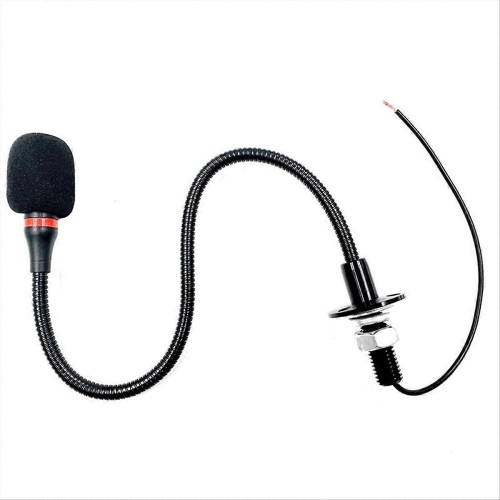
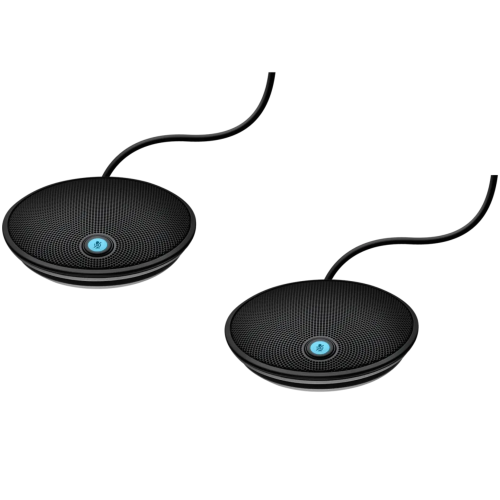
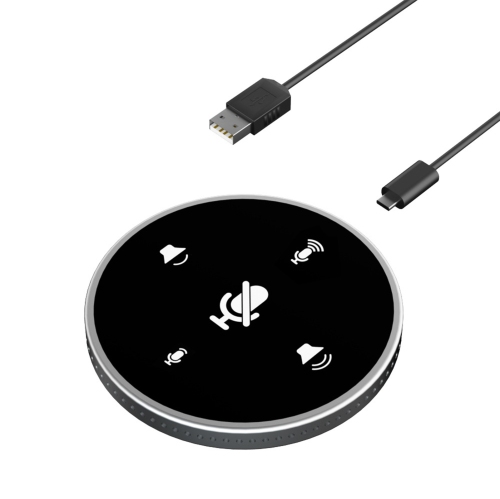
Clear audio is central to useful conference equipment because a meeting quickly becomes difficult to follow when voices sound distant, clipped, or uneven. Microphone coverage should match the seating area rather than simply the room’s overall size. A tabletop microphone placed near a small group may capture conversation effectively, while a longer table may require additional microphones or a compatible array designed to cover multiple seating positions. Ceiling-mounted options can keep the table clear, but installation height, microphone pickup characteristics, and room acoustics all influence performance. Directional microphones concentrate pickup toward particular areas, while omnidirectional designs capture sound from around the microphone; neither approach suits every layout. Acoustic echo cancellation helps prevent sound from the room’s speakers from returning to remote participants through the microphones. Noise suppression can reduce some distractions, such as ventilation or keyboard sounds, but it cannot fully compensate for poor placement or a highly reflective room. Glass walls, bare floors, and large empty surfaces can make speech reverberate, while suitable acoustic treatments and soft furnishings can reduce reflections. Speaker coverage matters just as much as microphone reach. Participants at the end of a table should be able to hear a remote colleague clearly without those nearest the speaker finding the volume uncomfortable. In larger spaces, distributed audio may provide more even coverage than a single loud source. For presentations, training sessions, and panel discussions, dedicated presenter microphones can help maintain consistent speech levels as someone turns toward a screen or moves around the front of the room. Conference audio is also about conversational flow: full-duplex operation allows people to speak and listen at the same time, supporting more natural exchanges. Accessible controls, clear mute indicators, and compatibility with captioning or assistive listening arrangements can make participation easier for a wider range of attendees. These details matter during interviews, client presentations, classroom discussions, and everyday team meetings alike.
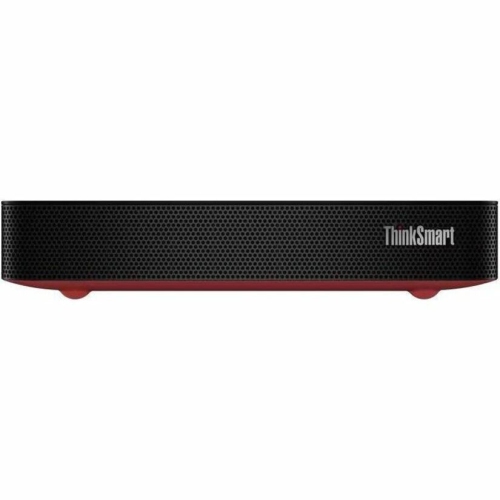
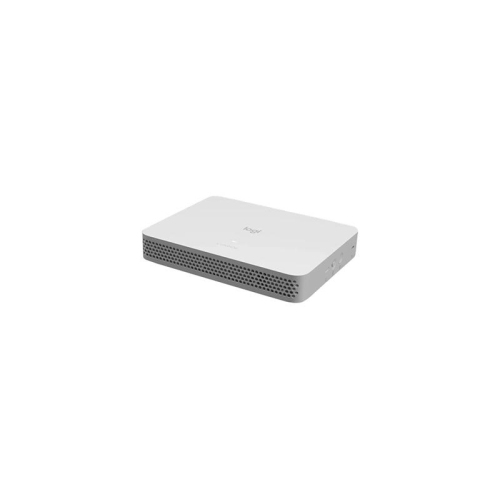
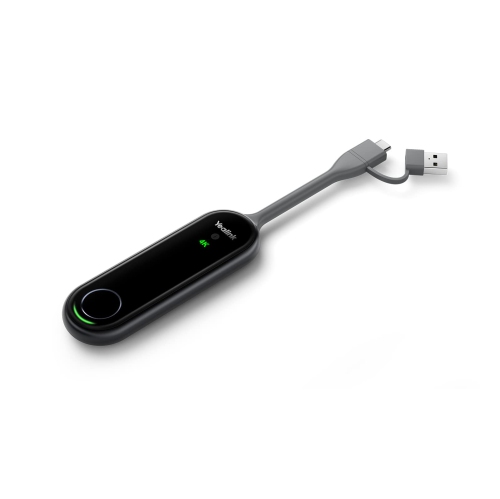
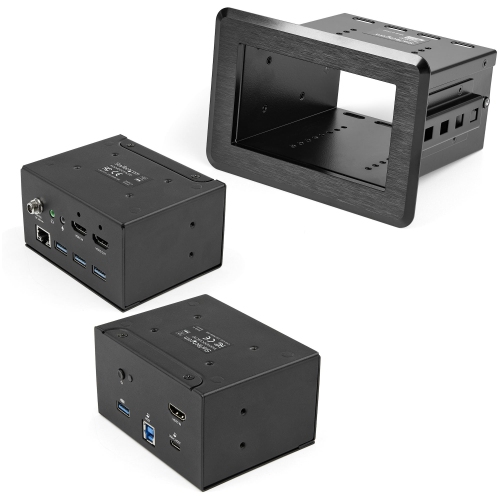
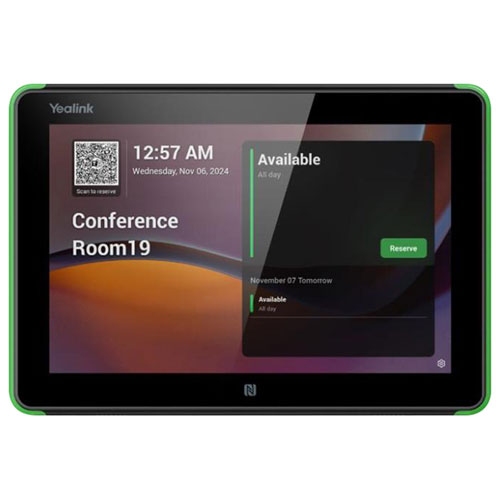
Connections and controls determine how smoothly conference equipment fits into daily work. USB connections are common for linking cameras and audio devices to a computer, while HDMI is widely used to send video to a display. USB-C capabilities vary between devices and cables, so a matching connector does not necessarily confirm support for video output, data transfer, or charging. Wireless presentation features can reduce cable handling, provided the connected devices, room system, and network support the intended function. Wired network connections can offer consistent connectivity for installed systems, while Wi-Fi performance depends on signal strength, network capacity, and competing traffic. Compatibility with the meeting software and operating systems used by staff or visitors is important, especially in shared rooms where different laptops arrive throughout the day. A dedicated room system may offer a consistent control interface, while a bring-your-own-device arrangement lets participants run meetings from their own computers; some setups support both approaches. Physical fit deserves equal attention. Display mounts need suitable weight ratings and mounting patterns, camera brackets need a stable position, and cable lengths must reach connection points without stretching across walkways. Housings, hinges, connectors, and mounting hardware should suit the expected handling, particularly when equipment moves between rooms. Portable setups benefit from protective cases and organized cable storage, while fixed installations need accessible connections for maintenance. Care generally involves keeping ventilation openings clear, removing dust gently, and cleaning screens, lenses, and microphone surfaces according to the manufacturer’s directions. Liquids sprayed directly onto equipment and abrasive cloths can damage sensitive surfaces. Privacy features, such as camera shutters and visible microphone status indicators, can provide reassurance in shared spaces, while supported software and firmware updates help maintain functionality and security. For offices, schools, community organizations, and training facilities, a well-matched conference setup makes shared information easier to follow and gives both nearby and remote participants a clearer place in the conversation.
Clear audio is central to useful conference equipment because a meeting quickly becomes difficult to follow when voices sound distant, clipped, or uneven. Microphone coverage should match the seating area rather than simply the room’s overall size. A tabletop microphone placed near a small group may capture conversation effectively, while a longer table may require additional microphones or a compatible array designed to cover multiple seating positions. Ceiling-mounted options can keep the table clear, but installation height, microphone pickup characteristics, and room acoustics all influence performance. Directional microphones concentrate pickup toward particular areas, while omnidirectional designs capture sound from around the microphone; neither approach suits every layout. Acoustic echo cancellation helps prevent sound from the room’s speakers from returning to remote participants through the microphones. Noise suppression can reduce some distractions, such as ventilation or keyboard sounds, but it cannot fully compensate for poor placement or a highly reflective room. Glass walls, bare floors, and large empty surfaces can make speech reverberate, while suitable acoustic treatments and soft furnishings can reduce reflections. Speaker coverage matters just as much as microphone reach. Participants at the end of a table should be able to hear a remote colleague clearly without those nearest the speaker finding the volume uncomfortable. In larger spaces, distributed audio may provide more even coverage than a single loud source. For presentations, training sessions, and panel discussions, dedicated presenter microphones can help maintain consistent speech levels as someone turns toward a screen or moves around the front of the room. Conference audio is also about conversational flow: full-duplex operation allows people to speak and listen at the same time, supporting more natural exchanges. Accessible controls, clear mute indicators, and compatibility with captioning or assistive listening arrangements can make participation easier for a wider range of attendees. These details matter during interviews, client presentations, classroom discussions, and everyday team meetings alike.
Connections and controls determine how smoothly conference equipment fits into daily work. USB connections are common for linking cameras and audio devices to a computer, while HDMI is widely used to send video to a display. USB-C capabilities vary between devices and cables, so a matching connector does not necessarily confirm support for video output, data transfer, or charging. Wireless presentation features can reduce cable handling, provided the connected devices, room system, and network support the intended function. Wired network connections can offer consistent connectivity for installed systems, while Wi-Fi performance depends on signal strength, network capacity, and competing traffic. Compatibility with the meeting software and operating systems used by staff or visitors is important, especially in shared rooms where different laptops arrive throughout the day. A dedicated room system may offer a consistent control interface, while a bring-your-own-device arrangement lets participants run meetings from their own computers; some setups support both approaches. Physical fit deserves equal attention. Display mounts need suitable weight ratings and mounting patterns, camera brackets need a stable position, and cable lengths must reach connection points without stretching across walkways. Housings, hinges, connectors, and mounting hardware should suit the expected handling, particularly when equipment moves between rooms. Portable setups benefit from protective cases and organized cable storage, while fixed installations need accessible connections for maintenance. Care generally involves keeping ventilation openings clear, removing dust gently, and cleaning screens, lenses, and microphone surfaces according to the manufacturer’s directions. Liquids sprayed directly onto equipment and abrasive cloths can damage sensitive surfaces. Privacy features, such as camera shutters and visible microphone status indicators, can provide reassurance in shared spaces, while supported software and firmware updates help maintain functionality and security. For offices, schools, community organizations, and training facilities, a well-matched conference setup makes shared information easier to follow and gives both nearby and remote participants a clearer place in the conversation.
Top selling and popular products
-
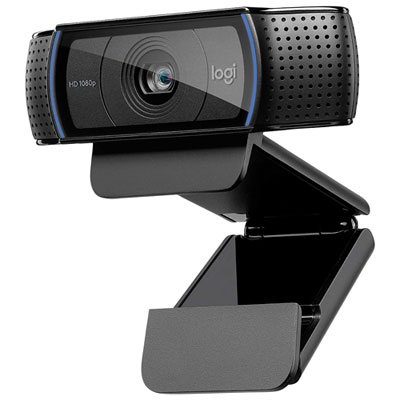 Your price for this item is $99.99
-
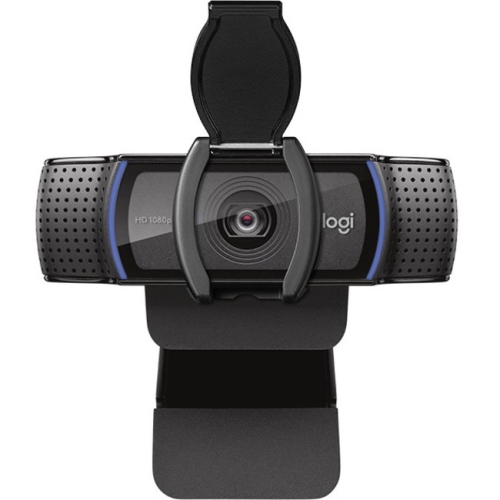 Your price for this item is $123.44
-
 Your price for this item is $39.99
-
 Your price for this item is $59.76
-
 Your price for this item is $149.99
-
 Your price for this item is $199.99
-
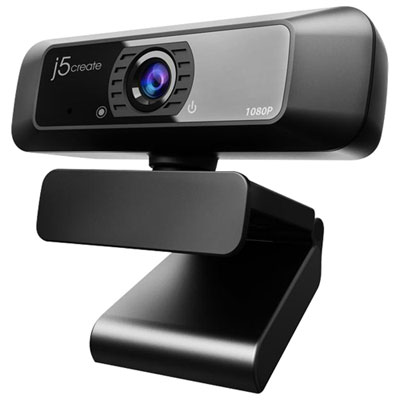 Your price for this item is $49.99
-
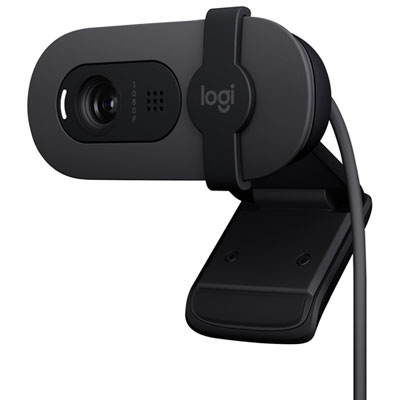 Your price for this item is $59.99
Discover more categories related to Conference Equipments
Top Collections:
Pokemon Centers, Best Budget Office Chairs, Kindle Devices, Best Cameras for Sports Photography, Pokémon 30th Celebration Cards, Best Laptops for Writers, Canon G7X Cameras, iPhone 15 Apple, Best Cell Phones Under $300, Apple iPhones 16
Some products may be subject to Environmental Handling Fees
(EHF) depending on your province.
Learn more about EHFs.